Aluminum Mechanical Keyboards
Aluminum mechanical keyboards are the epitome of style and functionality, offering a premium typing experience for both work and play. Crafted with precision and durability in mind, these keyboards boast a sleek aluminum construction that not only enhances their aesthetics but also ensures long-lasting performance. With customizable key switches, RGB backlighting options, and ergonomic designs, aluminum mechanical keyboards are designed to cater to the needs of tech enthusiasts, gamers, and professionals alike. Explore our collection to find the perfect blend of sophistication and performance for your setup.
Sort
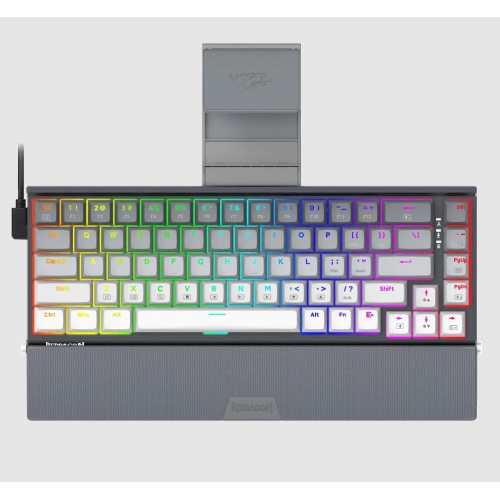
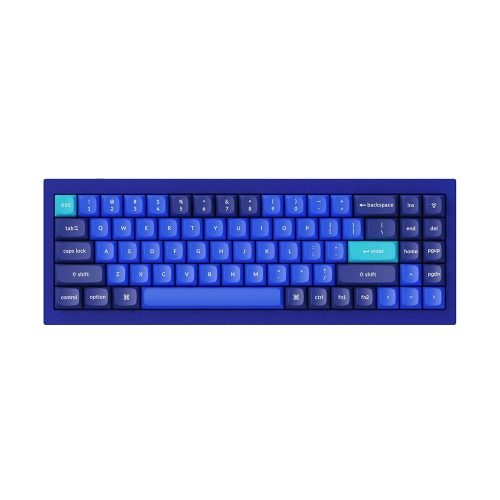
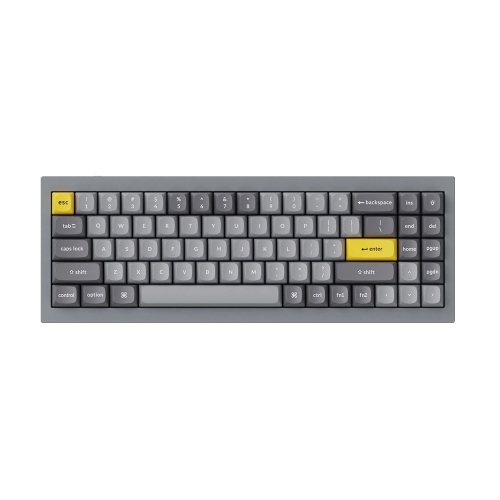
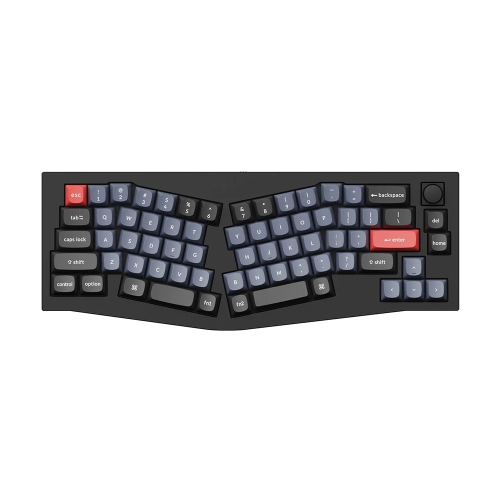
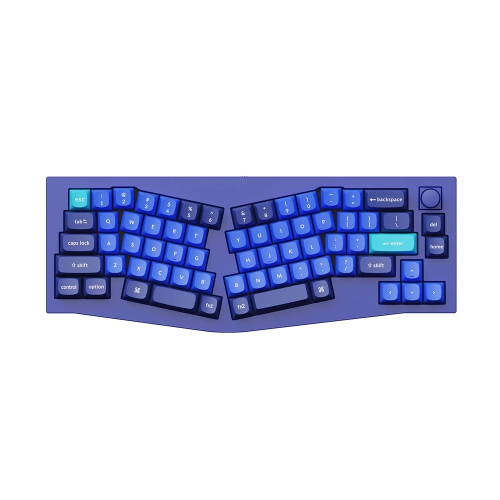
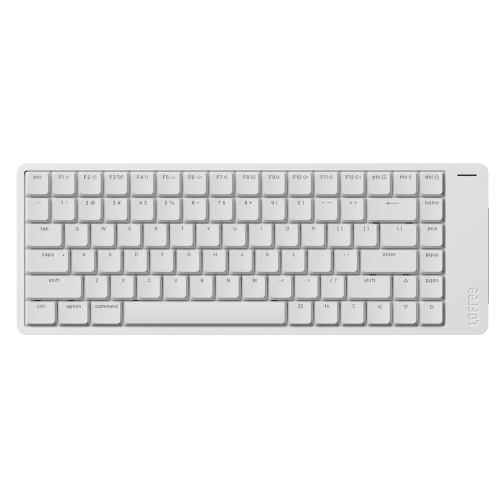
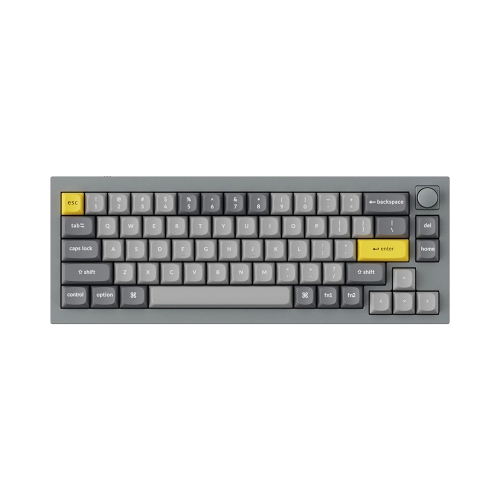
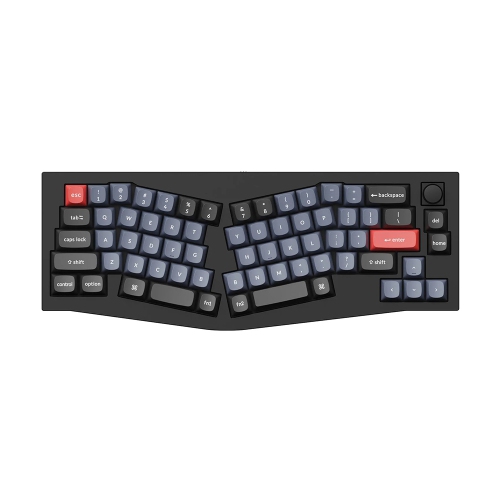
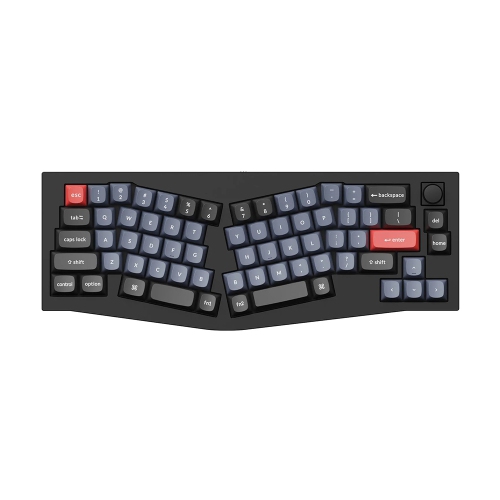
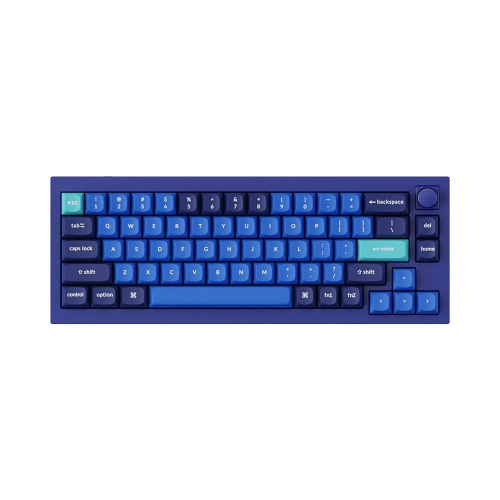
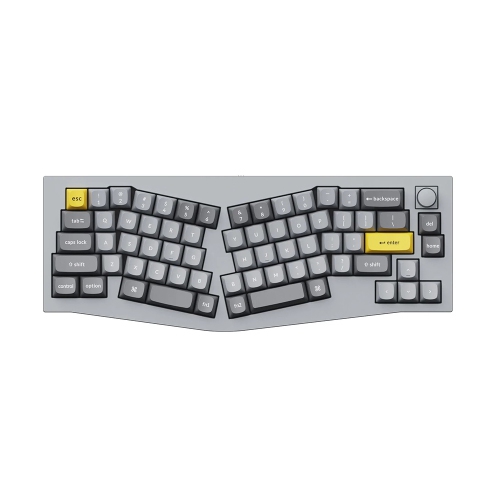

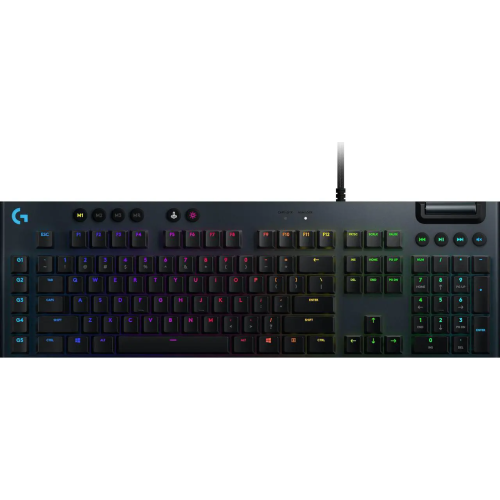
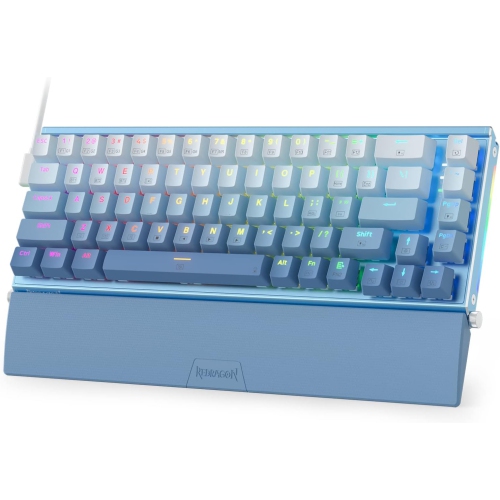
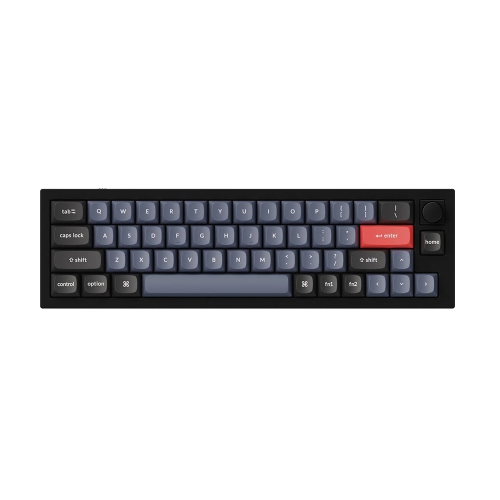
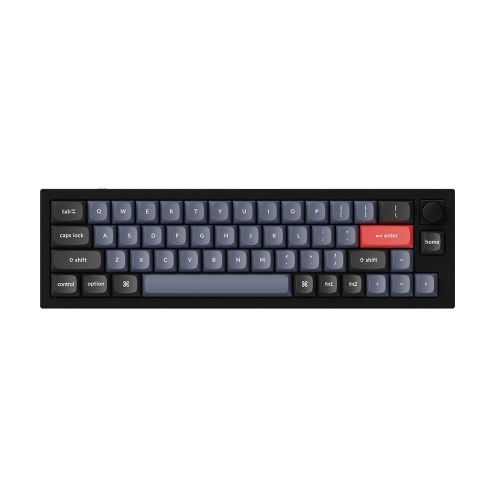
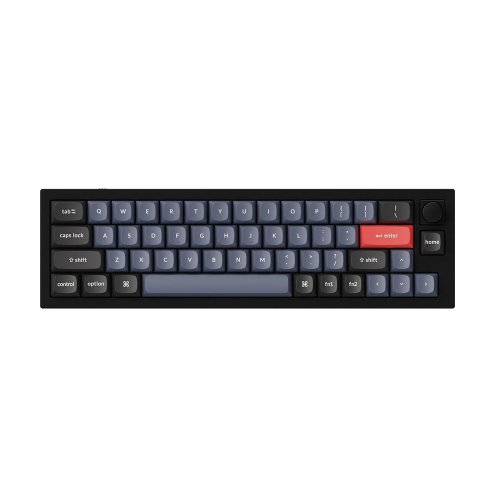
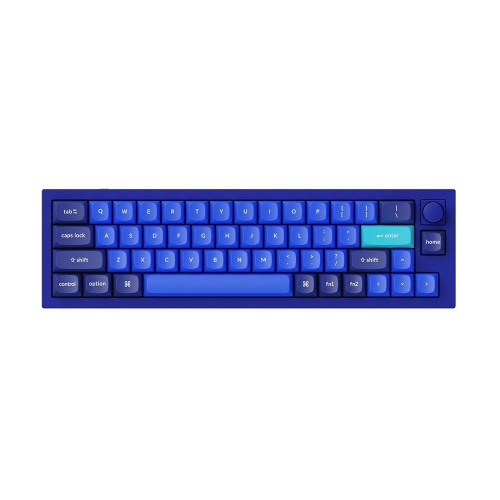
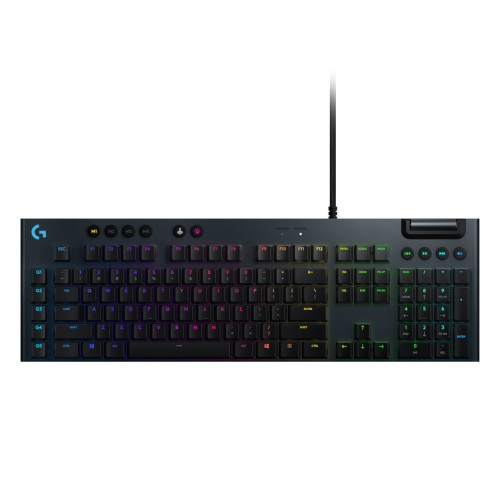
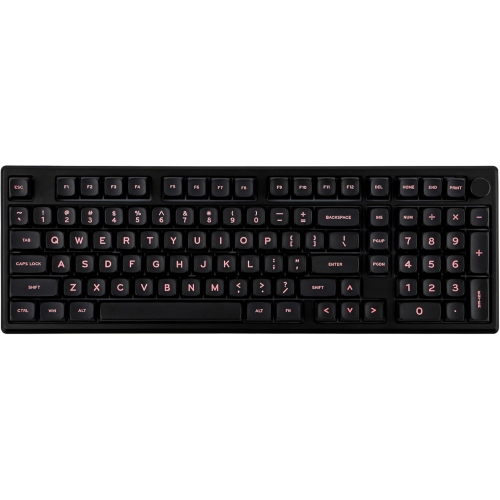
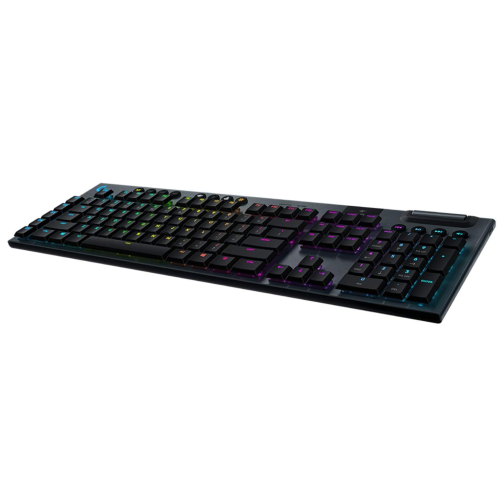
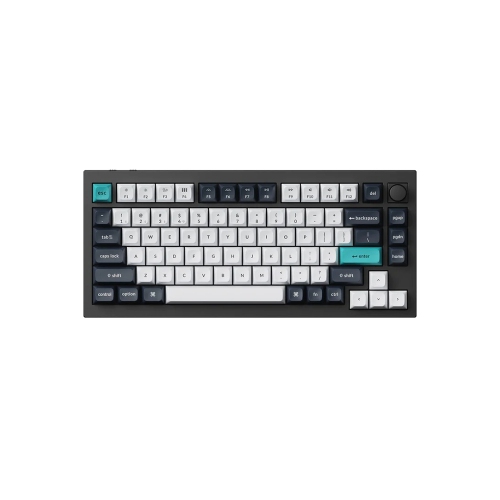
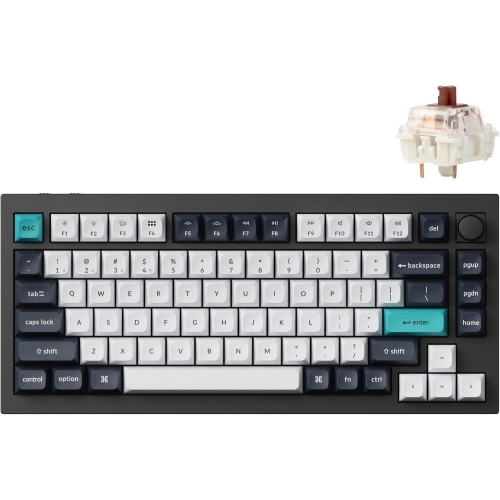
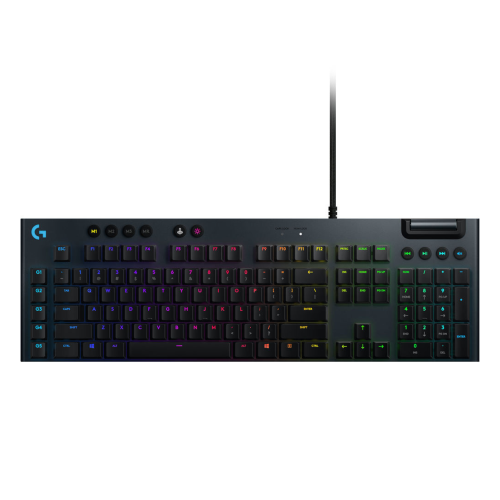
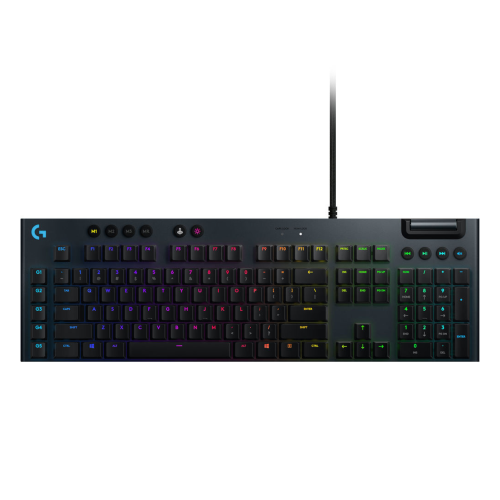


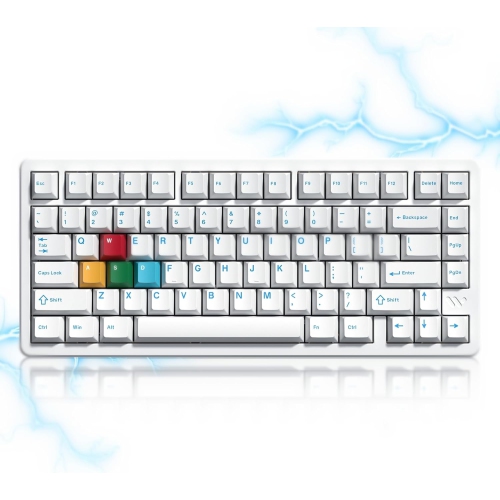

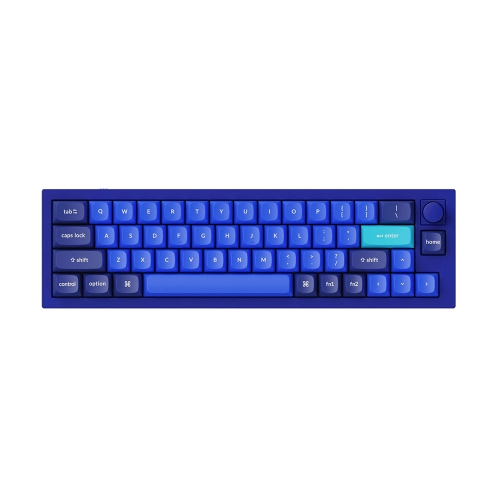
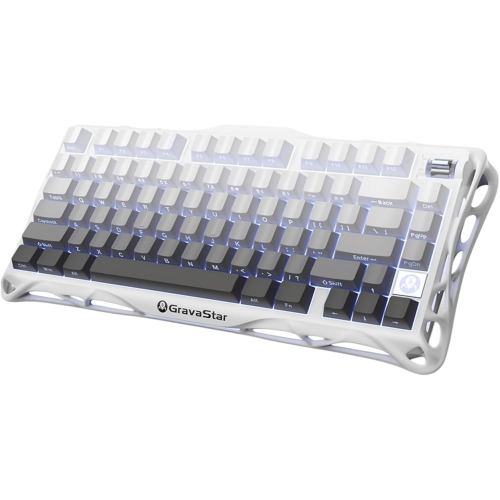
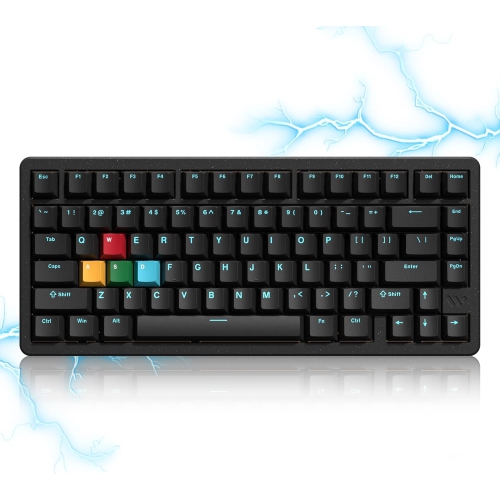
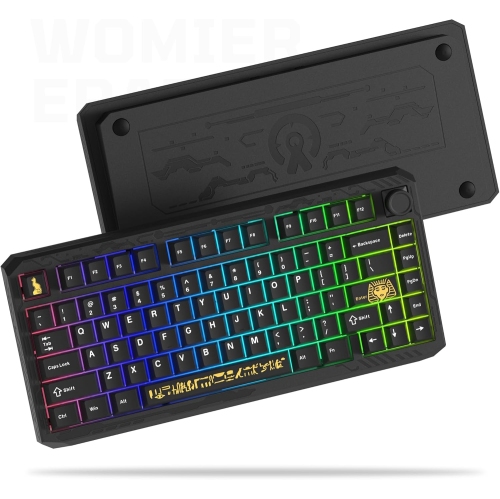

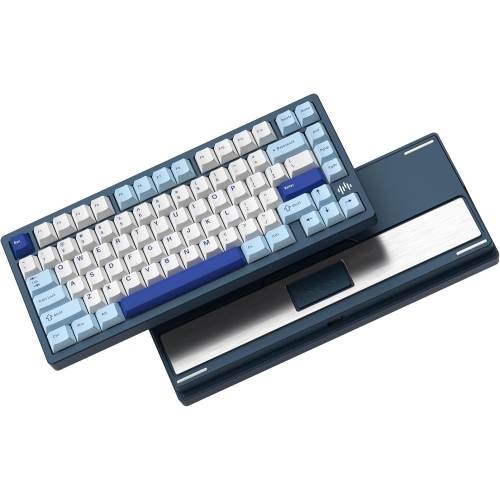
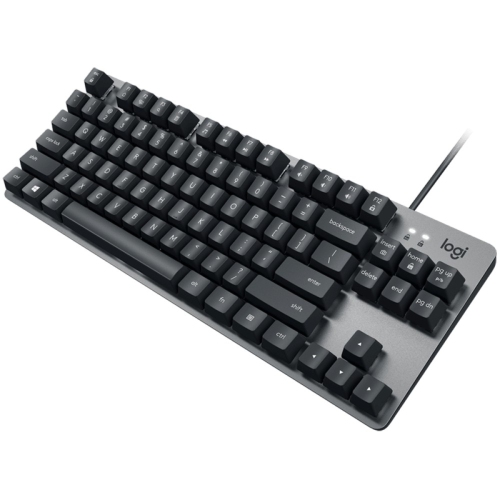
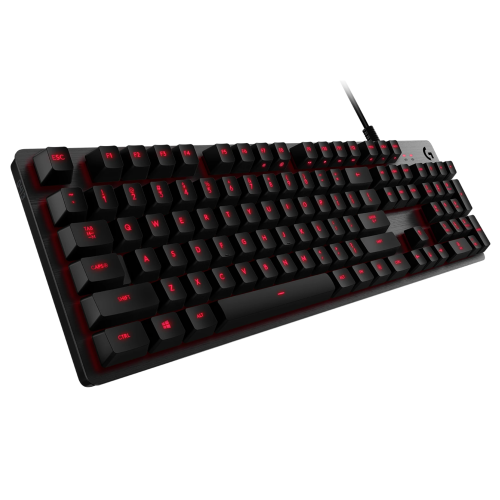
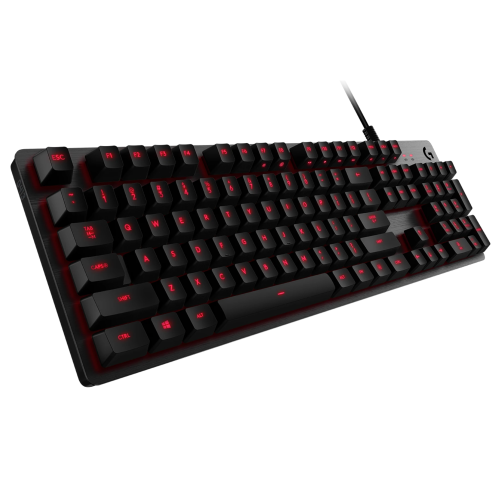
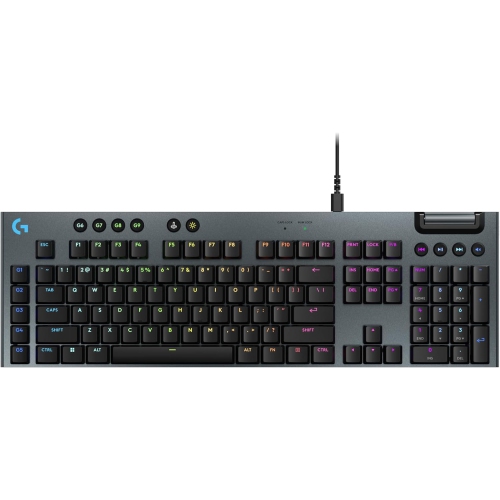

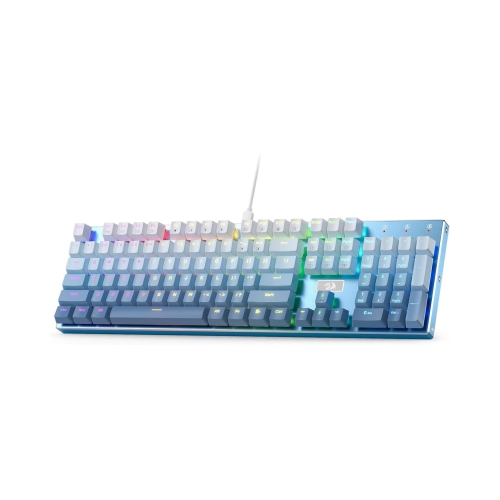
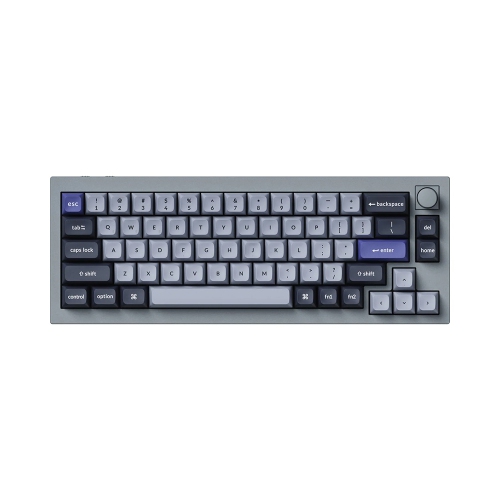
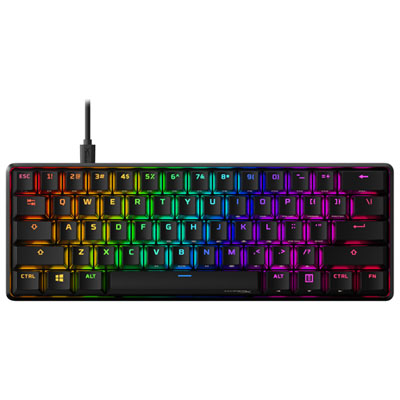
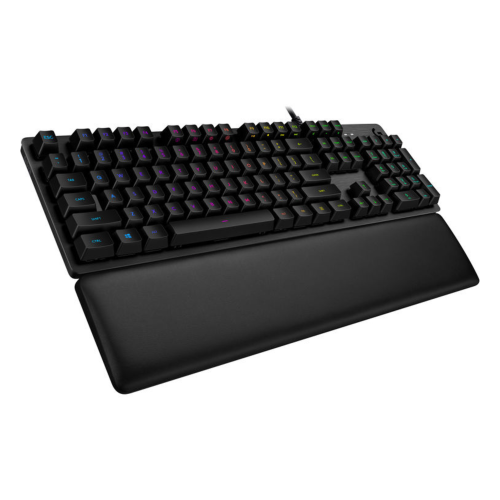
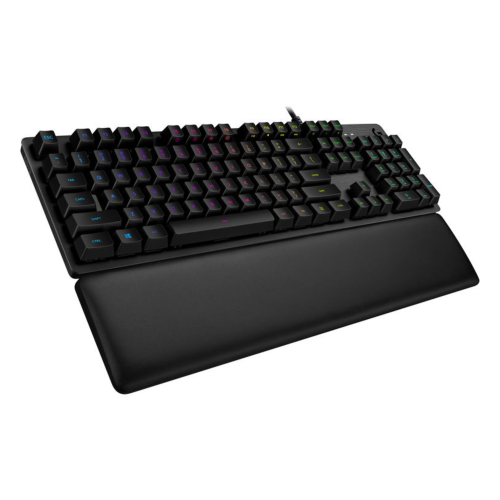
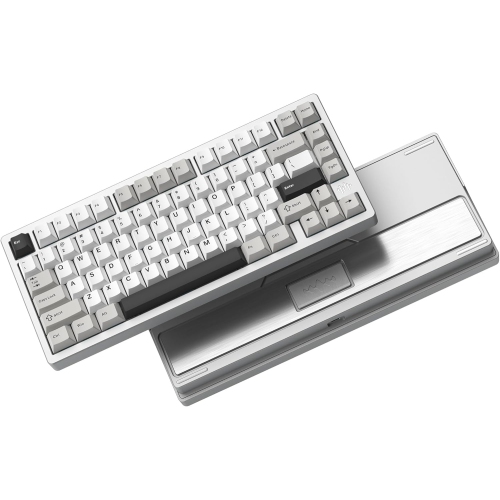
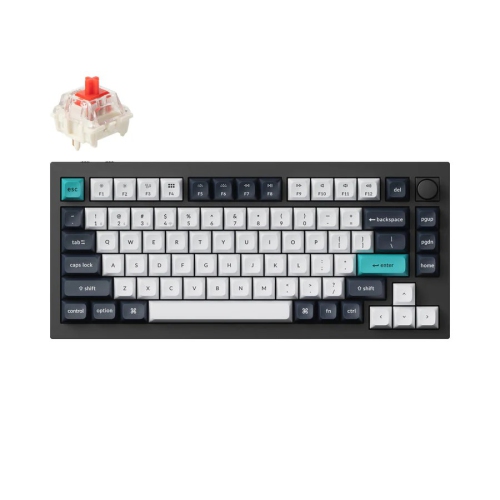
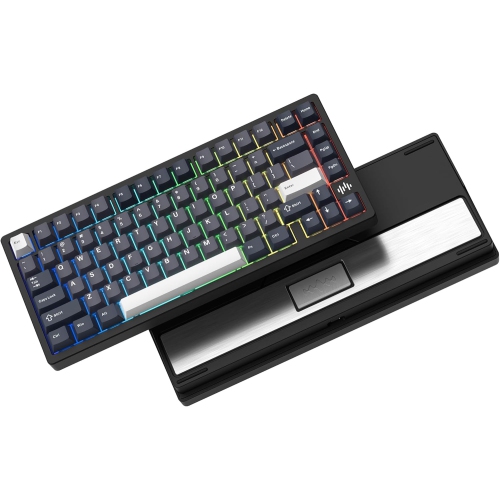


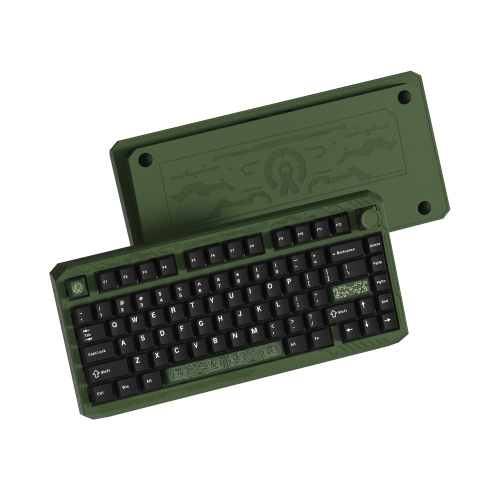
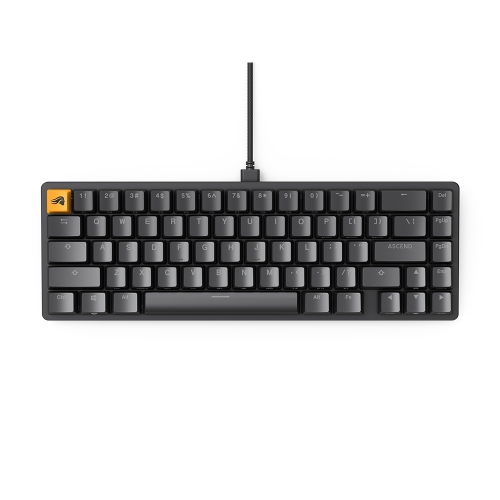
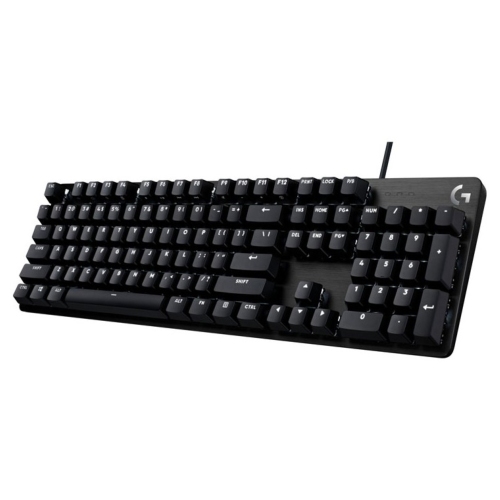
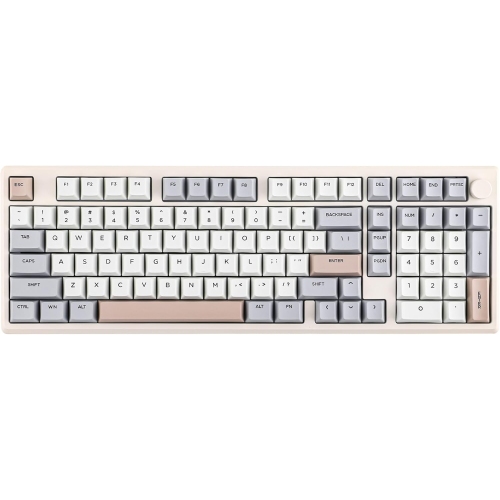
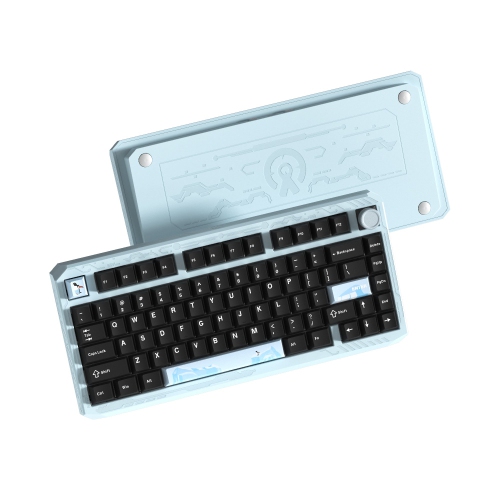
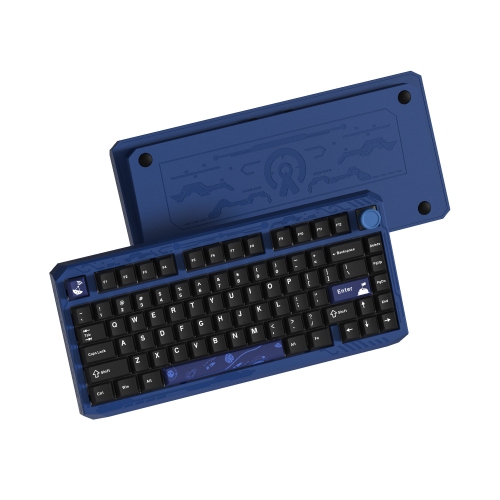


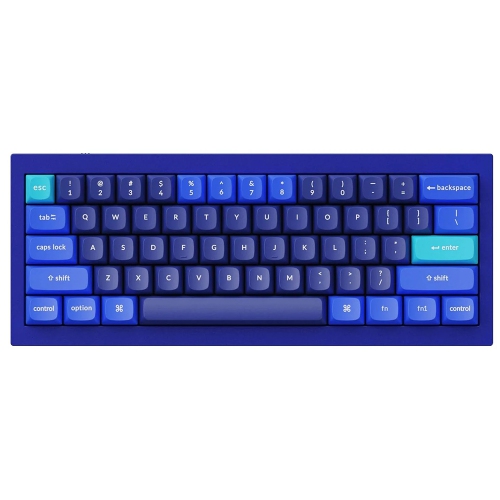
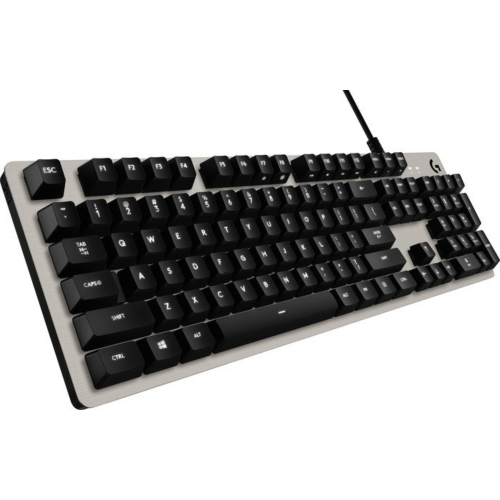
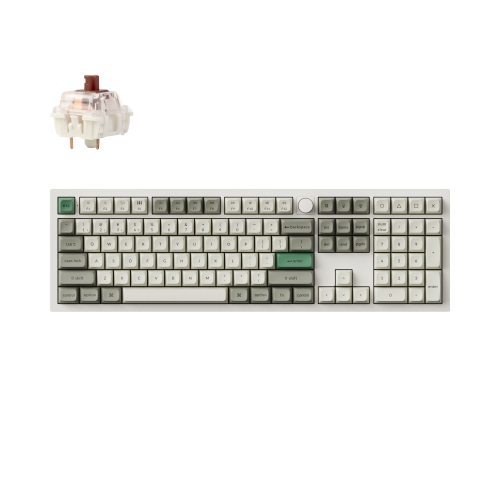
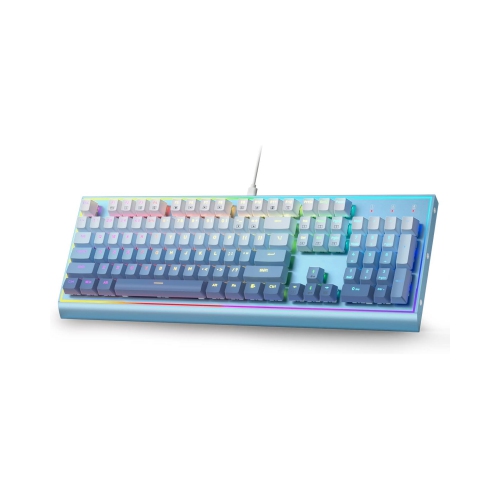
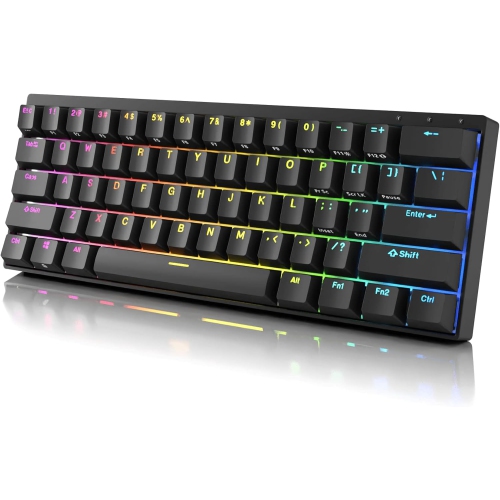
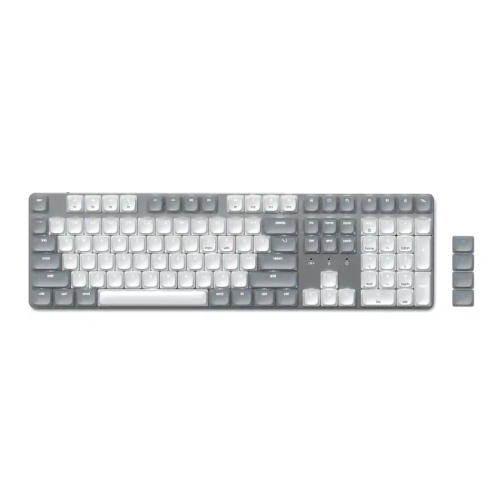
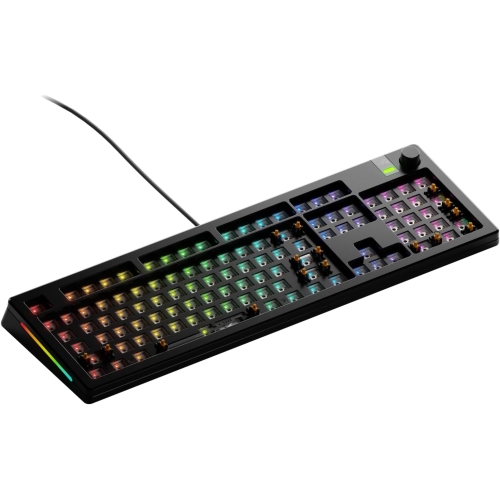
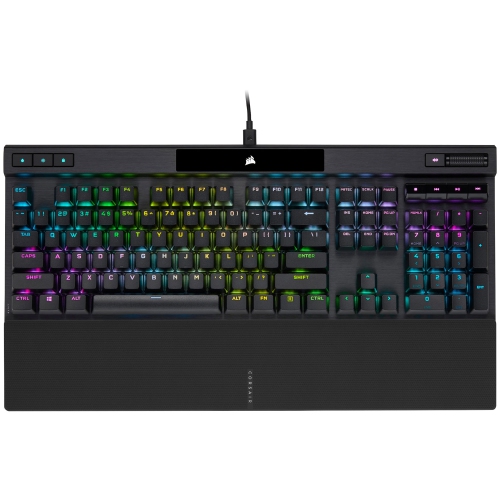
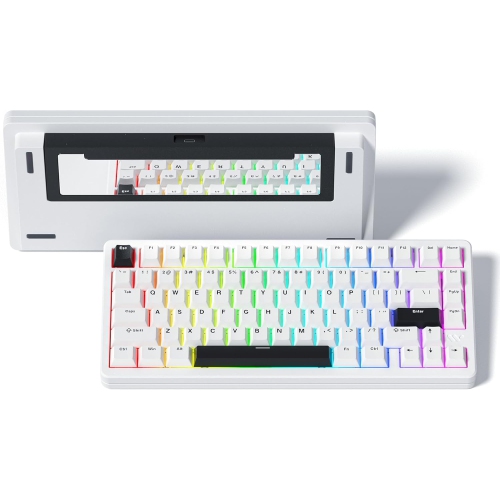
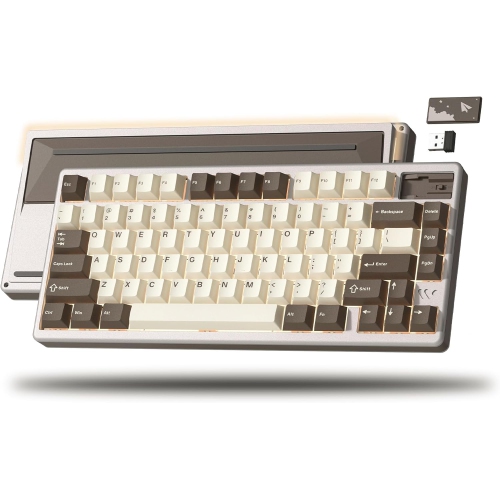
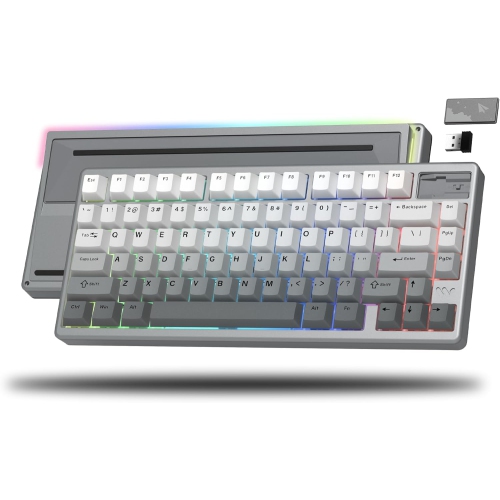
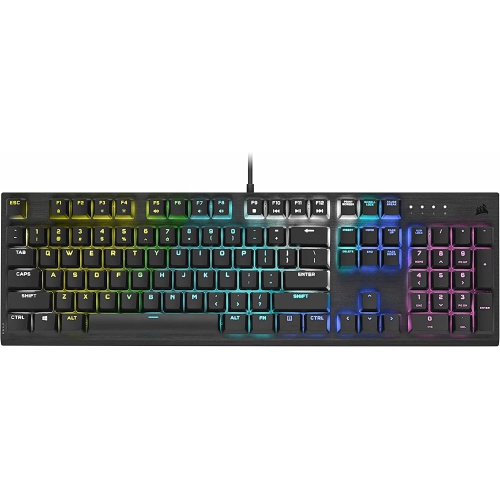
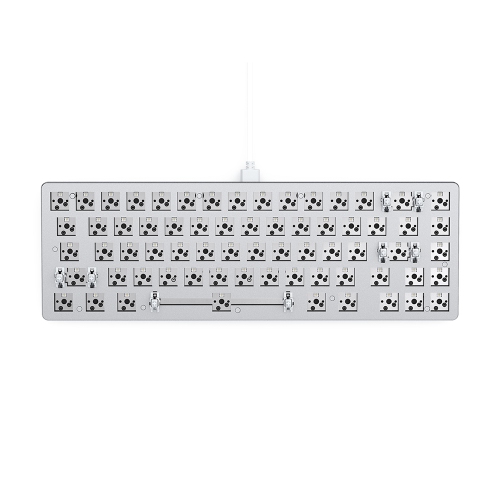
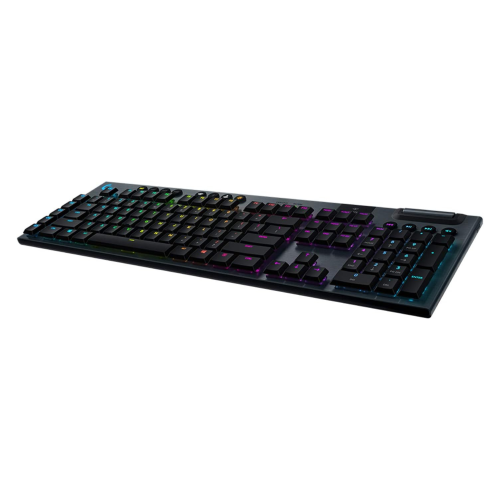
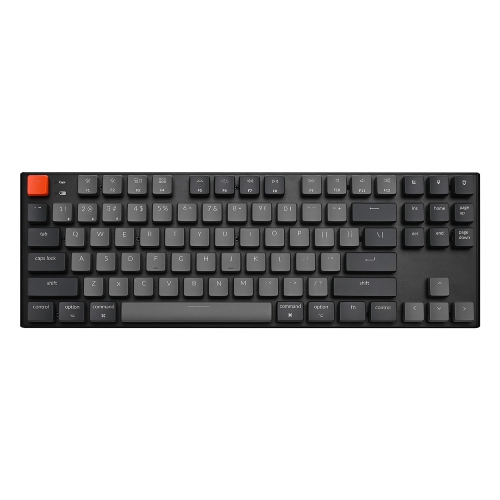
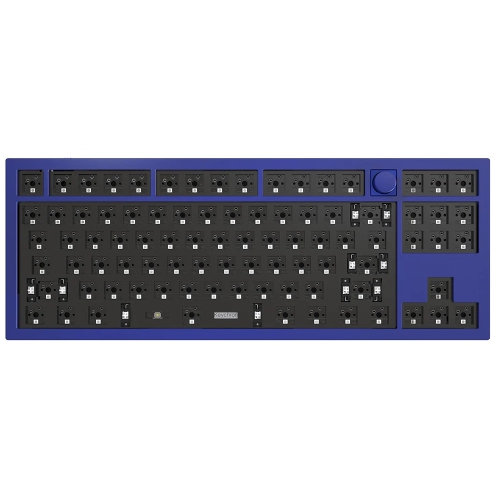




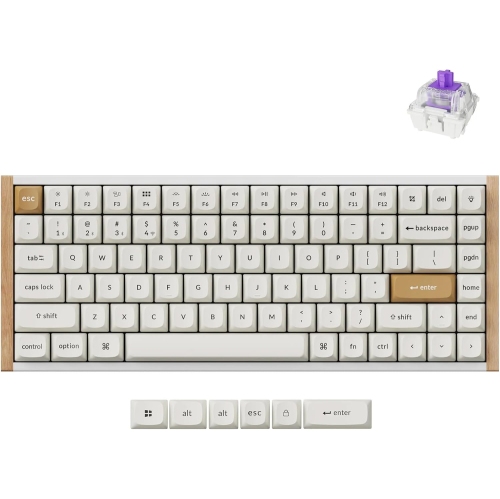
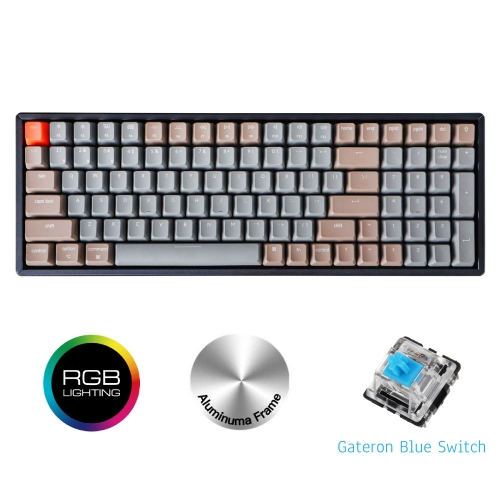
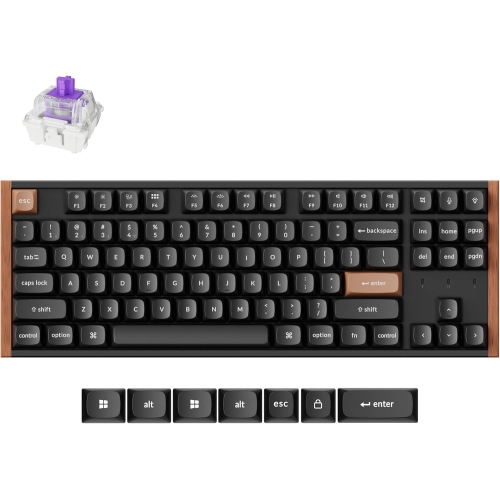

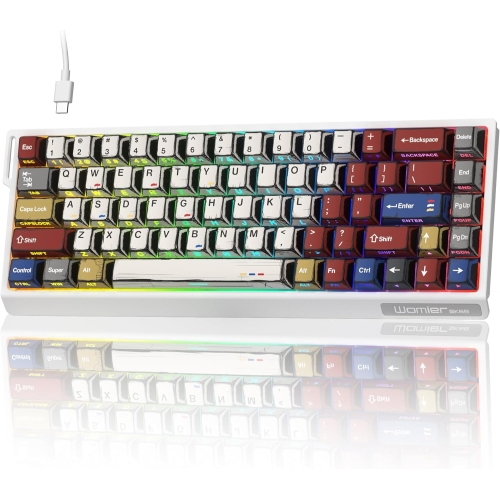
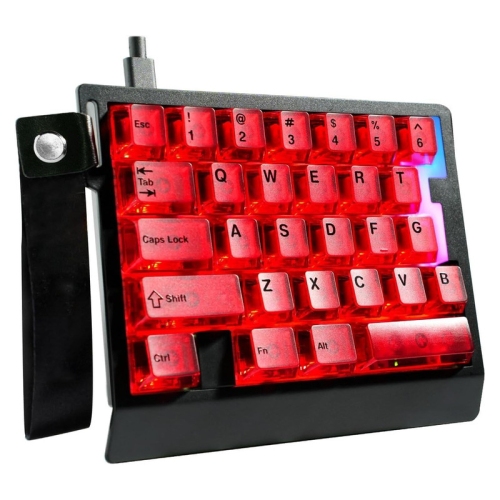
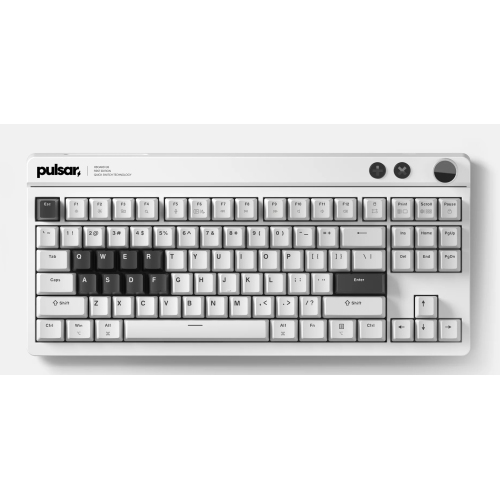
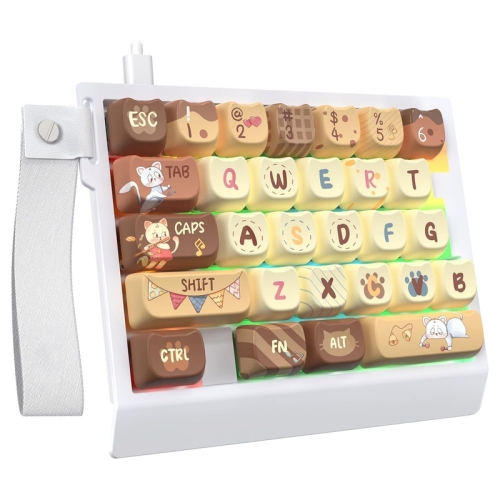
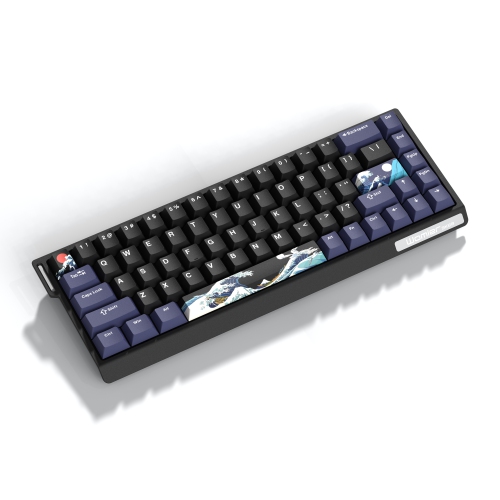
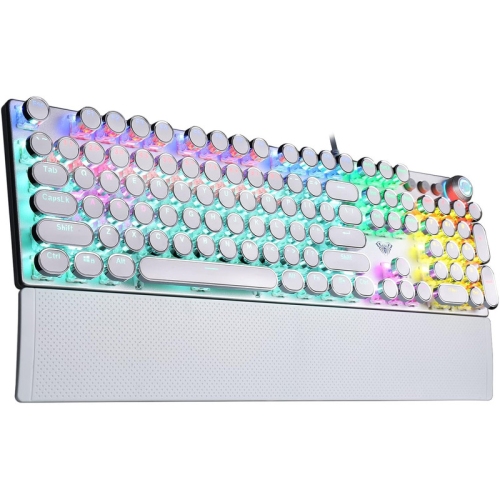
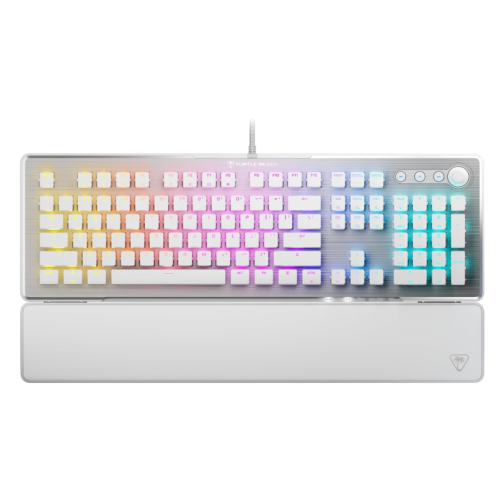
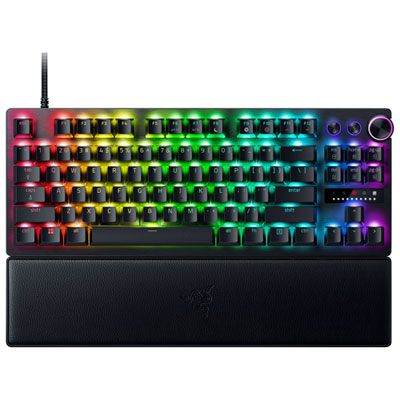
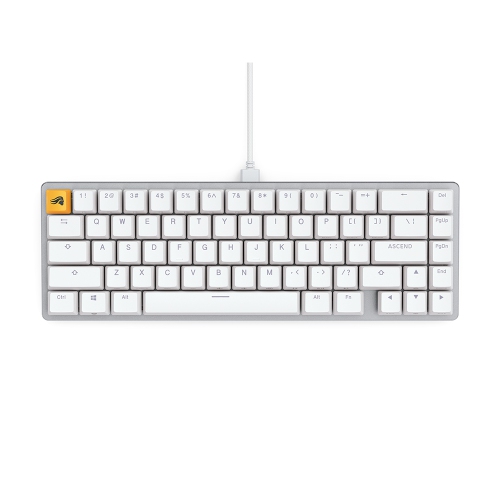

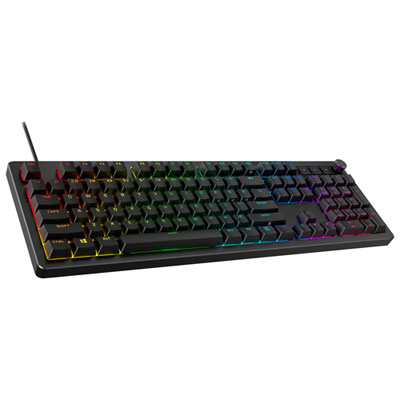
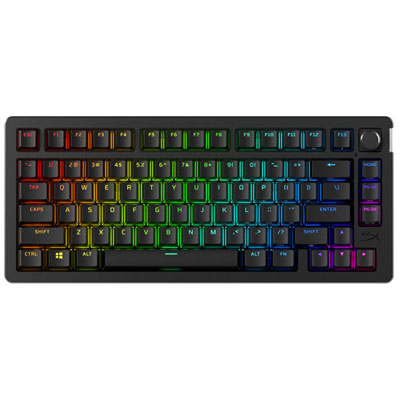
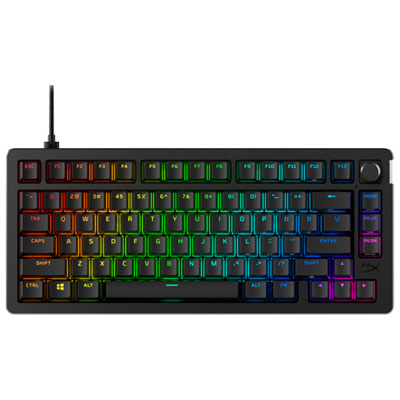
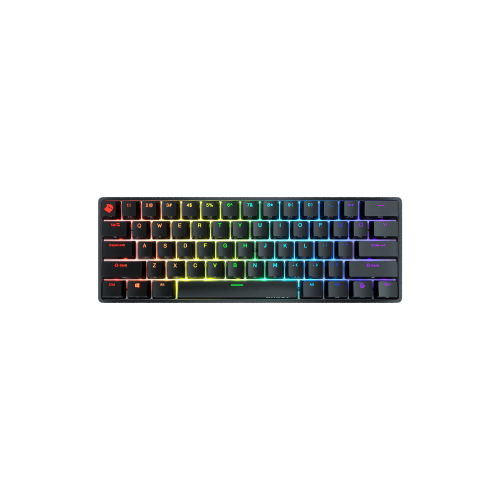


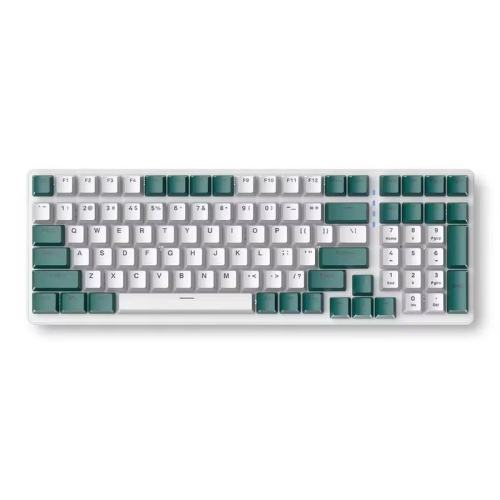
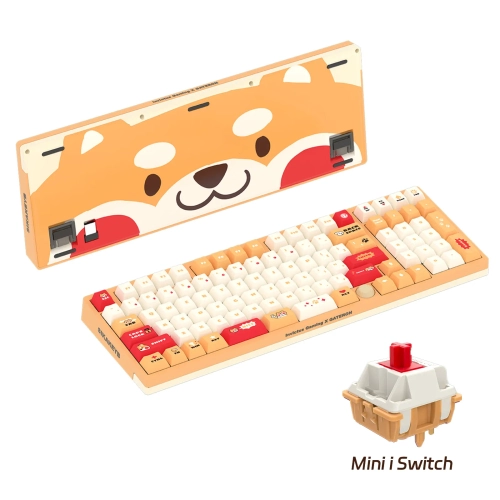
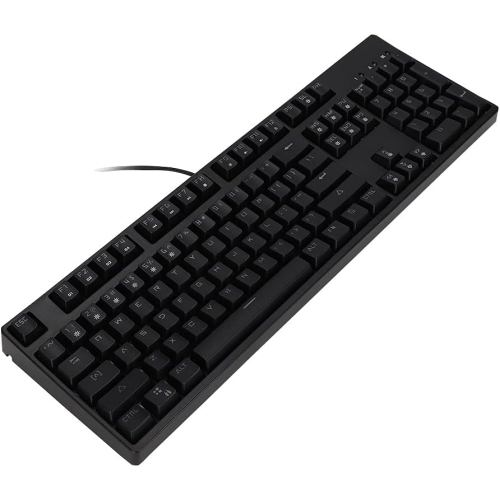
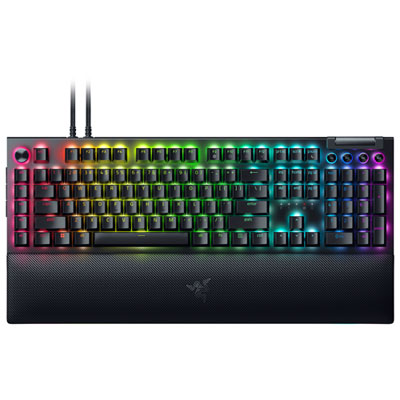
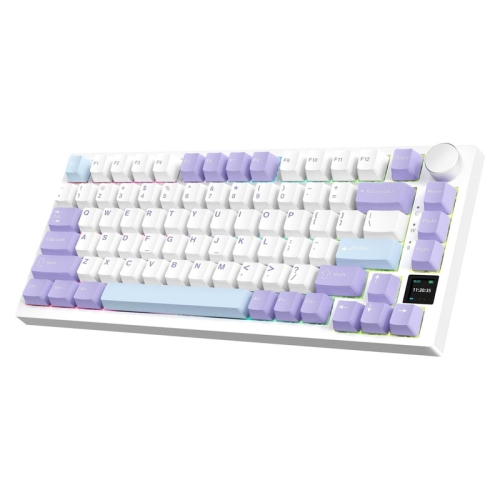
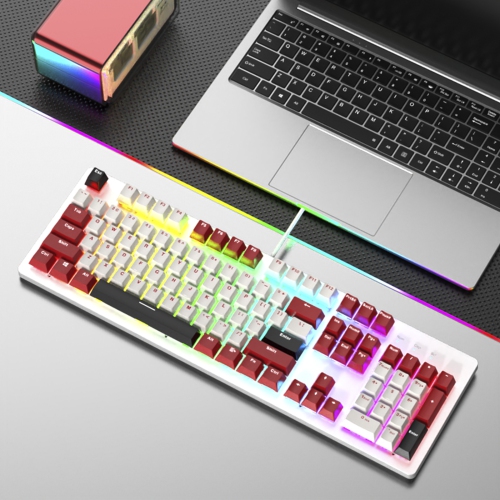
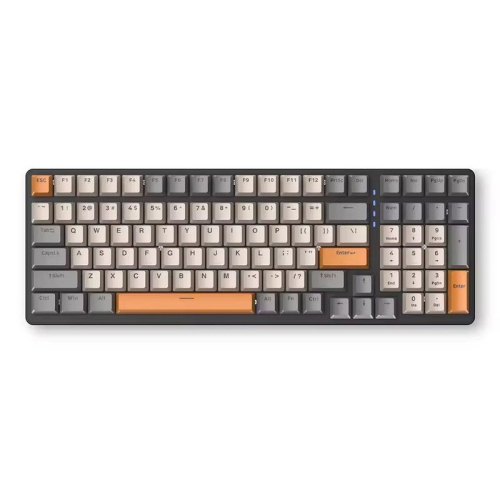
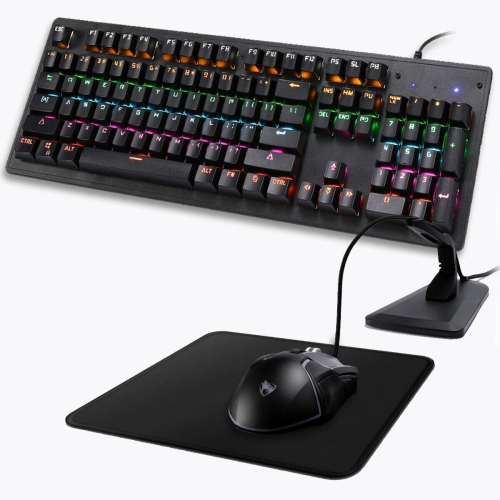
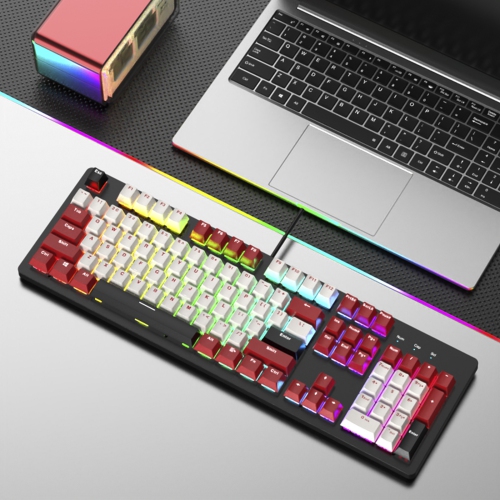
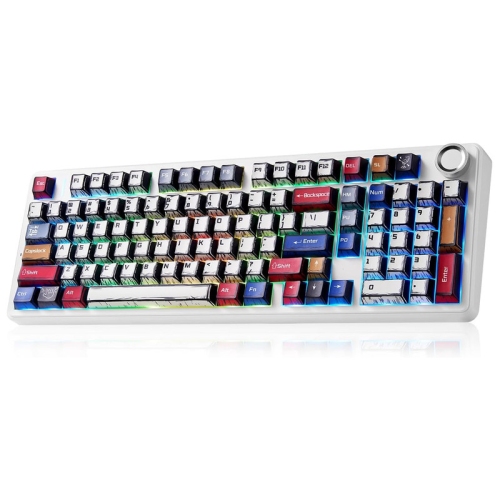
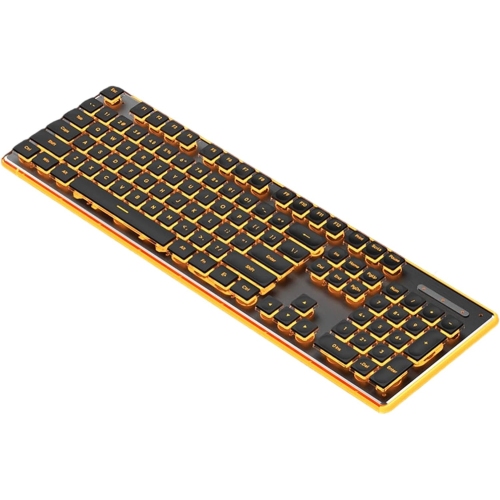
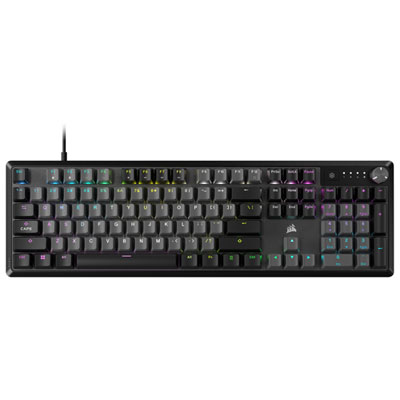
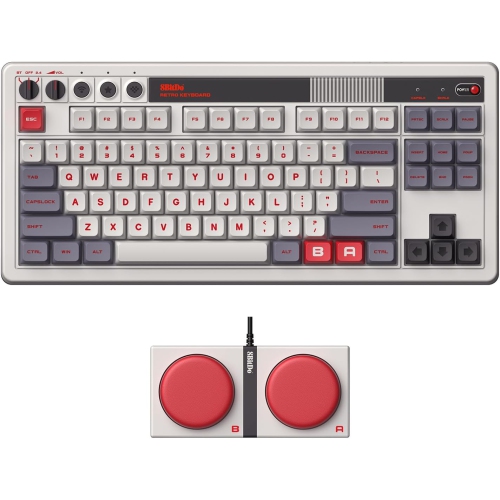
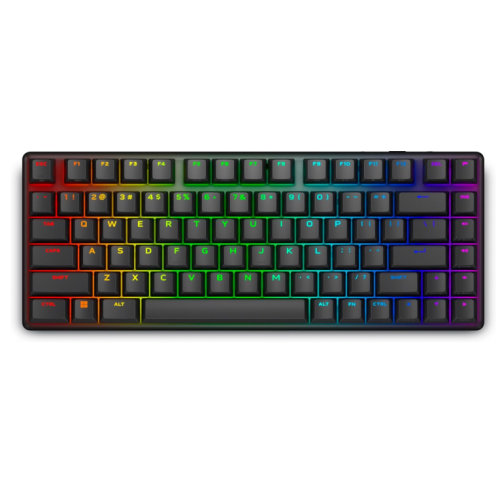
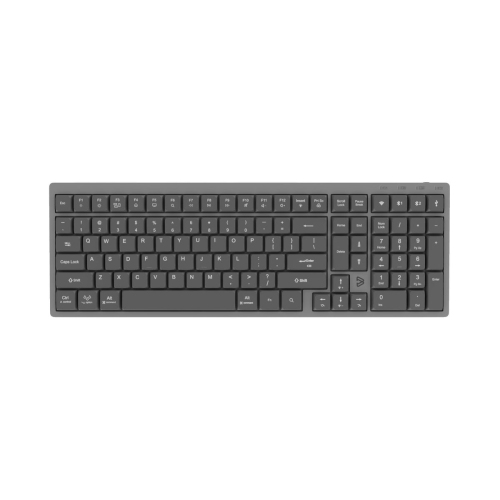
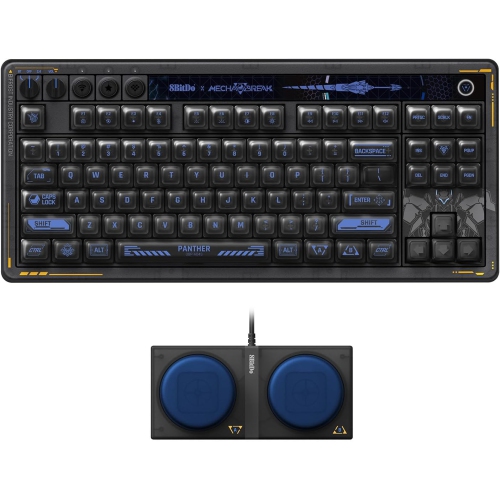
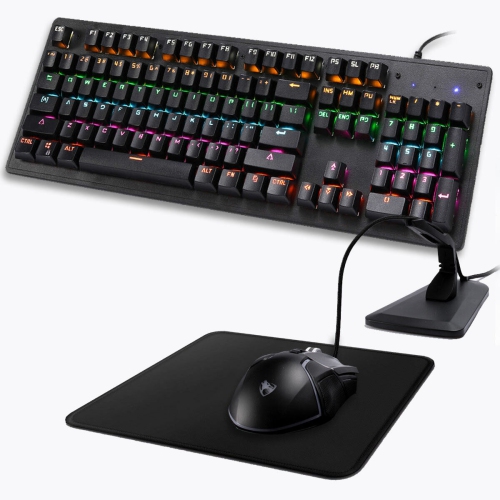
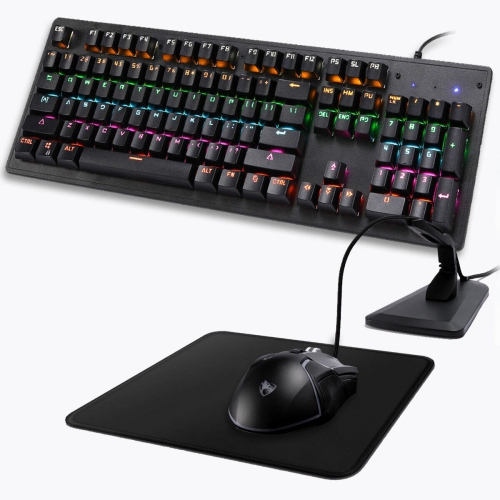
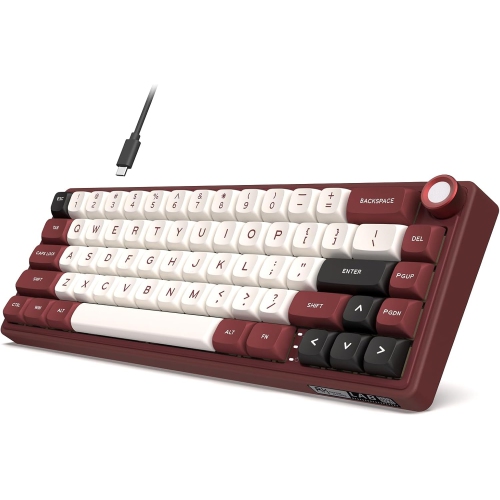
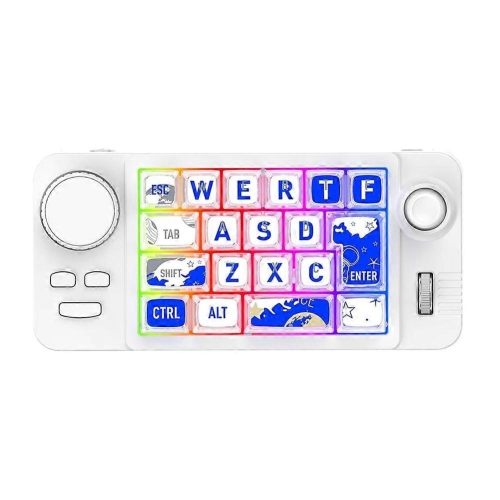
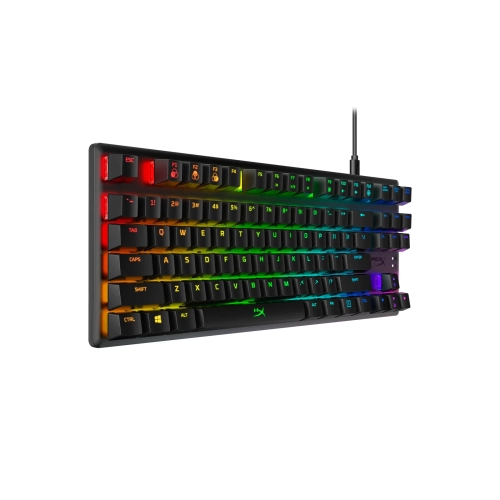
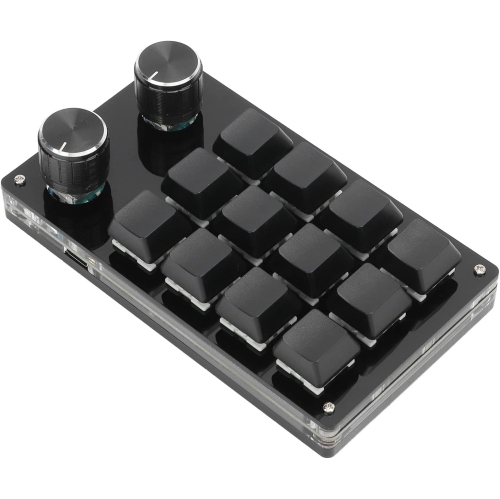
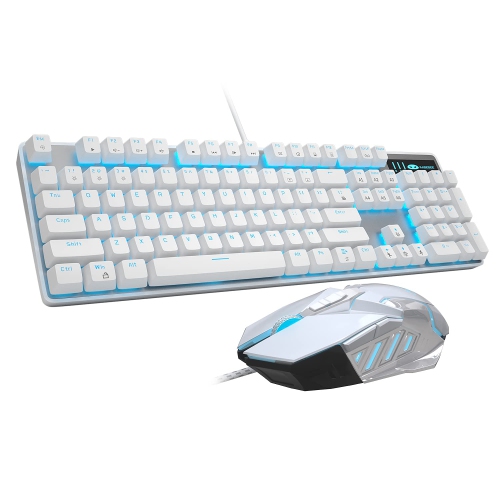
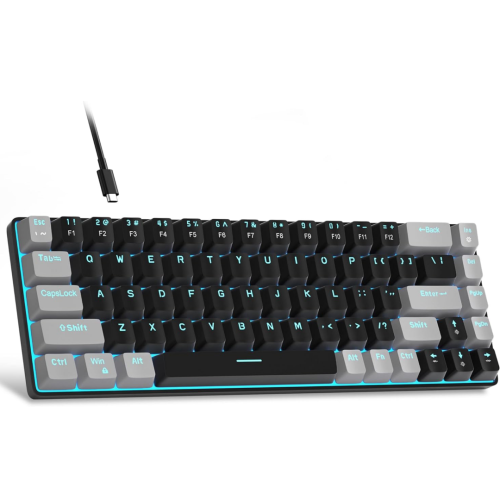
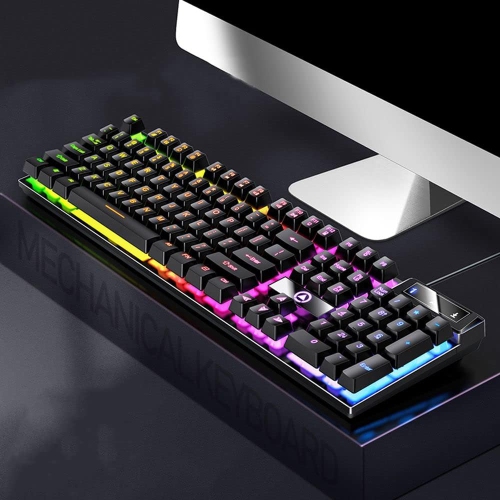
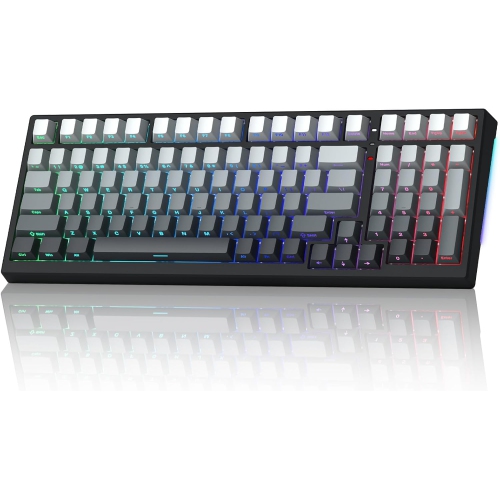
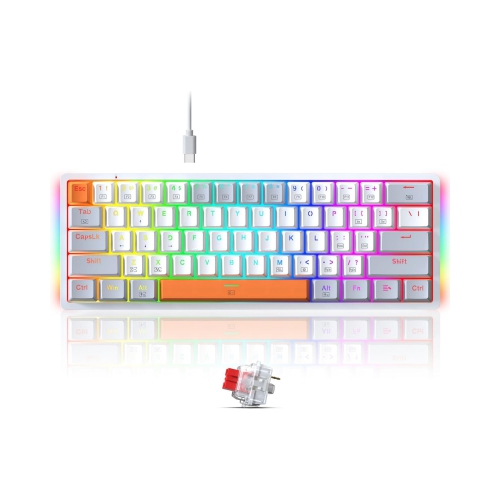
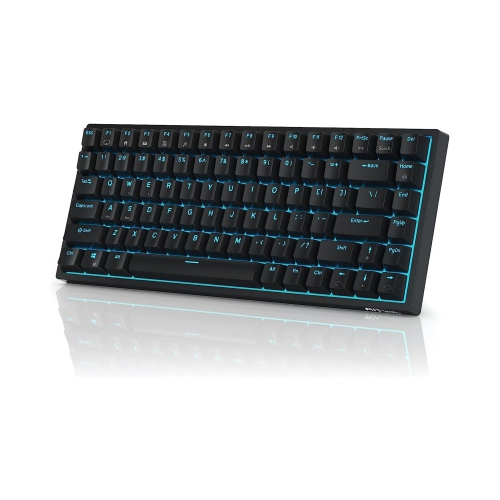
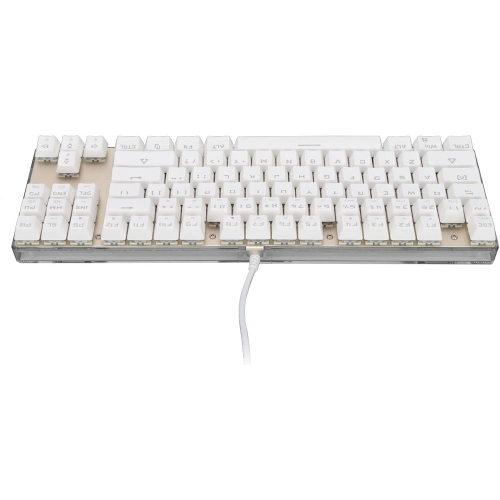
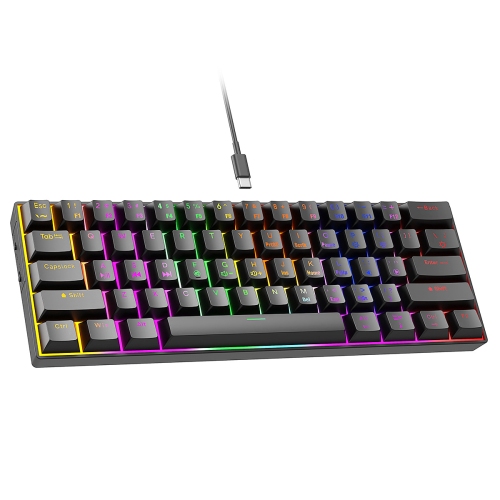
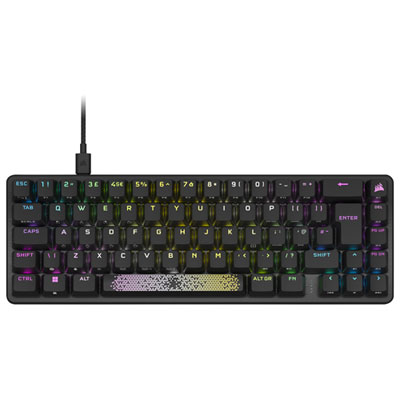

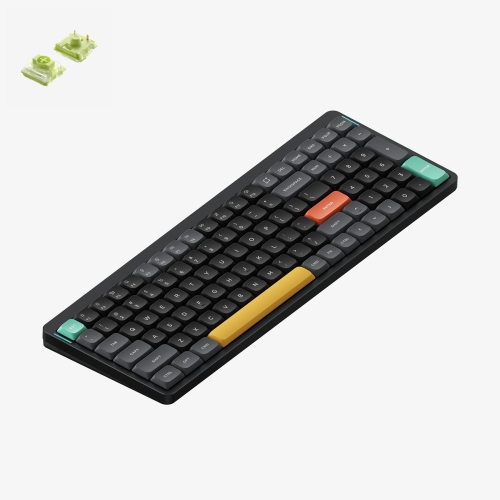
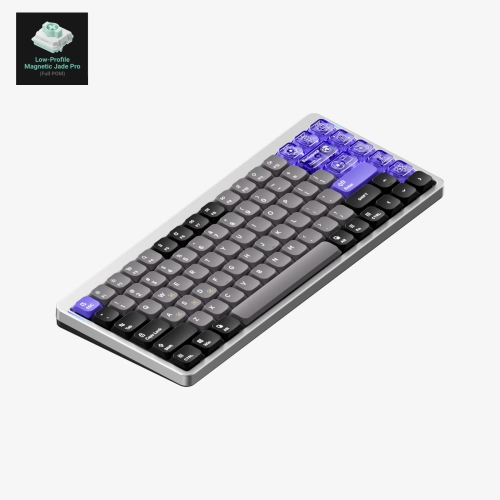
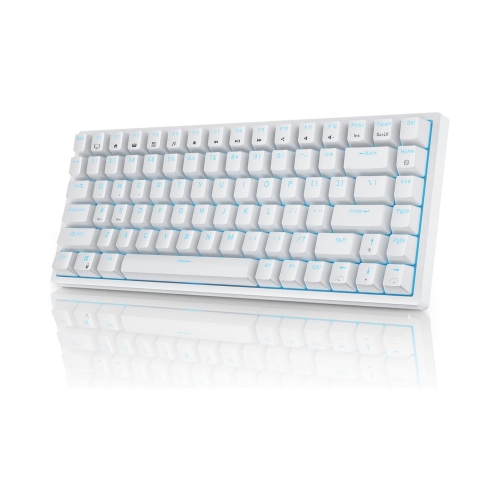
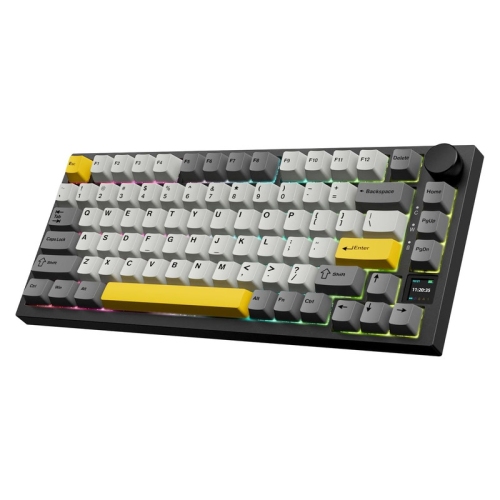
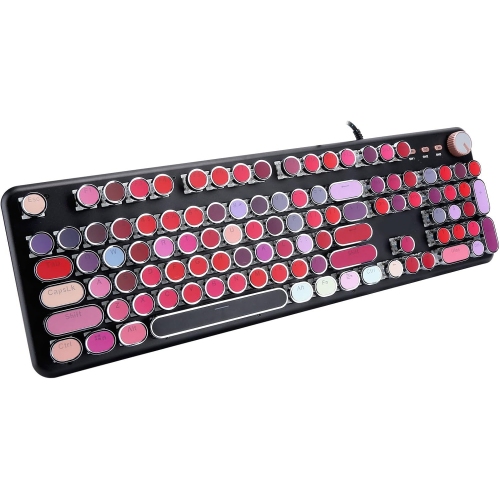
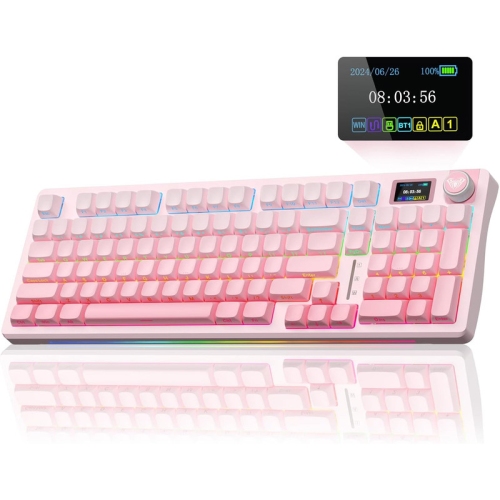
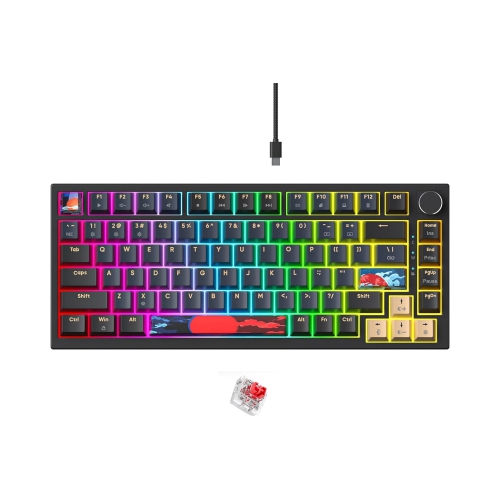
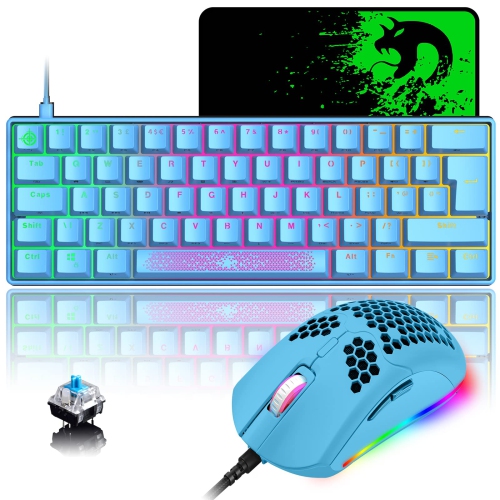
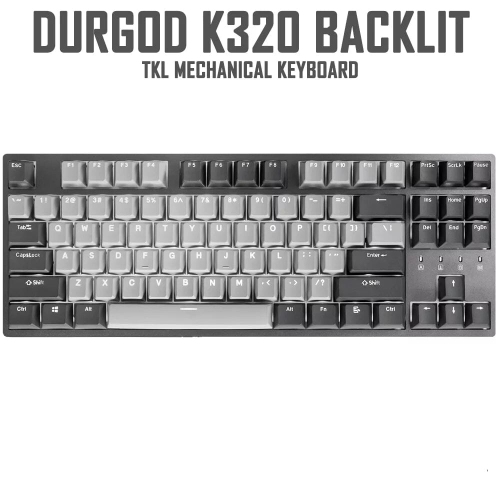


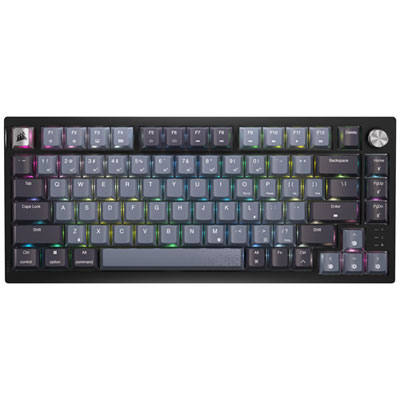

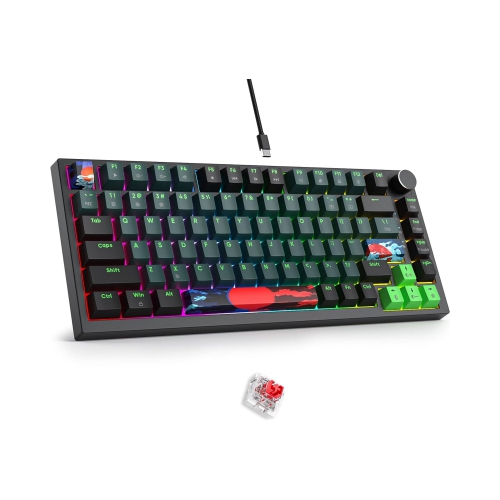
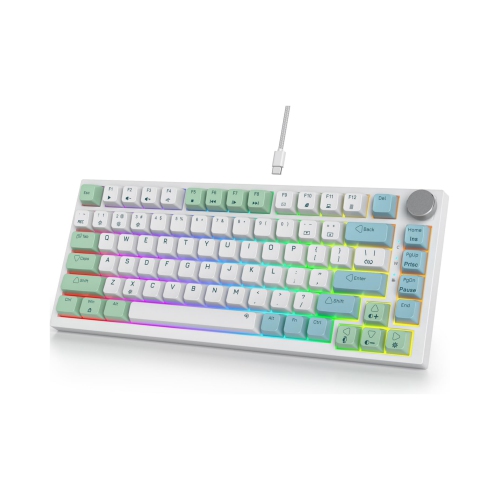

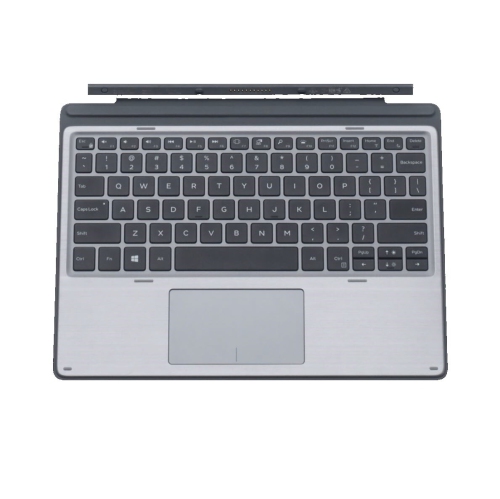
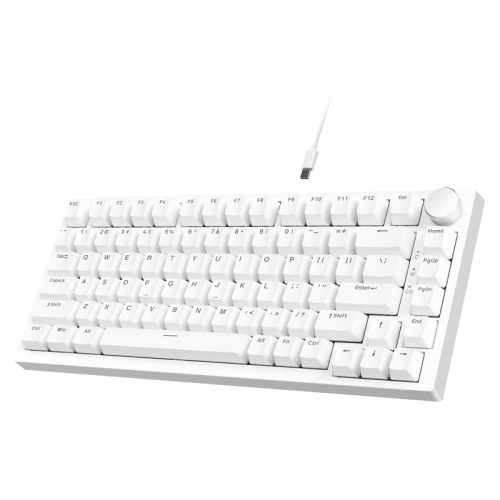
A solid metal case does not guarantee silence
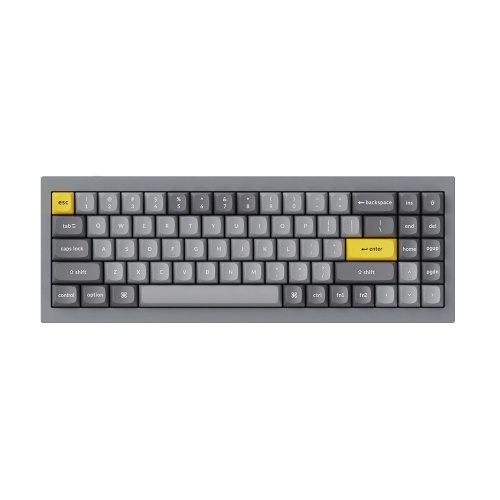
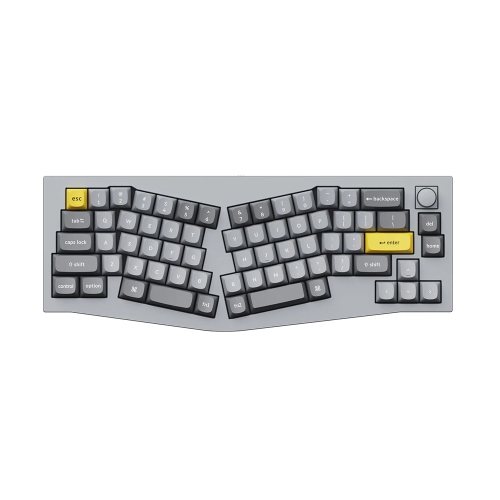
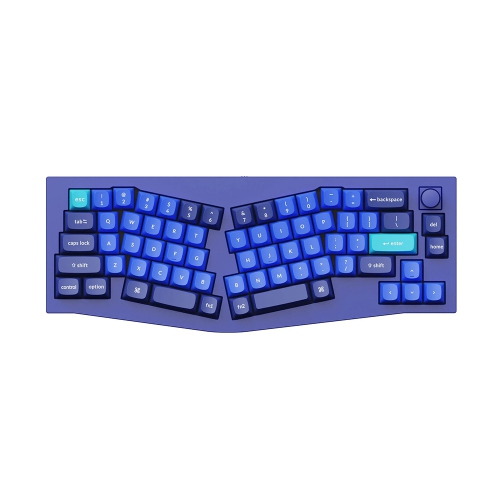
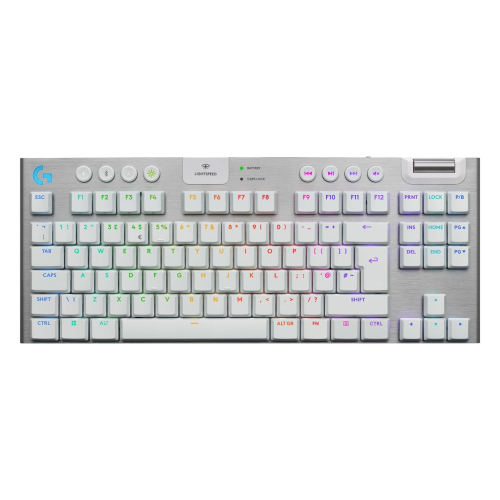
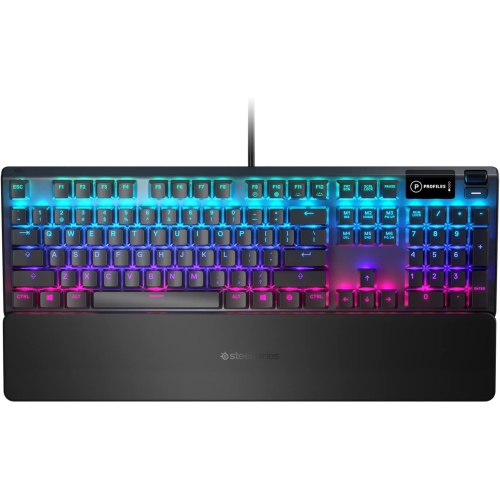
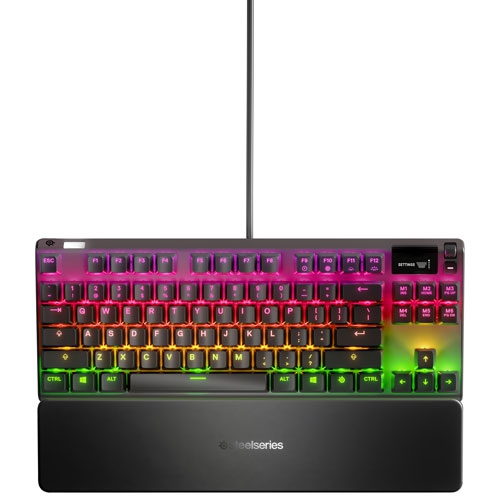
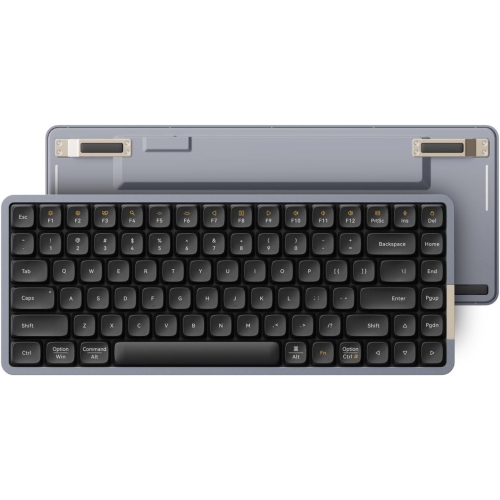
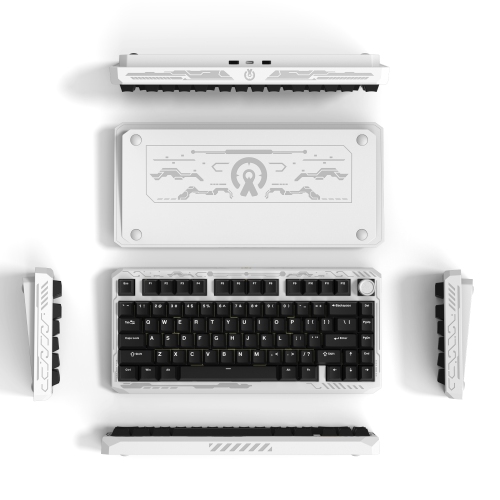
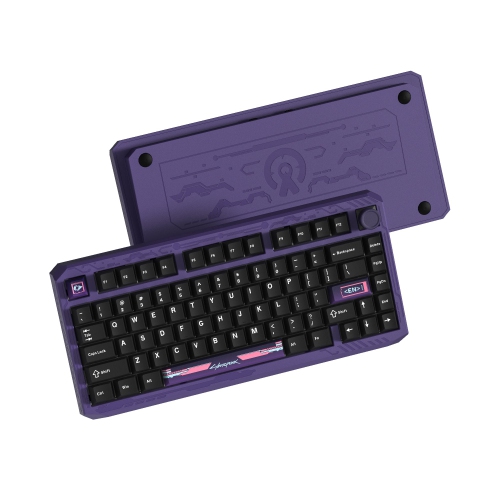
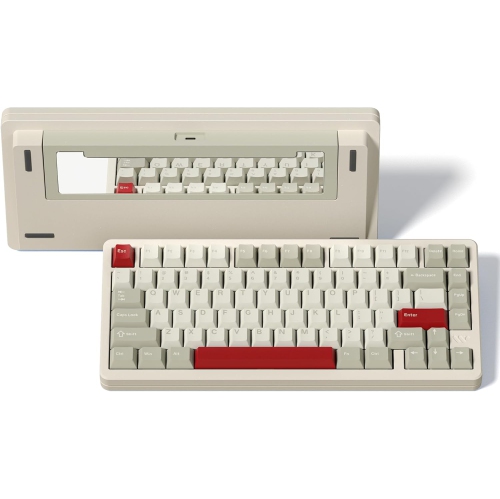
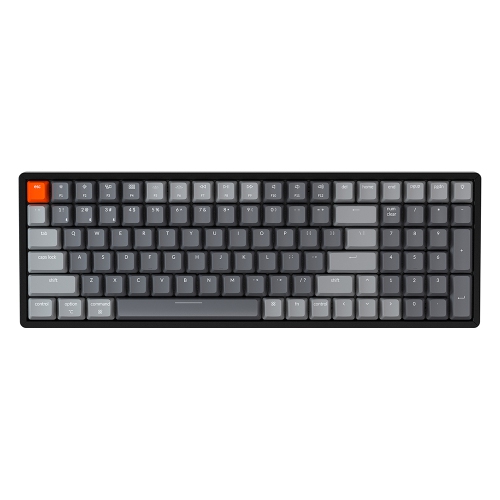
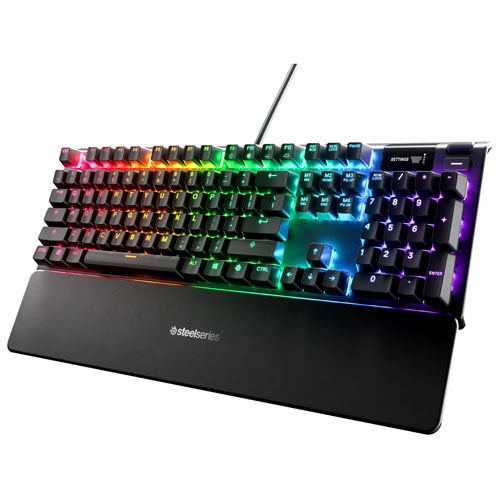
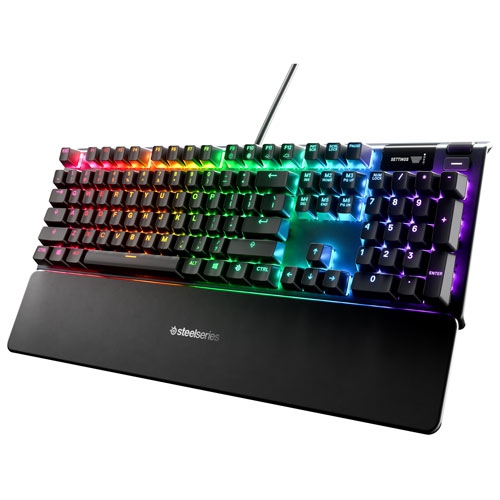
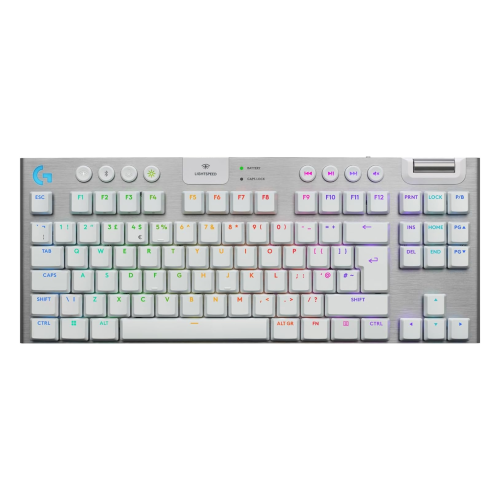
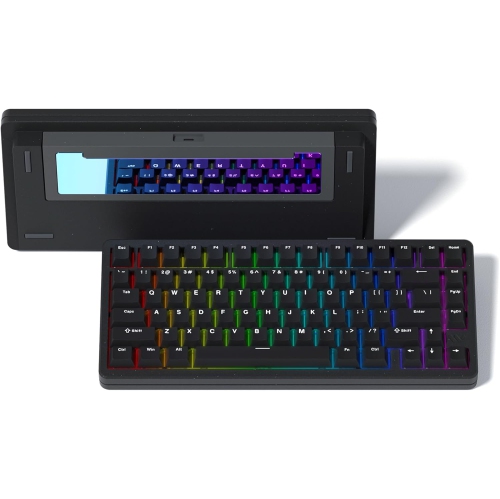
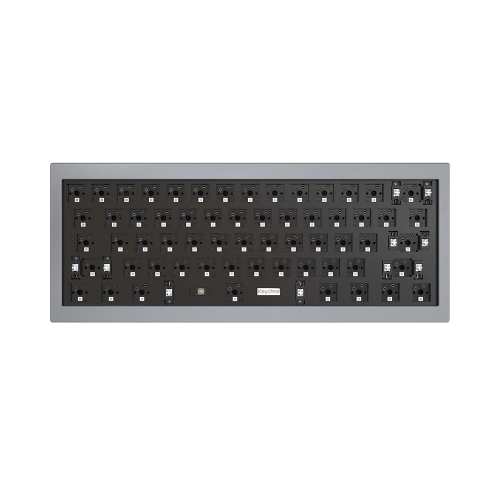
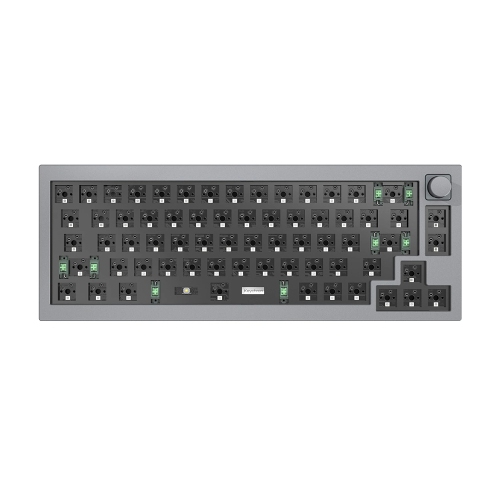
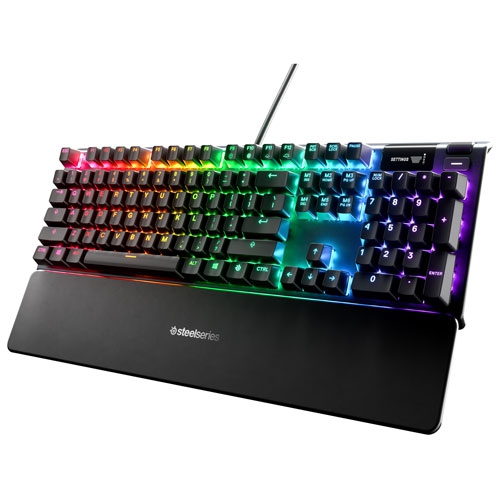
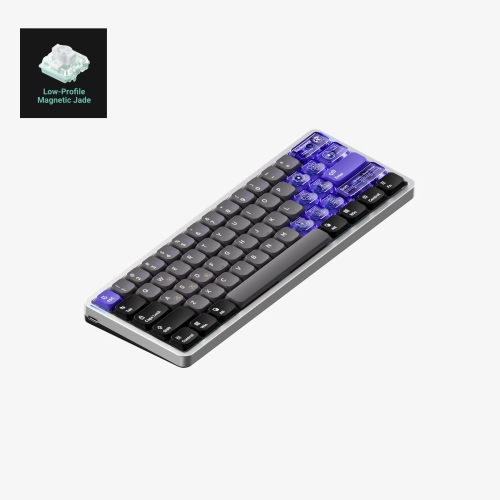
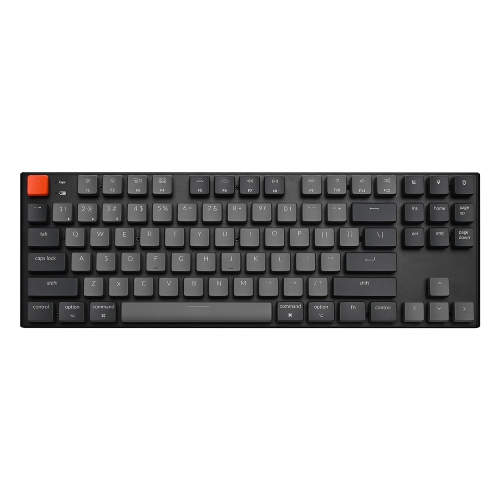
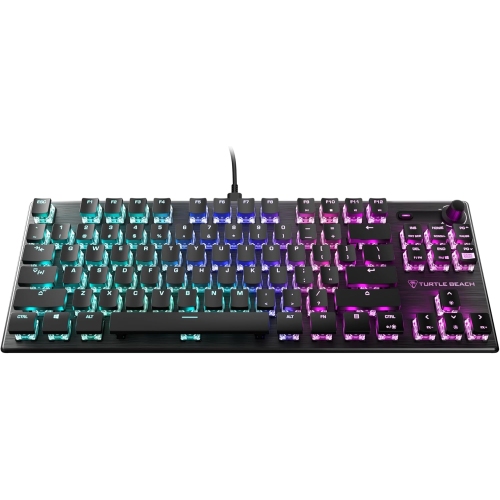
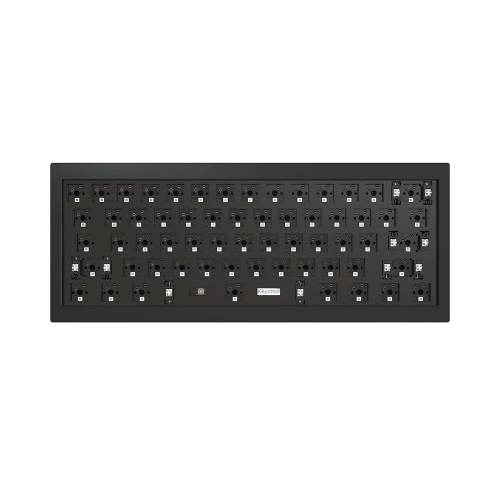
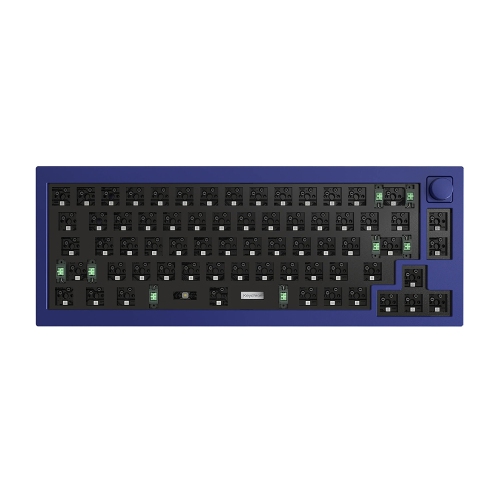
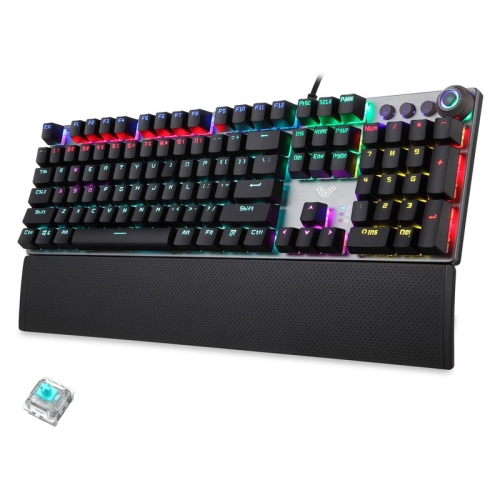
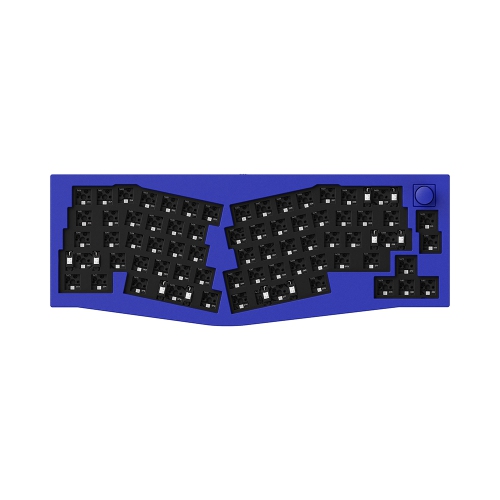
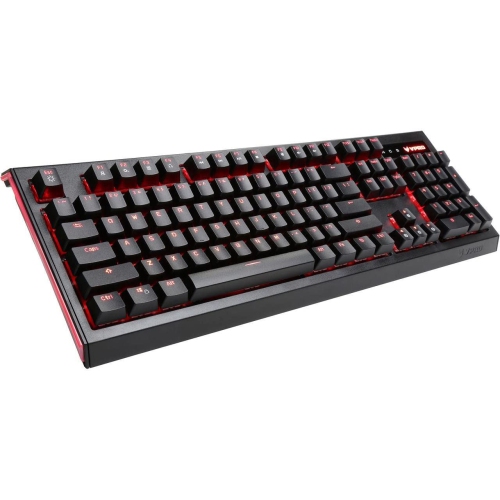
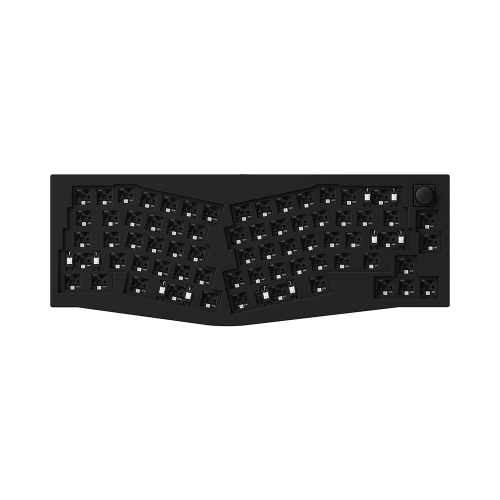
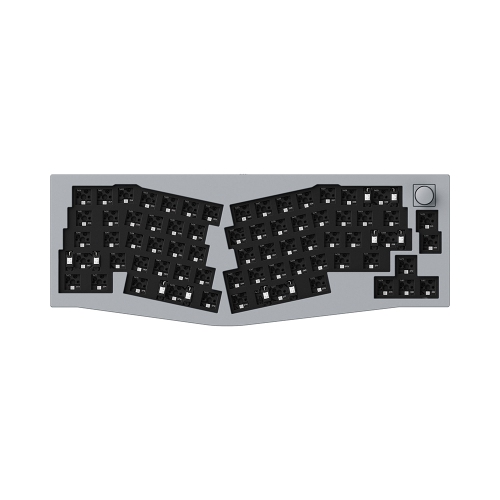
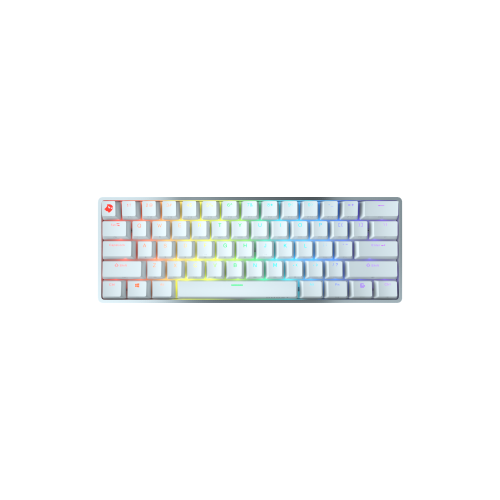
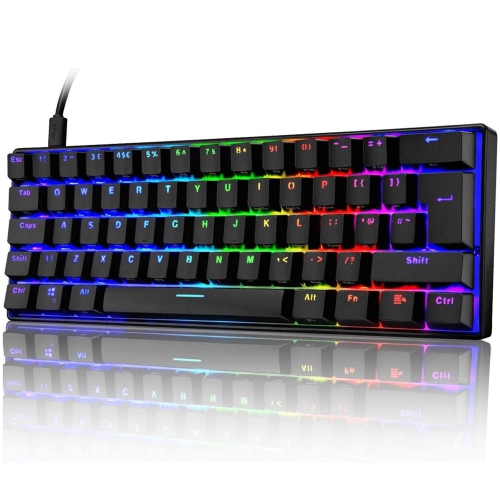
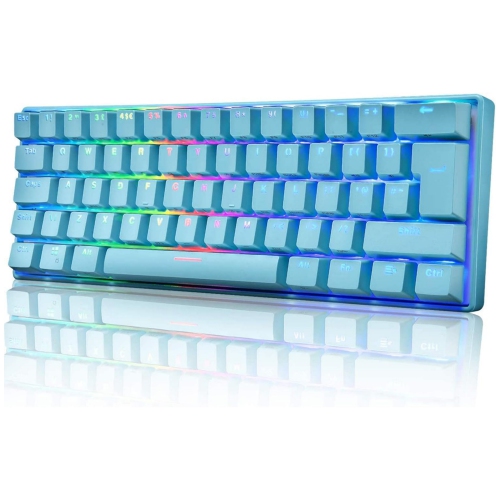
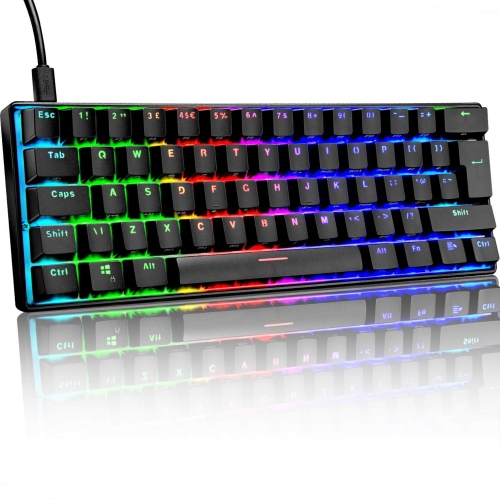
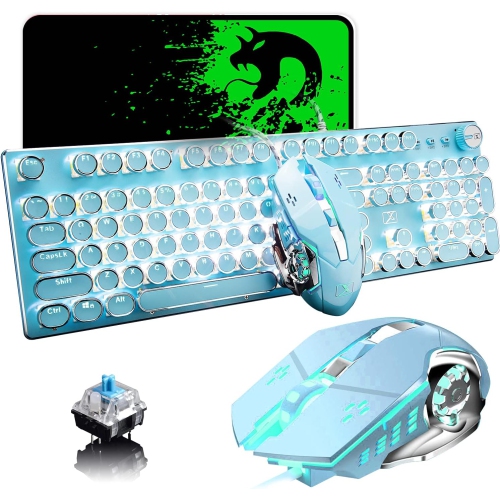
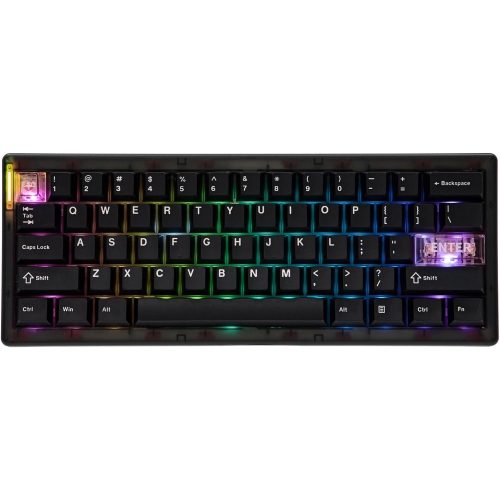
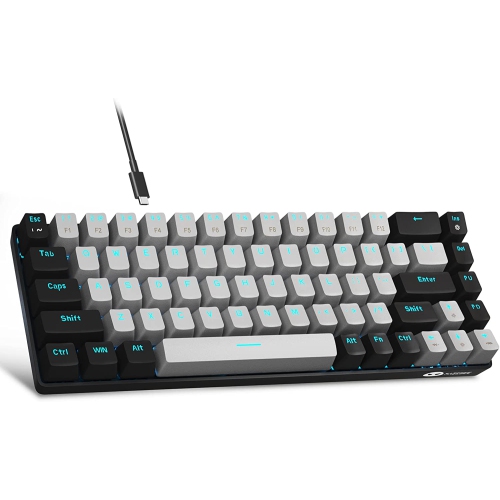
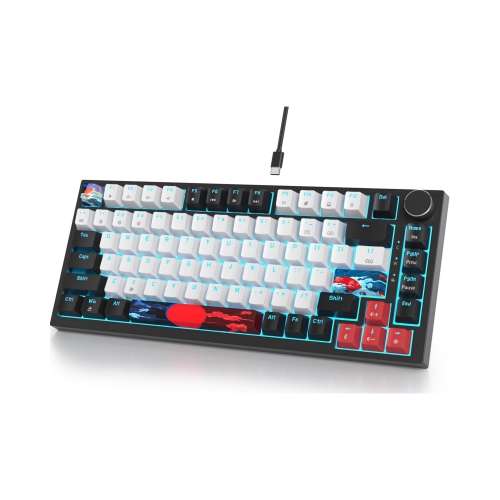
Aluminum mechanical keyboards pair individual mechanical key switches with a metal case, top plate, or frame, giving a familiar desktop essential a more substantial feel. The distinction between those constructions matters: a keyboard with an aluminum top plate may still have a plastic lower housing, while a full aluminum case surrounds more of the internal assembly in metal. Many cases are machined from aluminum alloy, with anodized or coated finishes that range from understated matte surfaces to brighter colours. Aluminum adds rigidity, helping the housing resist flex under normal typing pressure, and its weight, together with rubber feet, can help keep the keyboard planted during fast typing or gaming. That solid construction appeals to people who spend hours writing, programming, editing documents, or moving between work and play at the same desk. It also gives the keyboard a deliberate visual presence beside a monitor, mouse, and desk mat. Metal construction does not, however, guarantee a particular sound or make a keyboard immune to wear. A deep, muted typing note or a sharper, more resonant sound comes from the complete assembly, including switches, keycaps, plate material, mounting system, internal damping, and the surface beneath the keyboard. An aluminum housing can transmit vibration or produce a ringing tone if the design does little to control it. Gasket mounting uses compressible material to support the plate or internal assembly, which can soften the feel and alter vibration, although the effect varies with the implementation. Internal foam and other damping materials can further change the acoustic character. For a shared office or a desk beside a frequently used microphone, quiet switches and well-controlled stabilizers often matter more than the case material alone. Aluminum is valued for its strength relative to its weight, but finishes can still scratch or chip, particularly around exposed edges. Its main appeal is the combination of structural firmness, a substantial feel, and a finished appearance rather than a promise of silence or indestructibility.
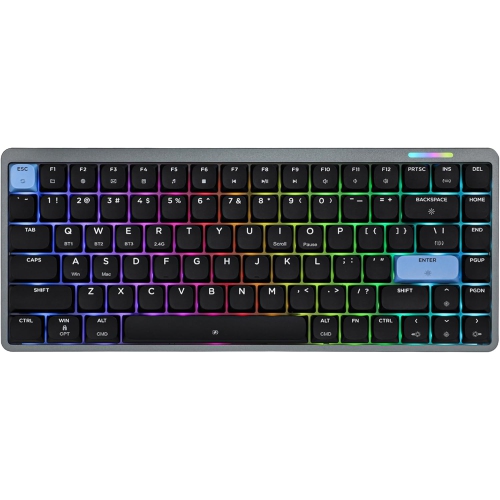
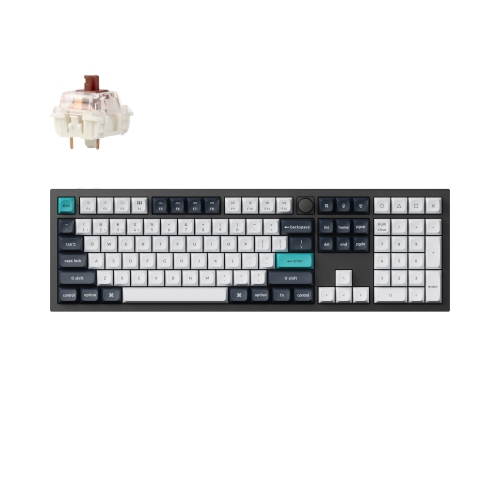
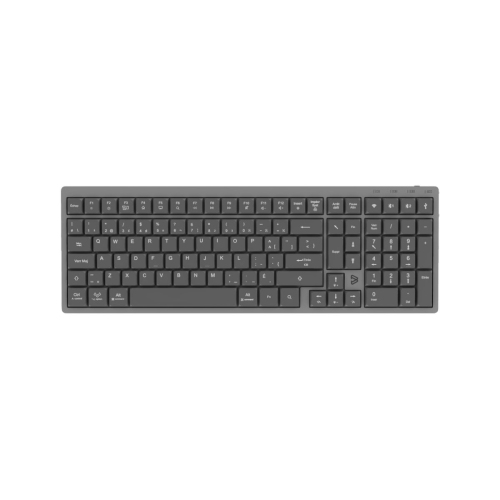
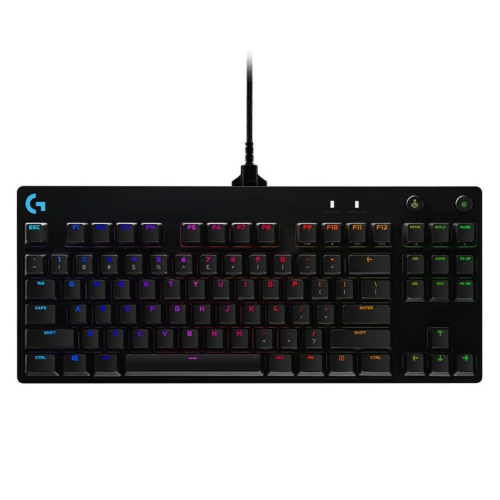
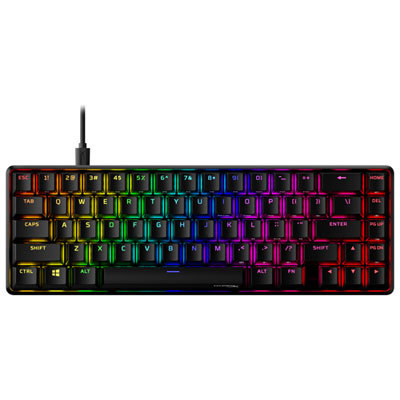
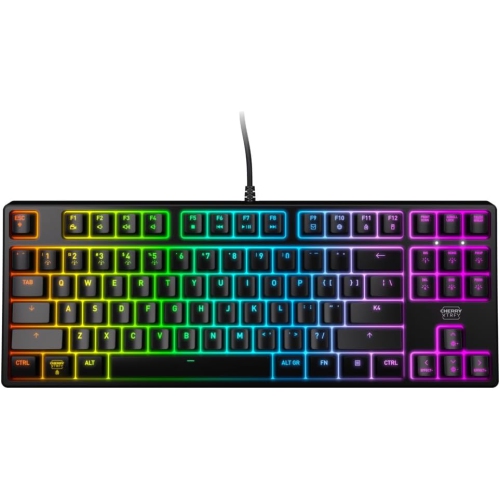
Layout and switch choice shape the everyday experience just as much as the housing. Full-size aluminum mechanical keyboards include a dedicated number pad, a practical feature for spreadsheets, bookkeeping, and repeated numerical entry. Tenkeyless layouts remove that section while retaining a separate navigation cluster and function row, leaving more space for a mouse without making common shortcuts feel unfamiliar. A 75% layout brings the keys closer together and usually keeps the function row and arrow keys, making it a useful middle ground for smaller desks and mixed work-and-gaming setups. The Aluminum 75 Keyboards collection centres on this compact format, where a shorter footprint can leave room for a notebook, drawing tablet, or wider mouse movements. More compact 65% and 60% layouts save additional space, but some functions move to key combinations; arrow keys are commonly absent from standard 60% designs. Beyond the percentage label, the placement of Delete, Home, and other frequently used keys deserves attention, as compact arrangements vary. For someone who types in both English and French, the physical key layout, printed legends, and operating system input settings should suit their preferred typing habits. Linear switches move smoothly without a tactile bump, tactile switches provide a noticeable point of feedback, and clicky switches add an audible click. None is universally best for writing or gaming: spring weight, travel distance, and tolerance for noise all influence comfort. A lighter switch may feel easy to press but may also register unintended keystrokes for someone with a heavier touch. Hot-swappable sockets allow compatible switches to be replaced without soldering, though socket type and supported switch formats still need checking. Barebones kits may require separate switches and keycaps, whereas fully assembled keyboards are intended to arrive with those parts fitted. Keycap material and shape add another layer of feel. PBT keycaps generally resist developing a shiny surface better than many ABS alternatives, while the height and contour of either material can change how naturally fingers move between rows. Larger keys also rely on stabilizers, whose design and assembly influence wobble, rattle, and consistency.
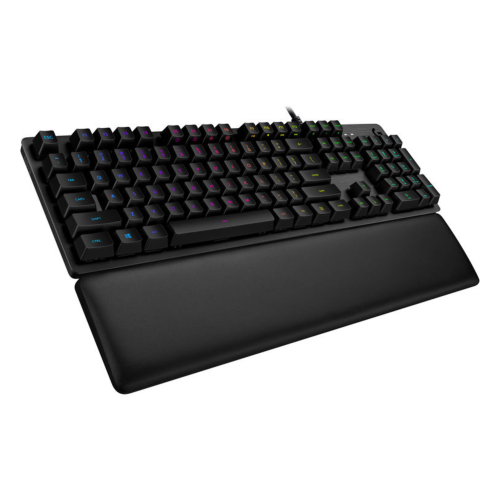
Connection options, physical fit, and straightforward care help determine how well an aluminum mechanical keyboard settles into a daily routine. A wired USB connection avoids battery charging and can provide a dependable connection for a fixed desk setup. Bluetooth can be convenient for switching among compatible devices, while a dedicated 2.4 GHz wireless receiver may offer lower latency for gaming, depending on the keyboard and its implementation. Wireless performance also depends on antenna placement and nearby interference, so a metal case by itself says little about connection quality. Multi-device switching, operating system compatibility, and access to programmable shortcuts are worth considering for anyone moving between a desktop computer and a laptop. Customization software may support only certain operating systems, and onboard memory determines whether saved settings can travel with the keyboard. Backlighting can make legends easier to see in a dim room when the keycaps allow light through; opaque legends will not become illuminated simply because lighting is fitted beneath them. On the desk, front-edge height, typing angle, and placement affect comfort more directly than a premium finish. Keeping the keyboard close enough to avoid reaching and leaving space to reposition the mouse can make long sessions feel less cramped. A suitably sized palm rest may help during pauses, but comfort depends on the whole setup rather than one accessory. For travel, the extra weight of aluminum is a trade-off, and a padded sleeve can protect the finish from other objects in a bag. Routine cleaning starts with powering off or unplugging the keyboard, clearing loose debris with a soft brush, and wiping exterior surfaces with a lightly dampened microfibre cloth. Liquid should never be sprayed directly into the keys, and harsh cleaners or abrasive pads can damage coatings. Aluminum construction does not imply spill resistance. For a gift, matching the recipient’s preferred layout, connection type, and noise level is more useful than choosing by appearance alone. A compact keyboard can suit a carefully arranged home office, while a full-size layout may be a better fit for someone whose day revolves around numbers.
Layout and switch choice shape the everyday experience just as much as the housing. Full-size aluminum mechanical keyboards include a dedicated number pad, a practical feature for spreadsheets, bookkeeping, and repeated numerical entry. Tenkeyless layouts remove that section while retaining a separate navigation cluster and function row, leaving more space for a mouse without making common shortcuts feel unfamiliar. A 75% layout brings the keys closer together and usually keeps the function row and arrow keys, making it a useful middle ground for smaller desks and mixed work-and-gaming setups. The Aluminum 75 Keyboards collection centres on this compact format, where a shorter footprint can leave room for a notebook, drawing tablet, or wider mouse movements. More compact 65% and 60% layouts save additional space, but some functions move to key combinations; arrow keys are commonly absent from standard 60% designs. Beyond the percentage label, the placement of Delete, Home, and other frequently used keys deserves attention, as compact arrangements vary. For someone who types in both English and French, the physical key layout, printed legends, and operating system input settings should suit their preferred typing habits. Linear switches move smoothly without a tactile bump, tactile switches provide a noticeable point of feedback, and clicky switches add an audible click. None is universally best for writing or gaming: spring weight, travel distance, and tolerance for noise all influence comfort. A lighter switch may feel easy to press but may also register unintended keystrokes for someone with a heavier touch. Hot-swappable sockets allow compatible switches to be replaced without soldering, though socket type and supported switch formats still need checking. Barebones kits may require separate switches and keycaps, whereas fully assembled keyboards are intended to arrive with those parts fitted. Keycap material and shape add another layer of feel. PBT keycaps generally resist developing a shiny surface better than many ABS alternatives, while the height and contour of either material can change how naturally fingers move between rows. Larger keys also rely on stabilizers, whose design and assembly influence wobble, rattle, and consistency.
Connection options, physical fit, and straightforward care help determine how well an aluminum mechanical keyboard settles into a daily routine. A wired USB connection avoids battery charging and can provide a dependable connection for a fixed desk setup. Bluetooth can be convenient for switching among compatible devices, while a dedicated 2.4 GHz wireless receiver may offer lower latency for gaming, depending on the keyboard and its implementation. Wireless performance also depends on antenna placement and nearby interference, so a metal case by itself says little about connection quality. Multi-device switching, operating system compatibility, and access to programmable shortcuts are worth considering for anyone moving between a desktop computer and a laptop. Customization software may support only certain operating systems, and onboard memory determines whether saved settings can travel with the keyboard. Backlighting can make legends easier to see in a dim room when the keycaps allow light through; opaque legends will not become illuminated simply because lighting is fitted beneath them. On the desk, front-edge height, typing angle, and placement affect comfort more directly than a premium finish. Keeping the keyboard close enough to avoid reaching and leaving space to reposition the mouse can make long sessions feel less cramped. A suitably sized palm rest may help during pauses, but comfort depends on the whole setup rather than one accessory. For travel, the extra weight of aluminum is a trade-off, and a padded sleeve can protect the finish from other objects in a bag. Routine cleaning starts with powering off or unplugging the keyboard, clearing loose debris with a soft brush, and wiping exterior surfaces with a lightly dampened microfibre cloth. Liquid should never be sprayed directly into the keys, and harsh cleaners or abrasive pads can damage coatings. Aluminum construction does not imply spill resistance. For a gift, matching the recipient’s preferred layout, connection type, and noise level is more useful than choosing by appearance alone. A compact keyboard can suit a carefully arranged home office, while a full-size layout may be a better fit for someone whose day revolves around numbers.
Top selling and popular products
-
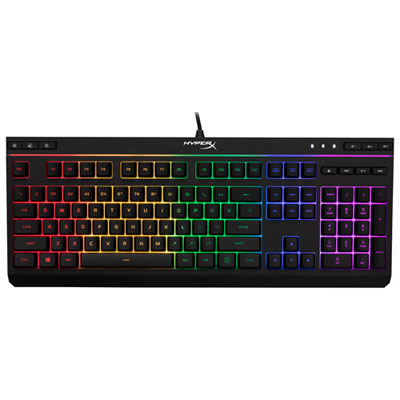 Your price for this item is $39.99
-
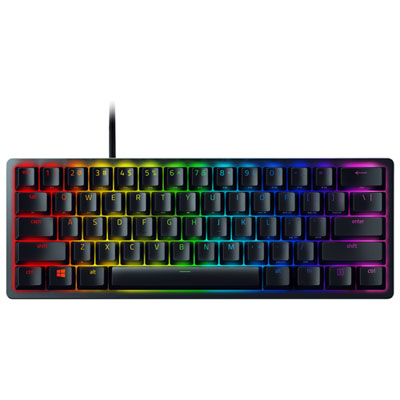 Your price for this item is $89.98
-
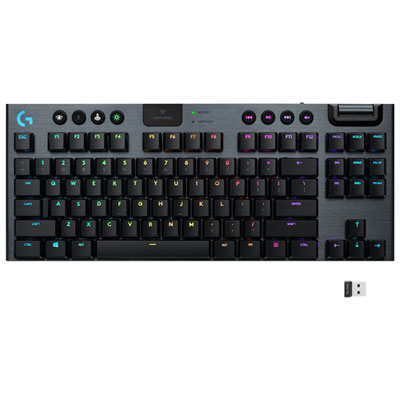 Your price for this item is $319.95
-
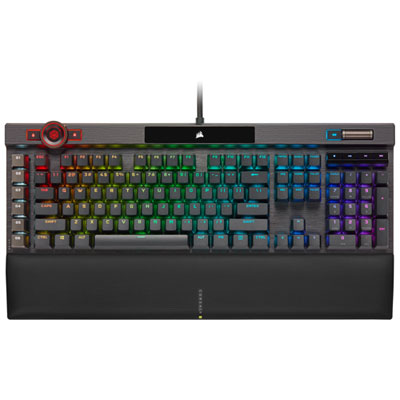 Your price for this item is $364.95
-
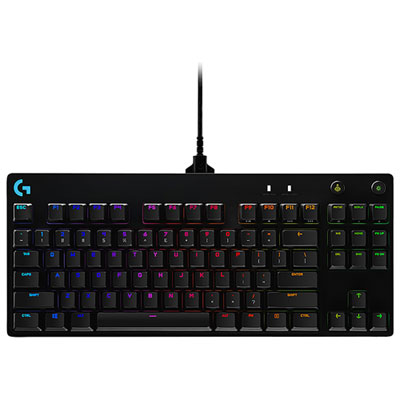 Your price for this item is $149.99
-
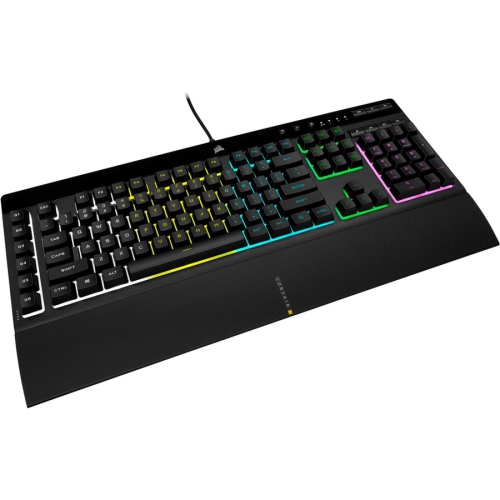 Your price for this item is $124
-
 Your price for this item is $94.99
-
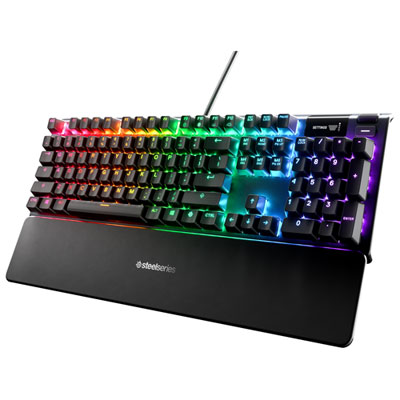 Your price for this item is $139.95
Discover more categories related to Aluminum Mechanical Keyboards
Top Collections:
Pokemon Centers, Kindle Devices, Best Cameras for Sports Photography, Pokémon 30th Celebration Cards, Apple iPhones 16, Canon G7X Cameras, iPhone 15 Apple, Flip Phones, Samsung Galaxy Phones, Alarm Clock
Some products may be subject to Environmental Handling Fees
(EHF) depending on your province.
Learn more about EHFs.