Aluminum Keyboards
Elevate your typing experience with the sleek and durable design of aluminum keyboards. Known for their lightweight yet robust construction, aluminum keyboards offer a premium feel that enhances both style and functionality. Whether you're working on important projects or indulging in some late-night gaming, these keyboards provide a responsive and comfortable typing experience. The metallic finish not only adds a touch of sophistication to your workspace but also ensures longevity, making them an excellent investment for any tech-savvy individual. Explore a range of options to find the perfect match for your setup and enjoy the seamless blend of elegance and performance that aluminum keyboards bring to your everyday tasks.
















Typing feel goes deeper than a metal case
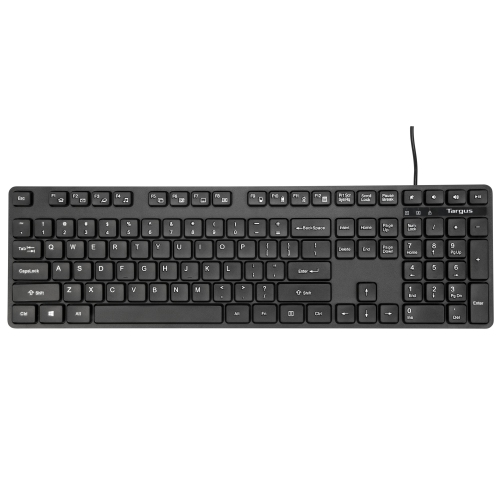
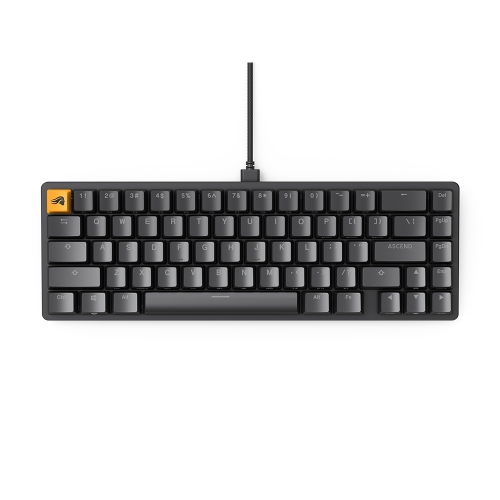
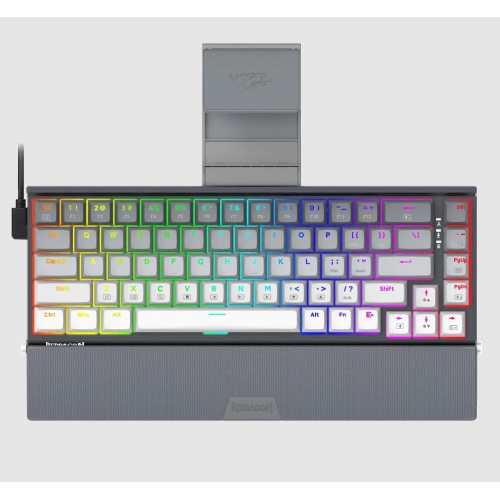
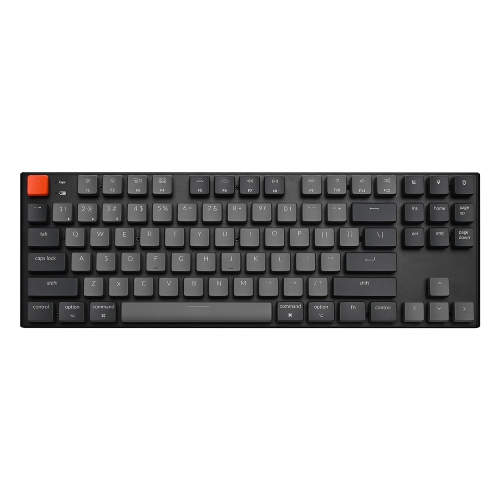
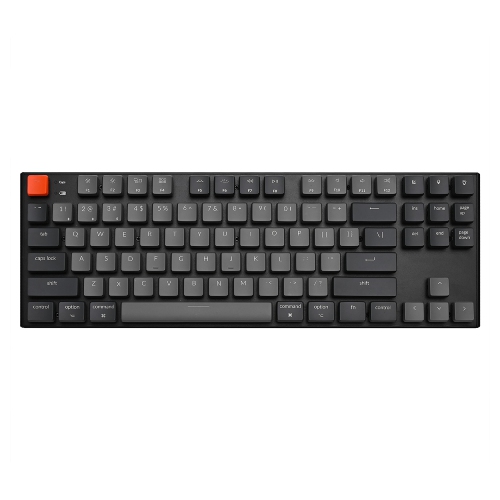
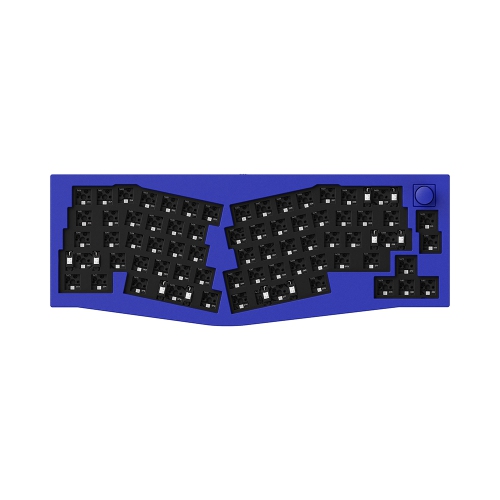
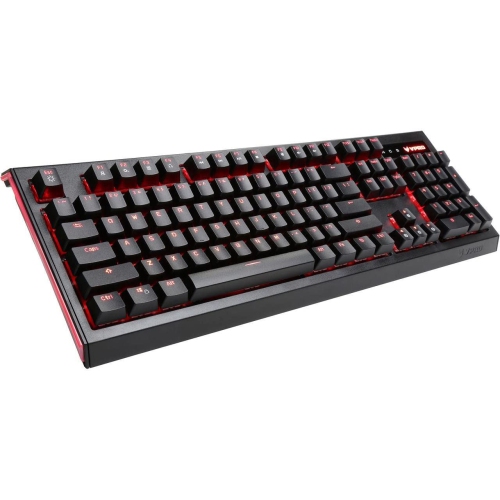
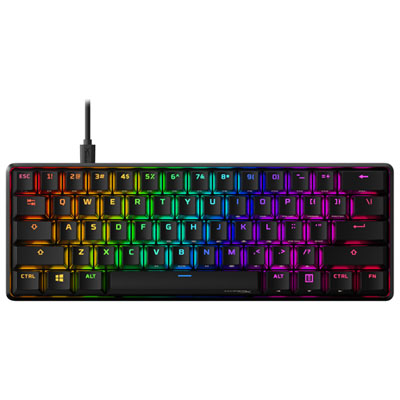
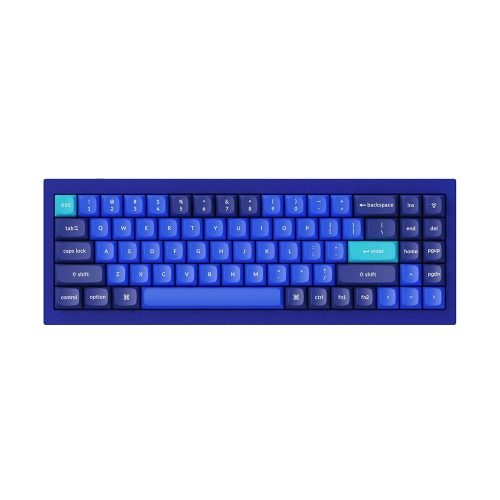
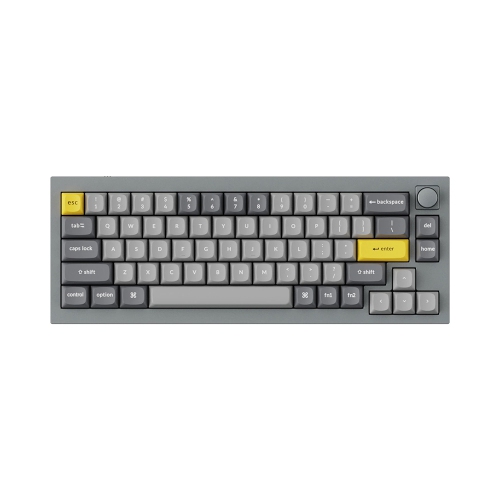
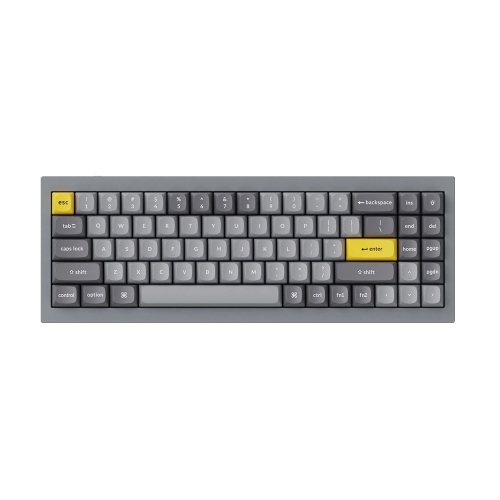
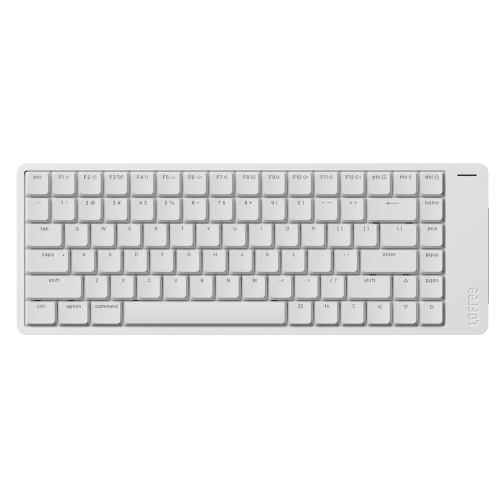
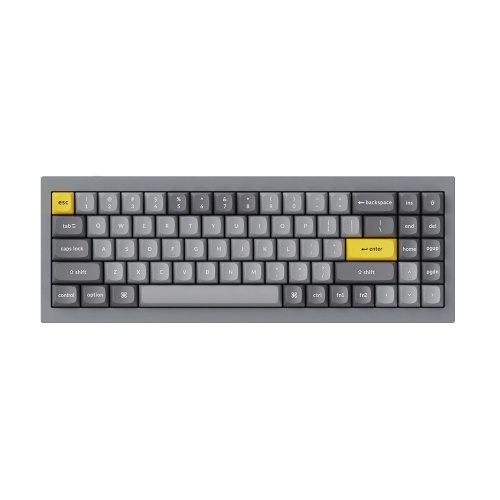
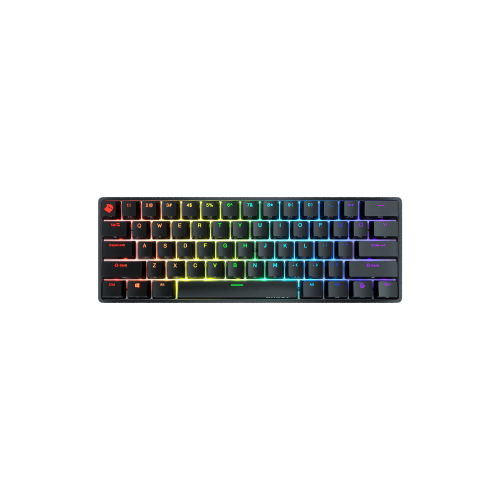
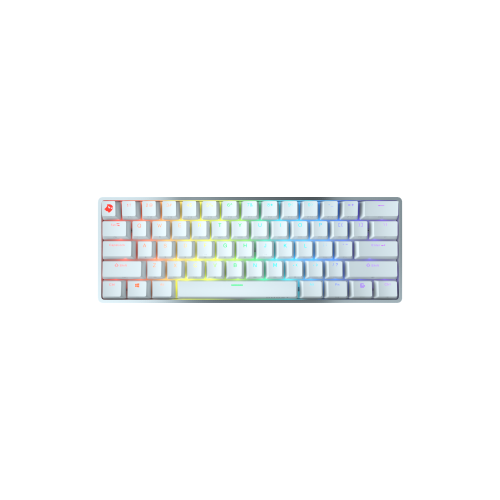
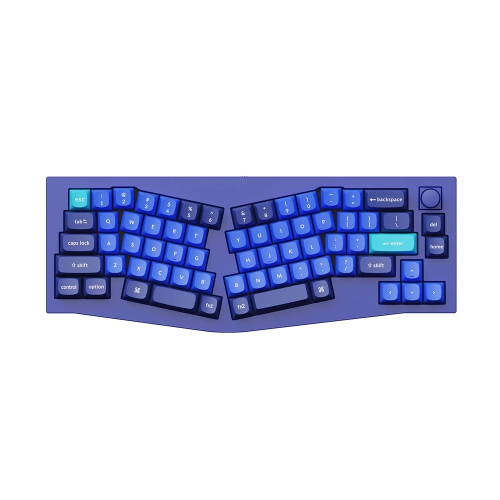
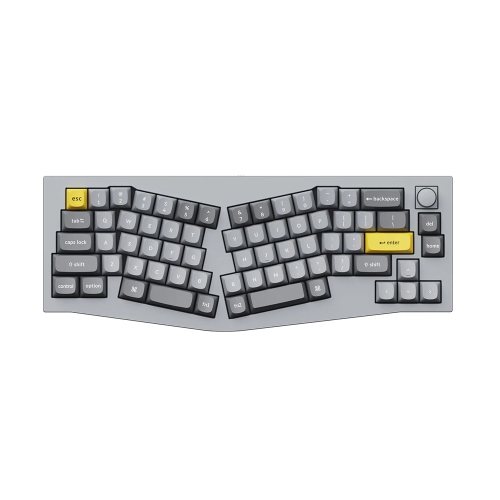
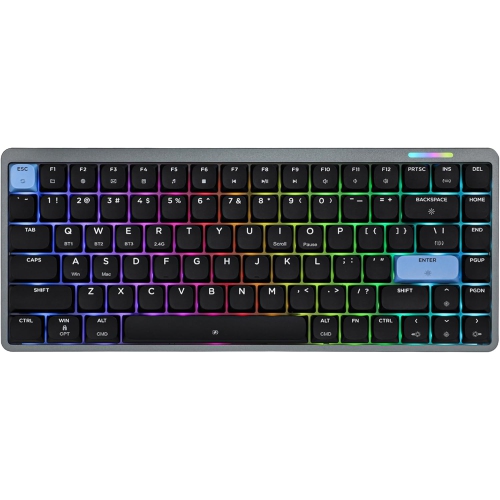
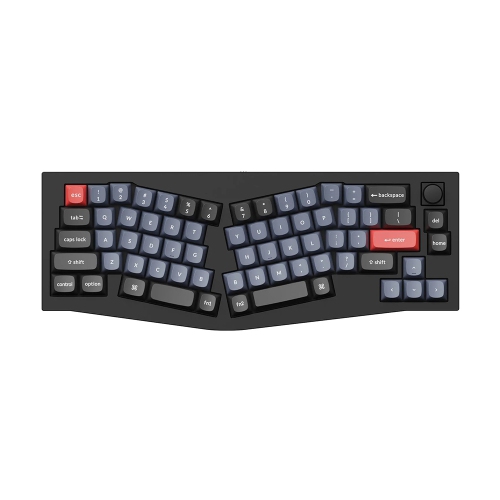
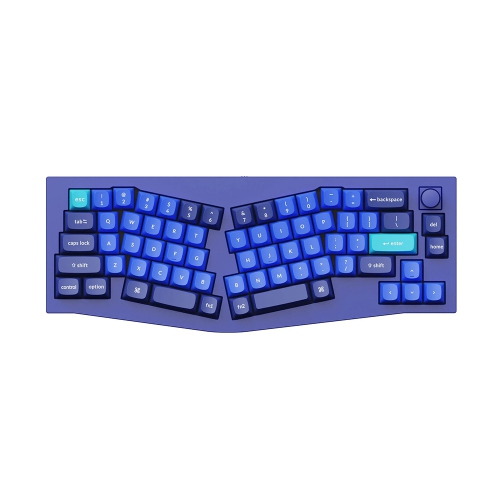
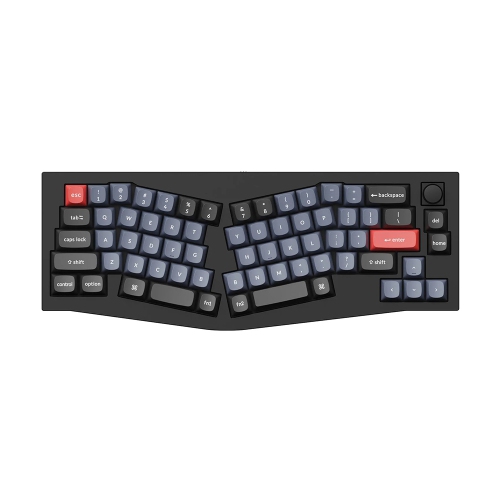
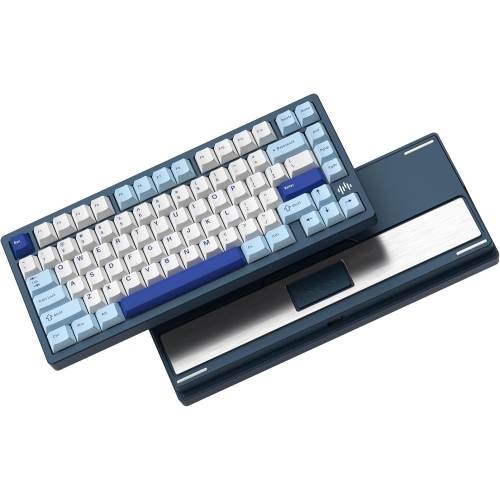
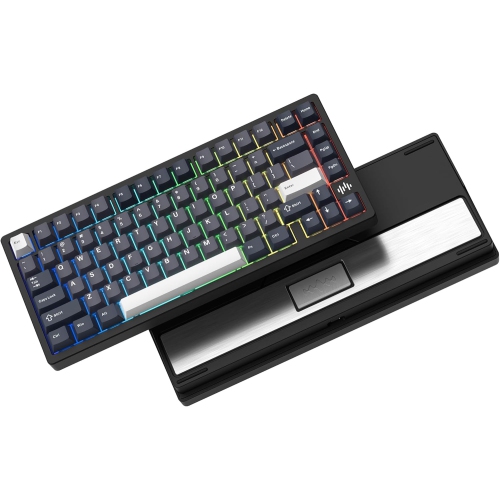
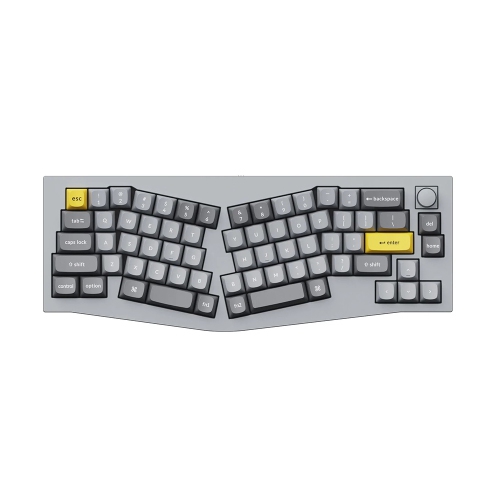
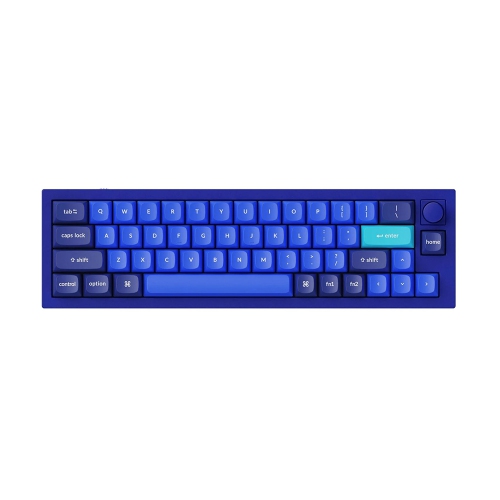
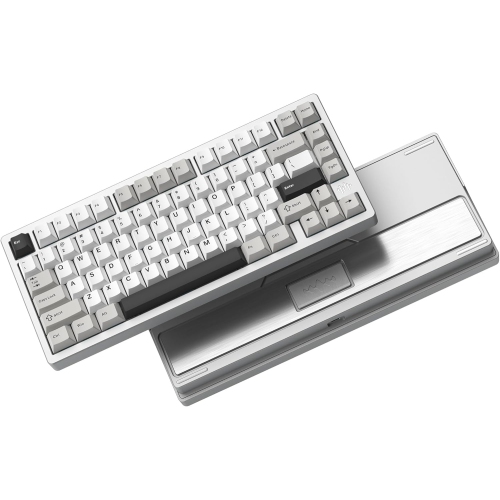
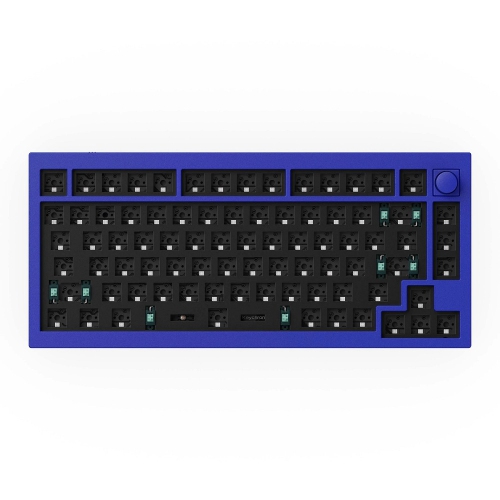
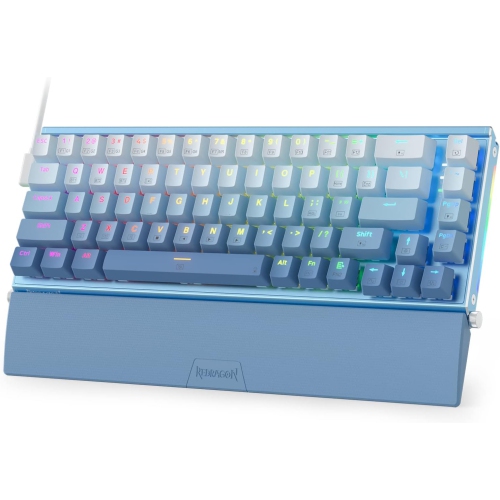
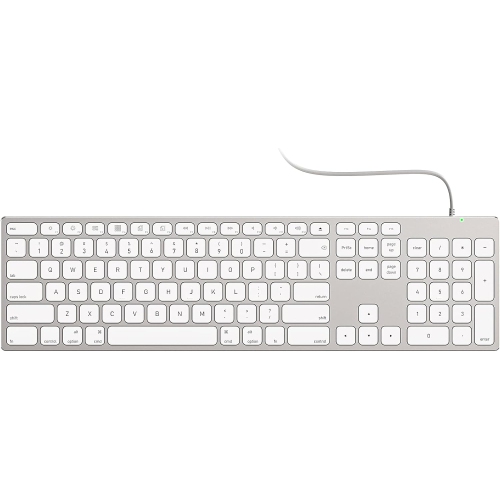
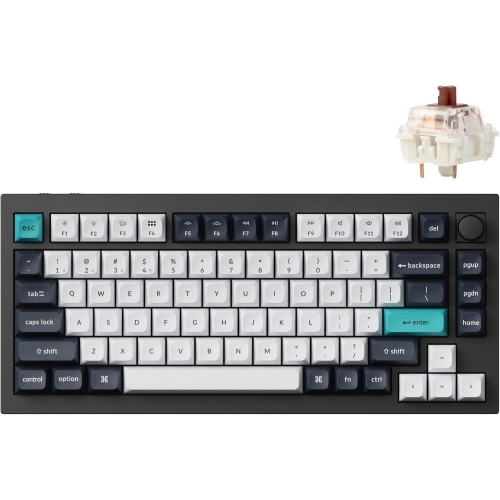
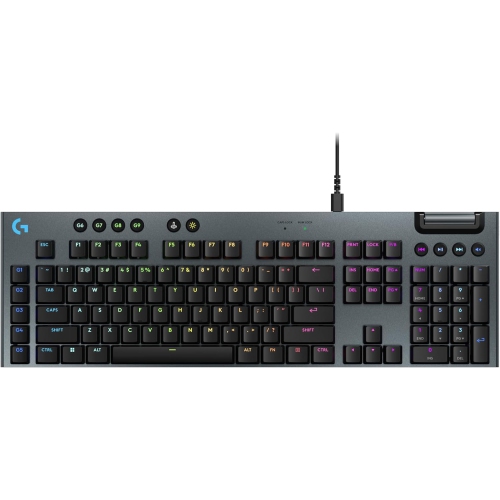
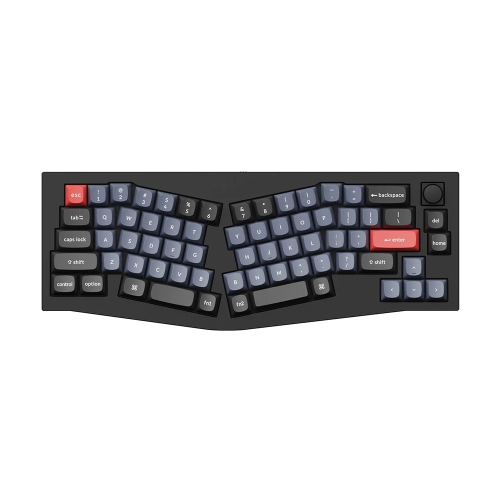
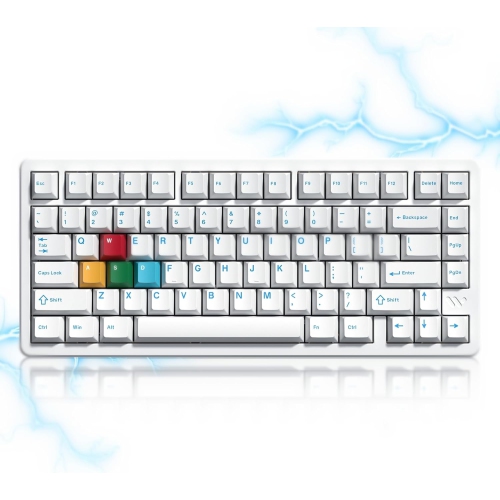
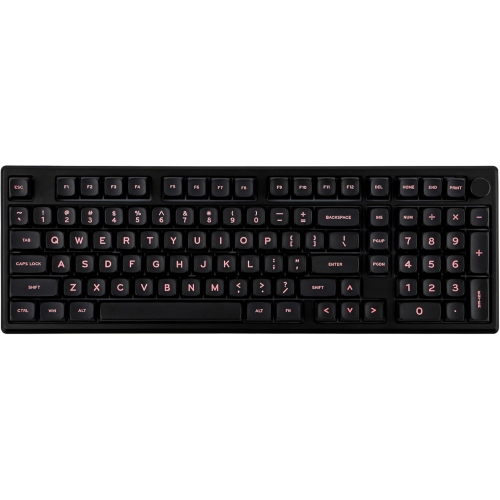
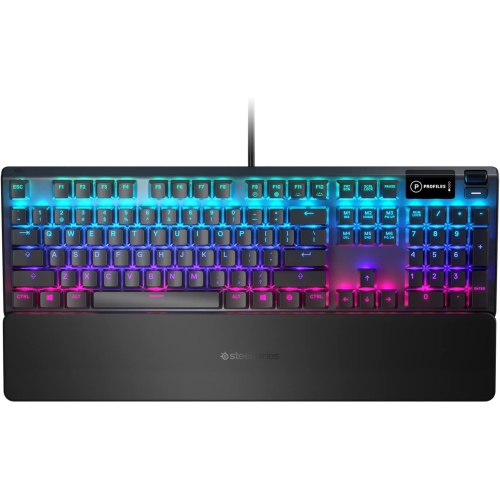
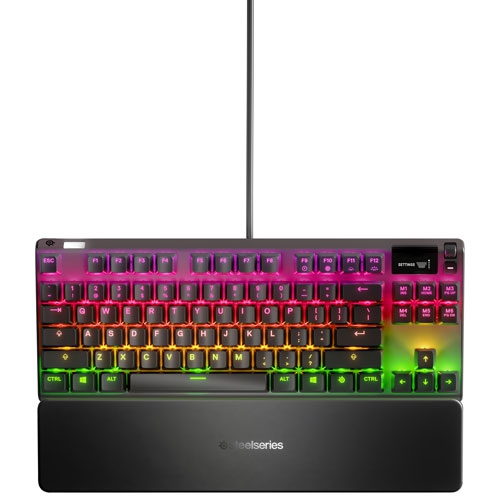
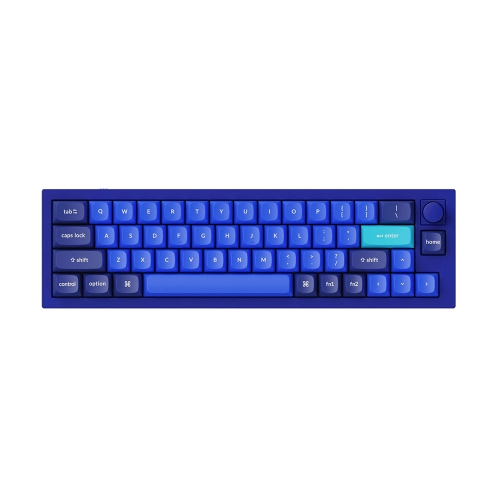
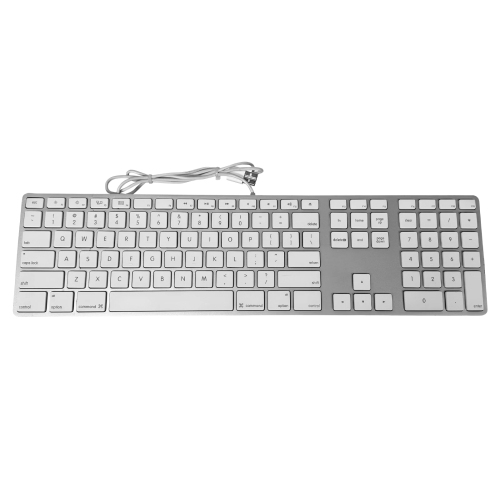
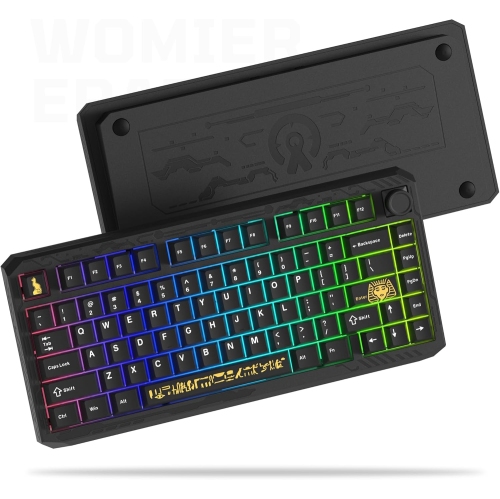
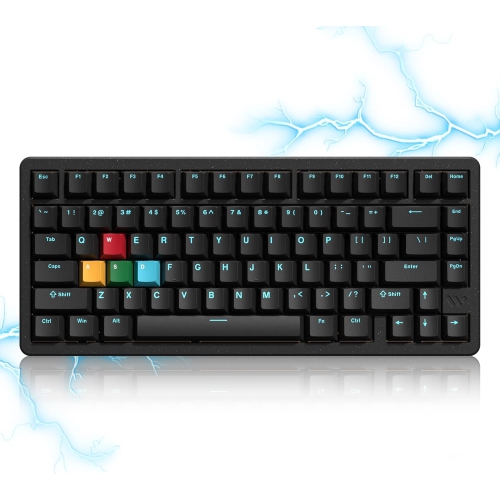
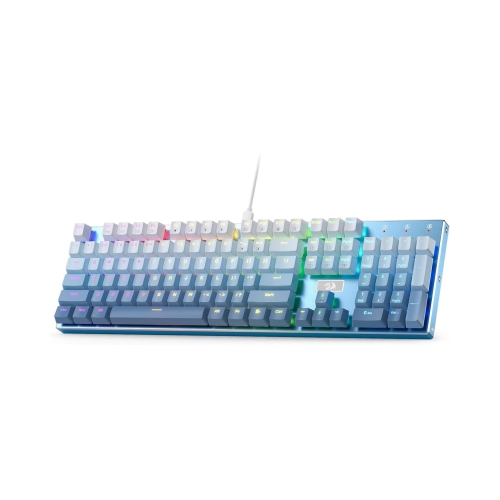
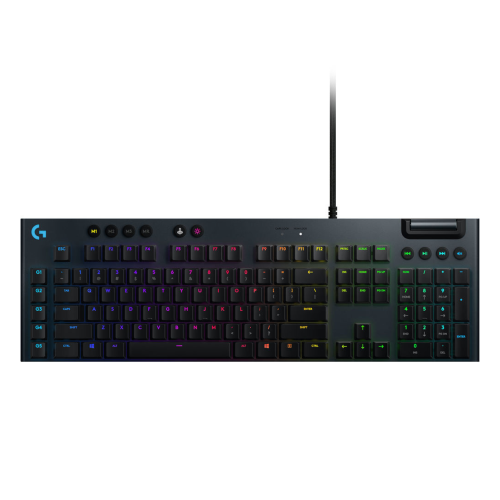
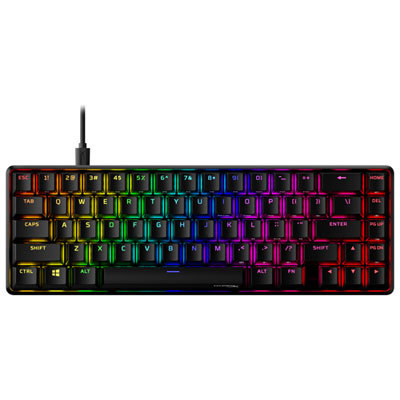
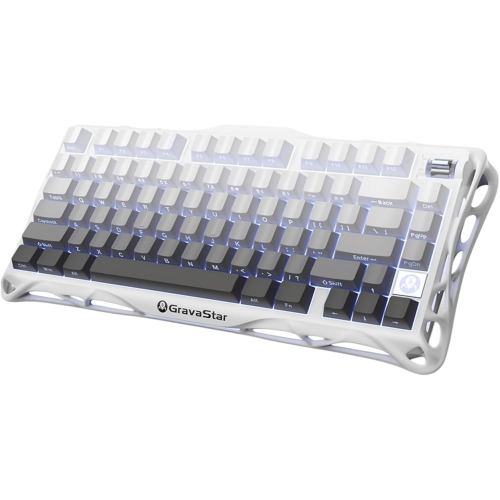
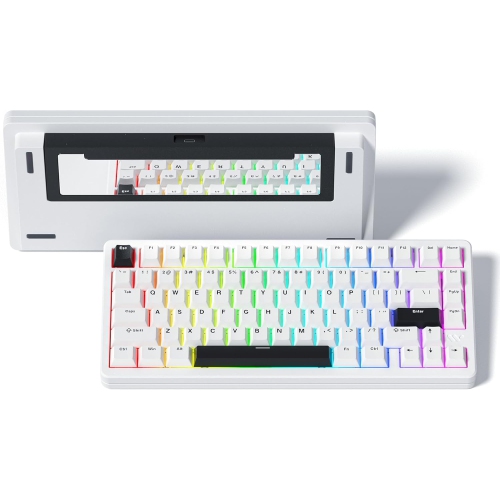
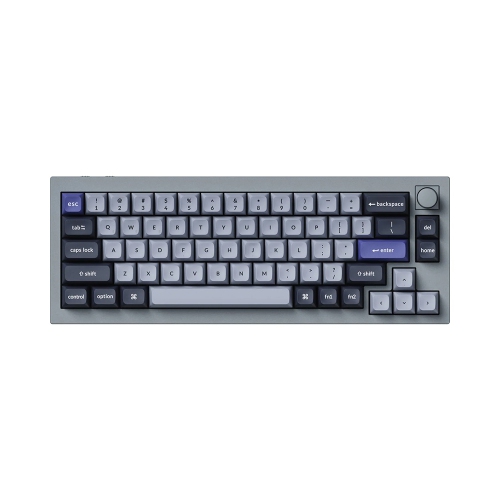
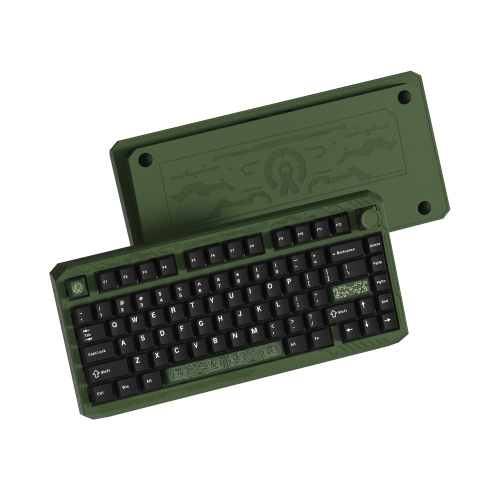
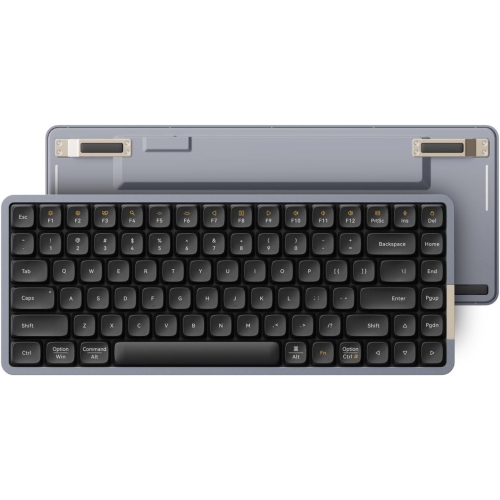
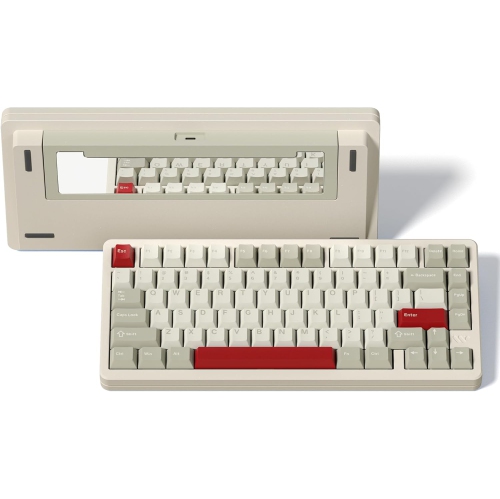
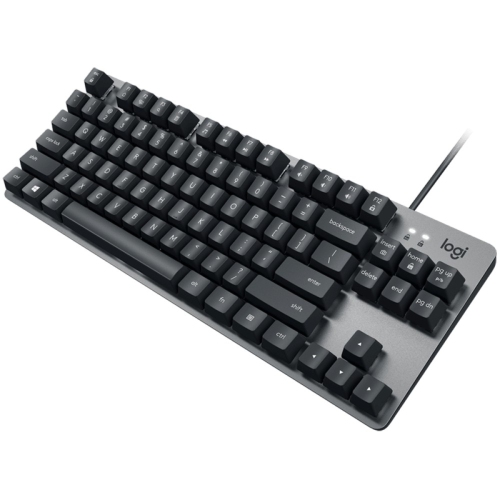
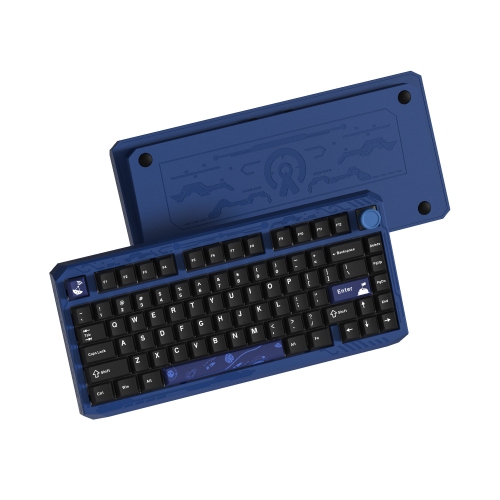
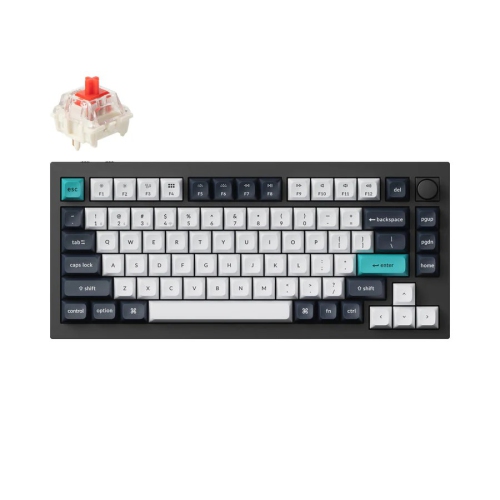
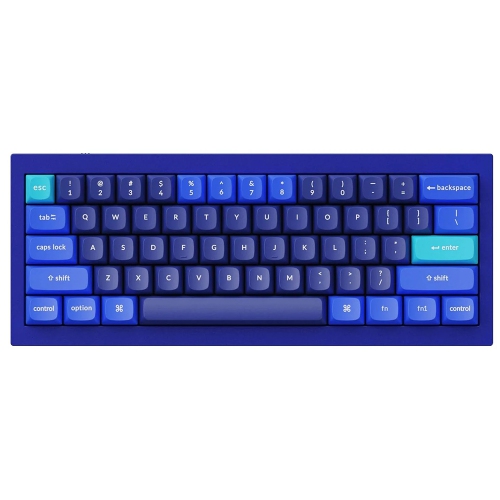
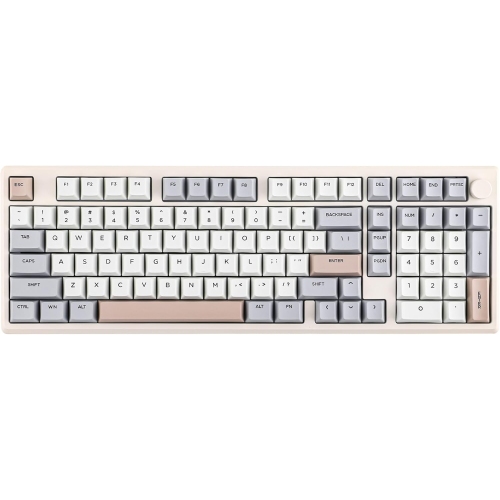
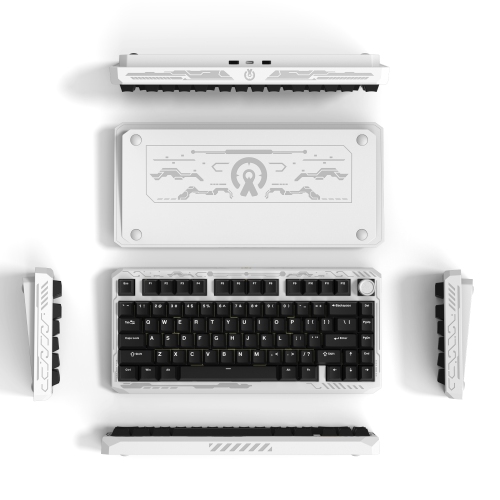
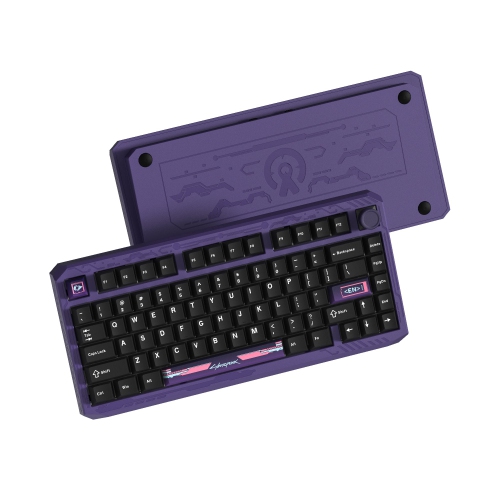
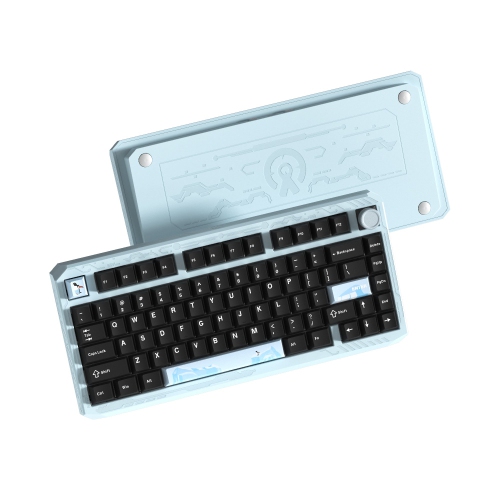
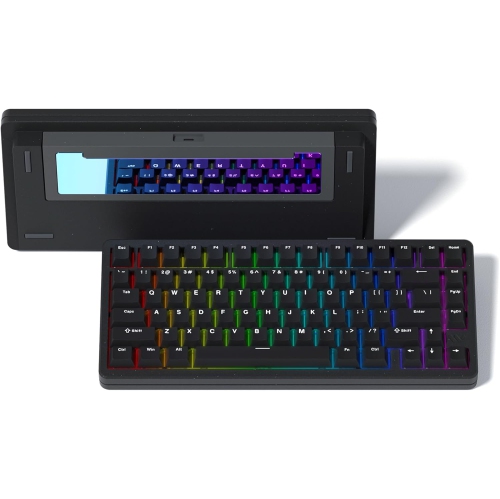
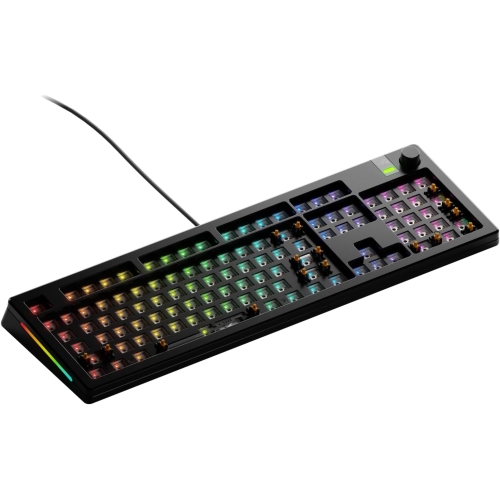
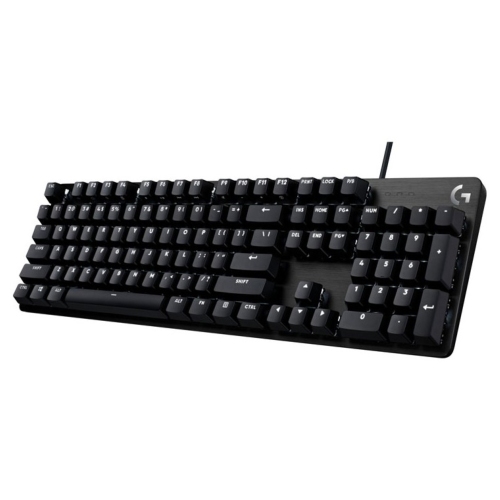
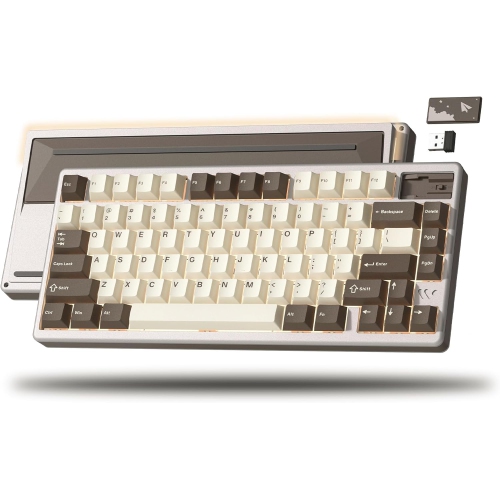
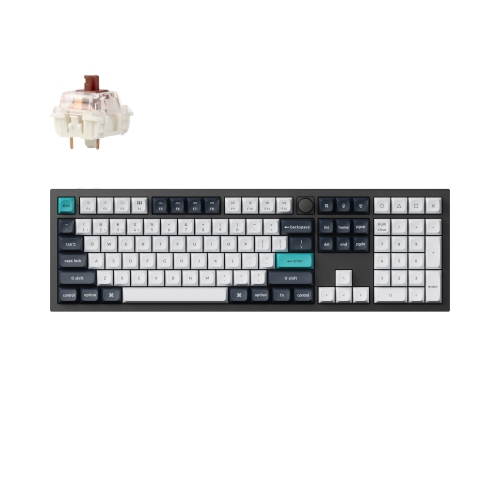
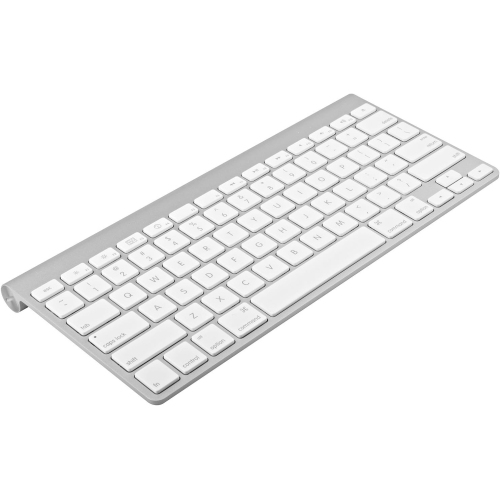
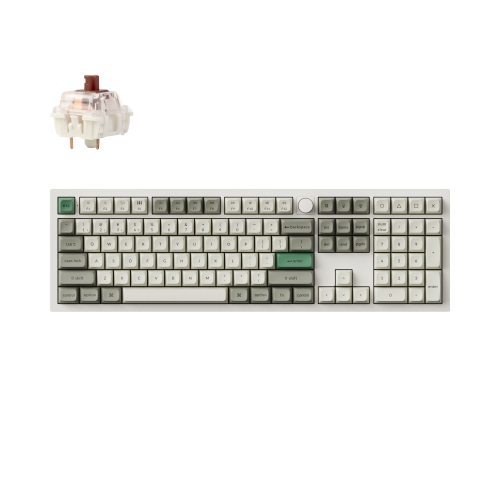
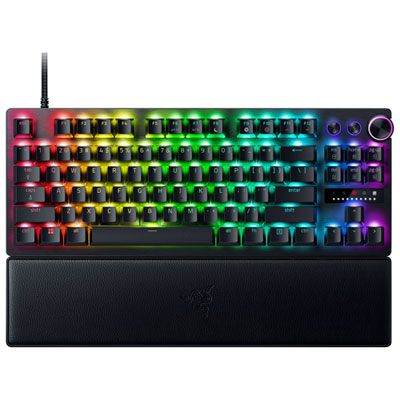
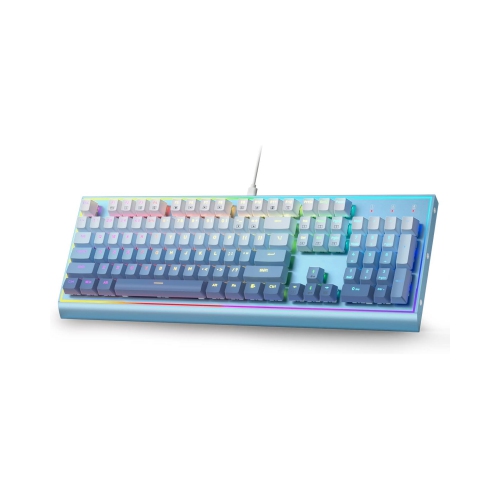
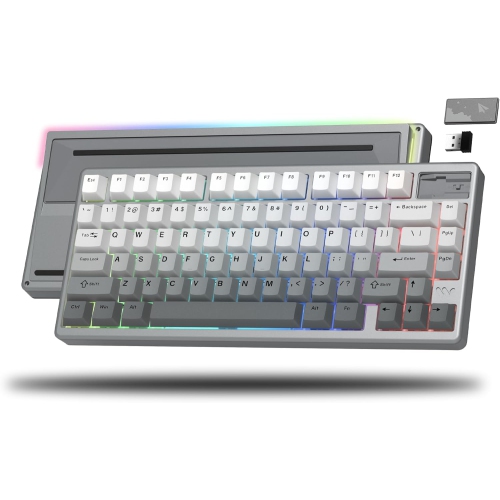
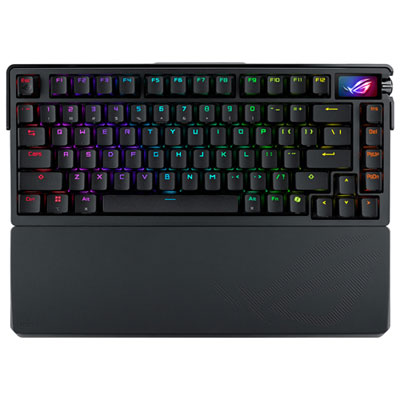
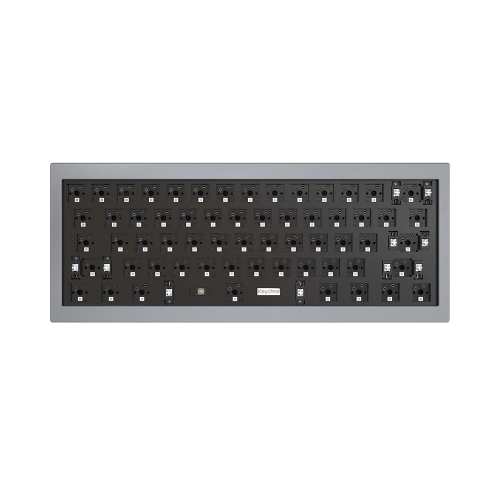
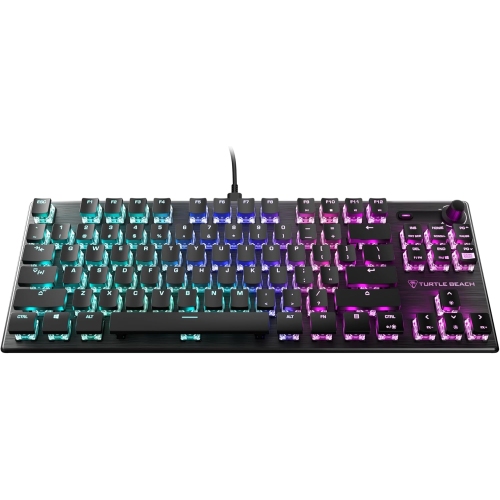
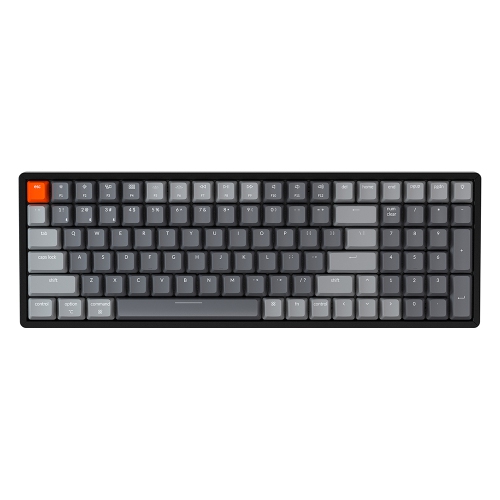
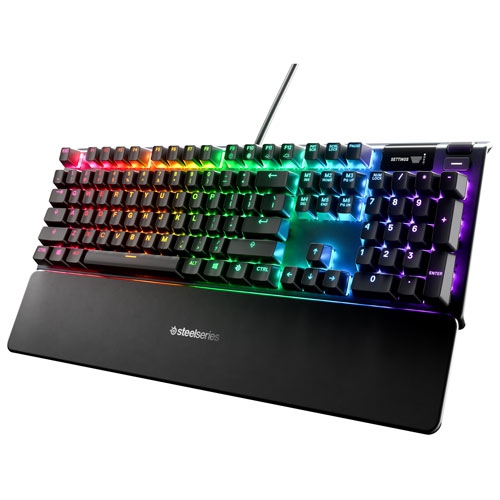
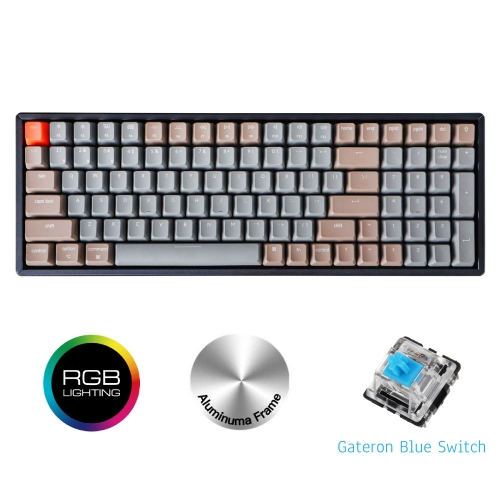
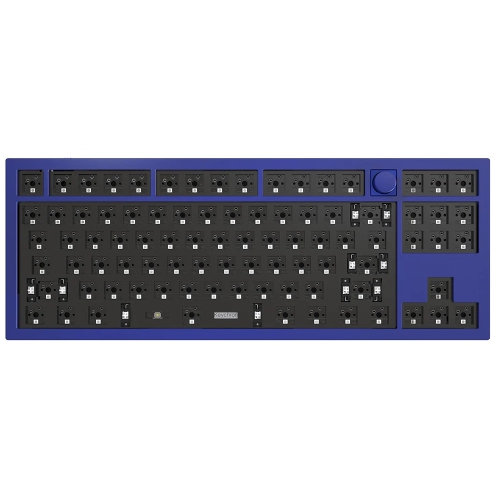
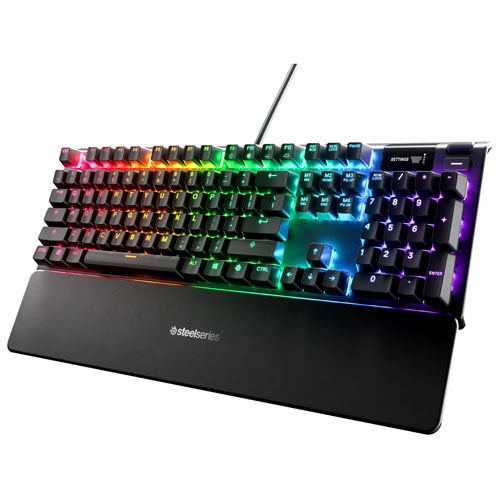
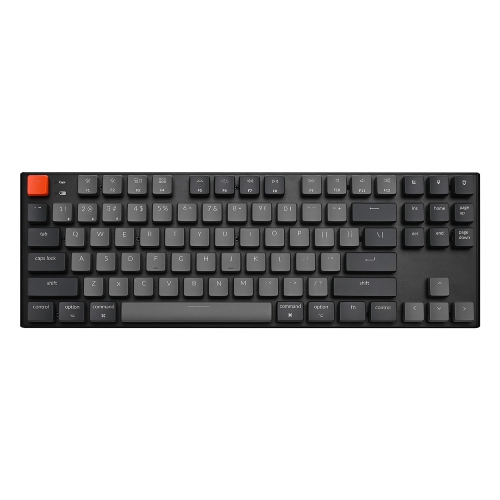
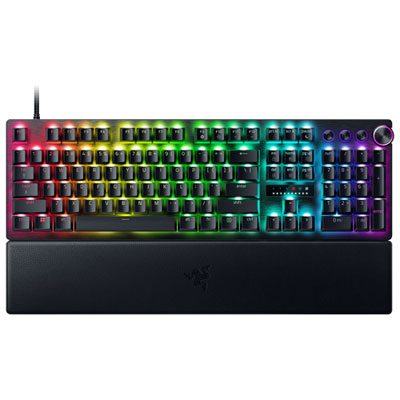
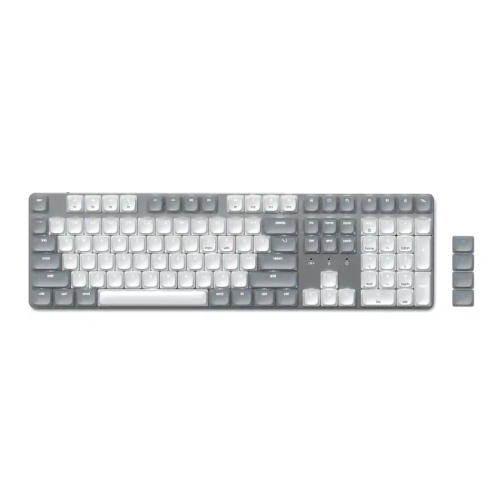
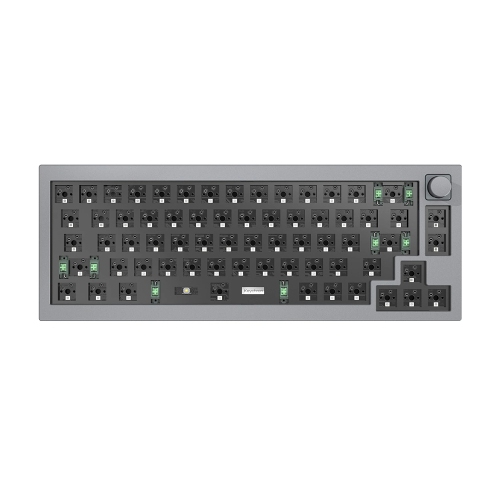
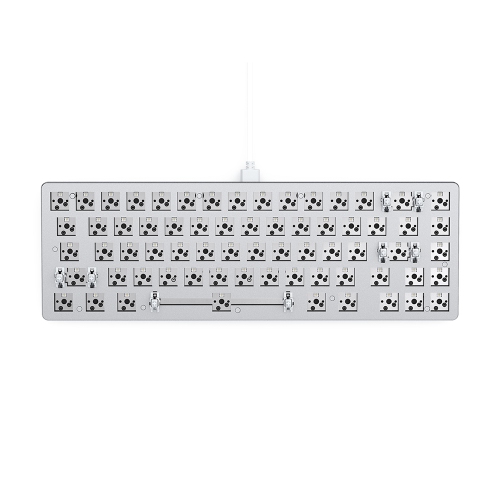
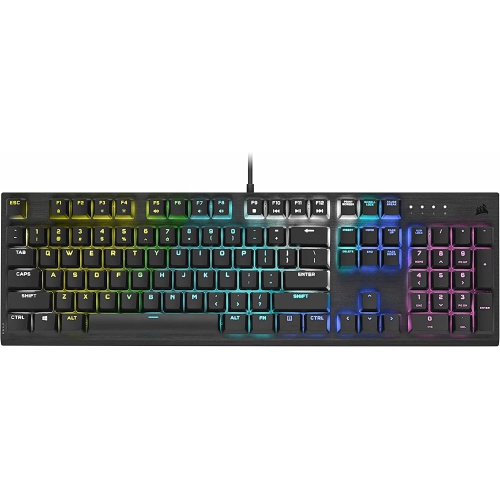
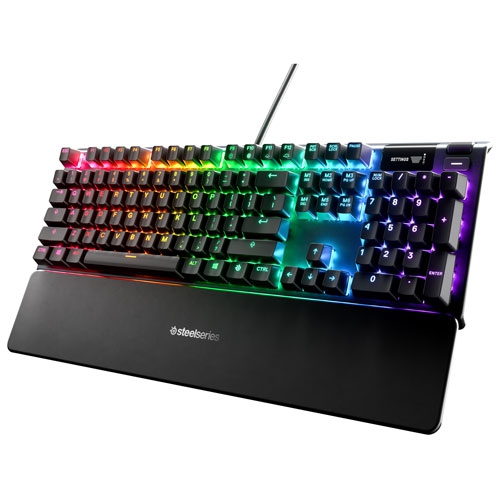
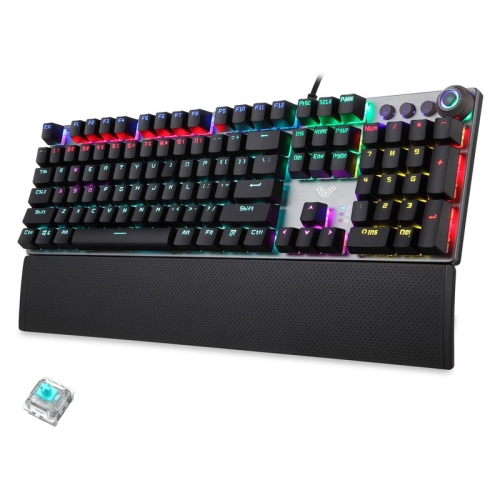
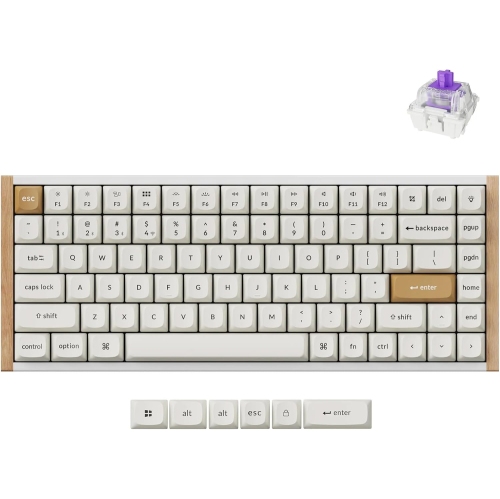
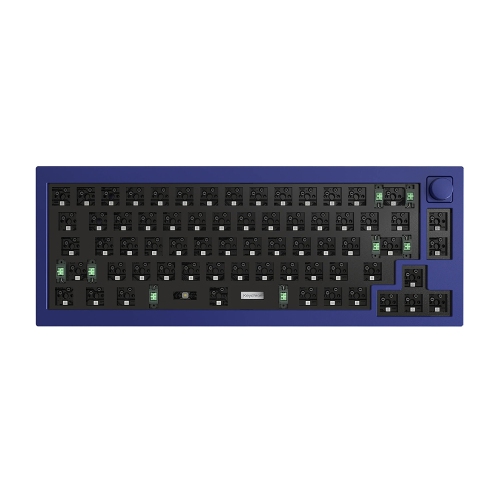
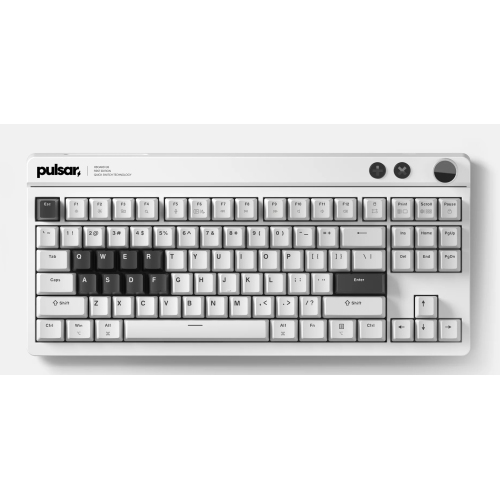
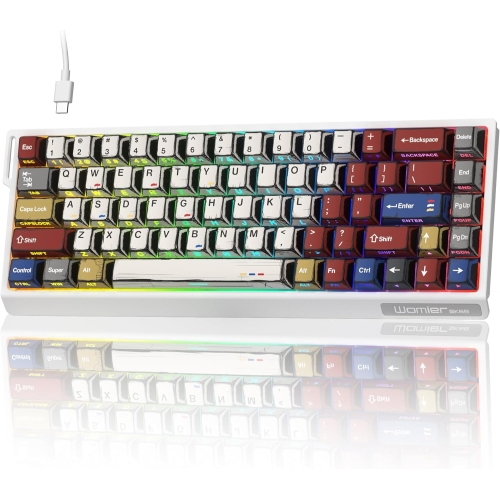
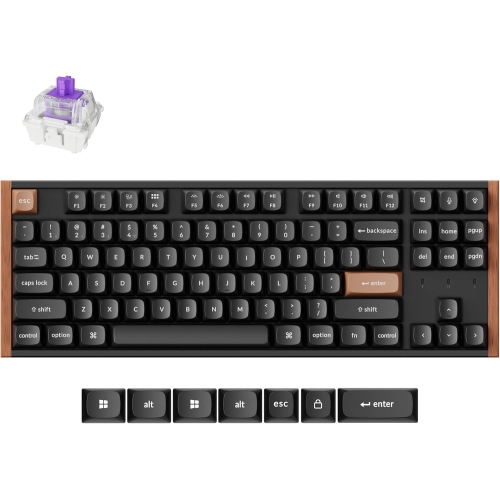
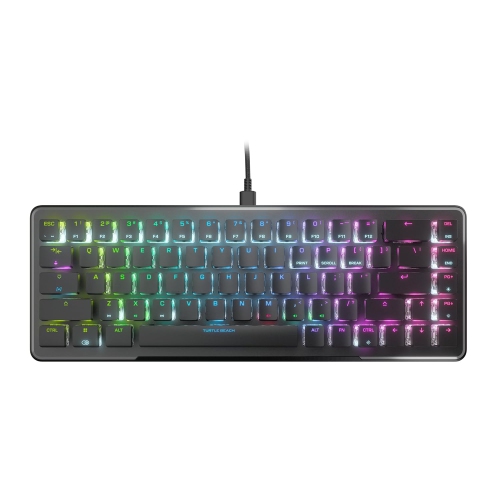
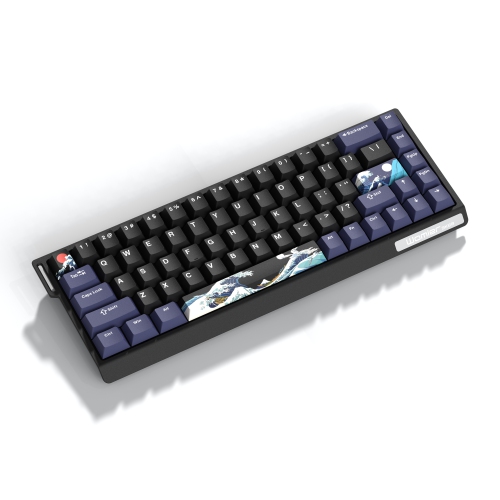
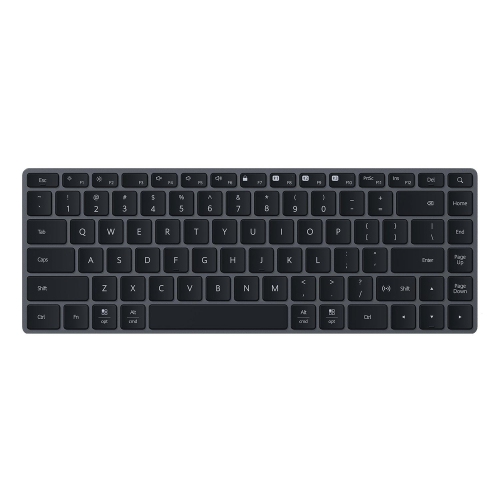
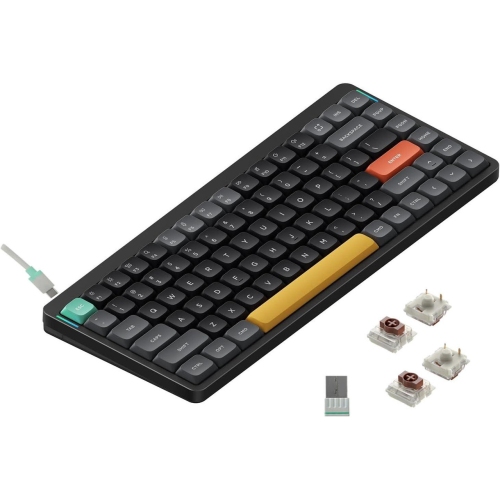
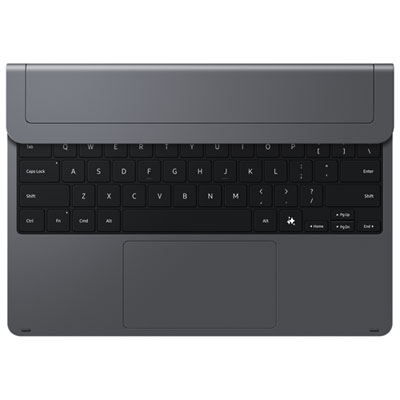
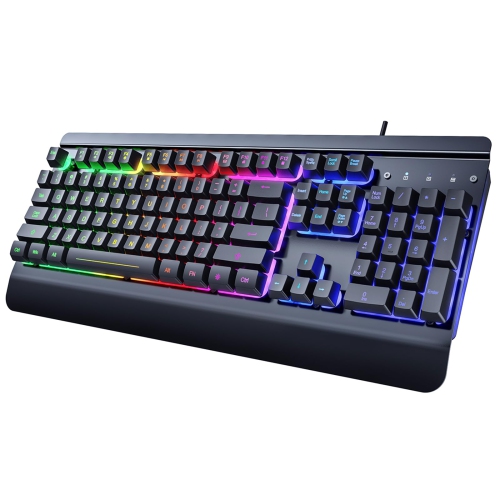
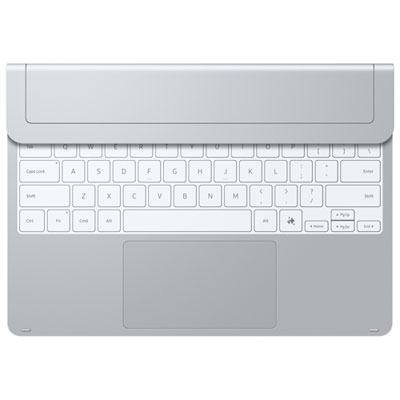
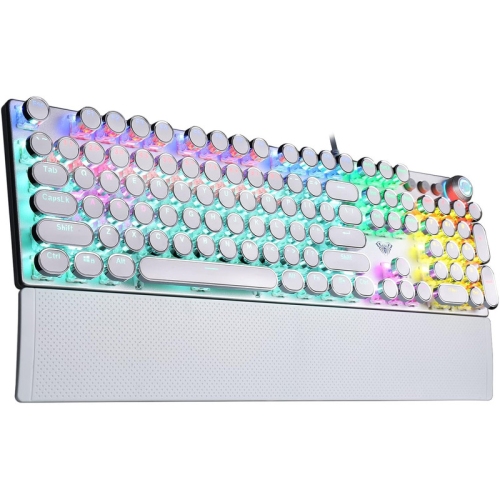
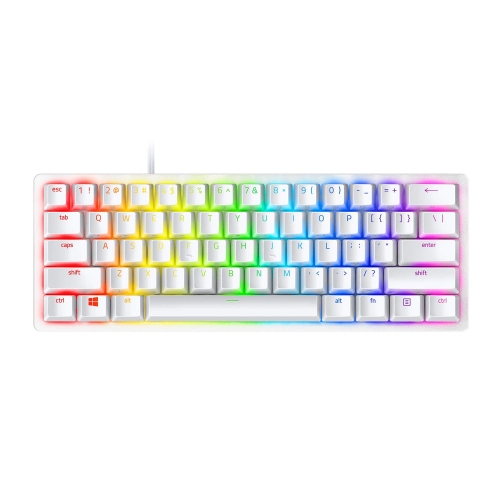
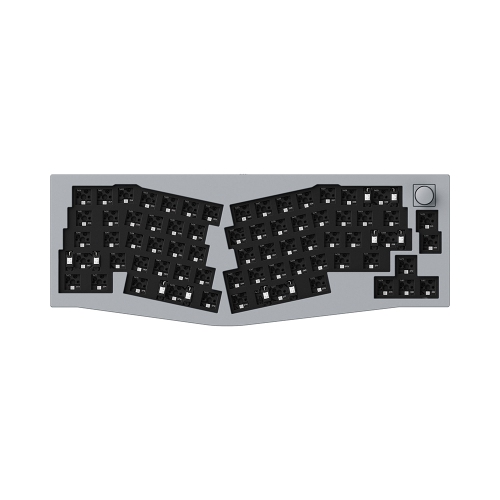
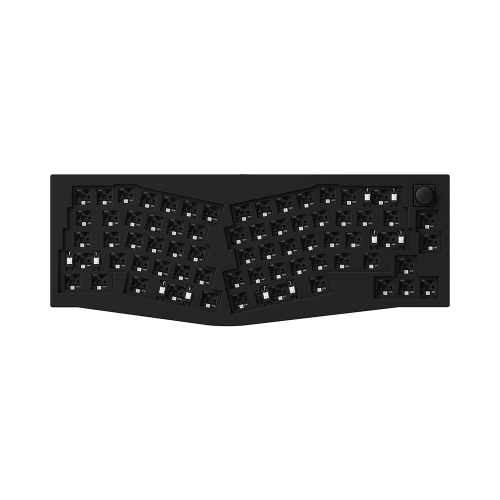
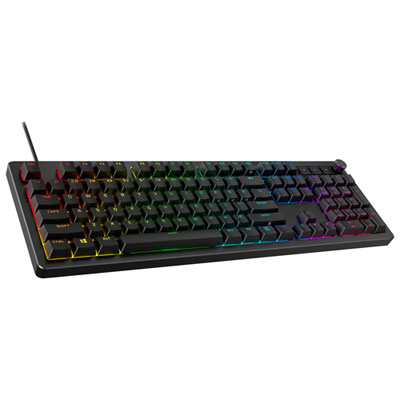
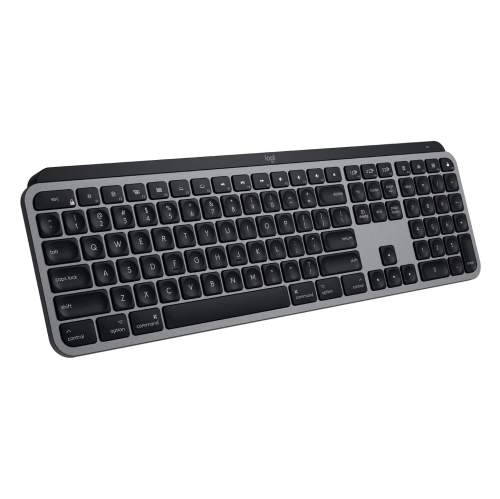
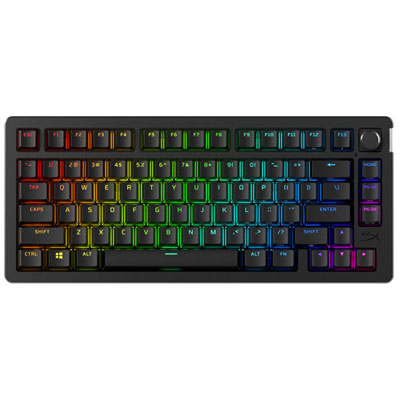
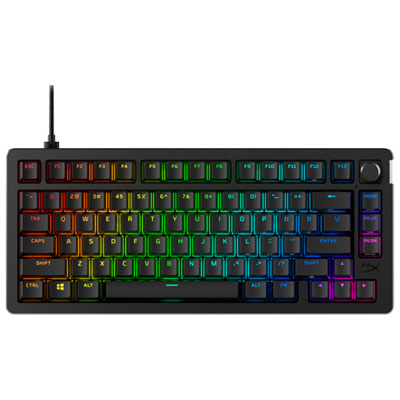
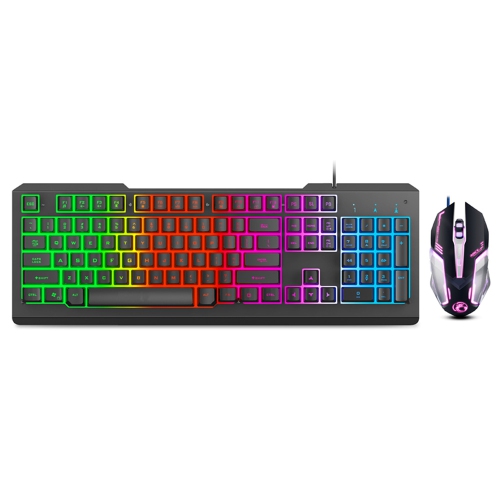
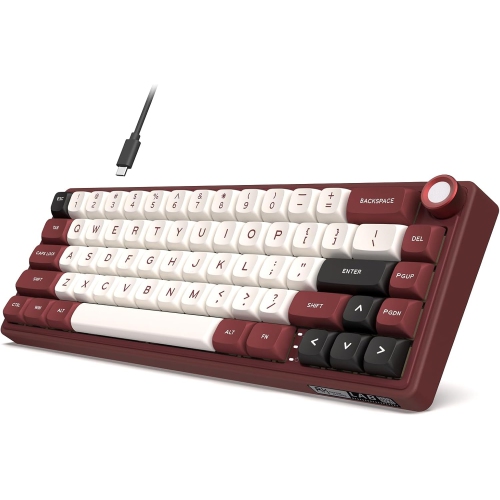
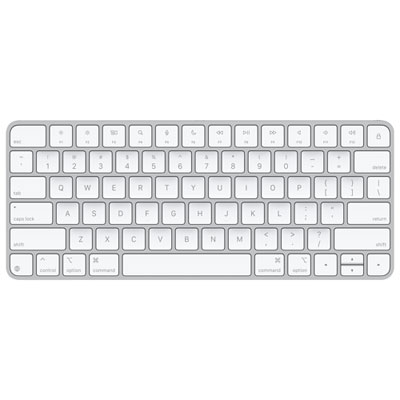
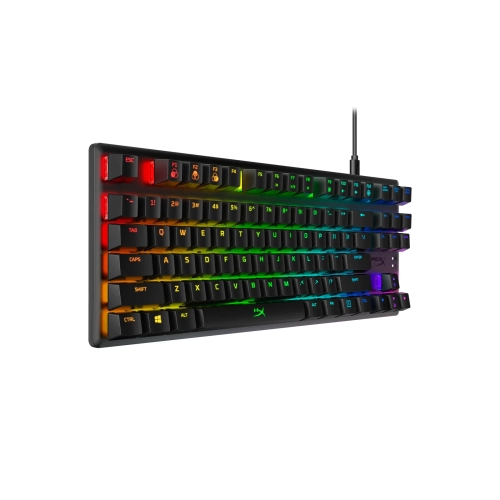
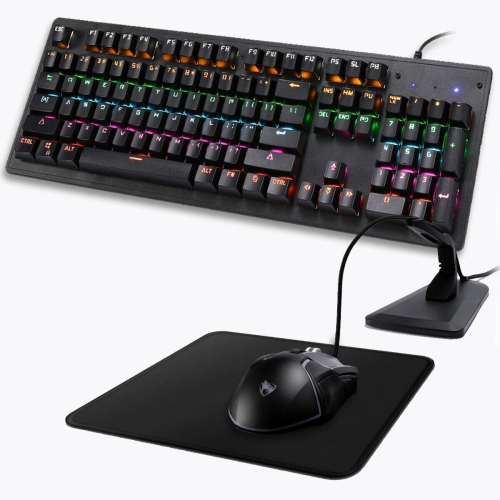
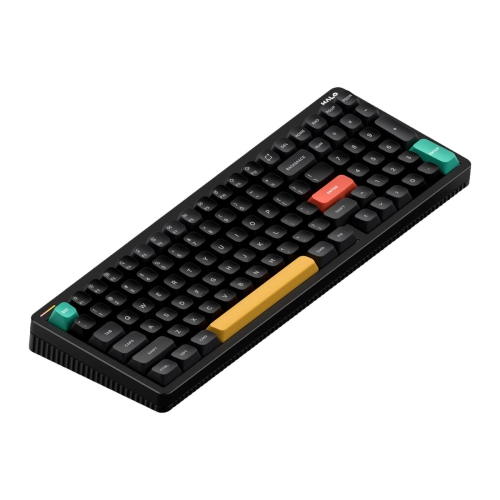
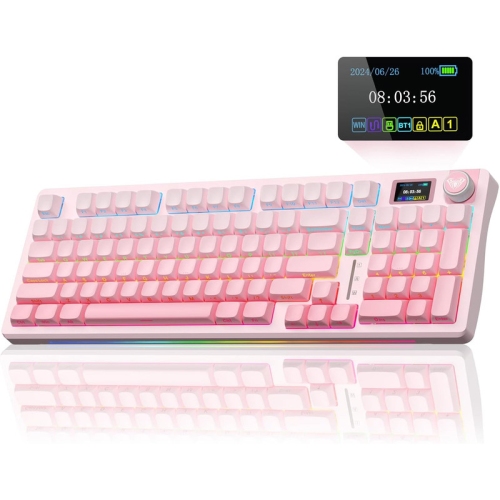
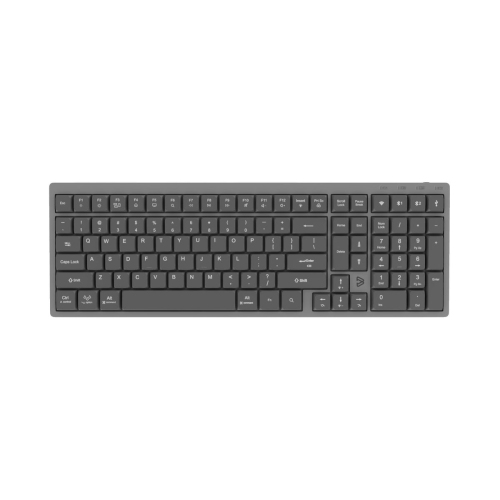
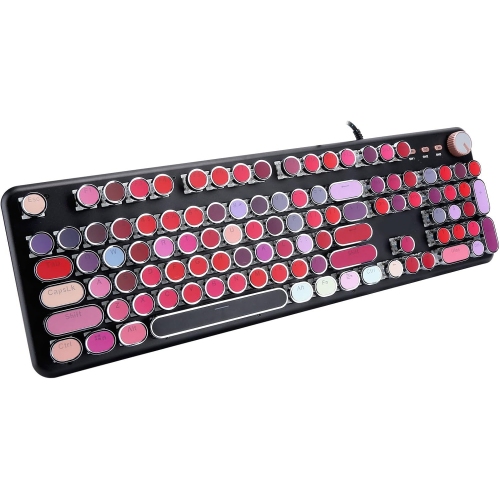
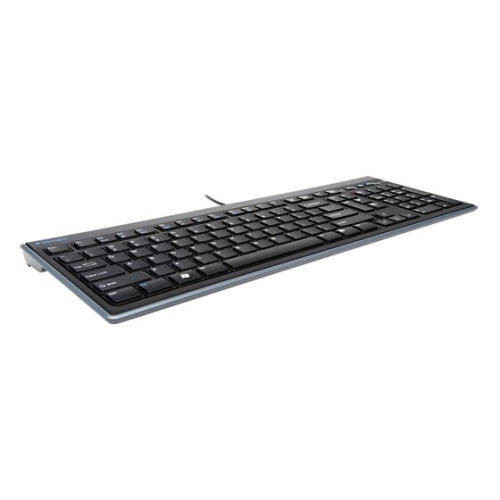
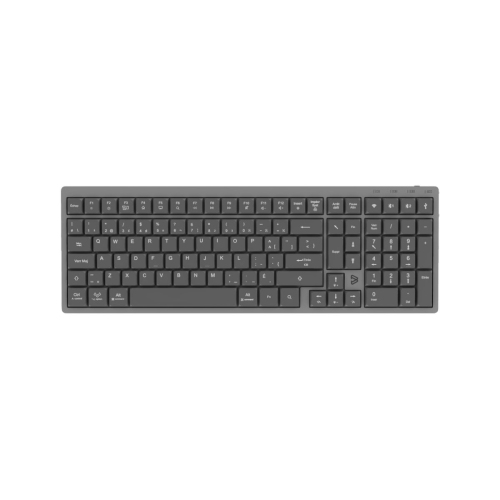
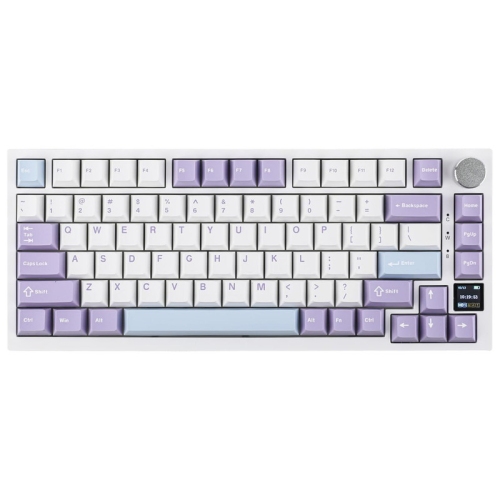
Layout determines how comfortably an aluminum keyboard fits both the desk and the tasks performed there. Full-size layouts include a number pad that suits bookkeeping, data entry, and frequent numerical work. Tenkeyless keyboards remove that section while retaining a separate navigation area and function row, leaving more room for a mouse beside the typing keys. Compact 75% layouts typically keep the function row and arrow keys but bring them closer together, while many 65% designs retain arrows and move function-row commands onto a secondary layer. Smaller layouts can be useful on a narrow desk or when broad mouse movements are part of a gaming setup, but familiar shortcuts may require different key combinations. Layout labels are not completely uniform, making the actual key arrangement more useful than the percentage alone. Bilingual users may also want to check the printed legends and physical layout against their preferred English or French input settings. Beyond size, switch design shapes the daily experience. Linear mechanical switches move without a deliberate tactile bump, tactile switches provide a noticeable point of feedback, and clicky switches add a distinct sound that may carry across a room. A tactile bump does not necessarily indicate the exact point at which a keystroke registers, and a quiet switch is not automatically silent when pressed firmly to the bottom. Low-profile keyboards use shorter assemblies for a slimmer form, while standard-height designs often offer a broader range of compatible replacement keycaps and switches. Hot-swappable sockets allow supported switches to be changed without soldering, but compatibility still depends on the socket and switch format. Keycap material and shape also matter: textured surfaces can feel secure under the fingertips, and different row profiles change how the keys meet the hands. For extended typing, case height, adjustable feet, and desk position deserve as much attention as appearance. Raising the back of a keyboard is not always more comfortable; a flatter angle or an appropriately sized palm rest may better support a relaxed wrist position between typing sessions.
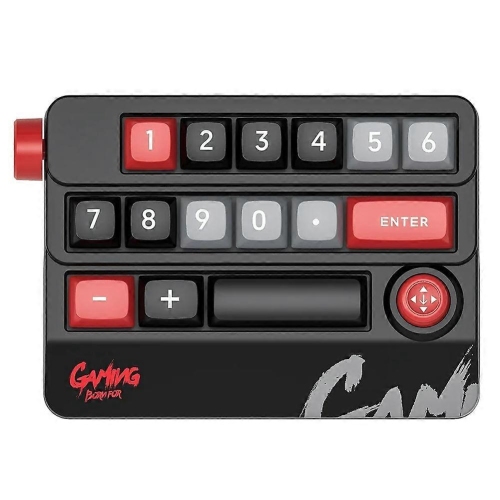
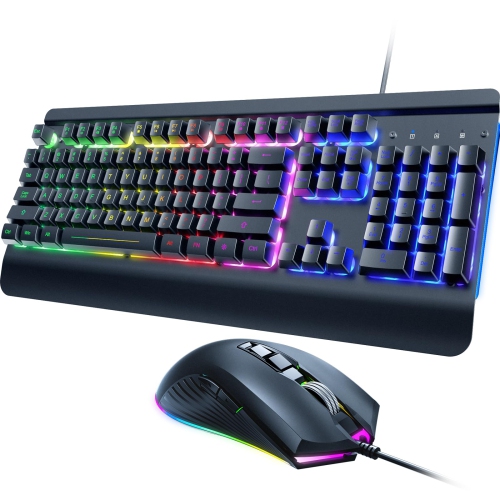
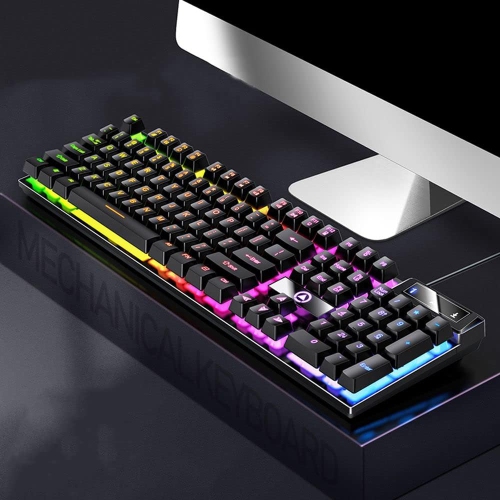
Connectivity is another practical distinction, especially when an aluminum keyboard will move between work and personal devices. Wired designs keep the connection straightforward and avoid the need to recharge a keyboard battery. For a desk built around a direct USB connection, aluminum wired keyboards bring that simplicity together with a metal-bodied design. A detachable cable can make packing and cable replacement easier, although the connector type and clearance around a recessed port should match the cable being used. Wireless designs may connect through Bluetooth, a dedicated USB receiver, or both, and some support switching between several paired devices. Those features can suit someone who types on a desktop computer during the day and a laptop later, provided the keyboard supports the operating systems and connection modes involved. For gaming, connection stability and measured input delay are more informative than a wireless label alone. Battery life varies with lighting, connection mode, and usage, so illuminated keys bring an additional charging consideration. Operating-system shortcuts, media controls, programmable keys, and configuration software can also affect convenience; advanced settings may require software that does not support every device. Care is generally straightforward but should follow the manufacturer's directions. Unplug the keyboard or turn it off before cleaning, remove loose debris gently, and wipe the exterior with a soft cloth lightly dampened with a suitable cleaner. Avoid spraying liquid directly onto the keys, using abrasive pads on the finish, or treating the metal case as evidence of spill resistance. Removable keycaps can make deeper cleaning easier, but only parts intended for removal should be taken off. A padded sleeve helps protect the finish during travel, though a substantial aluminum case adds weight to a bag. As a gift for a writer, student, gamer, or someone building a more comfortable workspace, an aluminum keyboard is most useful when its layout, sound, and connection options match the recipient's habits. Those everyday details determine whether its solid construction remains enjoyable through long documents, repeated shortcuts, and years of regular use.
Top selling and popular products
-
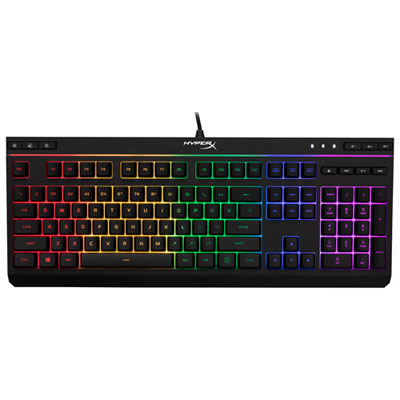 Your price for this item is $39.99
-
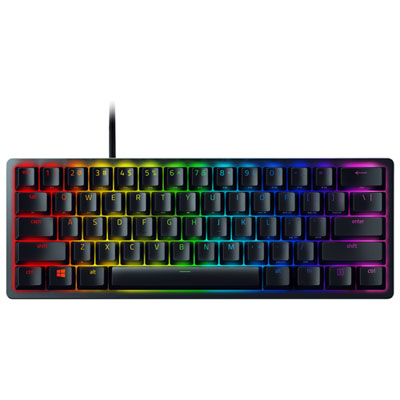 Your price for this item is $89.98
-
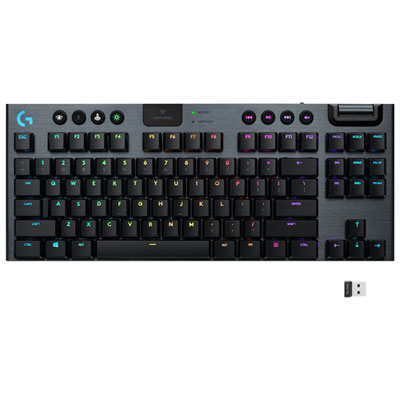 Your price for this item is $319.95
-
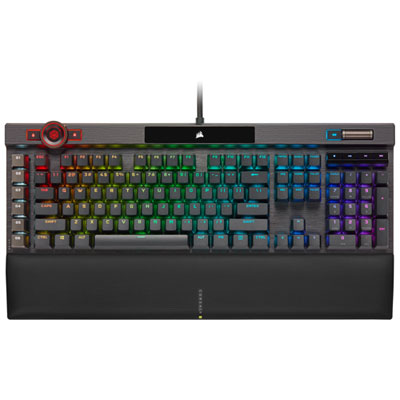 Your price for this item is $364.95
-
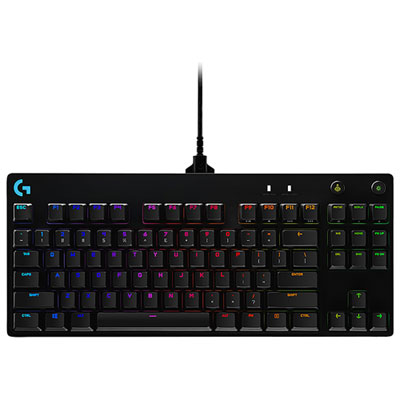 Your price for this item is $149.99
-
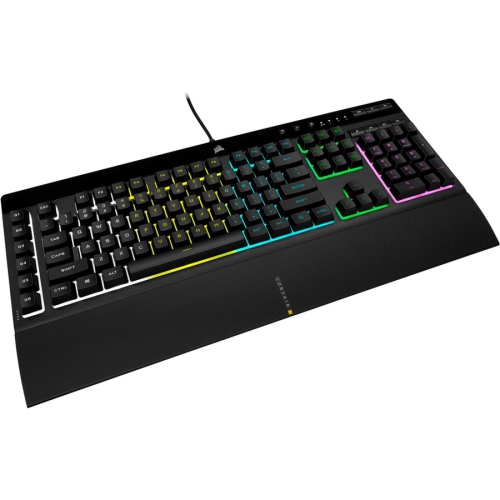 Your price for this item is $124
-
 Your price for this item is $94.99
-
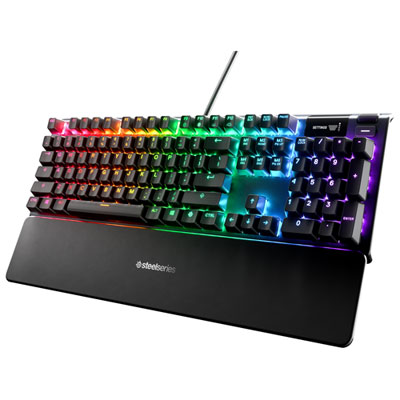 Your price for this item is $139.95