AMD FreeSync Premium Monitors
Experience ultra-smooth visuals and responsive gameplay with AMD FreeSync Premium Monitors. Designed to deliver an enhanced viewing experience, these monitors are ideal for gamers, creative professionals, and anyone seeking seamless performance. Explore a wide selection of sizes, resolutions, and designs to find the perfect fit for your setup. With AMD FreeSync Premium Monitors, you can enjoy crisp images and fluid motion for work, play, and everything in between.
Sort
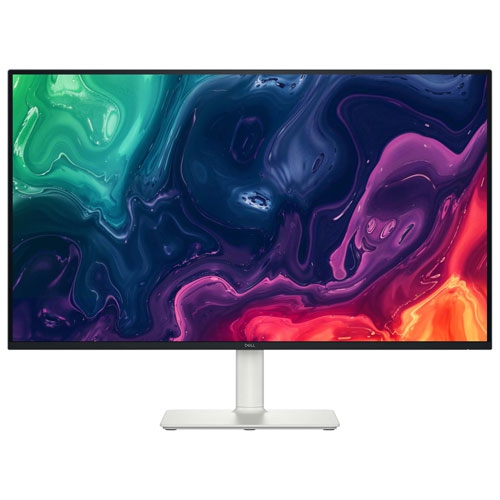
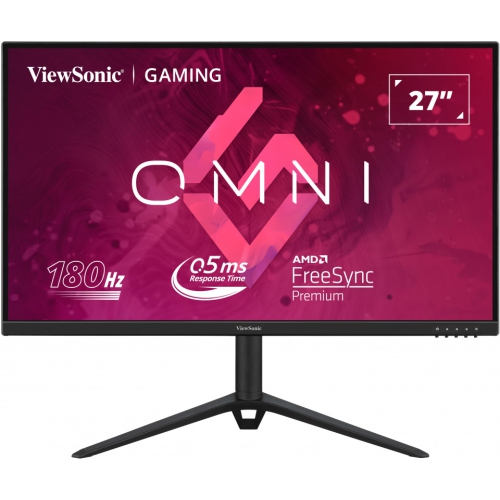
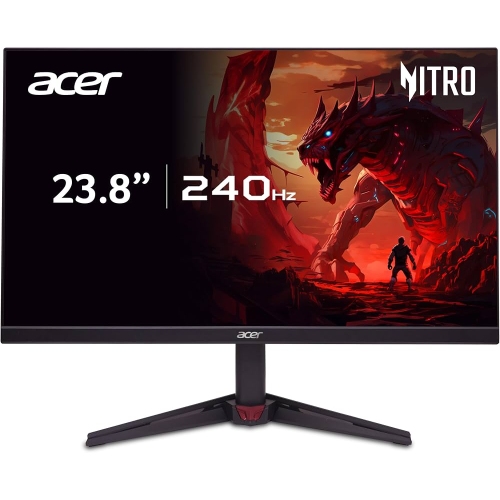
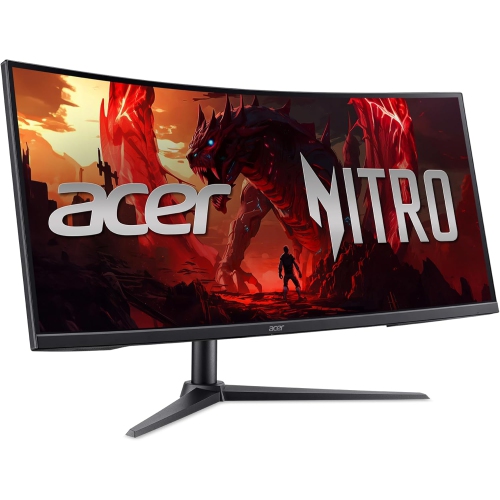
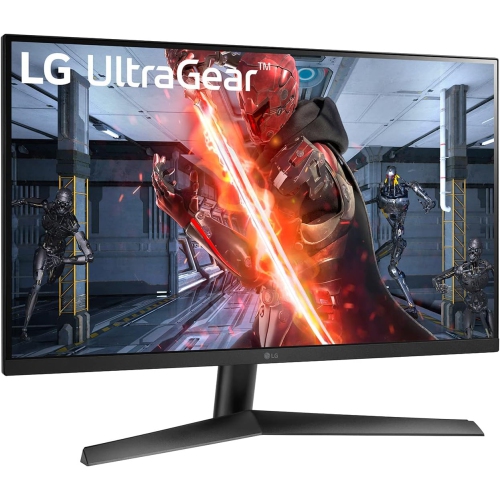
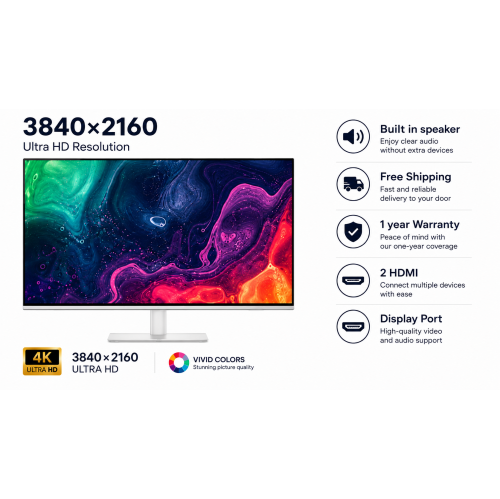

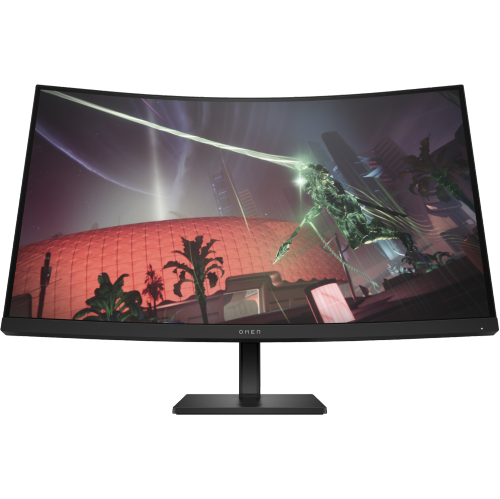
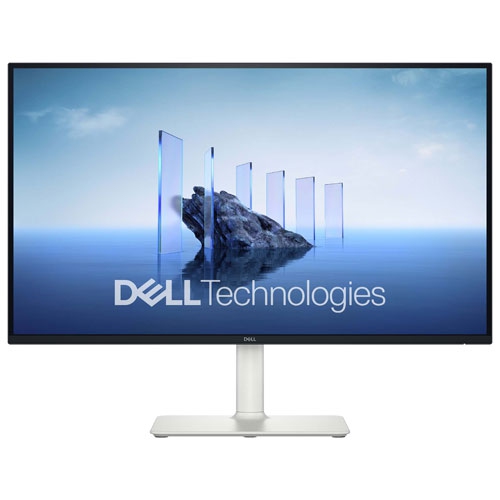
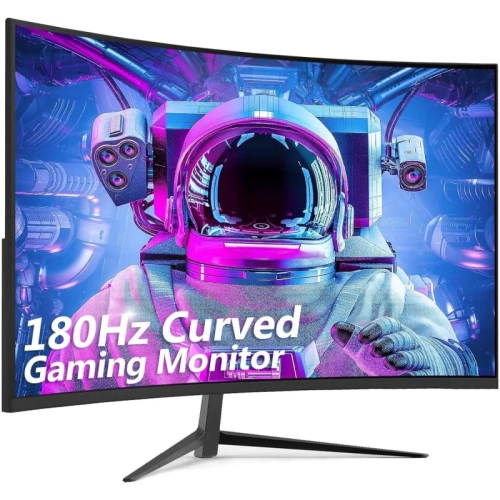
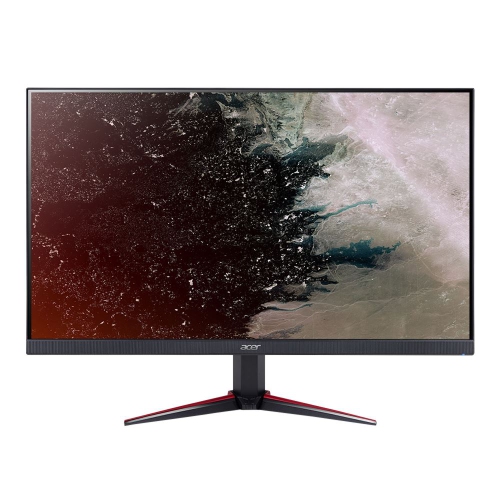
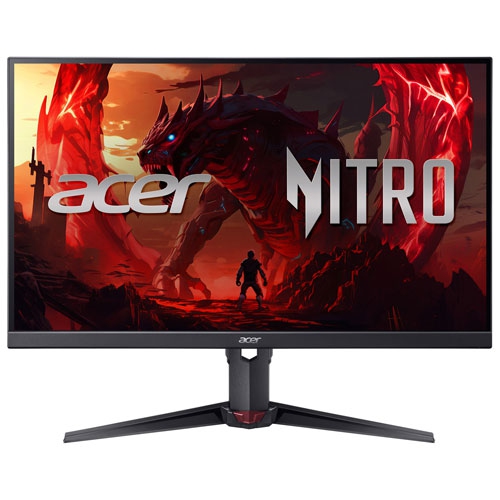
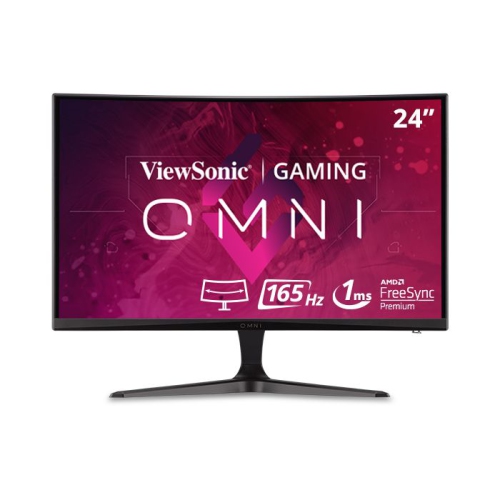
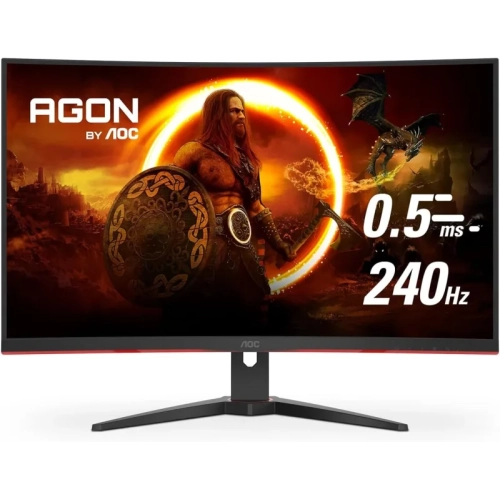
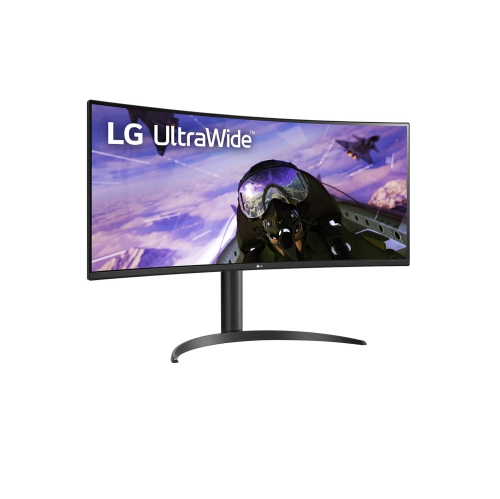
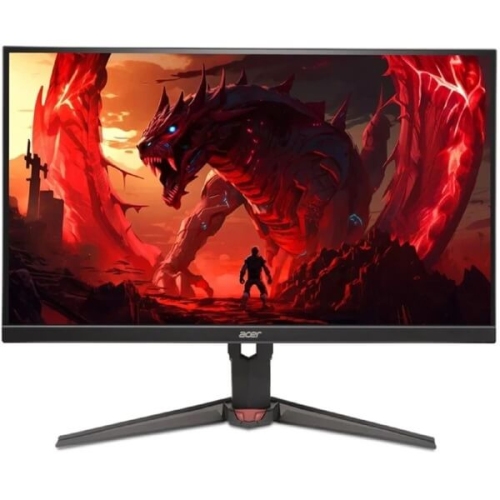
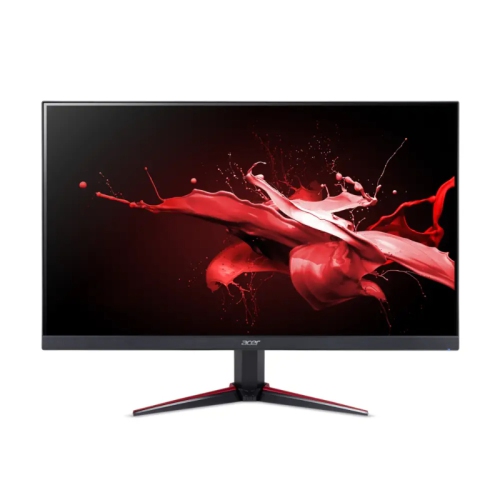

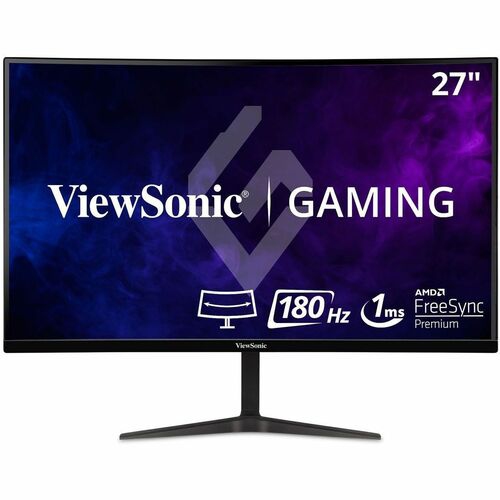
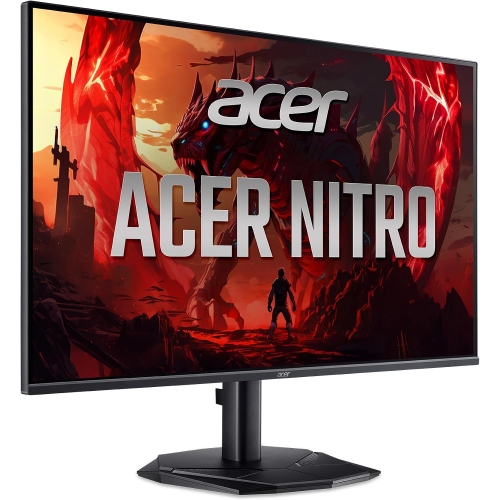
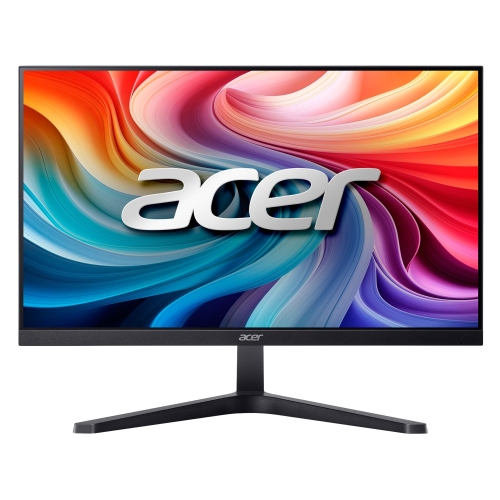
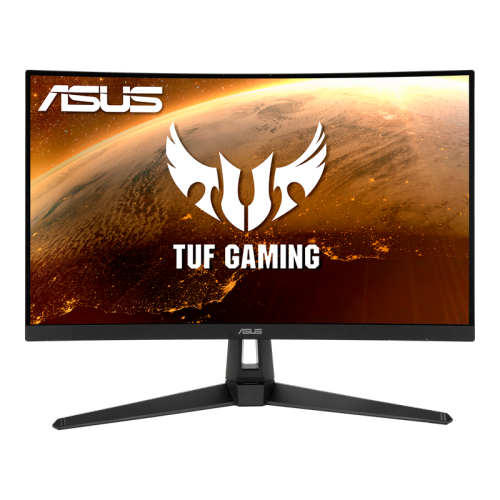
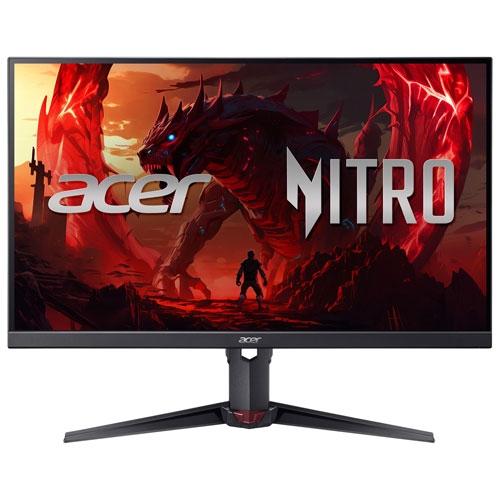
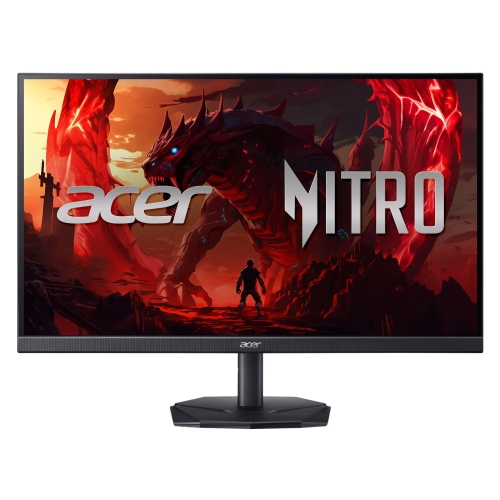
Smoother gaming when frame rates rise and fall
AMD FreeSync Premium monitors are gaming displays that use adaptive synchronization to coordinate the screen’s refresh rate with the frame rate delivered by a compatible graphics processor. This helps reduce screen tearing, where portions of different frames appear together, and the uneven motion that can occur when display timing and frame delivery fall out of step. The difference is especially noticeable when panning across a detailed landscape, following a fast-moving opponent, or steering through a tight corner in a racing game. FreeSync Premium combines variable refresh rate support with high-refresh-rate performance and low framerate compensation, commonly called LFC. When a game’s frame rate falls below the display’s supported variable refresh rate range, LFC repeats frames at a suitable multiple to keep the display operating within that range. It does not create new game frames or make an underpowered computer render faster, but it can help maintain more consistent presentation during demanding scenes. That distinction matters in games where performance changes between a quiet indoor area and a crowded outdoor battle. Basic FreeSync certification does not require LFC, while the Premium tier includes it; Premium Pro adds requirements relating to HDR performance and HDR gaming. FreeSync Premium alone should therefore not be treated as a guarantee of a particular HDR experience. Resolution, refresh rate, panel behaviour, and connection support remain important differences between displays carrying the same certification. A high maximum refresh rate gives the screen more opportunities to show fresh frames, while adaptive synchronization helps manage the fluctuations that happen during actual play. Neither feature replaces the need for a capable graphics processor or appropriate game settings. For a broader selection spanning different specifications, Free Sync Compatible Monitors offers a related category to explore. Within the Premium tier, the most useful match is a display whose resolution, motion performance, and supported connections suit the system it will be paired with.
Screen size and resolution shape how a monitor feels just as much as its synchronization technology. A 24-inch Full HD screen can suit a compact desk and keep the whole playing field comfortably in view, while a 27-inch display with a 2560 × 1440 resolution offers more detail and useful room for everyday multitasking. Larger 4K displays can make fine textures and small text look crisp, although rendering games at that resolution places greater demands on the graphics processor. At a similar screen size, higher pixel density generally produces sharper text and finer image detail. Competitive players may favour higher refresh rates and clear motion over maximum resolution, while players who spend time exploring richly detailed worlds may place more weight on image sharpness, contrast, and colour. Panel technology also influences that balance. IPS panels commonly offer wide viewing angles and consistent colour, VA panels often deliver strong native contrast, and OLED panels provide deep blacks and very fast pixel transitions. Actual performance varies by display, and OLED ownership includes attention to the manufacturer’s panel-care features and guidance around prolonged static content. An advertised response time is not the same as input lag, nor does it describe every transition a pixel makes. Overdrive settings can improve motion clarity, but an overly aggressive setting may introduce bright or dark trails around moving objects. A curved screen can make the edges of a wide display feel more evenly positioned around the viewer, while a flat panel may fit more naturally into a shared workspace or a side-by-side arrangement. Ultrawide formats provide additional horizontal space in supported games and applications, though some games and consoles use a standard widescreen image instead. For a desk that handles spreadsheets by day and gaming later, readable text, comfortable scaling, and enough room for two windows may matter as much as a fast refresh rate. Surface finish matters too: a matte treatment can soften distracting reflections, while a glossier finish may require more deliberate placement relative to lamps and windows.
Physical fit, connections, and everyday care help determine whether a FreeSync Premium monitor will remain comfortable and practical over time. Measure the desk depth as well as its width, allowing room for the stand, keyboard, mouse movement, and a comfortable viewing distance. A wide stand can occupy more usable space than the screen size suggests, particularly when speakers or a microphone also sit on the desk. Height adjustment, tilt, and swivel make it easier to position the display without stacking objects underneath it; pivot support can be useful for documents or coding when the monitor also serves a work role. A compatible monitor arm can free desk space, provided its mounting pattern and weight capacity match the display. Housings commonly combine moulded plastic with metal supports or internal reinforcement, but a steady base, secure adjustment mechanisms, and well-positioned ports are more meaningful indicators of everyday usability than appearance alone. Connection details deserve close attention because the highest resolution and refresh rate may depend on the port, cable, and source device. Adaptive synchronization support can also differ between HDMI and DisplayPort inputs. For laptop use, a USB-C connector does not automatically guarantee video input, charging, or the full advertised refresh rate; those functions need to be specified. Console players should check compatibility with their console’s resolution, refresh rate, and variable refresh rate features rather than assuming the certification covers every combination. Once connected, the intended refresh rate may need to be selected in the operating system, and adaptive synchronization may need to be enabled in the monitor menu and graphics settings. For cleaning, switch off the display and use a clean, soft microfibre cloth, following the manufacturer’s instructions for any approved cleaning solution. Avoid spraying liquid directly onto the panel or pressing firmly against its surface, and keep ventilation openings unobstructed. These monitors can suit competitive players, casual gaming households, students, and people sharing one screen between work and entertainment. As a gift for a gamer, compatibility with their computer or console and the space on their desk are particularly useful details to confirm before choosing a size or connection layout.
Top selling and popular products
-
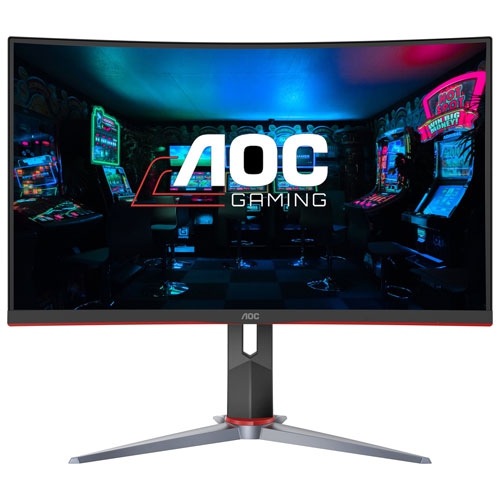 Your price for this item is $275
-
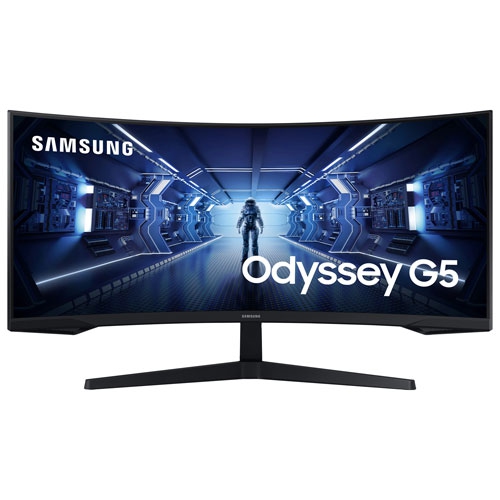 Your price for this item is $559.68
-
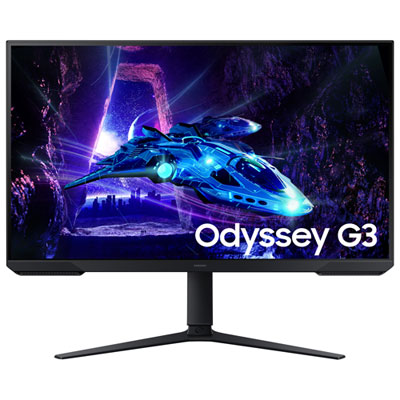 Your price for this item is $209.95
-
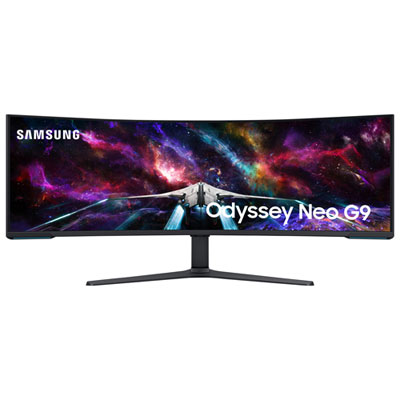 Your price for this item is $3299.99
-
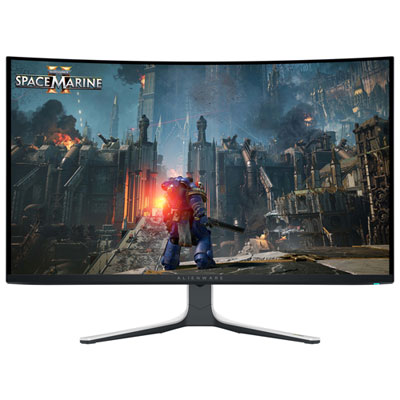 Your price for this item is $1349.99
-
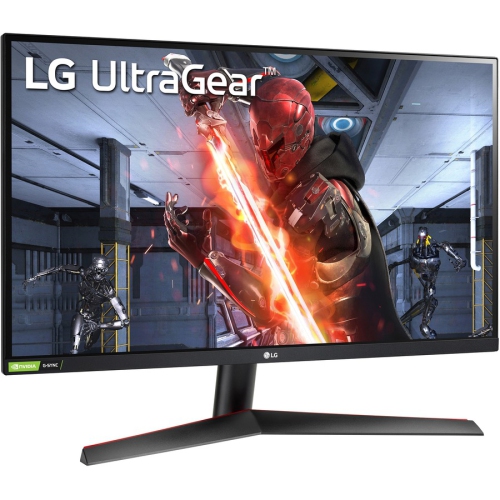 Your price for this item is $554.68
-
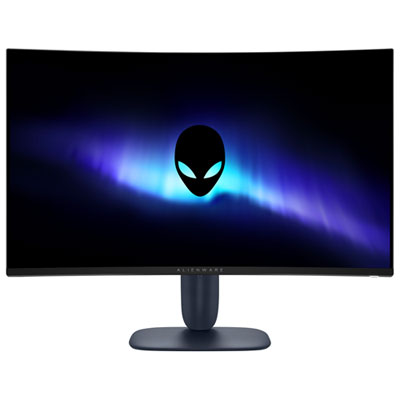 Your price for this item is $339.95
-
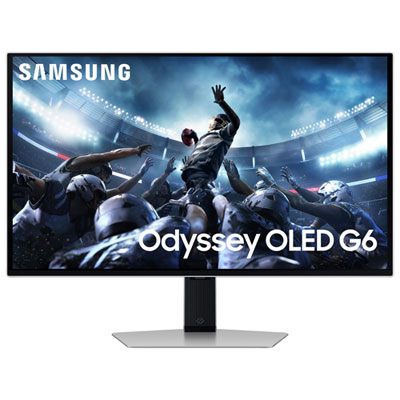 Your price for this item is $1199.99
Discover more categories related to AMD FreeSync Premium Monitors
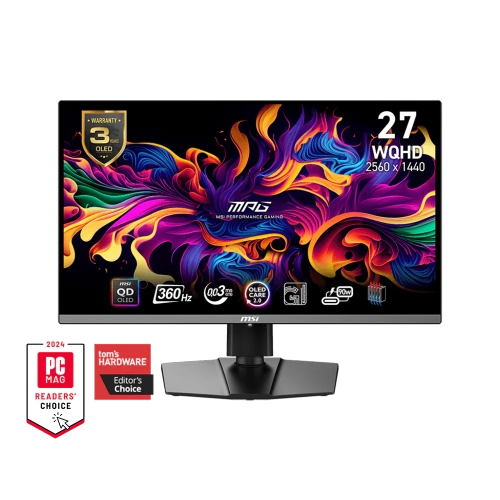
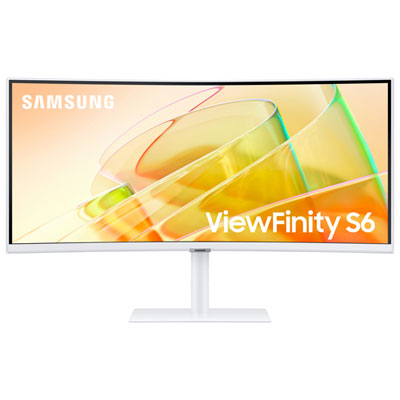
Top Collections:
Best Black Friday Deals This Year, Best Black Friday Deals On Electronics, Kindle Devices, Pokemon Centers, Best Black Friday Deals On Apple Products, Best Cameras for Sports Photography, Dyson Airwrap, Pokémon 30th Celebration Cards, Apple iPhone 17 Pro, Canon G7X Cameras
Some products may be subject to Environmental Handling Fees
(EHF) depending on your province.
Learn more about EHFs.