Antivirus Software for Multiple Computers
Antivirus Software For Multiple Computers offers a convenient solution for households or offices looking to protect several devices at once. Whether you’re managing a busy family network or a small business setup, finding the right antivirus software can help keep your computers running smoothly and securely. Explore a variety of options designed to simplify protection across multiple PCs, making it easy to safeguard your digital environment with just one purchase.
Sort
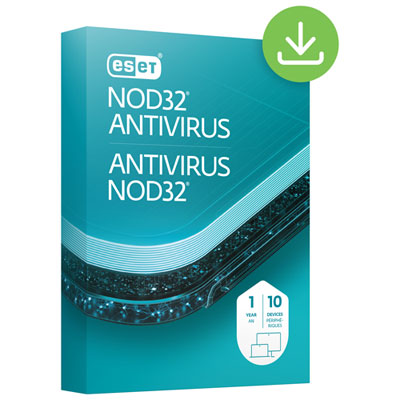
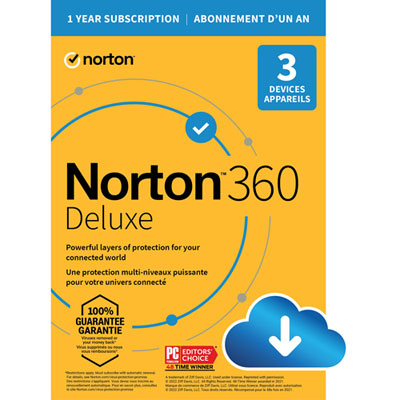
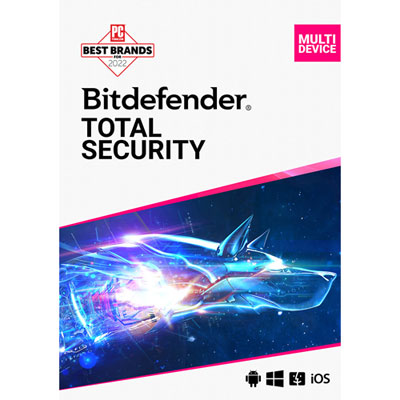
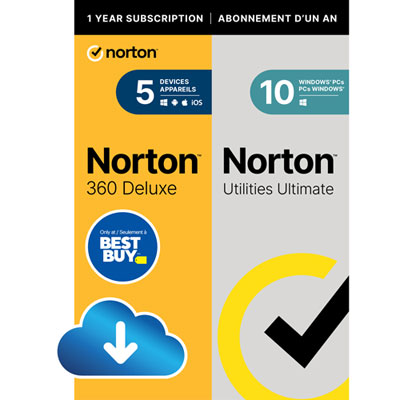
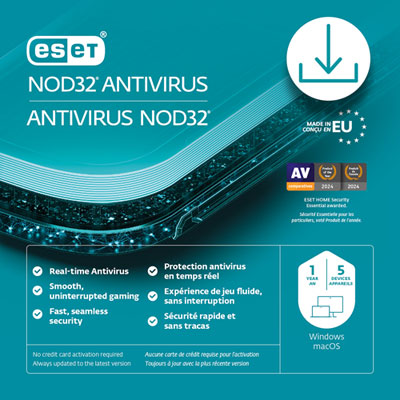

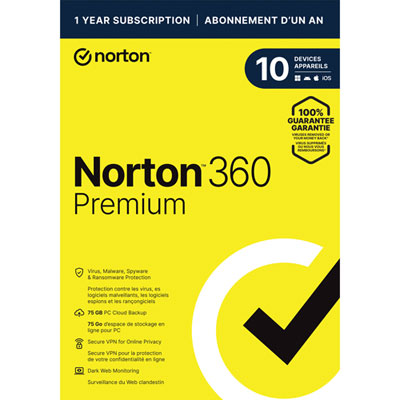
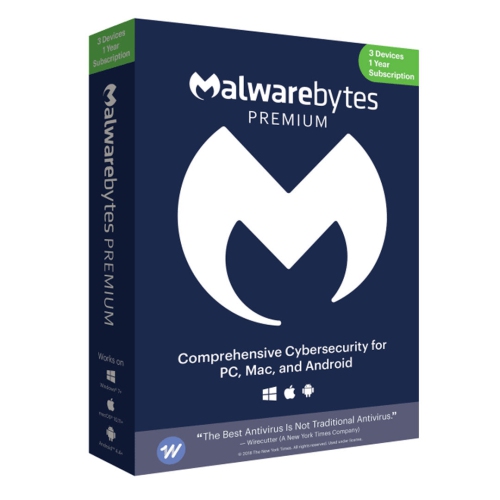

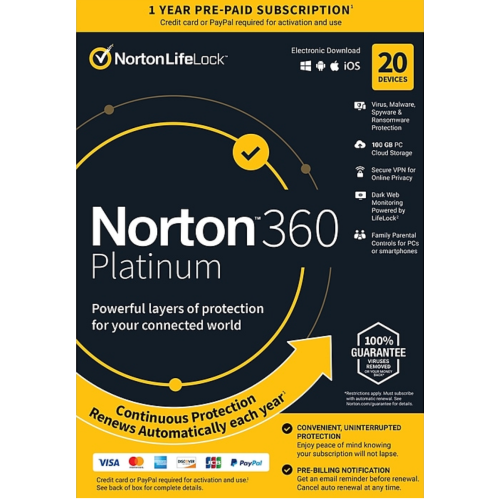
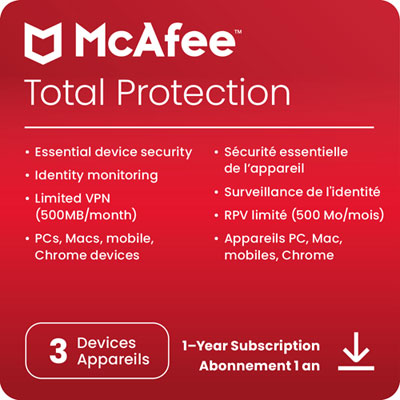
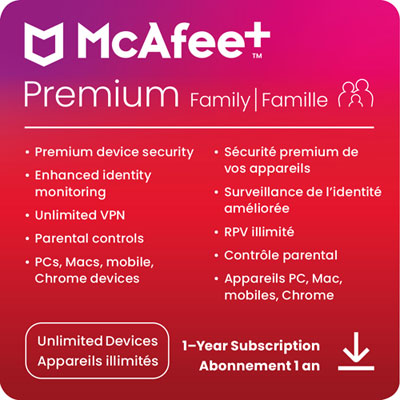
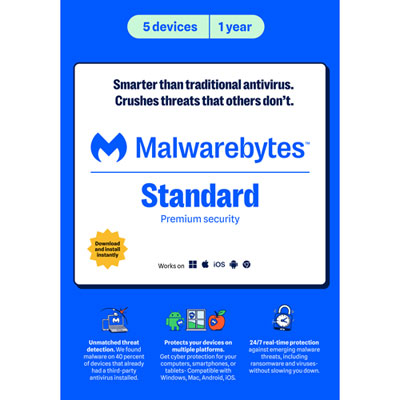
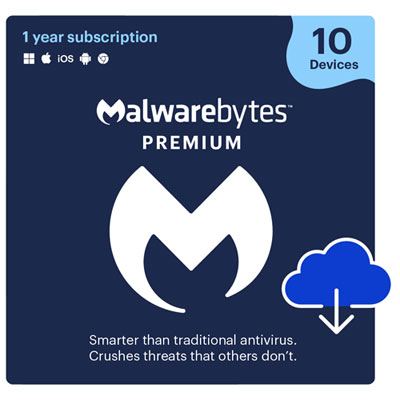
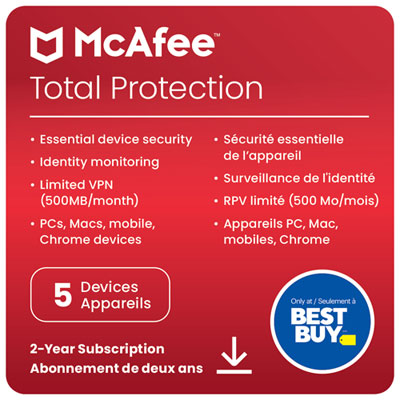

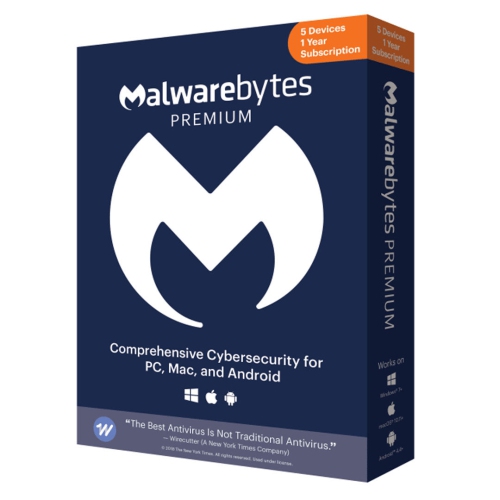
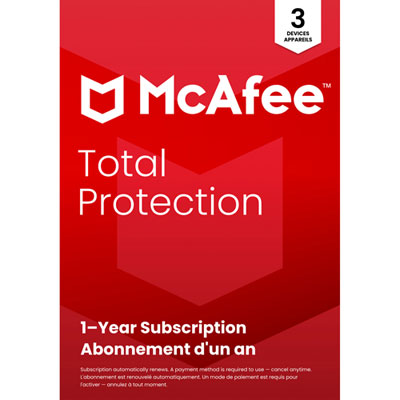
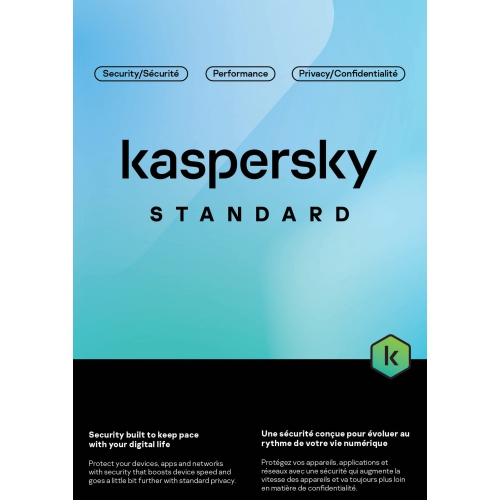
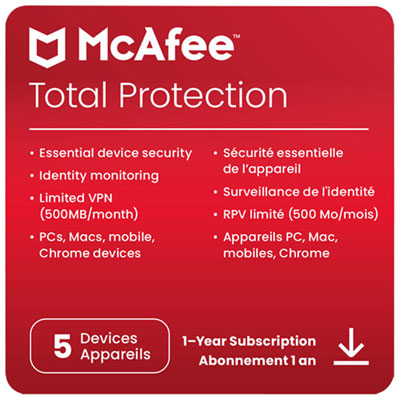
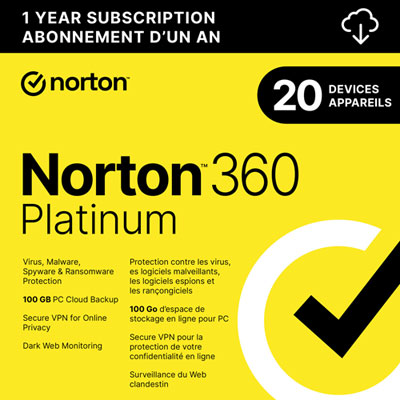
One licence can cover your household’s different computers
Antivirus software for multiple computers brings protection for several laptops or desktops under one licence or subscription, making it a practical option for households with more than one computer. A family might have a desktop for homework, a laptop that travels between home and campus, and another computer used for banking, shopping, and keeping in touch. Rather than purchasing and tracking separate subscriptions, a multi-computer package can cover those machines together, subject to its device limit and licence terms. The most useful starting point is the number of computers you actually need to protect, followed by their operating systems and the features you will use. A package labelled for multiple devices may also support phones and tablets, but those devices generally count towards the same allowance; a five-device licence does not necessarily mean five computers plus mobile coverage. Compatibility matters just as much as capacity. Check that each computer’s operating system version meets the software’s requirements, particularly if your household mixes Windows and Mac computers or keeps an older laptop for occasional use. Features can differ between supported platforms, so compatibility alone does not mean every computer receives an identical set of tools. Subscription length is another important distinction: the number of devices covered and the number of years included are separate parts of the purchase. Check when the subscription starts, whether activation has a deadline, and whether the advertised cost applies only to an introductory term. Automatic billing terms and the cost of continuing coverage also deserve attention. For a clear comparison, look at the total cost over the included term and the number of computers you will actually enrol, rather than the largest device allowance on the package. The right fit is usually enough coverage for the computers in regular use, with a little room for a planned addition, rather than a larger bundle whose extra capacity sits unused. A shared account or dashboard, where available, can also make it easier to see which computers are protected and when their coverage expires.
Protection features help distinguish one multi-computer antivirus package from another. Real-time scanning checks files and activity as you use a computer, while on-demand and scheduled scans provide additional ways to look for threats. Malware protection may address viruses, spyware, and other malicious software; ransomware protection may add safeguards against attempts to encrypt or alter personal files. Web protection can help flag suspicious sites and phishing attempts, including links that imitate familiar sign-in pages or delivery notifications. These tools add useful layers, but no antivirus software can guarantee that every threat will be caught. Keeping your operating system and browser updated, using strong, unique passwords, and maintaining separate backups remain important. Beyond the core antivirus features, some security suites include a firewall, password management, a virtual private network, parental controls, or cloud backup. Their value depends on how your household uses its computers. A VPN may be useful when connecting a laptop to shared Wi-Fi, but it does not make a fraudulent website trustworthy or replace antivirus protection. Cloud backup can help preserve important files, although storage allowances, supported operating systems, and restoration options vary. Parental controls may offer content filtering or screen-time settings, with availability differing by platform and account setup. Check whether these additional tools are included for the full subscription term, limited to certain devices, or subject to separate activation. Performance is worth considering, too. A computer used for video calls, school assignments, and everyday browsing should remain comfortable to use while protection runs in the background. System requirements, scan scheduling, and notification settings help you judge whether a package suits an older desktop or a busy work laptop. Gaming or quiet modes, when included, may reduce interruptions during full-screen activities, though their behaviour varies. Clear alerts matter as much as a long feature list: a warning should help the person at the keyboard understand what happened and what action is needed, without turning every download into a confusing decision.
Multi-computer antivirus software suits a range of everyday routines, from a couple sharing a home office to a busy household where laptops move between the kitchen table, bedrooms, and backpacks. During the cooler months, those computers may handle school projects, online purchases, travel bookings, and evenings of entertainment, often with several people downloading files or opening links throughout the day. Central management can be especially helpful for the person who usually handles household technology. Depending on the package, an account dashboard may show installation status, security alerts, and available device slots, reducing the need to check each machine individually. Simple installation and accessible customer support are valuable when setting up coverage for a student or a relative who prefers not to manage detailed settings. Antivirus software can also be a practical addition to a computer gift, provided the recipient needs it and the licence can be activated on their account. For digital purchases, review how the activation code is delivered, which account must redeem it, and any applicable return restrictions before buying. If a laptop already has security software installed, check the setup guidance before adding another package; running more than one real-time antivirus application can cause conflicts or affect performance. It is also worth reviewing how the new software works alongside the computer’s built-in security features. Households replacing a computer should check whether coverage can be transferred and how to remove the old device from the subscription. For computers used by employees or managed across a company, Antivirus for Business Computers offers a more relevant category to explore, since commercial licensing, administrator controls, and support requirements may differ from household packages. A personal multi-device subscription should not be assumed to permit business use. For home use, the strongest purchase is a package that matches your computers, provides the protective tools you need, and stays straightforward to manage throughout its term. That balance makes ongoing protection easier to maintain, whether you are looking after two everyday laptops or several computers used by the whole family.
Protection features help distinguish one multi-computer antivirus package from another. Real-time scanning checks files and activity as you use a computer, while on-demand and scheduled scans provide additional ways to look for threats. Malware protection may address viruses, spyware, and other malicious software; ransomware protection may add safeguards against attempts to encrypt or alter personal files. Web protection can help flag suspicious sites and phishing attempts, including links that imitate familiar sign-in pages or delivery notifications. These tools add useful layers, but no antivirus software can guarantee that every threat will be caught. Keeping your operating system and browser updated, using strong, unique passwords, and maintaining separate backups remain important. Beyond the core antivirus features, some security suites include a firewall, password management, a virtual private network, parental controls, or cloud backup. Their value depends on how your household uses its computers. A VPN may be useful when connecting a laptop to shared Wi-Fi, but it does not make a fraudulent website trustworthy or replace antivirus protection. Cloud backup can help preserve important files, although storage allowances, supported operating systems, and restoration options vary. Parental controls may offer content filtering or screen-time settings, with availability differing by platform and account setup. Check whether these additional tools are included for the full subscription term, limited to certain devices, or subject to separate activation. Performance is worth considering, too. A computer used for video calls, school assignments, and everyday browsing should remain comfortable to use while protection runs in the background. System requirements, scan scheduling, and notification settings help you judge whether a package suits an older desktop or a busy work laptop. Gaming or quiet modes, when included, may reduce interruptions during full-screen activities, though their behaviour varies. Clear alerts matter as much as a long feature list: a warning should help the person at the keyboard understand what happened and what action is needed, without turning every download into a confusing decision.
Multi-computer antivirus software suits a range of everyday routines, from a couple sharing a home office to a busy household where laptops move between the kitchen table, bedrooms, and backpacks. During the cooler months, those computers may handle school projects, online purchases, travel bookings, and evenings of entertainment, often with several people downloading files or opening links throughout the day. Central management can be especially helpful for the person who usually handles household technology. Depending on the package, an account dashboard may show installation status, security alerts, and available device slots, reducing the need to check each machine individually. Simple installation and accessible customer support are valuable when setting up coverage for a student or a relative who prefers not to manage detailed settings. Antivirus software can also be a practical addition to a computer gift, provided the recipient needs it and the licence can be activated on their account. For digital purchases, review how the activation code is delivered, which account must redeem it, and any applicable return restrictions before buying. If a laptop already has security software installed, check the setup guidance before adding another package; running more than one real-time antivirus application can cause conflicts or affect performance. It is also worth reviewing how the new software works alongside the computer’s built-in security features. Households replacing a computer should check whether coverage can be transferred and how to remove the old device from the subscription. For computers used by employees or managed across a company, Antivirus for Business Computers offers a more relevant category to explore, since commercial licensing, administrator controls, and support requirements may differ from household packages. A personal multi-device subscription should not be assumed to permit business use. For home use, the strongest purchase is a package that matches your computers, provides the protective tools you need, and stays straightforward to manage throughout its term. That balance makes ongoing protection easier to maintain, whether you are looking after two everyday laptops or several computers used by the whole family.
Top selling and popular products
-
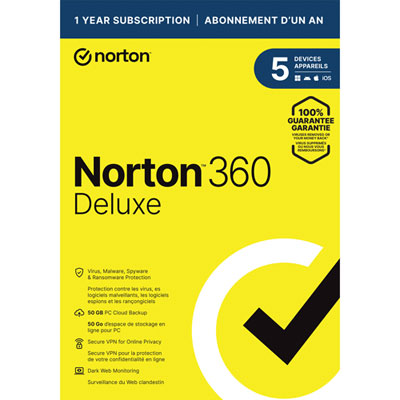 Your price for this item is $89.99
 -
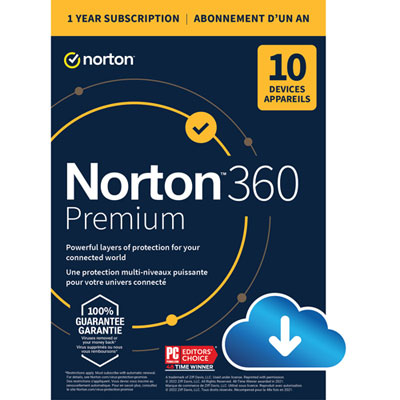 Your price for this item is $99.99
 -
 Your price for this item is $89.99
 -
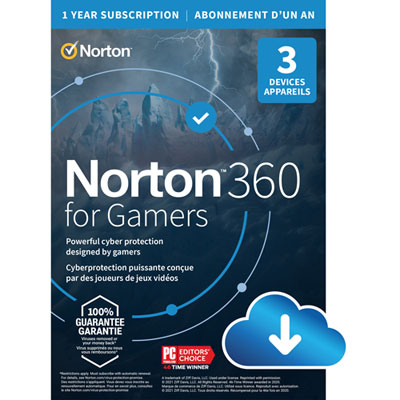 Your price for this item is $89.99
 -
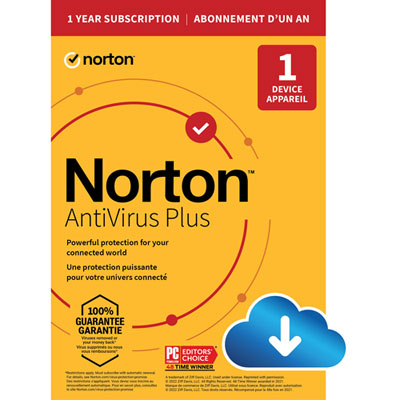 Your price for this item is $14.99
 -
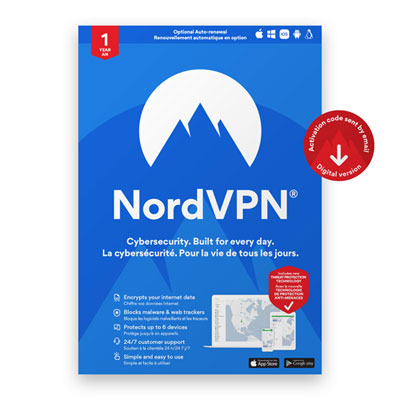 Your price for this item is $84.99
 -
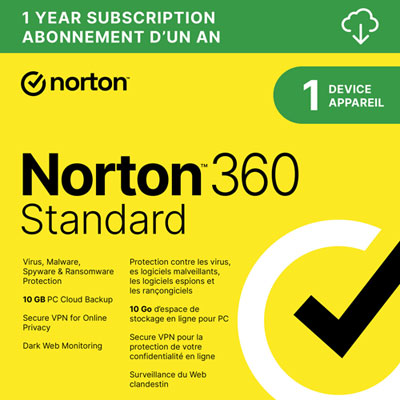 Your price for this item is $69.99
 -
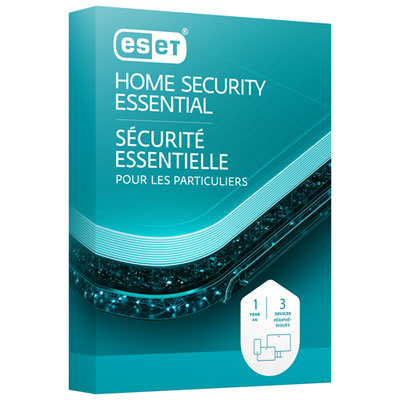 Your price for this item is $59.95
Discover more categories related to Antivirus Software for Multiple Computers


Top Collections:
Pokemon Centers, Best Cameras for Sports Photography, Kindle Devices, Samsung Galaxy Phones, Canon G7X Cameras, Pokémon 30th Celebration Cards, Refurbished Apple Laptops, iPhone 15 Apple, Laptops for Students, Budget Smartphones
Some products may be subject to Environmental Handling Fees
(EHF) depending on your province.
Learn more about EHFs.