Apple 4 iPads
Discover the perfect blend of innovation and versatility with the latest tablets, designed to enhance your digital experience. Whether you're a creative professional seeking powerful tools for design, a student aiming for seamless productivity, or simply someone who loves staying connected on the go, these tablets offer something for everyone. With sleek designs, intuitive interfaces, and access to a vast array of apps, you'll find that these devices effortlessly adapt to your lifestyle. Explore the possibilities and elevate your everyday tasks with technology that keeps pace with your demands.
Sort




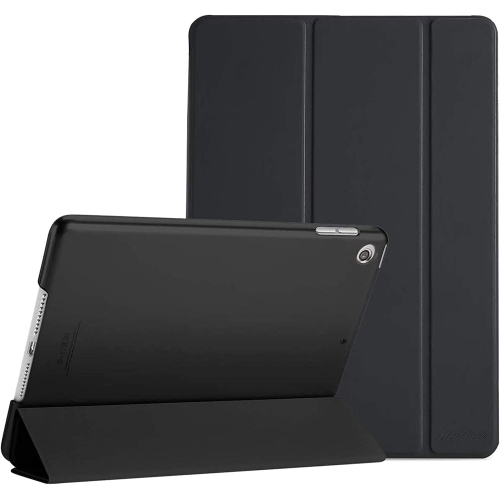
![NAVOR Case for New Ipad Air 5Th/4Th Generation 10.9 Inch, Ipad Air 5 Case/ipad Air 4 Case, [Support 2Nd Gen Apple Pencil Charging] Slim Stand](https://multimedia.bbycastatic.ca/multimedia/products/500x500/150/15081/15081740.jpeg)
![GENERIC Anti-Glare Film Screen Protector Designed for Apple Ipad Mini 5 (2019), Ipad Mini 4 [Not Glass]](https://multimedia.bbycastatic.ca/multimedia/products/500x500/198/19878/19878884.jpeg)




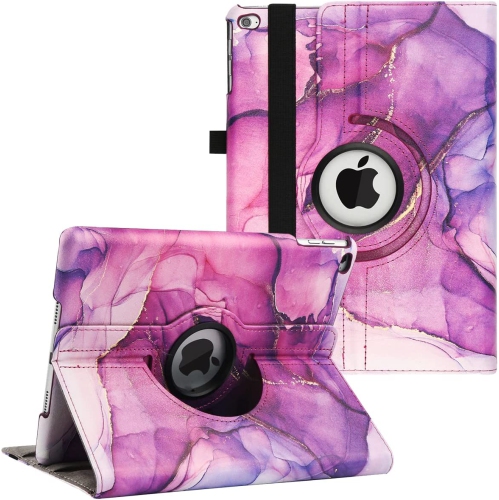
Understanding fourth-generation iPad models, support, and compatibility
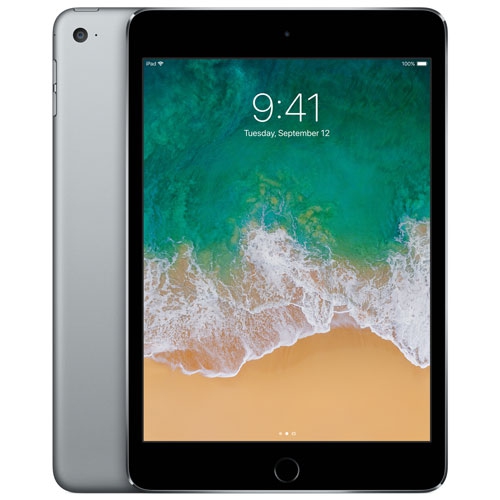
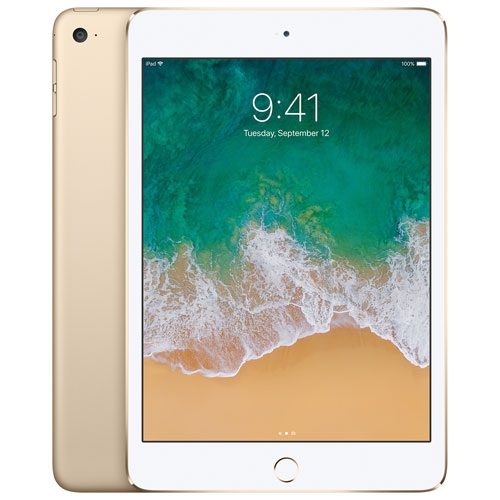
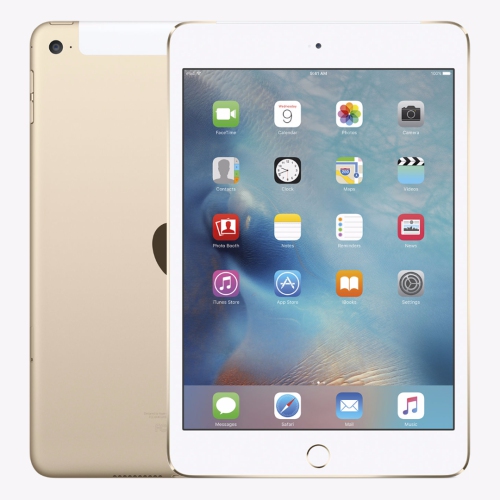
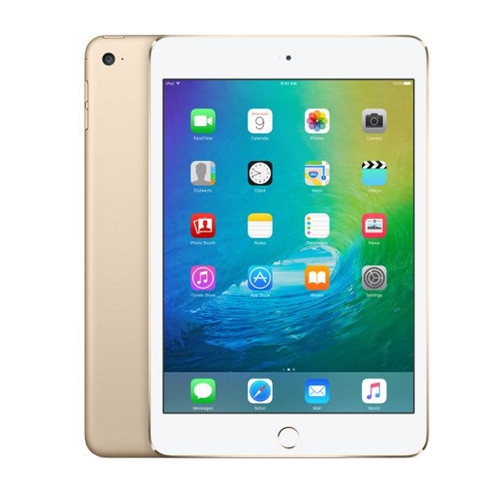
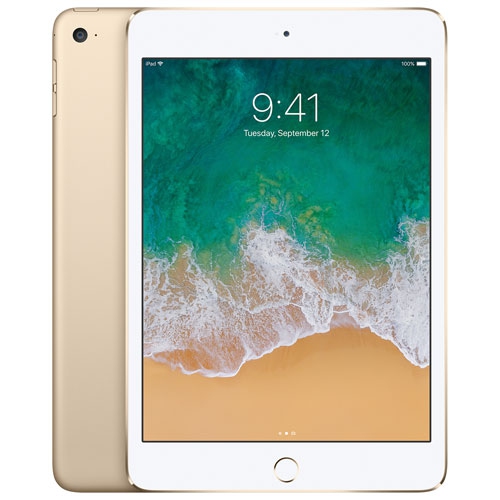
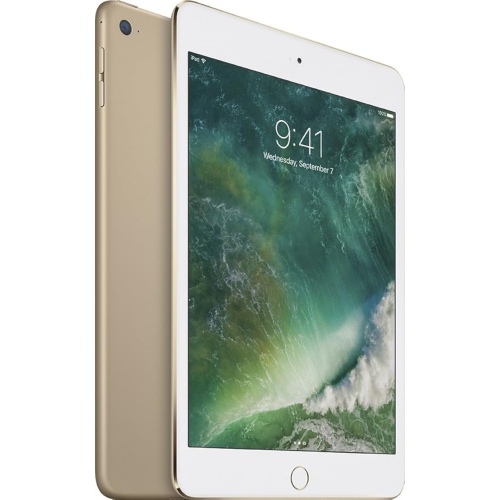
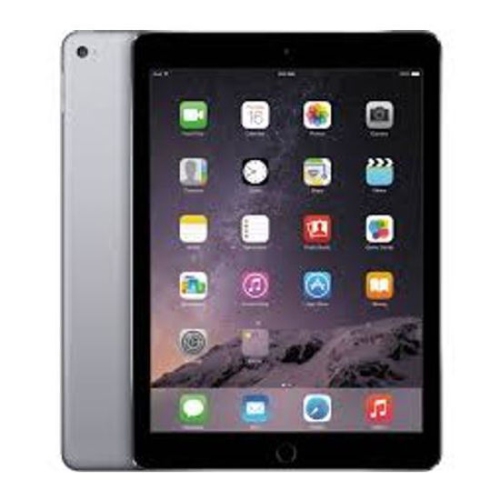
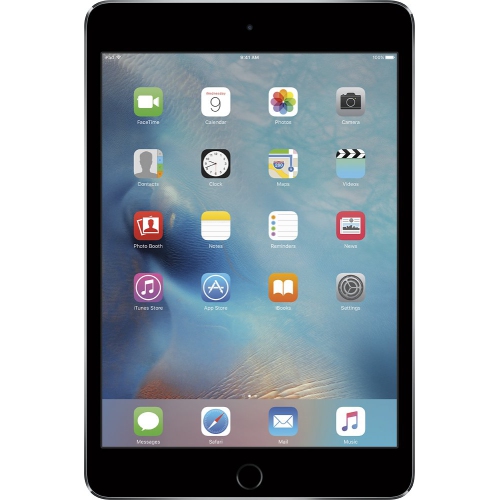
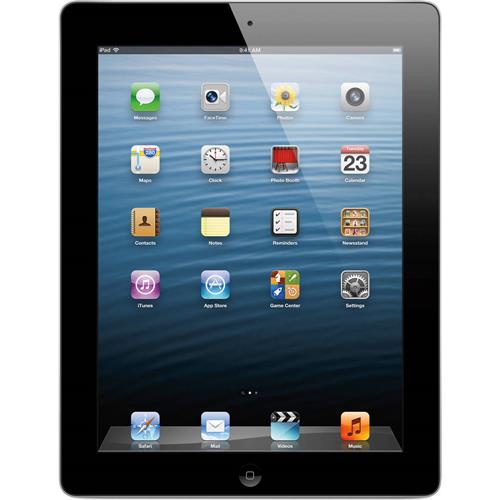
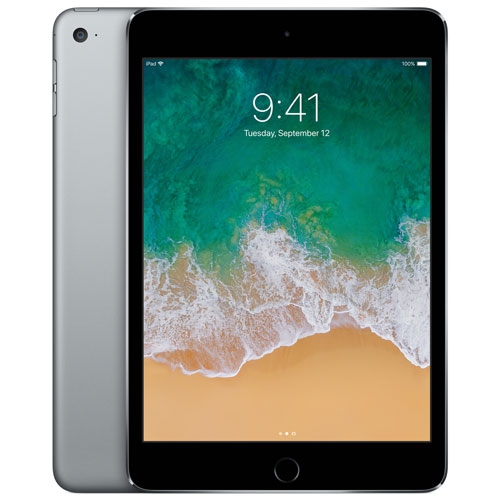
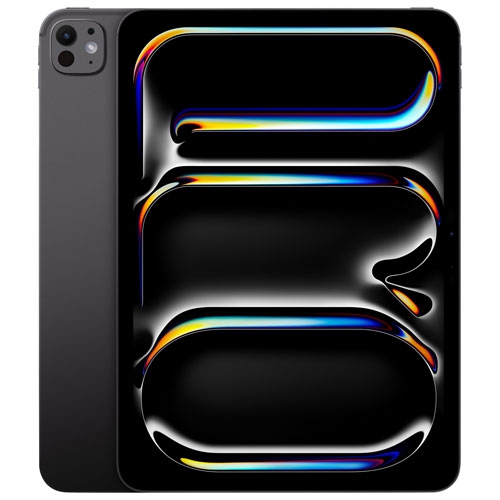
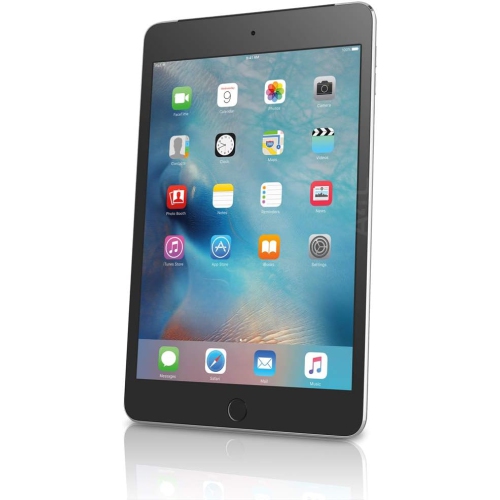
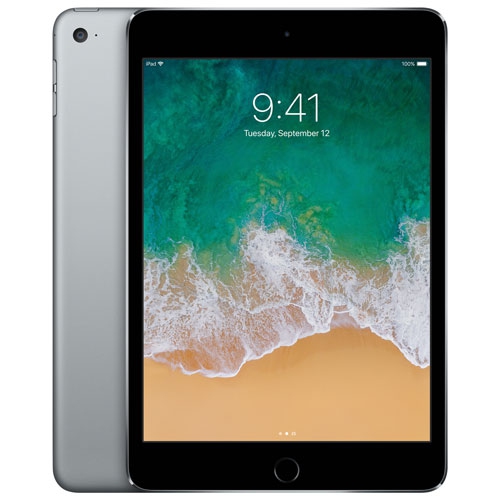
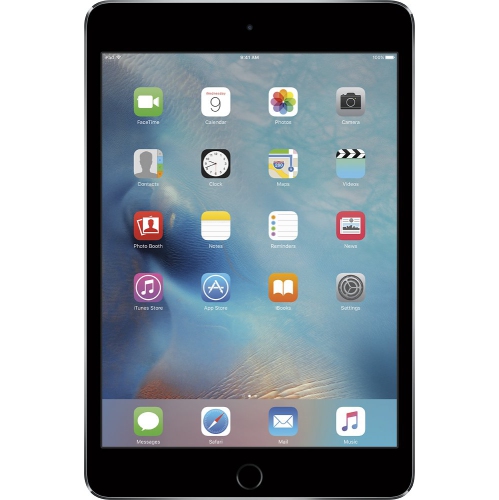
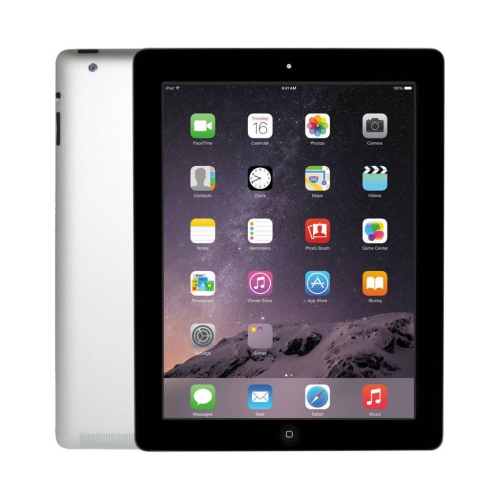
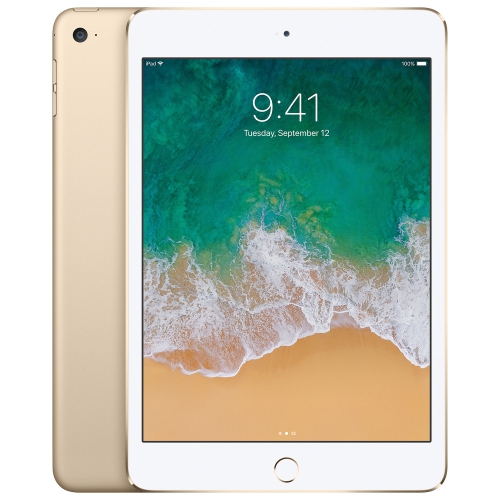
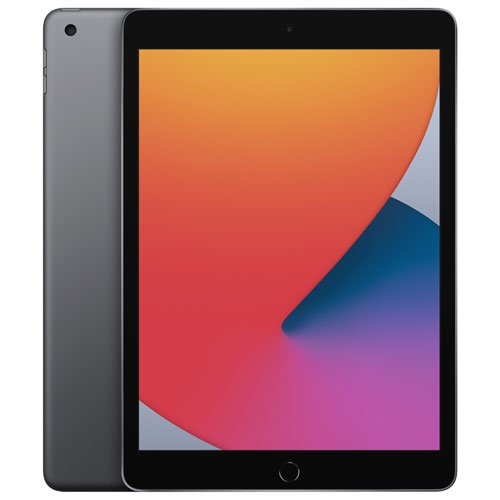
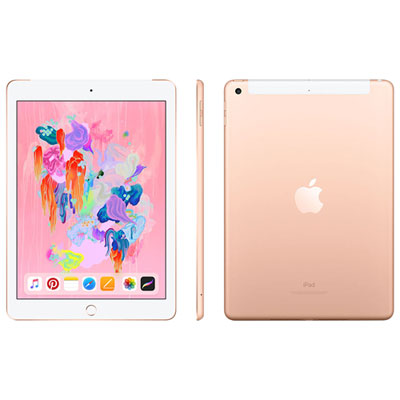
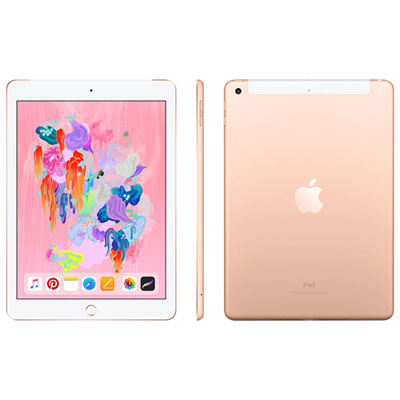
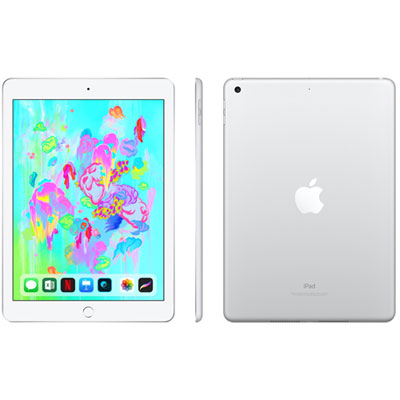
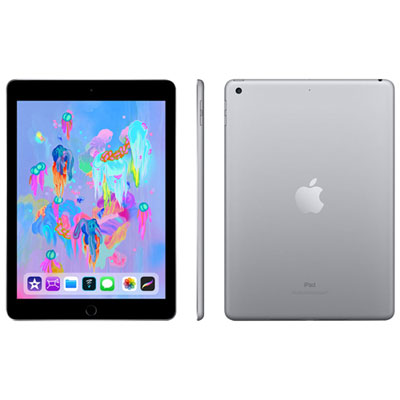
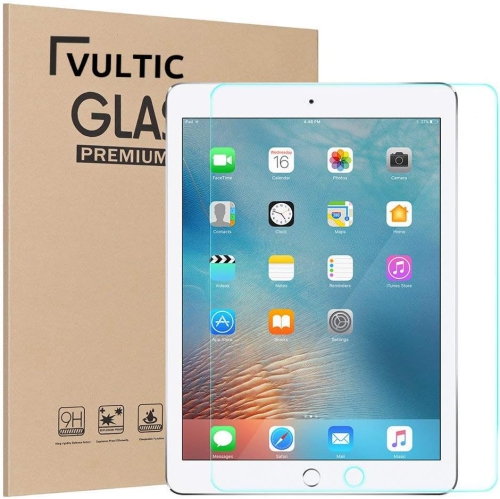
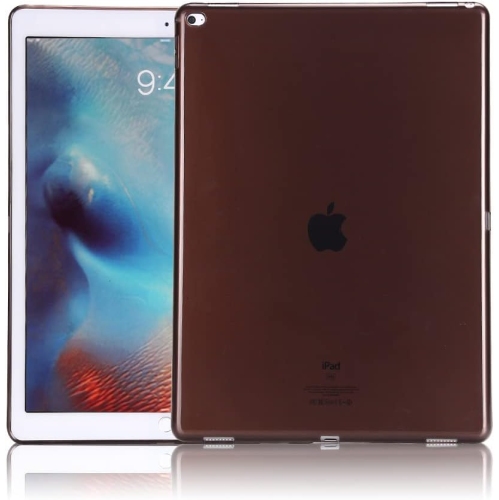
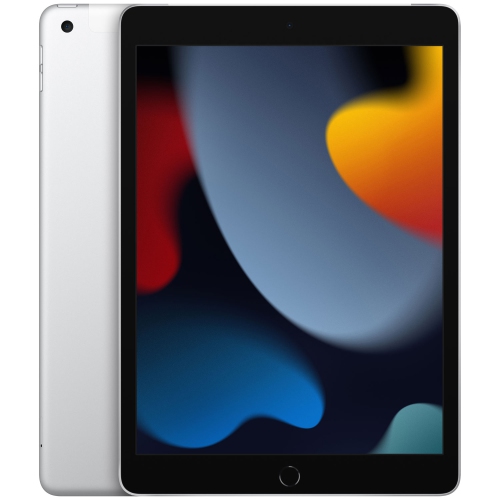
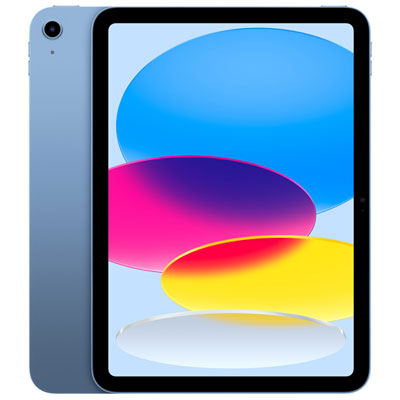
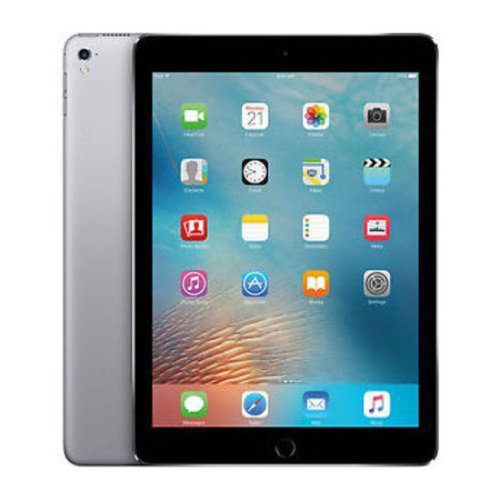
When shoppers search for “Apple 4 iPads,” they may be referring to more than one generation or product family. In many cases, the phrase points to the original fourth-generation iPad, a 9.7-inch tablet introduced in late 2012 with a Retina display, a dual-core A6X processor, and a Lightning connector. It can also be used to describe a fourth-generation tablet from a lighter, thinner line released years later, or a fourth-generation professional model with a larger display and more advanced features. These devices may look similar in product listings while offering very different experiences, so checking the exact generation, screen size, operating system compatibility, storage capacity, and connection type is an important first step. An older fourth-generation tablet can still be useful for simple activities such as reading downloaded books, viewing photos, playing music, checking recipes, or keeping children entertained during a long car ride, but its software support may be limited. The original model is no longer compatible with many current apps and online services, and its maximum operating system is iOS 10.3. That makes it better suited to basic, offline tasks than demanding work, modern gaming, secure online banking, or applications that require newer software. Refurbished and second-hand listings should be reviewed carefully for battery condition, screen wear, charging accessories, storage space, and return coverage. A clean display and responsive touch controls make a noticeable difference when using a tablet for hours, while a tired battery can turn a convenient portable screen into a device that needs to stay close to an outlet.
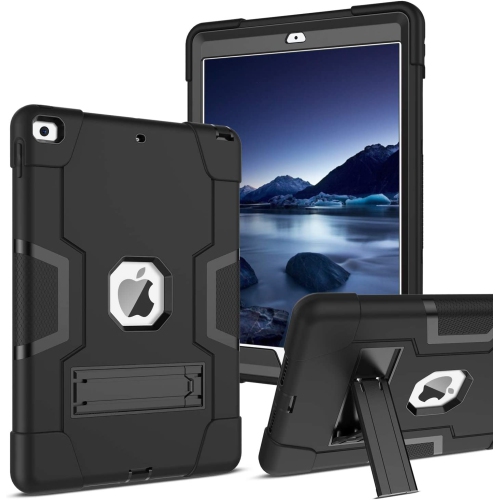
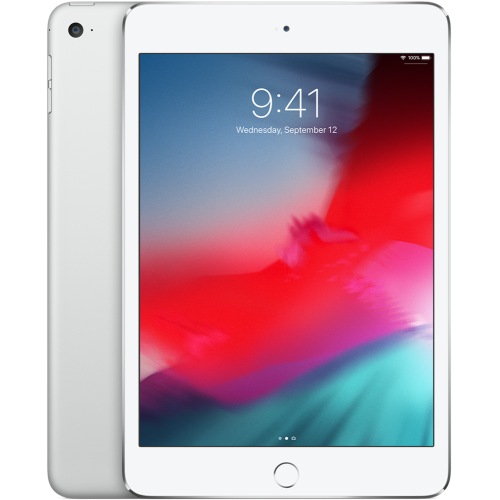
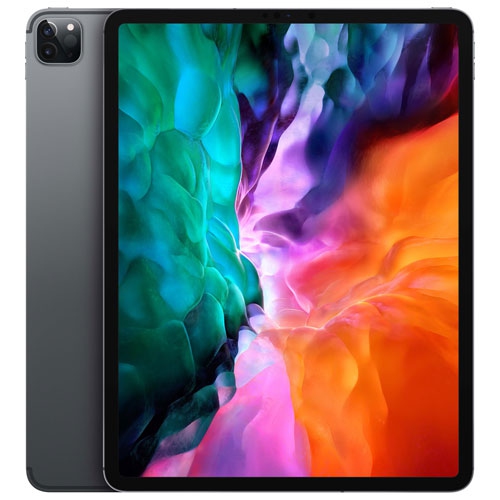
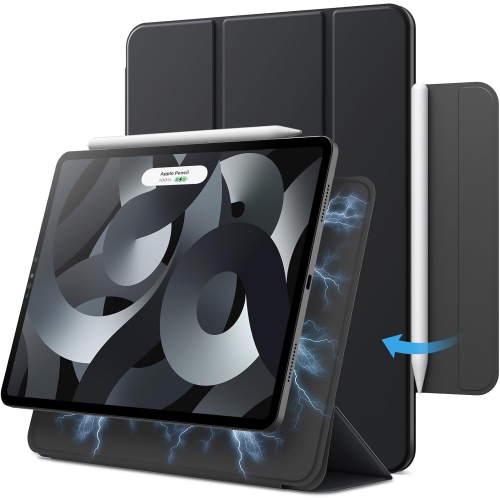
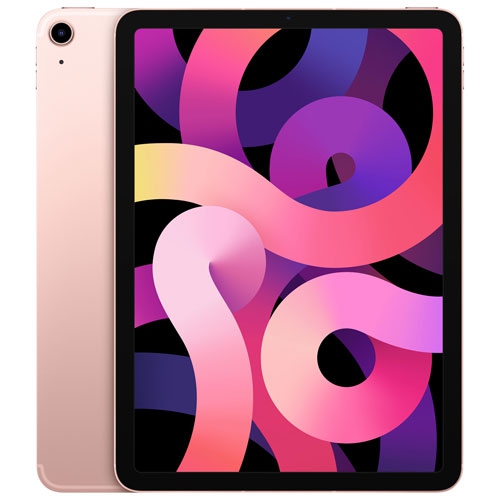
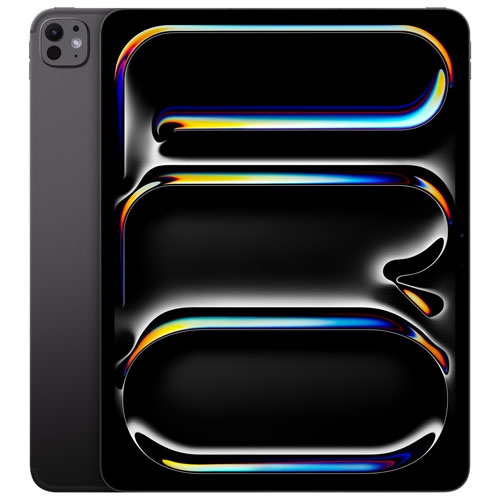
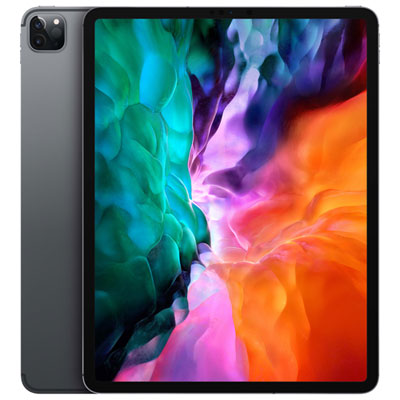
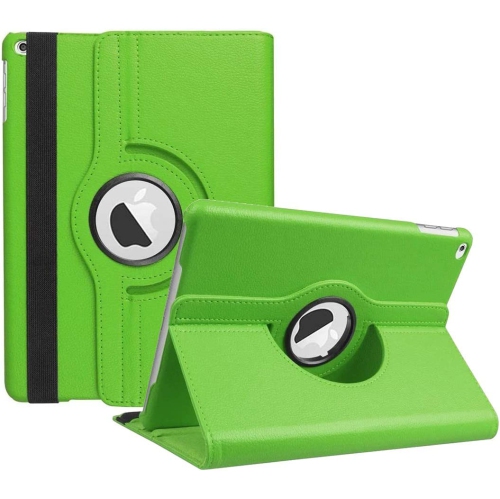
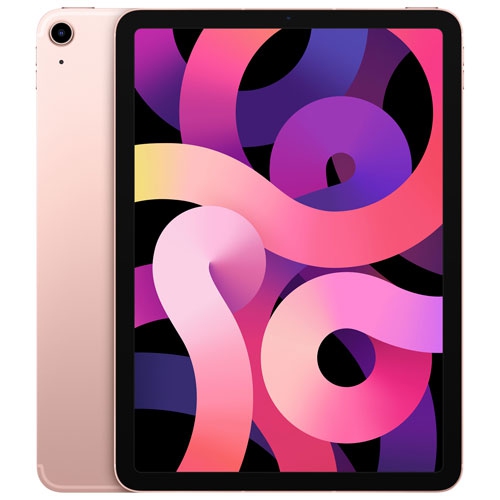
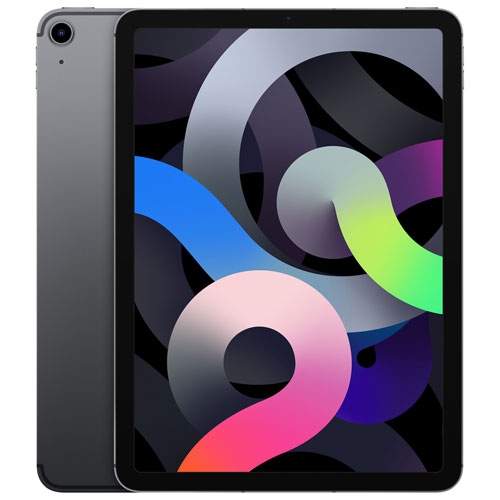
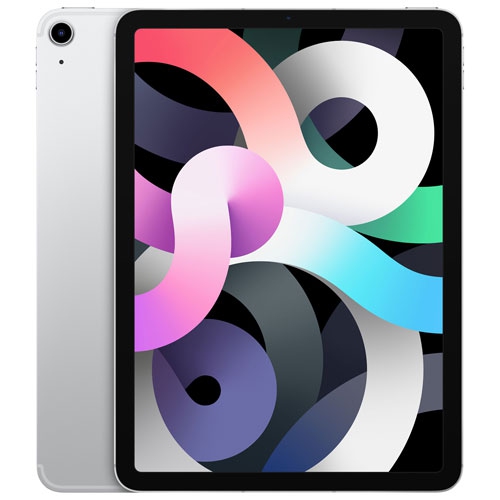
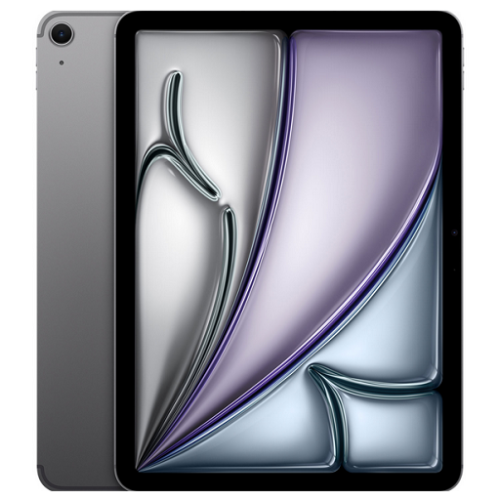
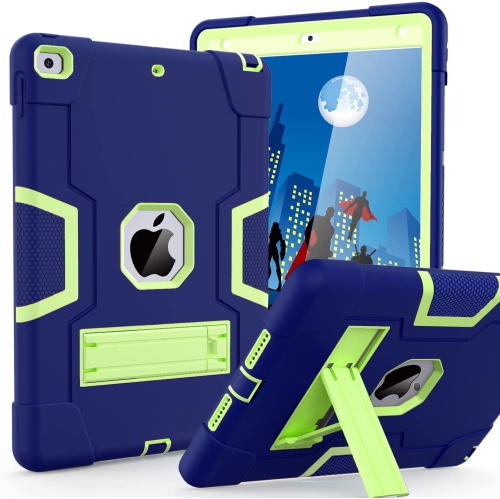
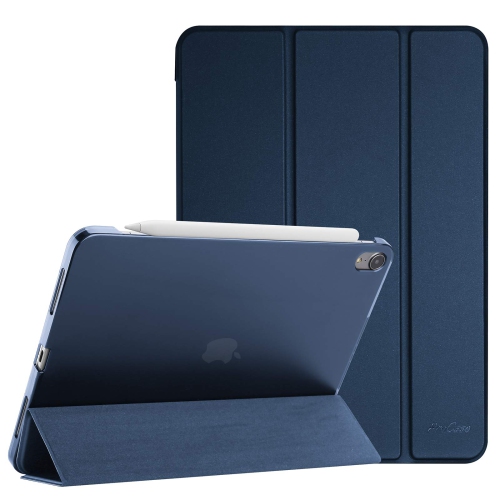
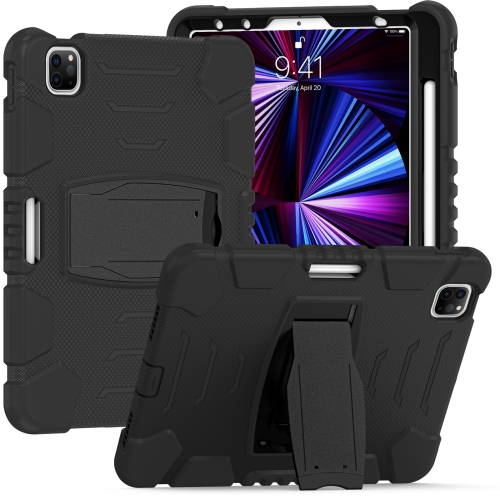
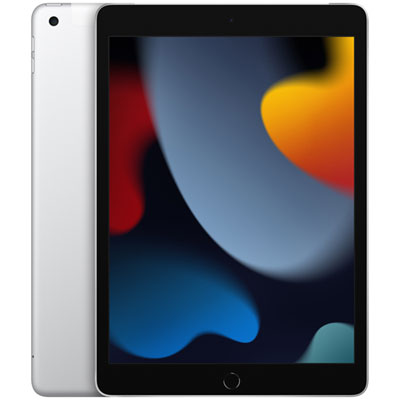
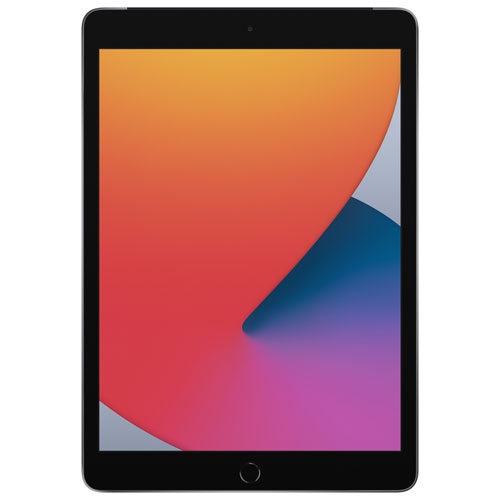
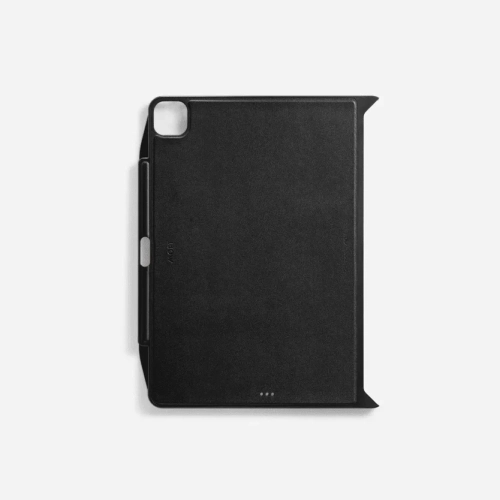
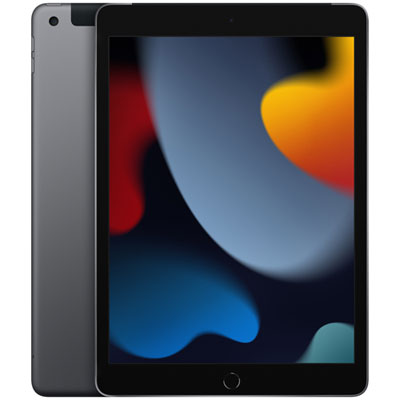
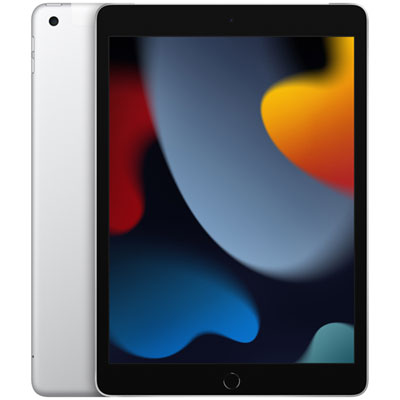
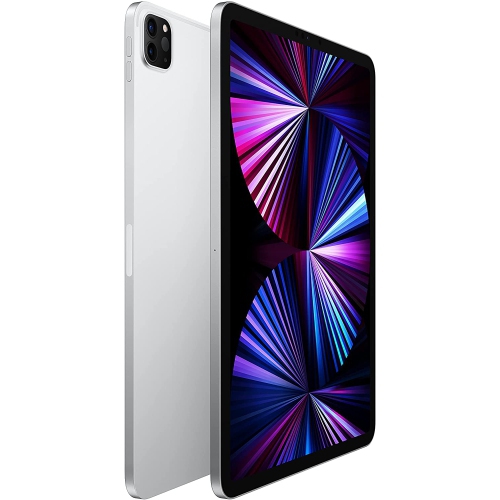
For people comparing later fourth-generation models, the available features can be considerably more capable. A 10.9-inch all-screen design from 2020, for example, typically provides a larger working area, USB-C connectivity, improved performance, and better support for newer applications than the original 9.7-inch model. Professional fourth-generation tablets may be available with 11-inch or 12.9-inch displays, biometric security, high-performance processors, and advanced multi-touch functions that suit creative work, note-taking, video editing, and multitasking. Screen size should match the way the device will be used: a compact display is easy to hold in one hand while reading in bed or following a recipe at the counter, whereas a larger screen is more comfortable for split-screen documents, design work, video calls, and detailed illustrations. Storage is another practical consideration. A person who mainly streams content and stores files in the cloud may be comfortable with less capacity, while someone who downloads films for travel, keeps a large photo library, or works with creative files will benefit from more room. Connectivity also deserves attention. Wi-Fi models are well suited to homes, schools, offices, libraries, and cafés where a dependable wireless network is available. To compare models designed for these settings, browse Wi-Fi iPads. Cellular-capable versions can connect through a mobile plan when no local network is available, although that convenience may involve an additional service cost. Accessories can shape the experience just as much as the tablet itself. A protective case helps guard against drops in a busy household, a keyboard can make email and schoolwork feel more natural, and a stylus can be useful for handwriting, marking up documents, sketching, or navigating precise on-screen controls.
A fourth-generation tablet can make a thoughtful gift for a student, traveller, parent, grandparent, or home user, provided the recipient’s needs are matched to the model’s age and capabilities. A student may use it to read course material, join video classes, organize notes, and carry fewer paper documents between lessons. Someone working from home can use a newer model as a second screen for calendars, calls, reference material, or a digital notepad beside a laptop. For a family, it can become the shared screen for recipes, children’s learning activities, audiobooks, and streaming during the cooler months, when more time is spent indoors. Travellers often appreciate a lightweight device for downloaded entertainment, maps, boarding information, and photo storage, while older adults may value a bright display, large text, video calling, and straightforward access to news or family pictures. Before giving one as a gift, confirm that the recipient’s preferred apps are supported and that the included charger is compatible with the port on the device. It is also worth checking whether the tablet has been reset, whether activation locks have been removed, and whether the battery still holds a practical charge. For older models, these details can matter more than cosmetic condition. For newer fourth-generation models, compare processor performance, display technology, biometric login, accessory support, and software update eligibility. Choosing with those everyday details in mind helps ensure that the tablet feels useful rather than merely impressive when it is opened, set up on a kitchen table, and put to work.
For people comparing later fourth-generation models, the available features can be considerably more capable. A 10.9-inch all-screen design from 2020, for example, typically provides a larger working area, USB-C connectivity, improved performance, and better support for newer applications than the original 9.7-inch model. Professional fourth-generation tablets may be available with 11-inch or 12.9-inch displays, biometric security, high-performance processors, and advanced multi-touch functions that suit creative work, note-taking, video editing, and multitasking. Screen size should match the way the device will be used: a compact display is easy to hold in one hand while reading in bed or following a recipe at the counter, whereas a larger screen is more comfortable for split-screen documents, design work, video calls, and detailed illustrations. Storage is another practical consideration. A person who mainly streams content and stores files in the cloud may be comfortable with less capacity, while someone who downloads films for travel, keeps a large photo library, or works with creative files will benefit from more room. Connectivity also deserves attention. Wi-Fi models are well suited to homes, schools, offices, libraries, and cafés where a dependable wireless network is available. To compare models designed for these settings, browse Wi-Fi iPads. Cellular-capable versions can connect through a mobile plan when no local network is available, although that convenience may involve an additional service cost. Accessories can shape the experience just as much as the tablet itself. A protective case helps guard against drops in a busy household, a keyboard can make email and schoolwork feel more natural, and a stylus can be useful for handwriting, marking up documents, sketching, or navigating precise on-screen controls.
A fourth-generation tablet can make a thoughtful gift for a student, traveller, parent, grandparent, or home user, provided the recipient’s needs are matched to the model’s age and capabilities. A student may use it to read course material, join video classes, organize notes, and carry fewer paper documents between lessons. Someone working from home can use a newer model as a second screen for calendars, calls, reference material, or a digital notepad beside a laptop. For a family, it can become the shared screen for recipes, children’s learning activities, audiobooks, and streaming during the cooler months, when more time is spent indoors. Travellers often appreciate a lightweight device for downloaded entertainment, maps, boarding information, and photo storage, while older adults may value a bright display, large text, video calling, and straightforward access to news or family pictures. Before giving one as a gift, confirm that the recipient’s preferred apps are supported and that the included charger is compatible with the port on the device. It is also worth checking whether the tablet has been reset, whether activation locks have been removed, and whether the battery still holds a practical charge. For older models, these details can matter more than cosmetic condition. For newer fourth-generation models, compare processor performance, display technology, biometric login, accessory support, and software update eligibility. Choosing with those everyday details in mind helps ensure that the tablet feels useful rather than merely impressive when it is opened, set up on a kitchen table, and put to work.
Top selling and popular products
-
 Your price for this item is $109.99
 -
 Your price for this item is $617.99
 -
 Your price for this item is $639.99
 -
 Your price for this item is $645.55
 -
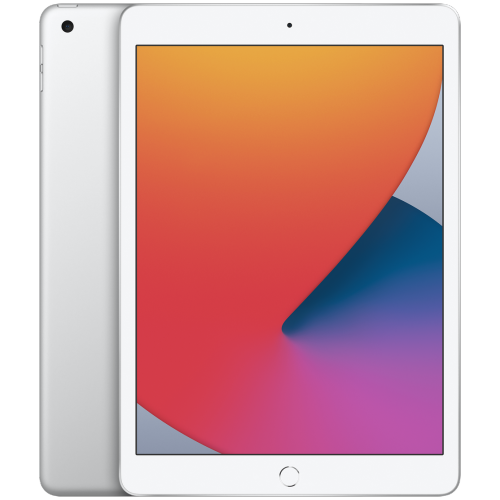 Your price for this item is $148.99
 -
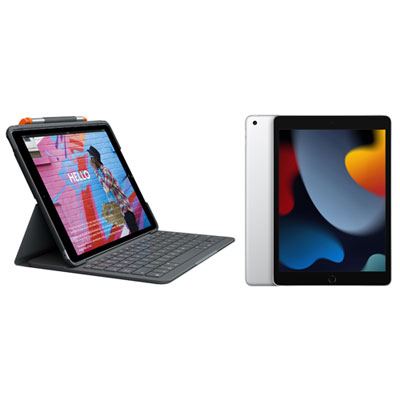 Your price for this item is $468.98
 -
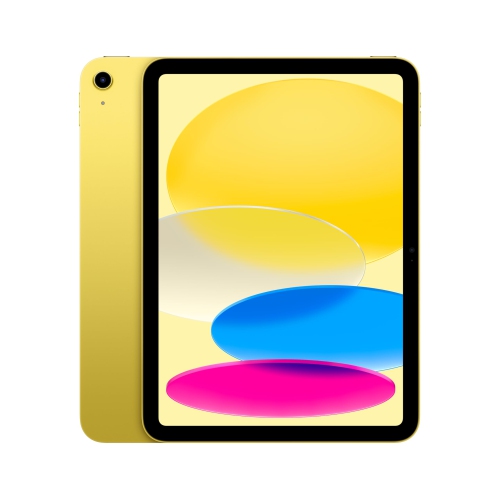 Your price for this item is $639.99
 -
 Your price for this item is $649.99
Discover more categories related to Apple 4 iPads
Top Collections:
Pokemon Centers, Kindle Devices, Best Budget Office Chairs, Apple iPhones 16, Best Laptops for Writers, iPhone 15 Apple, Canon G7X Cameras, Refurbished Apple Laptops, Alarm Clock, Motorola Razr Phones
Some products may be subject to Environmental Handling Fees
(EHF) depending on your province.
Learn more about EHFs.