Apple New iPads
Experience the next level of innovation with the Apple New iPad. Designed to enhance productivity and entertainment, the Apple New iPad brings together cutting-edge technology and sleek design. Whether you're working, learning, or relaxing, discover a versatile device that adapts to your lifestyle. Explore a range of options to find the perfect Apple New iPad that fits your needs and enjoy seamless performance every day.
Sort
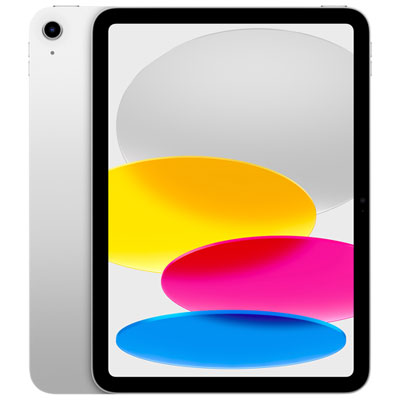
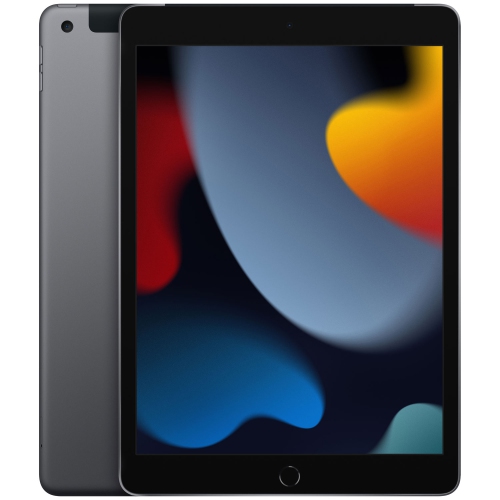

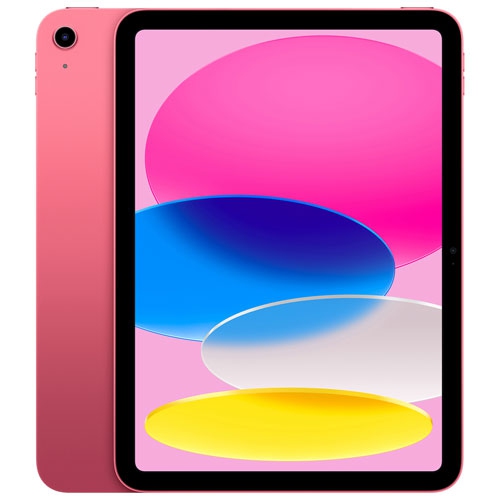
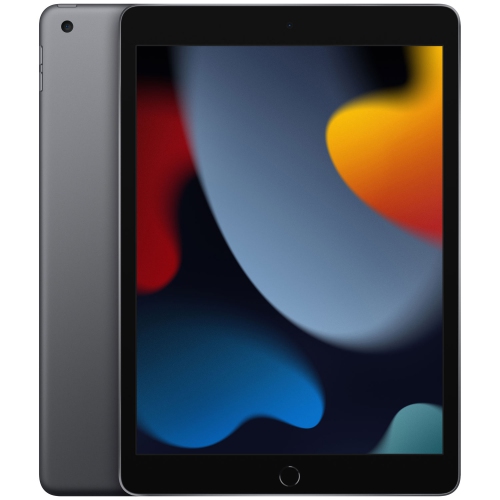


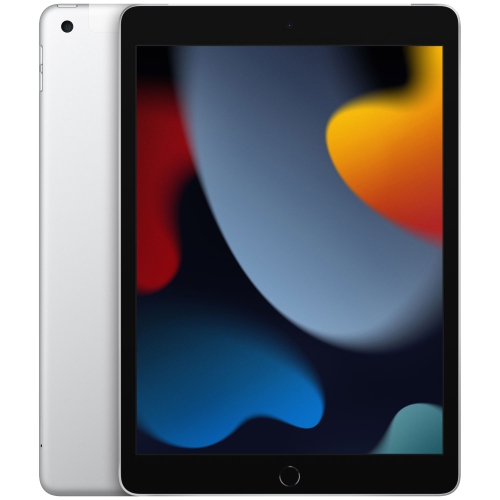


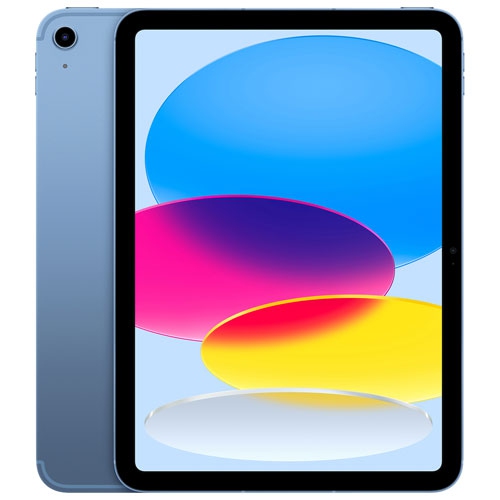

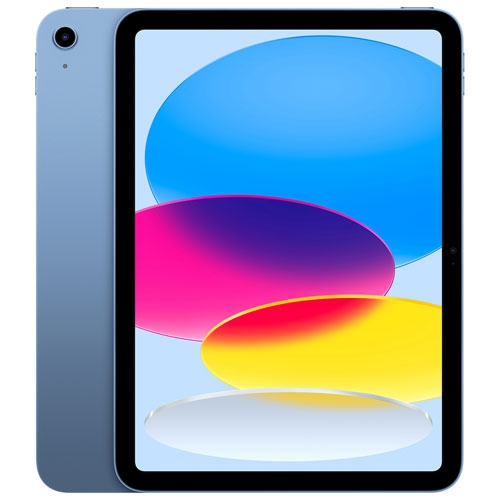
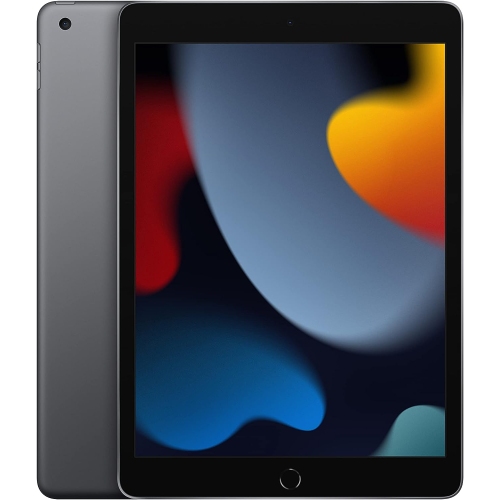


How screen size shapes your everyday tablet experience
New tablets combine a touch-sensitive screen, portable design and access to apps for reading, entertainment, communication and creative work. They suit the moments when a phone feels cramped but a full computer is more than the task requires: reviewing a document on the train, annotating lecture notes, following sheet music or sharing photos across the kitchen table. Screen size makes a noticeable difference to that experience. A compact tablet is easier to hold in one hand for an ebook or tuck into a small bag, while a larger display gives drawings, spreadsheets and side-by-side windows more room. The overall dimensions matter as much as the screen measurement, particularly when the device will spend long stretches balanced on a lap or held during a video call. Weight, edge shape and the position of buttons all contribute to comfort. Glass displays and metal bodies give many tablets a smooth, solid feel, although a slim design still benefits from protection against knocks and scratches. Display quality also involves more than resolution. Brightness, contrast, colour accuracy and reflection handling affect how clearly text, photographs and video appear in different indoor settings. Some displays support smoother motion, which can make scrolling and pen strokes feel more immediate, but these features vary by model. Built-in speakers are useful for a recipe video or a shared film, while headphones offer a more private option for commuting or studying. Camera placement can be especially relevant for people who make frequent video calls with the tablet resting horizontally in a keyboard case. A stable stand keeps the picture steady and frees both hands for taking notes. For students, families, frequent travellers and people who enjoy drawing or reading, these practical details often shape daily satisfaction more than a single headline specification. Accessibility features, including text enlargement, spoken content and supported alternative input methods, can also make a tablet easier to personalize for different needs. A tablet used mainly on a tabletop may benefit most from a larger screen, while one carried between classes may put a greater emphasis on manageable weight.
Performance, storage and connectivity determine how comfortably a tablet handles the work behind the screen. Email, web browsing, ebooks and streaming place different demands on a device than editing layered artwork, processing high-resolution photos or working with several apps at once. A more capable processor can help with demanding tasks, but the apps themselves, the operating system and the amount of memory also influence responsiveness. Multitasking features vary, so the ability to keep reference material beside a document or move content between apps depends on the particular model and software. Storage is a separate consideration from processing power. Downloaded films, large games, drawing files and locally saved videos can occupy substantial space, especially when several people share the device. Cloud storage can help organize files and make them accessible across compatible devices, but opening cloud-only content generally requires a connection. Keeping essential documents and entertainment downloaded is useful for flights or other periods without reliable internet access. Wi-Fi models connect through a suitable wireless network, while cellular-capable models can also use mobile data with a compatible plan and coverage. Cellular capability does not remove the need to manage downloads, account settings or data use. Battery life likewise depends on the task: a video meeting, a bright display and a demanding game can draw more power than reading a saved document. Manufacturer battery estimates are most useful when viewed alongside the testing conditions rather than treated as a promise for every activity. Charging connections and supported power accessories deserve attention when the tablet will share a bag with a phone or laptop. Security features add another practical layer. A strong passcode, supported biometric sign-in, regular software updates and a reliable backup routine help protect personal information and reduce disruption if a device is lost or damaged. Software support and app requirements differ between generations, making compatibility relevant to both everyday convenience and longer-term usefulness.
Accessories shape how a tablet fits into a routine, particularly when it serves more than one person or purpose. A folio cover can protect the display inside a bag and fold into a viewing stand, while a keyboard case can make longer emails, assignments and meeting notes more comfortable to type. The best fit depends on the exact device dimensions, camera openings, charging connection and attachment system; a similar screen size alone does not establish compatibility. The same care applies to a digital pen. Supported pens can be useful for handwritten notes, diagrams, photo retouching and illustration, but features such as pressure response, gesture controls and charging methods depend on the tablet-and-pen combination. A student marking up a textbook may value a secure place to store the pen, while an illustrator may care more about drawing response and a stand that holds a comfortable angle. For a child’s tablet, a protective case with easy-to-grip edges and a stable stand can help with handling, alongside suitable account controls and adult supervision. A tablet given as a gift is more useful when its size, storage and input options match the recipient’s habits rather than an assumed need for the largest screen. Comparisons with 2017 iPads can provide context for generational differences, but software support, accessory fit and app compatibility need to be assessed for the exact model. Day-to-day care helps preserve the finish and keep controls working properly. A clean, soft, lint-free cloth is appropriate for routine wiping, with the manufacturer’s instructions governing any cleaning solution. Keeping grit out of a case, separating the screen from loose keys and avoiding pressure from an overfilled bag can reduce preventable damage. Tablets should also stay clear of spills, and charging ports should remain dry and free of debris. With a suitable case, thoughtful setup and accessories matched to its intended use, a tablet can move comfortably between reading, learning, creative projects and everyday communication.
Performance, storage and connectivity determine how comfortably a tablet handles the work behind the screen. Email, web browsing, ebooks and streaming place different demands on a device than editing layered artwork, processing high-resolution photos or working with several apps at once. A more capable processor can help with demanding tasks, but the apps themselves, the operating system and the amount of memory also influence responsiveness. Multitasking features vary, so the ability to keep reference material beside a document or move content between apps depends on the particular model and software. Storage is a separate consideration from processing power. Downloaded films, large games, drawing files and locally saved videos can occupy substantial space, especially when several people share the device. Cloud storage can help organize files and make them accessible across compatible devices, but opening cloud-only content generally requires a connection. Keeping essential documents and entertainment downloaded is useful for flights or other periods without reliable internet access. Wi-Fi models connect through a suitable wireless network, while cellular-capable models can also use mobile data with a compatible plan and coverage. Cellular capability does not remove the need to manage downloads, account settings or data use. Battery life likewise depends on the task: a video meeting, a bright display and a demanding game can draw more power than reading a saved document. Manufacturer battery estimates are most useful when viewed alongside the testing conditions rather than treated as a promise for every activity. Charging connections and supported power accessories deserve attention when the tablet will share a bag with a phone or laptop. Security features add another practical layer. A strong passcode, supported biometric sign-in, regular software updates and a reliable backup routine help protect personal information and reduce disruption if a device is lost or damaged. Software support and app requirements differ between generations, making compatibility relevant to both everyday convenience and longer-term usefulness.
Accessories shape how a tablet fits into a routine, particularly when it serves more than one person or purpose. A folio cover can protect the display inside a bag and fold into a viewing stand, while a keyboard case can make longer emails, assignments and meeting notes more comfortable to type. The best fit depends on the exact device dimensions, camera openings, charging connection and attachment system; a similar screen size alone does not establish compatibility. The same care applies to a digital pen. Supported pens can be useful for handwritten notes, diagrams, photo retouching and illustration, but features such as pressure response, gesture controls and charging methods depend on the tablet-and-pen combination. A student marking up a textbook may value a secure place to store the pen, while an illustrator may care more about drawing response and a stand that holds a comfortable angle. For a child’s tablet, a protective case with easy-to-grip edges and a stable stand can help with handling, alongside suitable account controls and adult supervision. A tablet given as a gift is more useful when its size, storage and input options match the recipient’s habits rather than an assumed need for the largest screen. Comparisons with 2017 iPads can provide context for generational differences, but software support, accessory fit and app compatibility need to be assessed for the exact model. Day-to-day care helps preserve the finish and keep controls working properly. A clean, soft, lint-free cloth is appropriate for routine wiping, with the manufacturer’s instructions governing any cleaning solution. Keeping grit out of a case, separating the screen from loose keys and avoiding pressure from an overfilled bag can reduce preventable damage. Tablets should also stay clear of spills, and charging ports should remain dry and free of debris. With a suitable case, thoughtful setup and accessories matched to its intended use, a tablet can move comfortably between reading, learning, creative projects and everyday communication.
Top selling and popular products
-
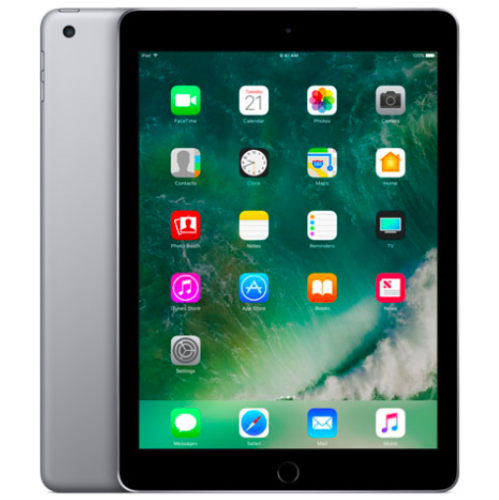 Your price for this item is $109.99
-
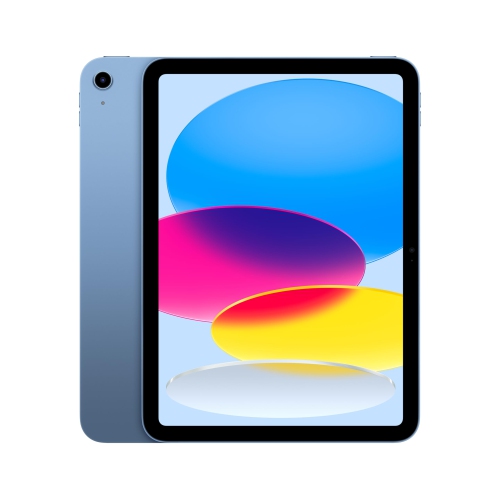 Your price for this item is $649
-
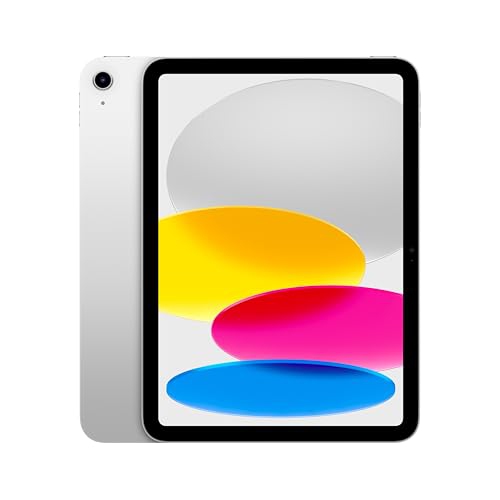 Your price for this item is $669.95
-
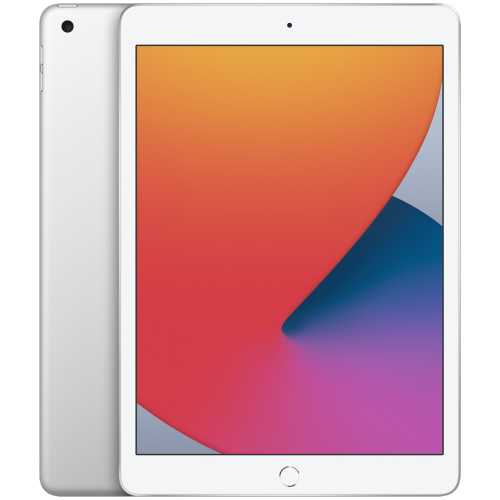 Your price for this item is $141.98
-
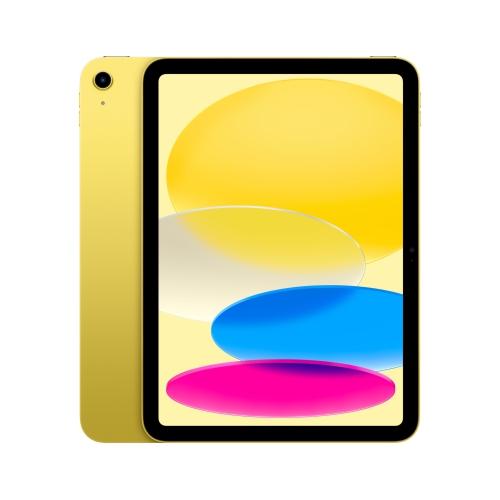 Your price for this item is $639.99
-
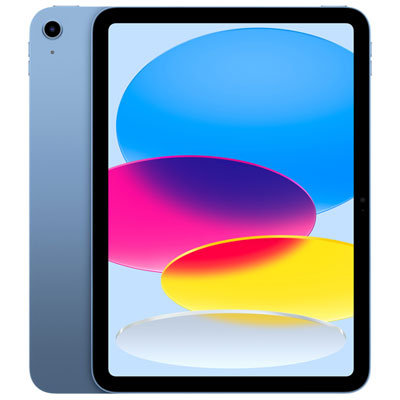 Your price for this item is $649.99
-
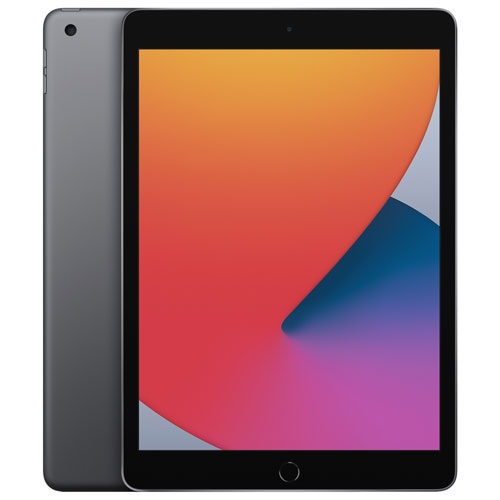 Your price for this item is $249.99
-
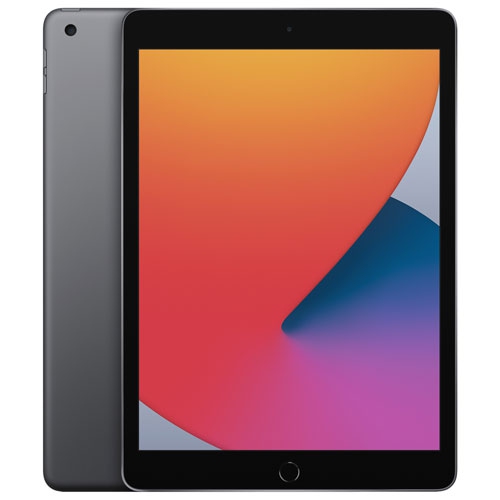 Your price for this item is $169.99
Discover more categories related to Apple New iPads
Top Collections:
Best Black Friday Deals This Year, Best Black Friday Deals On Electronics, Kindle Devices, Pokemon Centers, Best Black Friday Deals On Apple Products, Best Cameras for Sports Photography, Dyson Airwrap, Pokémon 30th Celebration Cards, Apple iPhone 17 Pro, Canon G7X Cameras
Some products may be subject to Environmental Handling Fees
(EHF) depending on your province.
Learn more about EHFs.