Apple Computers for Students
Apple Computer for Students offers a range of innovative options designed to support learning, creativity, and productivity. Whether you’re taking notes in class, working on group projects, or exploring new skills, these computers deliver the performance and reliability students need. With user-friendly interfaces and seamless integration with educational tools, Apple Computer for Students helps make every academic task easier and more efficient. Find the perfect device to match your study habits and stay ahead throughout the school year.
Sort








Your coursework shapes what you need from a computer
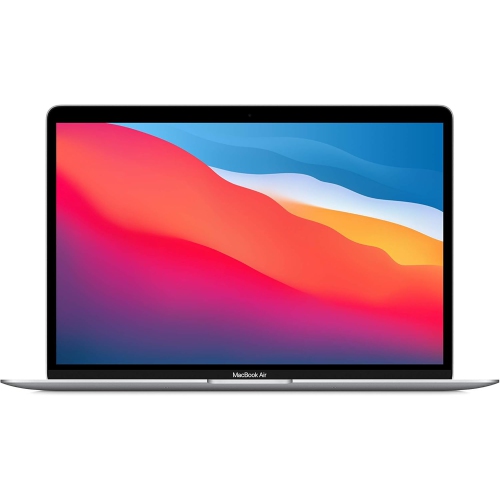
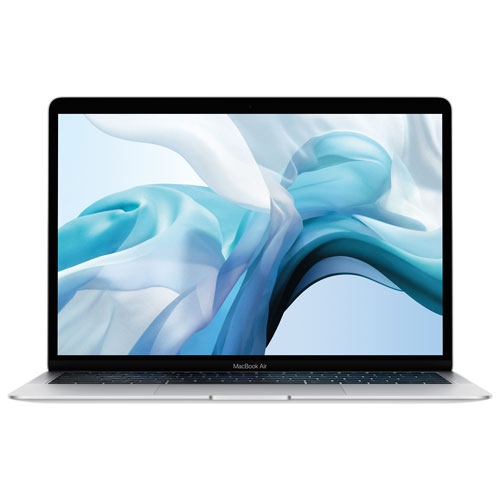
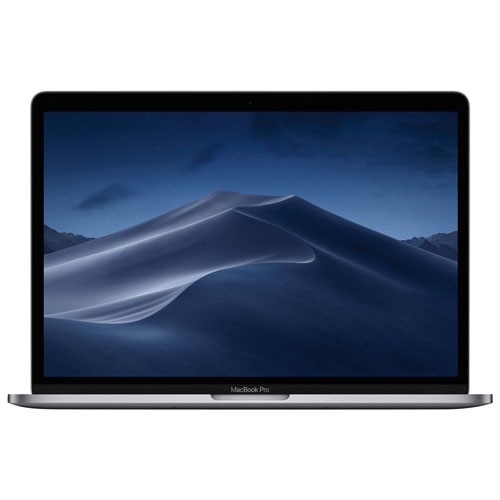
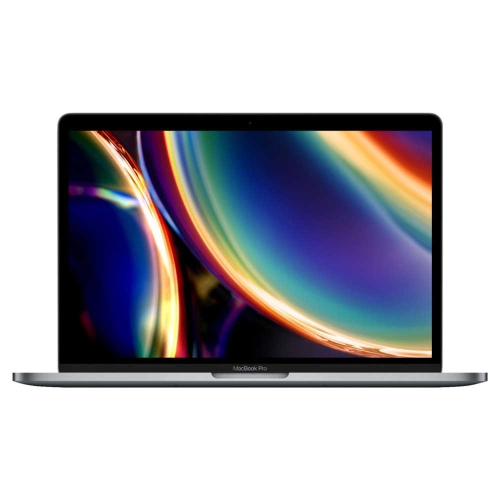
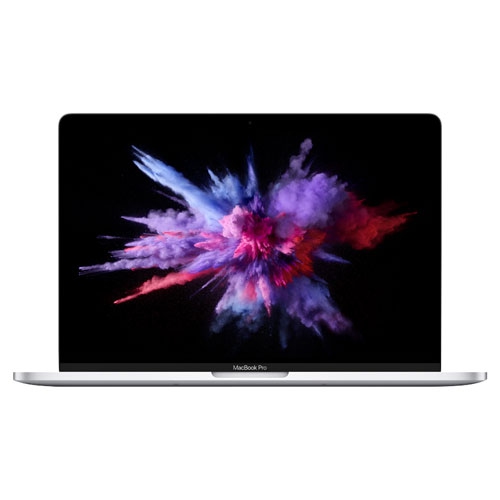
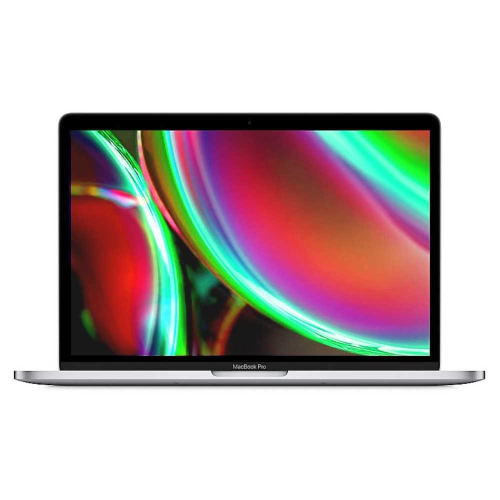
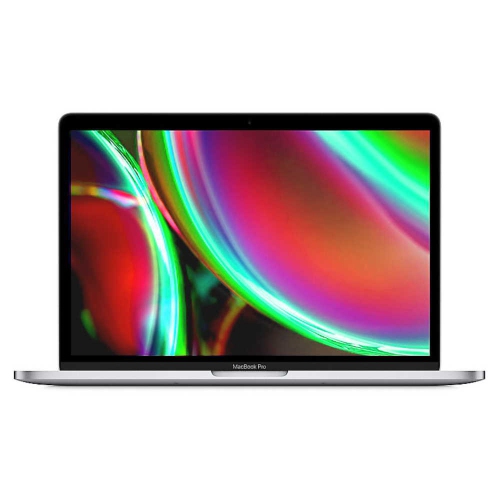
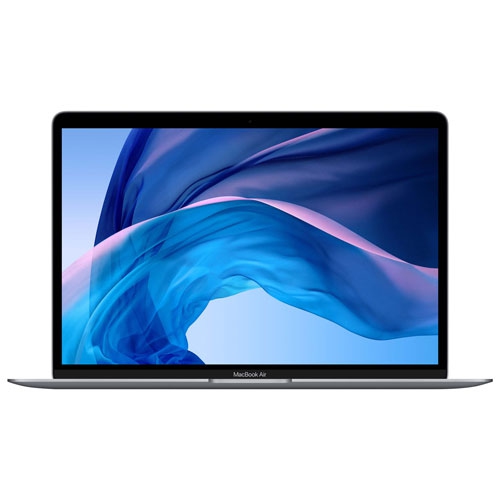
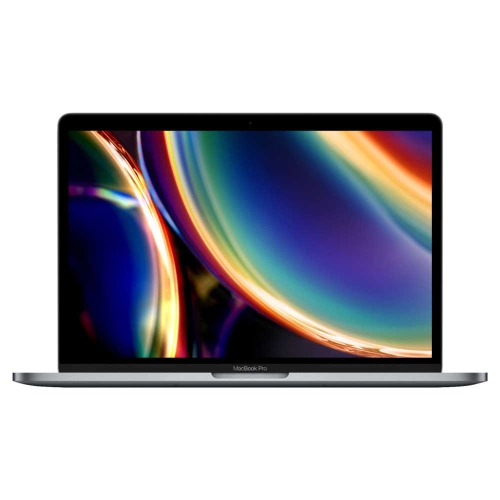
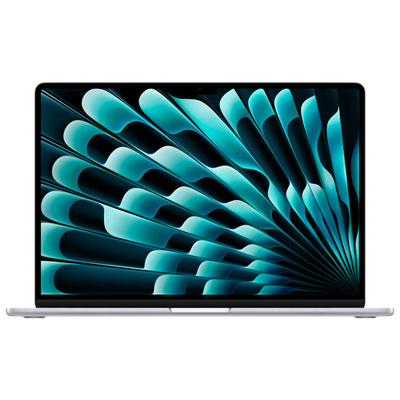
Computers for students support much more than essay writing. A typical study session can involve lecture slides on one side of the screen, research notes on the other, and a video call running in the background. For college and university students, the right fit depends on how that everyday work overlaps with the demands of a particular program. Humanities courses may centre on reading, writing, presentations, and research, while media, engineering, and data-focused programs can involve larger files or more demanding applications. Required software matters as much as processing power: some courses rely on applications, browser extensions, examination tools, or peripheral devices that work only with particular operating systems or configurations. A department’s published requirements provide useful context, especially where professional software or supervised assessments are involved. Laptop computers suit students who move between lectures, libraries, group meetings, and home, keeping assignments and familiar settings together in one portable workspace. Desktop computers serve a different routine, offering a dedicated place for longer sessions with a separate keyboard, mouse, and display, depending on the configuration. They can be a comfortable fit for students who mainly study at home or need a shared family workstation. Neither format replaces every specialist tool a course might require, but each can provide a dependable base for academic work. Physical construction also shapes daily use. An aluminium enclosure can feel sturdy and refined, while the overall weight, hinge design, and dimensions influence how easily a laptop travels in a backpack. A compact computer leaves more room on a crowded seminar table; a larger screen gives documents and detailed layouts more breathing room. For a student beginning post-secondary education, returning to school, or balancing coursework with employment, these practical differences often matter more than a long list of features. A computer given for graduation or the start of a program is most useful when it matches the recipient’s actual course requirements and study habits.
Performance becomes easier to understand when it is connected to the work happening on screen. Memory helps a computer manage active applications and browser tabs, while storage holds downloaded readings, installed software, assignments, photographs, and project files. A student working mainly with documents has different needs from someone editing video, arranging music, or working with large visual datasets. Memory and internal storage may not be upgradeable after purchase, making the original configuration important for a computer expected to serve through several years of study. Cloud storage can make files easier to reach across devices, but it depends on an internet connection for some functions and is not the same as having every file stored locally. Processing and graphics capabilities influence demanding creative and technical tasks, though software compatibility remains a separate consideration. Display quality affects ordinary coursework too. Clear text supports lengthy reading sessions, useful brightness adjustment helps with overhead lighting, and a larger work area can make side-by-side documents less cramped. Colour accuracy may be particularly relevant for design and photography courses. A comfortable keyboard and responsive pointing surface matter during an evening spent revising a paper, while a clear camera, microphone, and speakers support remote seminars and group presentations. Battery life is another practical consideration for laptops, but actual running time varies with screen brightness, applications, connected accessories, and the intensity of the work. A day of note-taking is not the same workload as exporting a video project. Charging arrangements and connection options also affect daily convenience. External displays, presentation equipment, storage drives, wired headphones, and specialist classroom devices may require particular ports or compatible adapters. Wireless connections are useful for campus networks and shared spaces, with performance depending partly on the network itself. Accessibility features, including display adjustments, dictation, captions, and keyboard controls, can also make a meaningful difference to how comfortably someone studies. The strongest academic fit brings these details together rather than treating any single specification as a complete measure of usefulness.
Daily care helps a student computer stay ready for lectures, assignments, and independent projects. A well-fitting padded sleeve or dedicated backpack compartment reduces contact with loose keys, notebooks, and other objects during travel. Fit matters: a sleeve should accommodate the computer’s actual dimensions without squeezing it, and a bag should keep pressure away from the display. At a desk, a stable surface gives the computer a secure place to sit and helps keep ventilation openings unobstructed. Drinks belong away from the keyboard, and charging cables are less likely to be pulled or damaged when they are routed clear of chair legs and walkways. Cleaning is best matched to the manufacturer’s instructions, using suitable materials and keeping moisture away from openings. For extended study sessions, an external keyboard, mouse, or display can support a more comfortable arrangement, with the screen positioned to reduce prolonged bending over a laptop. These additions are especially relevant when the same computer moves from portable classroom use to several hours of work at home. File care deserves similar attention. Organized folders, clear assignment names, automatic saving where supported, and a separate backup help reduce disruption when deadlines approach. Account security, software updates, and a screen lock are useful habits for computers carried through shared campus spaces. Shared computers also benefit from separate user accounts, which keep coursework, personal files, and settings distinct. For a closer focus on portable academic computing, Apple laptops for university students and teachers connect naturally with routines that span classrooms, offices, libraries, and home study spaces. Students may use a laptop to annotate readings and prepare presentations, while teachers may carry lesson materials, review submissions, and join online meetings. Across these uses, lasting suitability comes from a balance of course compatibility, manageable size, comfortable controls, and enough capability for the work ahead. A computer that fits those everyday needs can remain a familiar, practical part of academic life as assignments and responsibilities develop.
Performance becomes easier to understand when it is connected to the work happening on screen. Memory helps a computer manage active applications and browser tabs, while storage holds downloaded readings, installed software, assignments, photographs, and project files. A student working mainly with documents has different needs from someone editing video, arranging music, or working with large visual datasets. Memory and internal storage may not be upgradeable after purchase, making the original configuration important for a computer expected to serve through several years of study. Cloud storage can make files easier to reach across devices, but it depends on an internet connection for some functions and is not the same as having every file stored locally. Processing and graphics capabilities influence demanding creative and technical tasks, though software compatibility remains a separate consideration. Display quality affects ordinary coursework too. Clear text supports lengthy reading sessions, useful brightness adjustment helps with overhead lighting, and a larger work area can make side-by-side documents less cramped. Colour accuracy may be particularly relevant for design and photography courses. A comfortable keyboard and responsive pointing surface matter during an evening spent revising a paper, while a clear camera, microphone, and speakers support remote seminars and group presentations. Battery life is another practical consideration for laptops, but actual running time varies with screen brightness, applications, connected accessories, and the intensity of the work. A day of note-taking is not the same workload as exporting a video project. Charging arrangements and connection options also affect daily convenience. External displays, presentation equipment, storage drives, wired headphones, and specialist classroom devices may require particular ports or compatible adapters. Wireless connections are useful for campus networks and shared spaces, with performance depending partly on the network itself. Accessibility features, including display adjustments, dictation, captions, and keyboard controls, can also make a meaningful difference to how comfortably someone studies. The strongest academic fit brings these details together rather than treating any single specification as a complete measure of usefulness.
Daily care helps a student computer stay ready for lectures, assignments, and independent projects. A well-fitting padded sleeve or dedicated backpack compartment reduces contact with loose keys, notebooks, and other objects during travel. Fit matters: a sleeve should accommodate the computer’s actual dimensions without squeezing it, and a bag should keep pressure away from the display. At a desk, a stable surface gives the computer a secure place to sit and helps keep ventilation openings unobstructed. Drinks belong away from the keyboard, and charging cables are less likely to be pulled or damaged when they are routed clear of chair legs and walkways. Cleaning is best matched to the manufacturer’s instructions, using suitable materials and keeping moisture away from openings. For extended study sessions, an external keyboard, mouse, or display can support a more comfortable arrangement, with the screen positioned to reduce prolonged bending over a laptop. These additions are especially relevant when the same computer moves from portable classroom use to several hours of work at home. File care deserves similar attention. Organized folders, clear assignment names, automatic saving where supported, and a separate backup help reduce disruption when deadlines approach. Account security, software updates, and a screen lock are useful habits for computers carried through shared campus spaces. Shared computers also benefit from separate user accounts, which keep coursework, personal files, and settings distinct. For a closer focus on portable academic computing, Apple laptops for university students and teachers connect naturally with routines that span classrooms, offices, libraries, and home study spaces. Students may use a laptop to annotate readings and prepare presentations, while teachers may carry lesson materials, review submissions, and join online meetings. Across these uses, lasting suitability comes from a balance of course compatibility, manageable size, comfortable controls, and enough capability for the work ahead. A computer that fits those everyday needs can remain a familiar, practical part of academic life as assignments and responsibilities develop.
Top selling and popular products
-
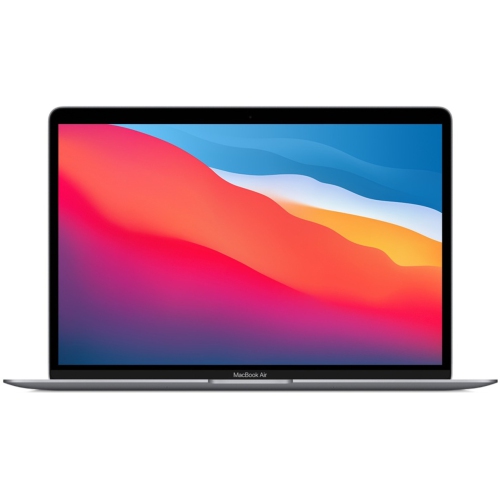 Your price for this item is $799.77
-
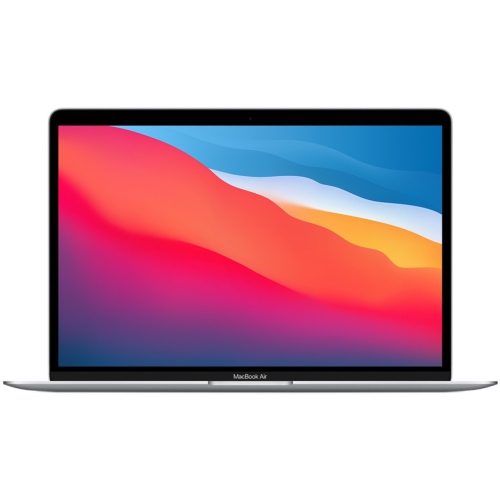 Your price for this item is $799.77
-
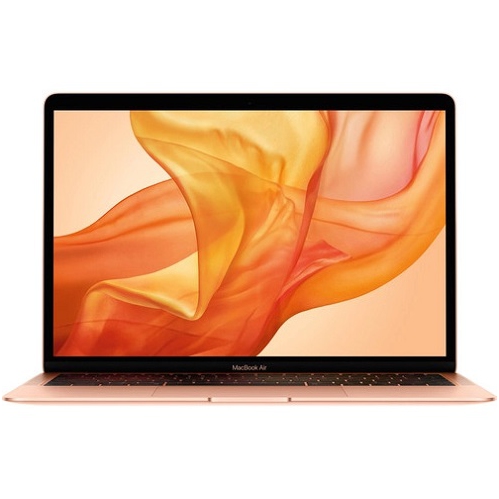 Your price for this item is $549.77
-
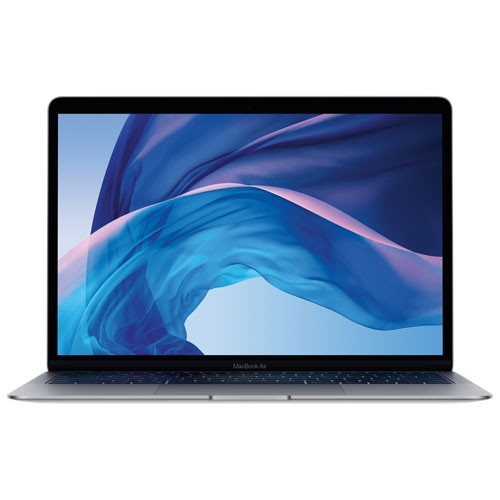 Your price for this item is $549.77
-
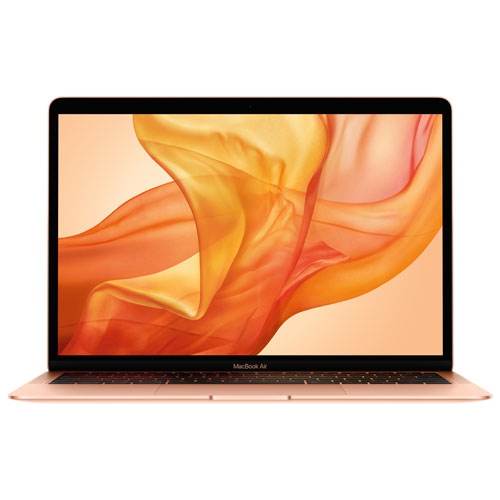 Your price for this item is $599.77
-
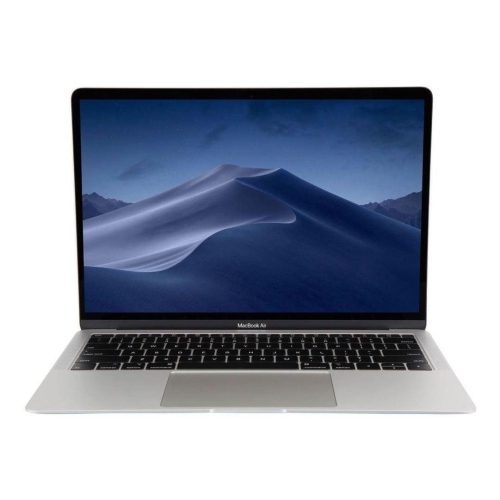 Your price for this item is $499
-
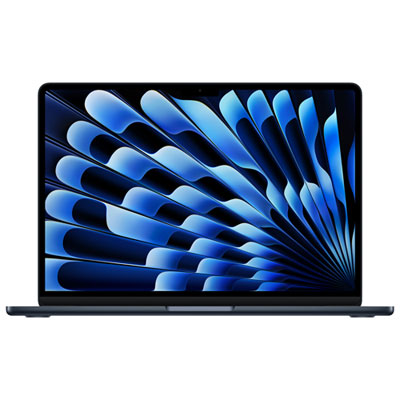 Your price for this item is $1789.99
-
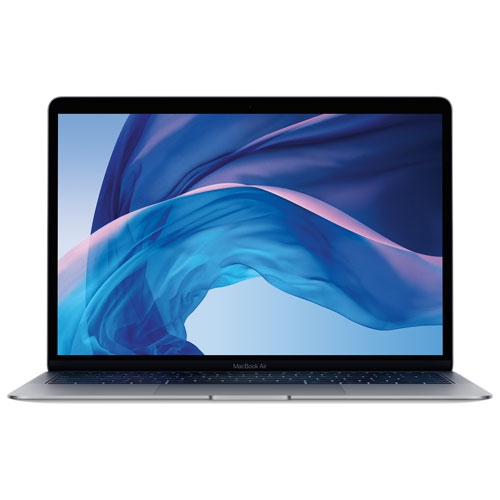 Your price for this item is $579.77
Discover more categories related to Apple Computers for Students


Top Collections:
Best Black Friday Deals This Year, Best Black Friday Deals On Electronics, Kindle Devices, Pokemon Centers, Best Black Friday Deals On Apple Products, Best Cameras for Sports Photography, Dyson Airwrap, Pokémon 30th Celebration Cards, Apple iPhone 17 Pro, Canon G7X Cameras
Some products may be subject to Environmental Handling Fees
(EHF) depending on your province.
Learn more about EHFs.