Apple Laptops Lightweight For Travel And Work
Apple Laptops Lightweight For Travel And Work offer the ideal combination of portability and performance, making them a smart choice for busy professionals and frequent travelers. Designed to fit seamlessly into your on-the-go lifestyle, these laptops are easy to carry between meetings, classrooms, or flights. Explore a range of options that help you stay productive and connected wherever your day takes you. Find the right Apple laptop to support your work and travel needs with style and efficiency.
Sort
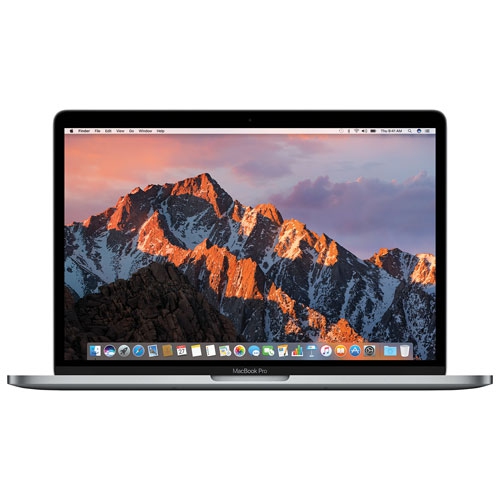
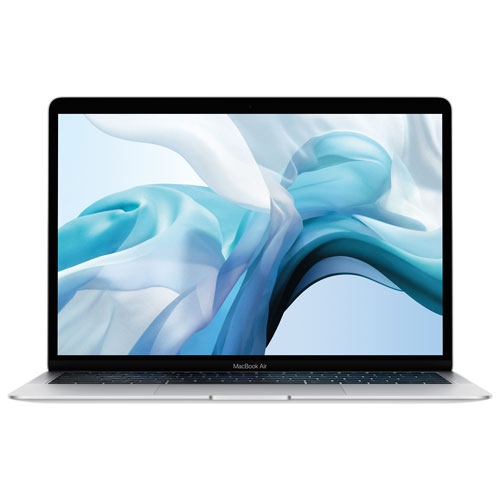
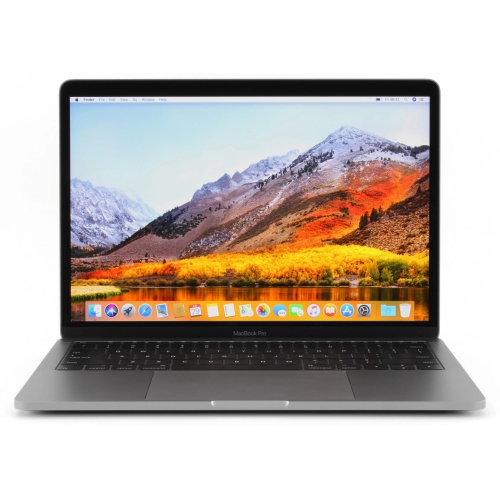
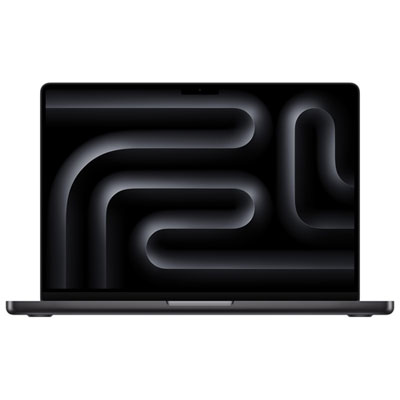
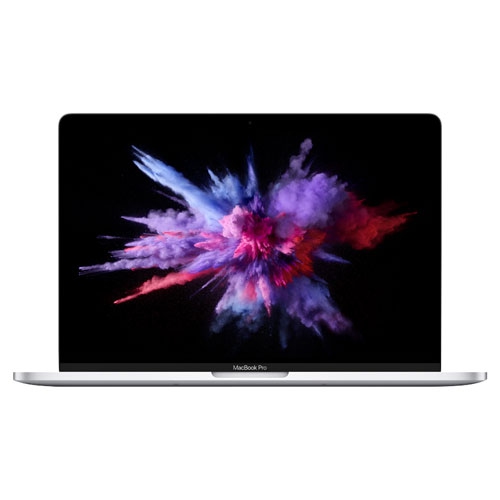
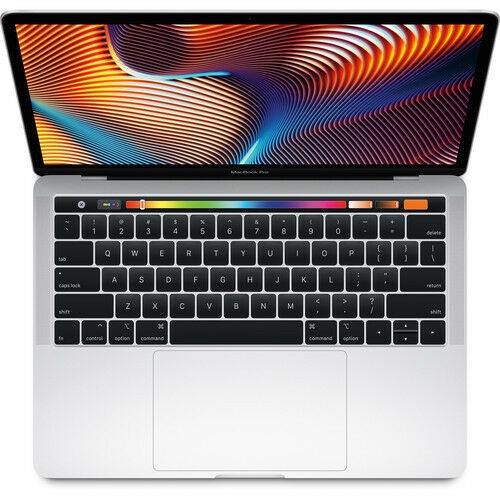
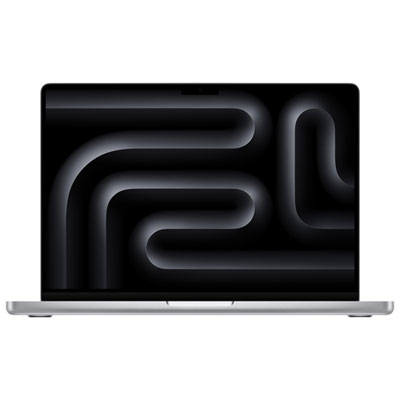
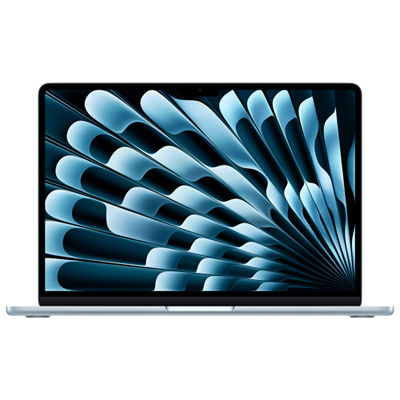


Portable productivity takes more than a slim design
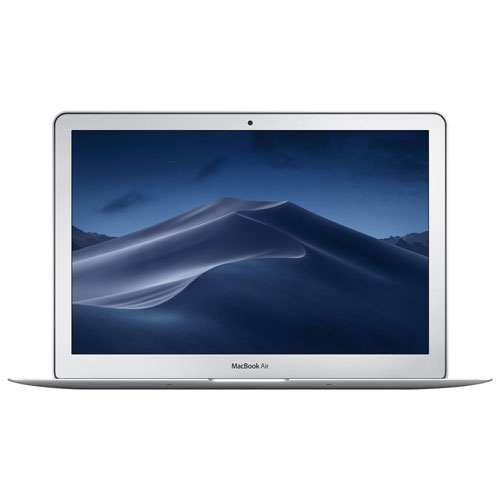
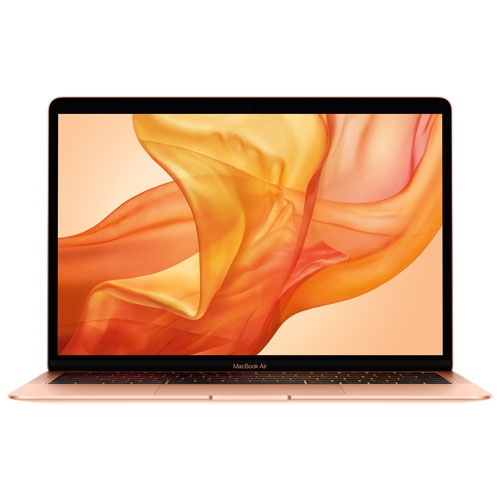
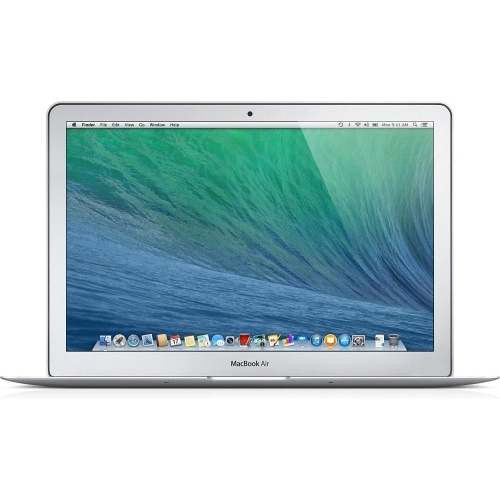
Lightweight laptops for travel and work bring everyday productivity into a format that is easier to carry between home, the office and destinations further afield. A slim notebook can leave room in a shoulder bag for documents and a charger, while a compact footprint makes it easier to open on a small café table or shared desk. Carrying comfort depends on more than the laptop’s weight alone: the charger, protective sleeve and any adapters all contribute to the load. A screen around 13 inches generally suits smaller bags and tighter workspaces, while a larger display provides more room for spreadsheets, presentation slides and side-by-side documents. The useful balance is enough screen space to work comfortably without making the computer awkward to pack. External dimensions matter when matching a laptop to an existing bag, especially if its padded compartment has a narrow opening. A well-fitted sleeve should cushion the corners without pressing tightly against the lid or leaving the computer free to slide around. Metal enclosures can provide a rigid feel, but even a sturdy chassis benefits from protection against knocks, scratches and pressure from other packed belongings. For work that moves from a desk to a meeting room and then onto a train, details such as a stable hinge, comfortable keyboard and responsive trackpad can matter as much as thinness. Display clarity also makes a practical difference when reading small text or reviewing detailed layouts. A higher-resolution screen can render text sharply, although brightness, reflections and comfortable scaling affect how usable that screen feels in different indoor settings. People who spend much of the day writing, reviewing contracts or answering messages may place more value on these everyday touchpoints than on specifications intended for demanding production tasks. A clear camera and intelligible microphone are equally relevant when a laptop doubles as a portable meeting setup. Together, these features help a travel-friendly computer feel like a capable workspace rather than simply a smaller device to carry.
The right performance configuration depends on what happens after the laptop comes out of the bag. Email, browser-based business tools, document editing and video calls place different demands on a computer than large photo libraries, software development or lengthy video exports. Memory helps support active applications and open files, so a working day that involves many browser tabs, a spreadsheet and an online meeting deserves consideration beyond basic single-app use. Storage capacity affects how much can remain on the laptop itself, including project folders, downloaded reference material and media needed away from an internet connection. Cloud storage can simplify access across devices, but offline copies remain useful on flights or wherever Wi-Fi is unreliable. When memory or internal storage cannot be upgraded after purchase, the initial configuration has a greater influence on how well the laptop accommodates future workloads. Software compatibility is another practical consideration, particularly for workplace applications, specialized plug-ins and tools managed by an employer. A lightweight design can support substantial productivity, but sustained processing tasks may call for different cooling and performance characteristics than occasional bursts of activity. Quiet operation can be welcome in shared spaces, while people handling intensive workloads may place greater importance on performance during longer sessions. Battery life also needs to be understood in context. Advertised runtime reflects particular test conditions; screen brightness, video meetings, connected accessories and demanding applications can change the time between charges. A compact charger is convenient for travel, provided its power output and charging connection suit the laptop. Ports deserve the same attention. A minimalist connection layout may be comfortable on the move but require an adapter for a projector, wired network or older peripheral. Anyone using an external monitor at a desk should confirm the supported display connections, resolutions and number of screens. These details determine whether the transition from portable notebook to desktop workspace is straightforward or involves extra equipment each time.
Daily handling helps preserve both the appearance and usefulness of a lightweight laptop. A padded compartment protects against routine bumps, but it is not a substitute for keeping heavy objects from pressing against the screen. Chargers, keys and other hard accessories are better separated from the enclosure, and drinks should travel in a different compartment whenever possible. A soft, lint-free cloth and the manufacturer’s cleaning directions are the safest starting points for routine care; liquid should never be sprayed directly onto the display or keyboard. Stable, hard work surfaces also leave ventilation openings unobstructed on designs that use them. For travellers, protection extends beyond the chassis. A secure sign-in method, regular software updates and a dependable backup routine help safeguard work if a computer is misplaced or damaged. Sensitive files may also require encryption or access controls set by an employer. Shared spaces call for awareness of who can see the screen, particularly when reviewing client information or joining confidential meetings. The same considerations apply to Apple laptops for business travel, where carrying comfort, access to work files and compatibility with office equipment matter alongside a slim profile. Consultants moving between client sites, students balancing coursework with placements, and employees splitting time between home and an office can all benefit from a computer that is easy to pack without feeling cramped during use. For someone receiving a laptop as a gift, the recipient’s required software, preferred screen size and existing accessories are more useful reference points than appearance alone. A person who writes throughout the day may prioritize keyboard comfort, while someone presenting visual work may care more about display quality and external-screen support. The most suitable lightweight laptop supports those familiar routines with minimal friction: comfortable to carry, practical to connect and capable of handling the work that needs to happen wherever the day leads.
The right performance configuration depends on what happens after the laptop comes out of the bag. Email, browser-based business tools, document editing and video calls place different demands on a computer than large photo libraries, software development or lengthy video exports. Memory helps support active applications and open files, so a working day that involves many browser tabs, a spreadsheet and an online meeting deserves consideration beyond basic single-app use. Storage capacity affects how much can remain on the laptop itself, including project folders, downloaded reference material and media needed away from an internet connection. Cloud storage can simplify access across devices, but offline copies remain useful on flights or wherever Wi-Fi is unreliable. When memory or internal storage cannot be upgraded after purchase, the initial configuration has a greater influence on how well the laptop accommodates future workloads. Software compatibility is another practical consideration, particularly for workplace applications, specialized plug-ins and tools managed by an employer. A lightweight design can support substantial productivity, but sustained processing tasks may call for different cooling and performance characteristics than occasional bursts of activity. Quiet operation can be welcome in shared spaces, while people handling intensive workloads may place greater importance on performance during longer sessions. Battery life also needs to be understood in context. Advertised runtime reflects particular test conditions; screen brightness, video meetings, connected accessories and demanding applications can change the time between charges. A compact charger is convenient for travel, provided its power output and charging connection suit the laptop. Ports deserve the same attention. A minimalist connection layout may be comfortable on the move but require an adapter for a projector, wired network or older peripheral. Anyone using an external monitor at a desk should confirm the supported display connections, resolutions and number of screens. These details determine whether the transition from portable notebook to desktop workspace is straightforward or involves extra equipment each time.
Daily handling helps preserve both the appearance and usefulness of a lightweight laptop. A padded compartment protects against routine bumps, but it is not a substitute for keeping heavy objects from pressing against the screen. Chargers, keys and other hard accessories are better separated from the enclosure, and drinks should travel in a different compartment whenever possible. A soft, lint-free cloth and the manufacturer’s cleaning directions are the safest starting points for routine care; liquid should never be sprayed directly onto the display or keyboard. Stable, hard work surfaces also leave ventilation openings unobstructed on designs that use them. For travellers, protection extends beyond the chassis. A secure sign-in method, regular software updates and a dependable backup routine help safeguard work if a computer is misplaced or damaged. Sensitive files may also require encryption or access controls set by an employer. Shared spaces call for awareness of who can see the screen, particularly when reviewing client information or joining confidential meetings. The same considerations apply to Apple laptops for business travel, where carrying comfort, access to work files and compatibility with office equipment matter alongside a slim profile. Consultants moving between client sites, students balancing coursework with placements, and employees splitting time between home and an office can all benefit from a computer that is easy to pack without feeling cramped during use. For someone receiving a laptop as a gift, the recipient’s required software, preferred screen size and existing accessories are more useful reference points than appearance alone. A person who writes throughout the day may prioritize keyboard comfort, while someone presenting visual work may care more about display quality and external-screen support. The most suitable lightweight laptop supports those familiar routines with minimal friction: comfortable to carry, practical to connect and capable of handling the work that needs to happen wherever the day leads.
Top selling and popular products
-
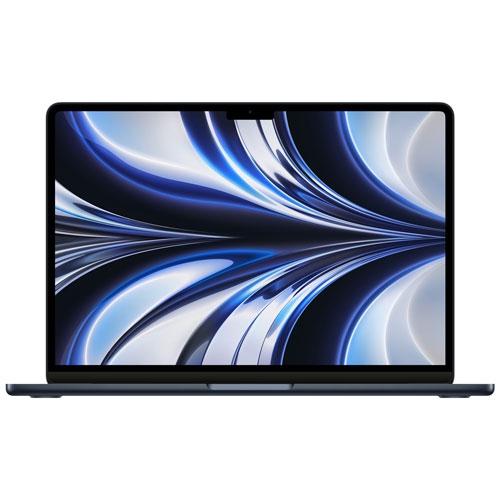 Your price for this item is $1299.99
-
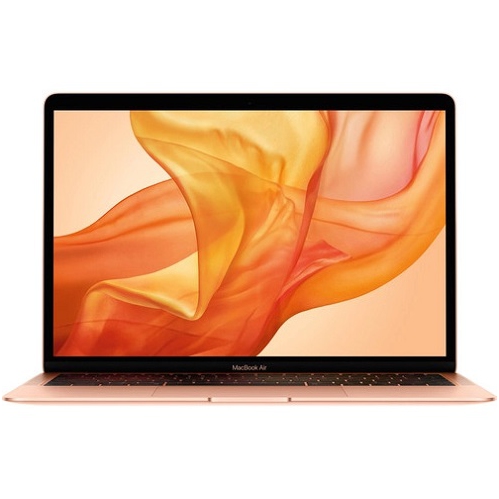 Your price for this item is $549.77
-
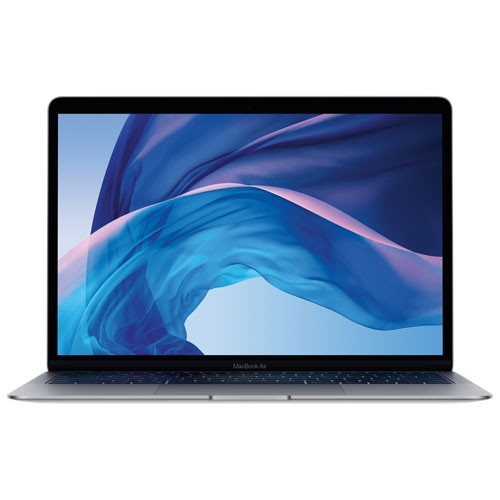 Your price for this item is $549.77
-
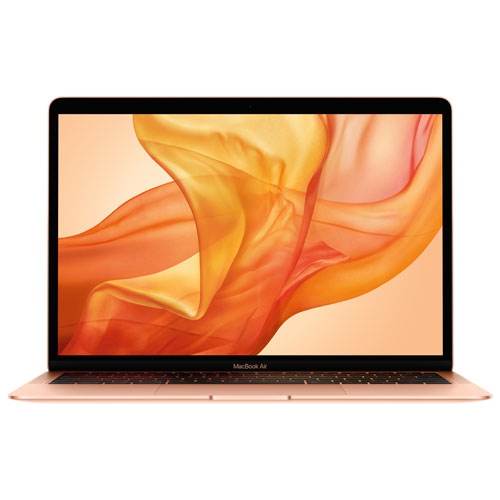 Your price for this item is $599.77
-
 Your price for this item is $1499
-
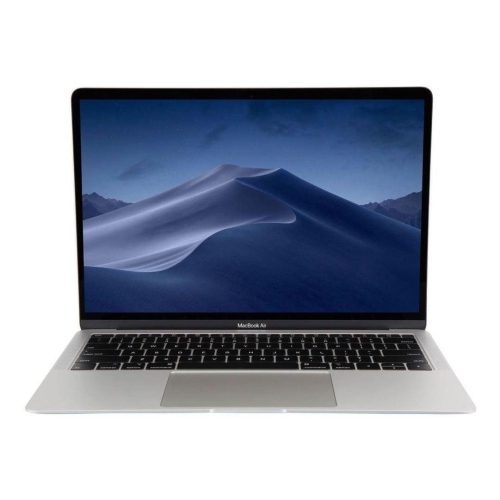 Your price for this item is $499
-
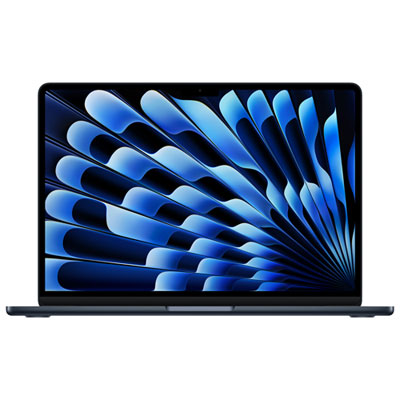 Your price for this item is $1789.99
-
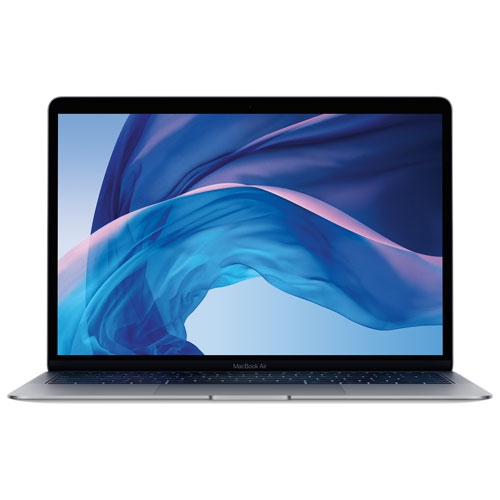 Your price for this item is $579.77
Discover more categories related to Apple Laptops Lightweight For Travel And Work

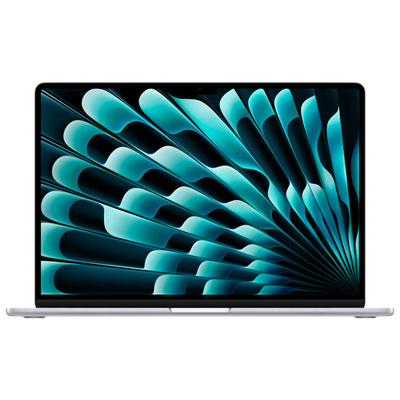
Top Collections:
Pokemon Centers, Best Black Friday Deals This Year, Best Black Friday Deals On Electronics, Kindle Devices, Best Budget Office Chairs, Best Black Friday Deals On Apple Products, Best Cameras for Sports Photography, Pokémon 30th Celebration Cards, Dyson Airwrap, Canon G7X Cameras
Some products may be subject to Environmental Handling Fees
(EHF) depending on your province.
Learn more about EHFs.