Apple Pencil 1st Gen
Enhance your creative and productivity experience with the Apple Pencil 1st Gen. Perfect for note-taking, sketching, and navigating your device, the Apple Pencil 1st Gen offers a seamless way to interact with your compatible tablet. Whether you’re a student, artist, or professional, discover how the Apple Pencil 1st Gen can help bring your ideas to life with precision and ease. Explore options to find the right fit for your needs and elevate your digital workflow today.
Sort
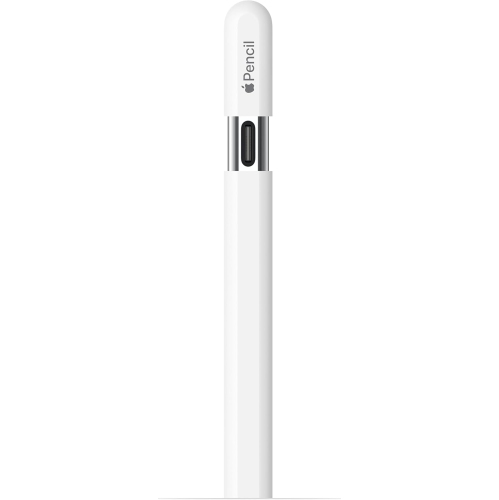
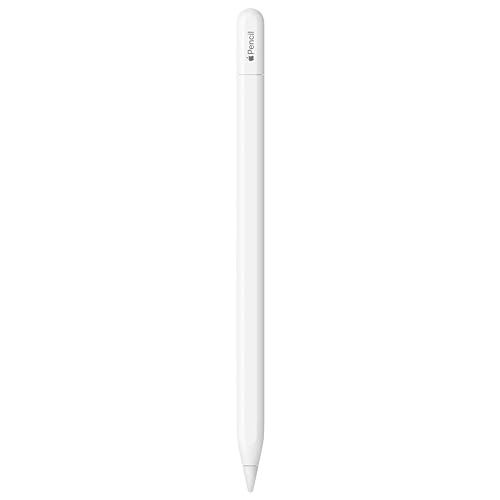
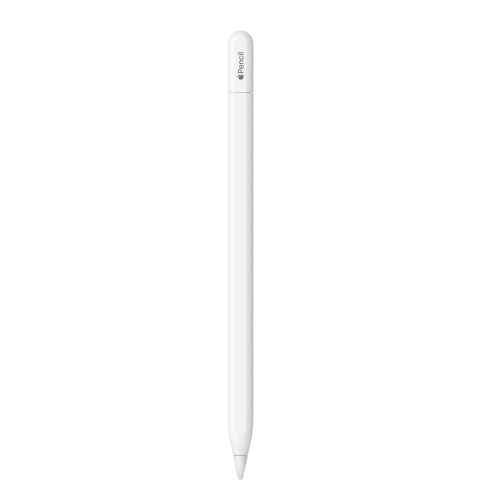
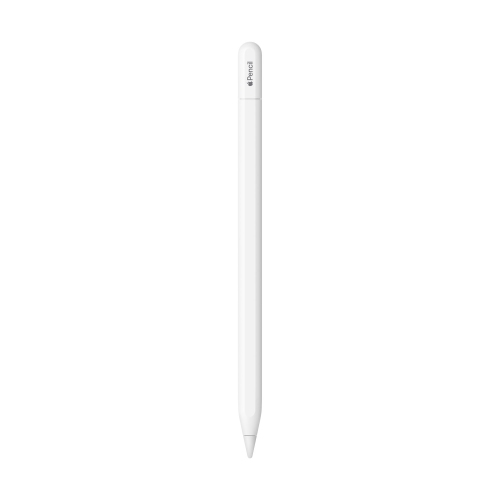

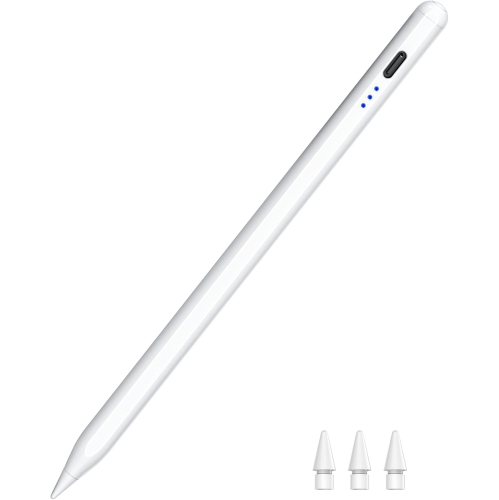
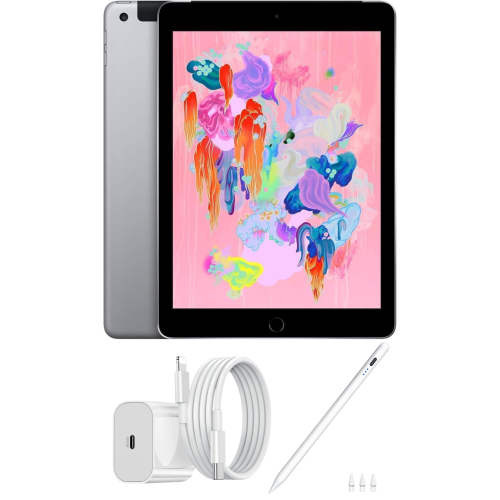
A lighter touch brings finer strokes to your screen
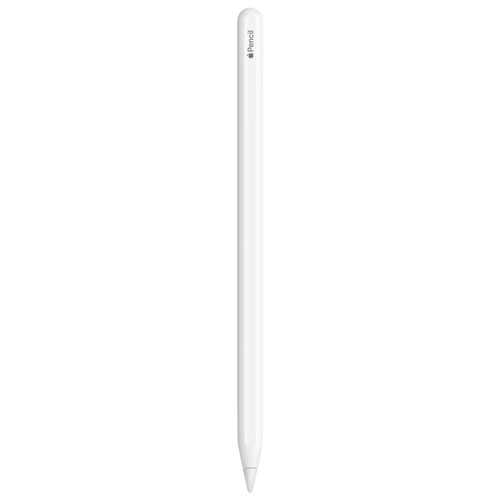
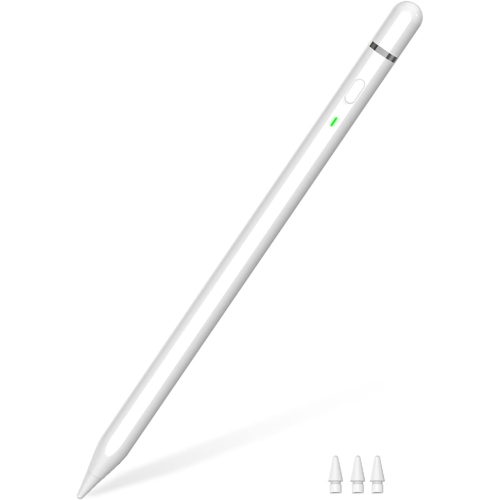
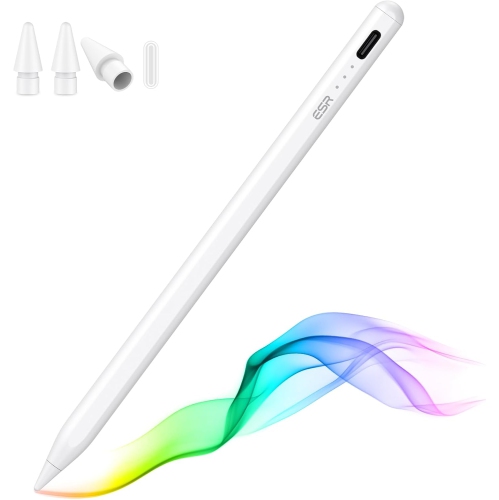
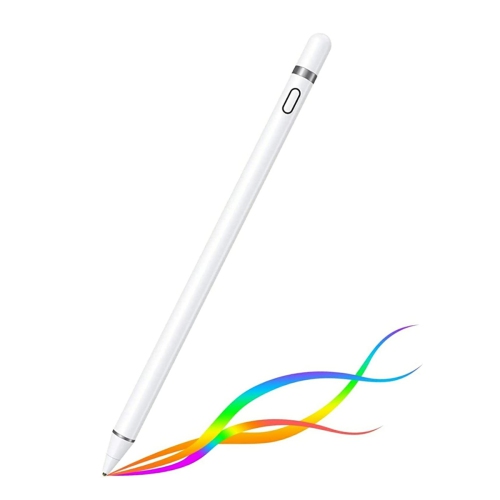
A first-generation digital pencil brings pressure-sensitive writing, tilt-responsive shading, and precise control to a compatible tablet. For students, illustrators, and people who think best with a pen in hand, an iPad Pencil 1st Generation can turn a screen into a notebook, sketchpad, or workspace for annotated documents. Pressure sensitivity allows a supported drawing app to interpret a lighter touch as a finer stroke and firmer pressure as a heavier mark, depending on the selected brush. Tilt sensitivity adds another dimension, making it possible to shade with the side of a virtual pencil rather than adjusting brush size for every change. These features are useful for everything from loose charcoal-style studies to carefully lettered headings. Palm rejection on a compatible tablet lets the hand rest against the display while writing, helping a page of lecture notes feel less like an exercise in keeping the wrist suspended. The experience still differs from writing on paper: glass feels smoother, the tip has a different amount of resistance, and the app determines how tools respond. Some people prefer that glide for flowing handwriting, while others find a textured screen protector more comfortable for controlled strokes. A fine contact point also makes small edits easier to place, whether circling a measurement on a floor plan, adding comments beside a paragraph, or labelling a diagram without covering nearby details. Handwriting recognition, searchable notes, and shape correction depend on the tablet software and app rather than the pencil alone. For everyday use, the appeal is often less about producing finished artwork and more about keeping familiar handwritten habits within a digital workspace. A student can sketch a formula beside typed notes, a hobbyist can test colour combinations on separate layers, and a reader can mark up a document while keeping the original file intact.
Compatibility is central to the first-generation pencil experience because a similar-looking tablet or matching connector does not guarantee support. This design works with selected tablet models, not every touchscreen, and compatibility depends on the exact model and generation rather than screen size alone. Some supported tablets have a Lightning port, while certain supported USB-C tablets require a USB-C to pencil adapter and an appropriate cable for pairing and charging. An adapter provides the necessary connection for a supported setup; it does not add pencil support to an otherwise incompatible tablet. The first-generation design pairs using Bluetooth and has a Lightning connector beneath its removable cap. On compatible Lightning-equipped tablets, that connector can plug directly into the tablet for pairing and charging. Charging from a suitable power source through the appropriate adapter is another arrangement, depending on the accessories involved. These differences matter in daily routines: a pencil used mainly at a desk may have a dedicated charging spot, while one carried between classrooms needs a practical place for its cap, cable, and adapter. A case with a pencil compartment can keep those pieces together, but the compartment needs to accommodate the pencil’s actual length and shape. A magnetic attachment point on a tablet should not be mistaken for a compatible charging connection, and accessories designed around another pencil generation may not fit or function correctly. Replacement tips, sleeves, holders, and charging adapters also need to match the intended design. Battery life between charges varies with use, and a rechargeable pencil still needs occasional charging even when it spends much of its time in a bag. For someone returning to handwritten notes after relying on a keyboard, the most comfortable setup is often the one that keeps both writing and charging straightforward. A tablet stand can support reading and document review, while a lower writing angle may feel more natural for longer note-taking sessions.
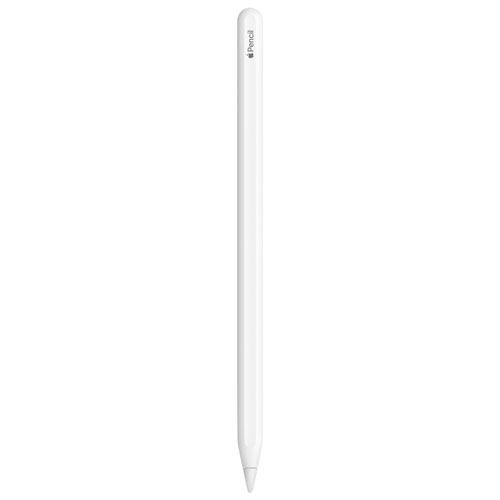
The physical details of a digital pencil influence comfort and durability as much as its drawing features. A smooth plastic barrel is easy to wipe clean, while its round shape gives it a familiar feel in the hand. That shape can also roll on a sloped desk, making a fitted holder or case useful between tasks. A grip sleeve may add cushioning or help establish a steadier hold, although extra thickness can affect whether the pencil fits inside a storage loop. The replaceable tip is a working surface rather than a permanent component: regular writing, drawing pressure, and screen texture can all influence how quickly it wears. A worn or damaged tip can change the feel of a stroke, so its condition matters alongside the cleanliness of the display. Dust or grit trapped between the tip and screen can interfere with smooth movement; a clean, soft cloth helps keep contact surfaces clear without abrasive scrubbing. The charging connector and removable cap benefit from careful handling, particularly when the pencil is packed with keys or other hard objects. A secure compartment helps protect the tip from bending forces and keeps the pencil from being crushed beneath heavier belongings. For longer periods between uses, following the manufacturer’s battery-storage guidance is preferable to leaving a depleted rechargeable pencil untouched. These practical details are relevant whether the pencil is used for detailed illustration or a few handwritten reminders each day. As a gift, it can suit a student who annotates readings, a teacher who explains ideas with diagrams, or a creative person who enjoys drawing directly on a screen. Confirming the recipient’s exact tablet model is more important than assuming that all tablets from the same family accept the same pencil. Their preferred activities matter too: pressure-sensitive brushwork may be valuable to an illustrator, while comfortable handwriting and dependable document annotation may be the bigger priorities for someone managing classes, meetings, or personal projects.
Compatibility is central to the first-generation pencil experience because a similar-looking tablet or matching connector does not guarantee support. This design works with selected tablet models, not every touchscreen, and compatibility depends on the exact model and generation rather than screen size alone. Some supported tablets have a Lightning port, while certain supported USB-C tablets require a USB-C to pencil adapter and an appropriate cable for pairing and charging. An adapter provides the necessary connection for a supported setup; it does not add pencil support to an otherwise incompatible tablet. The first-generation design pairs using Bluetooth and has a Lightning connector beneath its removable cap. On compatible Lightning-equipped tablets, that connector can plug directly into the tablet for pairing and charging. Charging from a suitable power source through the appropriate adapter is another arrangement, depending on the accessories involved. These differences matter in daily routines: a pencil used mainly at a desk may have a dedicated charging spot, while one carried between classrooms needs a practical place for its cap, cable, and adapter. A case with a pencil compartment can keep those pieces together, but the compartment needs to accommodate the pencil’s actual length and shape. A magnetic attachment point on a tablet should not be mistaken for a compatible charging connection, and accessories designed around another pencil generation may not fit or function correctly. Replacement tips, sleeves, holders, and charging adapters also need to match the intended design. Battery life between charges varies with use, and a rechargeable pencil still needs occasional charging even when it spends much of its time in a bag. For someone returning to handwritten notes after relying on a keyboard, the most comfortable setup is often the one that keeps both writing and charging straightforward. A tablet stand can support reading and document review, while a lower writing angle may feel more natural for longer note-taking sessions.
The physical details of a digital pencil influence comfort and durability as much as its drawing features. A smooth plastic barrel is easy to wipe clean, while its round shape gives it a familiar feel in the hand. That shape can also roll on a sloped desk, making a fitted holder or case useful between tasks. A grip sleeve may add cushioning or help establish a steadier hold, although extra thickness can affect whether the pencil fits inside a storage loop. The replaceable tip is a working surface rather than a permanent component: regular writing, drawing pressure, and screen texture can all influence how quickly it wears. A worn or damaged tip can change the feel of a stroke, so its condition matters alongside the cleanliness of the display. Dust or grit trapped between the tip and screen can interfere with smooth movement; a clean, soft cloth helps keep contact surfaces clear without abrasive scrubbing. The charging connector and removable cap benefit from careful handling, particularly when the pencil is packed with keys or other hard objects. A secure compartment helps protect the tip from bending forces and keeps the pencil from being crushed beneath heavier belongings. For longer periods between uses, following the manufacturer’s battery-storage guidance is preferable to leaving a depleted rechargeable pencil untouched. These practical details are relevant whether the pencil is used for detailed illustration or a few handwritten reminders each day. As a gift, it can suit a student who annotates readings, a teacher who explains ideas with diagrams, or a creative person who enjoys drawing directly on a screen. Confirming the recipient’s exact tablet model is more important than assuming that all tablets from the same family accept the same pencil. Their preferred activities matter too: pressure-sensitive brushwork may be valuable to an illustrator, while comfortable handwriting and dependable document annotation may be the bigger priorities for someone managing classes, meetings, or personal projects.
Top selling and popular products
-
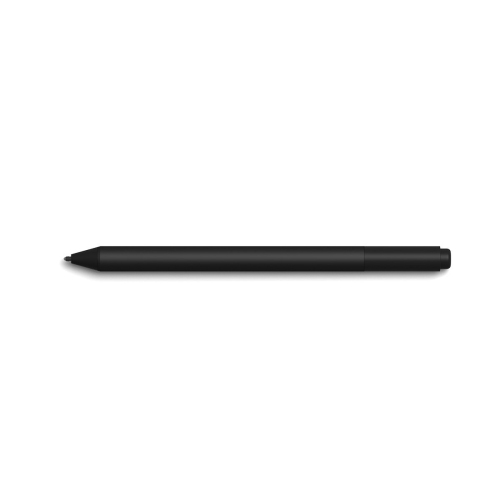 Your price for this item is $175.68
-
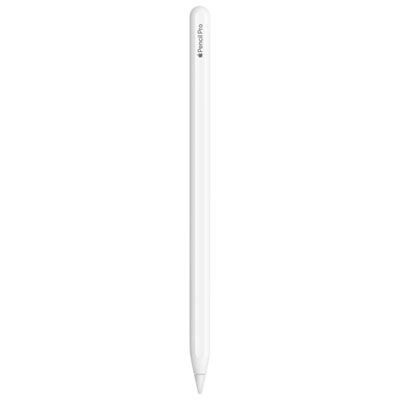 Your price for this item is $169
-
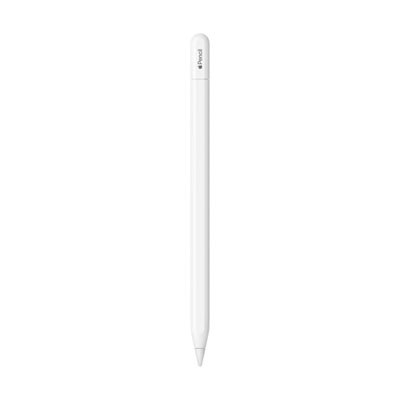 Your price for this item is $109
-
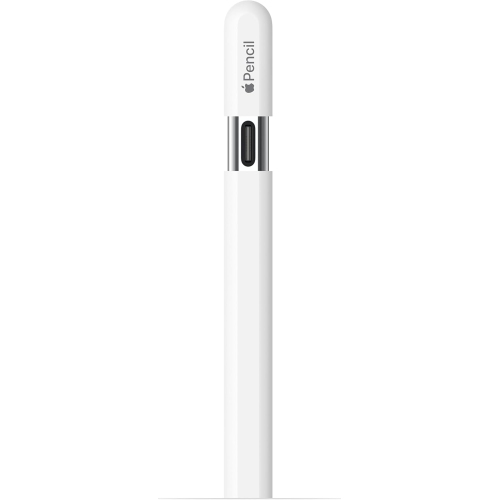 Your price for this item is $96.9
-
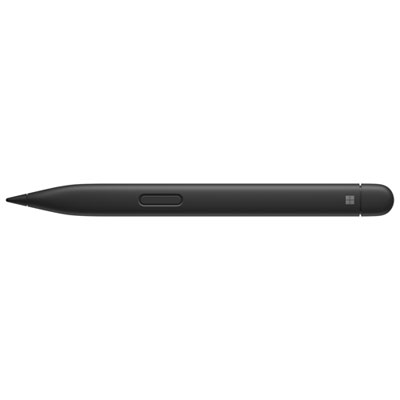 Your price for this item is $189.99
-
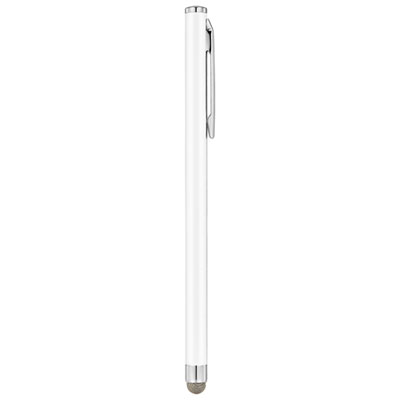 Your price for this item is $9.99
-
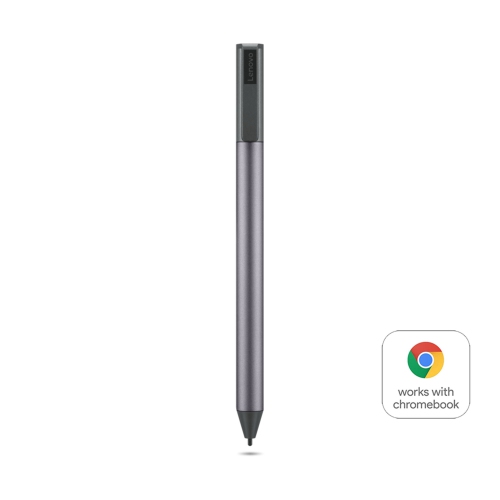 Your price for this item is $71.99
-
 Your price for this item is $21.99
Discover more categories related to Apple Pencil 1st Gen
Top Collections:
Pokemon Centers, Kindle Devices, Best Cameras for Sports Photography, Pokémon 30th Celebration Cards, Apple iPhones 16, Canon G7X Cameras, iPhone 15 Apple, Flip Phones, Samsung Galaxy Phones, Alarm Clock
Some products may be subject to Environmental Handling Fees
(EHF) depending on your province.
Learn more about EHFs.