Apple Pencil Pro
Apple Pencil Pro unlock creativity and productivity, making it easy to sketch, take notes, and bring ideas to life on your compatible device. Designed for seamless integration and effortless control, Apple Pencil Pro offers a natural writing and drawing experience. Whether you're an artist, student, or professional, explore the selection of Apple Pencil Pro to find the perfect tool for your digital workflow.
Sort
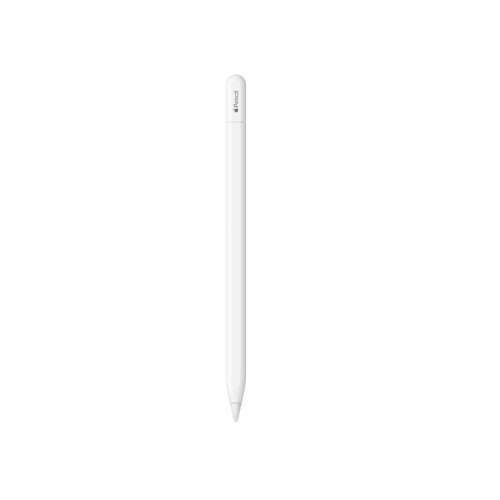
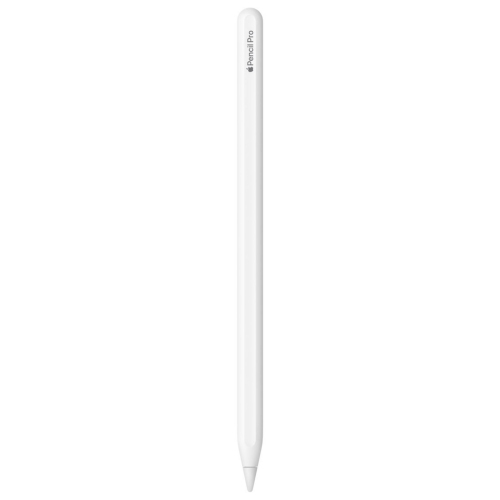
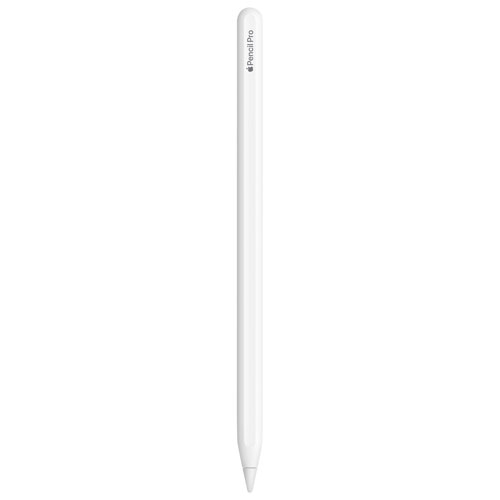
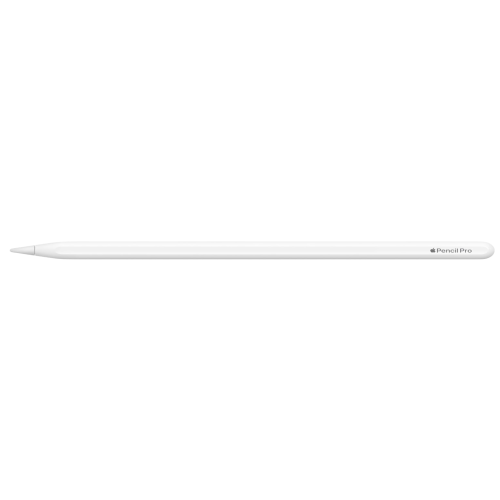

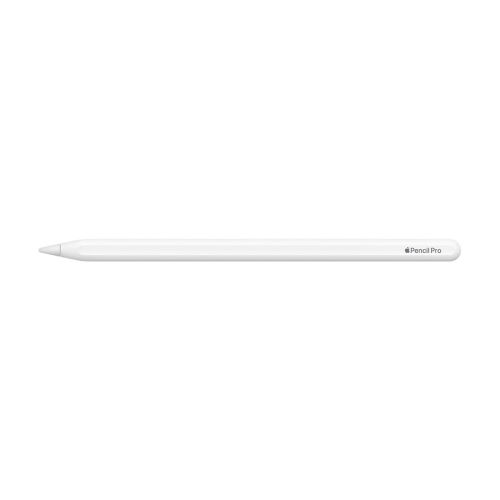
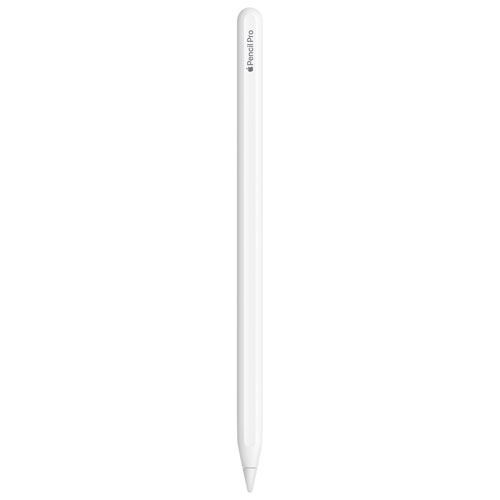
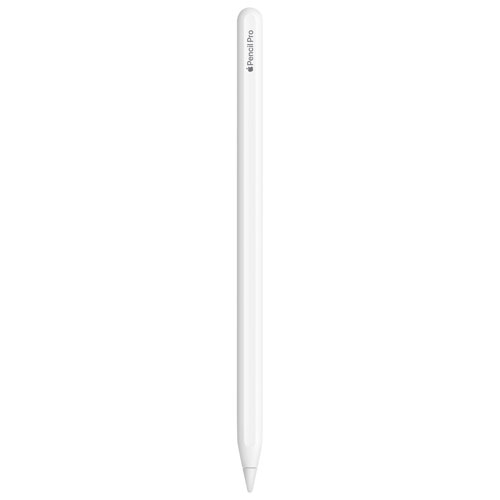
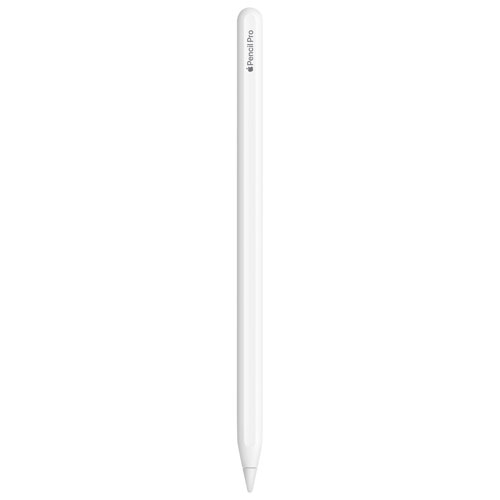
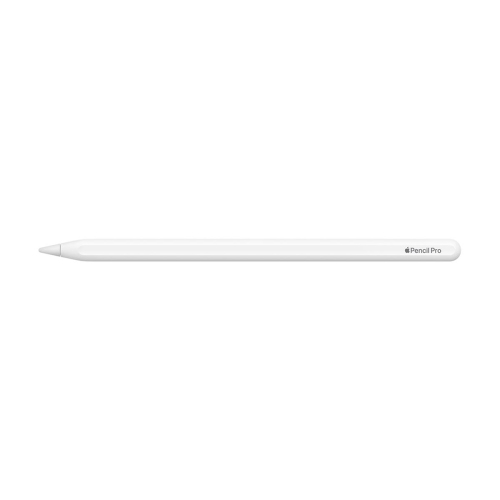
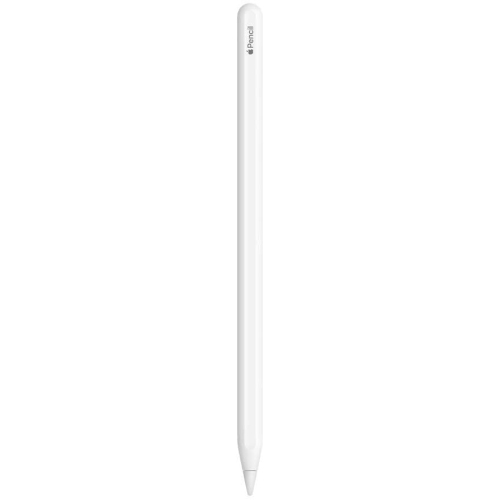
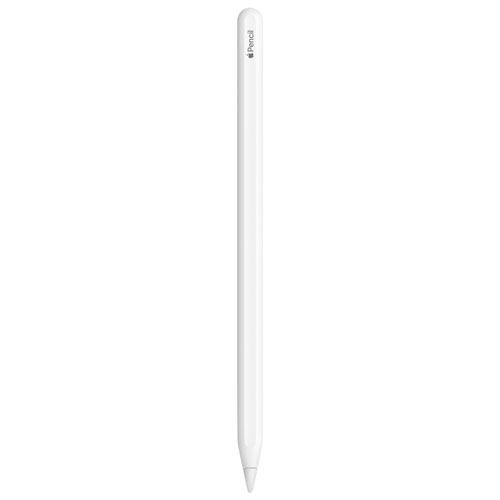
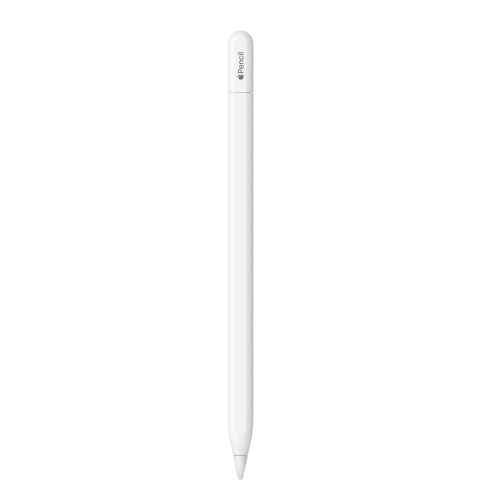
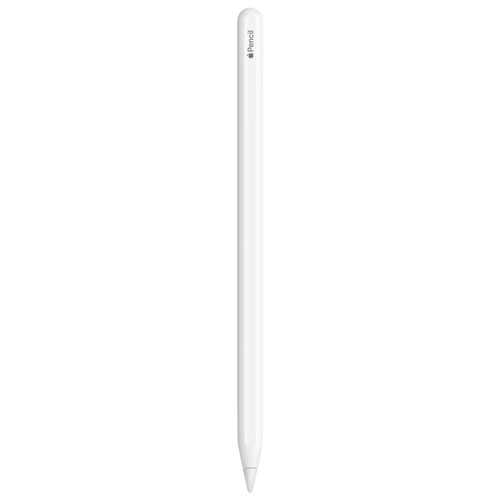
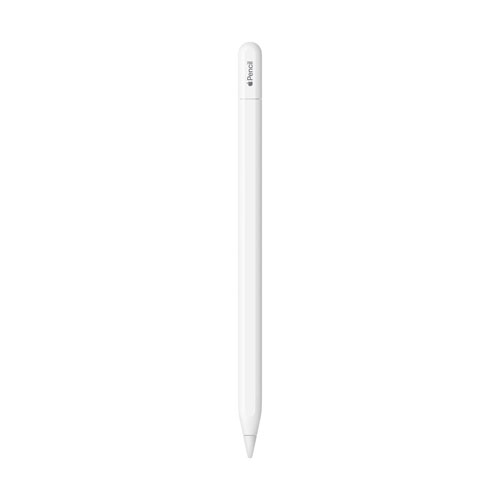
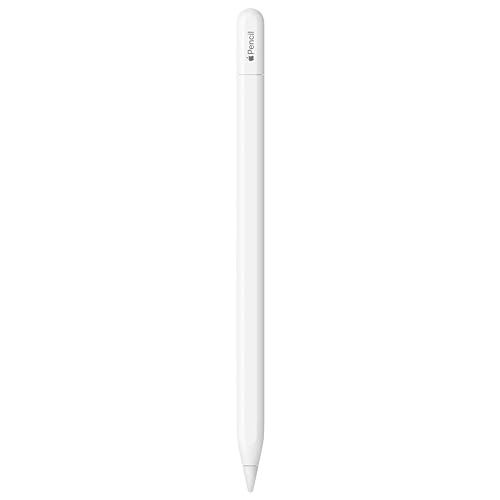
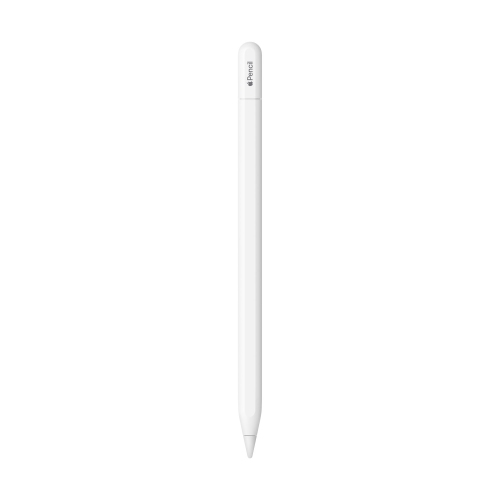
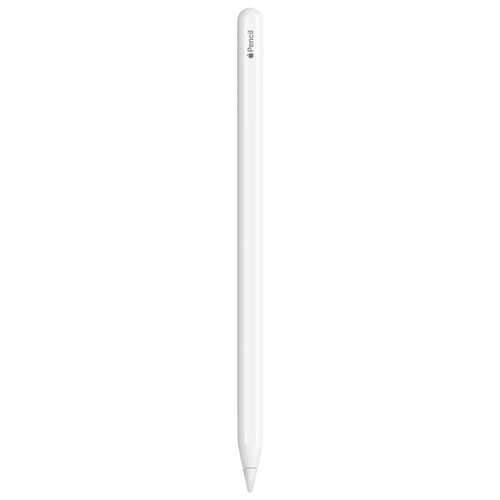
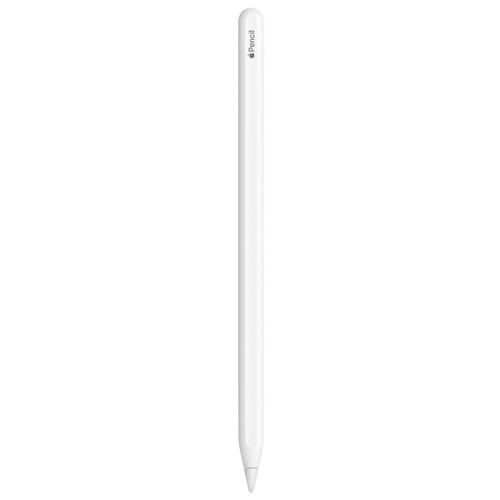
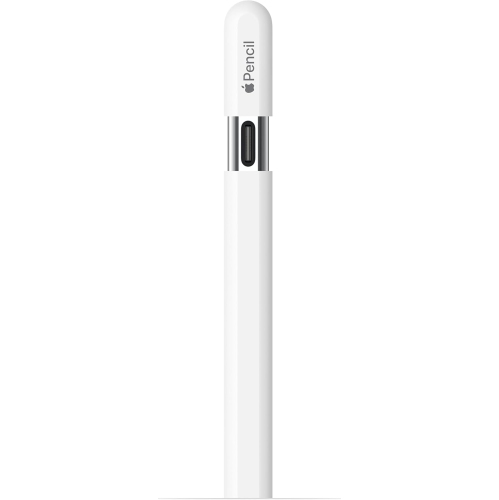
Familiar pencil movements with finer digital control
A precision tablet stylus turns a compatible touchscreen into a place to write, sketch, annotate, and develop ideas with finer control than a fingertip. For students, that can mean adding a diagram beside lecture notes or working through an equation without squeezing everything into a typed format. For illustrators, designers, and enthusiastic hobbyists, it means moving between loose pencil-like strokes, precise outlines, and broad areas of colour on the same digital canvas. Pressure-sensitive input allows supported drawing tools to respond to a lighter touch or a firmer stroke, while tilt detection can help create shading effects that feel familiar to anyone who has used the side of a traditional pencil. Advanced controls add another layer of expression. In supported apps, a squeeze gesture can reveal a tool palette for changing brushes, line weights, or colours without moving away from the work. Barrel rotation lets shaped brushes follow the angle of the stylus, making a flat brush or calligraphy nib behave more naturally as the hand turns. Haptic feedback provides a small physical confirmation of supported actions, while hover previews can show the position and orientation of a tool before the tip touches the display. These details are especially useful when placing a fine line along an architectural sketch, lettering a heading, or adding a highlight to a portrait. Their usefulness depends on both the tablet and the app, so the experience is shaped by more than the stylus alone. A responsive note-taking app may favour quick handwriting and annotation, while a drawing app can make fuller use of pressure, tilt, and brush orientation. Beyond creative work, a digital pen can make everyday tasks more direct: marking a correction on a document, signing a form, circling a detail in a photo, or writing a reminder in the margin of a reading assignment. The appeal lies in keeping familiar hand movements while gaining the flexibility to erase, rearrange, duplicate, and save digital work.
Compatibility is the starting point for a reliable fit between a stylus and a tablet. A matching shape or magnetic connection does not, by itself, confirm that the two devices can pair, charge, or support the same features. The tablet’s exact model and generation matter, along with its software requirements and the capabilities of the apps used most often. Magnetic attachment can provide a convenient resting place along the side of a compatible tablet, and some designs use that connection for pairing and charging as well. This keeps the pen close to hand during a meeting or drawing session, although a protective case needs to leave the attachment area accessible. A case that covers the charging edge or places too much material between the devices may interfere with that connection. Shoppers considering a different stylus generation can also explore Apple Pencils 1, with compatibility assessed separately rather than assumed across generations. Physical comfort deserves similar attention. Barrel diameter, weight, balance, and surface texture all influence how a stylus feels during a full page of handwritten notes or an extended illustration session. A smooth, moulded body can feel different from a traditional wooden pencil, and a flat side may offer a useful point of orientation under the fingers. An added grip can change the feel, but its thickness may also affect access to gestures, magnetic attachment, charging, or storage slots. The tip and screen surface work together, too. A bare glass display offers a smooth glide, while a textured screen protector can add resistance that some people prefer for handwriting and drawing. That extra texture may also increase tip wear. Screen protection can alter visual clarity and touch response, making the balance between drawing feel and display quality a matter of preference. For left- and right-handed users alike, palm rejection in a compatible setup helps support a more relaxed writing position, allowing the hand to rest on the screen while the stylus provides the intended input.
Day-to-day care helps preserve both writing feel and dependable operation. A clean tip and display reduce the chance of trapped grit dragging across the screen, while gentle cleaning with a soft, lint-free cloth keeps the barrel comfortable to hold. Moisture should stay away from openings and connection areas, and cleaning methods need to suit the device’s care requirements rather than household cleaning habits. The tip is a wear component: flattening, roughness, looseness, or an unexpected change in how it moves across the display can signal that it needs attention. A compatible replacement tip can restore a more consistent feel, but the correct fit matters; an attachment that merely looks similar is not necessarily suitable. Secure storage is equally important for a slim accessory that can disappear into a bag or roll beneath a desk. A fitted compartment, dedicated sleeve, or case with a properly sized pen holder can help protect it from impacts and keep it separate from loose keys and other hard objects. Magnetic attachment is convenient at a desk, but enclosed storage offers greater reassurance during travel. Where supported, a device-finding feature can also help locate a misplaced stylus, subject to the requirements of the connected system. Charging routines are easiest to maintain when they fit naturally into tablet use, such as returning the pen to its designated charging position between tasks. For a student moving between handwritten notes and annotated readings, that readiness can matter more than a long list of features. For an artist, dependable input and comfortable handling may take priority. As a gift, a precision stylus is particularly thoughtful for someone who already enjoys drawing, handwritten planning, digital journalling, or document annotation on a compatible tablet. Confirming the recipient’s tablet model and preferred apps helps make the gift useful from the first session. Whether the goal is a carefully shaded illustration or a clearly marked-up document, the strongest match combines supported features, a comfortable grip, and straightforward care.
Compatibility is the starting point for a reliable fit between a stylus and a tablet. A matching shape or magnetic connection does not, by itself, confirm that the two devices can pair, charge, or support the same features. The tablet’s exact model and generation matter, along with its software requirements and the capabilities of the apps used most often. Magnetic attachment can provide a convenient resting place along the side of a compatible tablet, and some designs use that connection for pairing and charging as well. This keeps the pen close to hand during a meeting or drawing session, although a protective case needs to leave the attachment area accessible. A case that covers the charging edge or places too much material between the devices may interfere with that connection. Shoppers considering a different stylus generation can also explore Apple Pencils 1, with compatibility assessed separately rather than assumed across generations. Physical comfort deserves similar attention. Barrel diameter, weight, balance, and surface texture all influence how a stylus feels during a full page of handwritten notes or an extended illustration session. A smooth, moulded body can feel different from a traditional wooden pencil, and a flat side may offer a useful point of orientation under the fingers. An added grip can change the feel, but its thickness may also affect access to gestures, magnetic attachment, charging, or storage slots. The tip and screen surface work together, too. A bare glass display offers a smooth glide, while a textured screen protector can add resistance that some people prefer for handwriting and drawing. That extra texture may also increase tip wear. Screen protection can alter visual clarity and touch response, making the balance between drawing feel and display quality a matter of preference. For left- and right-handed users alike, palm rejection in a compatible setup helps support a more relaxed writing position, allowing the hand to rest on the screen while the stylus provides the intended input.
Day-to-day care helps preserve both writing feel and dependable operation. A clean tip and display reduce the chance of trapped grit dragging across the screen, while gentle cleaning with a soft, lint-free cloth keeps the barrel comfortable to hold. Moisture should stay away from openings and connection areas, and cleaning methods need to suit the device’s care requirements rather than household cleaning habits. The tip is a wear component: flattening, roughness, looseness, or an unexpected change in how it moves across the display can signal that it needs attention. A compatible replacement tip can restore a more consistent feel, but the correct fit matters; an attachment that merely looks similar is not necessarily suitable. Secure storage is equally important for a slim accessory that can disappear into a bag or roll beneath a desk. A fitted compartment, dedicated sleeve, or case with a properly sized pen holder can help protect it from impacts and keep it separate from loose keys and other hard objects. Magnetic attachment is convenient at a desk, but enclosed storage offers greater reassurance during travel. Where supported, a device-finding feature can also help locate a misplaced stylus, subject to the requirements of the connected system. Charging routines are easiest to maintain when they fit naturally into tablet use, such as returning the pen to its designated charging position between tasks. For a student moving between handwritten notes and annotated readings, that readiness can matter more than a long list of features. For an artist, dependable input and comfortable handling may take priority. As a gift, a precision stylus is particularly thoughtful for someone who already enjoys drawing, handwritten planning, digital journalling, or document annotation on a compatible tablet. Confirming the recipient’s tablet model and preferred apps helps make the gift useful from the first session. Whether the goal is a carefully shaded illustration or a clearly marked-up document, the strongest match combines supported features, a comfortable grip, and straightforward care.
Top selling and popular products
-
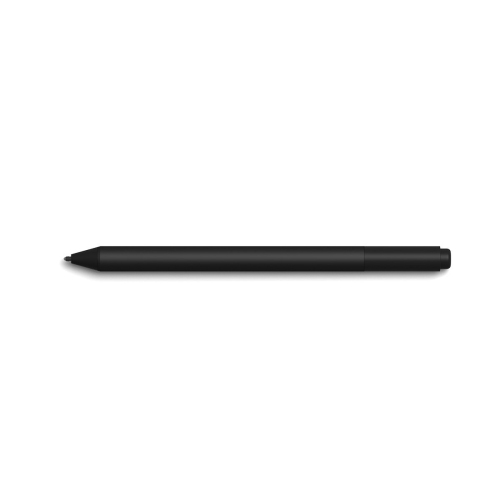 Your price for this item is $175.68
-
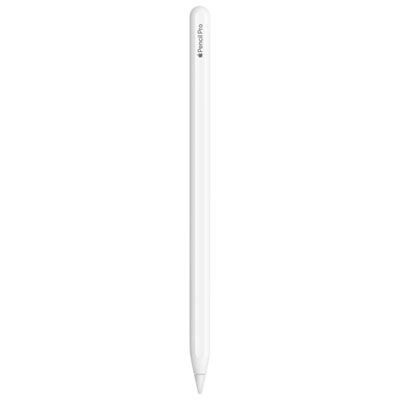 Your price for this item is $169
-
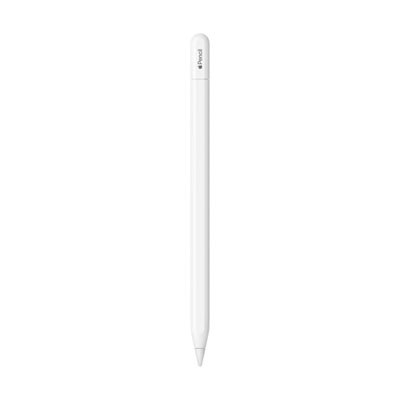 Your price for this item is $109
-
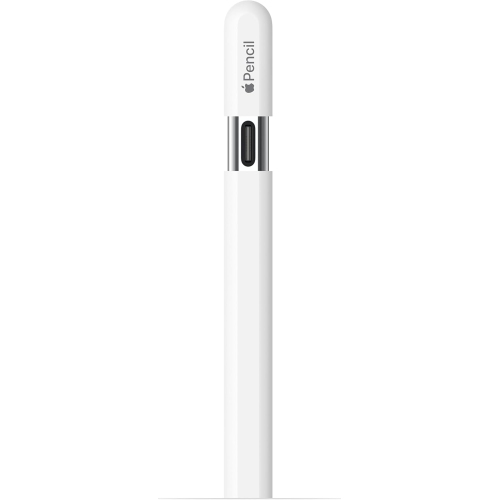 Your price for this item is $96.9
-
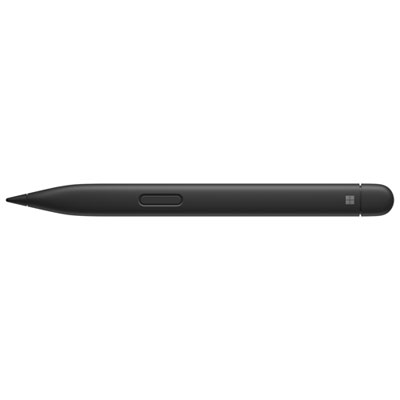 Your price for this item is $189.99
-
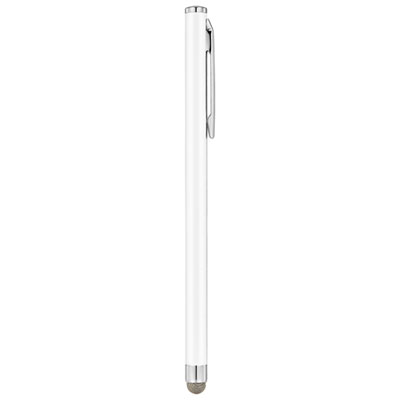 Your price for this item is $9.99
-
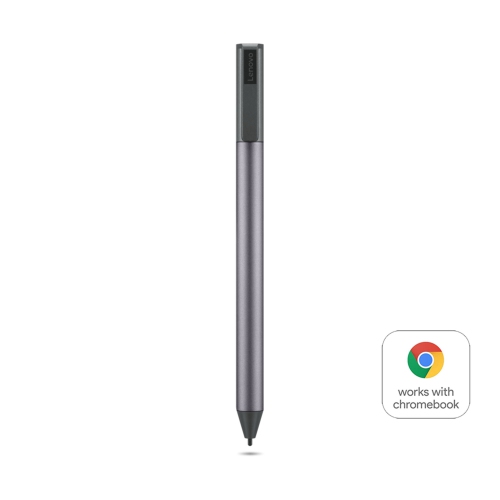 Your price for this item is $71.99
-
 Your price for this item is $21.99
Discover more categories related to Apple Pencil Pro
Top Collections:
Pokemon Centers, Kindle Devices, Best Cameras for Sports Photography, Pokémon 30th Celebration Cards, Apple iPhones 16, Canon G7X Cameras, iPhone 15 Apple, Flip Phones, Samsung Galaxy Phones, Alarm Clock
Some products may be subject to Environmental Handling Fees
(EHF) depending on your province.
Learn more about EHFs.