Aspire 3 A315
Explore the Aspire 3 A315 collection and discover a range of options designed to support your everyday computing needs. Whether you're working, studying, or enjoying entertainment at home, the Aspire 3 A315 offers versatile solutions to keep you connected and productive. Browse through various models and configurations to find the perfect fit for your lifestyle.
Sort
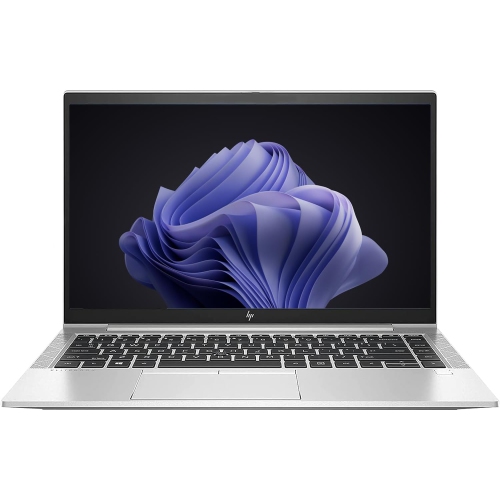
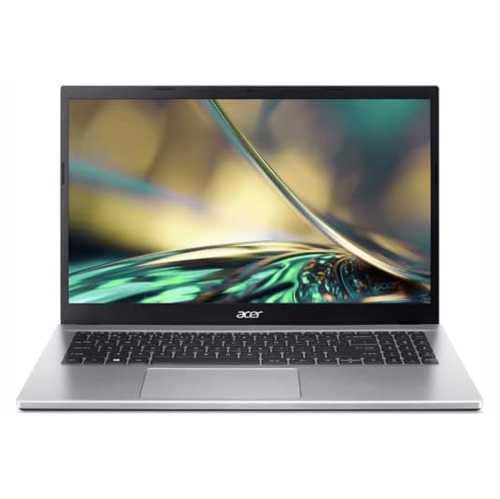
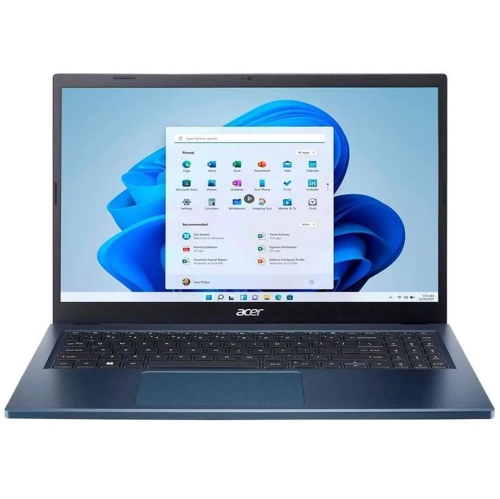
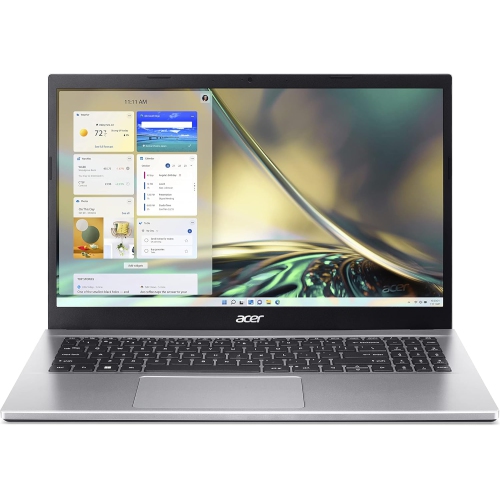
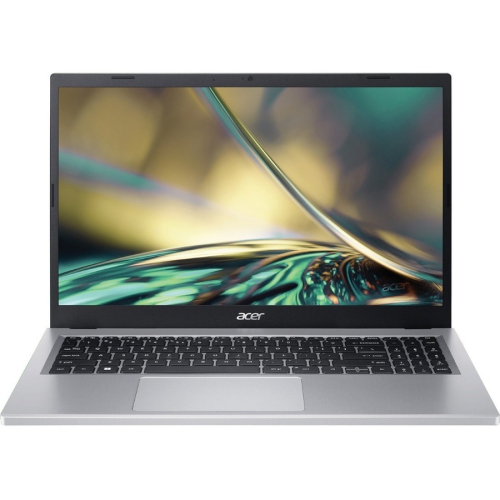
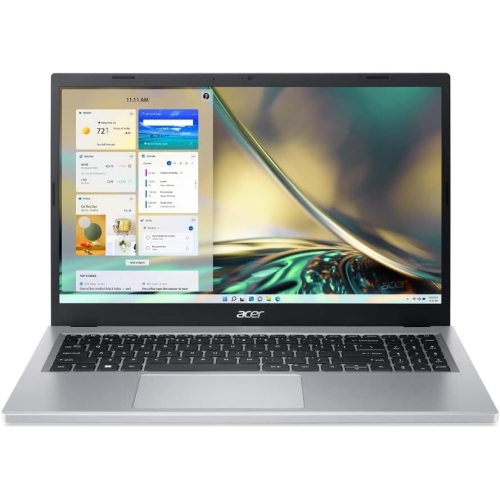
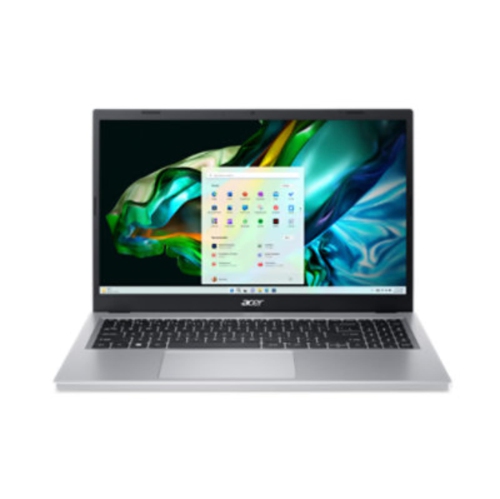
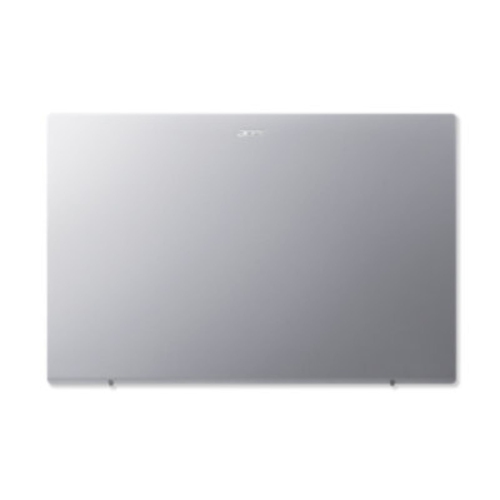
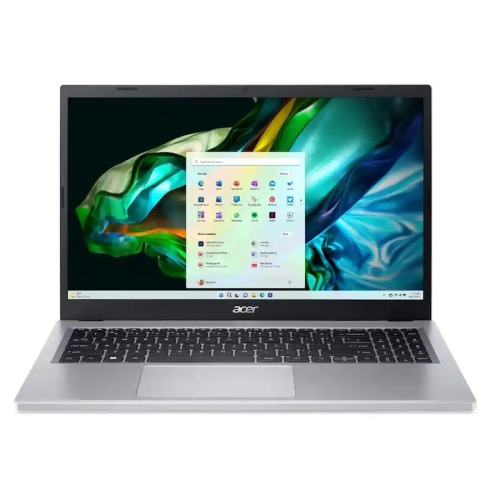
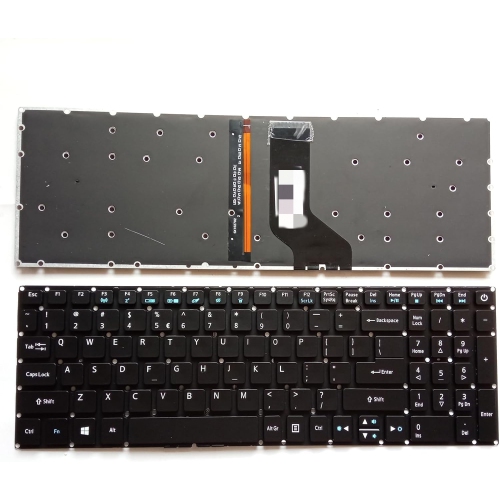
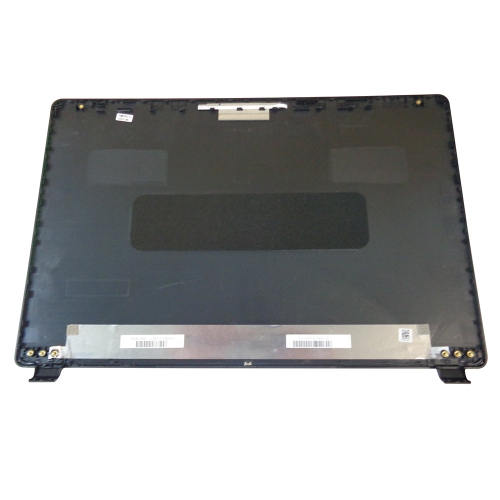
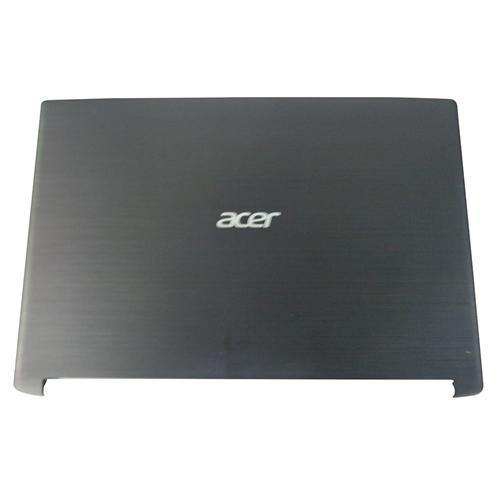
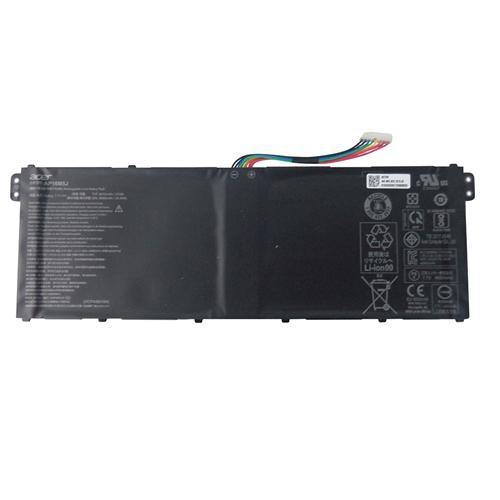
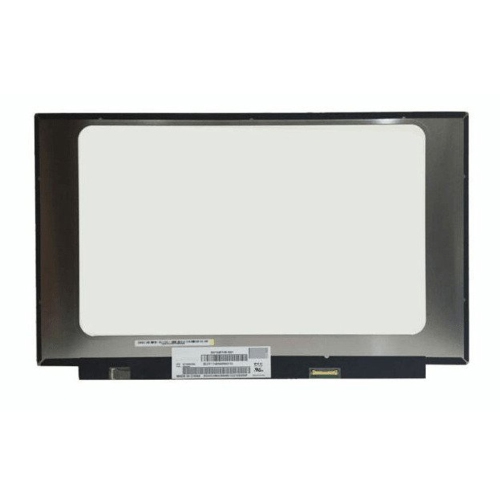
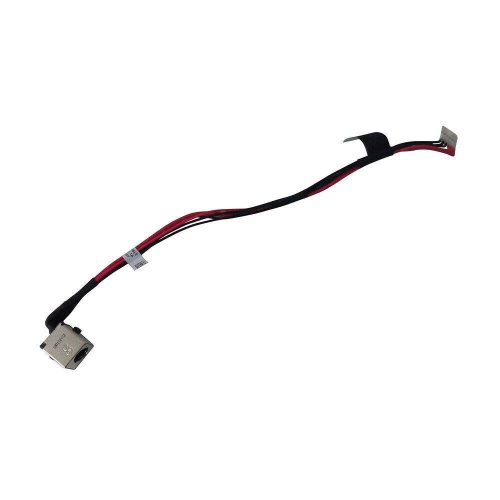
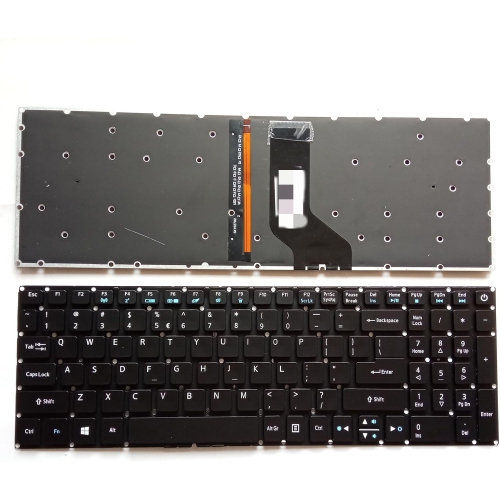
When a larger laptop screen is worth the space
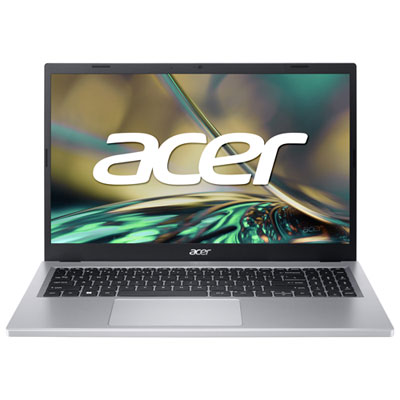
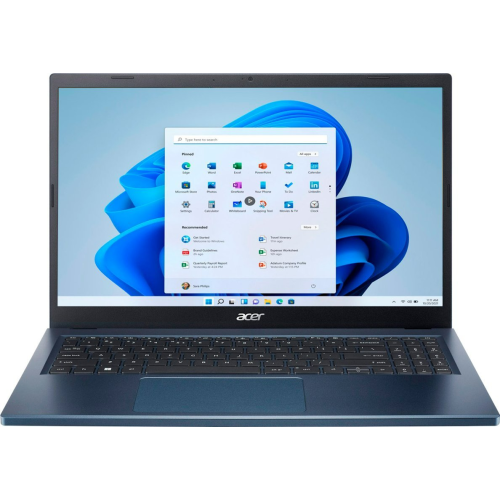
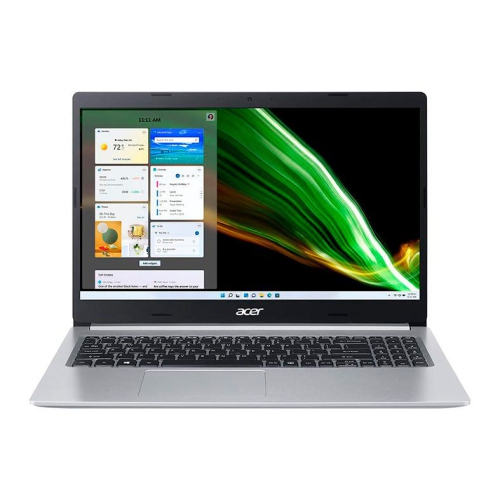
The Aspire 3 A315 is a series of 15.6-inch laptops designed for everyday computing, including web browsing, schoolwork and office applications. The screen is large enough to keep a set of assignment instructions beside a draft or to view more columns in a spreadsheet without scrolling back and forth as often. That extra space is useful at a kitchen table that doubles as a homework spot or on a desktop where there may not be room for a separate monitor. The trade-off is a larger footprint than a compact laptop, something that matters more on a narrow lecture desk than on a work surface at home. Screen size alone does not tell the whole story, either. At 15.6 inches, a Full HD display (1920 × 1080) can show finer text and detail than a lower-resolution panel, while screen brightness and finish affect how easy it is to read with a window or lamp nearby. A matte screen can soften reflections, which is helpful when there is little choice about where to sit. The format also leaves room for a more spacious keyboard layout, though key spacing and the presence of a number pad depend on the configuration. A number pad can make entering a page of figures more comfortable, while someone who spends most of the day writing may care more about the position of the arrow keys and how the keyboard feels over several pages. The A315 series is suited to routines like editing documents, attending online classes, managing household paperwork and streaming video. Those tasks are a better match for an everyday laptop than demanding games, complex 3D projects or lengthy high-resolution video editing. For a student whose assignments are mostly readings, slides and essays, or a household that needs a shared computer for forms and appointments, the larger display may matter more than hardware built for specialized work.
Within the Acer Aspire 3 15 family, the A315 designation covers multiple configurations, so the full model number is a better reference for the exact specifications. Processor, memory and storage differences are not always obvious from the outside, but they can change how the laptop feels by the middle of a busy day. A browser with a few tabs open and a single document is a modest workload. Add a video call, a shared presentation and several research tabs, and extra memory gives those applications more room to run together. For basic use, 8 GB of memory may be enough, while 16 GB offers more headroom for frequent multitasking. A solid-state drive (SSD) helps the laptop start up and open programs promptly, but drive capacity is a separate consideration. Someone who mainly works with online documents may need less local storage than someone who keeps course videos, photo libraries or project files on the laptop. Ports also matter if the computer moves between a desk and a classroom. An HDMI port can simplify a connection to a monitor or projector, while USB ports may already be spoken for by a wired mouse and an external drive. A USB-C port does not automatically support charging or video output, so its listed functions matter if the laptop needs to work with a dock or a single-cable monitor setup. For video calls, the built-in camera and microphone are useful when desk space is tight, while a headset may be more comfortable in a shared room. Battery life depends on the configuration and on what the laptop is doing. A block of classes with the display turned up and the camera in frequent use can draw more power than the same stretch spent working on a downloaded document.
For a laptop that travels regularly, fit comes down to more than the 15.6-inch screen measurement. That number describes the diagonal of the display, not the outside dimensions of the computer. A sleeve that fits the width, depth and thickness of the chassis can keep the laptop from shifting around in a bag. The combined weight of the laptop and charger is worth considering for someone who carries both between classes or workspaces. At home, the wider chassis may be less of a concern than whether there is enough room beside it for a notebook or mouse. Case materials and finishes affect how a laptop feels in the hand and how readily it shows fingerprints or scuffs, but a finish alone says little about how well it will hold up to daily travel. A padded compartment keeps the lid away from keys and charger plugs, and keeping heavy books from pressing against it helps protect the display. Opening the lid from near the centre rather than pulling on a corner limits twisting, and using the laptop on a firm, flat surface helps keep its vents clear. A soft microfibre cloth is useful for everyday cleaning, without spraying liquid directly onto the screen or keyboard. These details are especially relevant when the laptop is a gift. A student starting a new program may need enough memory for calls and coursework at the same time, as well as ports that work with classroom displays. A family member replacing an older home computer may care more about readable text, a comfortable keyboard and room to bring over years of saved photos and files. The same screen size can suit both people, even when the features that make the laptop feel at home in their daily routine are different.
Top selling and popular products
-
 Your price for this item is $449
-
 Your price for this item is $3099
-
 Your price for this item is $1800.68
-
 Your price for this item is $664.05
-
 Your price for this item is $869.99
-
 Your price for this item is $2960.48
-
 Your price for this item is $489.7
-
 Your price for this item is $1199
Discover more categories related to Aspire 3 A315
Top Collections:
Best Black Friday Deals This Year, Best Black Friday Deals On Electronics, Kindle Devices, Best Black Friday Deals On Apple Products, Best Budget Office Chairs, Best Cameras for Sports Photography, Dyson Airwrap, Canon G7X Cameras, Best Laptops for Writers, Samsung Galaxy Phones
Some products may be subject to Environmental Handling Fees
(EHF) depending on your province.
Learn more about EHFs.