Acer Aspire 3
Discover the versatility and performance of the Acer Aspire 3, designed to meet the needs of students, professionals, and everyday users alike. Whether you're working on projects, streaming your favorite content, or staying connected with friends and family, the Acer Aspire 3 delivers reliable computing for a variety of tasks. Explore a range of models and configurations to find the perfect fit for your lifestyle. Elevate your productivity and entertainment experience with the Acer Aspire 3.
Sort
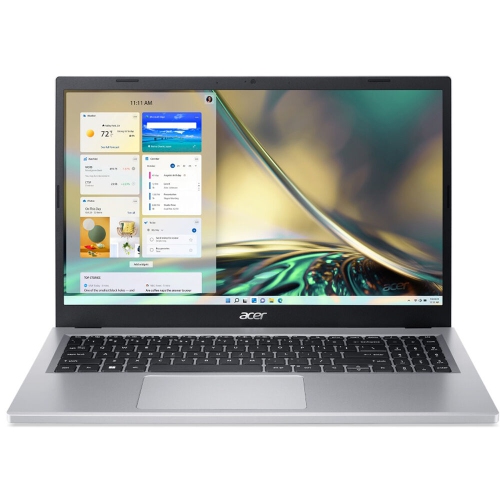
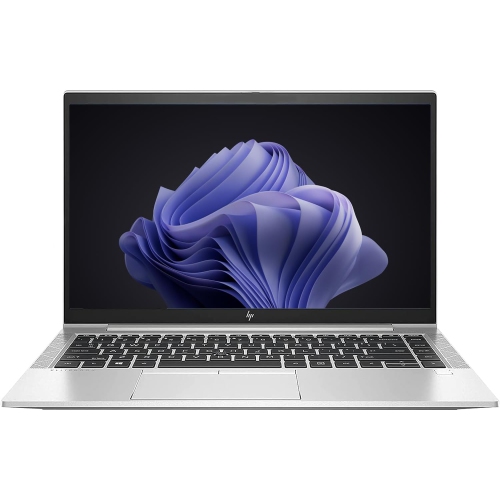
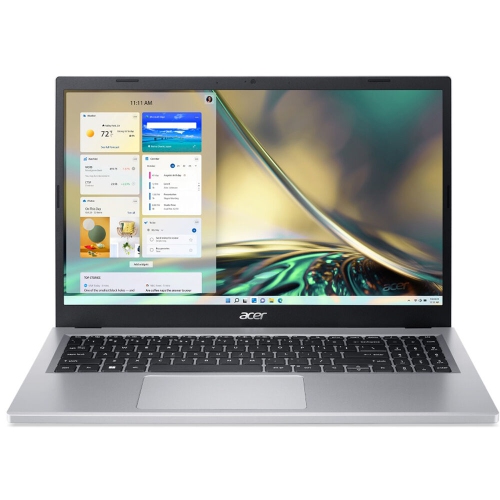
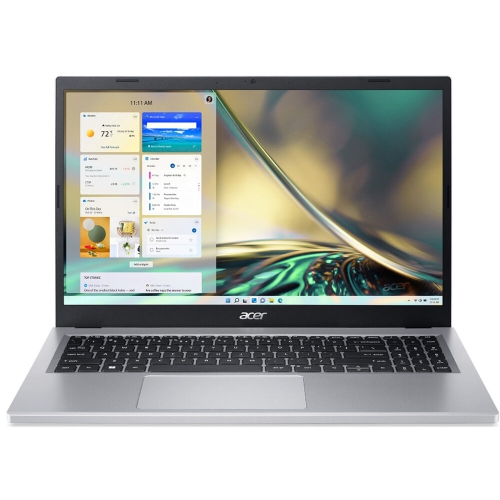
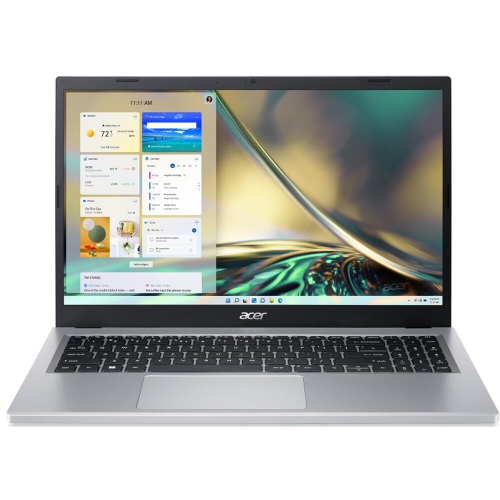
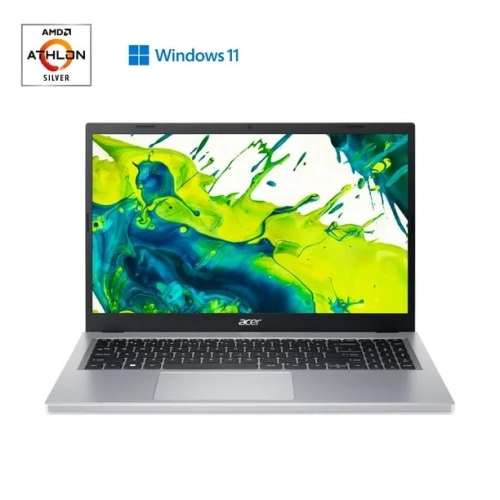
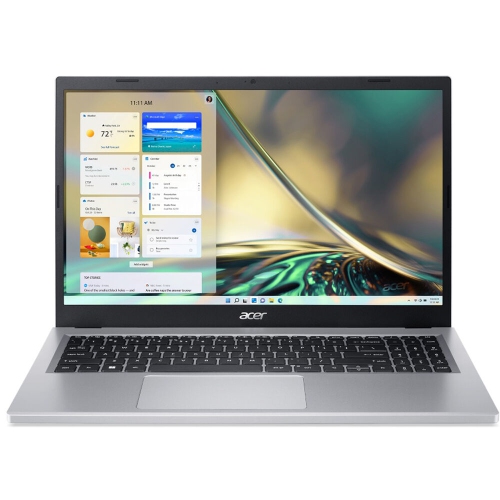
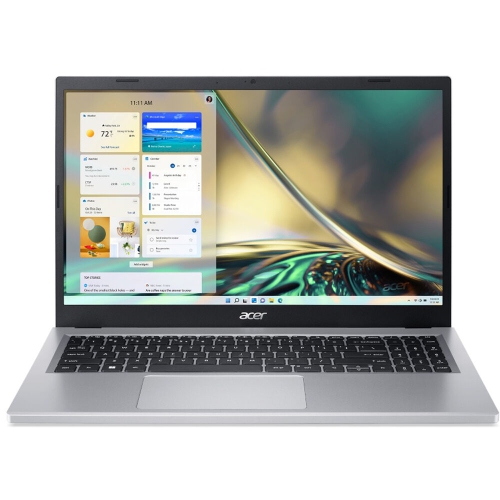
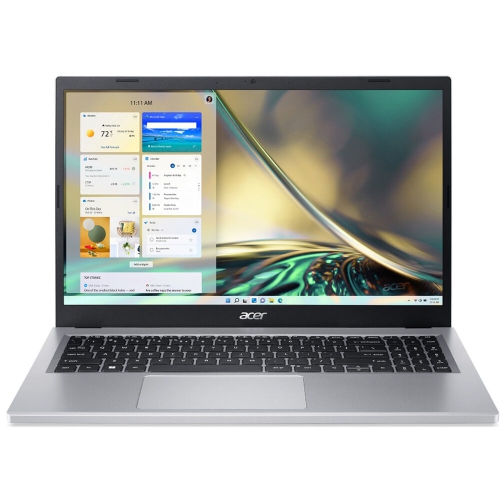
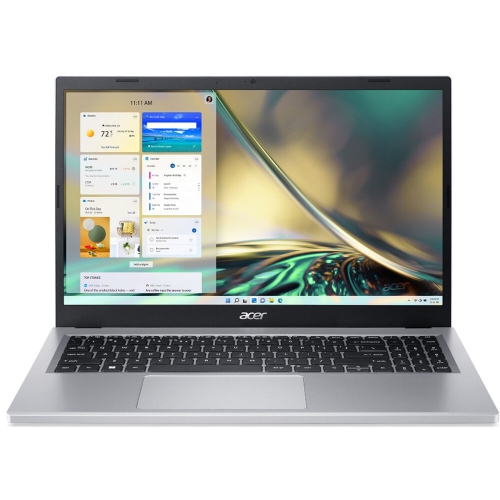
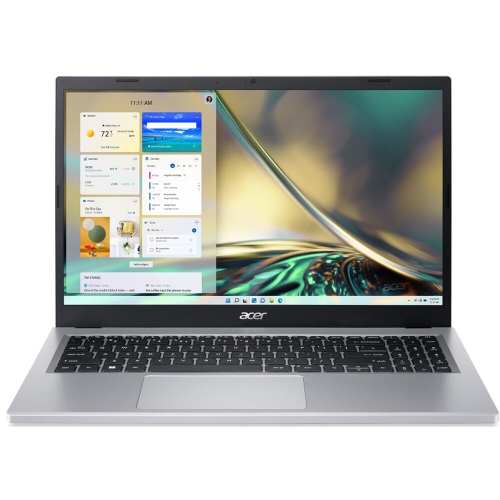
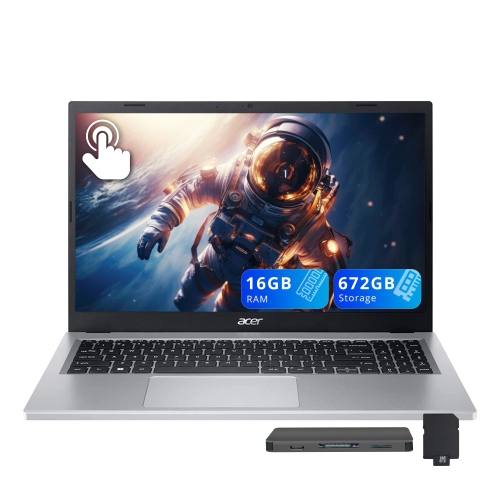
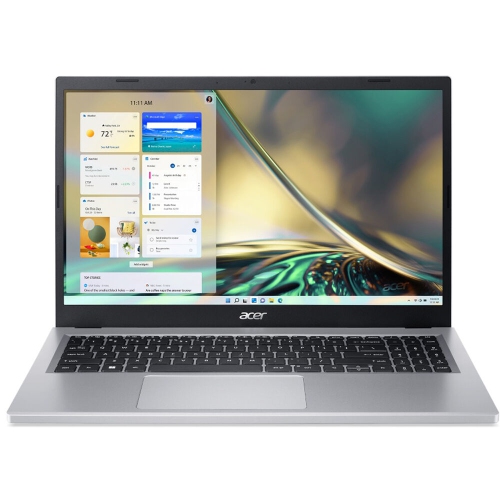
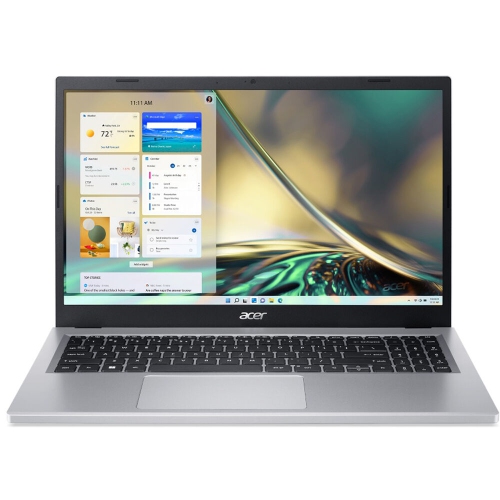
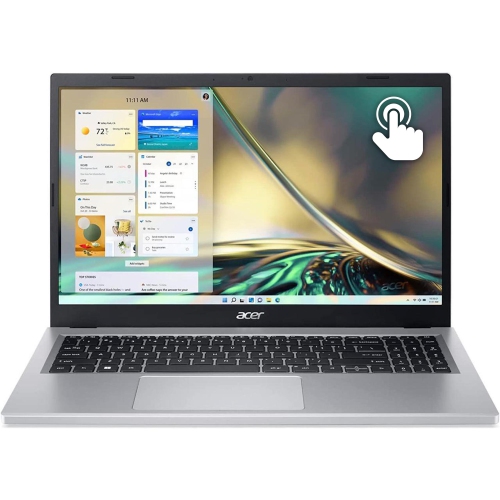
How your daily routine shapes the right laptop configuration
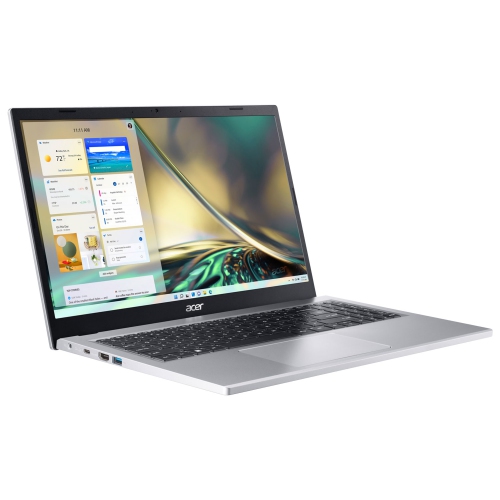
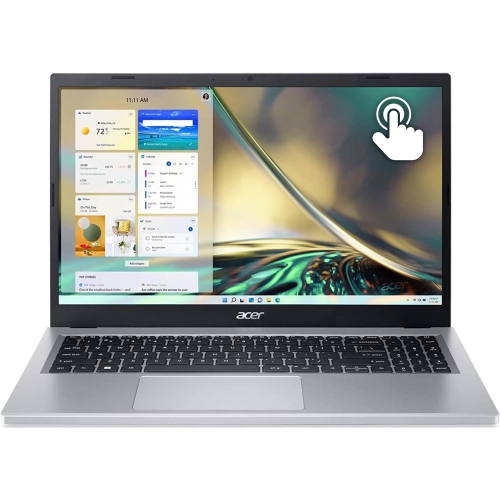
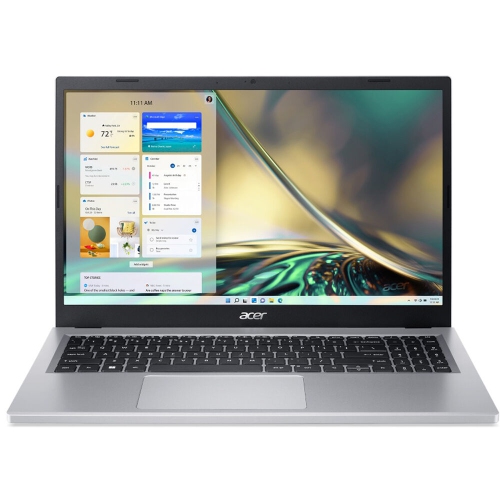
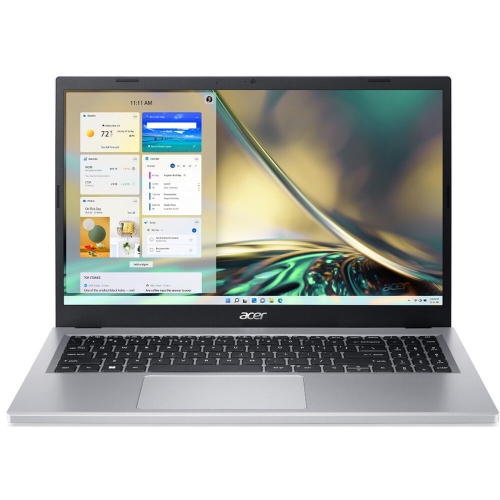
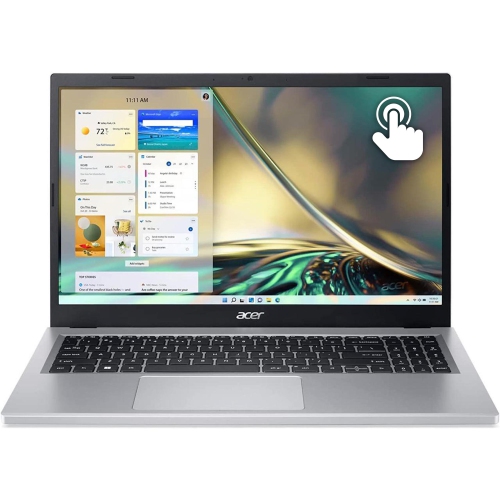
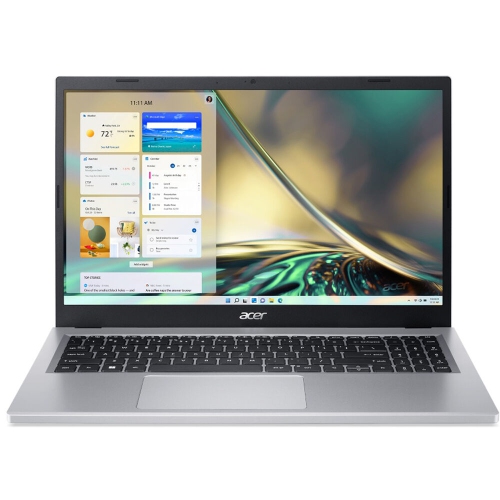
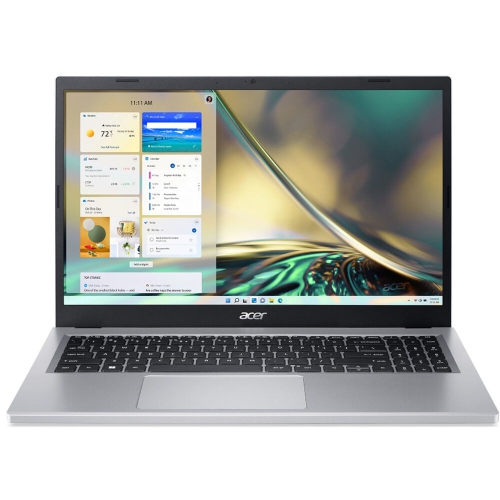
Everyday laptops are designed for familiar tasks such as web browsing, schoolwork, document editing, video calls, and streaming entertainment. They suit people who need a straightforward computer for writing an assignment at the kitchen table, keeping household records organized, or opening a presentation before a meeting. The most useful configuration depends on how those activities overlap. A computer used mainly for email and occasional documents has different demands from one that regularly keeps a video call, a spreadsheet, and several browser tabs open together. The processor influences how smoothly applications respond, while memory gives active programs room to work. For common productivity tasks, 8GB of memory can be workable, while 16GB provides more headroom for multitasking and heavier documents. Storage serves a different purpose: it holds applications, files, photos, and downloaded media. A solid-state drive generally helps a laptop start promptly and open programs without the delays associated with older mechanical drives. Capacity matters separately from speed, particularly for someone saving large photo folders or keeping course materials accessible without an internet connection. For a laptop family such as Aspire 3 A315, the processor, memory, storage, and display specifications are more useful points of comparison than the family name alone. Operating system compatibility also deserves attention, especially when a school or workplace requires particular applications. Browser-based tools can cover many routine activities, but specialized software may need a specific operating system, processor capability, or amount of memory. Integrated graphics are commonly suited to everyday visuals, video playback, and lighter creative work; demanding games, complex 3D projects, and intensive video editing call for closer attention to graphics requirements. Matching the hardware to the actual workload helps keep expectations realistic. A student preparing essays, a parent managing appointments, and someone completing routine office tasks may all use similar-looking laptops, yet benefit from different configurations. Software requirements and typical working habits provide a clearer starting point than appearance alone.
Screen size, keyboard comfort, and physical dimensions shape the experience just as much as internal components. A larger display can make side-by-side documents easier to read, while a more compact laptop takes up less room in a bag or on a narrow desk. Screen size is measured diagonally and does not describe the entire footprint, so overall width, depth, and weight matter when fitting a computer into a backpack or sleeve. Resolution affects how much detail appears on screen; Full HD can provide useful clarity for text, spreadsheets, and video at common laptop sizes. Brightness, viewing angles, and surface finish influence comfort too. An anti-glare finish can reduce distracting reflections from nearby lamps, while consistent viewing angles help when sharing a screen with someone seated beside the computer. Keyboard layouts vary, including the presence of a numeric keypad and the arrangement of certain keys. A dedicated number pad may appeal to someone entering figures regularly, whereas touchpad placement and palm-rest space can matter more during long writing sessions. Connections determine how easily a laptop fits into an existing setup. An external monitor, wired mouse, headset, or portable drive may each need a compatible port or adapter. A USB-C connector does not automatically support every charging or display function, so its listed capabilities are important. Wi-Fi supports wireless internet access, although connection quality also depends on the router, distance, and surrounding interference. For video calls, webcam placement, microphone clarity, and headphone compatibility can make daily conversations more comfortable. Battery life varies with screen brightness, workload, wireless activity, and battery condition; video meetings often place greater demands on a charge than simple document work. The charger’s size and weight also contribute to what gets carried each day. Someone moving between classrooms may value a manageable total load, while a laptop that stays on a desk can place greater emphasis on screen space, comfortable input, and convenient connections.
Construction and care influence how well a laptop handles repeated everyday use. Plastic housings are common in this category and can help keep weight manageable, but the material alone does not determine durability. Hinge design, chassis rigidity, and careful handling all contribute to how the computer holds up. Opening the lid from near the centre, rather than pulling sharply at one corner, helps avoid uneven force on the hinges. A padded sleeve adds protection against scratches and minor knocks inside a bag, especially when the laptop travels beside notebooks, chargers, or other hard objects. Carrying it closed and keeping heavy items off the lid also reduces unnecessary pressure on the display. During use, a firm, flat surface allows ventilation openings to remain clear; soft bedding or a thick cushion can obstruct airflow. Routine cleaning is simple but worthwhile. A soft microfibre cloth can lift fingerprints from the exterior, and the manufacturer’s care directions should govern any screen-cleaning solution. Liquid should never be sprayed directly onto the computer. Crumbs and dust around the keyboard are easier to manage when food and drinks have their own space, particularly on a crowded study desk. Software maintenance matters alongside physical care: operating system updates, sensible account security, and regular backups help protect everyday work. Important assignments and family photos benefit from a separate backup rather than a single copy stored on the laptop. Upgrade options vary, so memory expansion, storage access, and repair arrangements should not be assumed from the computer’s size or appearance. As a gift, an everyday laptop can be useful for a student, a family member returning to study, or someone replacing an ageing household computer. The best fit still depends on the recipient’s applications, preferred keyboard layout, eyesight, and comfort carrying the device. Familiar accessories, compatible software, and an appropriate screen can make the difference between a computer that merely meets basic requirements and one that settles naturally into daily routines.
Top selling and popular products
-
 Your price for this item is $449
-
 Your price for this item is $3099
-
 Your price for this item is $1800.68
-
 Your price for this item is $664.05
-
 Your price for this item is $869.99
-
 Your price for this item is $2960.48
-
 Your price for this item is $489.7
-
 Your price for this item is $1199
Discover more categories related to Acer Aspire 3
Top Collections:
Best Black Friday Deals This Year, Best Black Friday Deals On Electronics, Kindle Devices, Best Black Friday Deals On Apple Products, Best Budget Office Chairs, Best Cameras for Sports Photography, Dyson Airwrap, Canon G7X Cameras, Best Laptops for Writers, Samsung Galaxy Phones
Some products may be subject to Environmental Handling Fees
(EHF) depending on your province.
Learn more about EHFs.