ASUS Refurbished Laptops
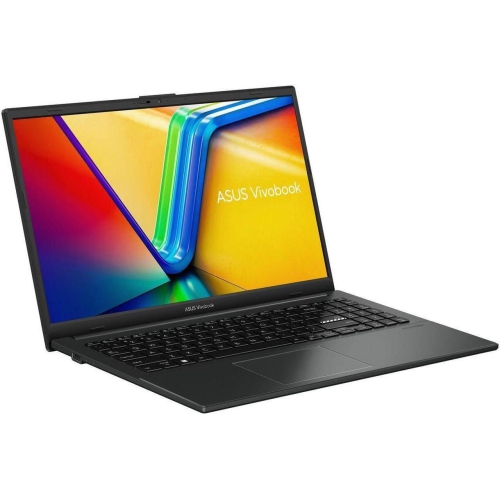
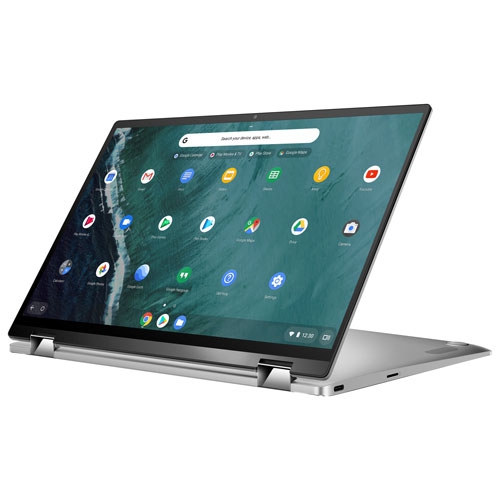
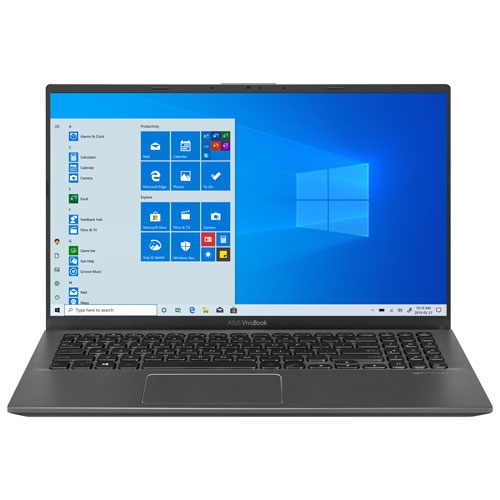
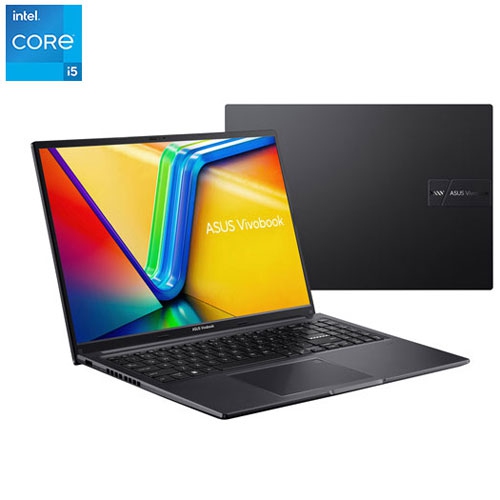
Explore a wide selection of asus refurbished laptops designed to offer value and performance for your everyday computing needs. Each device has been carefully inspected and restored to deliver reliable functionality at a lower price point. Whether you’re looking for a portable option for on-the-go tasks or a dependable laptop for work or school, asus refurbished laptops provide an affordable way to stay productive and connected. Shop now to find the right model that fits your budget and lifestyle.
Sort

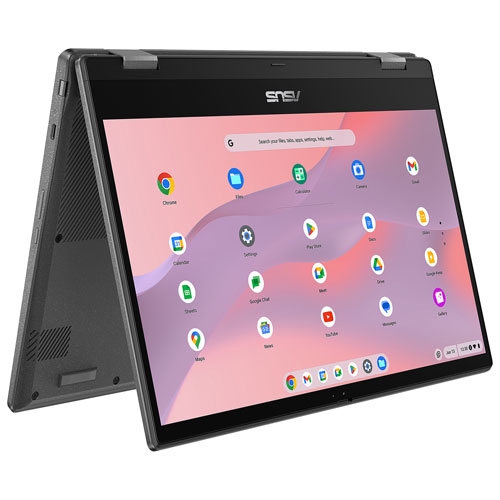
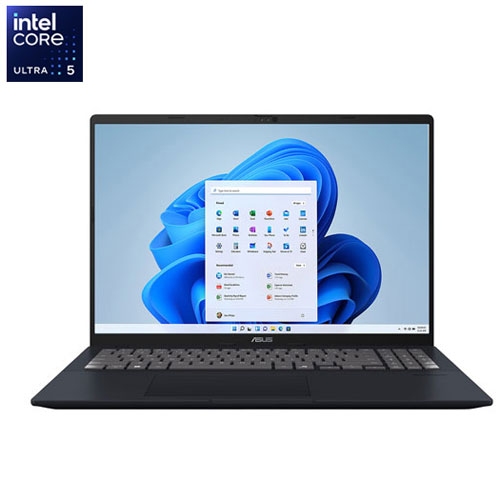
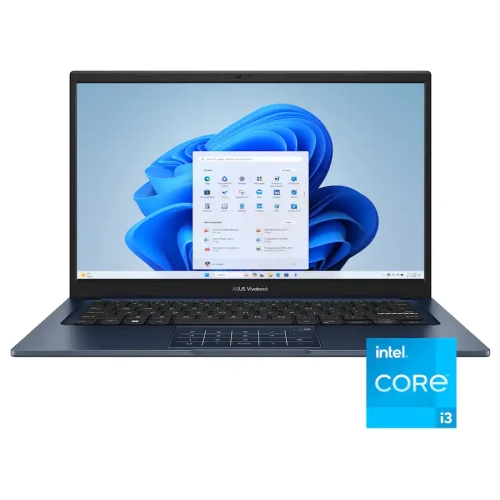
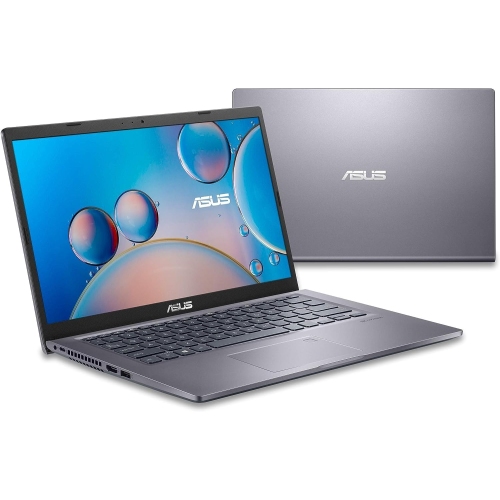
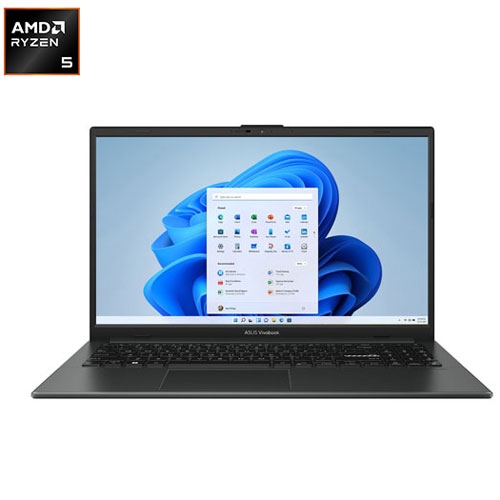
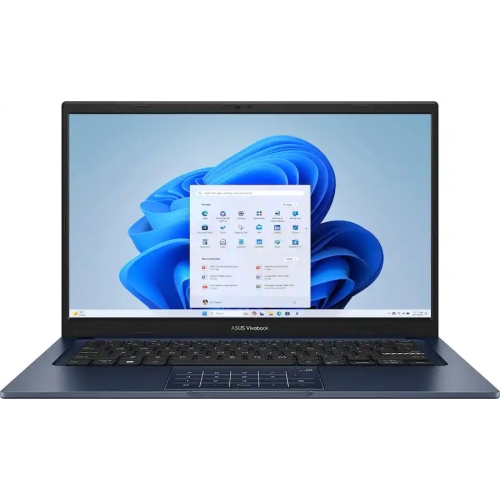
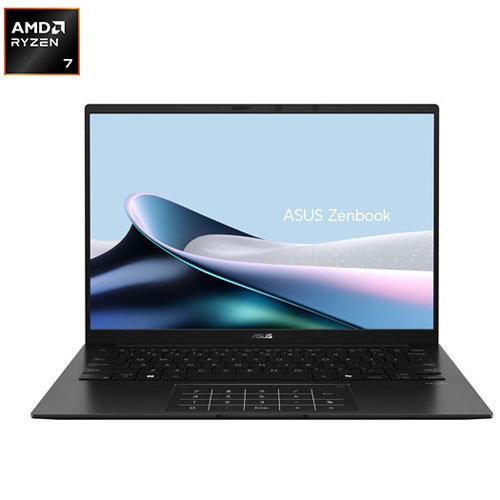
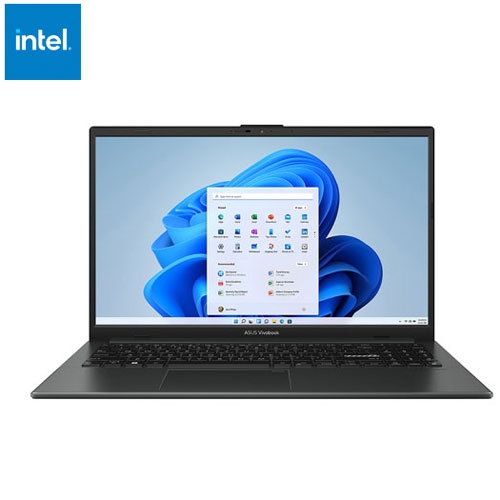
What a refurbished laptop’s condition grade doesn’t reveal
Refurbished laptops are previously owned or returned computers that have been inspected and tested, with cleaning, repairs, or component replacement performed as needed under the refurbisher’s process. The extent of that work varies, so the refurbishment description matters as much as the specifications. A refurbished computer is not necessarily the same as an open-box computer, which may simply have been unpacked or returned; the stated preparation process helps explain the distinction. For students writing assignments, households managing documents and video calls, or professionals working between a home office and shared workspace, a refurbished laptop can provide familiar computing functions in a portable format. Its suitability depends on the individual computer’s hardware, condition, and software compatibility rather than the refurbished label alone. Condition grades such as excellent, good, and fair generally describe cosmetic wear, but their definitions are not universal. One refurbisher may allow light marks on the lid within a particular grade, while another may describe wear differently. Written condition details help distinguish minor scuffs from more noticeable scratches, worn key surfaces, or marks around the palm rest. Display condition deserves separate attention because a mark on the outer shell affects daily use differently from a scratch across the screen. Materials also influence how a laptop feels and holds up: plastic housings can be lightweight and practical, while metal panels may feel more rigid but can still develop dents or scratches. Neither material alone establishes durability. Hinge stability, secure ports, intact corners, and a keyboard with consistent key response all contribute to a computer that feels comfortable to use. A laptop intended for daily commuting has different demands from one that stays on a desk, so weight, chassis construction, and the condition of moving parts matter alongside appearance. Refurbishment can restore function, but it does not make every previously used computer identical to a new one or reset the age of all its components.
Everyday performance comes from the combination of processor, memory, storage, and the demands of the software being used. Email, document editing, web browsing, and streaming generally require less processing power than video editing, complex design projects, or games. Someone moving between a class presentation, several research tabs, and a video call may notice memory limitations sooner than someone using a single application at a time. For many everyday tasks, 8GB of memory can be workable, while 16GB provides more room for multitasking; demanding applications may need more. These figures are useful context rather than a guarantee, since processor capability and application requirements also affect responsiveness. A solid-state drive generally helps a laptop start up and open applications promptly, while storage capacity determines how much space remains for documents, photos, software, and downloaded media. Memory and storage are not always upgradeable, particularly in thin designs, so the listed configuration should suit the intended workload without relying on future changes. Screen size shapes the experience just as directly. A 13-inch or 14-inch display can fit comfortably in a backpack, while a 15-inch or larger display gives spreadsheets, side-by-side documents, and creative projects more room. Resolution, brightness, viewing angles, and a matte or glossy finish can matter more than size alone when reading for long stretches. Keyboard layout, including whether there is a numeric keypad, can affect comfort for coursework or frequent data entry. For video calls, a working webcam, clear microphone, and suitable speakers make a practical difference. Connections also deserve attention: an external monitor, wired mouse, headset, or memory card may require particular ports, and a USB-C connector does not automatically support charging or video output. Wi-Fi capability should suit the network where the laptop will be used. For play beyond casual games, Refurbished Gaming Laptops provide a related category to explore, with graphics capability and cooling becoming especially important considerations.
Battery condition is particularly relevant for a refurbished laptop that will travel between classrooms, meetings, or different rooms at home. Rechargeable batteries lose capacity with age and use, so original manufacturer runtime claims may not describe the experience of a previously used computer. A stated battery-health standard or testing result is more informative than an assumption that refurbishment includes a new battery. The included power adapter should be compatible with the laptop’s charging requirements, especially when demanding work draws more power than light browsing. Software support matters over the longer term as well: the installed operating system should be properly licensed, able to receive relevant updates, and compatible with the applications needed for work or study. Schools and employers may have specific requirements that an older computer cannot meet simply through a software update. Warranty coverage and return terms are separate parts of the purchase information, and neither should be assumed from a cosmetic grade or a certification label. Their duration, provider, exclusions, and treatment of battery wear help explain what support applies after purchase. Once in use, straightforward care can help preserve the laptop’s condition. A padded sleeve protects the lid and corners inside a bag, while carrying the computer closed avoids putting unnecessary strain on the display and hinges. Keeping ventilation openings clear on a firm desktop or work surface helps cooling systems function as intended; soft bedding can obstruct airflow. A soft, lint-free cloth and cleaning methods appropriate to the screen finish are preferable to abrasive materials or liquid sprayed directly onto the computer. Regular backups protect assignments, photographs, and other files regardless of the laptop’s age. As a gift for a student, family member, or someone setting up a home workspace, a refurbished laptop is most useful when its screen, keyboard, portability, and software capabilities match the recipient’s routine. Clear condition information and suitable support terms help make that match more dependable.
Top selling and popular products
-
 Your price for this item is $449
-
 Your price for this item is $3099
-
 Your price for this item is $1800.68
-
 Your price for this item is $664.05
-
 Your price for this item is $869.99
-
 Your price for this item is $2960.48
-
 Your price for this item is $489.7
-
 Your price for this item is $1199
Discover more categories related to ASUS Refurbished Laptops
Top Collections:
Best Black Friday Deals This Year, Best Black Friday Deals On Electronics, Kindle Devices, Best Black Friday Deals On Apple Products, Best Budget Office Chairs, Best Cameras for Sports Photography, Dyson Airwrap, Canon G7X Cameras, Best Laptops for Writers, Samsung Galaxy Phones
Some products may be subject to Environmental Handling Fees
(EHF) depending on your province.
Learn more about EHFs.