Asus Rugged Chromebook
Explore the versatility and durability of the Asus Rugged Chromebook, designed to keep up with your busy lifestyle. Whether for work, school, or everyday tasks, these Chromebooks offer reliable performance in a sturdy package. With user-friendly features and a robust build, the Asus Rugged Chromebook is a smart choice for those seeking dependable technology. Find the right model to suit your needs and enjoy seamless computing wherever you go.
Sort
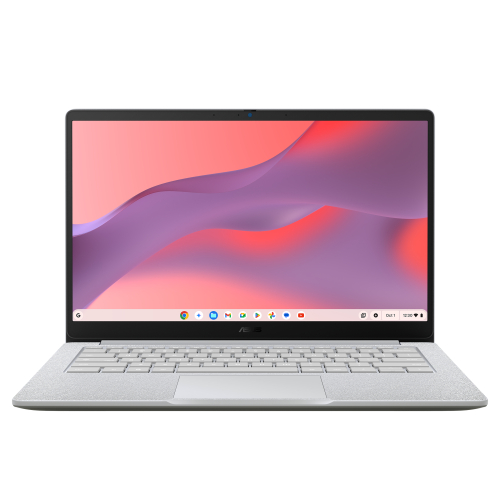
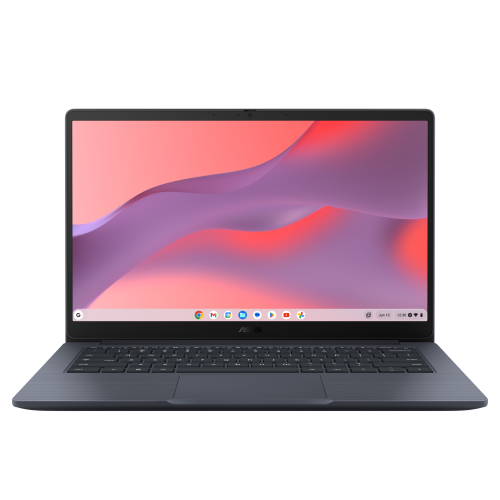
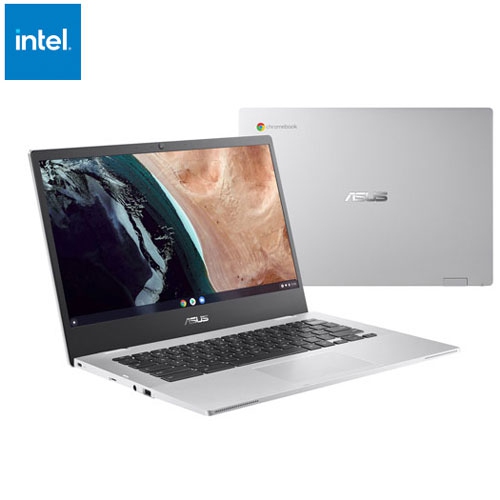
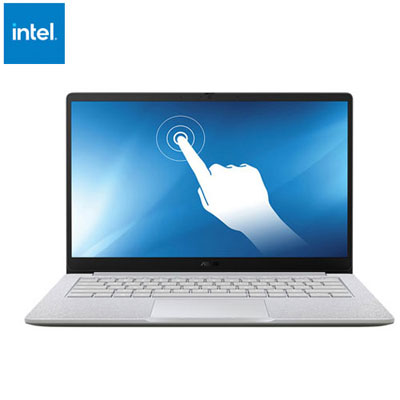
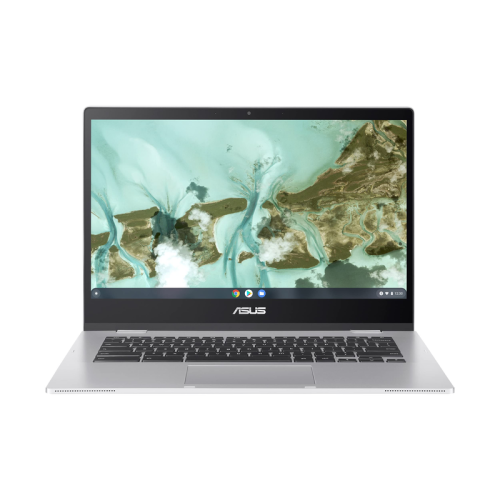
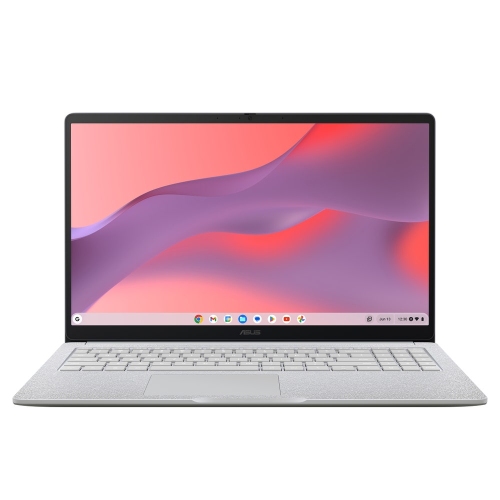
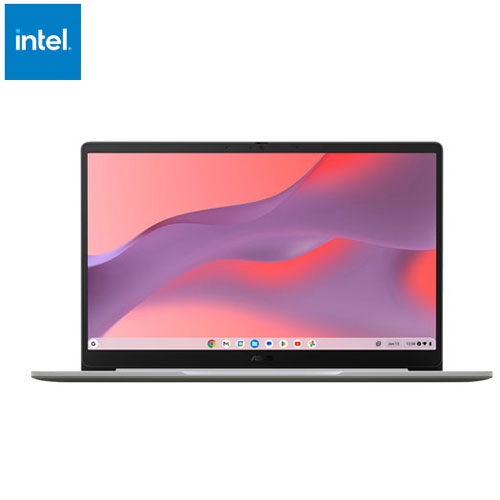
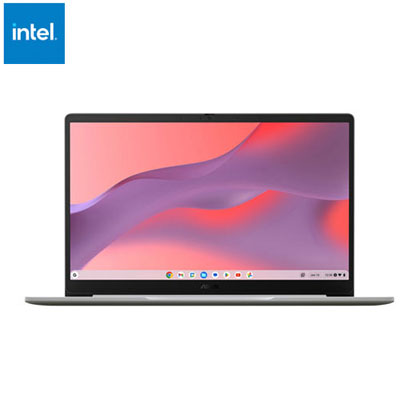
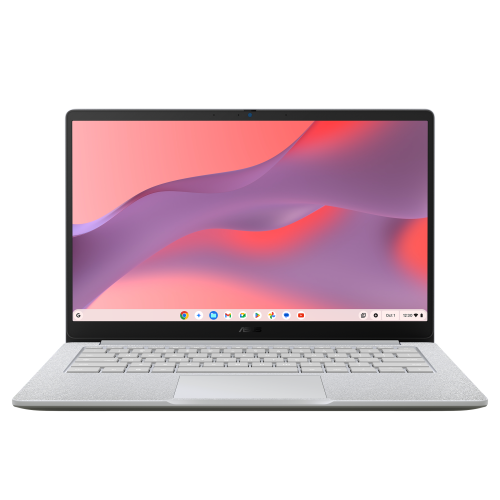
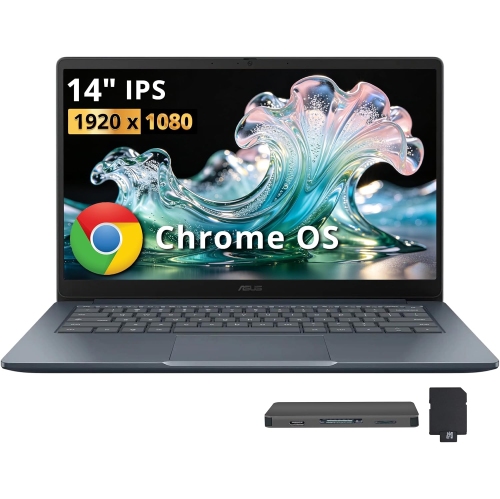
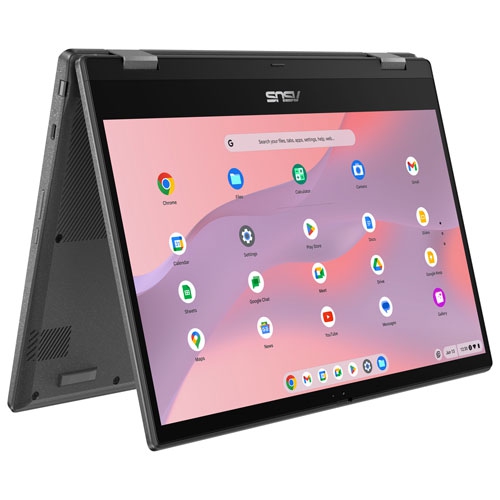
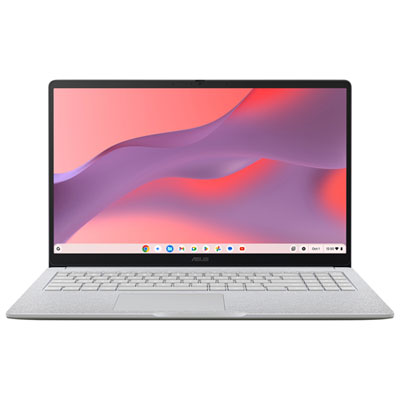
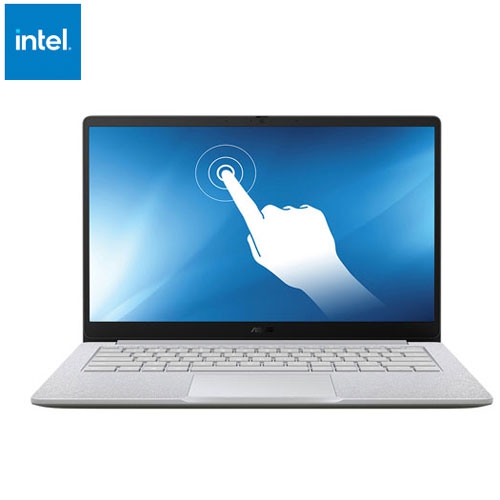
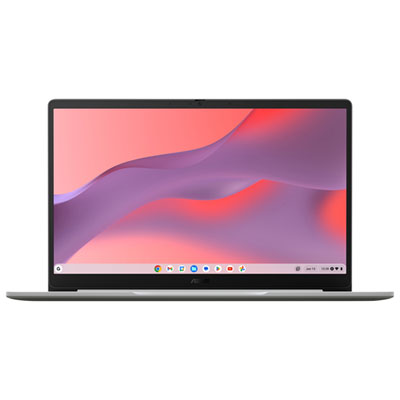
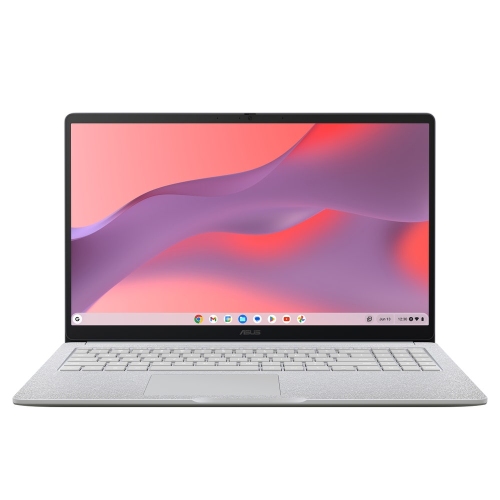
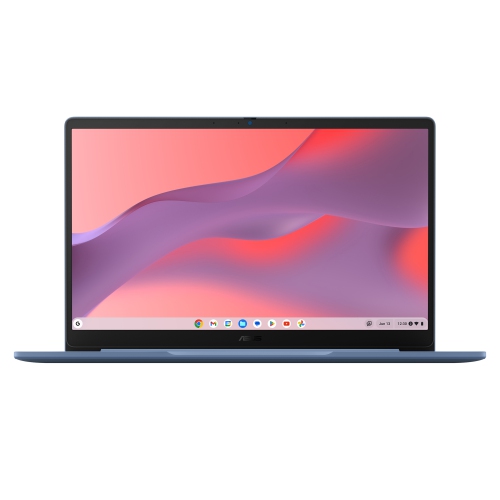
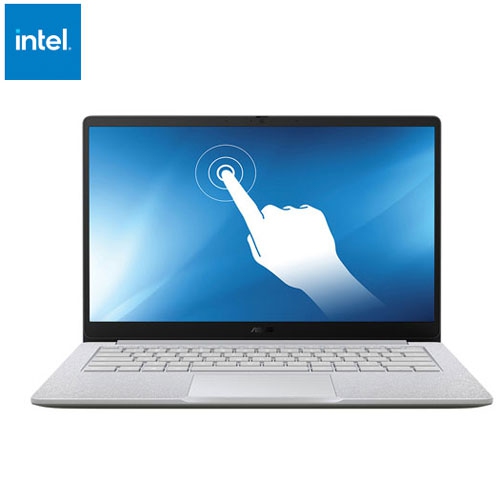
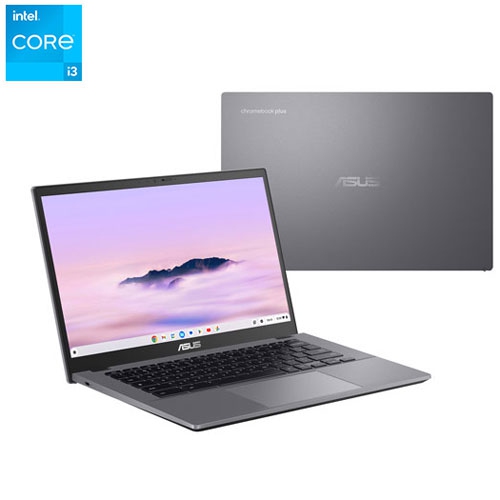
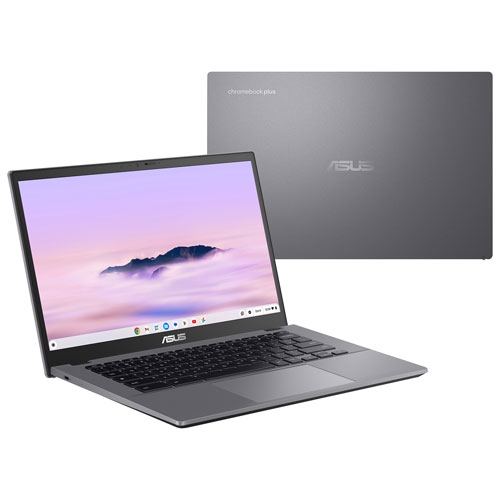
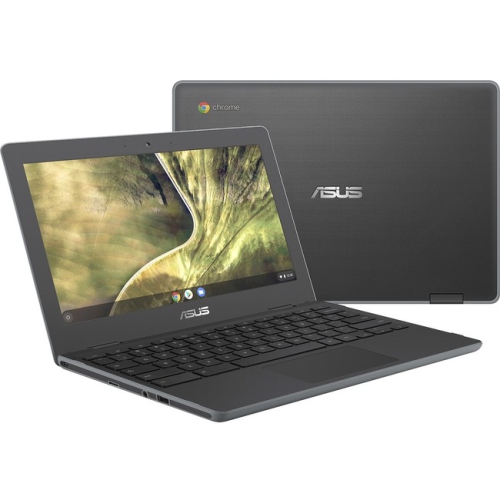
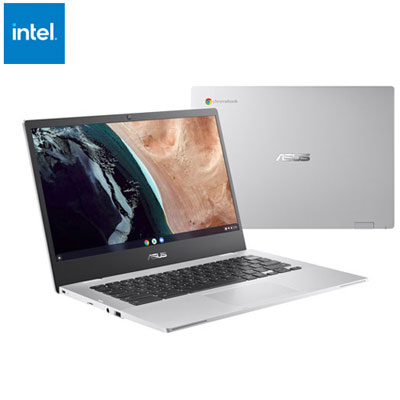

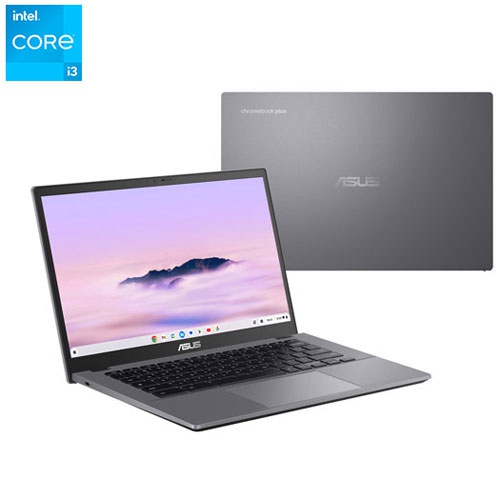
What rugged protection means for schoolwork on the move
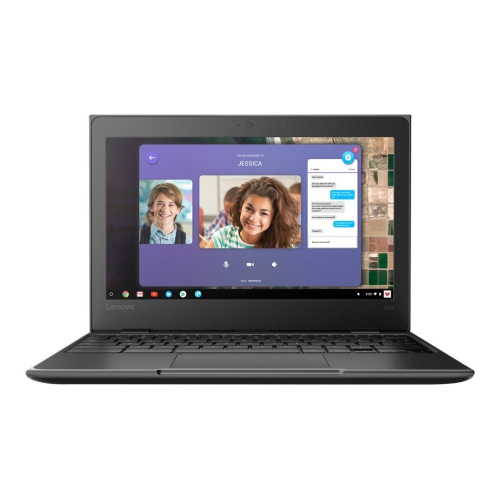
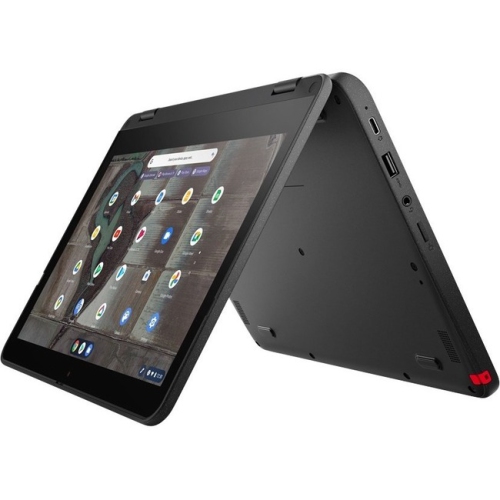
Rugged Chromebooks are portable computers running ChromeOS with added protection for the bumps, frequent handling, and everyday mishaps that can accompany schoolwork and regular travel between locations. Their appeal is practical: a laptop that moves from a kitchen table to a backpack to a classroom desk needs more than a tidy appearance. Depending on the design, protective features may include rubber bumpers, reinforced corners, strengthened hinges, textured outer panels, and a spill-resistant keyboard. These details serve different purposes. A rubberized edge can help cushion an accidental knock, while a grippy surface makes a compact computer easier to carry between rooms. Reinforcement around the hinge can support repeated opening and closing, particularly when a device is shared throughout the day. Some rugged laptops undergo testing based on methods in MIL-STD-810G or MIL-STD-810H, but the stated test conditions matter: a durability claim is not a promise that a computer can withstand every fall or impact. Spill resistance also differs from waterproofing and does not make a laptop suitable for immersion or deliberate exposure to liquids. Construction should therefore be considered alongside intended use, whether that means a student carrying assignments between classes, a family sharing one computer, or someone completing browser-based tasks away from a permanent desk. Compact screens can make a device easier to carry and leave more room for books in a bag, although smaller dimensions also affect keyboard spacing and the amount of visible workspace. Reinforced edges can add bulk, so the fit inside a padded sleeve or backpack compartment matters as much as the screen measurement. Convertible designs may fold into a stand or tablet position, while detachable designs separate the screen from the keyboard. Those formats can suit reading, drawing, and presenting, but touch input, pen support, hinge movement, and included accessories vary by configuration. Rugged construction is most useful when the shape, weight, and controls also suit the person handling the computer every day.
Everyday performance depends on the hardware and software as well as the protective shell. ChromeOS is built around web-based computing, making rugged Chromebooks a natural fit for research, online assignments, email, shared documents, and video calls. A student might keep a reference article open beside a written assignment, then join a classroom discussion without changing devices. Memory and processor capability influence how comfortably that computer handles several browser tabs, a live call, and a document at the same time. Lighter workloads place fewer demands on the system, while frequent multitasking benefits from more headroom. Local storage holds downloads and supported offline files, whereas cloud storage relies on an account and an internet connection for many functions. Offline access requires compatible apps and advance setup, so saved lessons or travel documents should be checked before leaving a reliable connection. Software compatibility is equally important: a browser-based school platform may work well, but a required desktop application, specialized exam tool, or peripheral may need separate confirmation. Android app support and other capabilities also vary by device and management settings. Display quality affects comfort during long reading sessions; text clarity, brightness, viewing angles, and reflections can matter more than touch control for someone primarily writing essays. A touchscreen or compatible pen can be helpful for diagrams and handwritten notes when supported. Camera placement, microphone quality, and speaker clarity affect remote lessons and family calls, while a headset connection can make shared spaces easier to manage. USB-C ports may support charging, data, or an external display, but those functions are not identical across every device. Wi-Fi capability should match the network being used, and newer wireless features require compatible network equipment to deliver their full benefit. Battery-life claims reflect particular test conditions rather than every routine; video calls, bright screens, connected accessories, and demanding apps can shorten unplugged use. The device’s automatic update support period is another useful consideration, especially for a computer expected to serve through several school years.
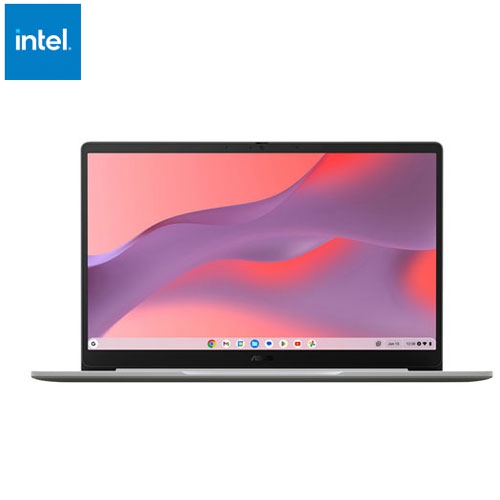
A rugged Chromebook works best as part of a routine that protects both the hardware and the work stored on it. A padded sleeve helps separate the computer from loose pencils, keys, and charging plugs, while a properly sized backpack compartment reduces movement during carrying. Nothing should sit between the keyboard and screen when the lid closes, including a pen or a thick stack of paper. Carrying the device with the lid closed and supporting its base avoids unnecessary strain on the display and hinges. For cleaning, a soft, lint-free cloth and the manufacturer’s recommended method are preferable to spraying liquid directly onto the screen or keyboard. Vents should remain clear, and charging cables should be routed where they are less likely to catch a passing foot or pull the computer off a desk. If a spill occurs, powering down and disconnecting external power when safe, then following the manufacturer’s instructions, is more appropriate than treating the spill-resistant label as permission to continue working. Comfortable placement matters too: an external keyboard and mouse can help at a fixed desk, while a raised screen can reduce the need to bend over a small display. For someone comparing a roomier screen format, the Asus 15.6 CX1 Chromebook N4500 provides a related point of comparison, with protective construction assessed separately rather than assumed from the Chromebook name. As a gift for a student or family member, a rugged computer is most useful when its keyboard layout, screen size, required apps, and carrying weight match the recipient’s routine. School-managed accounts may also impose requirements or restrictions that affect setup and app access. For shared use, separate accounts help keep assignments, bookmarks, and personal files organized. The strongest match combines suitable protection with comfortable controls, dependable access to required software, and a form that feels manageable wherever everyday work happens.
Top selling and popular products
-
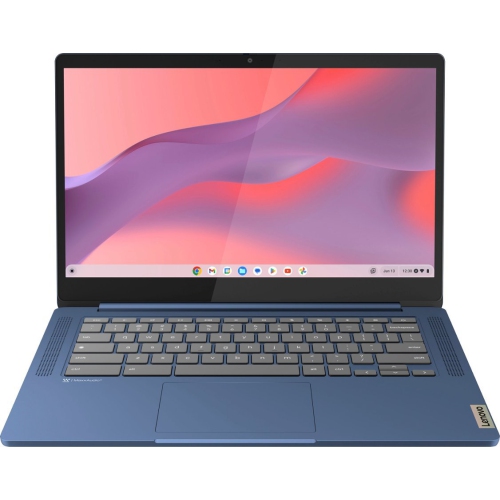 Your price for this item is $449
-
 Your price for this item is $499.99
-
 Your price for this item is $549
-
 Your price for this item is $279.99
-
 Your price for this item is $349.99
-
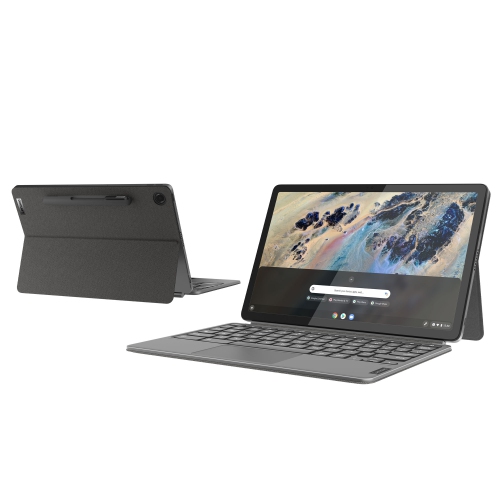 Your price for this item is $649
-
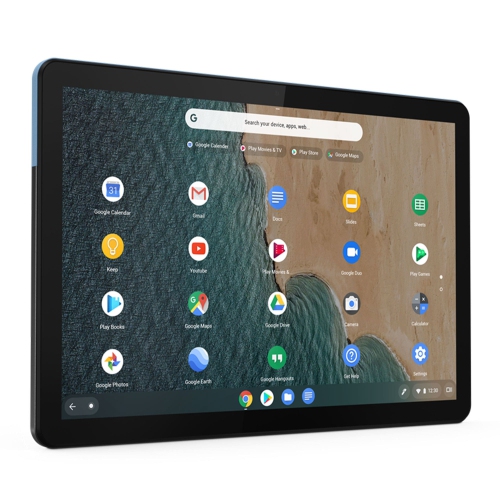 Your price for this item is $672.68
-
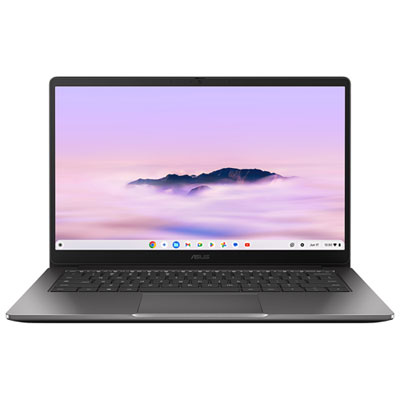 Your price for this item is $899.99
Discover more categories related to Asus Rugged Chromebook
Top Collections:
Best Black Friday Deals This Year, Best Black Friday Deals On Electronics, Kindle Devices, Best Black Friday Deals On Apple Products, Best Budget Office Chairs, Best Cameras for Sports Photography, Dyson Airwrap, Canon G7X Cameras, Best Laptops for Writers, Samsung Galaxy Phones
Some products may be subject to Environmental Handling Fees
(EHF) depending on your province.
Learn more about EHFs.