Durable Chromebook
Durable Chromebook options are designed to keep up with your busy lifestyle, whether you’re working on the go, studying for school, or streaming your favorite shows. Explore a wide selection of models that offer reliable performance and sturdy construction, making them ideal for everyday use. Find the perfect Durable Chromebook to fit your needs and enjoy peace of mind knowing you have a device built to last through daily tasks and adventures.
Sort

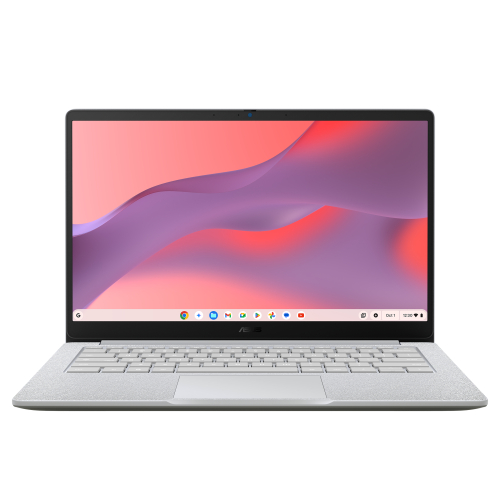
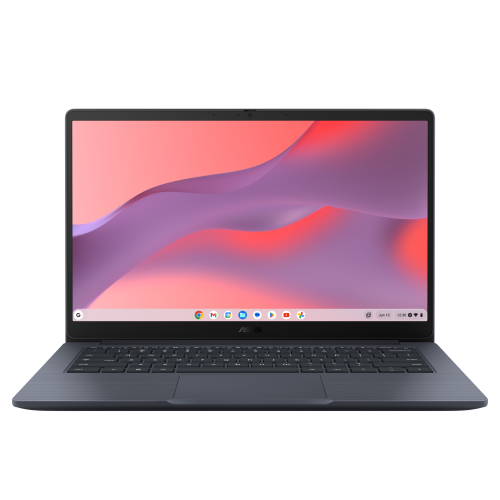
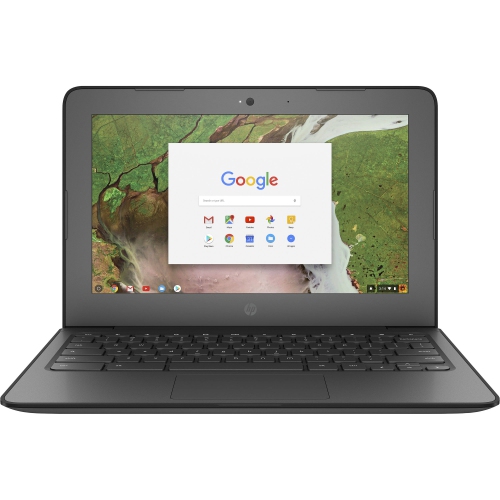
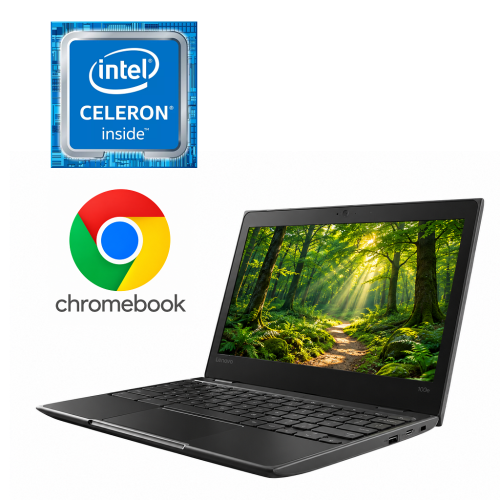
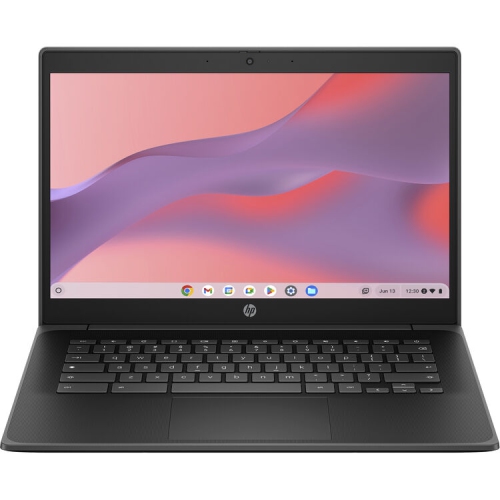
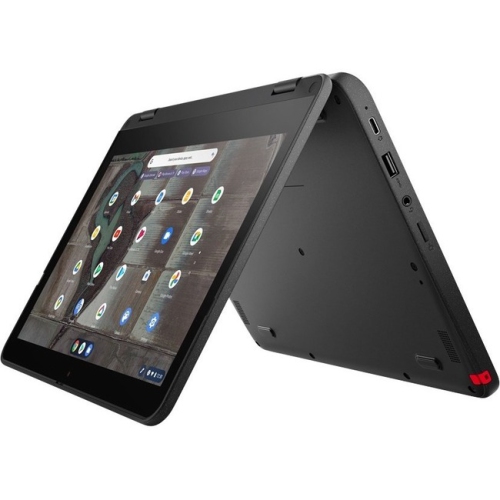
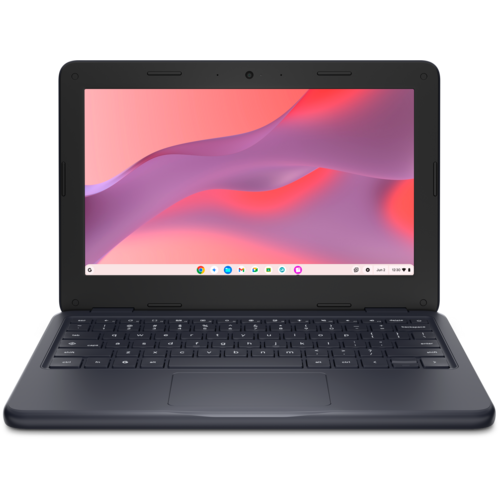
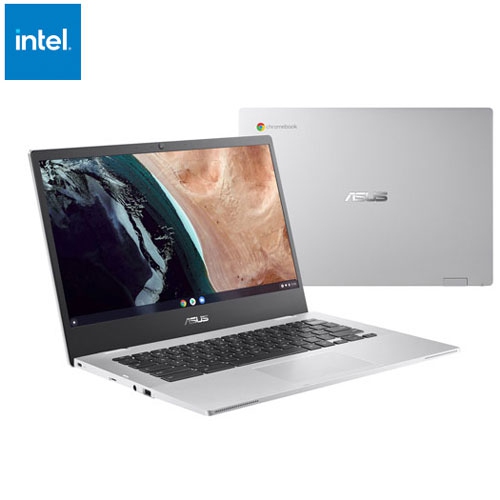
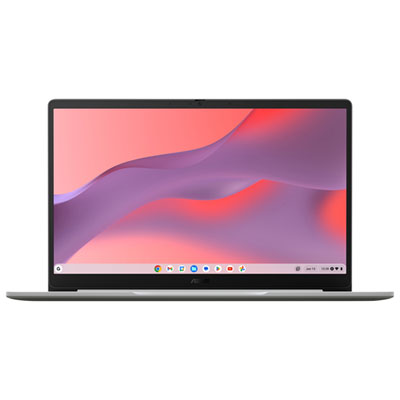
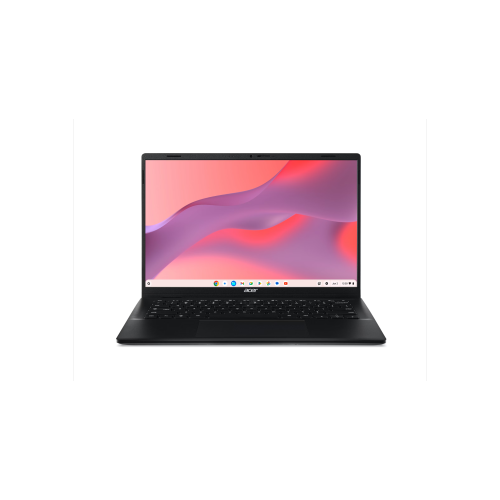
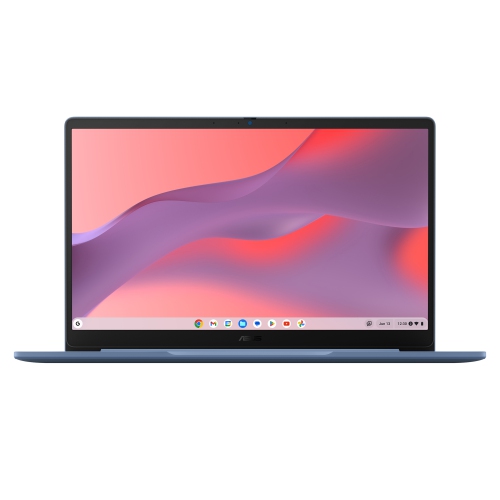
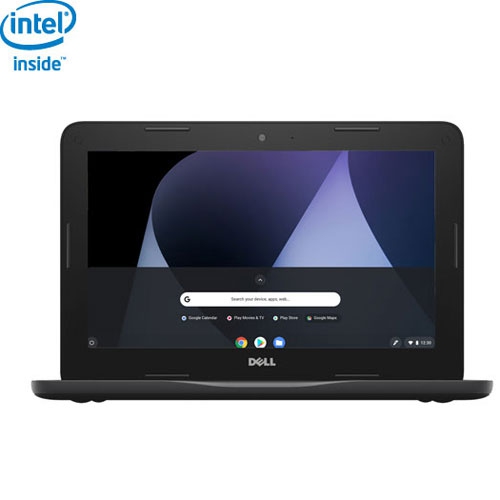
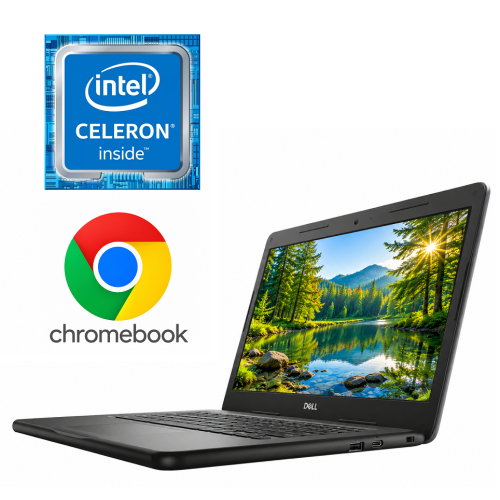
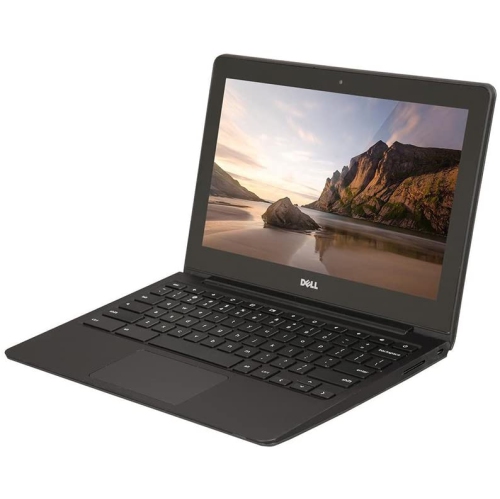
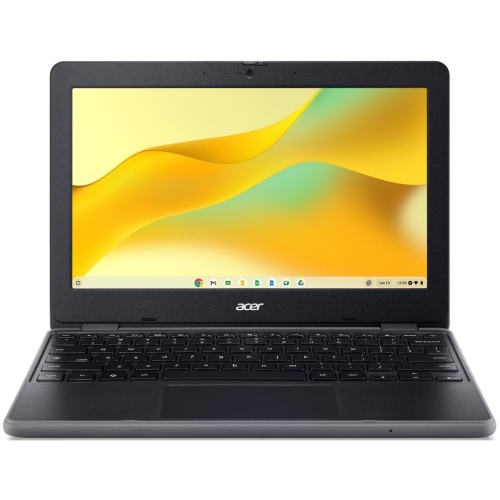
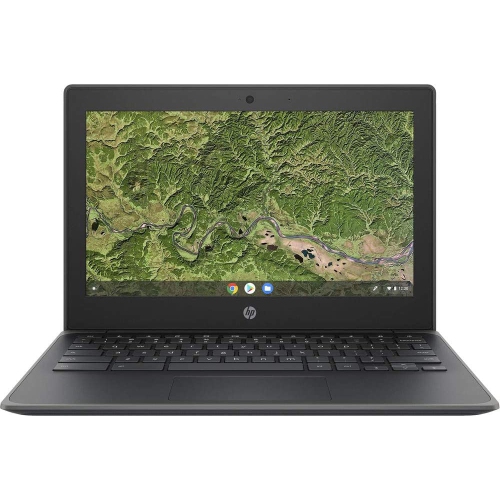
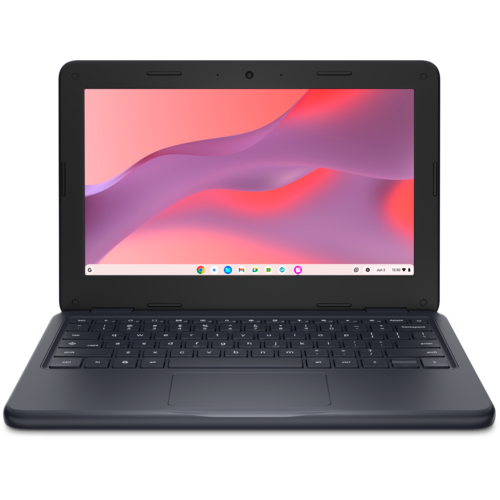
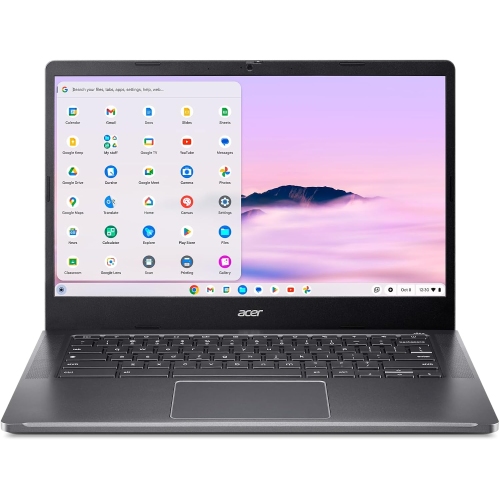
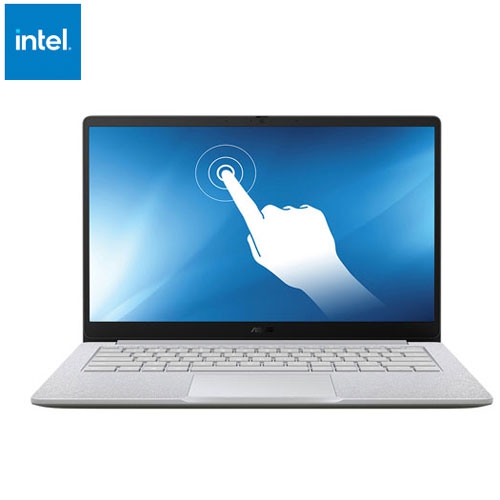
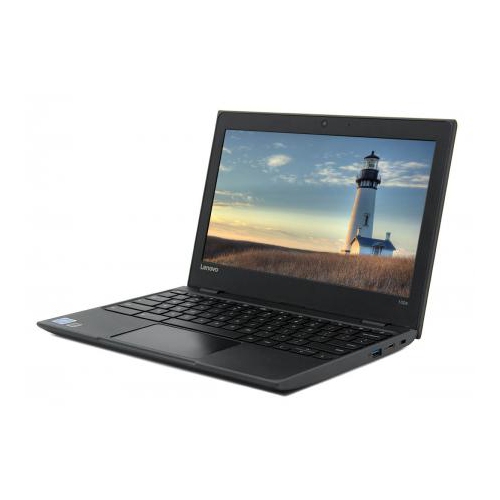
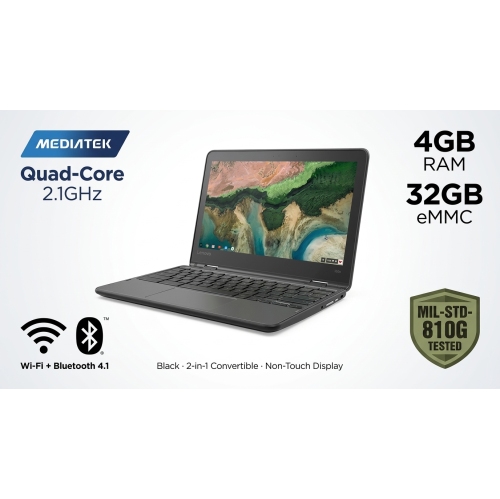
What reinforced hinges and spill resistance really mean
A durable Chromebook is a laptop designed for frequent handling, with protective features that may include reinforced corners, strengthened hinges, and a spill-resistant keyboard. These details matter when a computer moves from a classroom desk to a backpack, travels between meeting rooms, or shares a kitchen table with homework and craft supplies. Durability comes from the complete construction rather than a single material. A rigid chassis can help limit flex, while reinforced internal mounting points support the hinges and ports that experience repeated use. Impact-absorbing bumpers may help cushion knocks around the edges, and textured surfaces can make a closed laptop easier to grip. Metal casing can provide stiffness, while sturdy moulded plastic can absorb everyday handling without adding excessive weight; neither material alone establishes how well a computer will withstand an impact. Some rugged designs also use anchored keys to make keycaps harder to dislodge, reinforced port brackets to support cable connections, or drainage channels beneath the keyboard. These features are particularly relevant for students, families sharing a computer, and workers who regularly carry a laptop between locations. References to MIL-STD-810H testing describe testing against selected methods in a military standard, rather than a universal guarantee of toughness. The manufacturer’s documentation establishes which tests were performed and under what conditions, including any specified drop heights or surfaces. A tested design is not necessarily protected against every accident, and spill resistance should not be confused with waterproofing. Protection may apply only to the keyboard and only within stated limits, leaving the screen, ports, and other components vulnerable to liquid. A bag falling onto a hard floor can also expose a laptop to a very different impact from a controlled test. For everyday use, the most meaningful durability information connects a specific construction feature with a clearly described test or protection limit. That makes reinforced hinges, documented drop testing, and defined spill resistance more useful distinctions than an unsupported claim that a laptop is simply tough.
Physical fit has just as much influence on daily satisfaction as protective construction. Compact screen sizes can suit smaller desks and lighter backpacks, while a larger display gives documents, spreadsheets, and browser windows more room. An 11.6-inch screen emphasizes portability, whereas a 14-inch screen can make longer reading and writing sessions more comfortable without requiring a separate monitor. The overall dimensions and weight still matter, because bumpers, thicker casing, and reinforced components can make a rugged laptop bulkier than its screen size suggests. A child carrying books between classrooms may benefit from a manageable chassis and a secure grip, while an adult moving between a desktop work surface and meeting spaces may place greater value on screen space and connection options. A stable hinge keeps the display positioned during typing, and a keyboard with well-spaced keys supports essays, messages, and shared household tasks. Convertible designs with a 360-degree hinge can support reading, video calls, and touch-based activities, although touchscreen and stylus support depend on the model. A conventional clamshell may be a straightforward fit when most work involves typing. Screen brightness, glare control, and viewing angles affect comfort in brightly lit rooms, while a webcam and microphone matter for online lessons and calls. Performance should also suit the workload: working memory helps when several browser tabs, documents, and calls run together, and local storage provides room for downloads and offline files. Wi-Fi capability matters for connected tasks, but offline access depends on the application and how files are prepared. Battery-life claims reflect particular test conditions, so actual running time changes with display brightness, video calls, and other activity. Charging connections, headphone access, and support for an external display can make the laptop easier to use in an established workspace. Browser-based schoolwork and everyday administration are natural uses, while specialized software, device connections, and school or workplace requirements need compatible support.
Care and serviceability help determine how well a durable Chromebook holds up after repeated use. A protective sleeve adds a useful barrier between the laptop and the other contents of a bag, particularly when a charger, water bottle, or hard-edged notebook shares the same compartment. Carrying the computer closed, rather than lifting it by the screen, reduces strain on the display and hinge assembly. Keeping cables clear of walkways also limits the chance of a charging lead pulling the laptop off a table. Even a reinforced screen lid needs protection from concentrated pressure, so heavy books should not press directly against it in an overfilled backpack. Everyday cleaning is usually simple: power down the computer, disconnect charging accessories, and follow the manufacturer’s directions for a soft cloth and any approved cleaning solution. Liquid should not be sprayed directly onto the keyboard, screen, or ports. Crumbs and grit can interfere with keys and mark surfaces, making a clear work area useful even when the laptop is intended for demanding routines. If a spill occurs, the manufacturer’s instructions take priority; a resistant keyboard is not a reason to continue using a wet computer. Repair access is another consideration for shared or frequently handled devices. Depending on the design, replaceable keyboards, batteries, or other serviceable components may make certain repairs more practical, although service procedures and warranty coverage vary. Accidental damage is not automatically covered by a standard warranty. Useful life also includes software support, not just the condition of the casing: the stated automatic update period helps indicate how long a Chromebook is scheduled to receive system and security updates. For a graduation gift, a student’s first personal computer, or a shared household laptop, a durable design is most useful when its size, keyboard, and capabilities fit the recipient’s actual routine. The Best Chromebook collection provides another way to explore the category while keeping durability, portability, and everyday comfort in focus.
Top selling and popular products
-
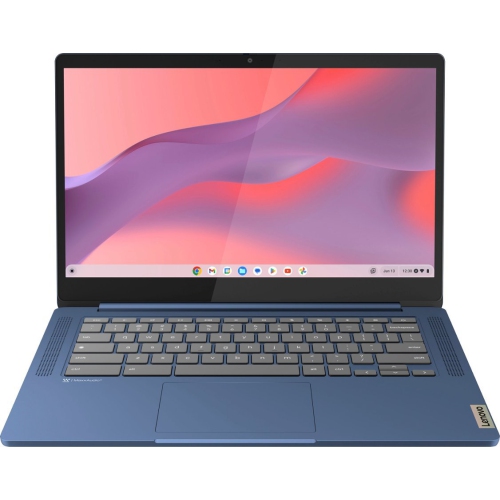 Your price for this item is $449
-
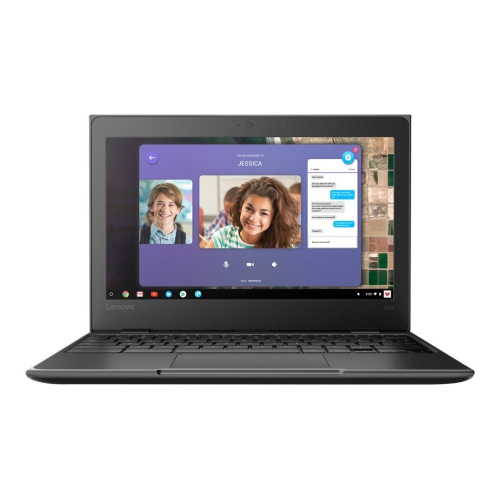 Your price for this item is $499.99
-
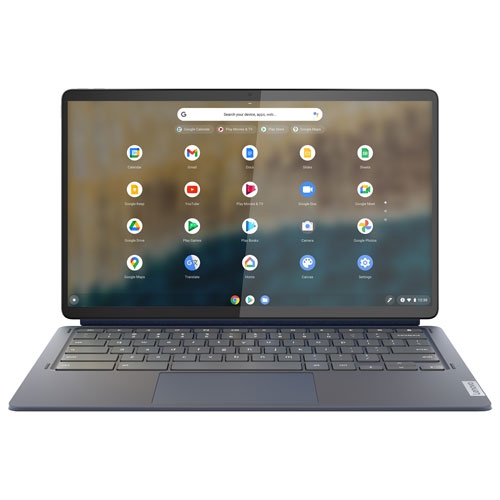 Your price for this item is $549
-
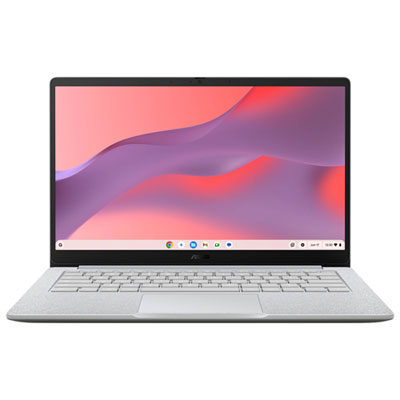 Your price for this item is $279.99
-
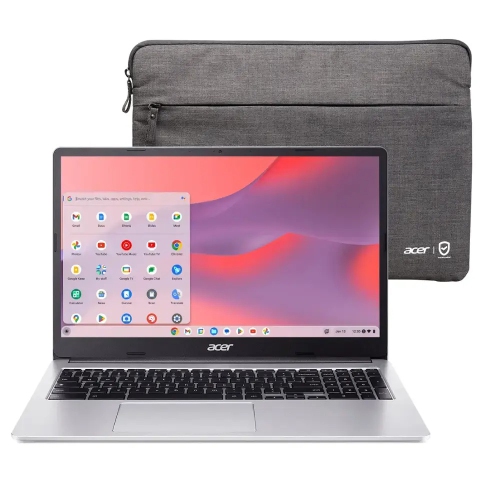 Your price for this item is $349.99
-
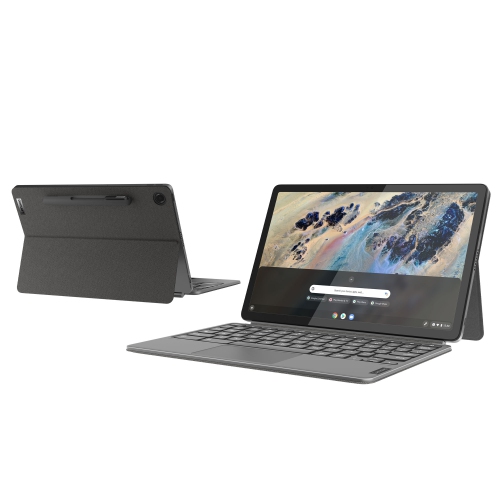 Your price for this item is $649
-
 Your price for this item is $672.68
-
 Your price for this item is $899.99
Discover more categories related to Durable Chromebook
Top Collections:
Best Black Friday Deals This Year, Best Black Friday Deals On Electronics, Kindle Devices, Best Black Friday Deals On Apple Products, Best Budget Office Chairs, Best Cameras for Sports Photography, Dyson Airwrap, Canon G7X Cameras, Best Laptops for Writers, Samsung Galaxy Phones
Some products may be subject to Environmental Handling Fees
(EHF) depending on your province.
Learn more about EHFs.