ATA Cables
Explore our selection of ATA cables designed to optimize data transfer speeds and ensure seamless performance for your devices. Whether you're building a new computer system or upgrading your existing setup, ATA cables are essential components that provide reliable connections for your storage drives. Find the perfect ATA cables to meet your needs and take your technology experience to the next level.
Sort






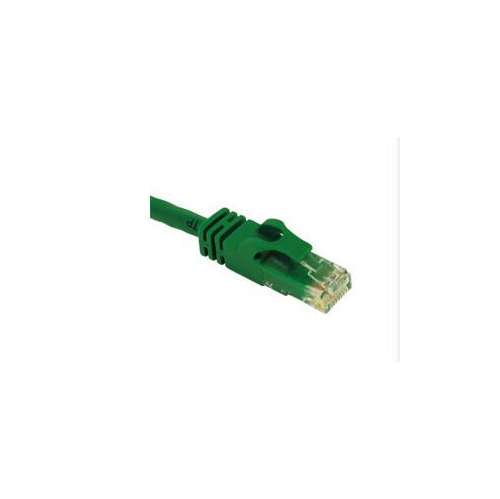
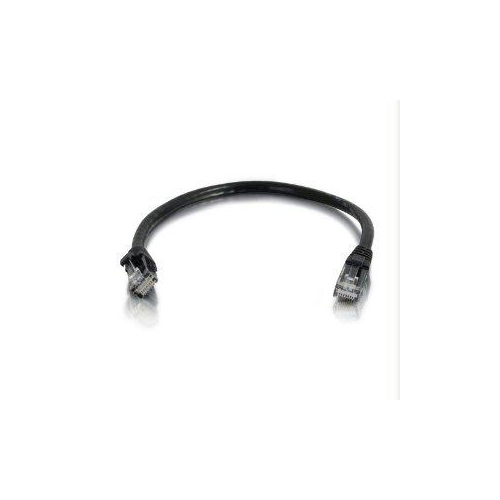
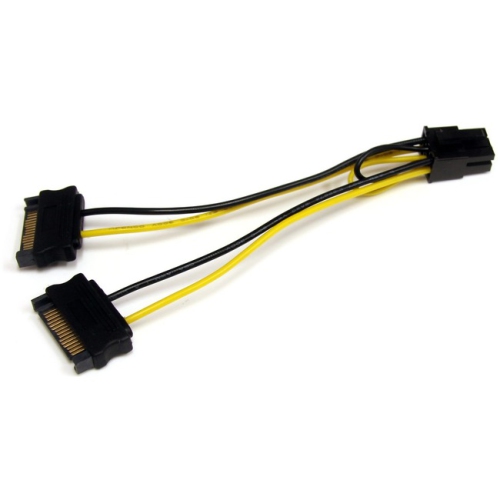
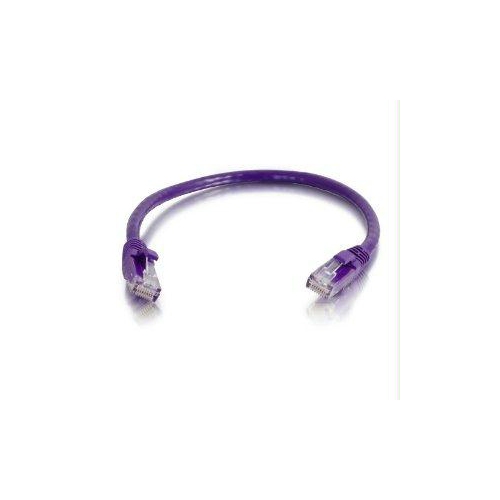
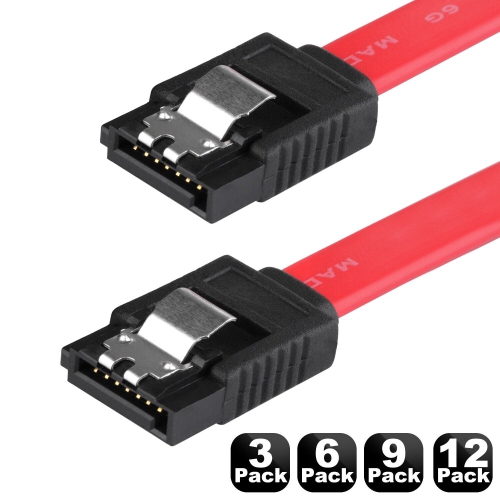
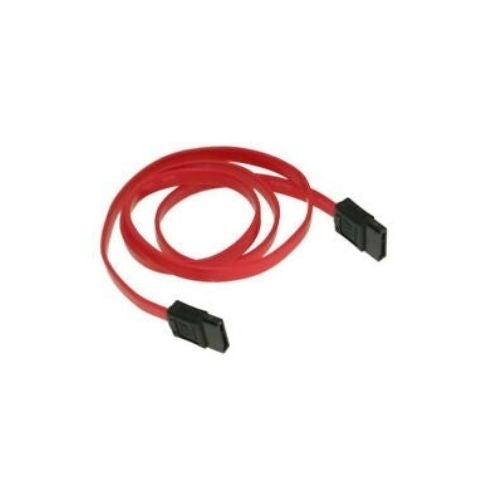
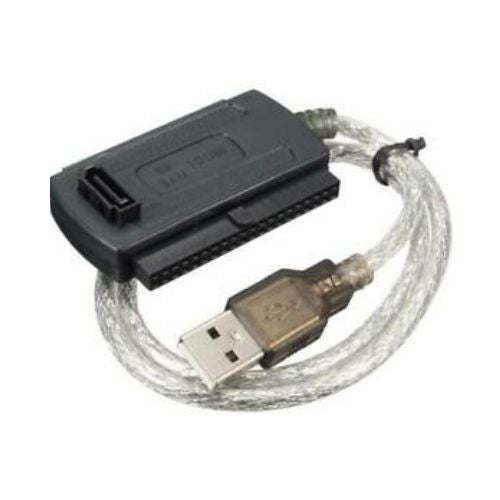
![GENERIC SATA Iii Cable, [5-Pack] 8-Inch SATA Iii 6.0 GBps 7Pin Female to Female Data Cable With Locking Latch](https://multimedia.bbycastatic.ca/multimedia/products/500x500/173/17376/17376227.jpeg)


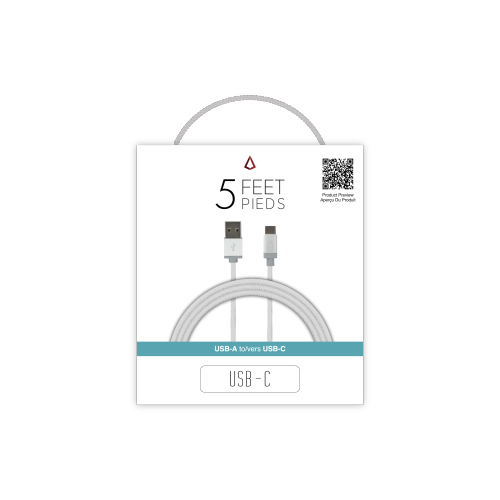
![TTX TECH Snes, N64, Gamecube Av Audio Video Cable (Bulk Packaging) []](https://multimedia.bbycastatic.ca/multimedia/products/500x500/174/17466/17466195.jpeg)
![TTX TECH Snes, N64, Gamecube Av Audio Video Cable []](https://multimedia.bbycastatic.ca/multimedia/products/500x500/174/17466/17466173.jpeg)
SATA and PATA compatibility matters when upgrading internal drives
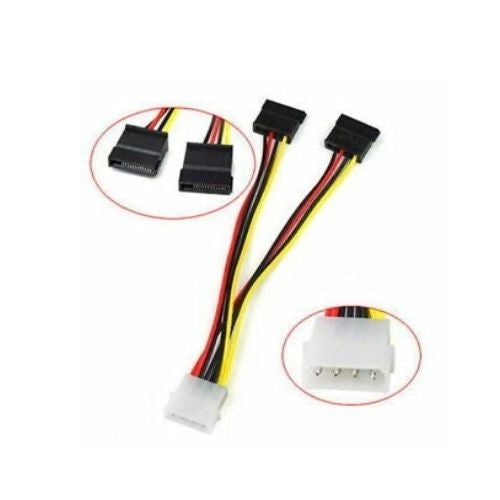
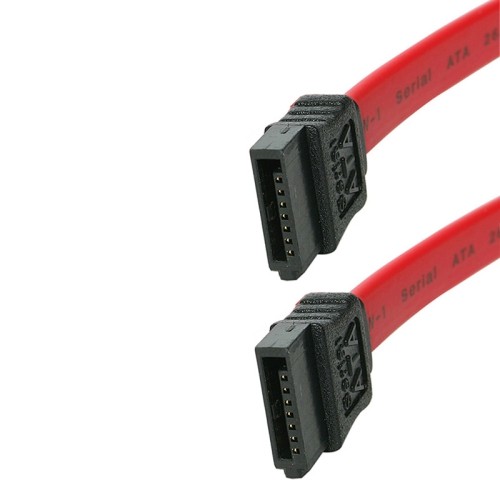
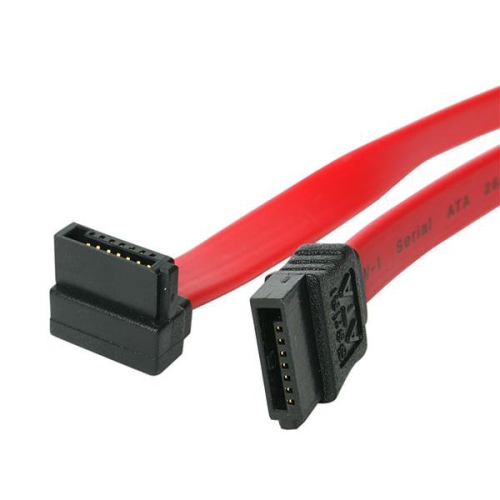
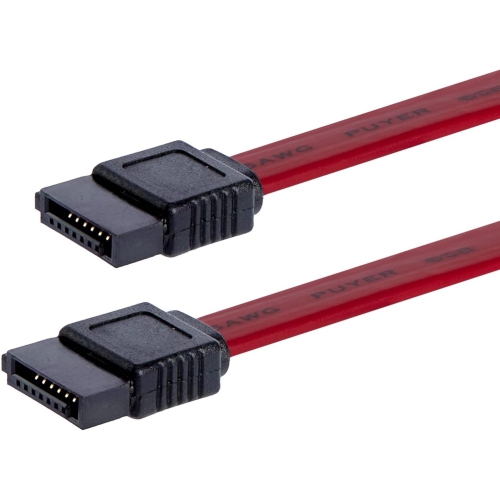
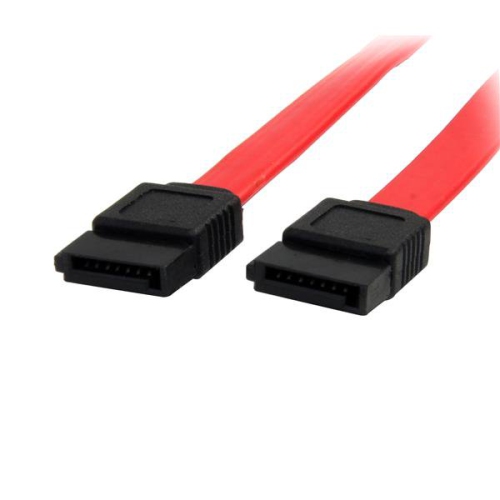
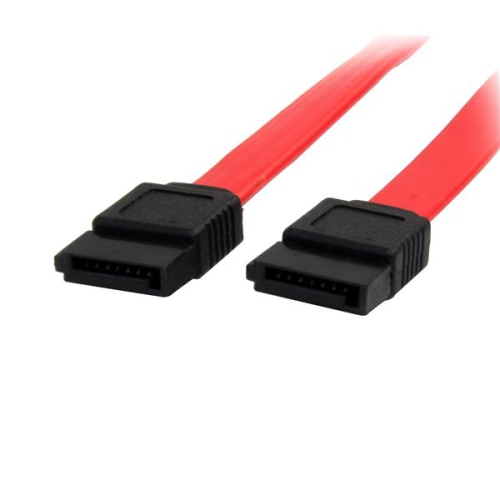
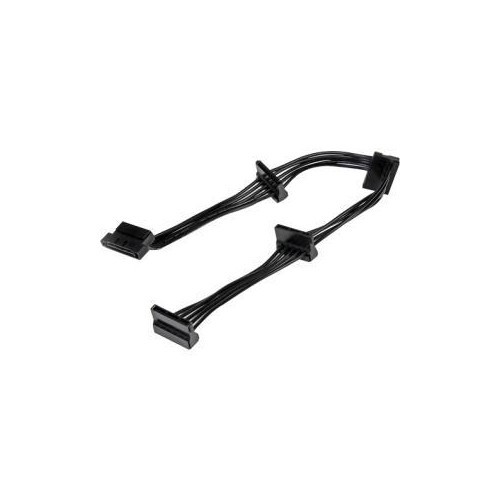
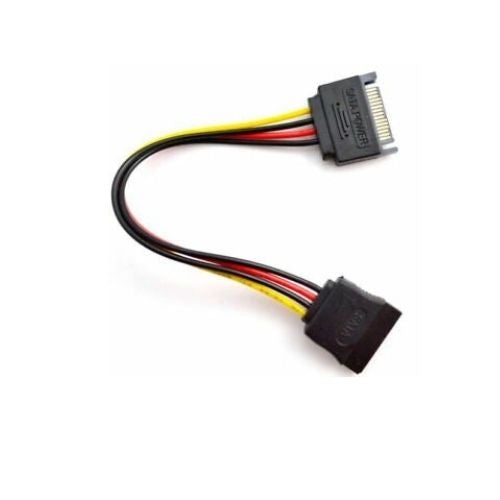
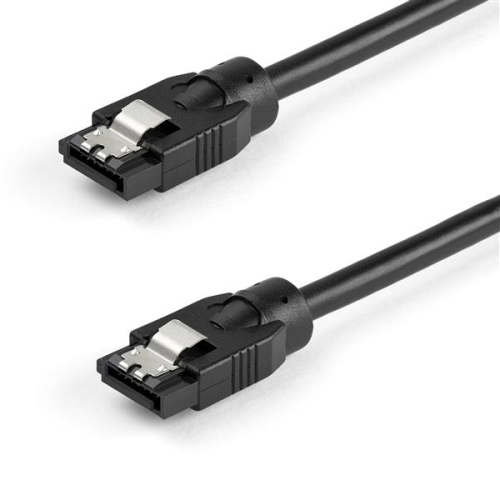
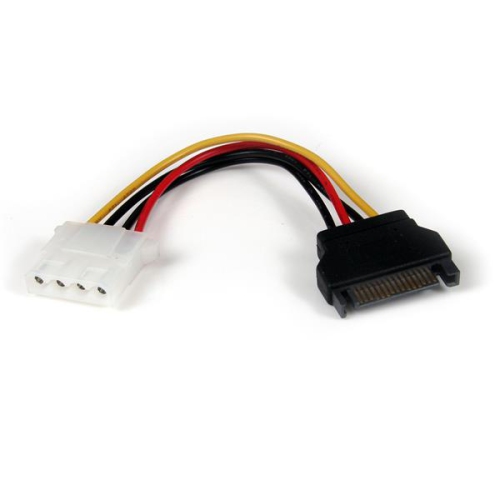
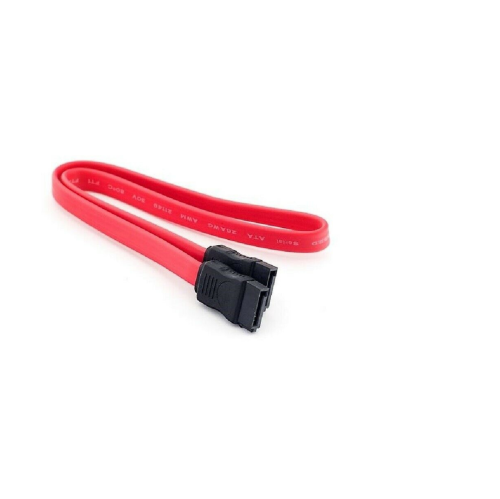
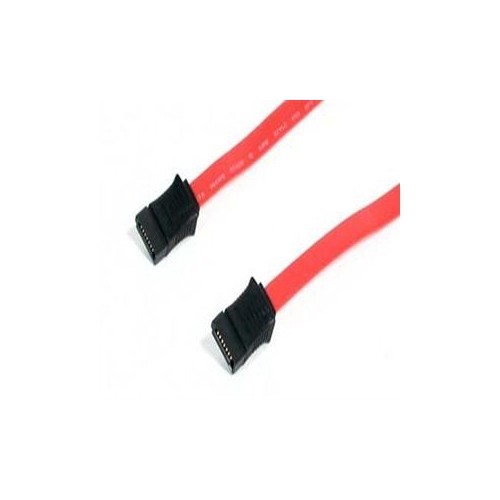
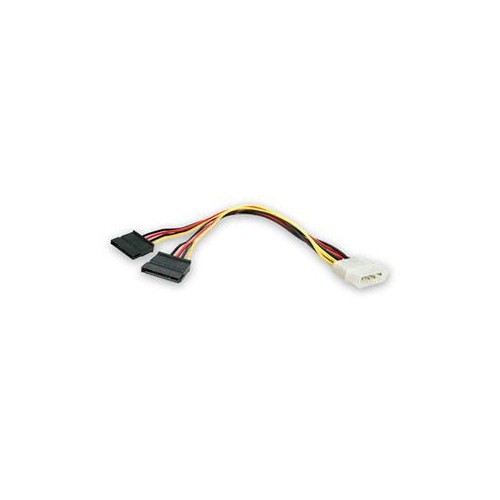
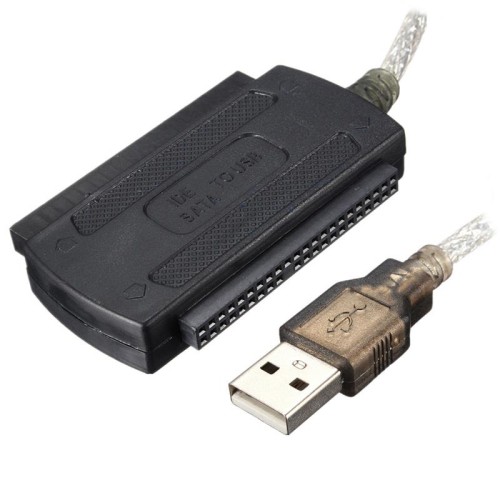
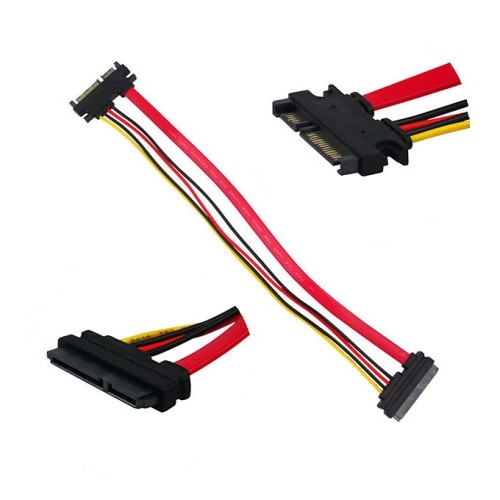
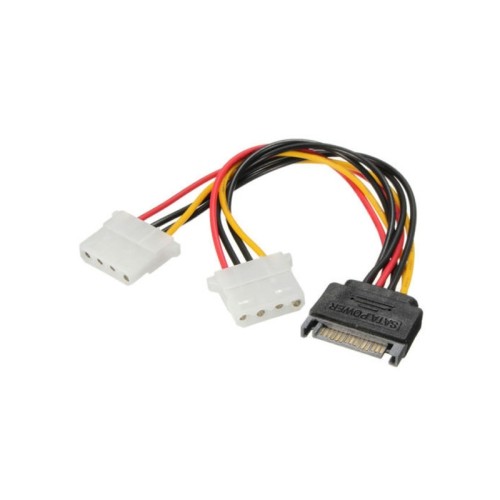
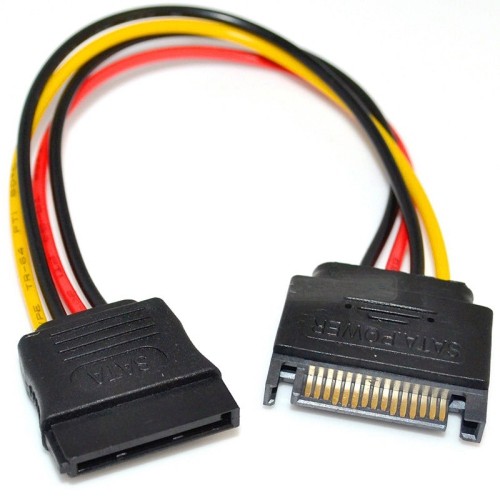
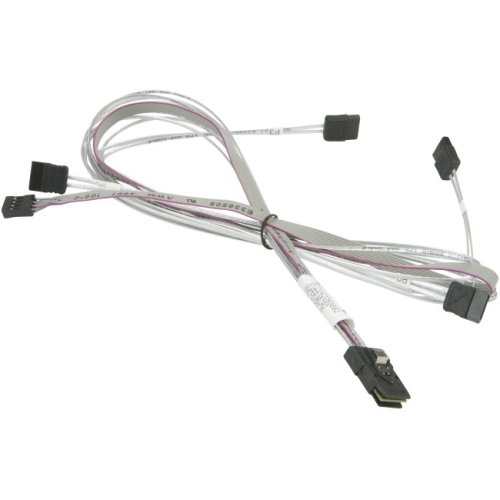
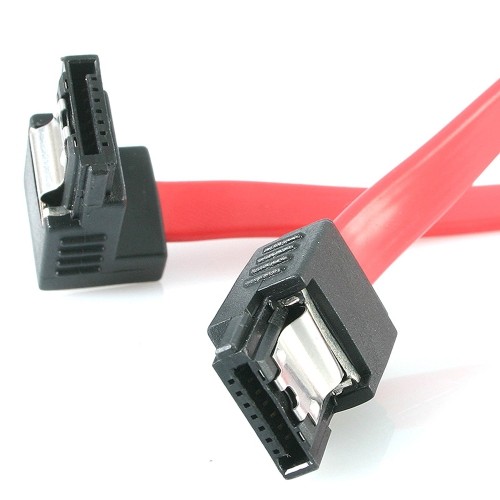
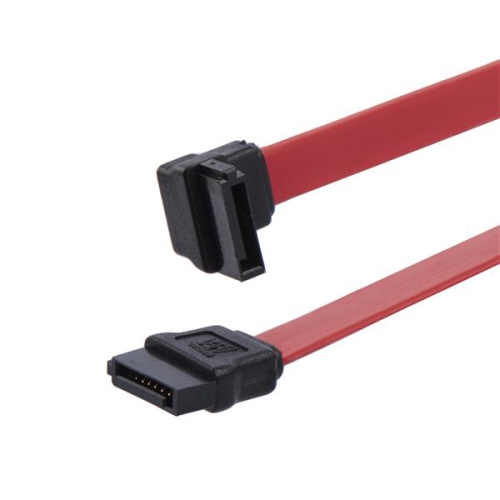
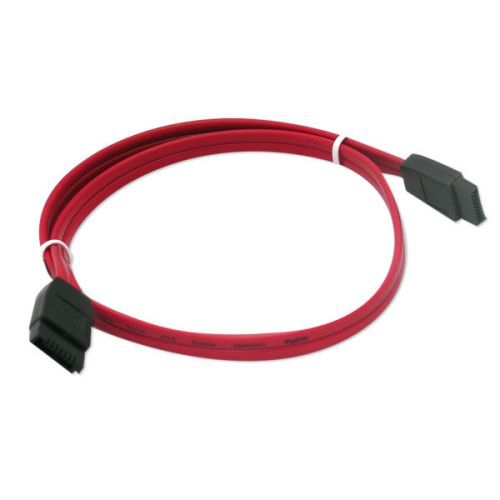
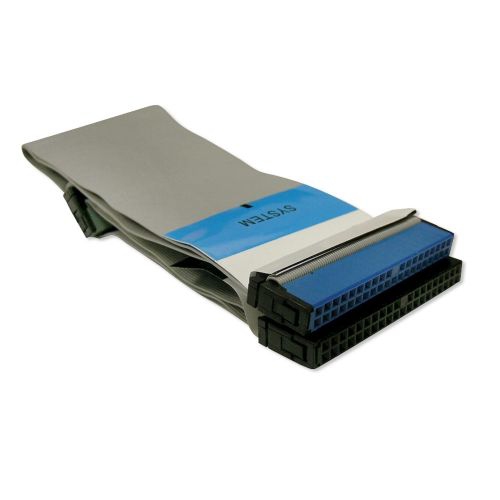
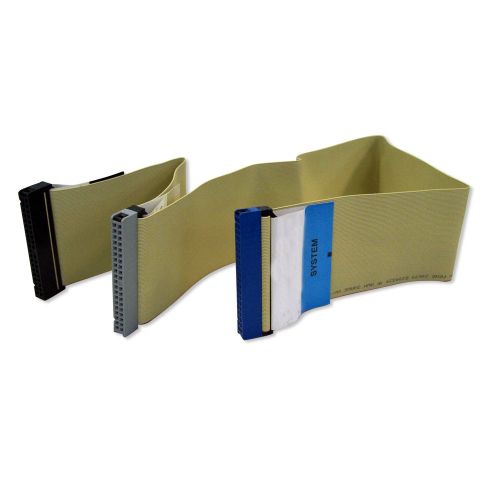
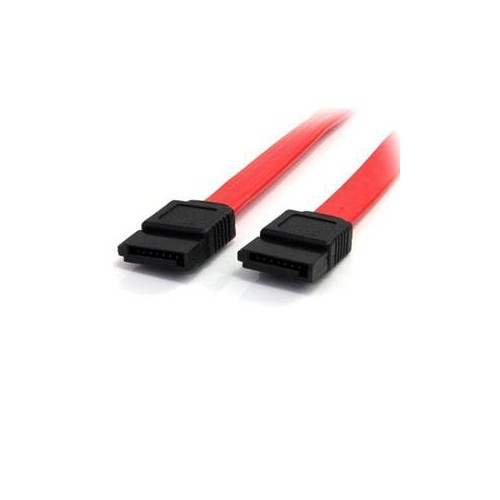
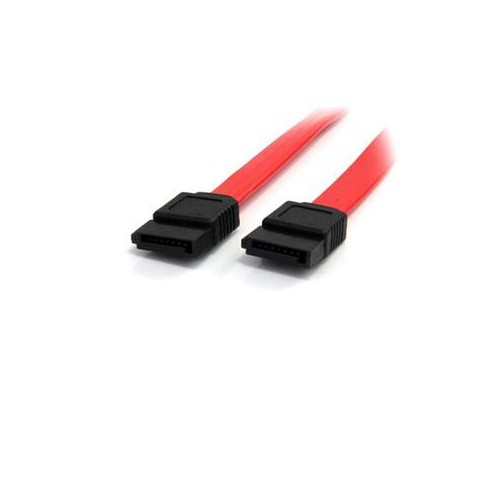
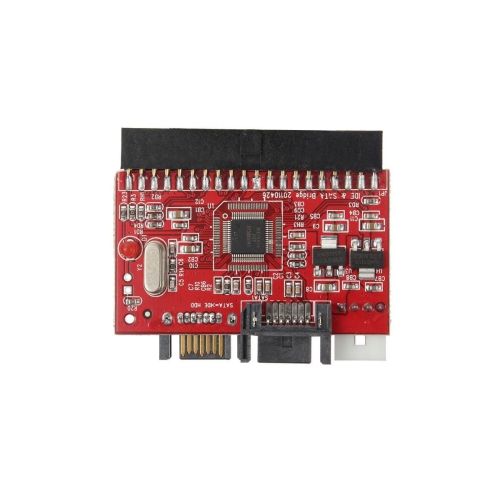
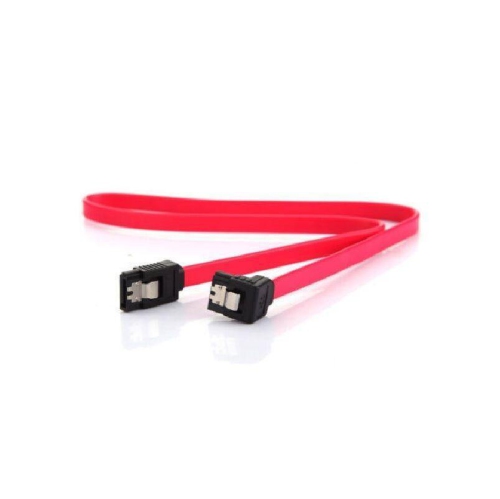
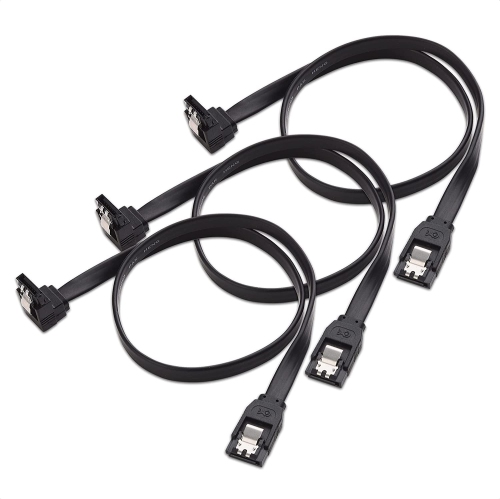
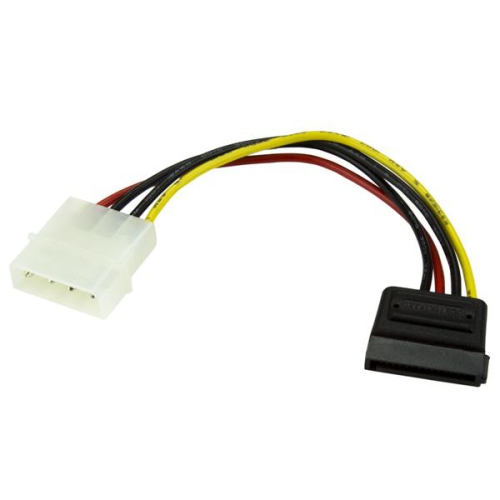
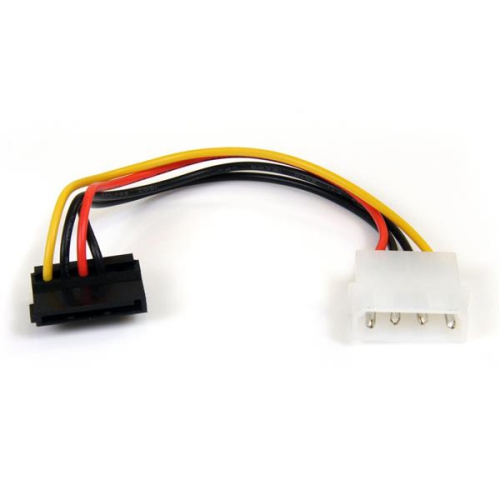
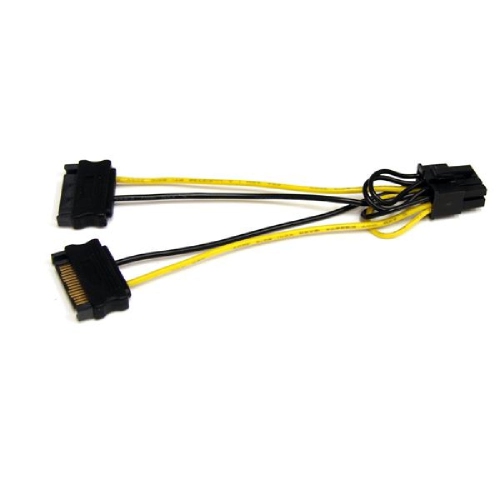
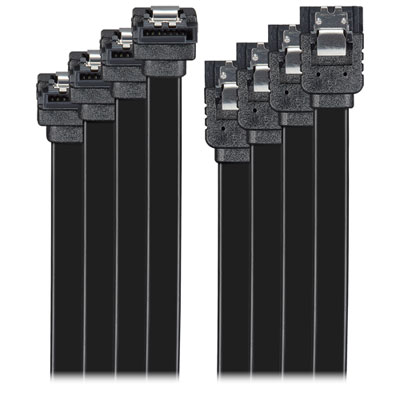
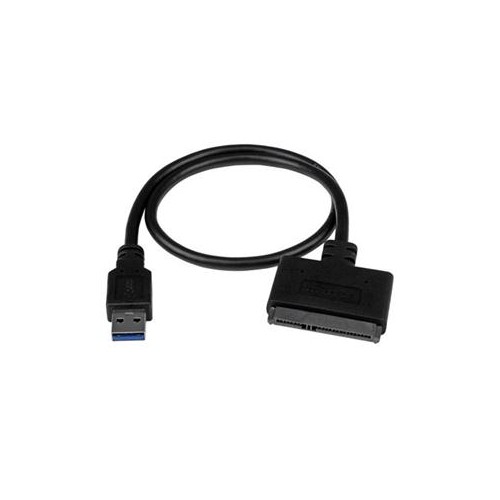
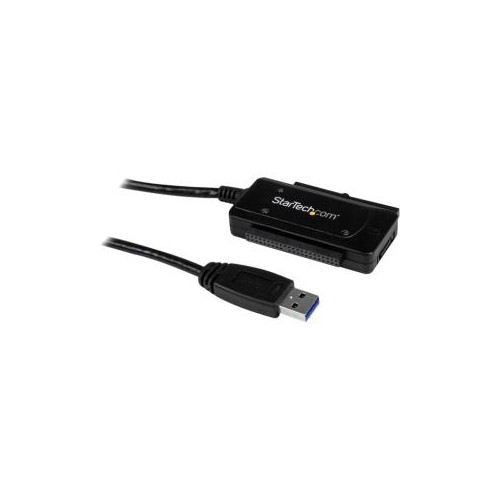
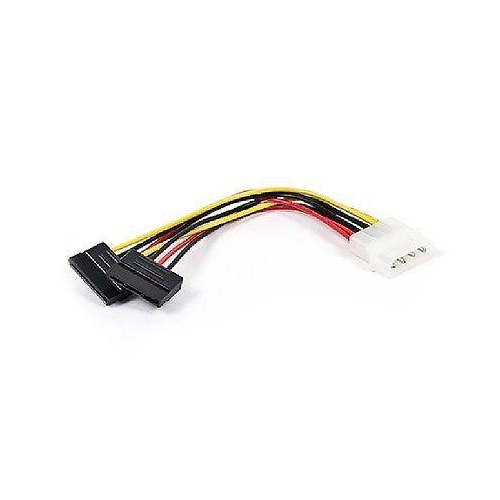
ATA cables are internal data cables used to connect storage drives and other compatible devices to a computer’s motherboard. The term “ATA” covers two main connection standards: older Parallel ATA (PATA), also known as IDE, and newer Serial ATA (SATA). PATA cables are wide, flat ribbon cables with multiple pins and were commonly used in desktop computers before SATA became standard. SATA cables are much narrower, typically use a seven-pin data connector, and are found in many desktop computers, workstations, and older laptops with upgradeable internal drives. When browsing ATA cables, begin by identifying the connector on the drive and the corresponding port on the motherboard. A SATA cable cannot be used in a PATA connection, and a PATA ribbon cable is not interchangeable with a SATA connection. Checking the computer or drive specifications before ordering can help prevent compatibility issues, particularly when working with an older system that may contain a mix of legacy and modern components. SATA data cables are commonly used with 2.5-inch and 3.5-inch solid-state drives, hard disk drives, and internal optical drives. The data cable carries information between the drive and motherboard, while the drive generally requires a separate power connection from the computer’s power supply. This distinction is important: connecting only the data cable will not normally provide the power needed for the drive to operate. SATA power connectors are wider than SATA data connectors and are supplied by the power supply, so both connections should be available when installing or replacing an internal drive.
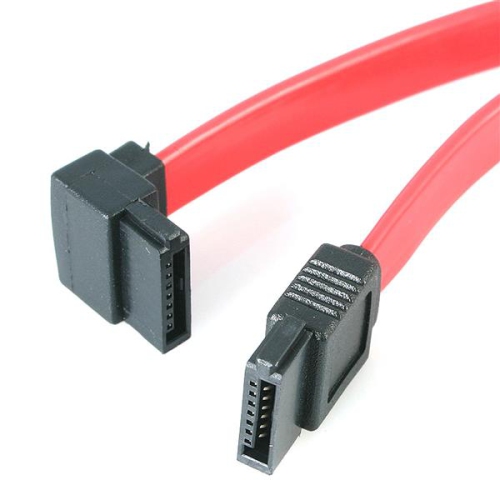
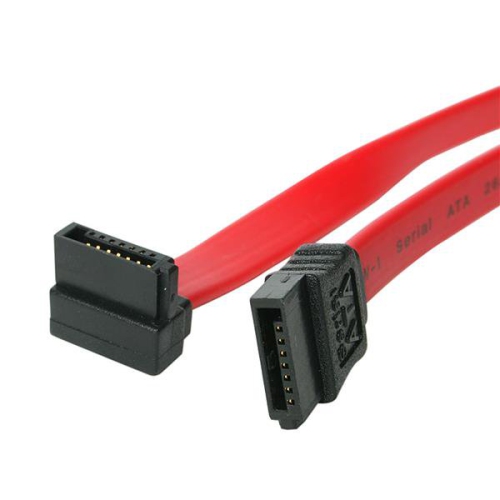
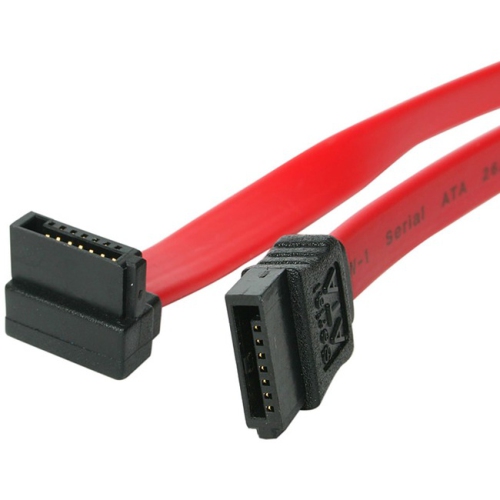
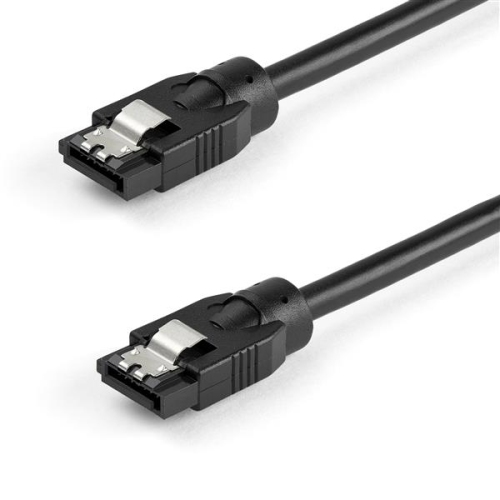
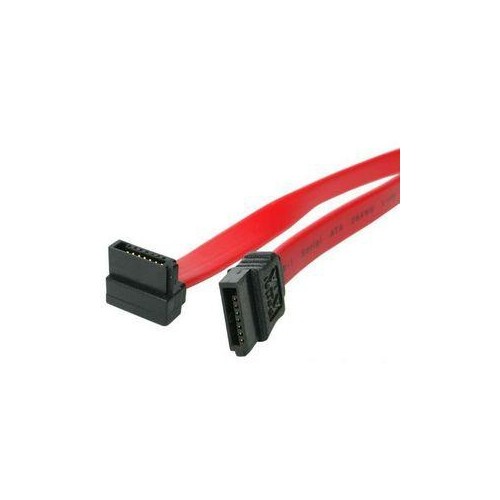
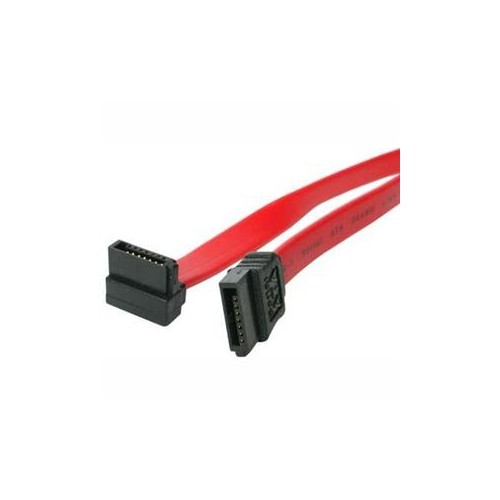
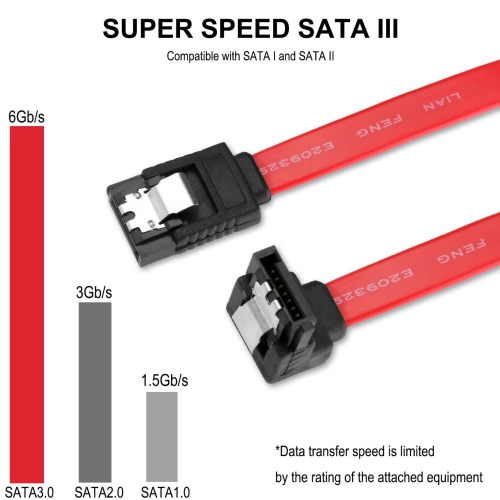
Cable layout matters just as much as the standard. Measure the route from the motherboard port to the drive bay, allowing enough length to follow the case without putting tension on either connector. A cable that is too short can make installation awkward, while excessive length may crowd the case and interfere with tidy routing. Straight connectors work well when the drive and motherboard ports are positioned with a clear line between them. A right-angle connector can be useful when a drive sits close to the side panel, when the cable must turn sharply, or when space around the motherboard port is limited. Before closing the computer case, check that the angled end faces the correct direction and that the cable does not press against a fan, heatsink, drive cage, or side panel. Locking latches can help hold a compatible SATA connection in place and reduce the chance of accidental disconnection when the computer is moved or serviced, although the latch should never be forced into a port that does not support it. Cable length, connector orientation, latch design, and transfer rating are practical details worth comparing. Many modern SATA cables support SATA III transfer rates of up to 6 Gb/s when used with compatible hardware, but the actual performance depends on the drive, motherboard, controller, and installed operating system. A cable rated for a newer SATA revision can generally be used with earlier compatible SATA hardware, with speeds limited by the connection’s slowest component. For people assembling a desktop computer, replacing a damaged cable, adding an internal storage drive, or troubleshooting an intermittent connection, keeping a correctly specified spare can make the repair much easier. A builder working at a desk with a newly opened PC case may find that a few extra centimetres and a right-angle connector make the difference between a clean installation and a cramped one. ATA cables can also be a practical addition to a computer repair kit or a useful gift for someone who regularly upgrades, restores, or maintains desktop computers.
Compatibility checks are especially valuable when upgrading an older computer. Look for the drive interface, motherboard port type, and available power connector before purchasing. A SATA drive needs both a SATA data connection to the motherboard and suitable power from the supply, while a legacy PATA drive uses a different data cable and may require an older four-pin power connection or an appropriate adapter. Some computers have limited internal space, so confirm that the replacement cable will fit around drive trays and case openings. If a system has multiple internal drives, each drive normally needs its own data connection unless the hardware uses a different supported arrangement. Colour and appearance are mostly matters of preference; fit, standard, length, and construction are more important. Route the cable away from moving fans, avoid tight bends immediately at the connector, and press each plug straight into place until it is fully seated. If a drive is not detected after installation, shut the computer down and recheck both the data and power connections, then confirm that the drive is enabled in the system settings. For shoppers comparing cable options for related charging, connection, or computer setup needs, Anker Cables offers another category to browse. Whether the goal is restoring an older desktop during the cooler months, adding storage to a home office computer, or keeping a spare on hand for future maintenance, choosing an ATA cable that matches the hardware helps support a straightforward installation and a dependable internal connection.
Cable layout matters just as much as the standard. Measure the route from the motherboard port to the drive bay, allowing enough length to follow the case without putting tension on either connector. A cable that is too short can make installation awkward, while excessive length may crowd the case and interfere with tidy routing. Straight connectors work well when the drive and motherboard ports are positioned with a clear line between them. A right-angle connector can be useful when a drive sits close to the side panel, when the cable must turn sharply, or when space around the motherboard port is limited. Before closing the computer case, check that the angled end faces the correct direction and that the cable does not press against a fan, heatsink, drive cage, or side panel. Locking latches can help hold a compatible SATA connection in place and reduce the chance of accidental disconnection when the computer is moved or serviced, although the latch should never be forced into a port that does not support it. Cable length, connector orientation, latch design, and transfer rating are practical details worth comparing. Many modern SATA cables support SATA III transfer rates of up to 6 Gb/s when used with compatible hardware, but the actual performance depends on the drive, motherboard, controller, and installed operating system. A cable rated for a newer SATA revision can generally be used with earlier compatible SATA hardware, with speeds limited by the connection’s slowest component. For people assembling a desktop computer, replacing a damaged cable, adding an internal storage drive, or troubleshooting an intermittent connection, keeping a correctly specified spare can make the repair much easier. A builder working at a desk with a newly opened PC case may find that a few extra centimetres and a right-angle connector make the difference between a clean installation and a cramped one. ATA cables can also be a practical addition to a computer repair kit or a useful gift for someone who regularly upgrades, restores, or maintains desktop computers.
Compatibility checks are especially valuable when upgrading an older computer. Look for the drive interface, motherboard port type, and available power connector before purchasing. A SATA drive needs both a SATA data connection to the motherboard and suitable power from the supply, while a legacy PATA drive uses a different data cable and may require an older four-pin power connection or an appropriate adapter. Some computers have limited internal space, so confirm that the replacement cable will fit around drive trays and case openings. If a system has multiple internal drives, each drive normally needs its own data connection unless the hardware uses a different supported arrangement. Colour and appearance are mostly matters of preference; fit, standard, length, and construction are more important. Route the cable away from moving fans, avoid tight bends immediately at the connector, and press each plug straight into place until it is fully seated. If a drive is not detected after installation, shut the computer down and recheck both the data and power connections, then confirm that the drive is enabled in the system settings. For shoppers comparing cable options for related charging, connection, or computer setup needs, Anker Cables offers another category to browse. Whether the goal is restoring an older desktop during the cooler months, adding storage to a home office computer, or keeping a spare on hand for future maintenance, choosing an ATA cable that matches the hardware helps support a straightforward installation and a dependable internal connection.
Top selling and popular products
-
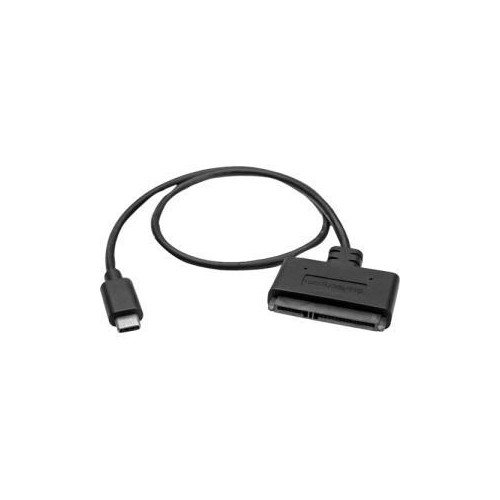 Your price for this item is $36.68
 -
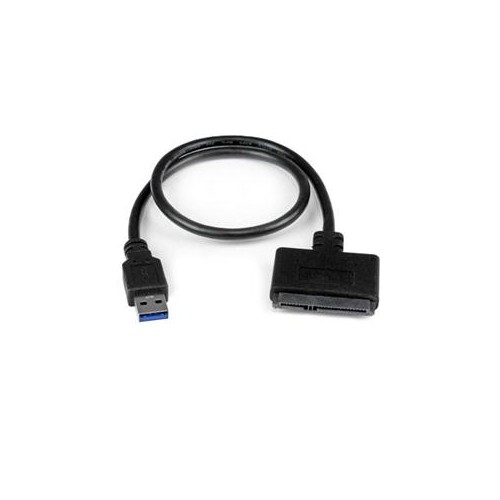 Your price for this item is $16.68
 -
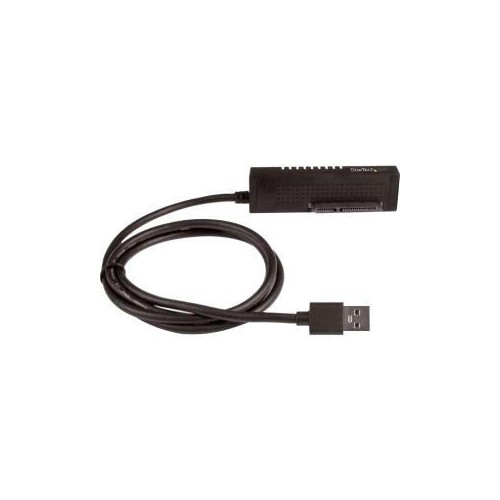 Your price for this item is $56.68
 -
 Your price for this item is $9.99
 -
 Your price for this item is $27.68
 -
 Your price for this item is $61.99
 -
 Your price for this item is $6.5
 -
 Your price for this item is $9.99
Discover more categories related to ATA Cables
Top Collections:
Pokemon Centers, Kindle Devices, Best Budget Office Chairs, Apple iPhones 16, Best Laptops for Writers, iPhone 15 Apple, Canon G7X Cameras, Refurbished Apple Laptops, Alarm Clock, Motorola Razr Phones
Some products may be subject to Environmental Handling Fees
(EHF) depending on your province.
Learn more about EHFs.