Interconnect Cables
Interconnect cables are the unsung heroes of almost any audio or video setup, quietly ensuring seamless connections between your devices for optimal performance. From enhancing sound quality to delivering crystal-clear visuals, these cables play a crucial role in creating an immersive entertainment experience. Whether you're a music enthusiast, a movie buff, or a gaming aficionado, choosing the right interconnect cables can make all the difference in how you enjoy your favorite media.
Sort
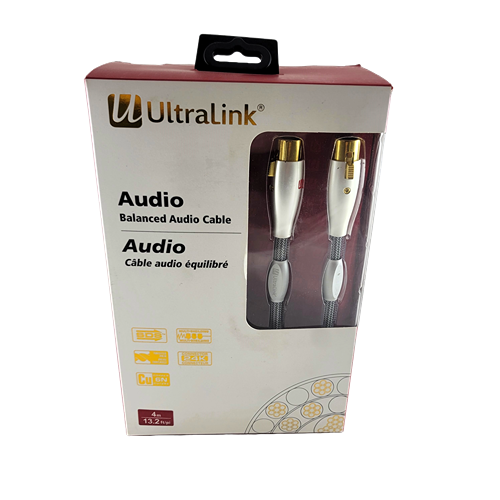
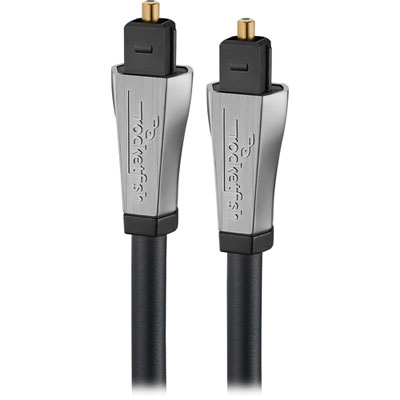
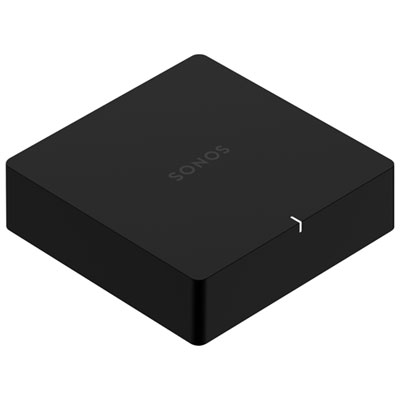
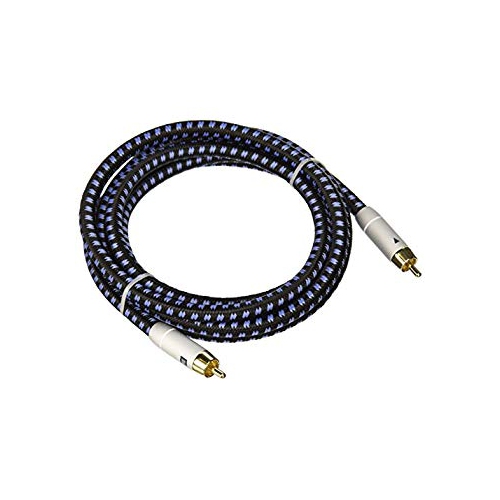

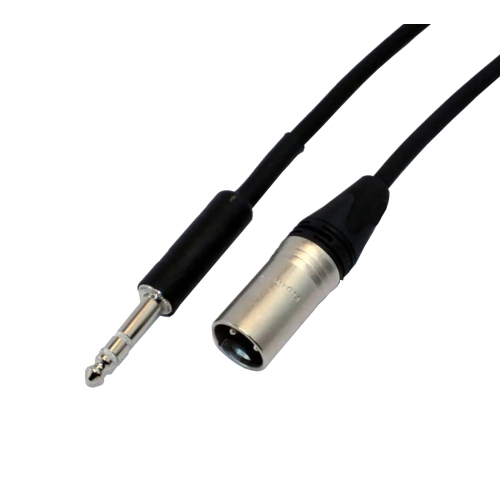
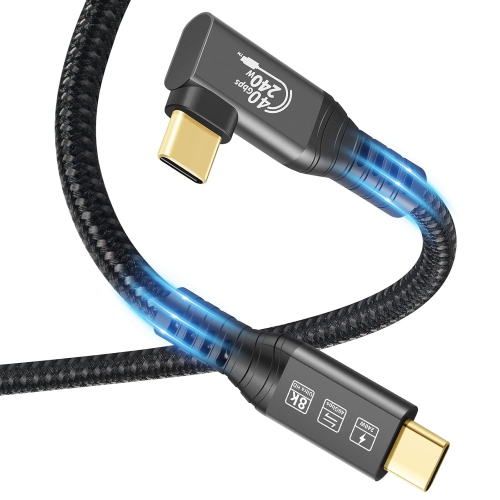
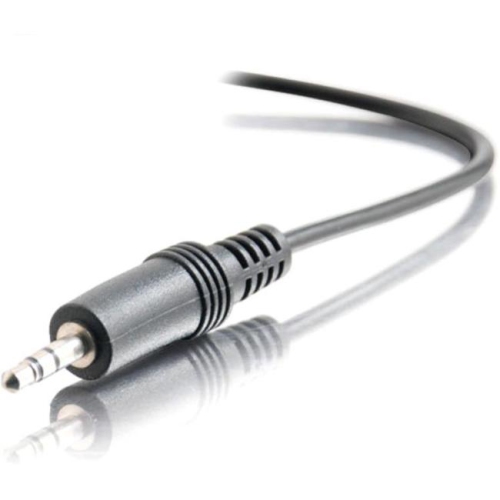
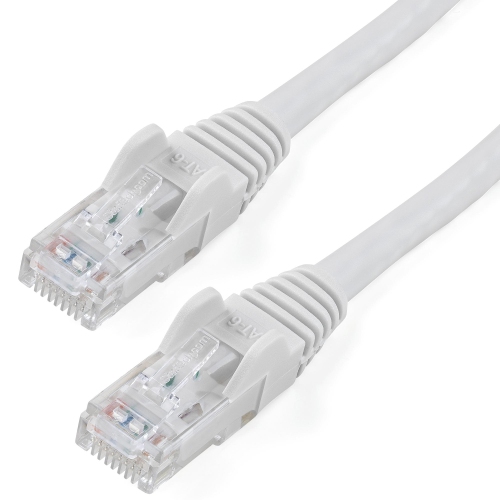
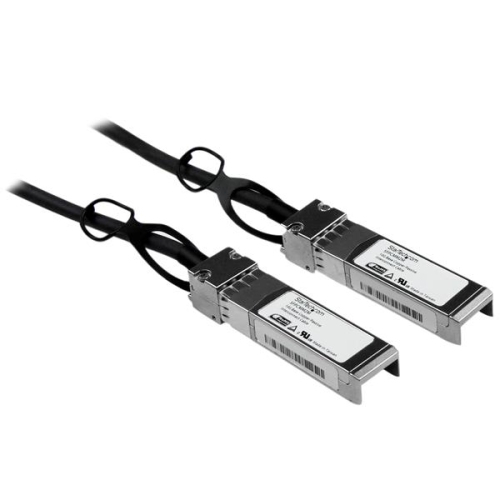
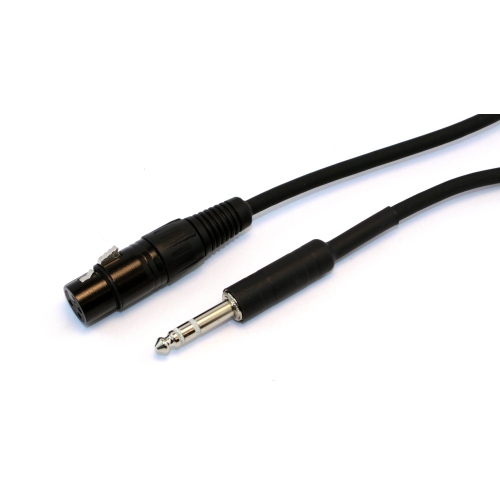
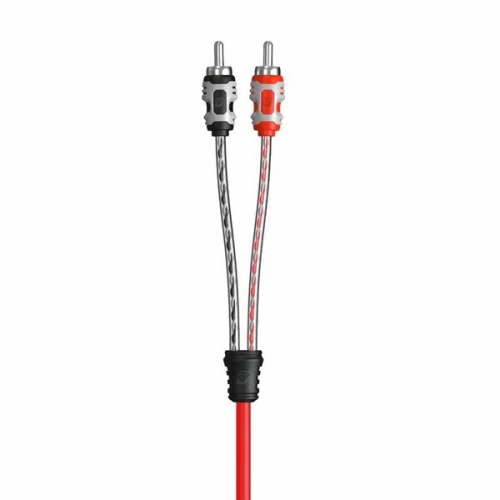
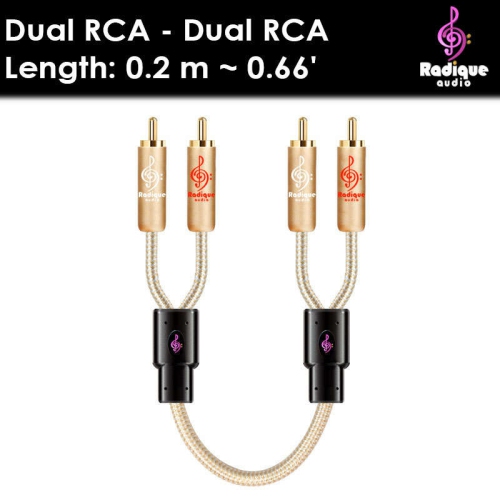

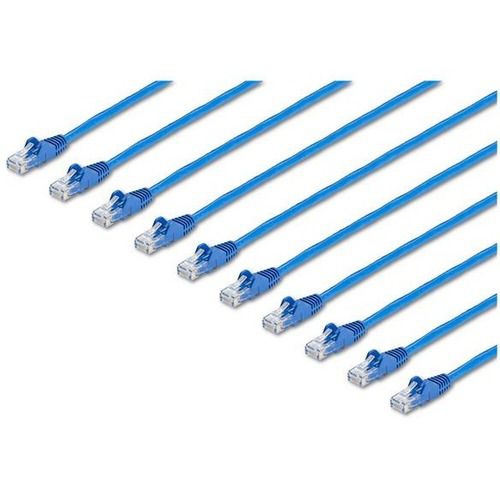
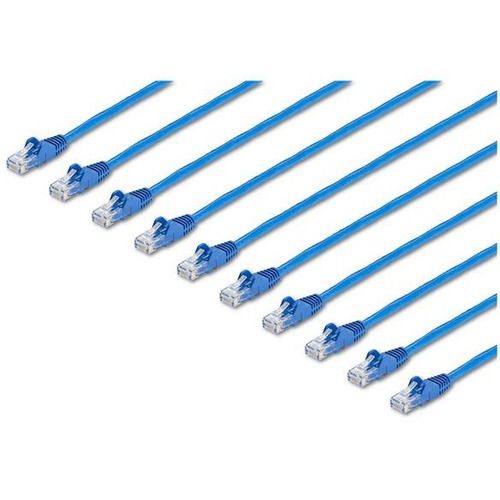
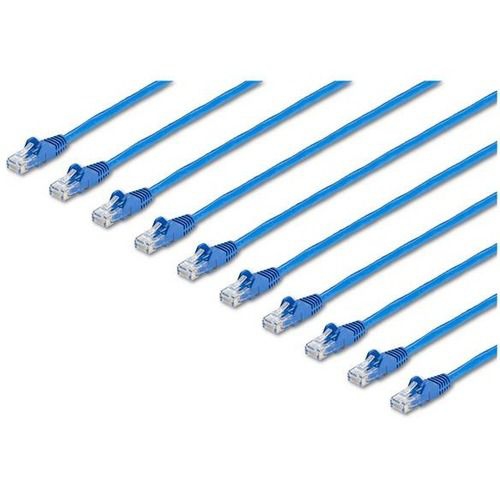
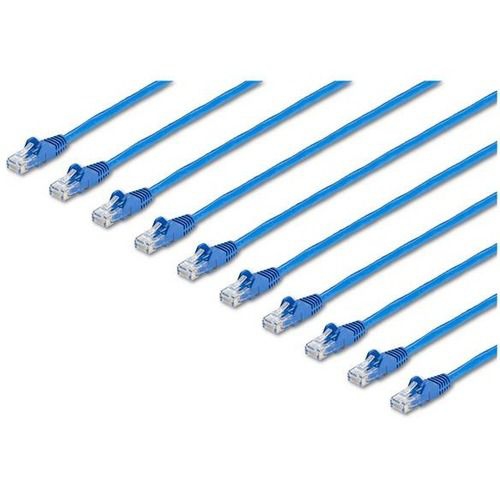
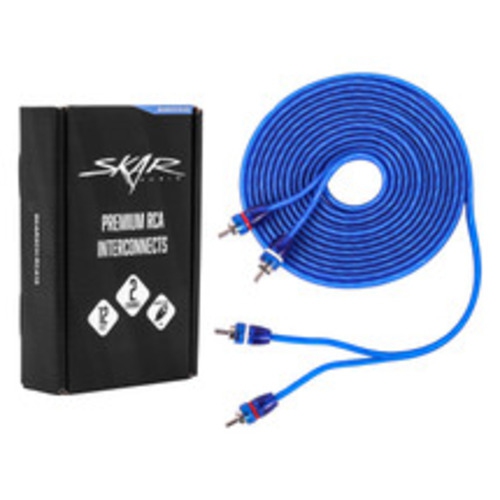

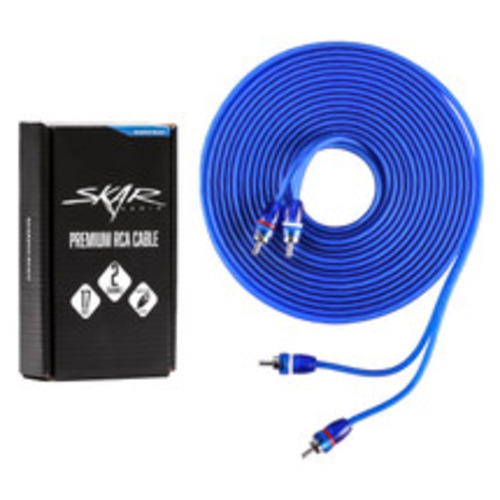

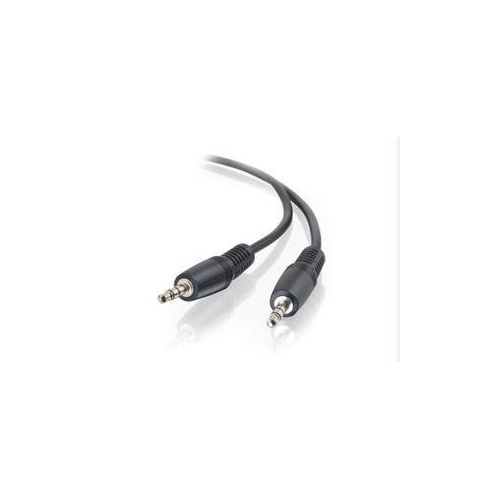
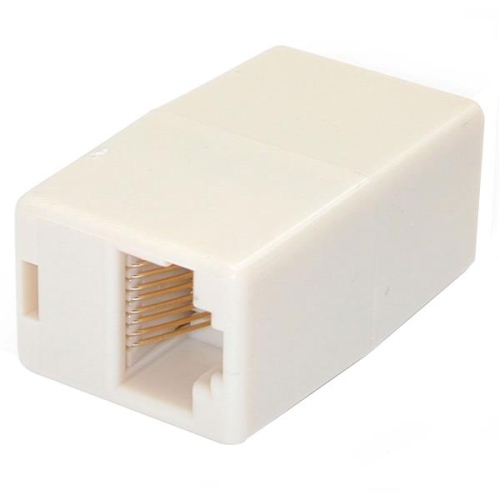
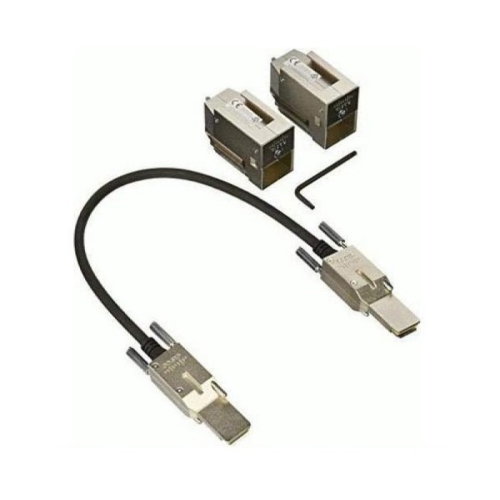
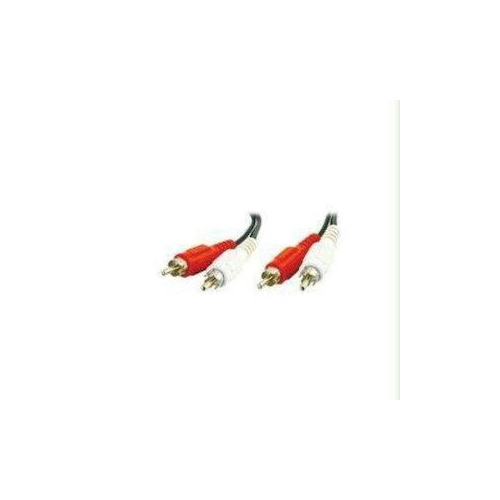
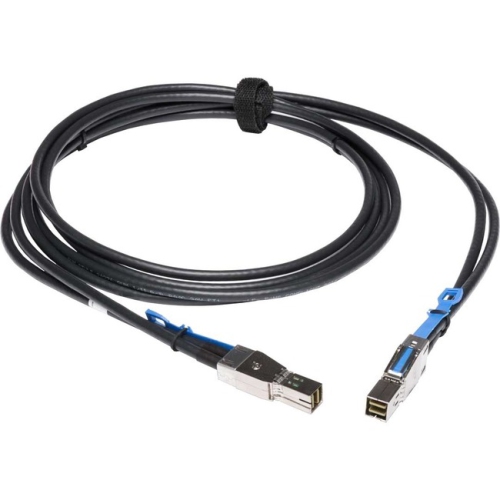
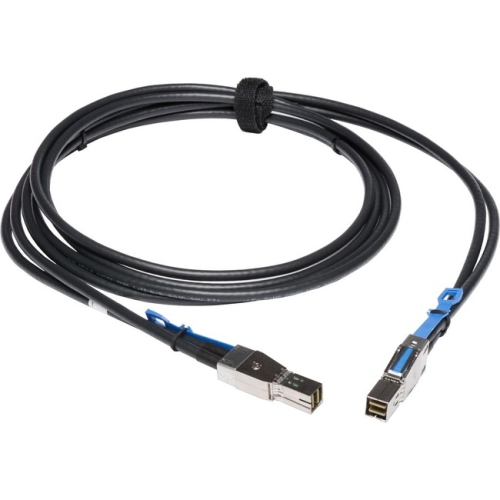
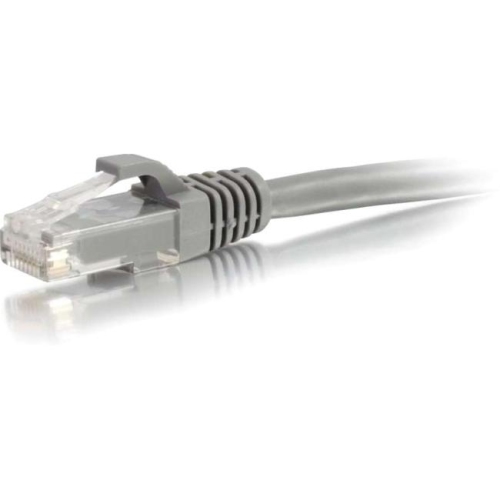
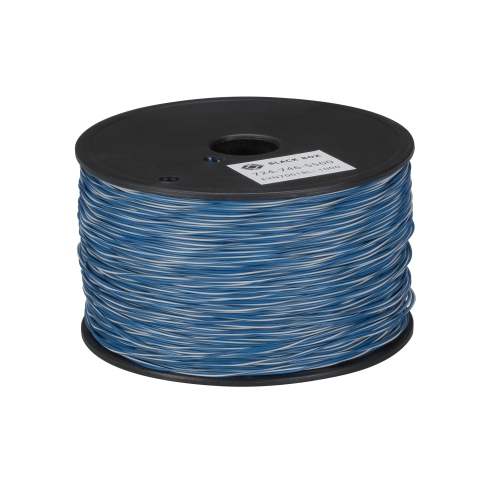
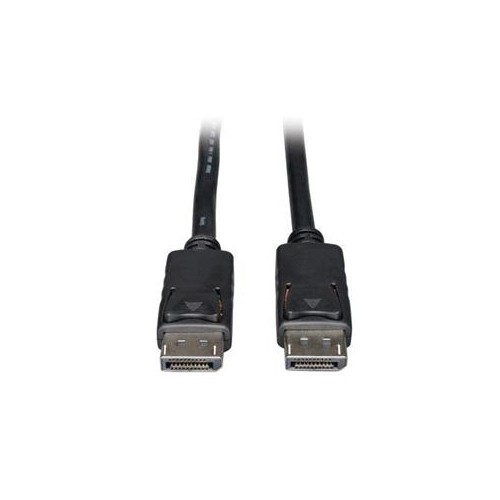
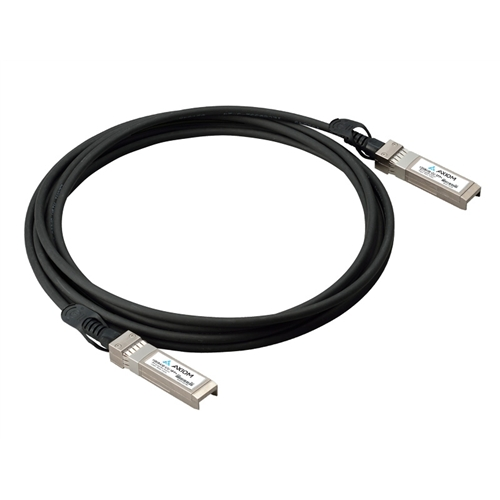
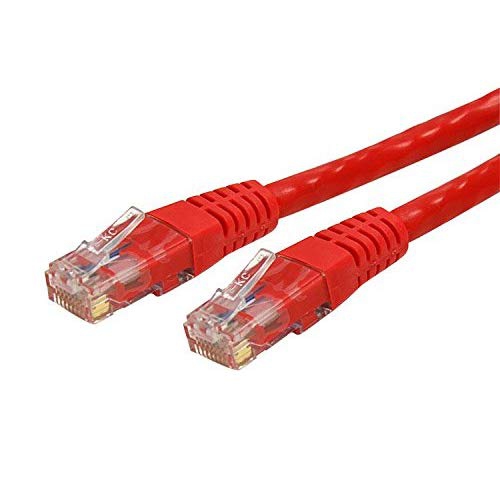
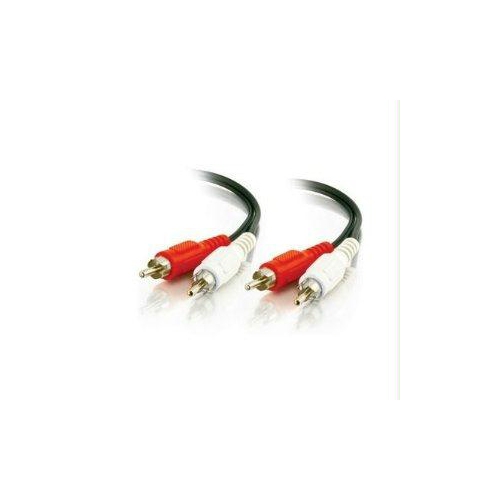
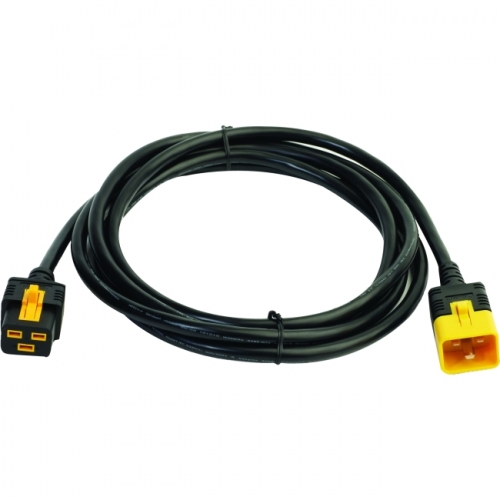
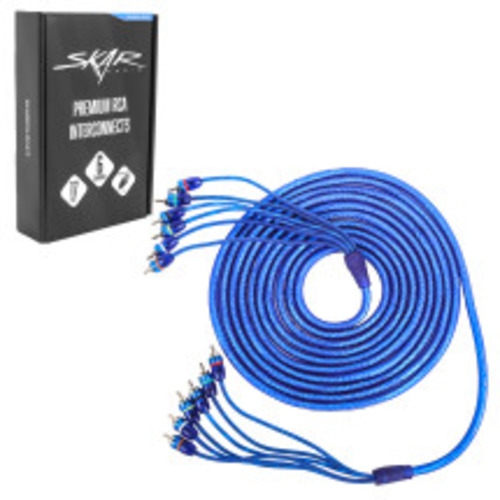
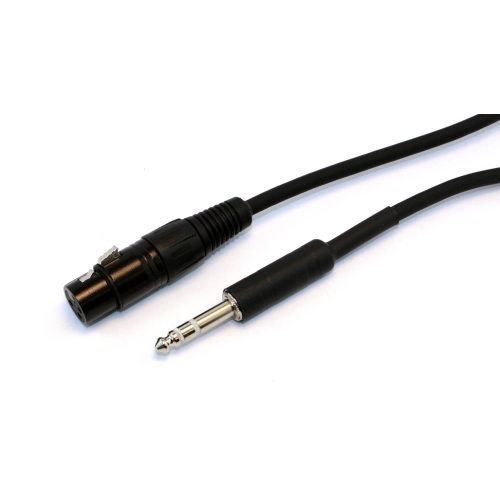
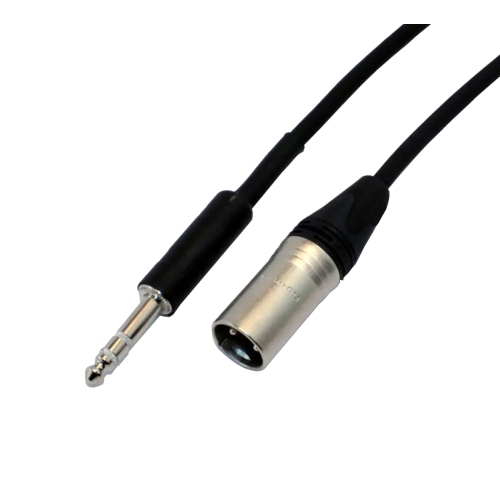
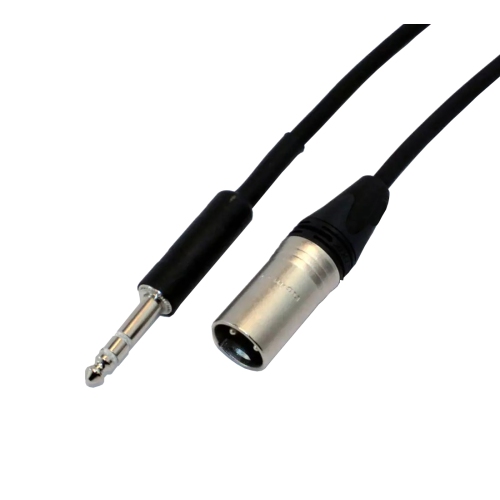
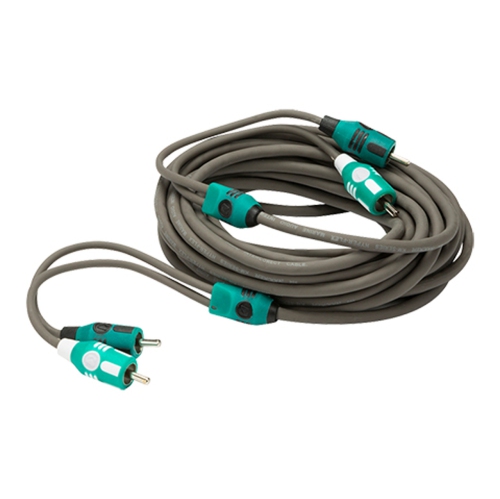
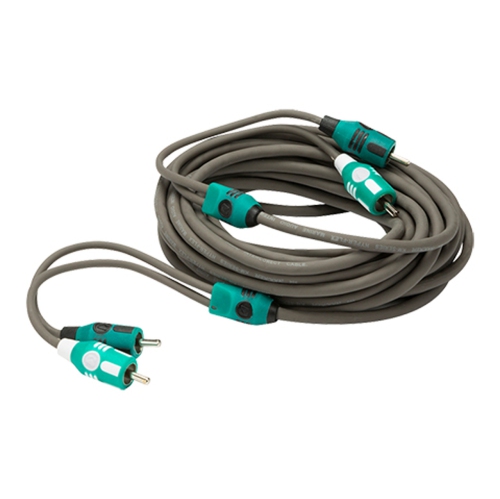
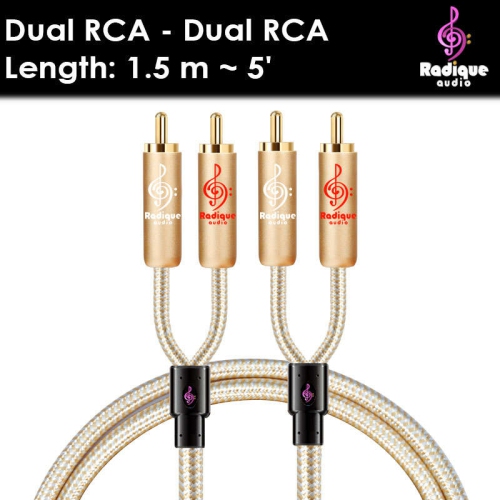
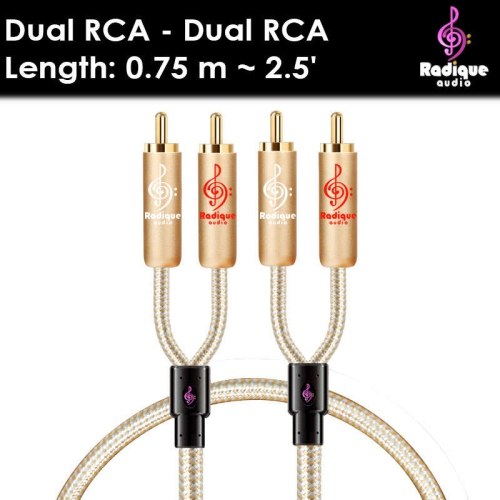
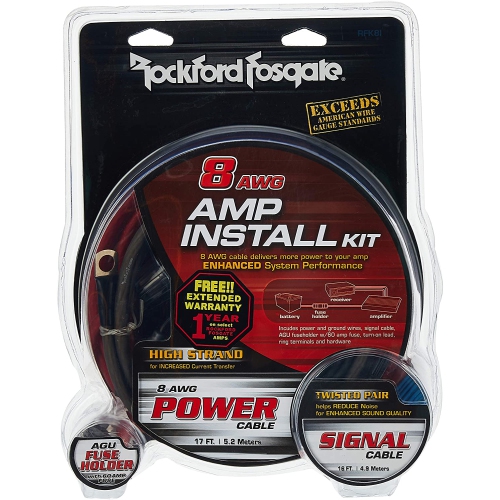
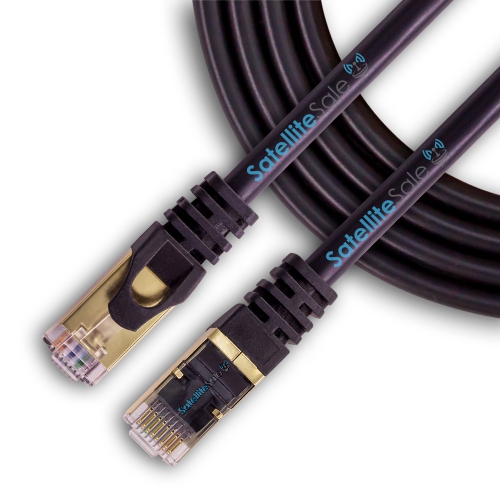
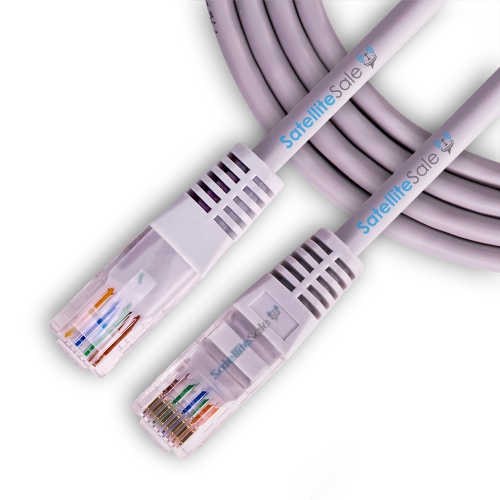
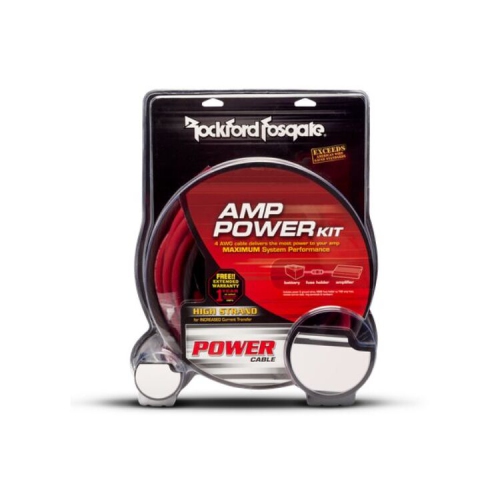
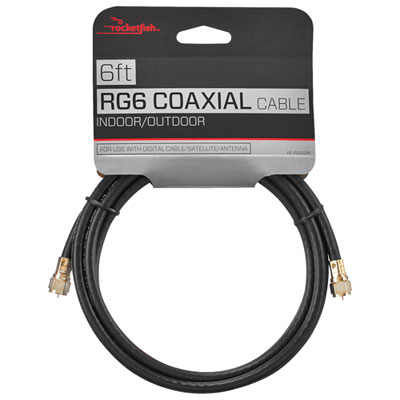
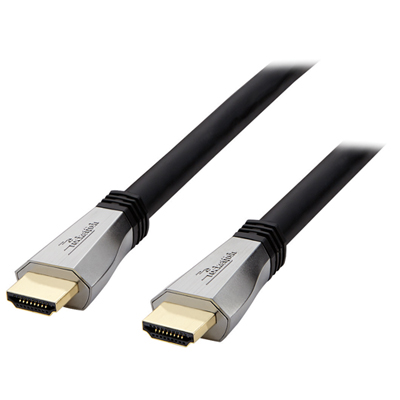

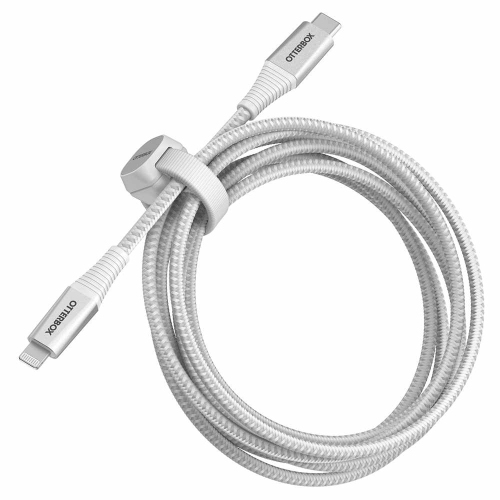
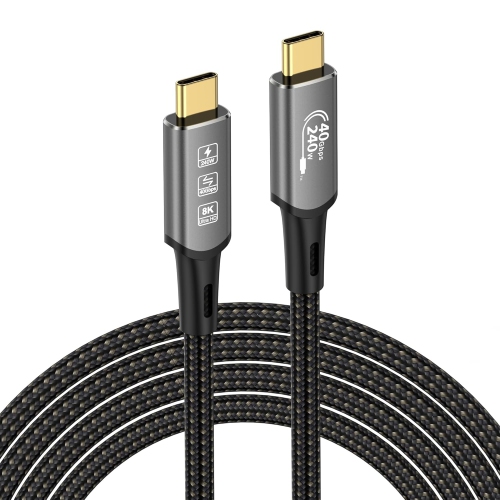
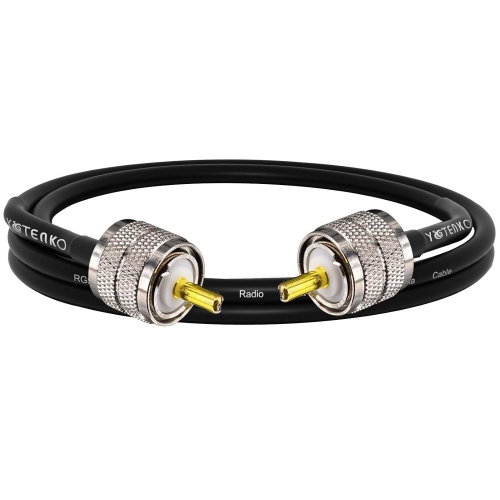
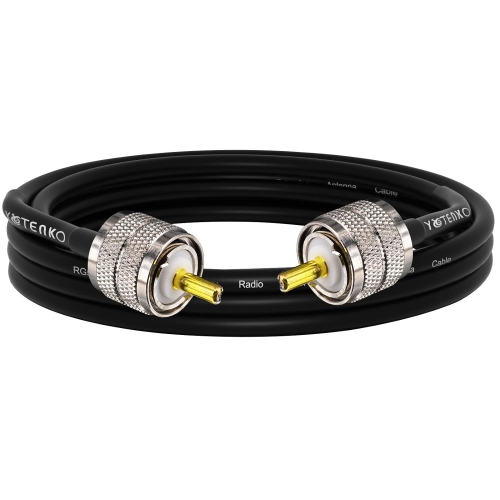
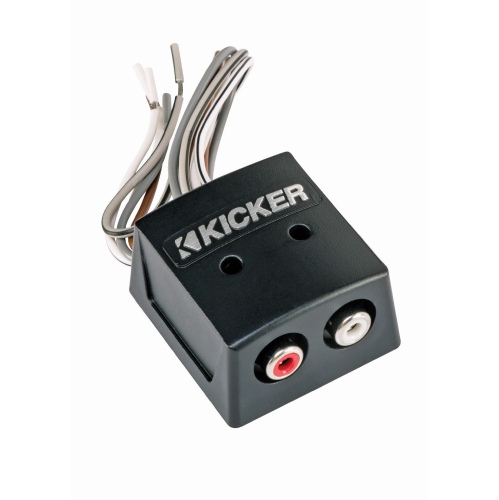
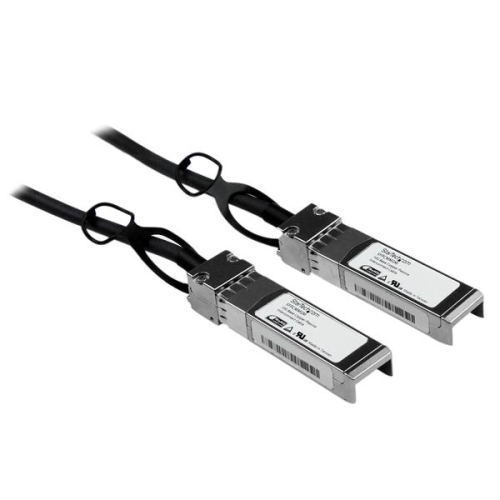


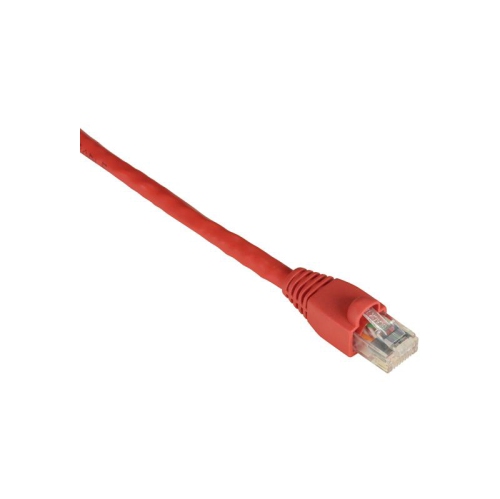
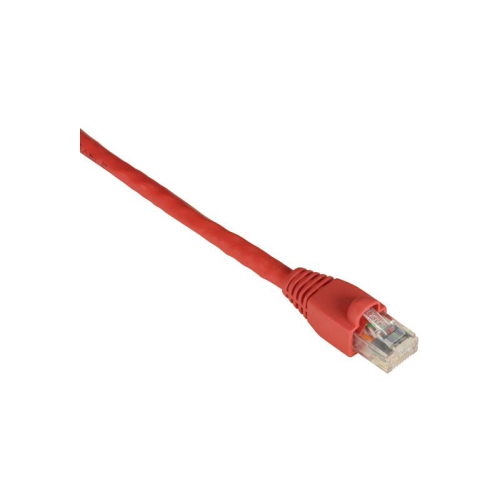
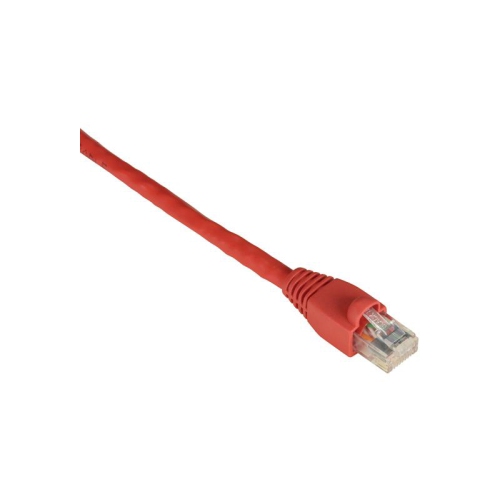
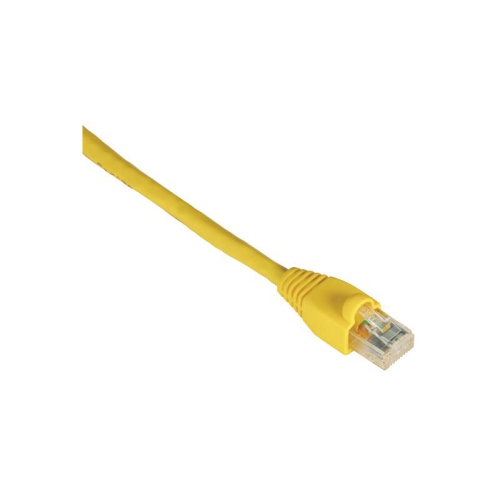

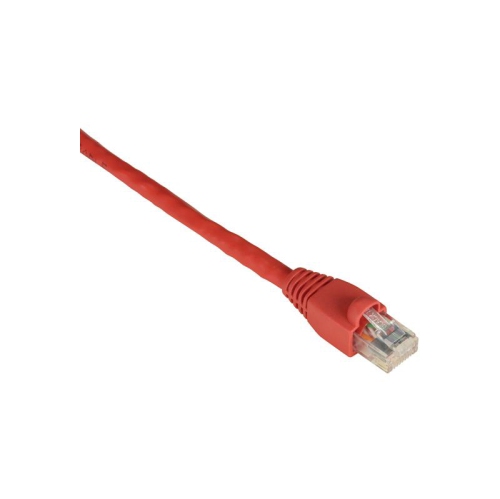
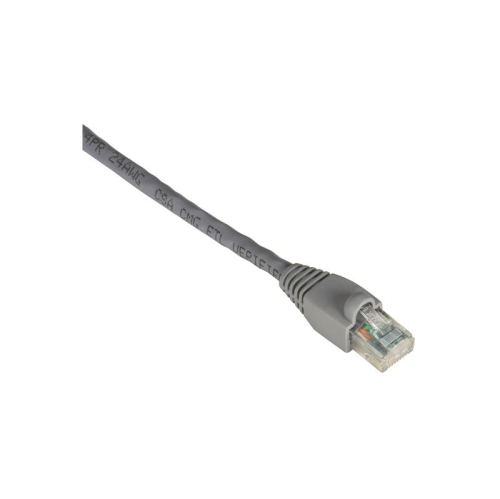

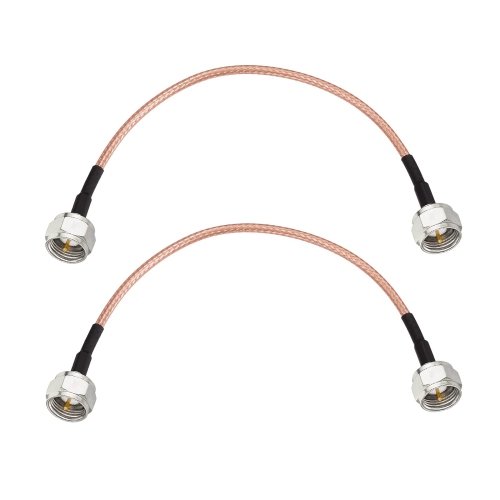
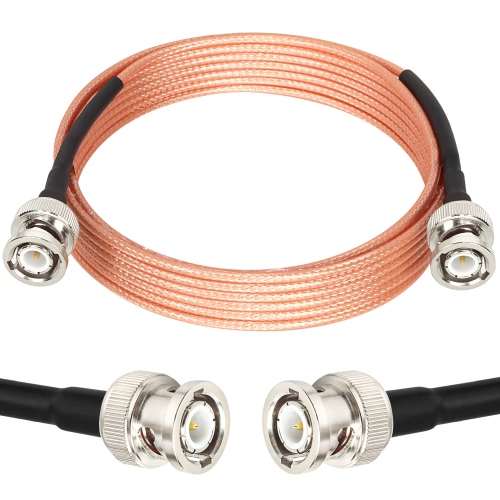
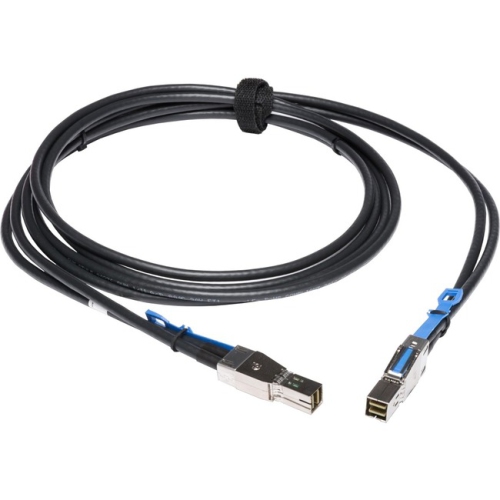
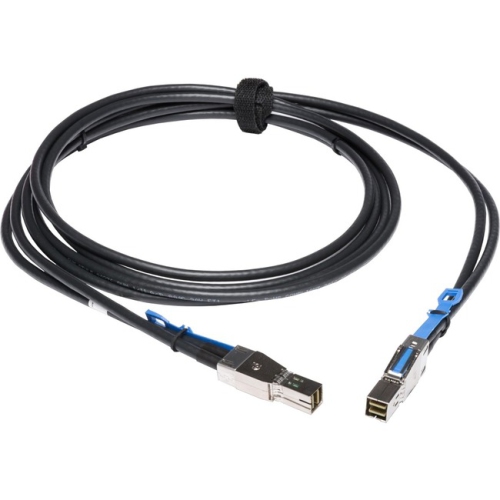
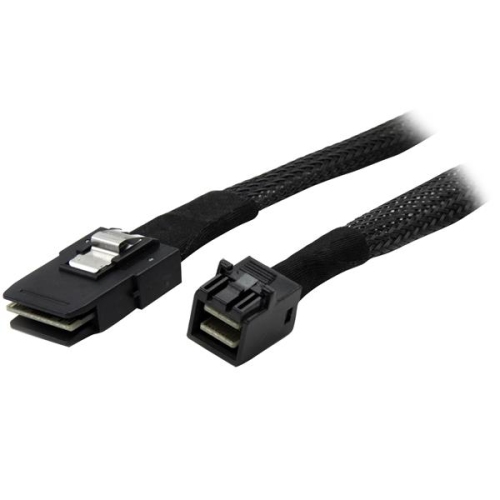
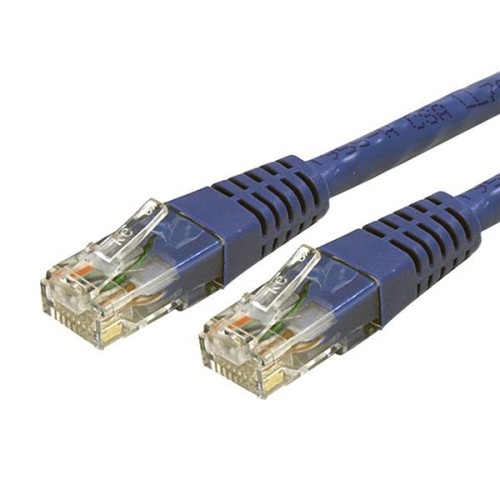
Compatible connections help audio systems work together
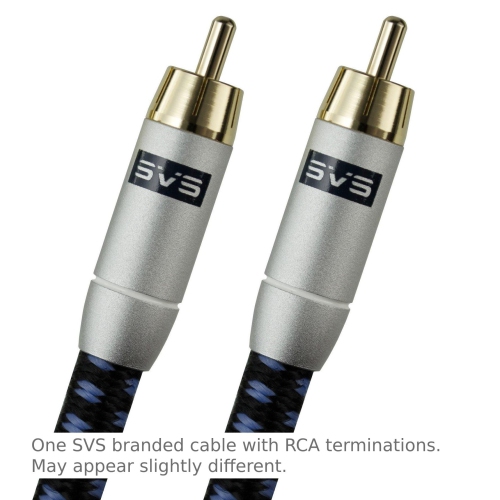
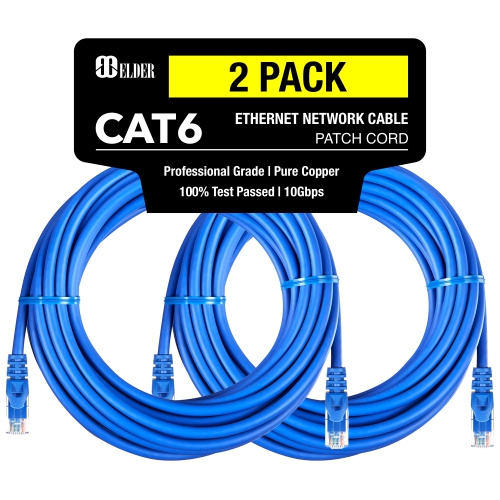
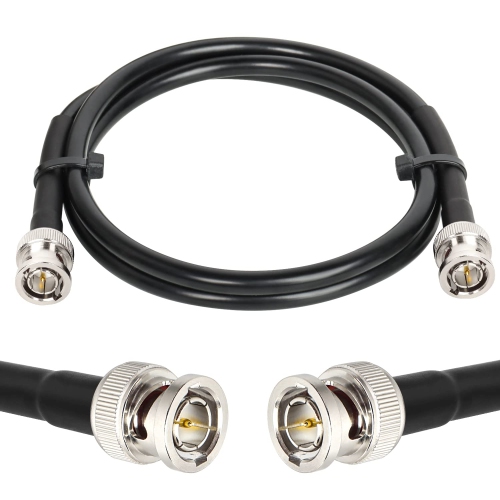
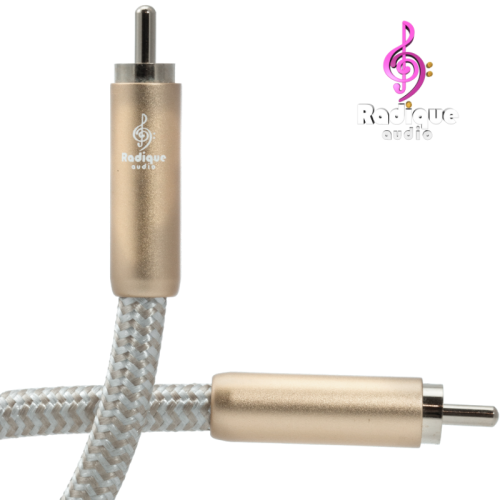
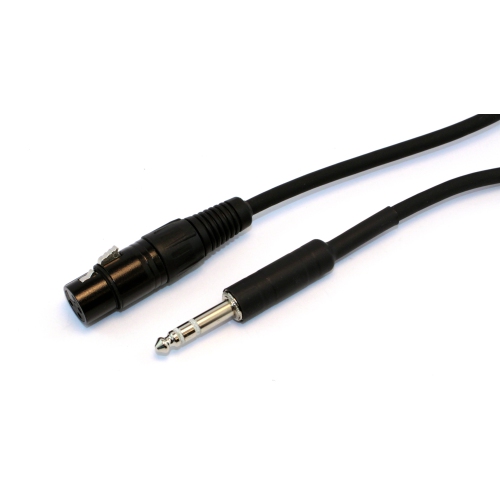
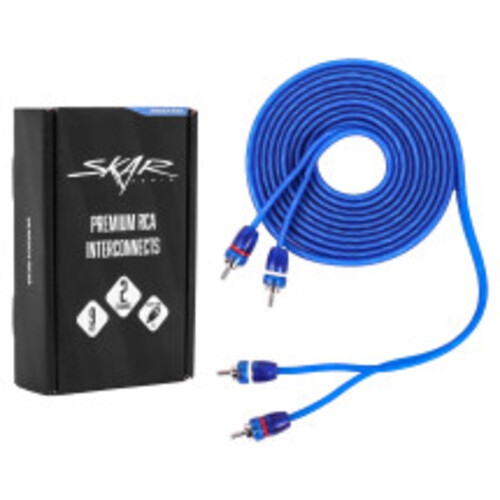
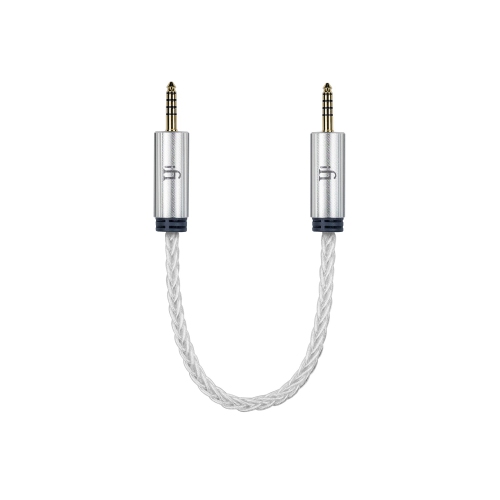
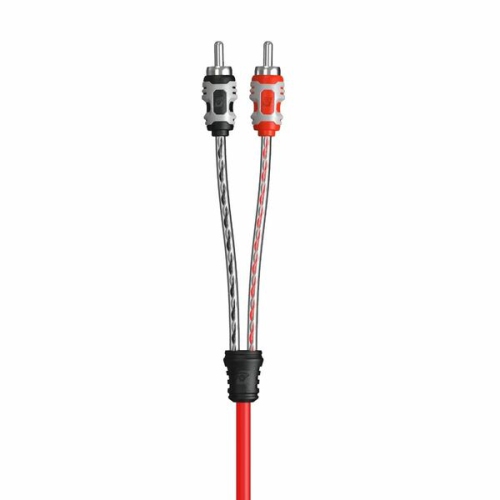
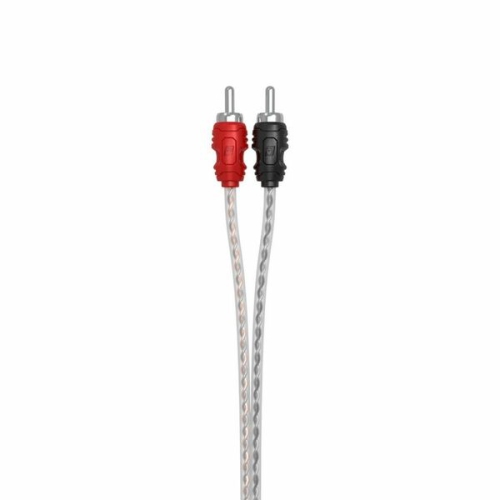
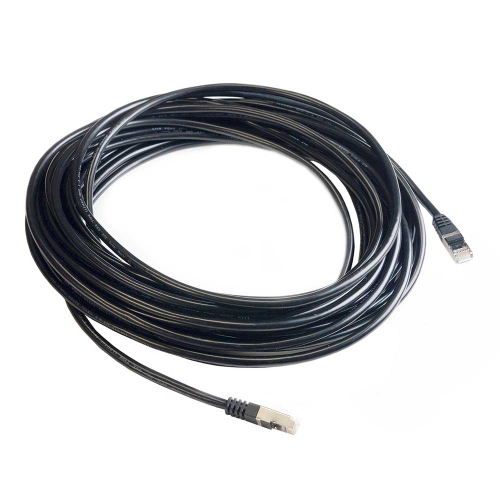
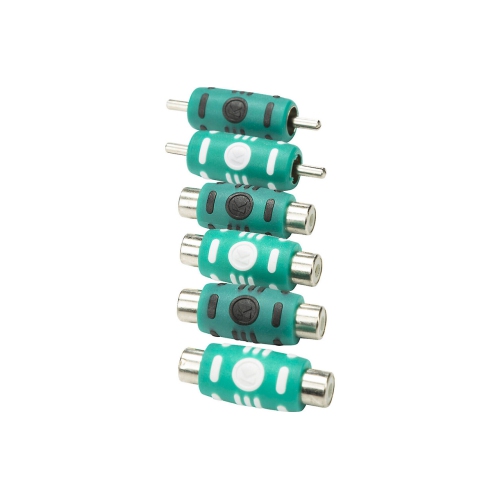
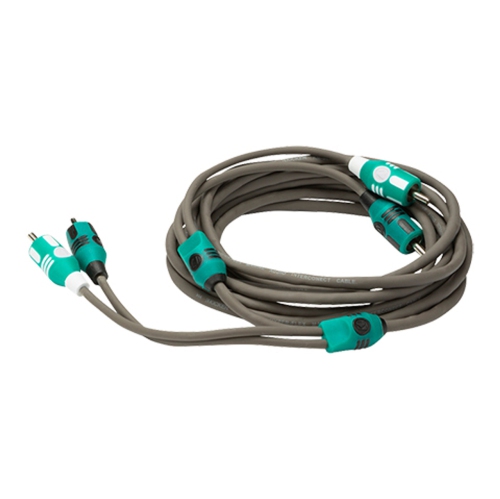
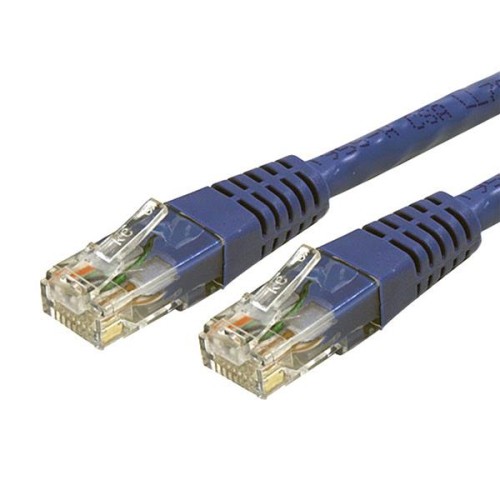
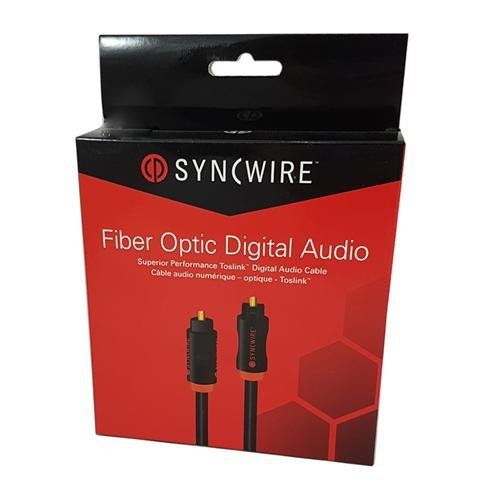
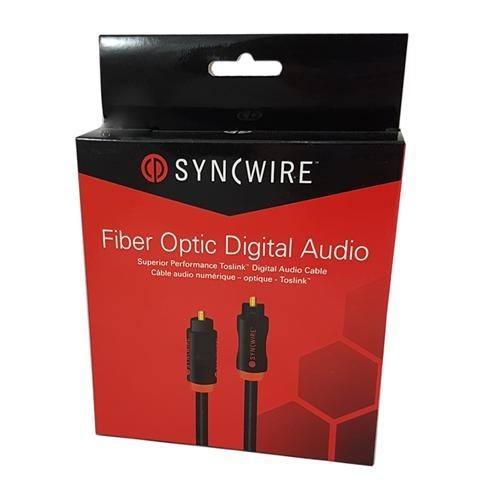
Interconnect cables are designed to carry audio or audio-visual signals from one component to another, helping the parts of a home entertainment, music, desktop, or recording setup work together as intended. They are commonly used to connect source components such as a CD player, turntable, media player, DAC, or television to an amplifier, receiver, preamplifier, sound system, or pair of powered speakers. Unlike power cords, which deliver electricity, interconnect cables transfer the low-level signals that contain the music, dialogue, or other audio information. Choosing the right cable begins with checking the connections on both pieces of equipment. RCA interconnect cables are a familiar choice for many home audio systems and typically use separate plugs for the left and right channels. They are well suited to short connections between nearby components, such as a source placed on the same shelf as an amplifier. XLR interconnect cables use three-pin connectors and balanced signal transmission, making them a practical option for longer runs or audio setups where reducing interference is especially important. Digital coaxial and optical interconnect cables carry digital audio data rather than an analogue waveform, and they are often used to connect compatible televisions, disc players, game systems, streaming devices, or audio components to a receiver or sound system. The right connection type is determined by the ports available on the equipment, so it is worth looking at the rear panels and confirming the required input and output before placing an order. A cable with the wrong connector will not solve a connection problem, even if it appears to be a similar size or shape.
Length is another important consideration when shopping for interconnect cables. Measure the distance between the components, then allow enough room to route the cable without pulling on the connectors or placing sharp bends near the plugs. A little extra length can make it easier to move equipment for cleaning, rearrange a shelf, or access a rear panel, but excessively long analogue runs can be more difficult to manage and may be more exposed to interference. Keeping signal cables reasonably short and separated from power cords is a sensible way to support a neat installation and reduce the possibility of hum or buzz. Shielding helps protect the signal from electrical and radio frequency interference, which can be useful in entertainment centres crowded with power bars, chargers, wireless equipment, and other electronics. For a balanced connection, verify that both components support the appropriate balanced inputs and outputs; an XLR connector alone does not guarantee that every device will use the same signal arrangement. Cable construction can also affect everyday durability. Look for flexible jackets that are easy to route, strain relief around the connector ends, and plugs that fit securely without requiring excessive force. Gold-plated contacts are often chosen for their resistance to corrosion and reliable long-term contact, while copper conductors such as oxygen-free copper may be listed as part of the cable’s construction. These details are most valuable when they match the needs of the setup, rather than as a substitute for checking compatibility. A carefully chosen, well-fitting cable can help prevent loose connections, intermittent sound, and the frustrating process of reaching behind a cabinet to troubleshoot a system that was difficult to connect in the first place. If your setup also includes computer peripherals, networking equipment, storage devices, or other digital accessories, you may wish to browse Data Cables for additional connection options.
Interconnect cables can be useful for anyone building or refreshing a listening space, home theatre, desktop audio station, DJ corner, rehearsal area, or compact studio. They are also a thoughtful practical gift for someone who has recently received new audio equipment but still needs the correct cable to bring the system together. A person moving into a new home may use them to connect a television and sound system, while someone returning to vinyl, assembling a two-channel setup, or adding powered speakers to a desk may need a dependable analogue connection between familiar components. During the cooler months, when more time is often spent indoors listening to music, watching films, or working at a desk, a tidy cable arrangement can make the space feel more comfortable and easier to use. Before buying, make a short list of every component, note whether each connection is analogue or digital, and record the connector style on each side. Pay attention to whether a stereo connection requires two RCA plugs or whether a single digital connection is appropriate. For longer distances, consider balanced XLR connections where supported, and for areas near substantial electrical equipment, prioritize suitable shielding and careful cable placement. Once installed, avoid tightly winding cables around power adapters, sharply folding them behind furniture, or putting heavy equipment directly on top of them. Leave gentle curves near the connection points and label the ends if several similar cables are being used. Taking these small steps makes it easier to identify each connection later and helps maintain a clean signal path. Whether the goal is a straightforward connection between nearby audio components or a more involved system spread across a room, the best interconnect cable is the one with the correct connector type, suitable length, dependable construction, and a design that fits naturally into the equipment already in place.
Length is another important consideration when shopping for interconnect cables. Measure the distance between the components, then allow enough room to route the cable without pulling on the connectors or placing sharp bends near the plugs. A little extra length can make it easier to move equipment for cleaning, rearrange a shelf, or access a rear panel, but excessively long analogue runs can be more difficult to manage and may be more exposed to interference. Keeping signal cables reasonably short and separated from power cords is a sensible way to support a neat installation and reduce the possibility of hum or buzz. Shielding helps protect the signal from electrical and radio frequency interference, which can be useful in entertainment centres crowded with power bars, chargers, wireless equipment, and other electronics. For a balanced connection, verify that both components support the appropriate balanced inputs and outputs; an XLR connector alone does not guarantee that every device will use the same signal arrangement. Cable construction can also affect everyday durability. Look for flexible jackets that are easy to route, strain relief around the connector ends, and plugs that fit securely without requiring excessive force. Gold-plated contacts are often chosen for their resistance to corrosion and reliable long-term contact, while copper conductors such as oxygen-free copper may be listed as part of the cable’s construction. These details are most valuable when they match the needs of the setup, rather than as a substitute for checking compatibility. A carefully chosen, well-fitting cable can help prevent loose connections, intermittent sound, and the frustrating process of reaching behind a cabinet to troubleshoot a system that was difficult to connect in the first place. If your setup also includes computer peripherals, networking equipment, storage devices, or other digital accessories, you may wish to browse Data Cables for additional connection options.
Interconnect cables can be useful for anyone building or refreshing a listening space, home theatre, desktop audio station, DJ corner, rehearsal area, or compact studio. They are also a thoughtful practical gift for someone who has recently received new audio equipment but still needs the correct cable to bring the system together. A person moving into a new home may use them to connect a television and sound system, while someone returning to vinyl, assembling a two-channel setup, or adding powered speakers to a desk may need a dependable analogue connection between familiar components. During the cooler months, when more time is often spent indoors listening to music, watching films, or working at a desk, a tidy cable arrangement can make the space feel more comfortable and easier to use. Before buying, make a short list of every component, note whether each connection is analogue or digital, and record the connector style on each side. Pay attention to whether a stereo connection requires two RCA plugs or whether a single digital connection is appropriate. For longer distances, consider balanced XLR connections where supported, and for areas near substantial electrical equipment, prioritize suitable shielding and careful cable placement. Once installed, avoid tightly winding cables around power adapters, sharply folding them behind furniture, or putting heavy equipment directly on top of them. Leave gentle curves near the connection points and label the ends if several similar cables are being used. Taking these small steps makes it easier to identify each connection later and helps maintain a clean signal path. Whether the goal is a straightforward connection between nearby audio components or a more involved system spread across a room, the best interconnect cable is the one with the correct connector type, suitable length, dependable construction, and a design that fits naturally into the equipment already in place.
Top selling and popular products
-
 Your price for this item is $49.95
 -
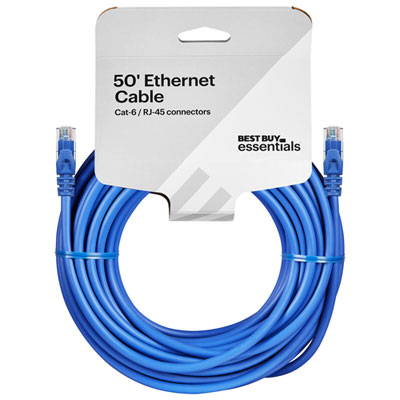 Your price for this item is $24.99
 -
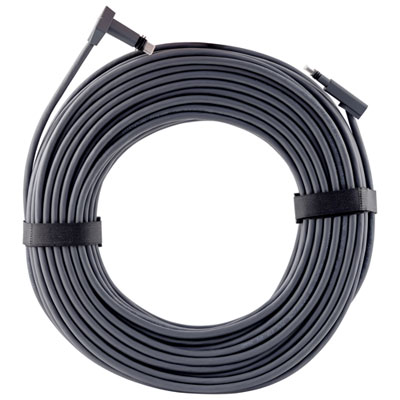 Your price for this item is $164.99
 -
 Your price for this item is $11.68
 -
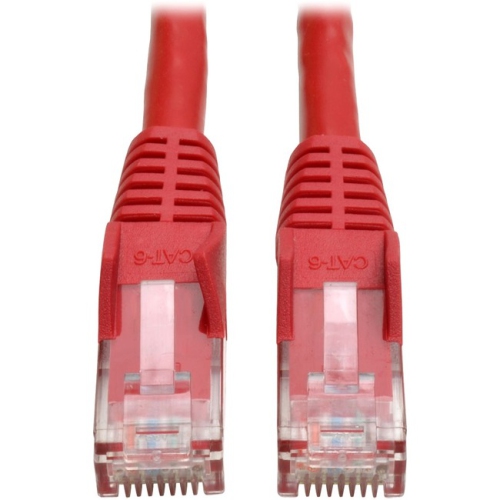 Your price for this item is $68.68
 -
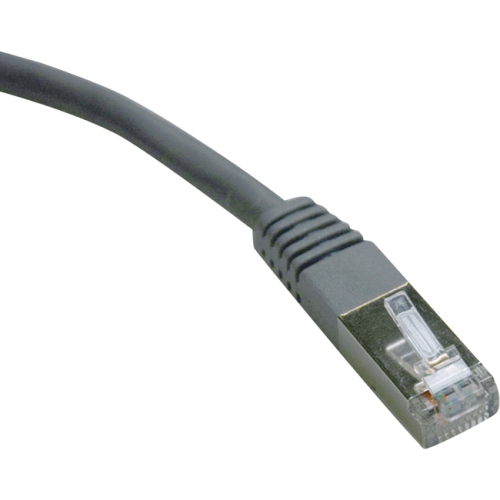 Your price for this item is $47.68
 -
 Your price for this item is $46.68
 -
 Your price for this item is $24.68
Discover more categories related to Interconnect Cables
Top Collections:
Pokemon Centers, Kindle Devices, Best Budget Office Chairs, Apple iPhones 16, Best Laptops for Writers, iPhone 15 Apple, Canon G7X Cameras, Refurbished Apple Laptops, Alarm Clock, Motorola Razr Phones
Some products may be subject to Environmental Handling Fees
(EHF) depending on your province.
Learn more about EHFs.