Anker Cables
Anker cables offer reliable solutions for connecting and charging your favorite devices at home, in the office, or on the go. With a variety of options available, finding the right cable to suit your needs is simple and convenient. Explore Anker cables to keep your smartphones, tablets, laptops, and other electronics powered up and ready for everyday use.
Sort
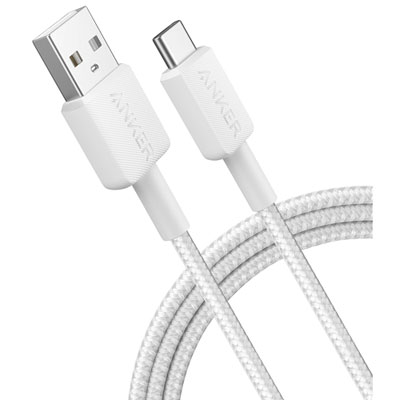
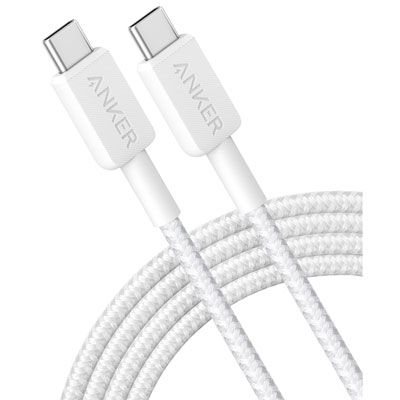
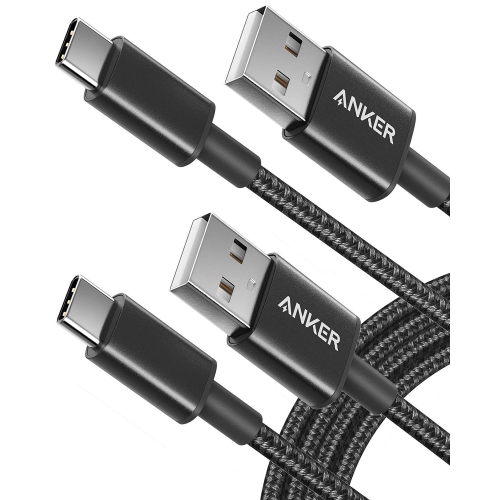
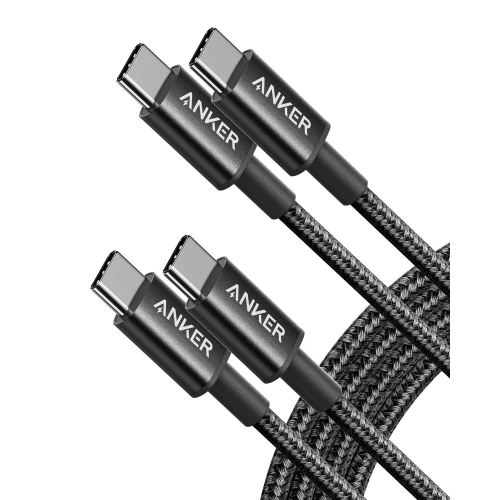
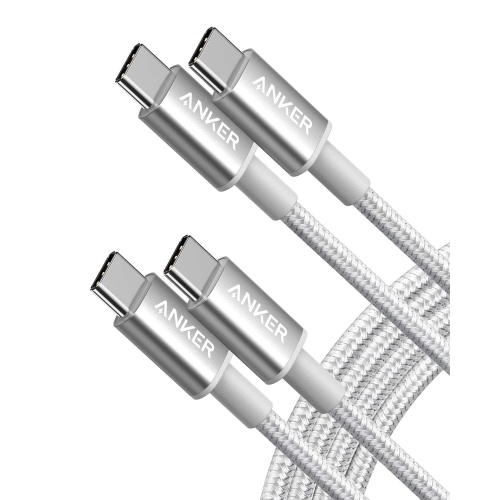
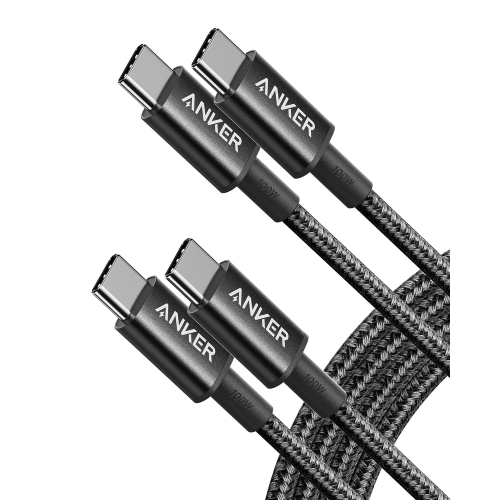
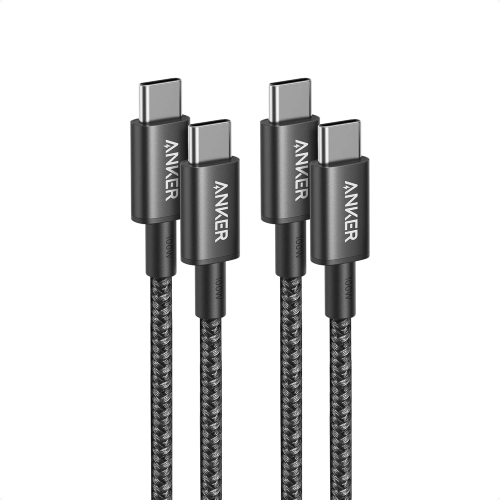
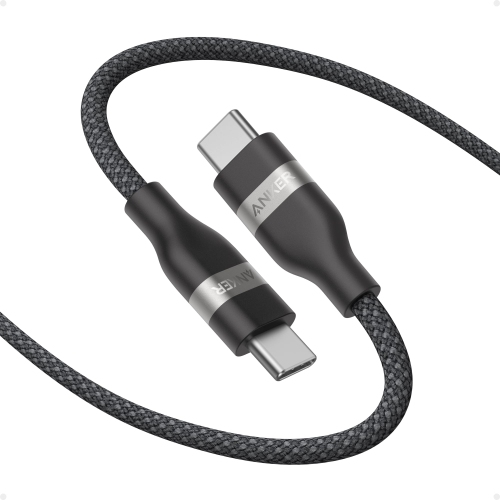
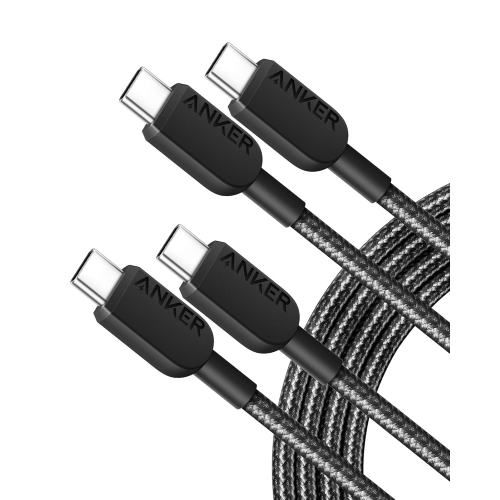
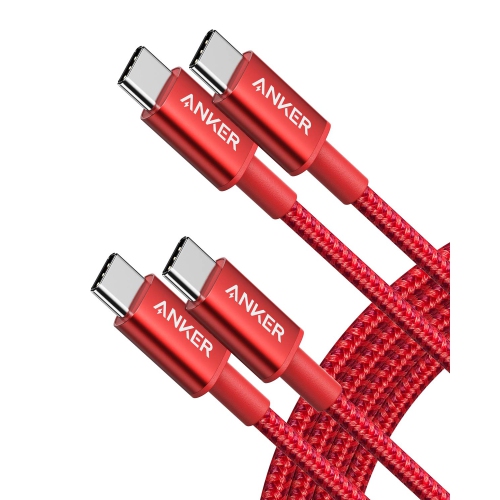
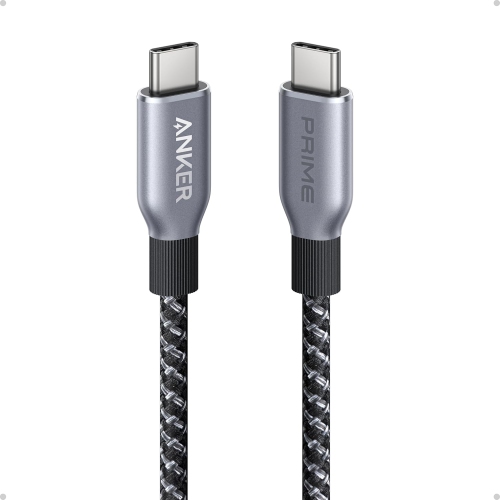
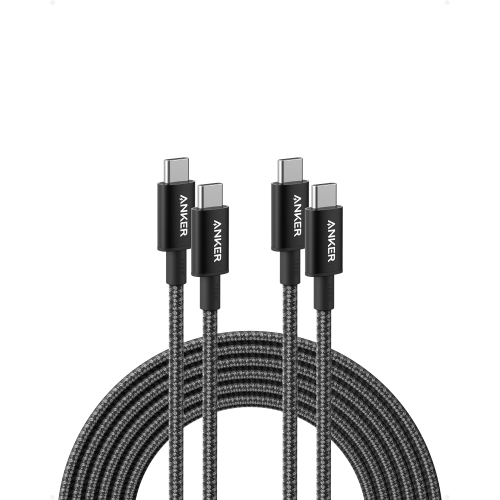
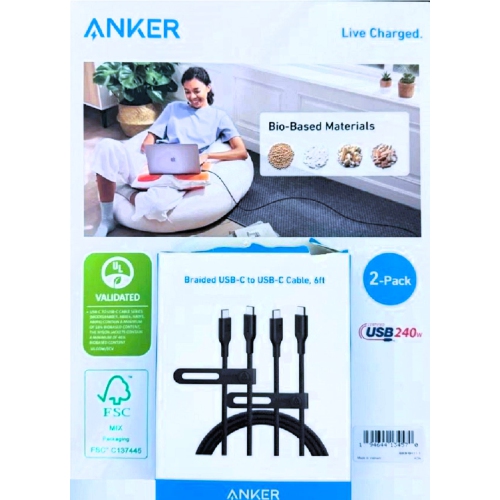
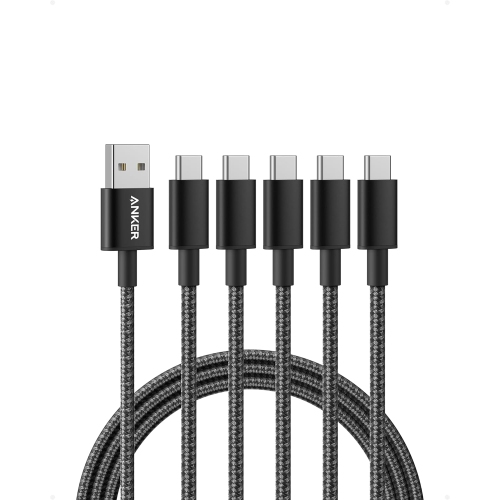
A matching connector is only part of the story
Charging and data cables keep phones, tablets, laptops, and other compatible electronics connected to the power and information they need throughout the day. A dependable connection can mean a phone charging beside the bed, a laptop drawing power at a desktop, or photos moving from a mobile device to a computer. Although many cables look similar, their connectors and supported capabilities determine how they work with different devices. USB-C to USB-C cables connect equipment with USB-C ports, while USB-A to USB-C cables can link compatible devices to older computers, wall chargers, and vehicle charging ports. Cables with Lightning connectors serve devices fitted with that connection. The connector at each end needs to match the equipment involved, but the shape of a plug does not tell the whole story. USB-C describes a connector type rather than a guaranteed charging rate, data transfer speed, or video capability. A cable intended for basic charging may not support the same tasks as one designed for high-speed file transfers or a compatible display connection. Charging performance also depends on the device, power adapter, cable rating, and supported charging protocol working together. A higher-rated cable does not force extra power into a phone, and it cannot make a lower-powered adapter deliver more than its rated output. For laptops and other devices with greater power requirements, the cable’s stated wattage is especially relevant. Data transfer specifications matter for moving large video files, backing up photos, or connecting an external drive. A cable that charges a device successfully may still transfer files at a modest speed. Similarly, connecting a laptop to a monitor over USB-C requires video support from the cable and the relevant ports. These distinctions make the cable’s specifications more useful than its appearance alone, whether its main role is topping up a phone during a commute or supporting a busy desktop setup. Charging speed can also change as a battery fills, so the fastest supported rate is not necessarily maintained throughout an entire charging session.
Cable construction affects how a connection feels and holds up through repeated use. A smooth, flexible outer jacket can slide easily around the edge of a desk or into a small accessory pouch, while a braided nylon covering adds texture and can help resist everyday abrasion. Braiding alone does not establish charging performance, data speed, or water resistance; those depend on the cable’s design and stated specifications. The areas where the cable meets its connector housings are particularly important because they experience frequent movement. Reinforced strain relief can help distribute bending stress, especially when a phone is picked up while connected or a laptop cable is repositioned several times a day. Connector size matters as well. A thick housing may feel substantial, but it still needs enough clearance to fit through a phone case opening or sit beside another occupied port. Cable length shapes everyday convenience just as much as the exterior material. A short cable can keep a portable battery close to a phone without leaving a loose loop hanging from a bag. A longer cable can reach from a wall outlet to a bedside table, sofa, or shared work surface with less strain on the connection. Extra length also means more cable to manage, and charging or data capabilities should be confirmed for the particular length rather than assumed from a similar-looking version. At a desktop, a gentle curve behind a monitor is preferable to a cable stretched tightly across the edge. In a travel pouch, a loosely coiled cable is easier to unpack than one tightly wound around a charger. Colour and texture can help distinguish a personal cable from shared accessories, while a reusable strap can keep spare length together. These practical details become noticeable when the same cable moves between a desk, backpack, and bedside table every day. A comfortable setup leaves enough slack for normal movement without placing connectors under constant tension or creating loops where feet, chair wheels, or bag straps can catch them.
Different routines call for different combinations of portability, reach, and capability. Students may need a cable that travels comfortably between a classroom and a study space, while commuters may prefer a compact connection between a phone and a portable battery. Someone working with large photo libraries or video projects may place more value on a clearly stated transfer speed, and a laptop user may need a cable rated to carry the power required by their computer. Households with a mix of older and newer devices often benefit from keeping connector types easy to identify rather than assuming that every cable performs the same task. The related Universal Cables collection offers another place to explore connections for different devices and everyday uses. A charging cable can also be a practical gift for a student, frequent traveller, or family member who regularly moves between charging locations, provided its connectors and capabilities suit the recipient’s equipment. Care is straightforward but makes a difference to daily reliability. Pulling from the connector housing rather than tugging on the cord reduces stress at the joint, and loose coils help avoid sharp bends during storage. Cables are best kept away from liquids, pinching furniture, and locations where they can be crushed underfoot. Dust or debris around a connection can interfere with a secure fit; cleaning should follow the device and cable manufacturers’ directions, without introducing moisture into ports. Fraying, exposed wiring, cracked connector housings, or unusual heat are reasons to stop using a cable rather than continue bending it into a working position. With compatible connectors, suitable power and data ratings, and a length that fits the space, a cable can settle into a routine: charging a phone within reach, linking a laptop to compatible equipment, or keeping essential devices ready to leave the house. The most useful connection is one whose capabilities match the task and whose construction suits the way it will be handled.
Top selling and popular products
-
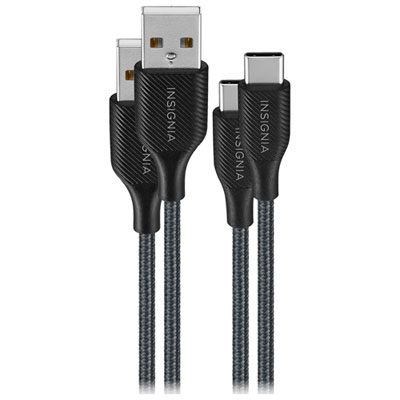 Your price for this item is $19.99
-
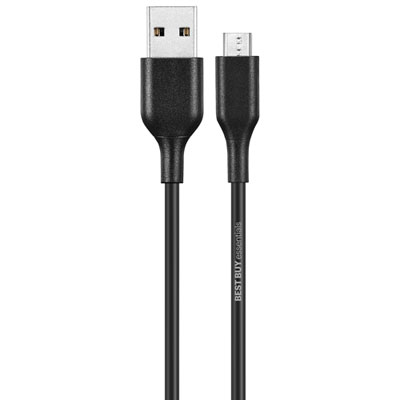 Your price for this item is $7.99
-
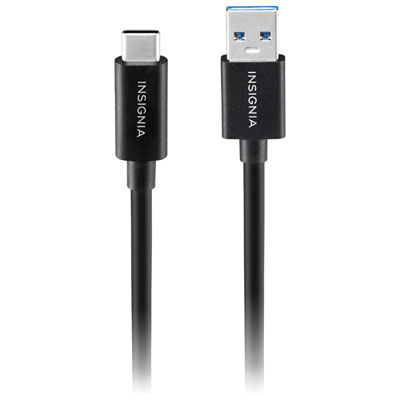 Your price for this item is $19.99
-
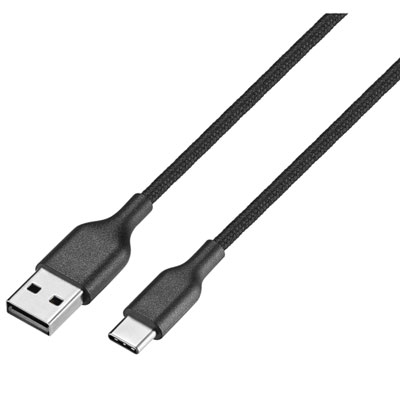 Your price for this item is $9.99
-
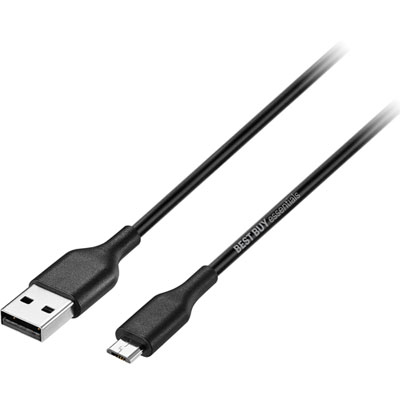 Your price for this item is $9.99
-
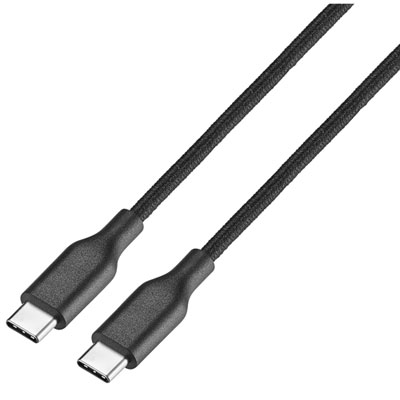 Your price for this item is $14.99
-
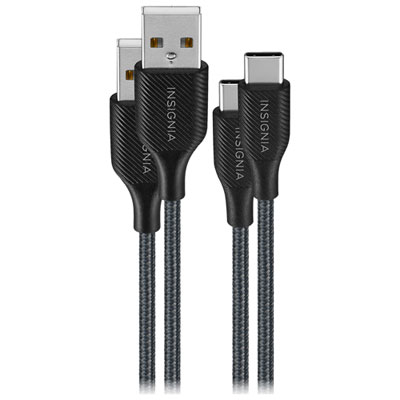 Your price for this item is $24.99
-
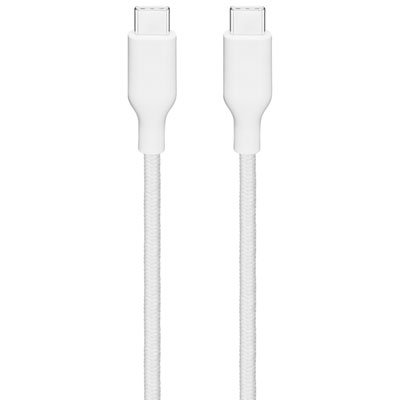 Your price for this item is $14.99
Discover more categories related to Anker Cables

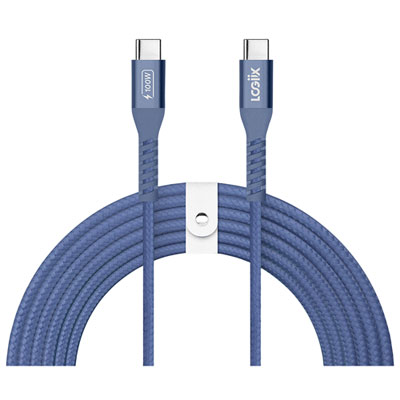
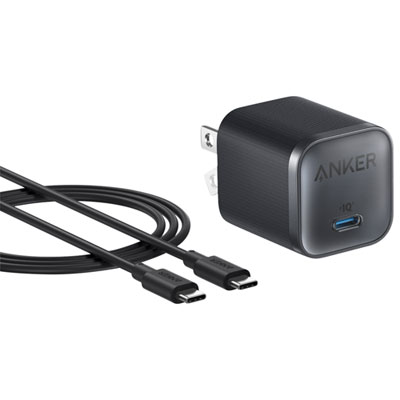
Top Collections:
Best Black Friday Deals This Year, Best Black Friday Deals On Electronics, Kindle Devices, Best Black Friday Deals On Apple Products, Best Budget Office Chairs, Best Cameras for Sports Photography, Dyson Airwrap, Canon G7X Cameras, Best Laptops for Writers, Samsung Galaxy Phones
Some products may be subject to Environmental Handling Fees
(EHF) depending on your province.
Learn more about EHFs.