Audio Hard Drives
Audio Hard Drives offer a dedicated storage solution designed to meet the needs of audio professionals, musicians, and enthusiasts. With reliable performance and ample capacity, these drives make it easy to organize, store, and access large audio files, music libraries, and recording projects. Whether setting up a home studio or managing sound files on the go, Audio Hard Drives provide the dependable space required for seamless workflow and efficient file management. Explore a range of options to find the right fit for your audio storage requirements.
Sort
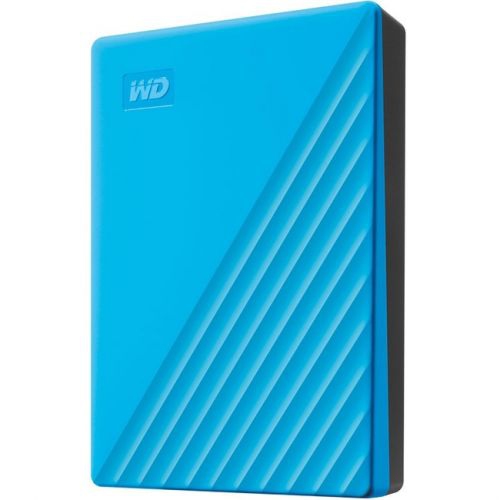
What your recording sessions need from storage
Audio hard drives are storage devices used to record, edit, play back, and archive digital audio, including music sessions, spoken-word recordings, virtual instrument libraries, and finished master files. The term describes their intended use rather than a separate drive technology: both traditional hard disk drives and solid-state drives can serve an audio workflow. A hard disk drive stores data on spinning magnetic platters, while a solid-state drive uses flash memory with no moving mechanical parts. For musicians, producers, podcasters, and sound editors, the right storage supports the way a session actually runs. Recording several microphones at once creates a steady stream of incoming data, while playing a layered arrangement may require the drive to retrieve many separate files simultaneously. Large sampled instruments add another demand, particularly when a piano, drum kit, or orchestral library streams portions of its sounds from storage during playback. Solid-state storage is often well suited to these active workloads because it can access scattered files quickly and operates without mechanical drive noise. Traditional hard drives can be practical for storing completed projects, maintaining backup copies, and keeping extensive audio collections together. Neither technology improves the sound quality of an existing recording simply by storing it; recording settings, source material, and audio processing determine that. Storage performance instead affects how comfortably files can be accessed and how reliably a system can keep up with its workload. A songwriter capturing a voice and guitar has different demands from an editor assembling dialogue, music, and effects across dozens of tracks. Even a modest project can accumulate alternate takes, rough mixes, and revised exports, so useful capacity extends beyond the length of the final recording. Higher sample rates, greater bit depths, and larger track counts all increase storage requirements. Room for working files and future sessions helps keep an audio collection organized without making every new recording an exercise in moving older material elsewhere.
Connections, compatibility, and physical fit matter as much as the capacity printed on a drive. External storage is convenient for moving sessions between a home recording space, a rehearsal room, and a collaborator’s computer, while an internal drive becomes part of a desktop or compatible laptop installation. For portable setups, External Hard Drives offer storage that can remain separate from the computer, with connection type, power requirements, and drive technology helping distinguish their intended uses. A USB-C connector describes the shape of the connection, not its transfer speed, so performance depends on the supported standard as well as the computer port and cable. A fast drive connected through a slower port cannot deliver its full rated transfer speed. Shared hubs can also divide bandwidth among storage, audio interfaces, cameras, and other connected equipment. In a recording setup, a dependable connection and a cable that sits securely are more useful than a headline speed that the rest of the system cannot support. Some external drives draw power from the computer, whereas others require a separate power adapter; that distinction affects how easily the drive fits beside a laptop or travels in a recording bag. Internal storage needs the correct physical size and interface for the computer, along with an available connection or slot. File system compatibility also deserves attention when sessions move between different operating systems. A format that works smoothly on one computer may have limitations on another, and reformatting generally removes existing files. Audio software may have its own requirements for where sessions and sample libraries can reside. A portable project also needs its linked recordings, not just the small session document that tells the software where those recordings belong. Keeping takes, edits, and supporting media within a clearly named project folder makes collaboration less fragile and helps prevent a missing-file warning when a session opens in another room. Descriptive names, version numbers, and dated exports can make a crowded collection much easier to navigate.
Everyday handling and backup habits are especially important when a drive holds recordings that cannot easily be recreated. A quiet vocal performance, an interview with a distant relative, or the best take from a group session may exist nowhere else until another copy is made. An external drive is not automatically a backup if it contains the only copy of those files. A stronger arrangement keeps separate copies on different storage devices, with an additional copy in another location where practical. Automatic backup software can simplify that routine, but the ability to open or restore a saved project still matters. Storage enclosures commonly use plastic, metal, or a combination of materials, and their construction affects weight, handling, and how they fit into a workspace. Metal does not by itself make a drive drop-proof, and an impact-resistant enclosure should only be treated as protective to the extent described by its specifications. Solid-state drives generally tolerate movement better than spinning drives, but neither should be handled carelessly. A stable surface, an unobstructed enclosure, and a cable positioned away from feet or chair wheels reduce avoidable interruptions. Mechanical drives are best kept still during operation, and any external drive should be safely ejected before disconnection. A protective case can keep connectors and cables together during transport, while a dry cloth is generally suitable for removing dust from the exterior. For recording near sensitive microphones, placement can also matter: mechanical vibration or enclosure noise may be audible in a quiet room even when it seems unobtrusive during ordinary computer use. These considerations make audio storage relevant to bedroom musicians, students building sound portfolios, independent filmmakers, voice performers, and people preserving personal music collections. It can also be a thoughtful gift for someone who records regularly, provided the connection, supported computer system, and intended workload are known. The most useful fit is storage that supports the recipient’s actual projects, travels comfortably when needed, and makes saving another complete copy a straightforward part of finishing a session.
Connections, compatibility, and physical fit matter as much as the capacity printed on a drive. External storage is convenient for moving sessions between a home recording space, a rehearsal room, and a collaborator’s computer, while an internal drive becomes part of a desktop or compatible laptop installation. For portable setups, External Hard Drives offer storage that can remain separate from the computer, with connection type, power requirements, and drive technology helping distinguish their intended uses. A USB-C connector describes the shape of the connection, not its transfer speed, so performance depends on the supported standard as well as the computer port and cable. A fast drive connected through a slower port cannot deliver its full rated transfer speed. Shared hubs can also divide bandwidth among storage, audio interfaces, cameras, and other connected equipment. In a recording setup, a dependable connection and a cable that sits securely are more useful than a headline speed that the rest of the system cannot support. Some external drives draw power from the computer, whereas others require a separate power adapter; that distinction affects how easily the drive fits beside a laptop or travels in a recording bag. Internal storage needs the correct physical size and interface for the computer, along with an available connection or slot. File system compatibility also deserves attention when sessions move between different operating systems. A format that works smoothly on one computer may have limitations on another, and reformatting generally removes existing files. Audio software may have its own requirements for where sessions and sample libraries can reside. A portable project also needs its linked recordings, not just the small session document that tells the software where those recordings belong. Keeping takes, edits, and supporting media within a clearly named project folder makes collaboration less fragile and helps prevent a missing-file warning when a session opens in another room. Descriptive names, version numbers, and dated exports can make a crowded collection much easier to navigate.
Everyday handling and backup habits are especially important when a drive holds recordings that cannot easily be recreated. A quiet vocal performance, an interview with a distant relative, or the best take from a group session may exist nowhere else until another copy is made. An external drive is not automatically a backup if it contains the only copy of those files. A stronger arrangement keeps separate copies on different storage devices, with an additional copy in another location where practical. Automatic backup software can simplify that routine, but the ability to open or restore a saved project still matters. Storage enclosures commonly use plastic, metal, or a combination of materials, and their construction affects weight, handling, and how they fit into a workspace. Metal does not by itself make a drive drop-proof, and an impact-resistant enclosure should only be treated as protective to the extent described by its specifications. Solid-state drives generally tolerate movement better than spinning drives, but neither should be handled carelessly. A stable surface, an unobstructed enclosure, and a cable positioned away from feet or chair wheels reduce avoidable interruptions. Mechanical drives are best kept still during operation, and any external drive should be safely ejected before disconnection. A protective case can keep connectors and cables together during transport, while a dry cloth is generally suitable for removing dust from the exterior. For recording near sensitive microphones, placement can also matter: mechanical vibration or enclosure noise may be audible in a quiet room even when it seems unobtrusive during ordinary computer use. These considerations make audio storage relevant to bedroom musicians, students building sound portfolios, independent filmmakers, voice performers, and people preserving personal music collections. It can also be a thoughtful gift for someone who records regularly, provided the connection, supported computer system, and intended workload are known. The most useful fit is storage that supports the recipient’s actual projects, travels comfortably when needed, and makes saving another complete copy a straightforward part of finishing a session.
Top selling and popular products
-
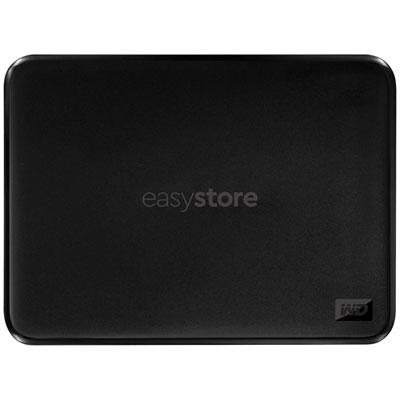 Your price for this item is $234.99
-
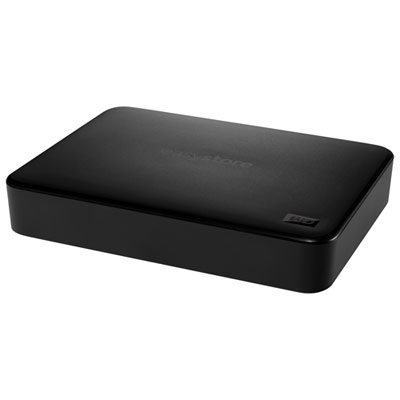 Your price for this item is $394.99
-
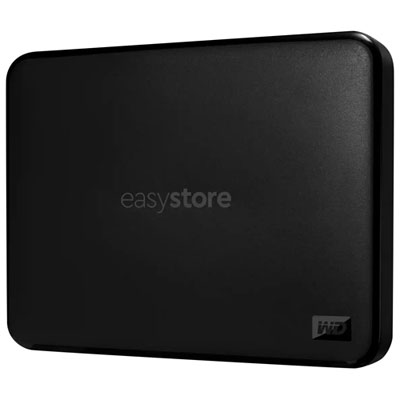 Your price for this item is $179.99
-
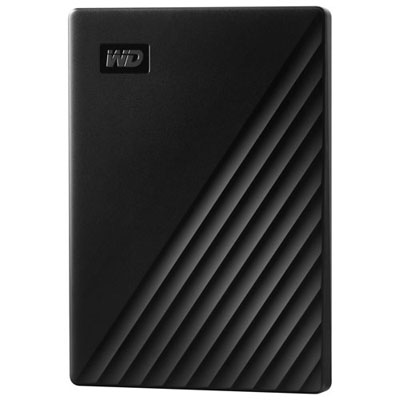 Your price for this item is $244.99
-
 Your price for this item is $529.68
-
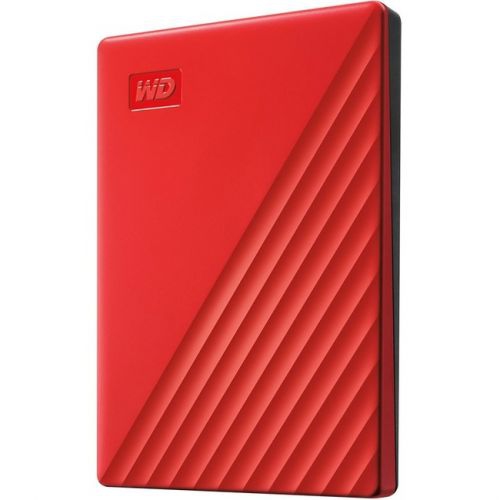 Your price for this item is $270.68
-
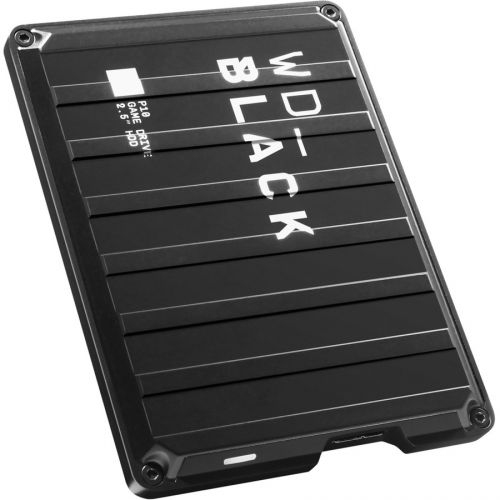 Your price for this item is $448.68
-
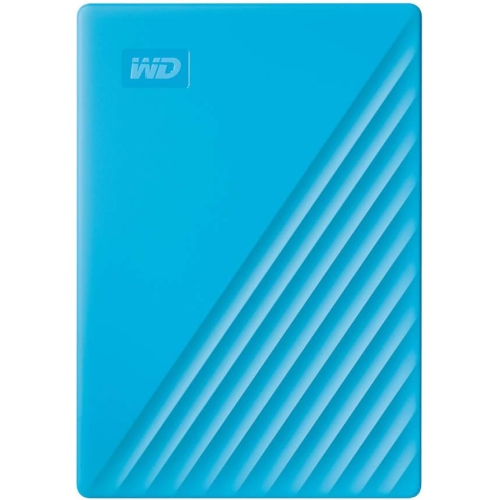 Your price for this item is $280.68
Discover more categories related to Audio Hard Drives

Top Collections:
Pokemon Centers, Pokémon 30th Celebration Cards, Best Budget Office Chairs, Kindle Devices, Best Cameras for Sports Photography, Canon G7X Cameras, Best Black Friday Deals On Electronics, Best Laptops for Writers, iPhone 15 Apple, Jackery Power Stations
Some products may be subject to Environmental Handling Fees
(EHF) depending on your province.
Learn more about EHFs.