Audio Mixing Software
Looking to take your music production to the next level? Look no further than our selection of audio mixing software. Whether you're a professional musician, aspiring DJ, or simply enjoy creating your own beats, our range of audio mixing software has everything you need to bring your musical vision to life. With powerful features and intuitive interfaces, these software options offer endless possibilities for editing, mixing, and mastering your tracks. Explore our collection and discover the perfect audio mixing software to unleash your creativity and produce studio-quality sound right from the comfort of your own home.
Sort
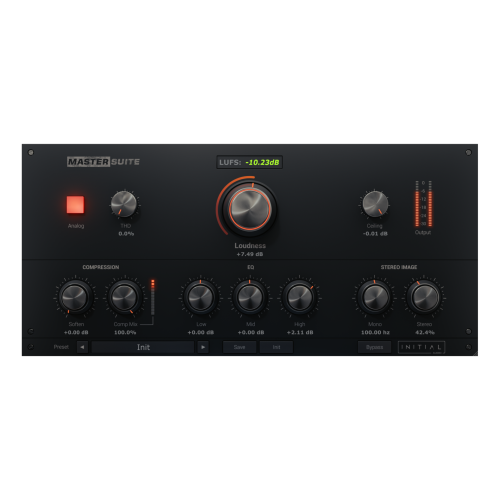
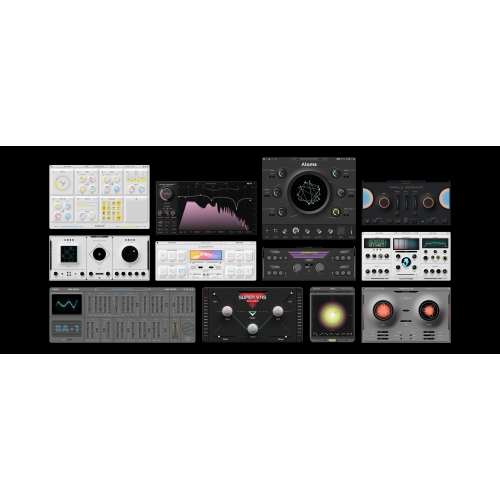
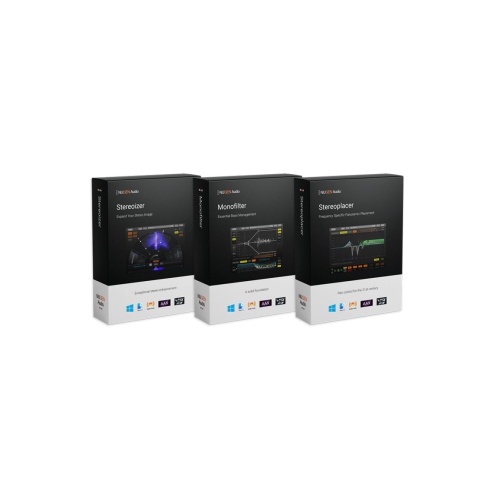
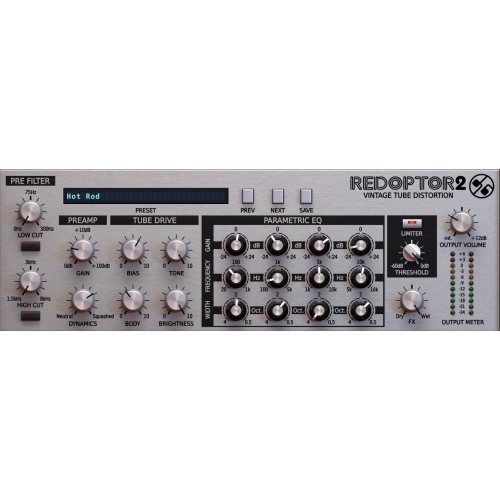
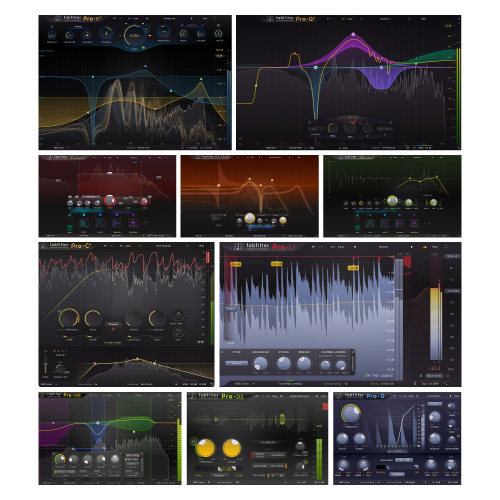
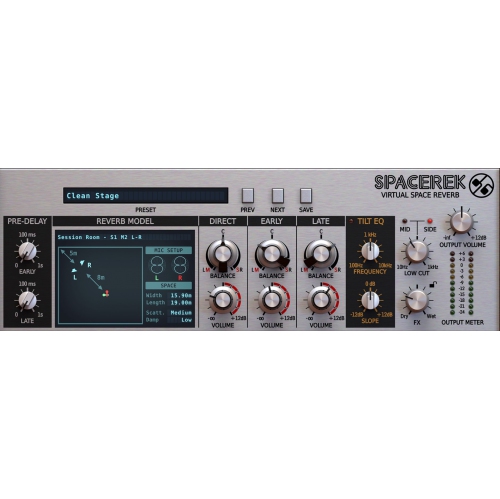
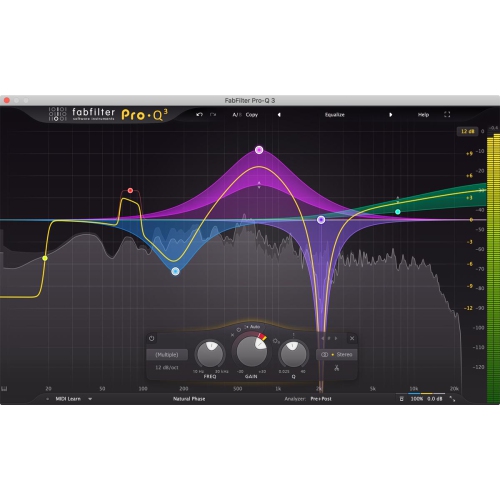
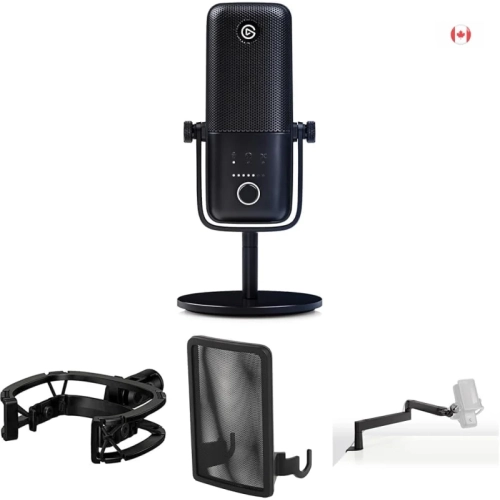
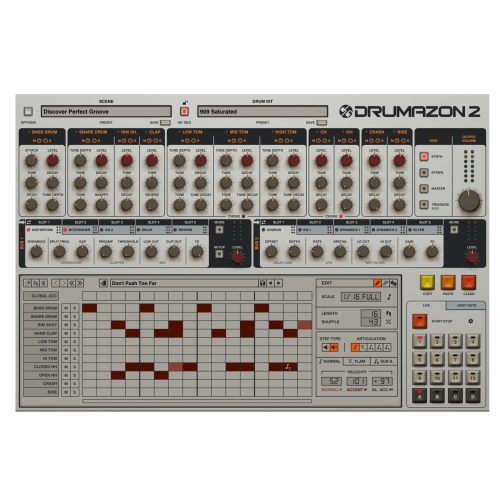
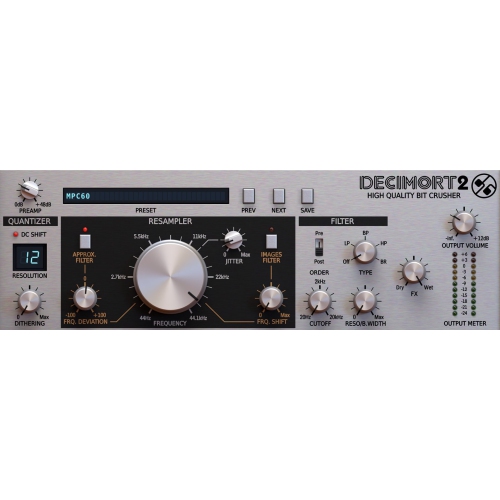
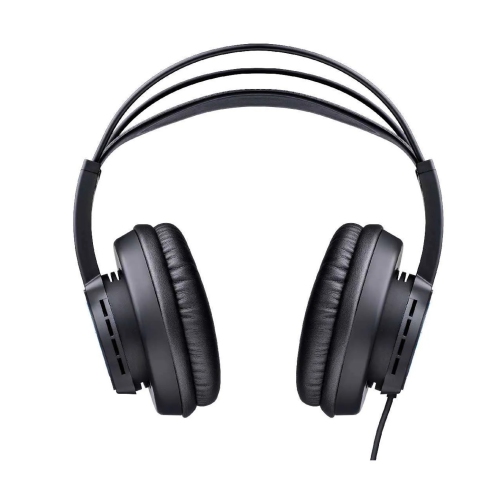
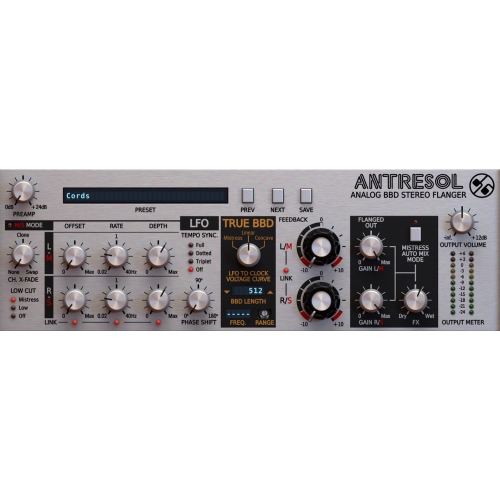
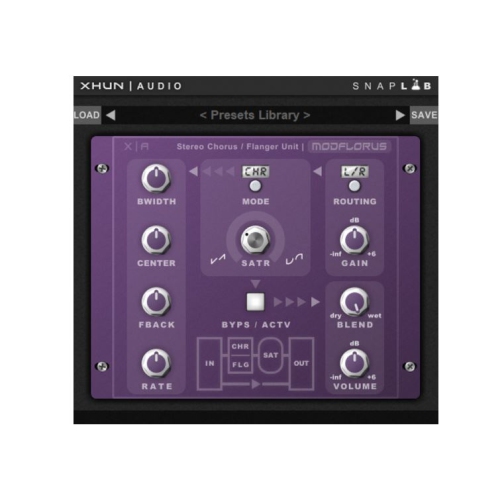
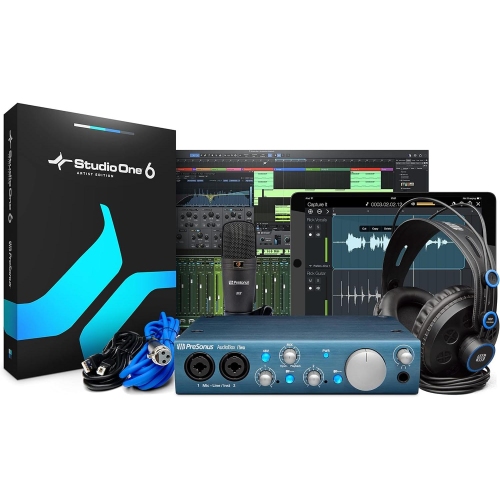
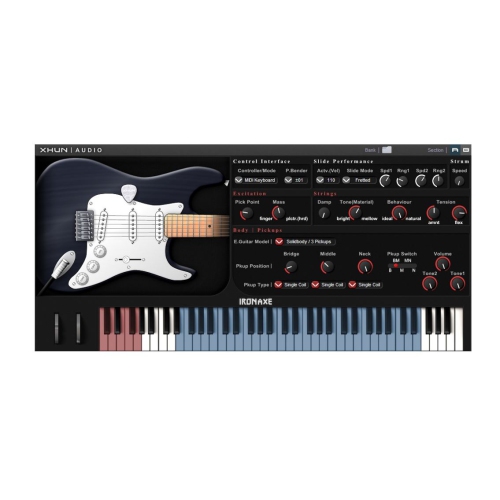
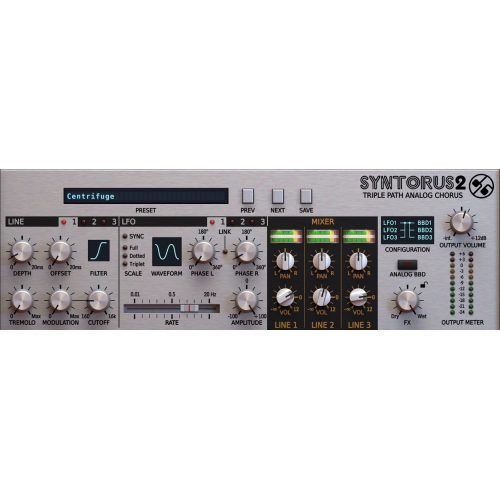
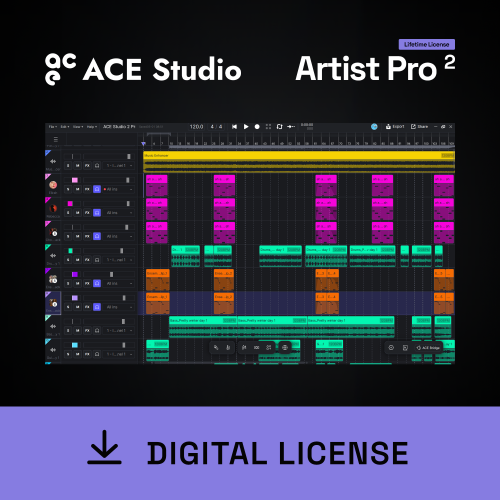
From first recordings to polished, layered productions
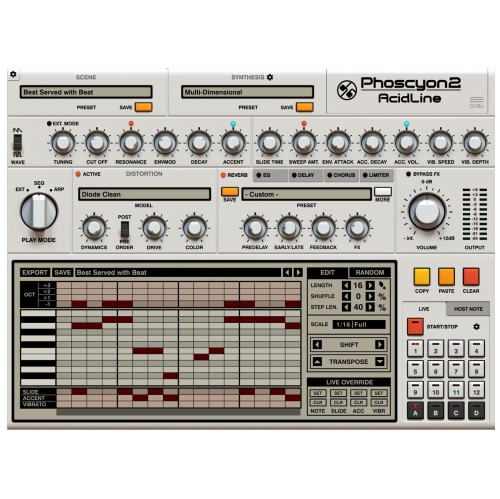
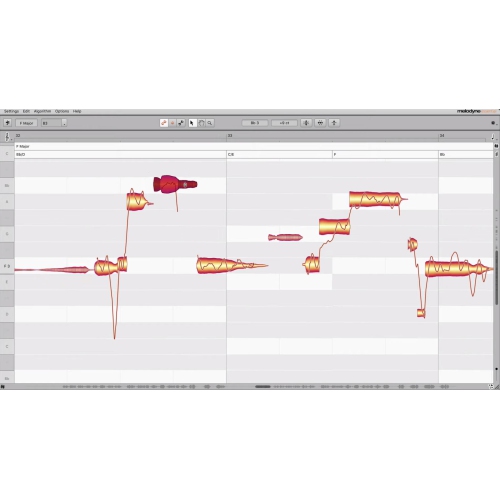
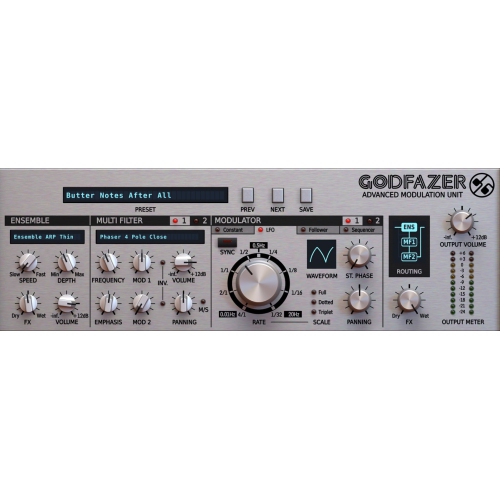
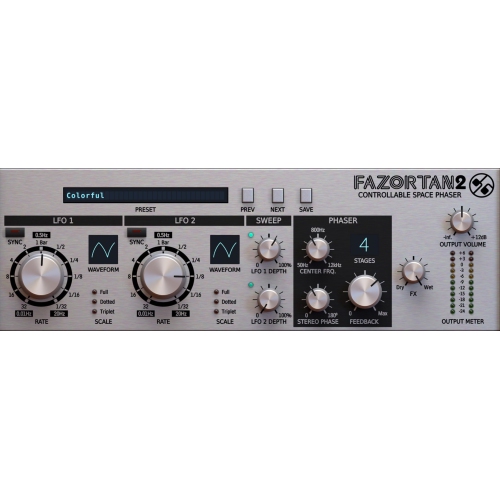
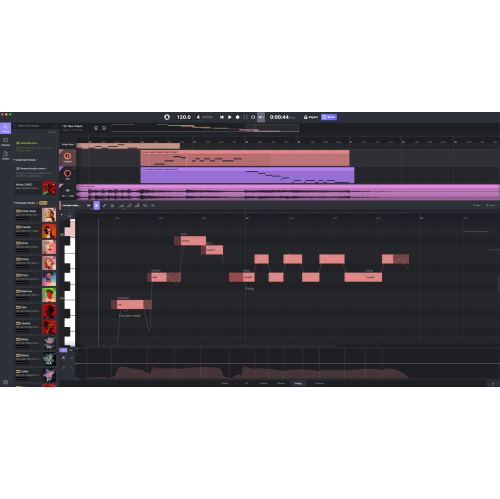
Audio mixing software, often called a digital audio workstation (DAW), gives you a virtual environment for recording, arranging, editing, balancing, and polishing sound. Instead of relying on a traditional mixing console filled with knobs and faders, you can manage multiple tracks on a computer, adjusting each element until the full recording feels clear and cohesive. Depending on the software, you may be able to record vocals and instruments, trim unwanted sections, remove background noise, add effects, automate volume changes, create loops, and export a finished file for listening or sharing. Some programs are designed for straightforward editing, while others provide a complete production workspace with virtual instruments, MIDI sequencing, mastering tools, surround or immersive audio support, and detailed control over every part of a mix. Audio mixing software can be used with a built-in computer microphone for simple projects, but pairing it with an audio interface, studio headphones, monitor speakers, or a dedicated microphone can provide greater accuracy and flexibility. Compatibility is an important first step: confirm that the software works with your operating system, computer hardware, preferred audio interfaces, and any plug-ins you already use. Windows and macOS programs may offer different features, while some options are also available for mobile devices or tablets. Check the minimum processor, memory, and storage requirements before purchasing, especially if you plan to work with high-resolution recordings, large sample libraries, or many tracks at the same time. A computer that feels quick for everyday browsing may need more power to handle a complex music session without delays, clicks, or interruptions.
The right audio mixing software depends on the kind of work you plan to do and the way you prefer to learn. A beginner making a first podcast may value a clean layout, guided tools, simple recording controls, and an easy way to cut pauses or arrange spoken segments. A singer-songwriter may look for virtual instruments, drum patterns, pitch tools, and the ability to layer harmonies over an instrumental track. A band or home producer may need extensive track counts, flexible routing, effects for guitars and vocals, and precise automation for building energy throughout a song. Video creators, streamers, and game developers can benefit from noise reduction, voice processing, sound-effect placement, and support for exporting audio in formats suited to video projects. More advanced users may prefer a detailed mixer with buses, sends, sidechain compression, equalizers, reverbs, delays, and mastering controls that replicate the workflow of a professional studio. Consider whether you want a one-time purchase, a subscription, or a free version with optional upgrades, and review what is included before comparing the total value. Some software packages include extensive sound libraries and effects, while others focus on the core workstation and leave you to add tools later. Plug-in compatibility matters as well, since popular formats can make it easier to expand your setup as your skills develop. Look for features such as non-destructive editing, automatic saving, project templates, keyboard shortcuts, track grouping, audio restoration, and support for common file types. A visual mixer with clearly labelled controls can make the first sessions less intimidating, while a scalable interface ensures that the software remains useful as projects become more ambitious. It is also worth considering tutorials, documentation, community support, and the availability of updates. A well-supported program can shorten the learning curve when you are trying to understand concepts such as gain staging, equalization, compression, panning, reverb, and loudness. If your projects begin with recorded sound rather than full musical arrangements, you may also want to explore Audio Recording Software for tools focused on capturing voices, instruments, interviews, or other sources before the mixing stage.
Audio mixing software is useful for a wide range of people, from first-time creators working at a kitchen table to experienced musicians building a polished home studio. It can be a thoughtful gift for someone who enjoys writing songs, producing podcasts, recording voiceovers, making videos, or experimenting with electronic music, particularly when combined with comfortable headphones, a microphone, or an audio interface. For students, it can provide a practical way to learn recording and production techniques through hands-on projects. For families, it can turn a quiet room into a small creative space where children and adults can make narrated stories, original songs, school presentations, or sound effects for a video. During the cooler months, when indoor time often creates more opportunities for creative projects, a capable workstation can make it easy to capture ideas before they disappear: a melody recorded late in the evening, a conversation edited into a podcast, or a collection of field sounds shaped into an atmospheric track. Good mixing is not only about adding effects; it is about making decisions that help every part of a recording occupy its own space. Lowering a crowded instrumental track can make a vocal easier to understand, a small amount of compression can create a steadier spoken voice, and careful panning can give instruments room to breathe. Headphones can reveal clicks, hum, and harsh frequencies, while monitor speakers help you judge how the mix behaves in a room. Saving alternate versions is helpful when experimenting, and keeping project folders organized makes it easier to revisit an arrangement later. Whether your goal is a quick voice recording or a layered production with dozens of tracks, choose software that matches your current experience without limiting future projects. With the right combination of accessible controls, compatible hardware, and room to grow, audio mixing software can become a dependable part of a creative setup for recording, editing, practising, and sharing finished work.
The right audio mixing software depends on the kind of work you plan to do and the way you prefer to learn. A beginner making a first podcast may value a clean layout, guided tools, simple recording controls, and an easy way to cut pauses or arrange spoken segments. A singer-songwriter may look for virtual instruments, drum patterns, pitch tools, and the ability to layer harmonies over an instrumental track. A band or home producer may need extensive track counts, flexible routing, effects for guitars and vocals, and precise automation for building energy throughout a song. Video creators, streamers, and game developers can benefit from noise reduction, voice processing, sound-effect placement, and support for exporting audio in formats suited to video projects. More advanced users may prefer a detailed mixer with buses, sends, sidechain compression, equalizers, reverbs, delays, and mastering controls that replicate the workflow of a professional studio. Consider whether you want a one-time purchase, a subscription, or a free version with optional upgrades, and review what is included before comparing the total value. Some software packages include extensive sound libraries and effects, while others focus on the core workstation and leave you to add tools later. Plug-in compatibility matters as well, since popular formats can make it easier to expand your setup as your skills develop. Look for features such as non-destructive editing, automatic saving, project templates, keyboard shortcuts, track grouping, audio restoration, and support for common file types. A visual mixer with clearly labelled controls can make the first sessions less intimidating, while a scalable interface ensures that the software remains useful as projects become more ambitious. It is also worth considering tutorials, documentation, community support, and the availability of updates. A well-supported program can shorten the learning curve when you are trying to understand concepts such as gain staging, equalization, compression, panning, reverb, and loudness. If your projects begin with recorded sound rather than full musical arrangements, you may also want to explore Audio Recording Software for tools focused on capturing voices, instruments, interviews, or other sources before the mixing stage.
Audio mixing software is useful for a wide range of people, from first-time creators working at a kitchen table to experienced musicians building a polished home studio. It can be a thoughtful gift for someone who enjoys writing songs, producing podcasts, recording voiceovers, making videos, or experimenting with electronic music, particularly when combined with comfortable headphones, a microphone, or an audio interface. For students, it can provide a practical way to learn recording and production techniques through hands-on projects. For families, it can turn a quiet room into a small creative space where children and adults can make narrated stories, original songs, school presentations, or sound effects for a video. During the cooler months, when indoor time often creates more opportunities for creative projects, a capable workstation can make it easy to capture ideas before they disappear: a melody recorded late in the evening, a conversation edited into a podcast, or a collection of field sounds shaped into an atmospheric track. Good mixing is not only about adding effects; it is about making decisions that help every part of a recording occupy its own space. Lowering a crowded instrumental track can make a vocal easier to understand, a small amount of compression can create a steadier spoken voice, and careful panning can give instruments room to breathe. Headphones can reveal clicks, hum, and harsh frequencies, while monitor speakers help you judge how the mix behaves in a room. Saving alternate versions is helpful when experimenting, and keeping project folders organized makes it easier to revisit an arrangement later. Whether your goal is a quick voice recording or a layered production with dozens of tracks, choose software that matches your current experience without limiting future projects. With the right combination of accessible controls, compatible hardware, and room to grow, audio mixing software can become a dependable part of a creative setup for recording, editing, practising, and sharing finished work.
Top selling and popular products
-
 Your price for this item is $198
 -
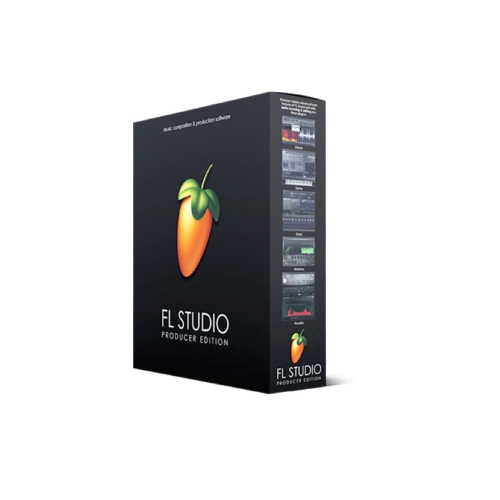 Your price for this item is $214.99
 -
 Your price for this item is $179
 -
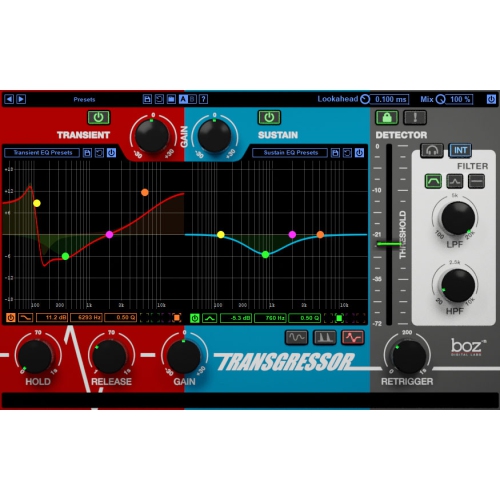 Your price for this item is $95
 -
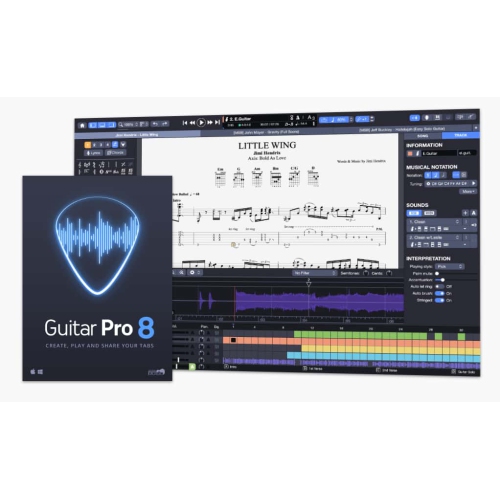 Your price for this item is $68
 -
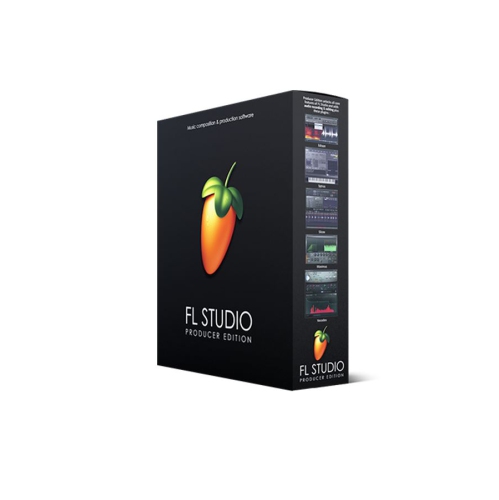 Your price for this item is $209
 -
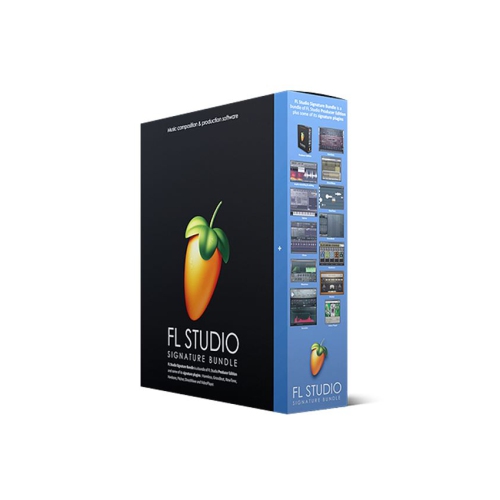 Your price for this item is $299
 -
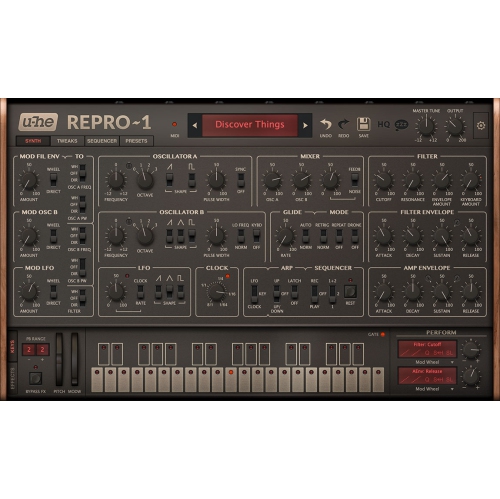 Your price for this item is $279
Discover more categories related to Audio Mixing Software
Top Collections:
Pokemon Centers, Kindle Devices, Best Budget Office Chairs, Canon G7X Cameras, Apple iPhones 16, Samsung Galaxy Phones, Refurbished Apple Laptops, Laptops for Students, iPhone 15 Apple, Budget Smartphones
Some products may be subject to Environmental Handling Fees
(EHF) depending on your province.
Learn more about EHFs.