Audio Processing Software
Enhance your audio experience with our wide selection of cutting-edge audio processing software. Whether you're a professional musician, a podcast enthusiast, or simply looking to optimize the sound quality of your favorite movies and music, our range of software solutions has got you covered. From intuitive editing tools to advanced equalizers and virtual surround sound technologies, our audio processing software offers endless possibilities to fine-tune and enhance your audio content. Explore our collection today and take your audio production to new heights.
Sort




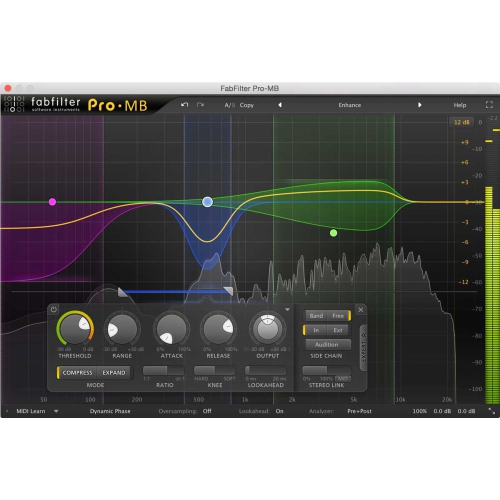
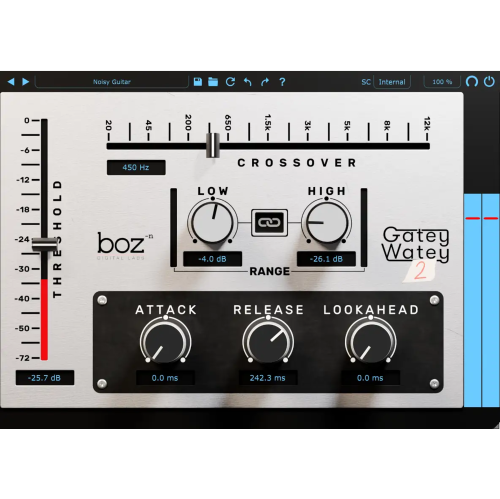

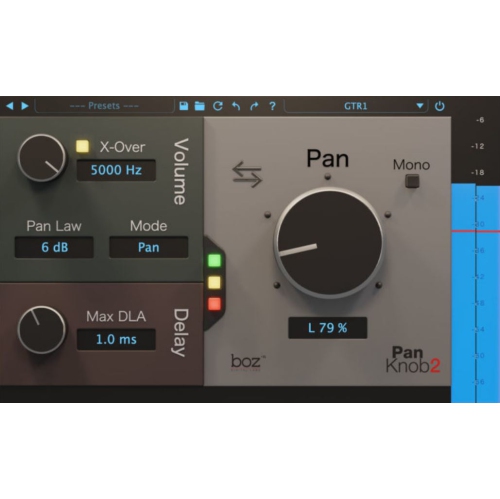
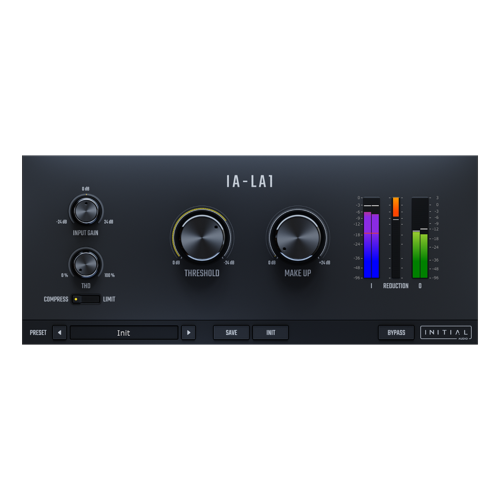
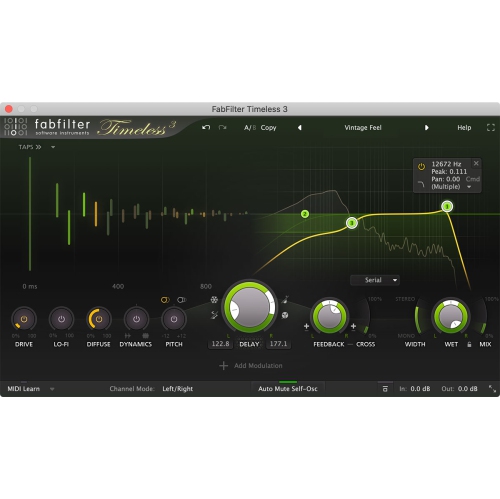
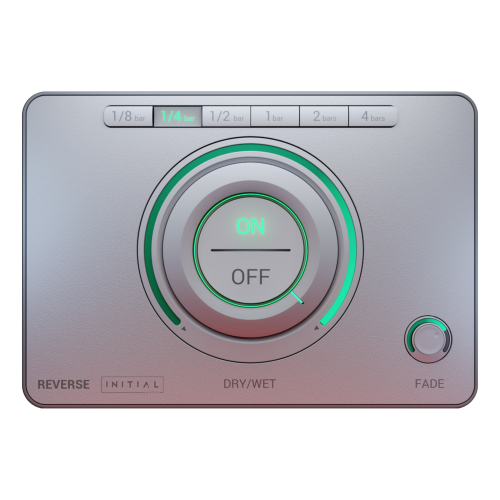
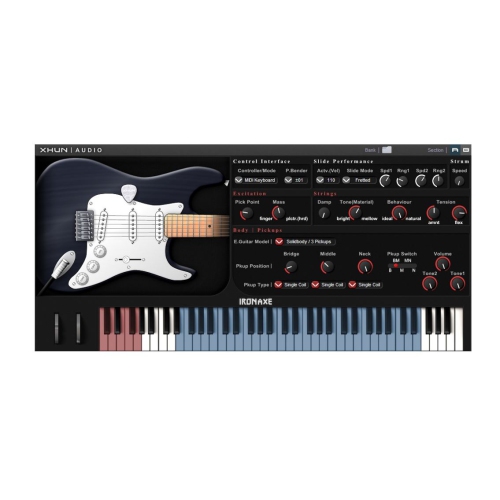
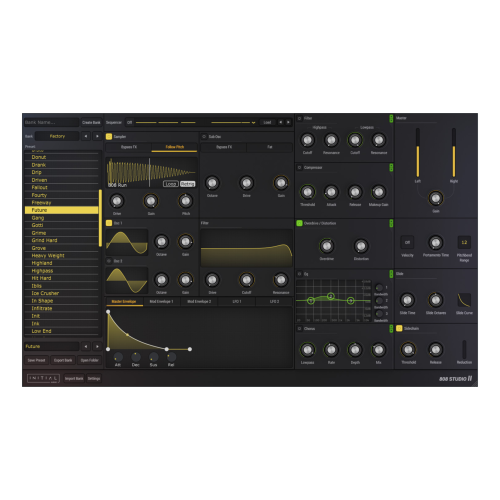
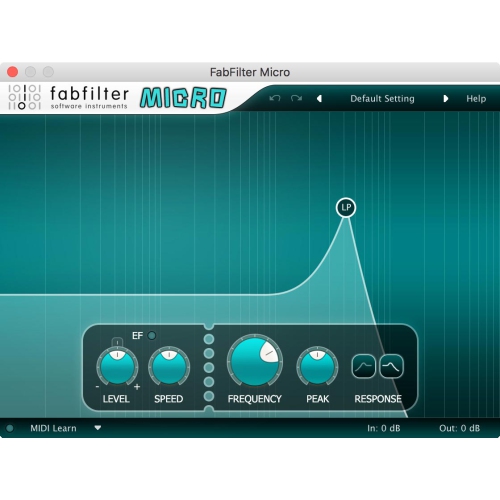
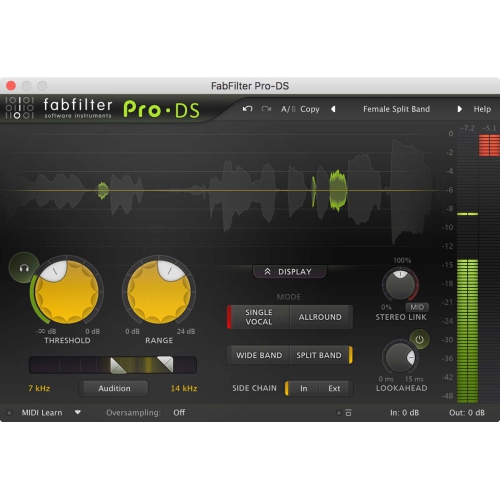



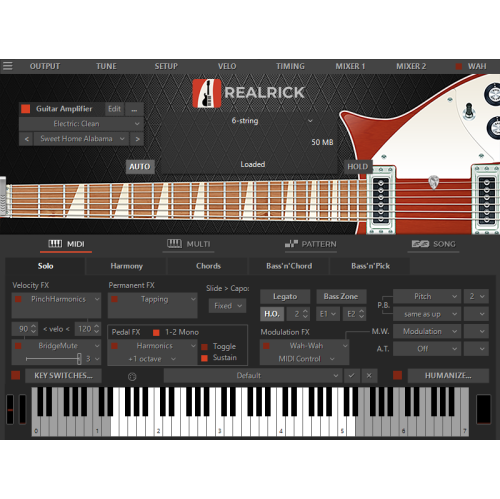
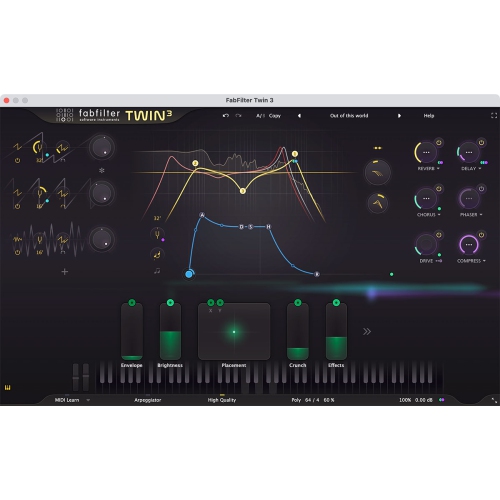
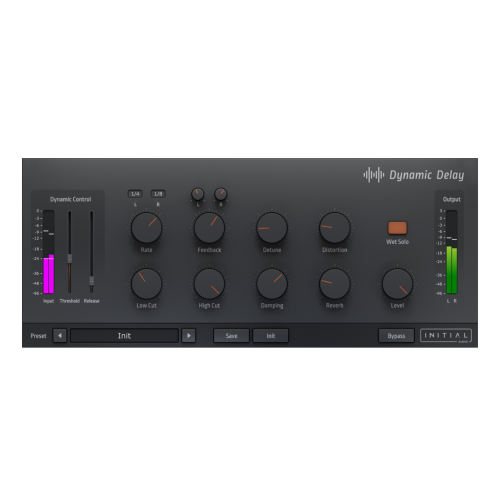
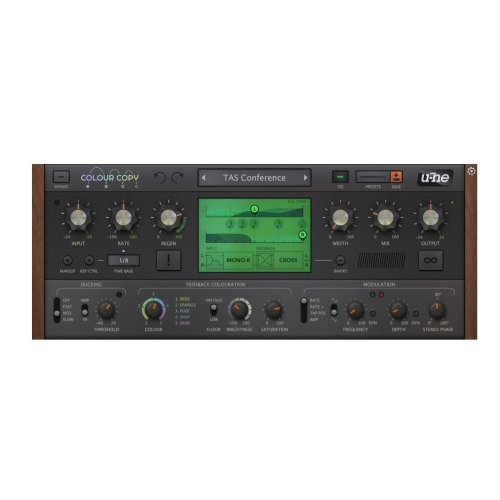
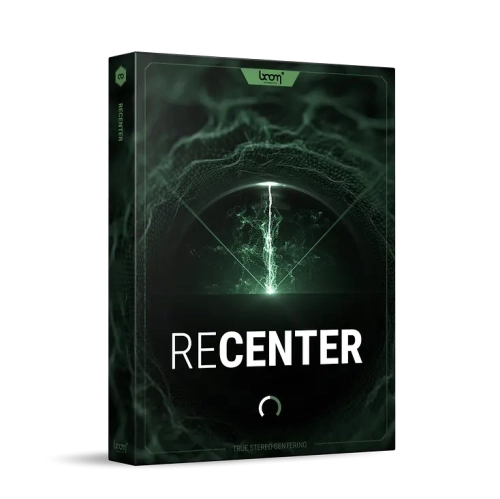
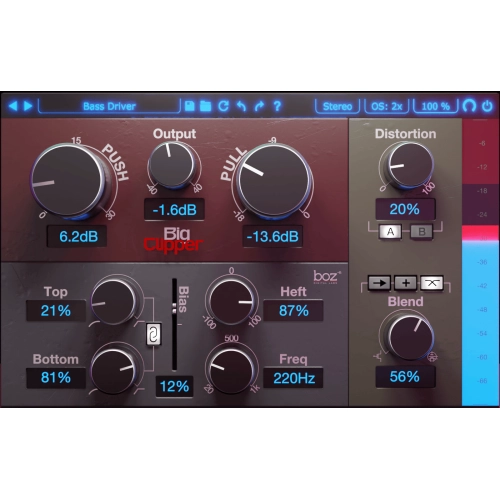
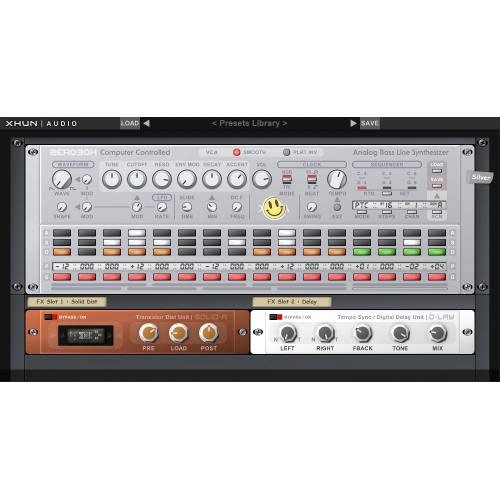


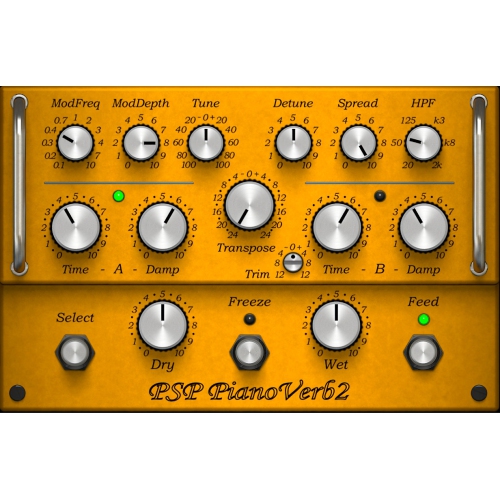
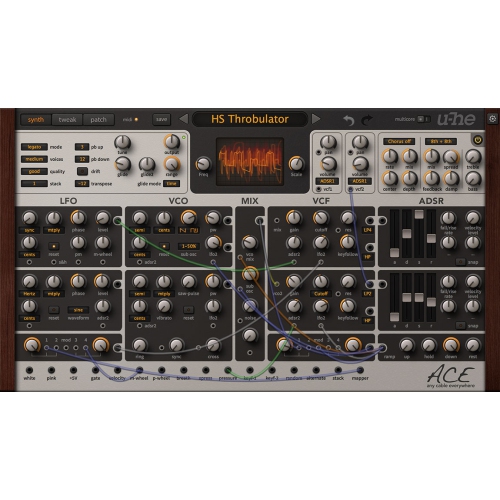
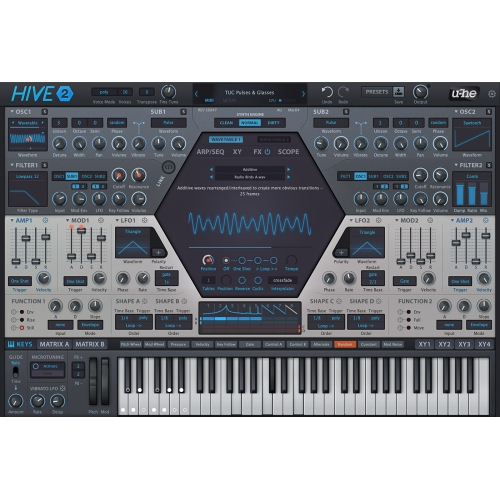
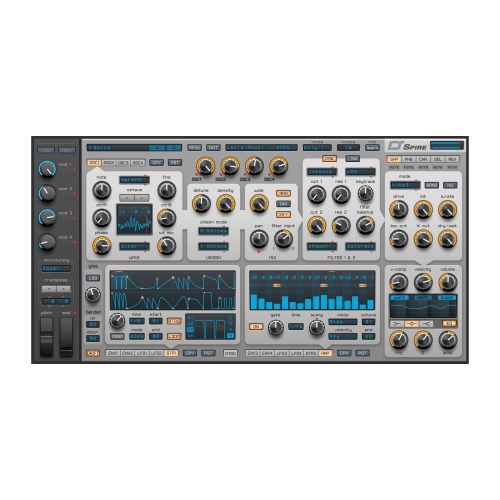
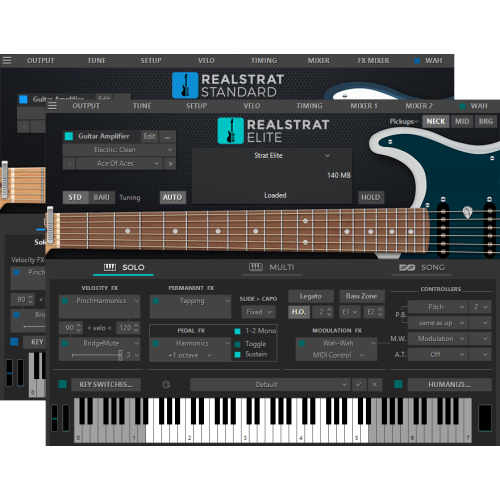
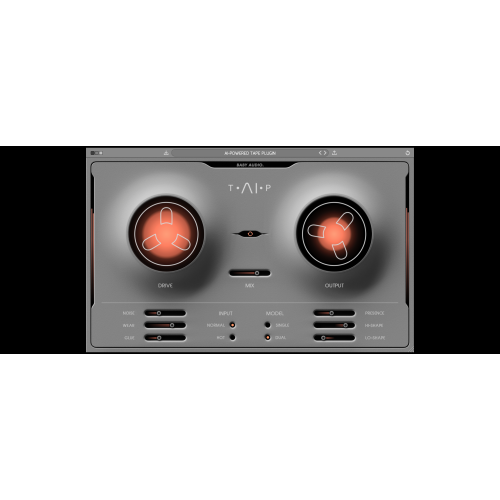
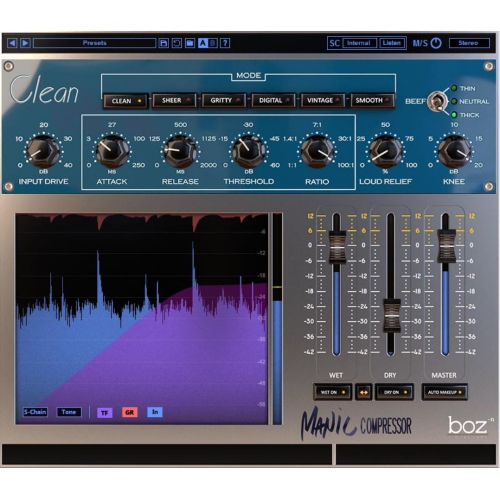
Clearer dialogue and balanced mixes without losing character
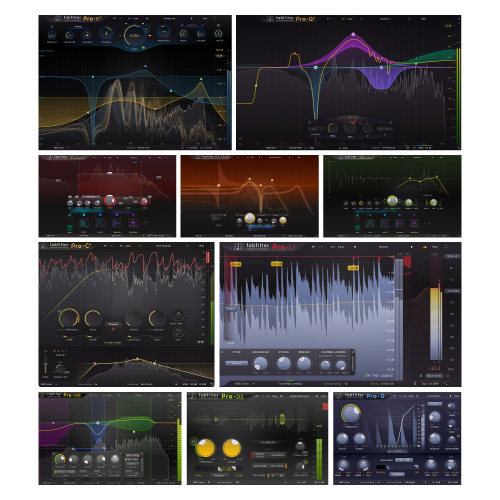
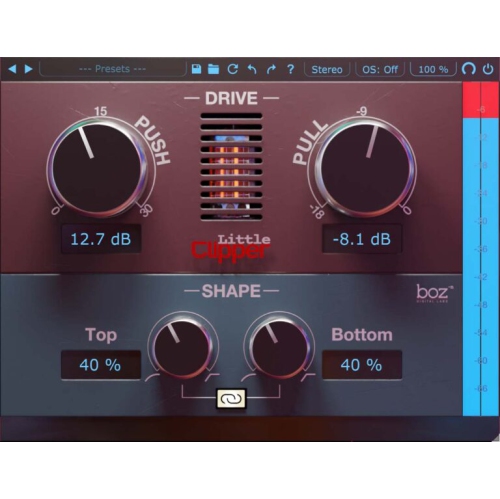
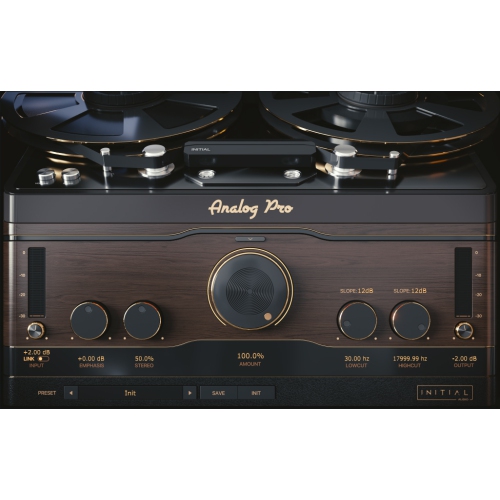
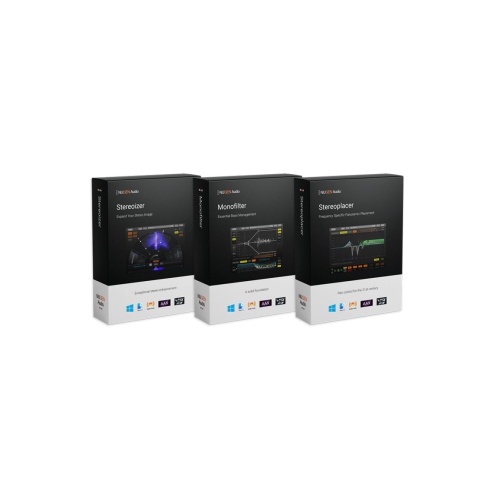
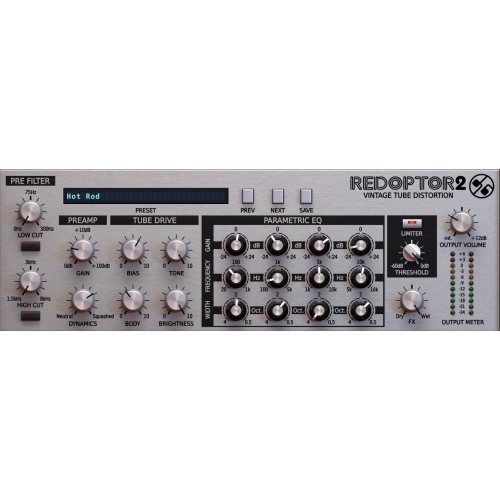
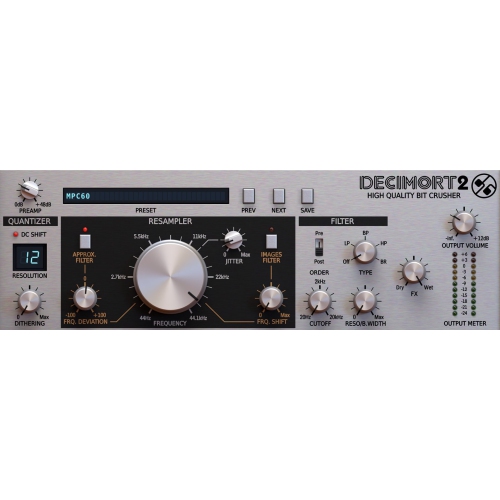
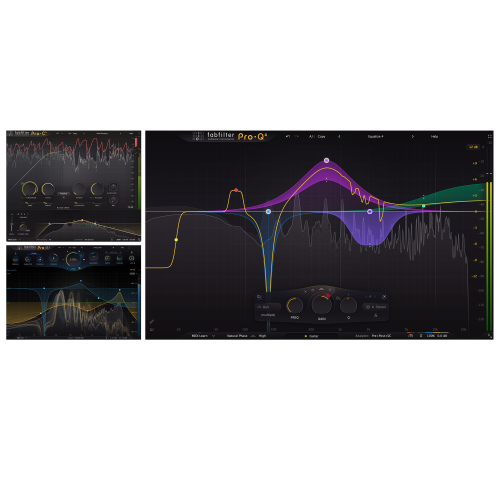
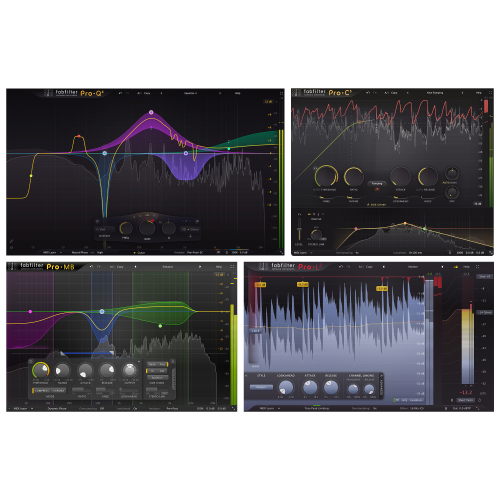
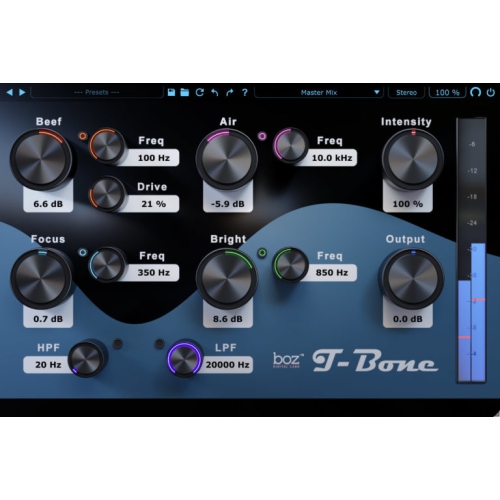
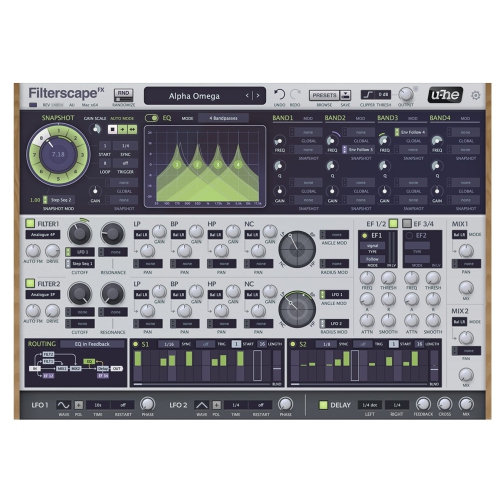
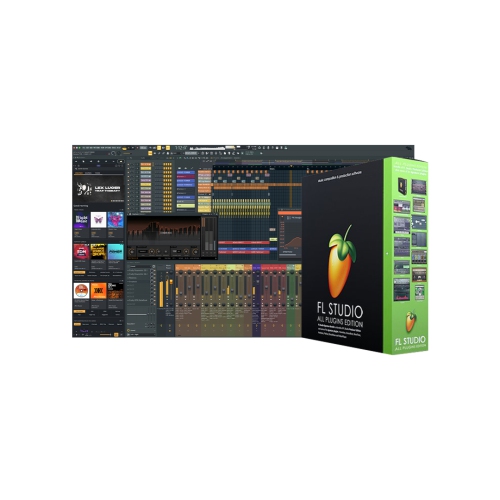
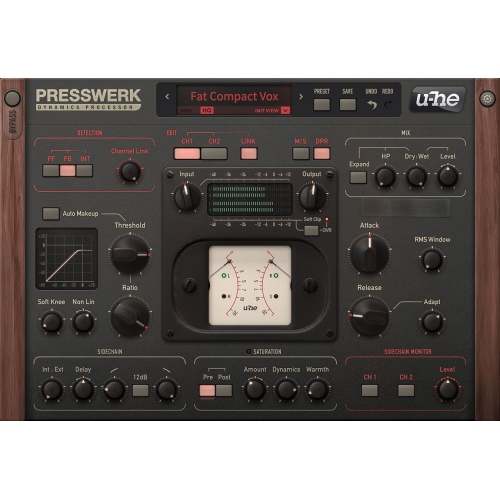
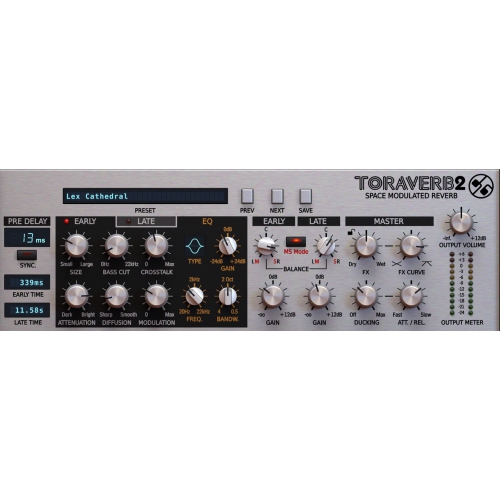
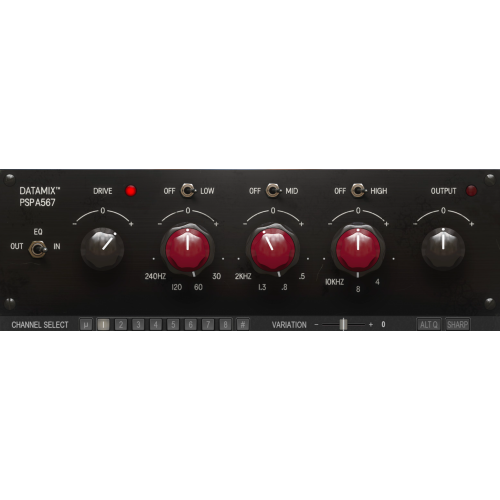
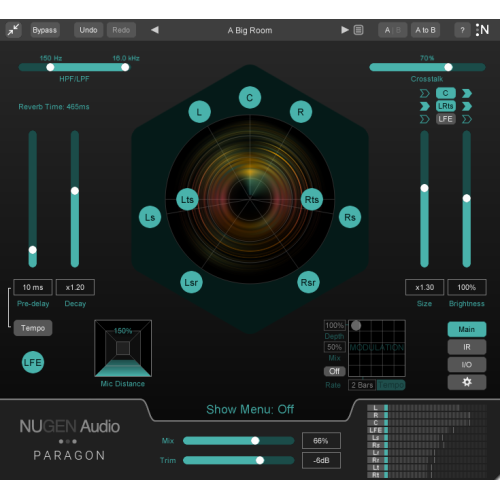
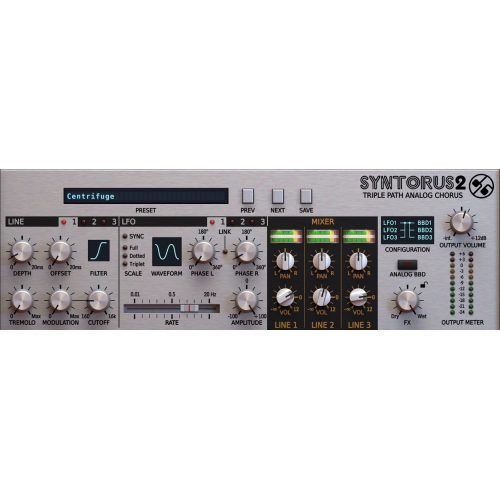
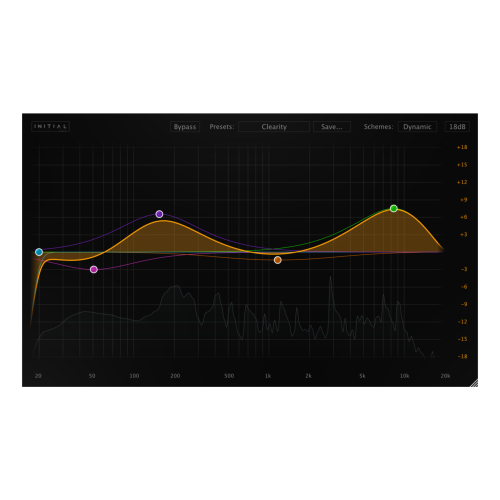
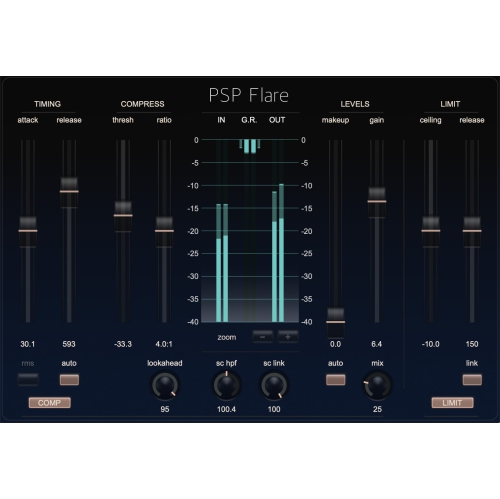
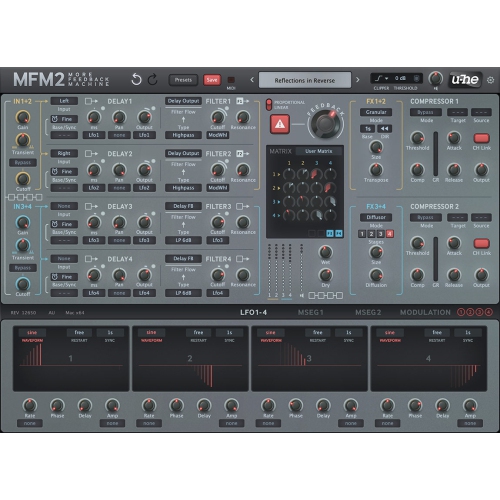
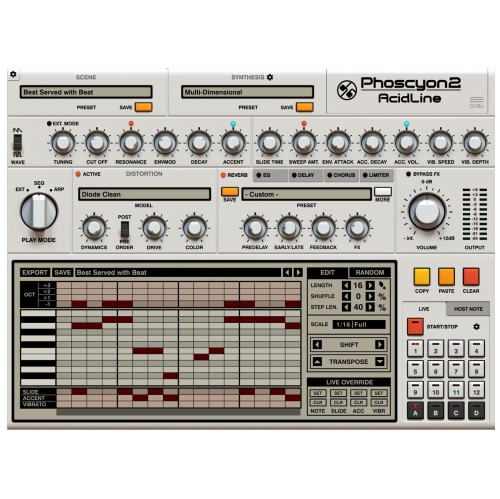
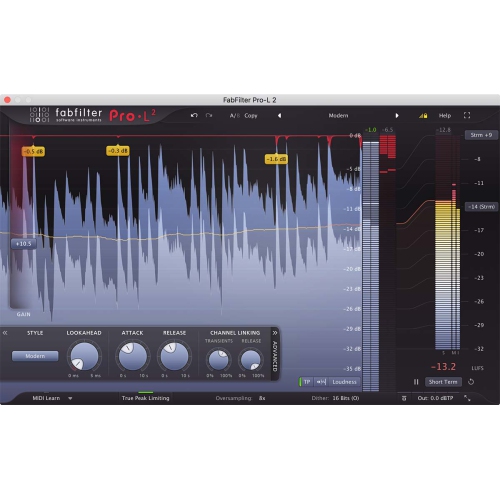
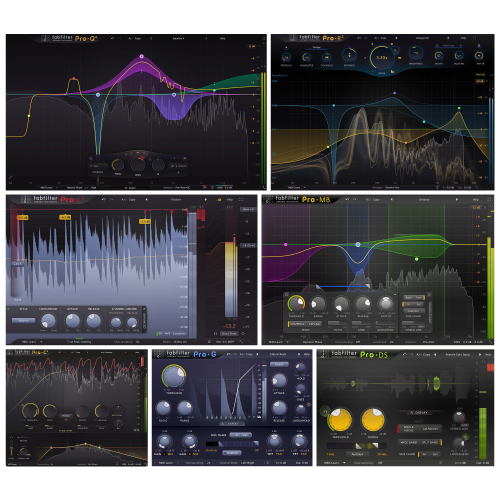
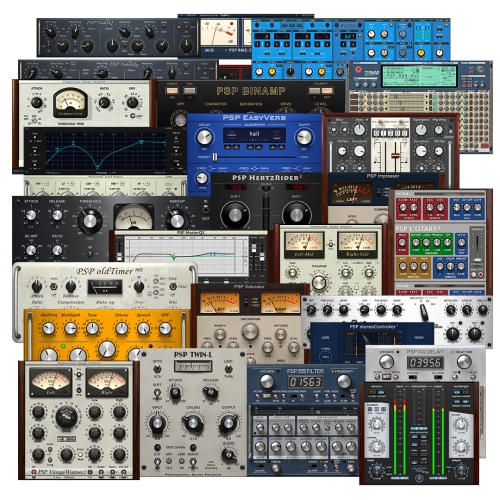
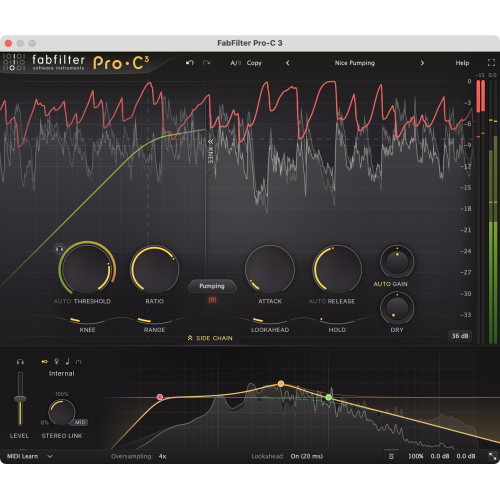
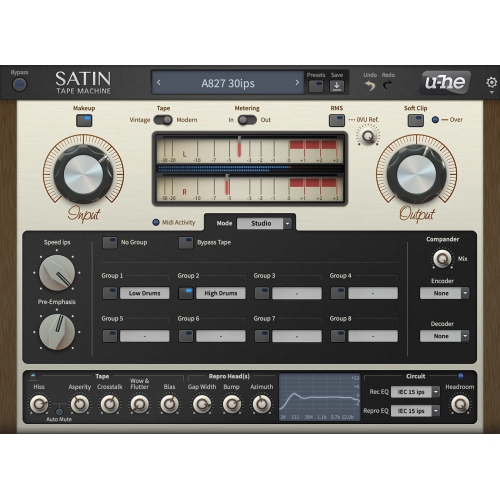
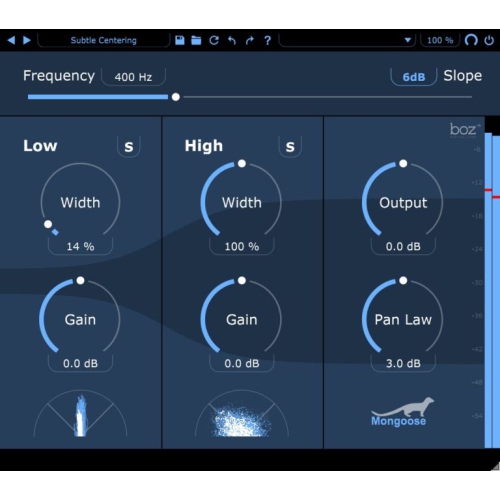
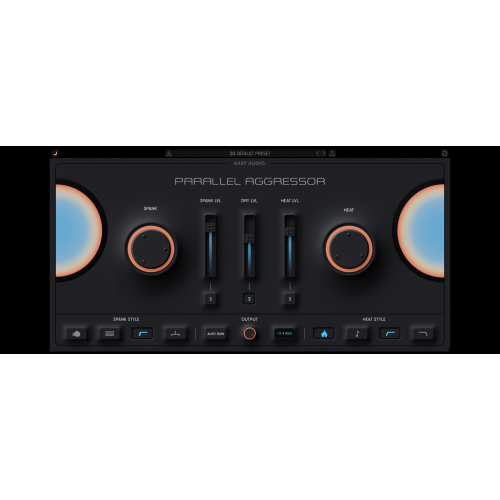
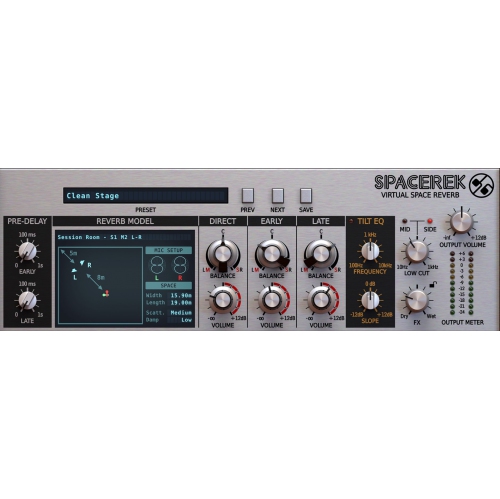
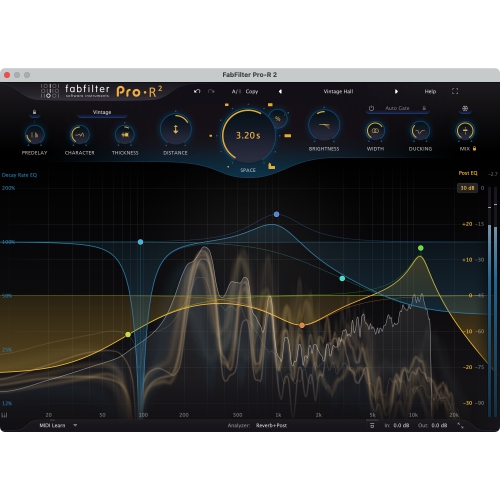
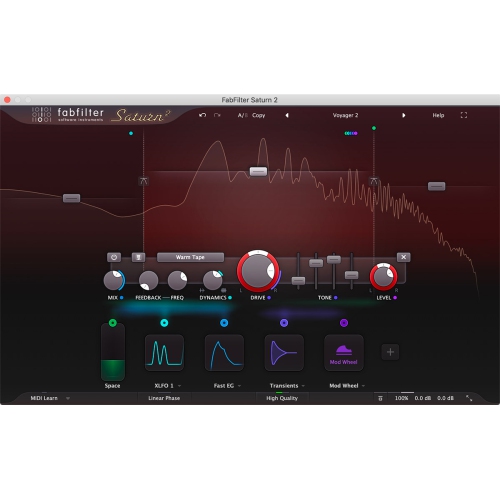
Audio processing software is used to edit, improve, analyse, and transform digital sound. It can help make spoken dialogue easier to understand, balance instruments in a music mix, reduce distracting background noise, or prepare finished audio for video, podcasts, and other listening formats. Depending on its capabilities, the software may work as a standalone application, as part of a digital audio workstation, or as a plug-in that runs inside a compatible host application. These formats serve different purposes: a dedicated audio editor can suit detailed work on individual files, while a multitrack application allows voices, instruments, and effects to be arranged and adjusted together. Equalization, often called EQ, changes the balance of frequencies, such as softening a boomy voice or bringing more definition to a guitar. Compression controls dynamic range, helping loud and quiet passages sit closer together, while a limiter helps keep signal peaks below a chosen ceiling. Noise reduction tools can lessen steady hiss or hum, and restoration features may address clicks, pops, and other unwanted sounds. Reverb and delay add a sense of space or repetition, whether the aim is a natural room sound or a distinct creative effect. For a podcaster editing a conversation, useful processing might mean reducing a low rumble, smoothing differences between speakers, and controlling sharp “s” sounds with a de-esser. For a musician, it might involve shaping the tone of a vocal and using automation to change its level through a song. Someone transferring a personal archive of spoken messages may place greater value on careful cleanup and straightforward file export. Software that captures sound and software that processes it often overlap; Audio Recording Software focuses on capturing performances and other sound sources, while processing tools shape what happens during or after that capture. The most suitable fit depends on the source material, the intended result, and how much control the project requires.
The way audio processing software fits into an existing setup matters as much as the number of effects it includes. Compatibility begins with the computer’s operating system and version, processor requirements, and available memory, but it also extends to the applications and audio hardware already in use. Plug-ins need a supported host and matching plug-in format; a tool designed to run inside a workstation is not necessarily usable on its own. An audio interface may also need compatible drivers, particularly when low-latency monitoring is important. Latency is the delay between an incoming signal and the sound heard through headphones or speakers. A singer monitoring a live vocal generally needs a shorter delay than someone restoring a completed interview, and some demanding processing modes add latency even on a capable computer. Large sessions, high sample rates, and multiple effects can increase processor and storage demands, so system requirements deserve attention alongside workflow features. File support is another practical consideration. Uncompressed and lossless formats preserve audio information for editing and archiving, whereas compressed delivery formats can make finished files easier to share. Support for the sample rates, bit depths, and channel layouts used in a project helps avoid unnecessary conversion. A simple stereo editor may be sufficient for polishing voice recordings, but film sound, complex music production, or multichannel work can call for broader routing and channel support. Interface design also affects everyday usability. Clear waveforms, readable meters, searchable presets, keyboard shortcuts, and accessible controls can make repeated tasks less tiring. Presets offer useful starting points, although the same setting can sound quite different on a softly spoken narrator and an energetic singer. Batch processing is particularly useful for applying consistent operations to a series of files, while detailed automation suits projects that need adjustments moment by moment. Licensing and activation requirements also matter when working across computers or without a reliable internet connection. Together, these details determine whether software fits a quick editing task, a portable production setup, or a more involved studio workflow.
Good audio processing preserves what matters in a recording rather than simply making every effect more noticeable. A voice should still sound like the person speaking, and a musical performance should retain the expression that gives it character. Noise reduction can improve a recording with a steady fan in the background, but aggressive settings may leave speech sounding watery or metallic. Compression can make a conversation more even, yet too much can exaggerate breaths and room noise. Comparing processed and unprocessed sound at similar listening levels helps separate a genuine improvement from the impression created by extra loudness. Accurate headphones or speakers are useful for hearing these differences, and checking a finished file on more than one playback system can reveal details missed during editing. For dialogue, a listen through ordinary speakers may expose words that disappear beneath music; for a music mix, headphones may reveal clicks at edit points or an unexpectedly wide stereo effect. Loudness meters and true-peak meters provide additional checks when preparing audio to meet a destination’s delivery specifications. Long-term usefulness depends partly on keeping projects organized and preserving the original files. Non-destructive editing, where supported, allows changes without permanently altering the source, while saved versions make it easier to revisit earlier decisions. Retaining project files, linked media, and notes about processing settings can help when a client requests a revision or an older session needs to be reopened. Backups remain important because a project file alone may not contain its audio, and updates can change compatibility with older plug-ins or sessions. Audio processing software can suit hobby musicians, voice performers, video editors, educators preparing lessons, and people producing interviews or presentations. It may also make a thoughtful gift for an audio enthusiast when their computer, host application, and licensing needs are known. Across these uses, a well-matched set of tools offers clear control over sound without adding needless complexity, supporting everything from a carefully cleaned spoken passage to a detailed, layered mix.
The way audio processing software fits into an existing setup matters as much as the number of effects it includes. Compatibility begins with the computer’s operating system and version, processor requirements, and available memory, but it also extends to the applications and audio hardware already in use. Plug-ins need a supported host and matching plug-in format; a tool designed to run inside a workstation is not necessarily usable on its own. An audio interface may also need compatible drivers, particularly when low-latency monitoring is important. Latency is the delay between an incoming signal and the sound heard through headphones or speakers. A singer monitoring a live vocal generally needs a shorter delay than someone restoring a completed interview, and some demanding processing modes add latency even on a capable computer. Large sessions, high sample rates, and multiple effects can increase processor and storage demands, so system requirements deserve attention alongside workflow features. File support is another practical consideration. Uncompressed and lossless formats preserve audio information for editing and archiving, whereas compressed delivery formats can make finished files easier to share. Support for the sample rates, bit depths, and channel layouts used in a project helps avoid unnecessary conversion. A simple stereo editor may be sufficient for polishing voice recordings, but film sound, complex music production, or multichannel work can call for broader routing and channel support. Interface design also affects everyday usability. Clear waveforms, readable meters, searchable presets, keyboard shortcuts, and accessible controls can make repeated tasks less tiring. Presets offer useful starting points, although the same setting can sound quite different on a softly spoken narrator and an energetic singer. Batch processing is particularly useful for applying consistent operations to a series of files, while detailed automation suits projects that need adjustments moment by moment. Licensing and activation requirements also matter when working across computers or without a reliable internet connection. Together, these details determine whether software fits a quick editing task, a portable production setup, or a more involved studio workflow.
Good audio processing preserves what matters in a recording rather than simply making every effect more noticeable. A voice should still sound like the person speaking, and a musical performance should retain the expression that gives it character. Noise reduction can improve a recording with a steady fan in the background, but aggressive settings may leave speech sounding watery or metallic. Compression can make a conversation more even, yet too much can exaggerate breaths and room noise. Comparing processed and unprocessed sound at similar listening levels helps separate a genuine improvement from the impression created by extra loudness. Accurate headphones or speakers are useful for hearing these differences, and checking a finished file on more than one playback system can reveal details missed during editing. For dialogue, a listen through ordinary speakers may expose words that disappear beneath music; for a music mix, headphones may reveal clicks at edit points or an unexpectedly wide stereo effect. Loudness meters and true-peak meters provide additional checks when preparing audio to meet a destination’s delivery specifications. Long-term usefulness depends partly on keeping projects organized and preserving the original files. Non-destructive editing, where supported, allows changes without permanently altering the source, while saved versions make it easier to revisit earlier decisions. Retaining project files, linked media, and notes about processing settings can help when a client requests a revision or an older session needs to be reopened. Backups remain important because a project file alone may not contain its audio, and updates can change compatibility with older plug-ins or sessions. Audio processing software can suit hobby musicians, voice performers, video editors, educators preparing lessons, and people producing interviews or presentations. It may also make a thoughtful gift for an audio enthusiast when their computer, host application, and licensing needs are known. Across these uses, a well-matched set of tools offers clear control over sound without adding needless complexity, supporting everything from a carefully cleaned spoken passage to a detailed, layered mix.
Top selling and popular products
-
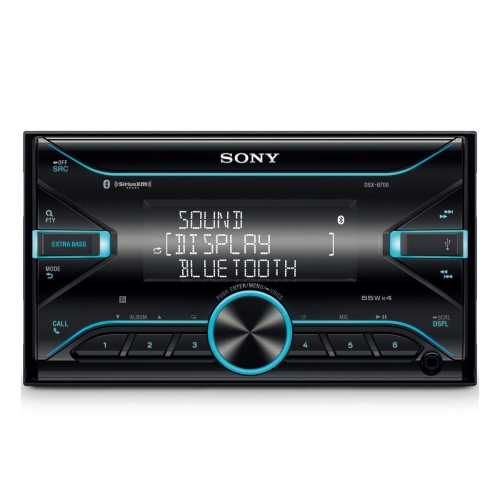 Your price for this item is $198
 -
 Your price for this item is $214.99
 -
 Your price for this item is $179
 -
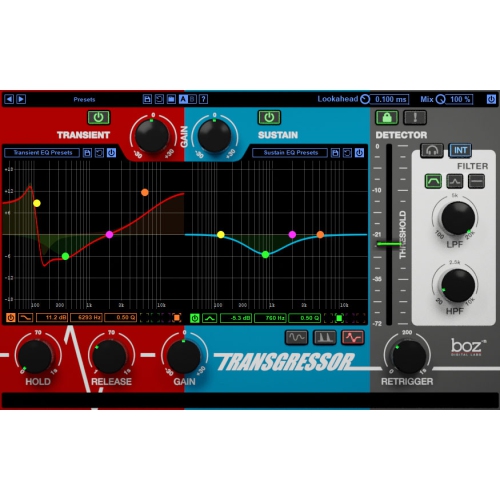 Your price for this item is $95
 -
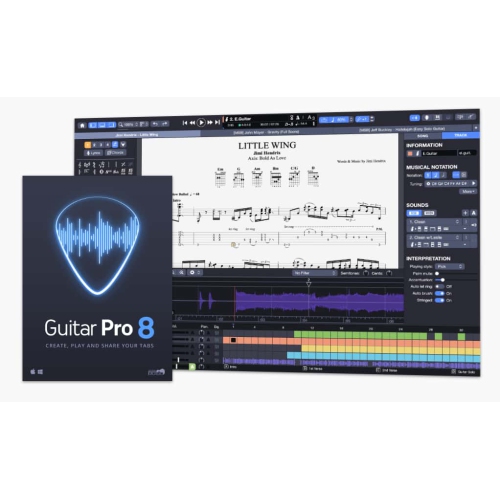 Your price for this item is $68
 -
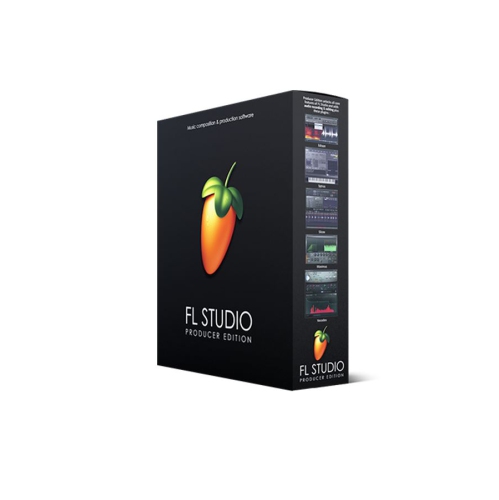 Your price for this item is $209
 -
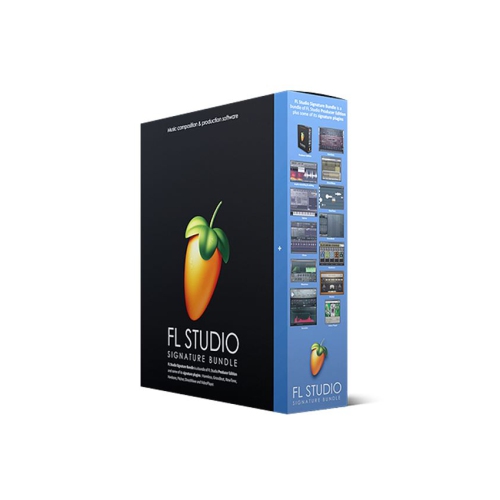 Your price for this item is $299
 -
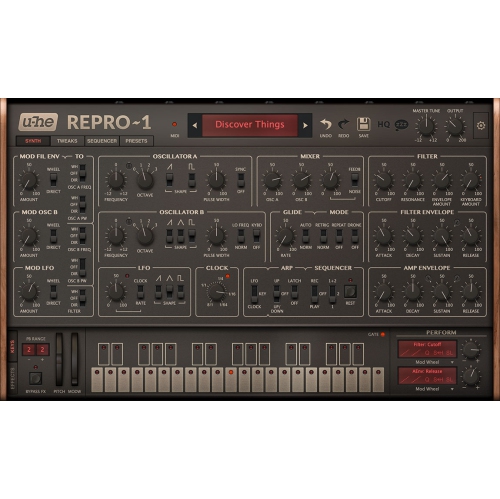 Your price for this item is $279
Discover more categories related to Audio Processing Software
Top Collections:
Pokemon Centers, Kindle Devices, Best Budget Office Chairs, Canon G7X Cameras, Apple iPhones 16, Samsung Galaxy Phones, Refurbished Apple Laptops, Laptops for Students, iPhone 15 Apple, Budget Smartphones
Some products may be subject to Environmental Handling Fees
(EHF) depending on your province.
Learn more about EHFs.