Audio Mixers
Our selection of audio mixers offers a wide range of options to suit your needs, whether you're a seasoned professional or just starting out. An audio mixer is an essential tool for blending and adjusting different sound sources, making it perfect for musicians, podcasters, content creators, and more. With features like multiple channels, EQ controls, and built-in effects, these mixers provide you with the flexibility and control to create the perfect sound mix for your projects. Browse our collection of audio mixers today and elevate your audio production capabilities.
Sort
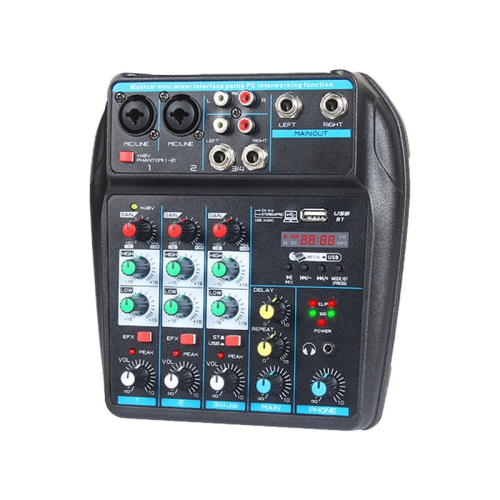
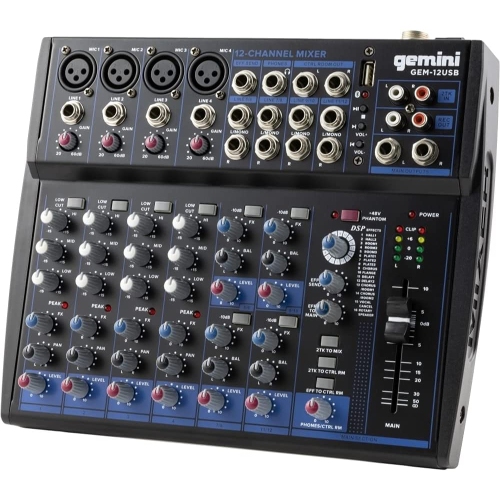
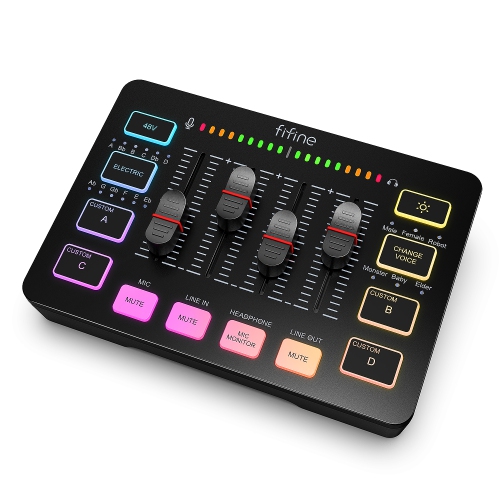
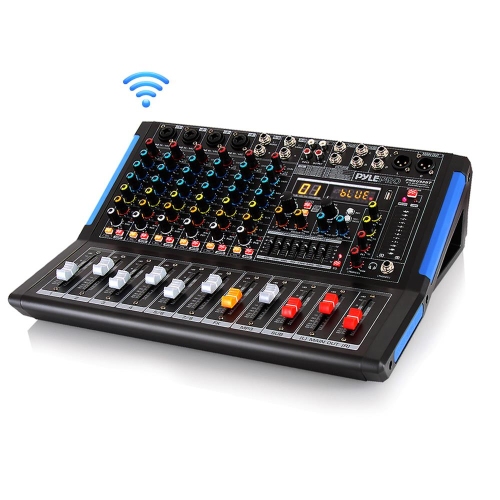
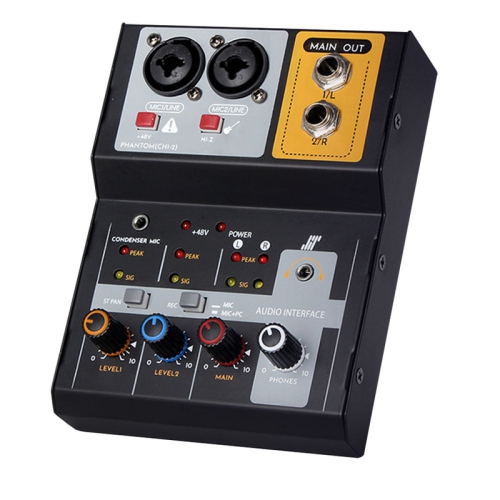
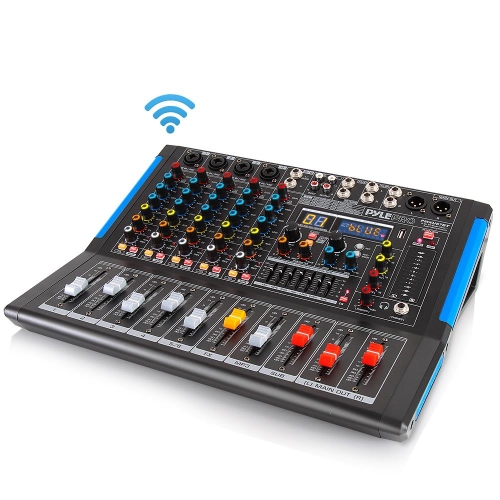
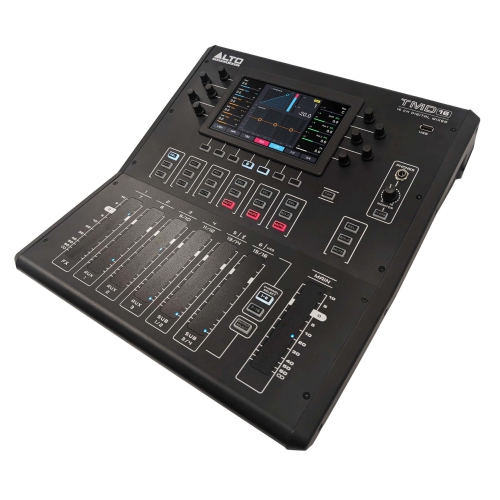
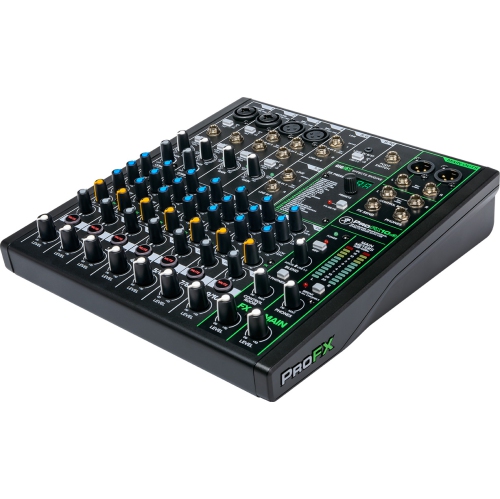
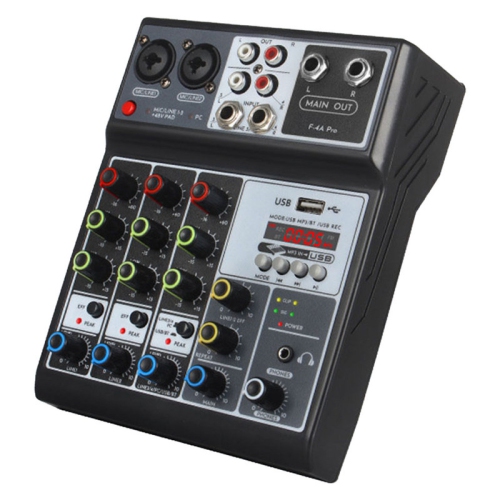
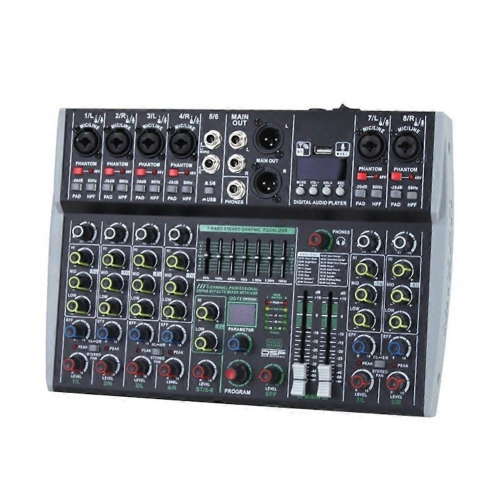
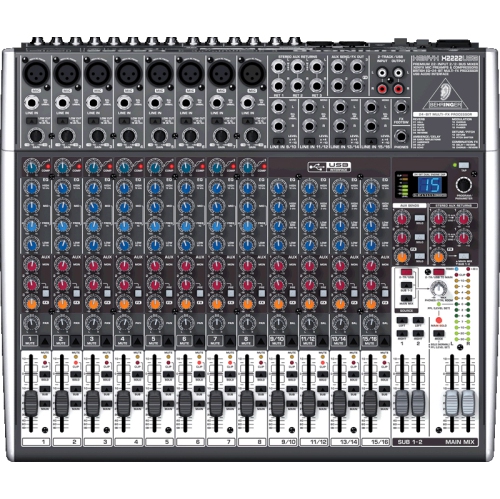
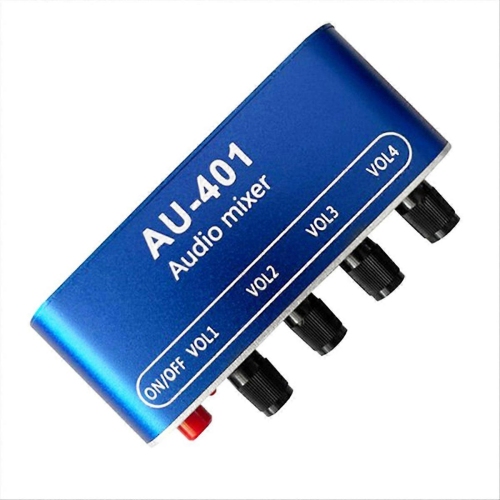
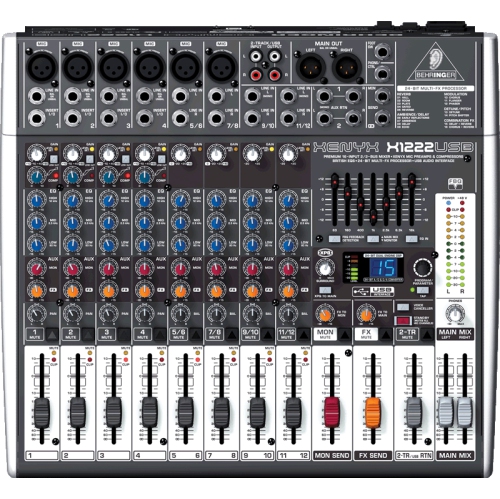
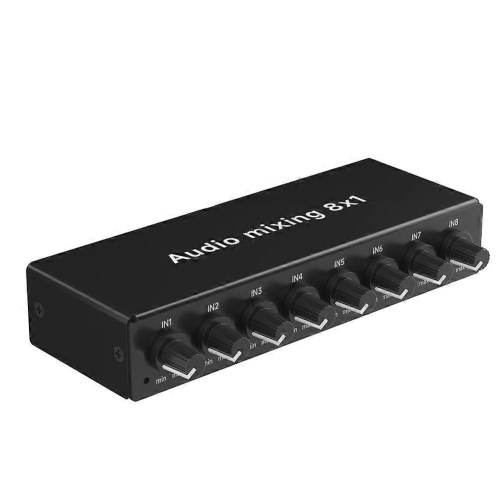
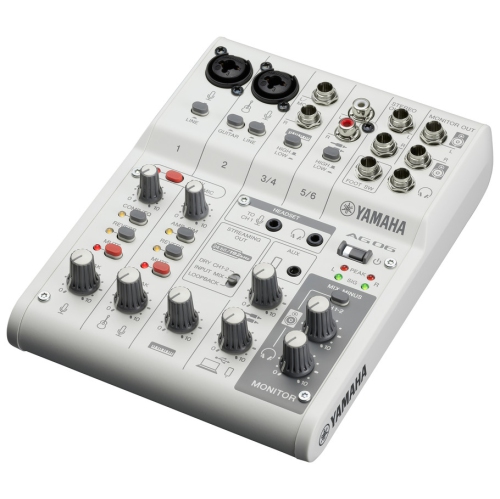
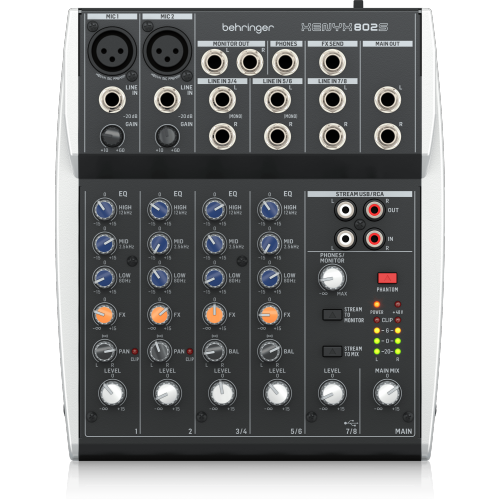
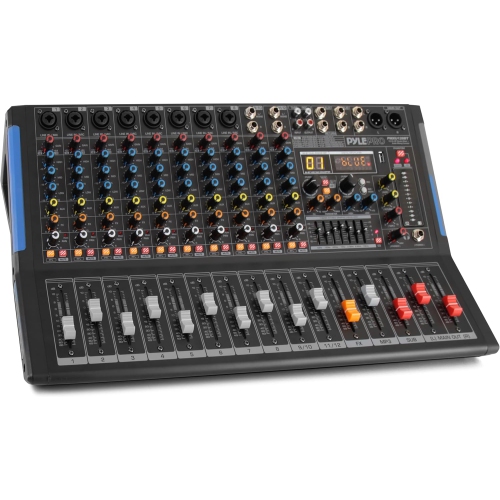
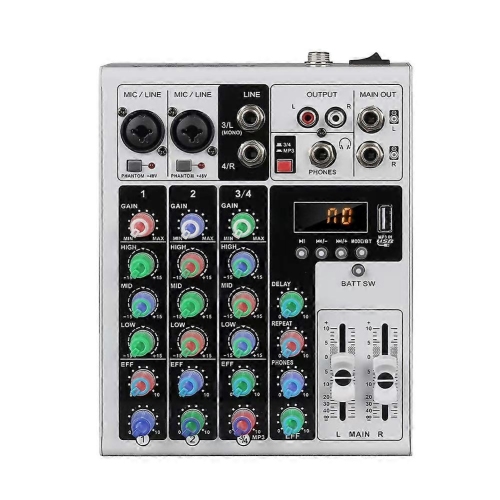
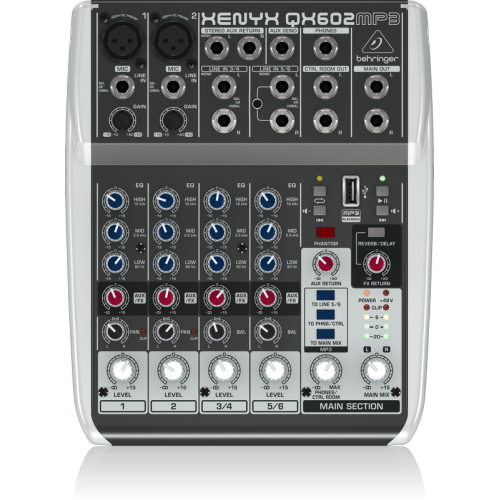
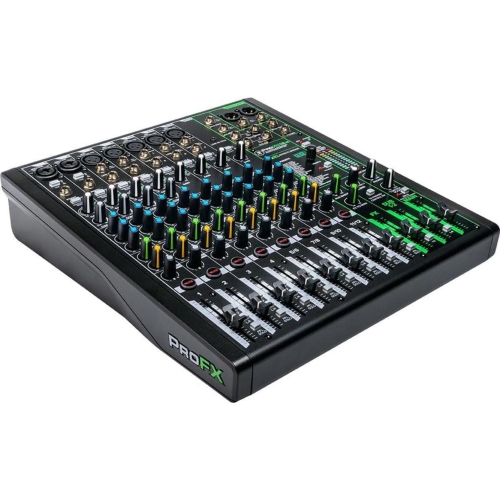
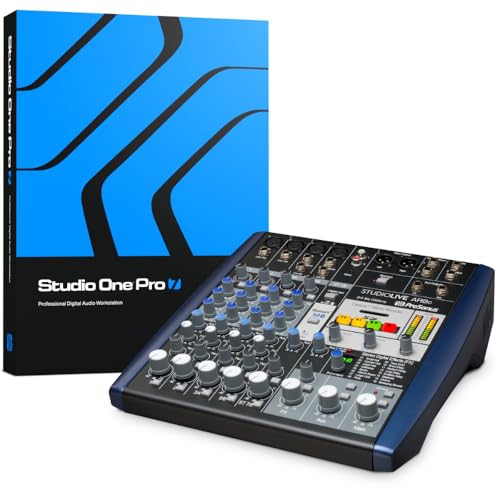
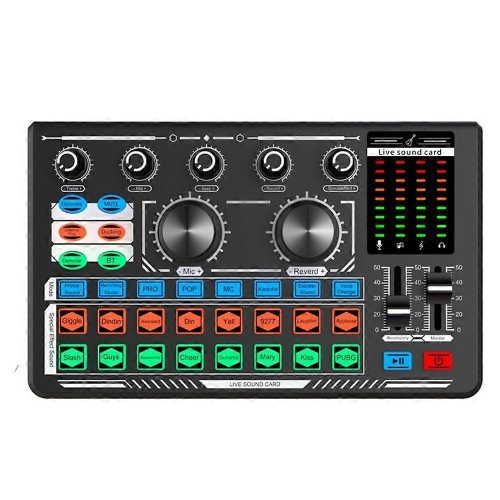
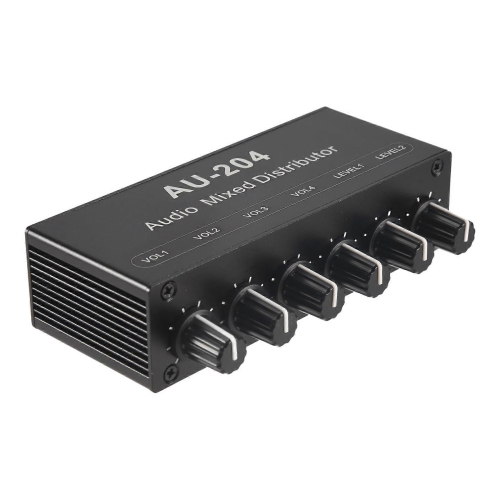
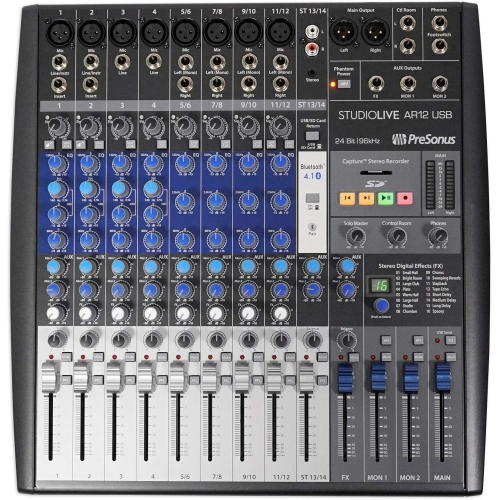
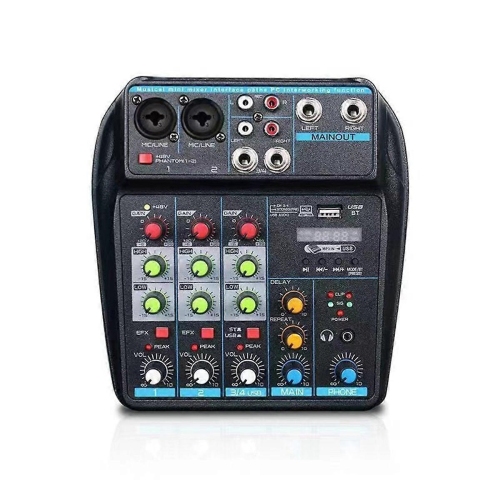
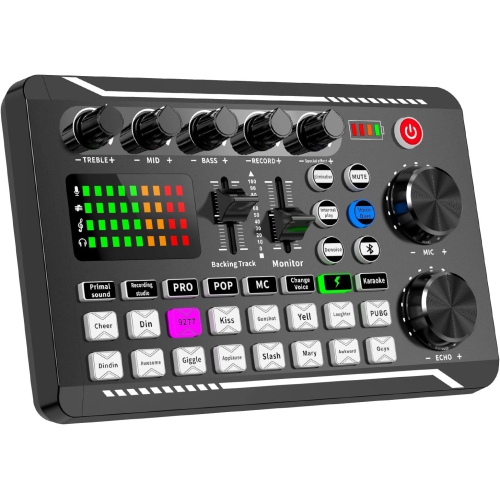
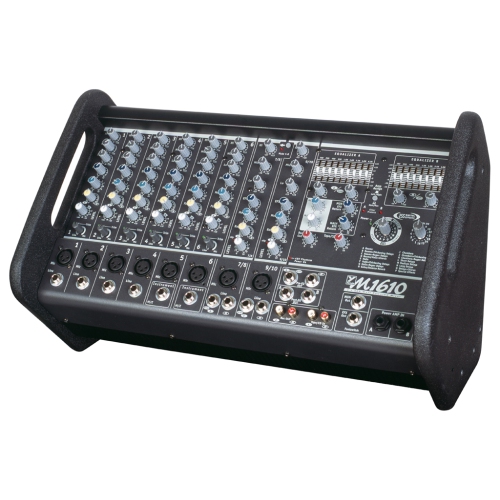
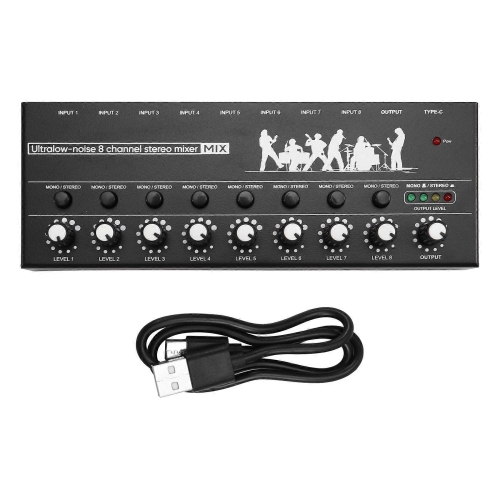
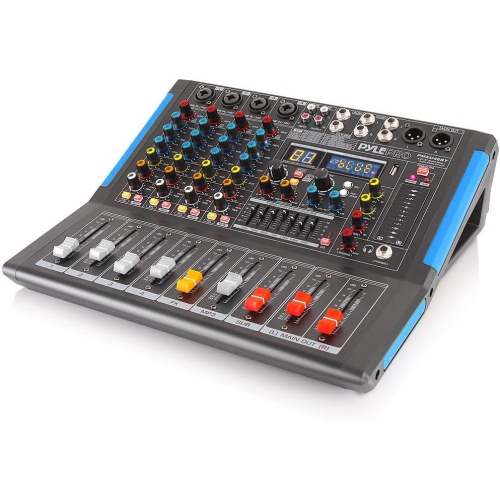
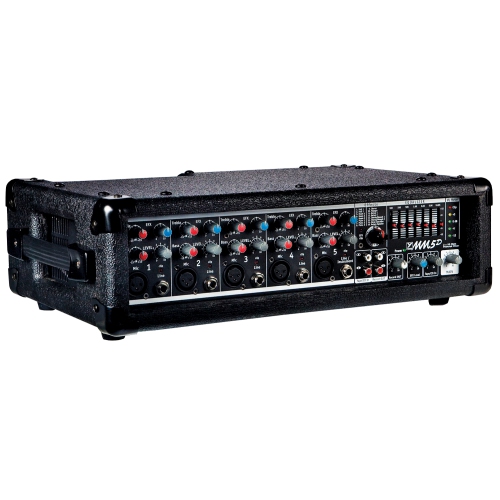
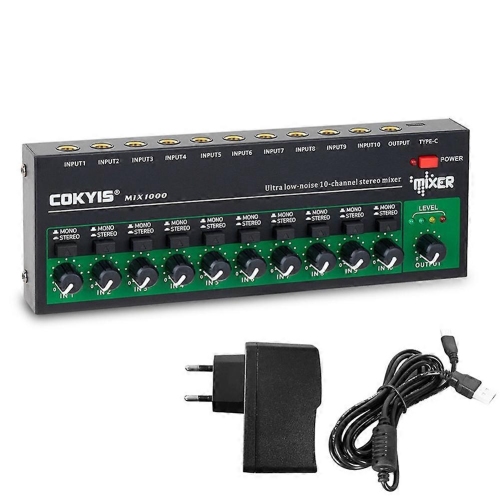
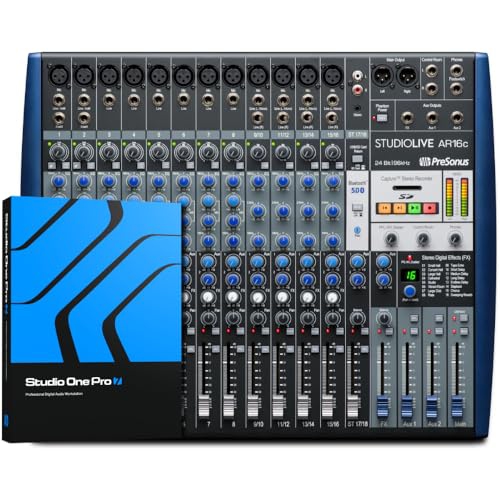
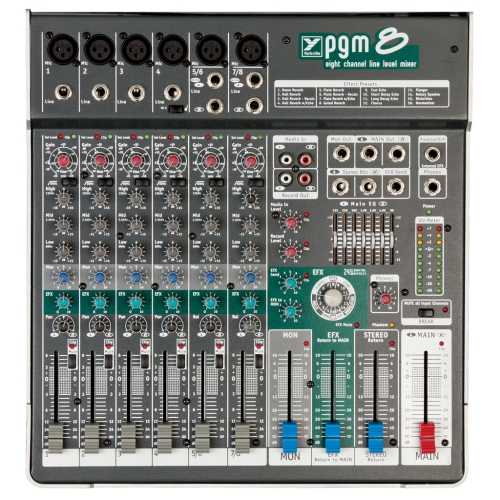
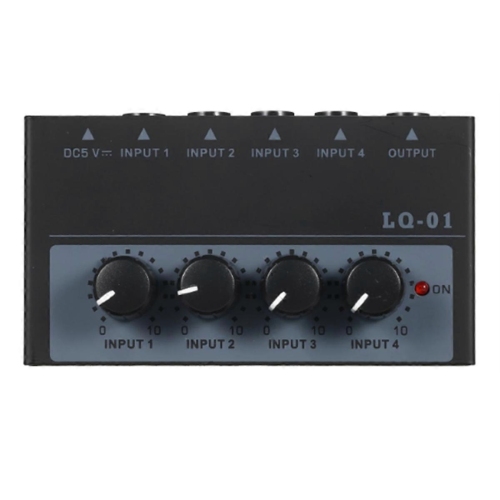
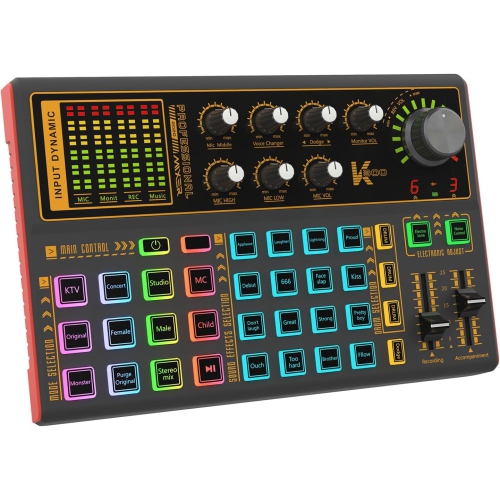
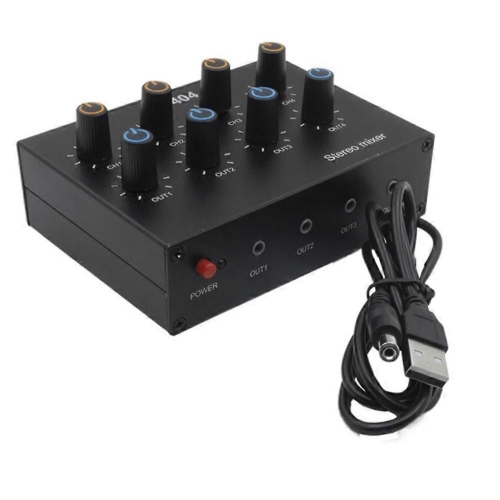

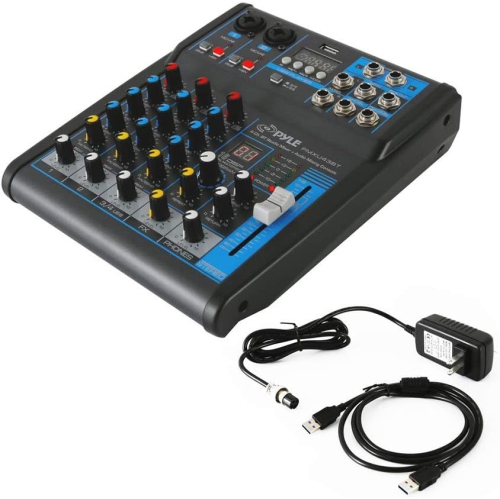
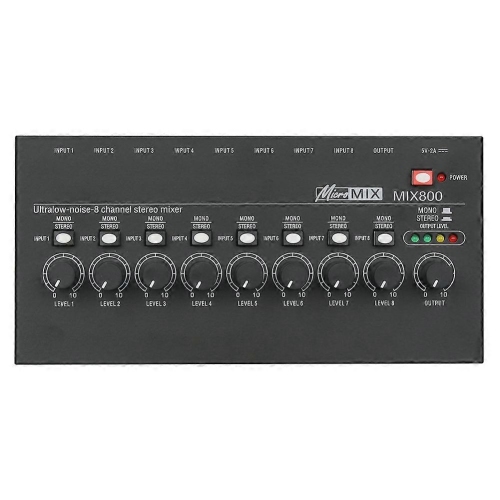
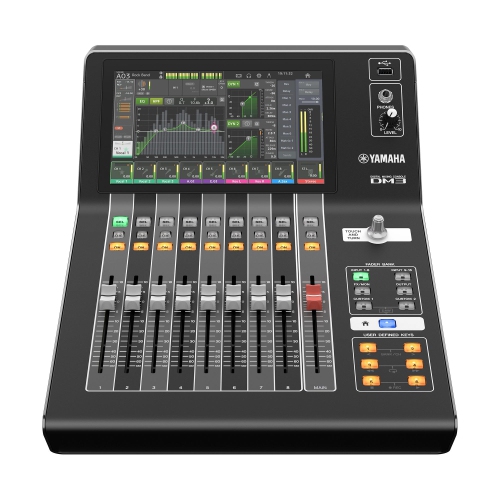
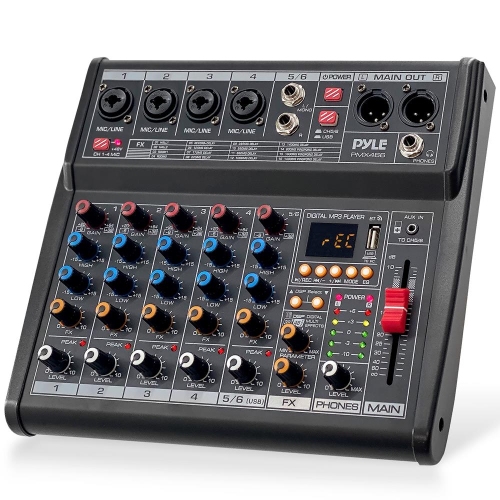
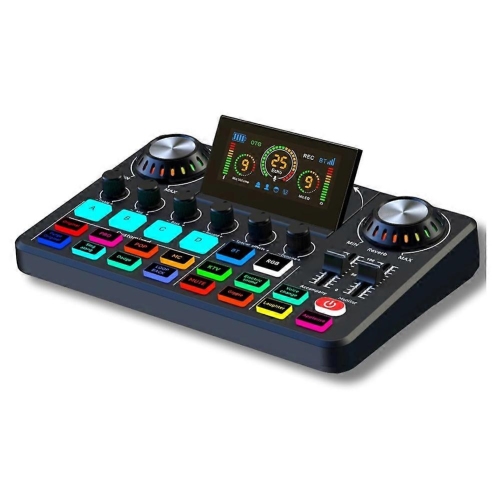
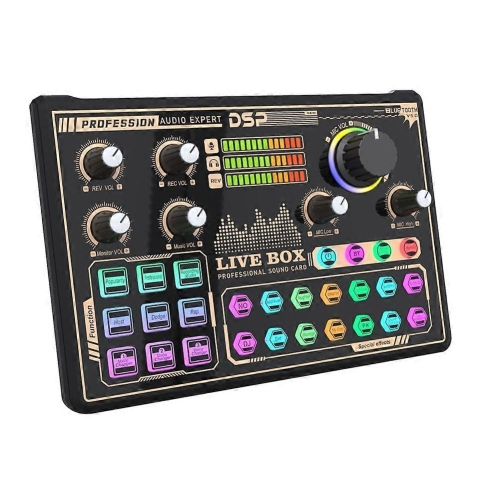
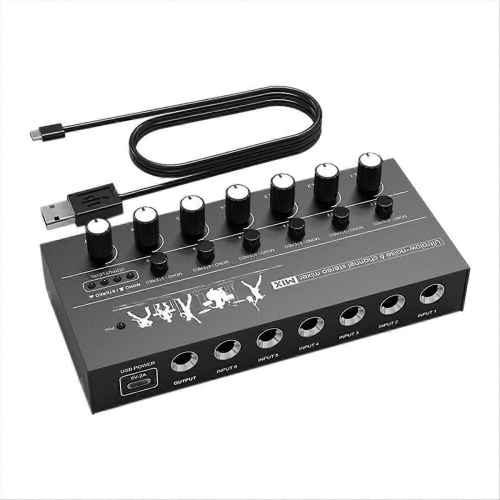
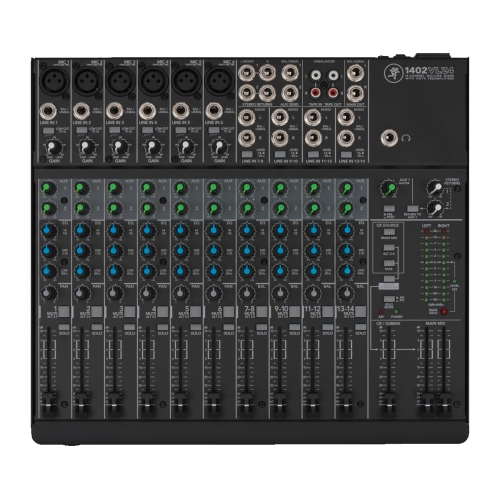
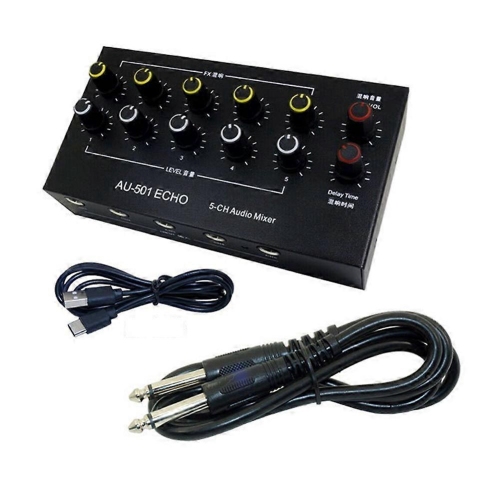
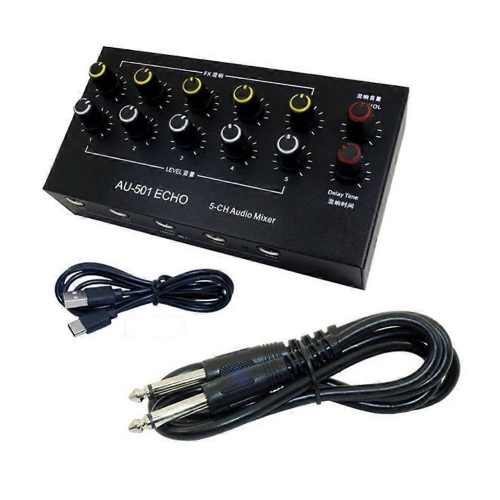
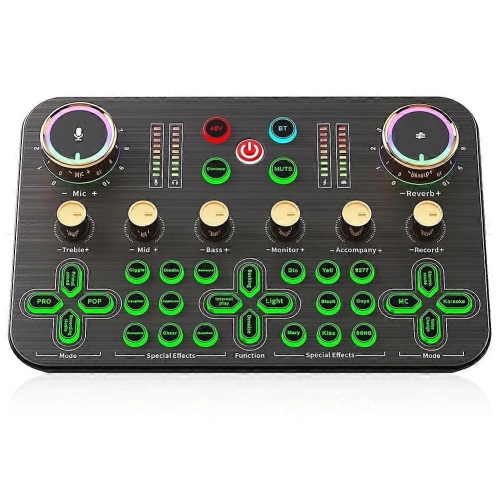
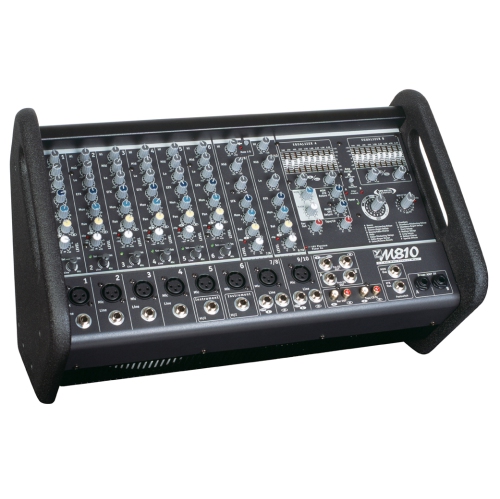
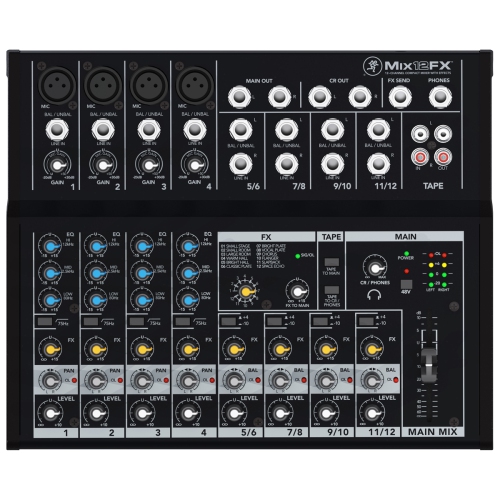
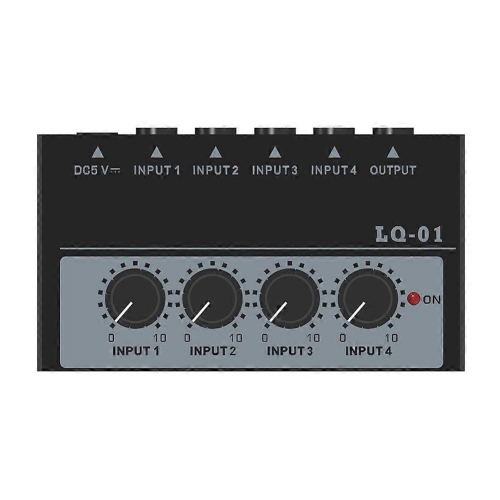
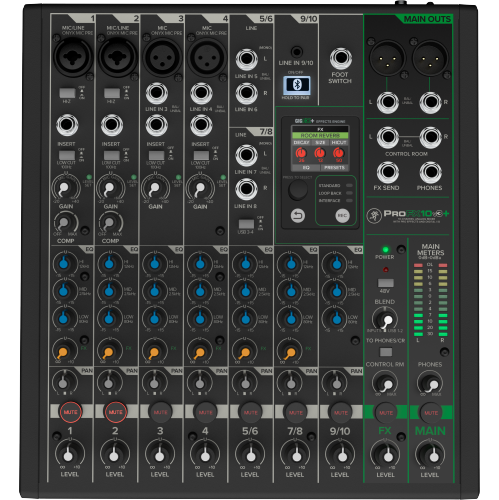
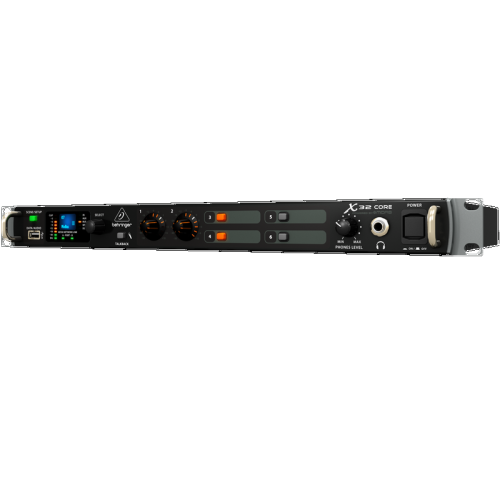
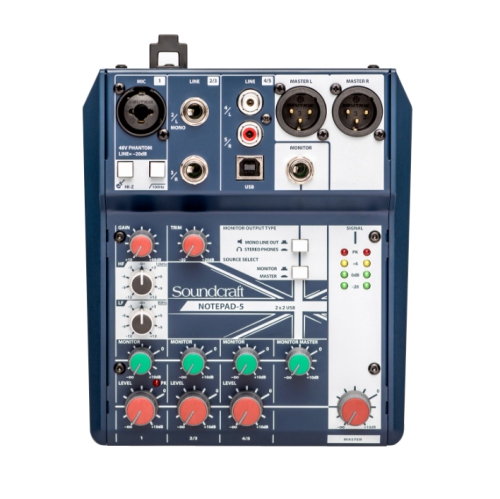
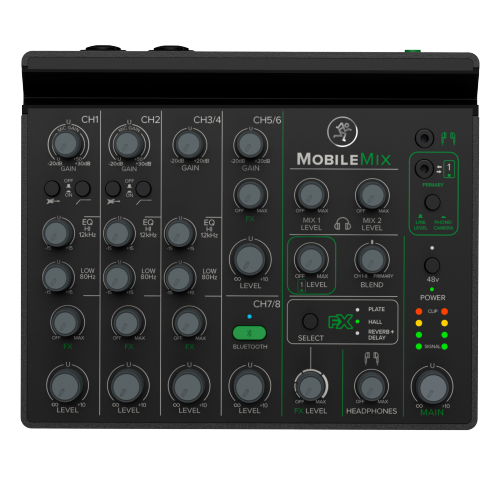
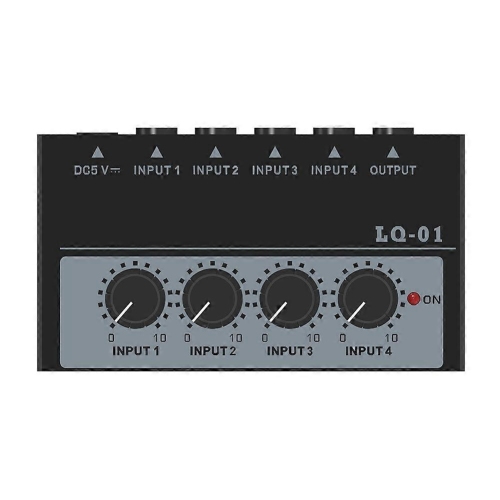
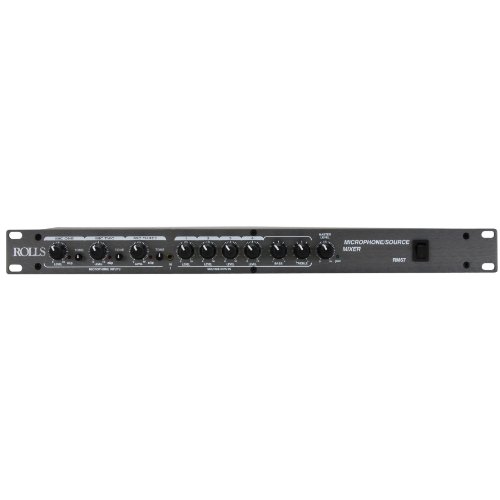

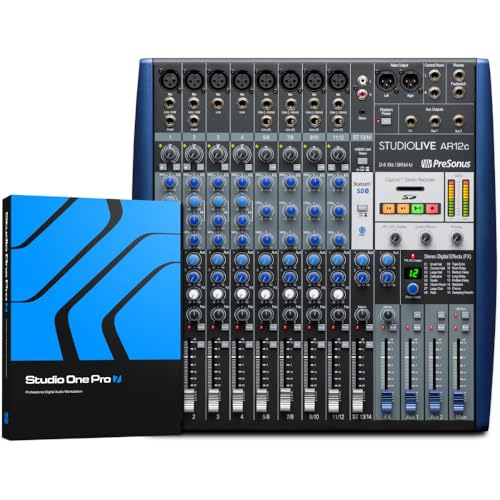
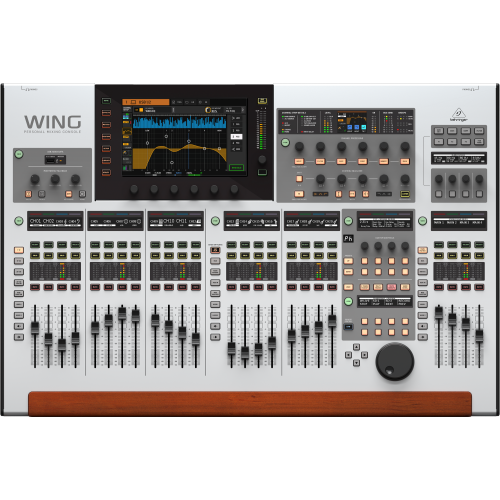
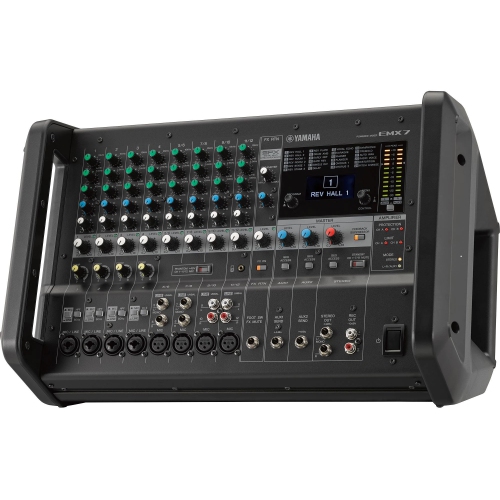
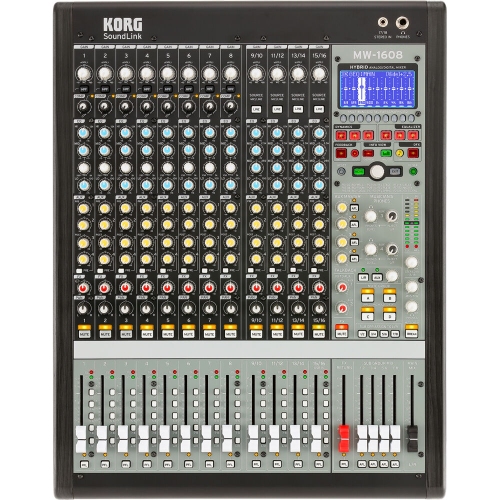
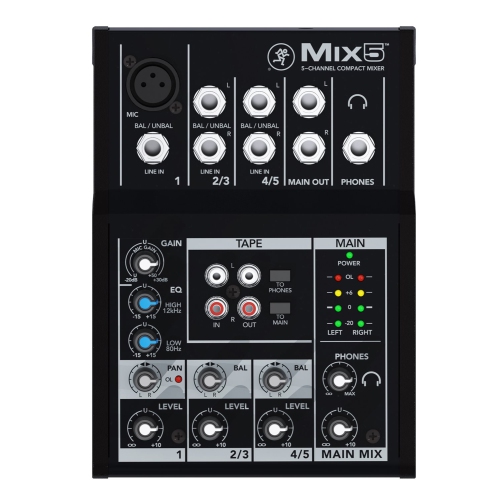
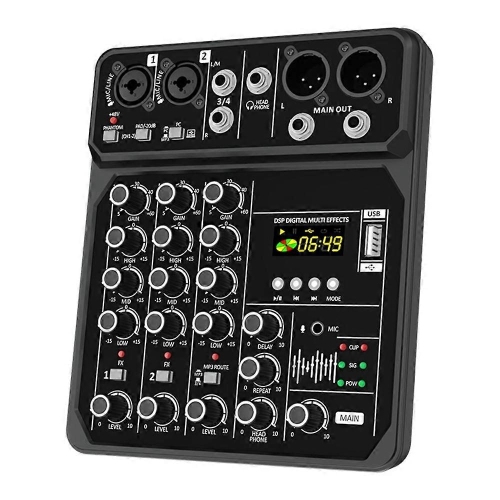
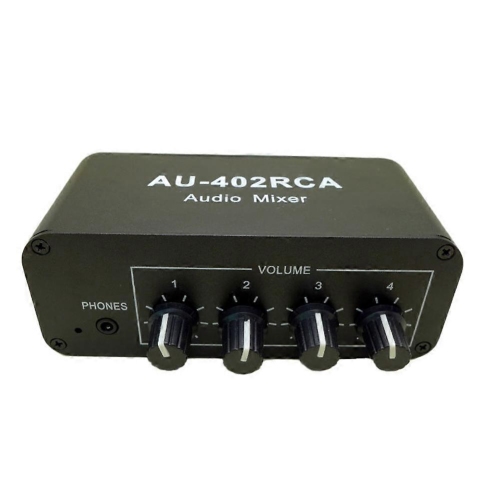
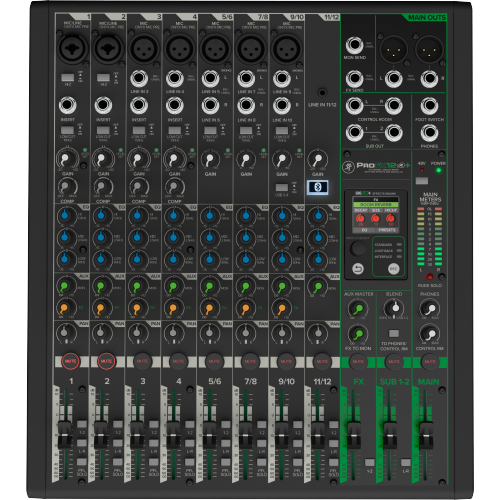
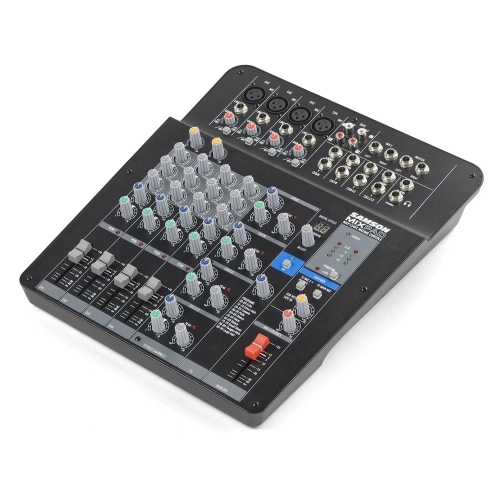
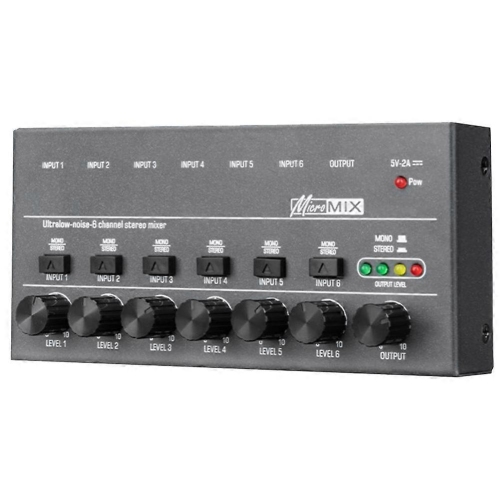
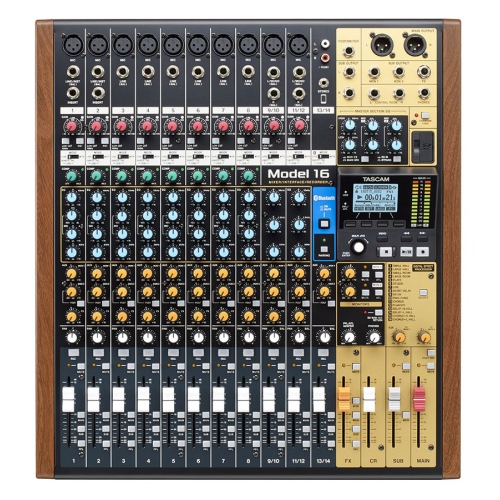
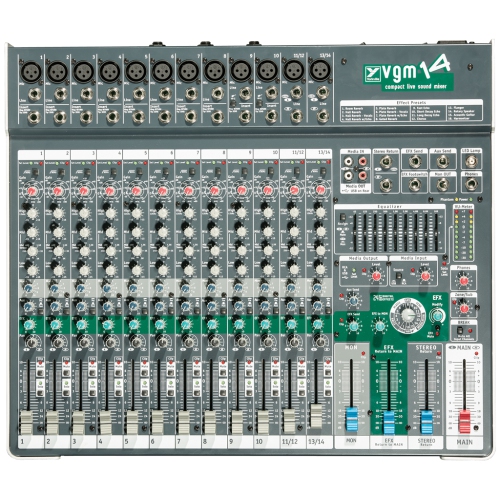
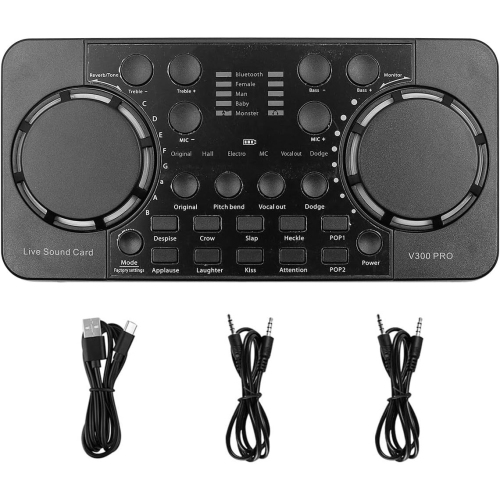
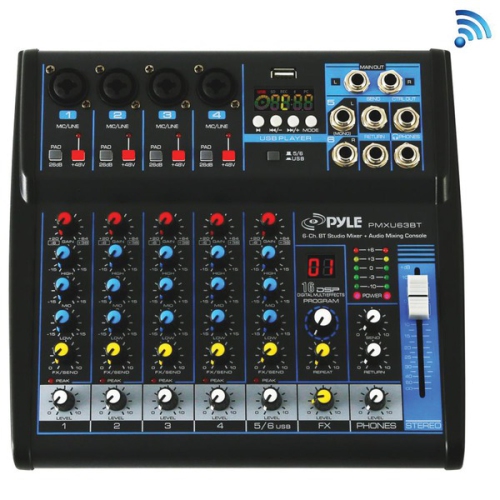
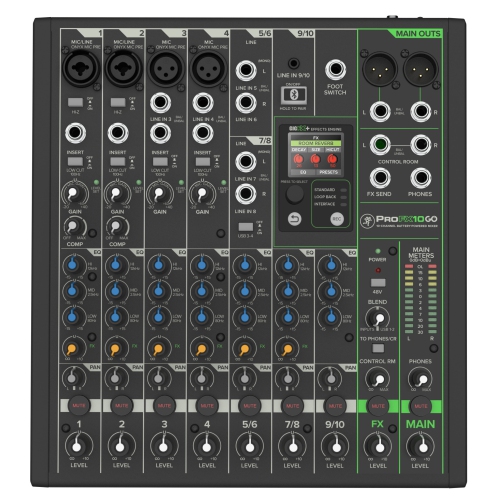
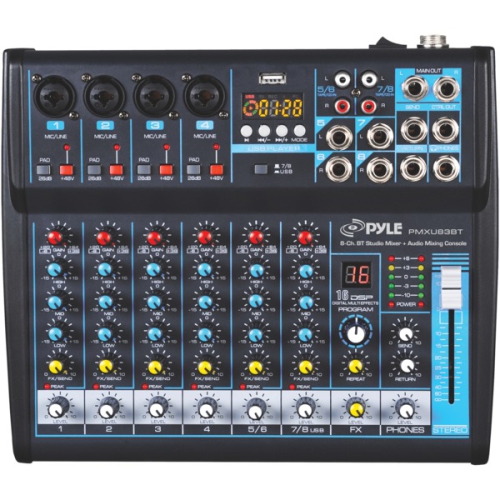
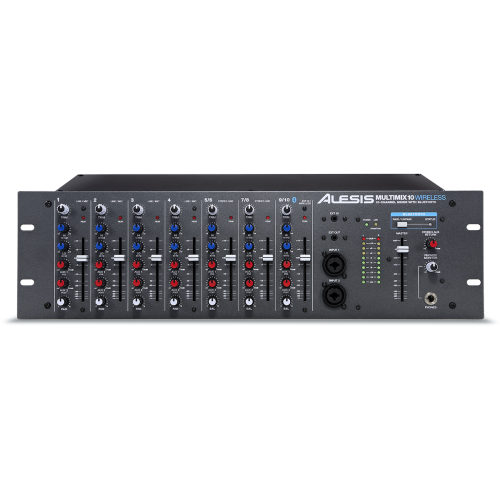
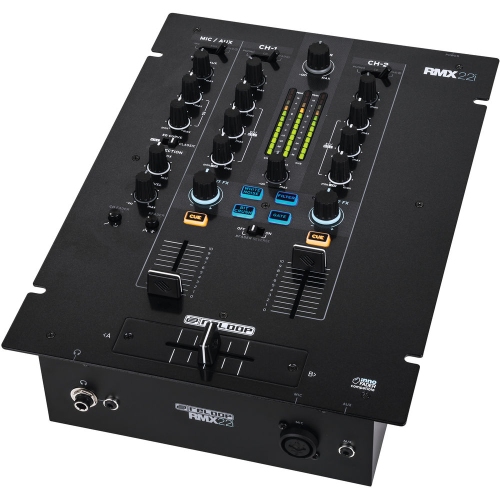
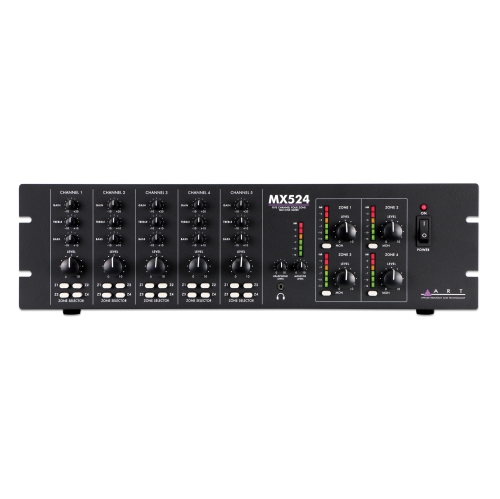
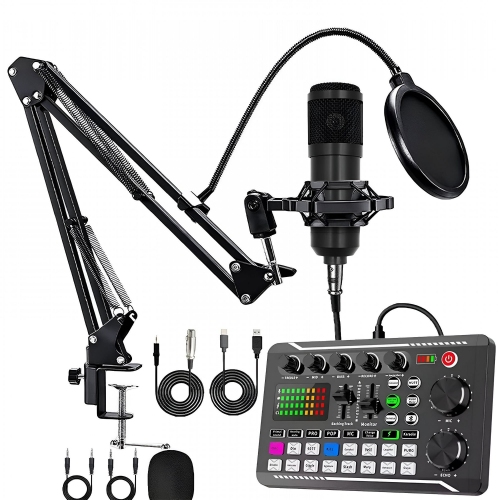
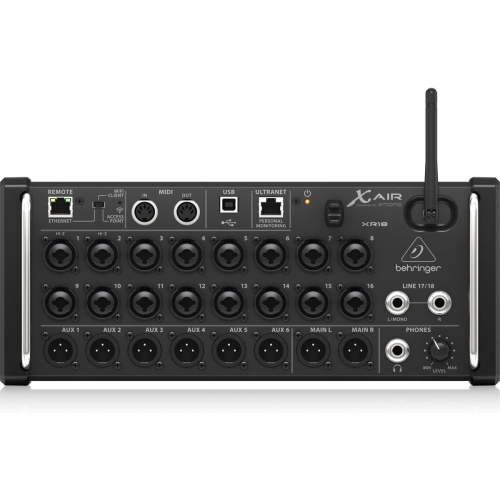
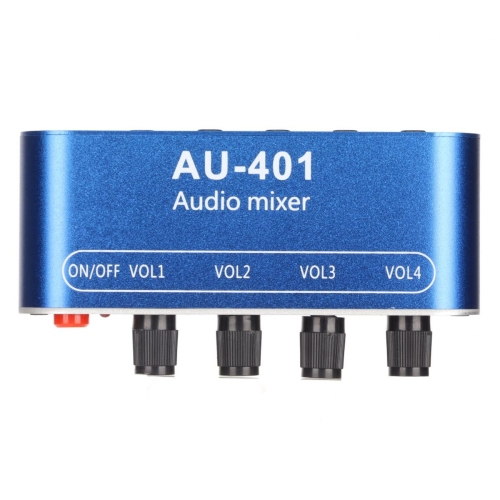
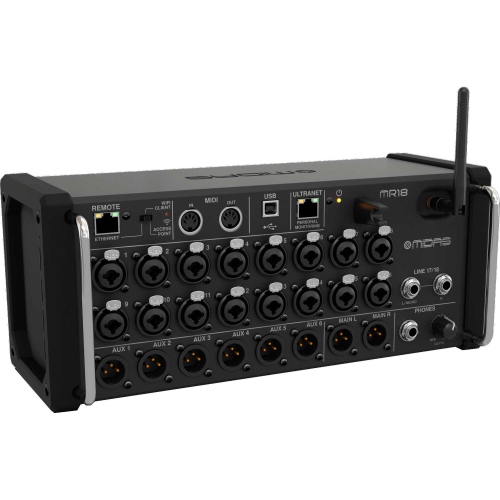
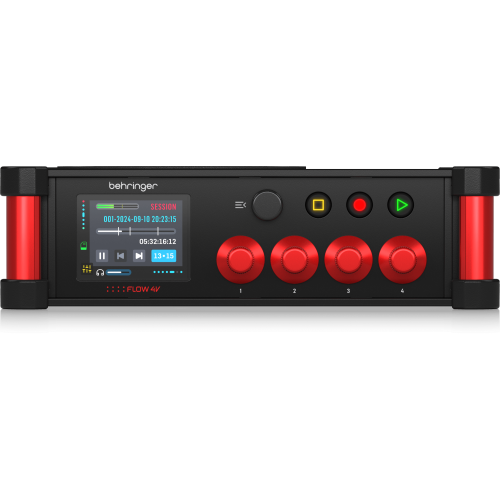
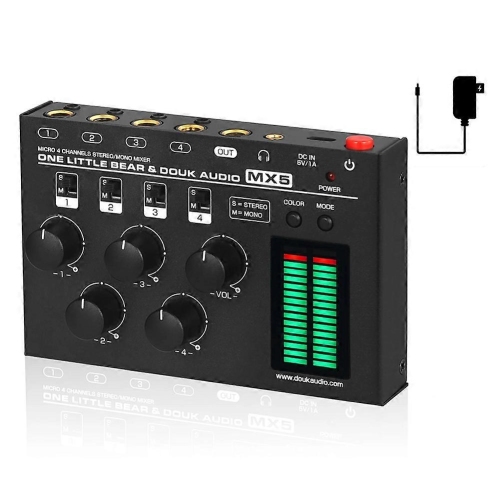
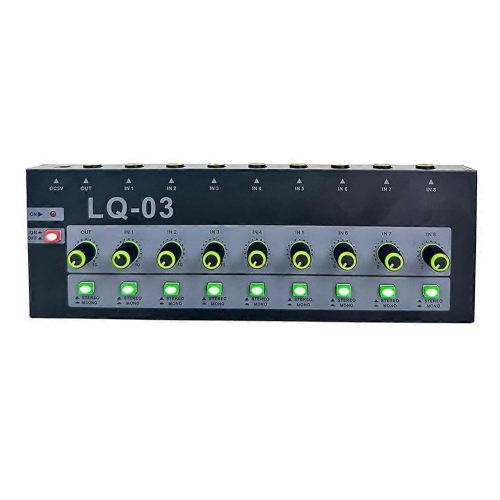
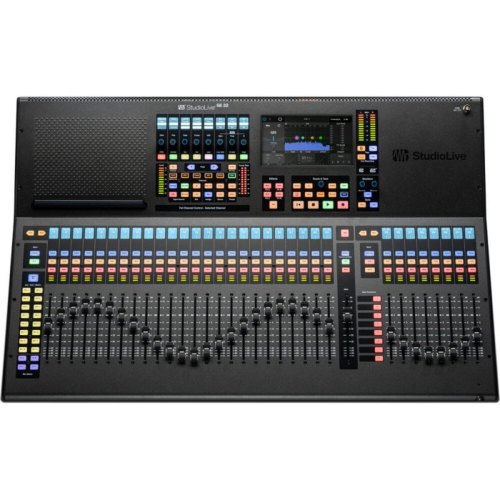
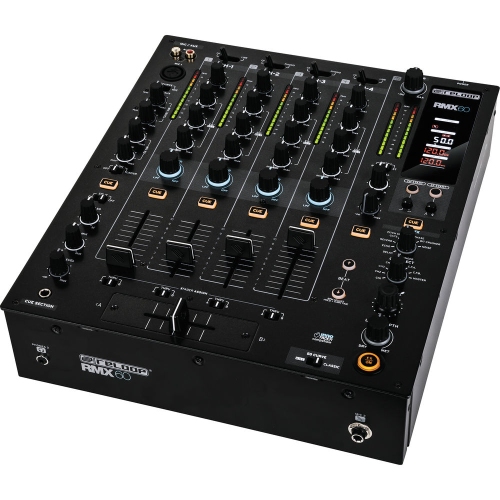
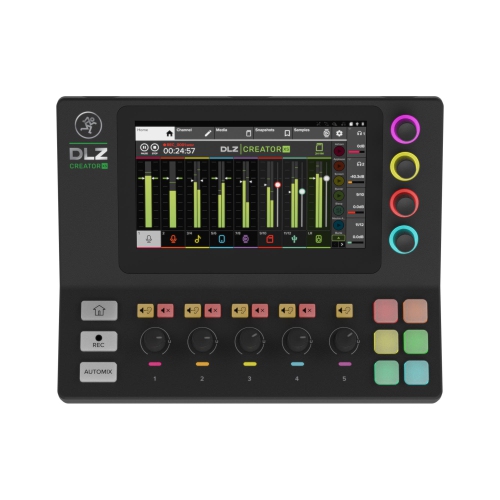
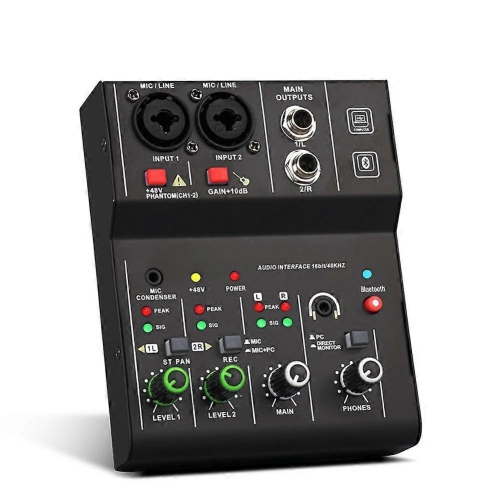
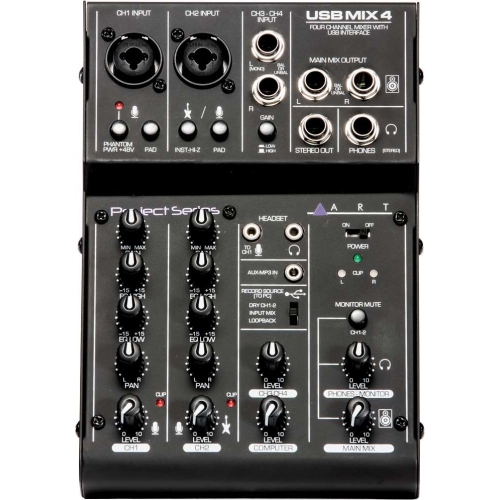
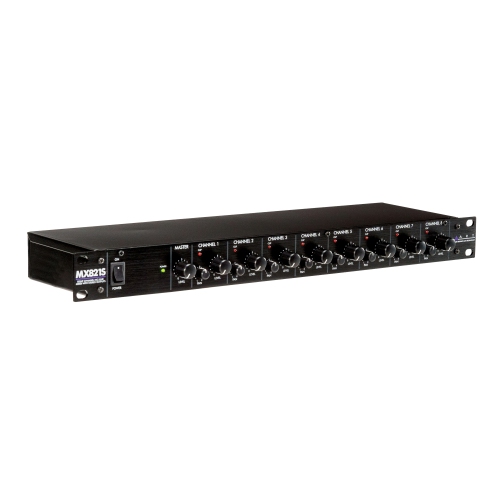
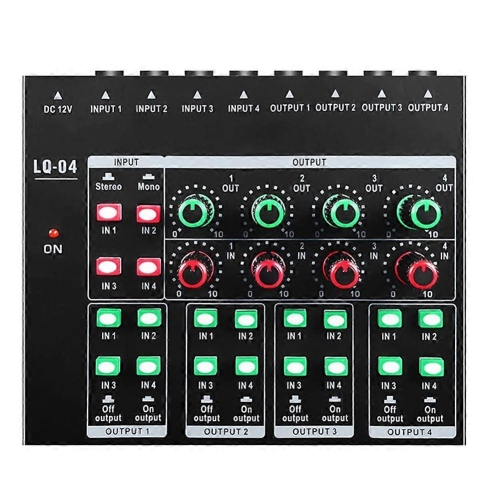
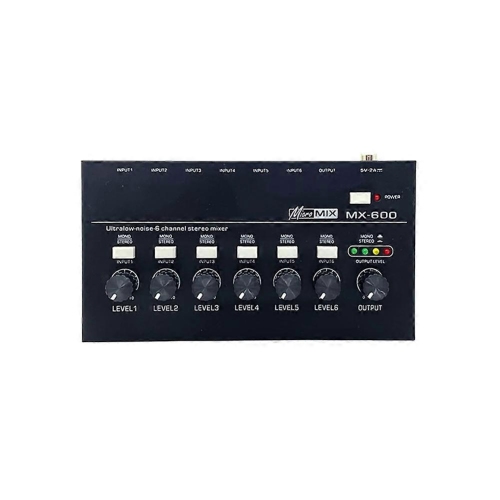
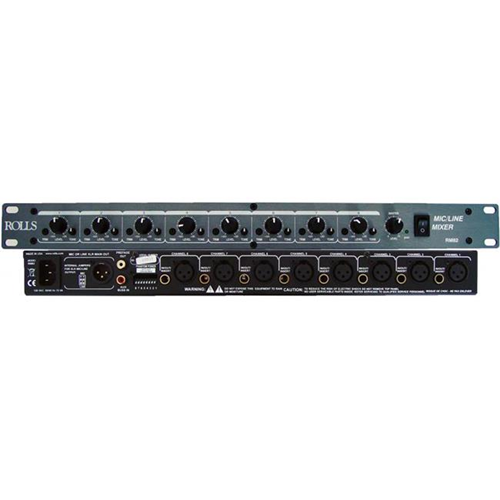
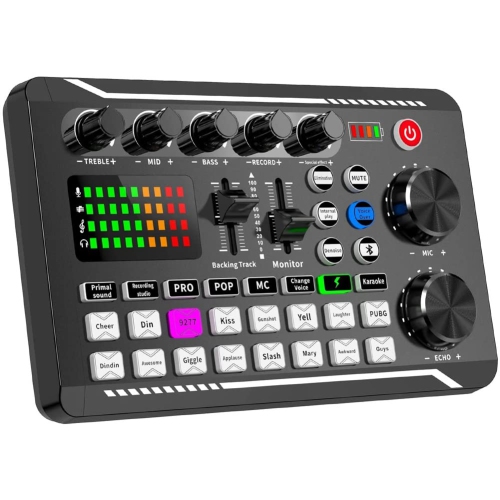
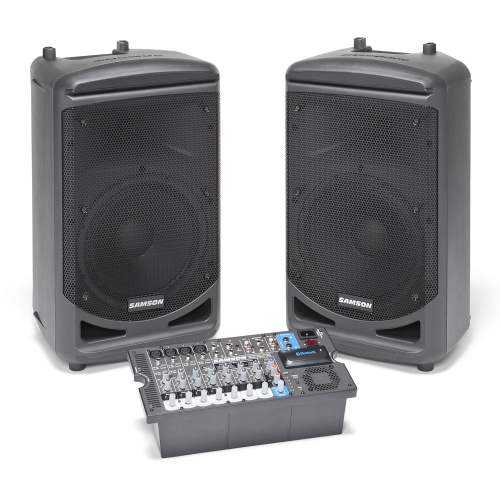
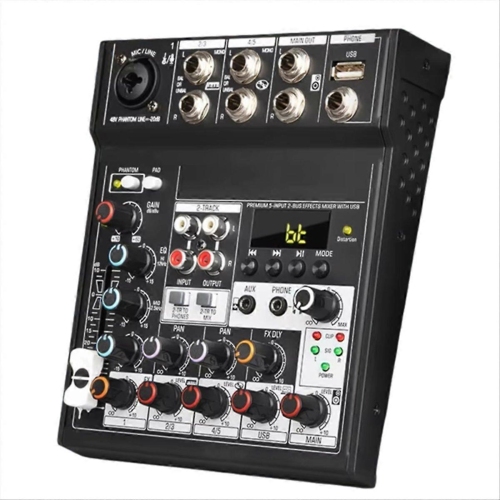
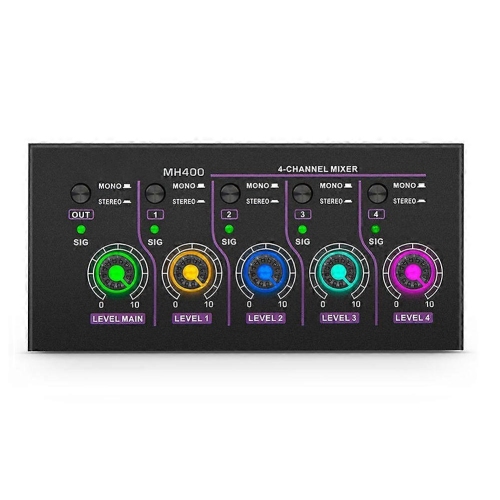
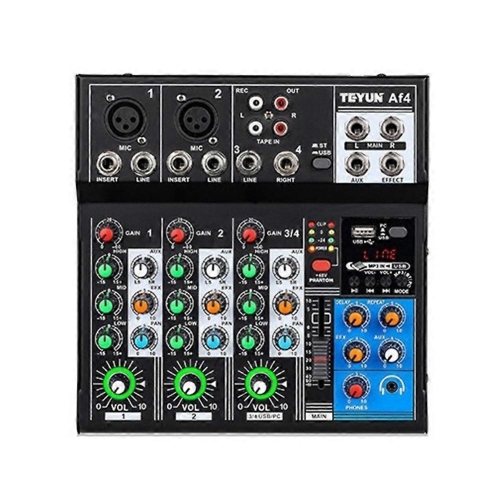
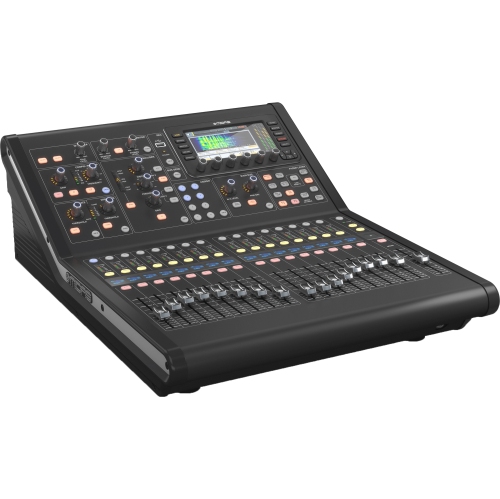
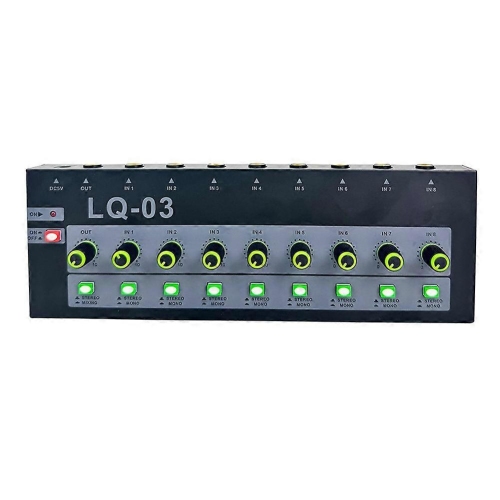
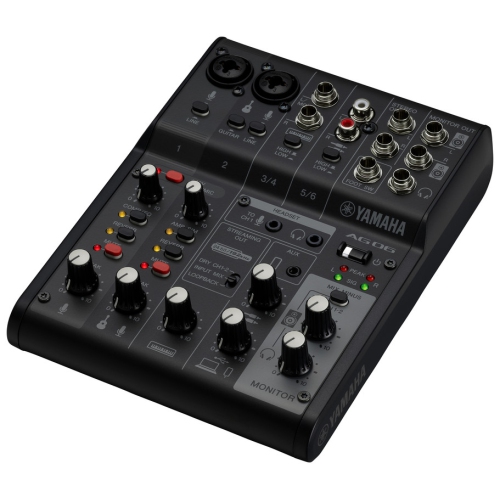
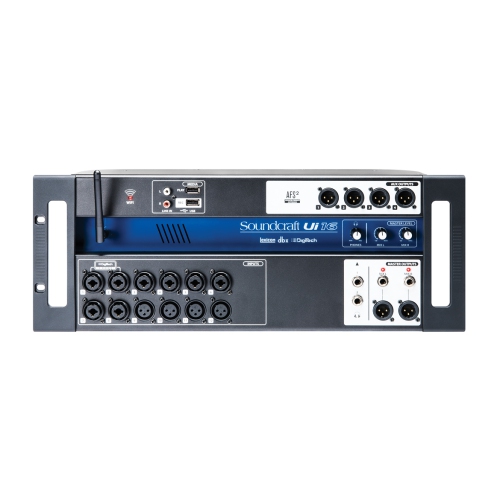
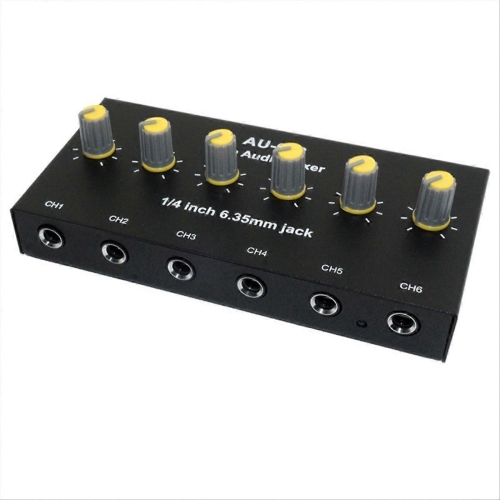
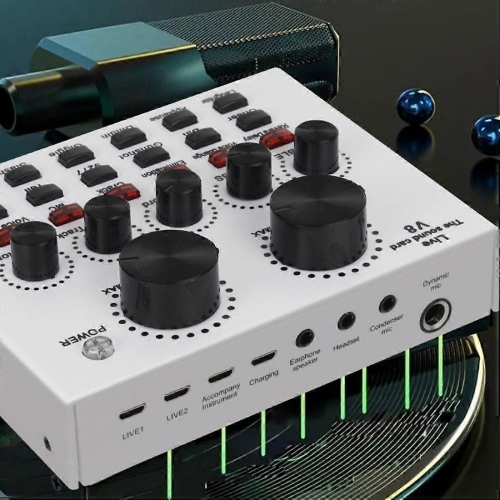
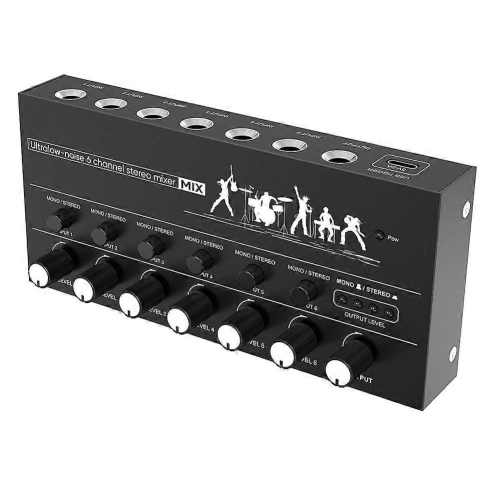
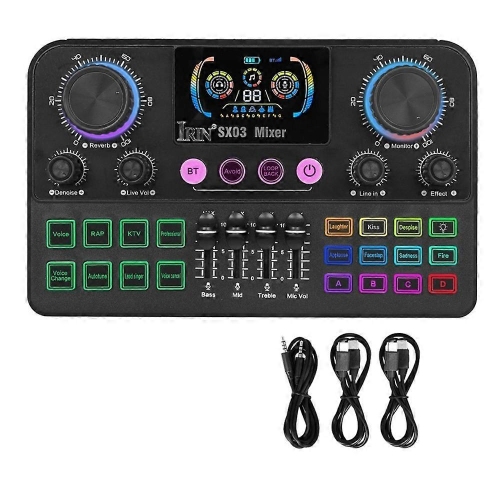
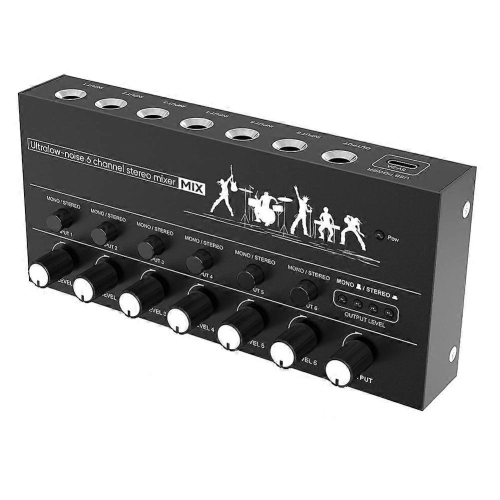
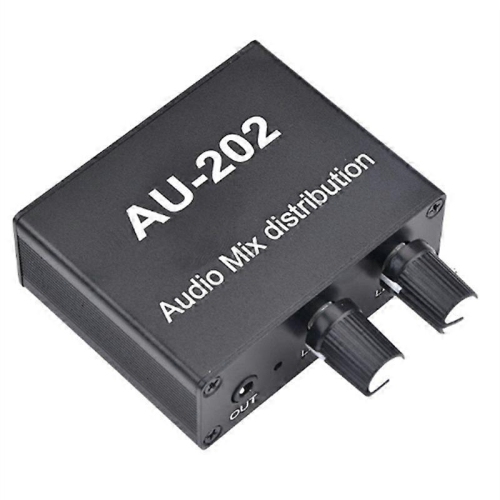
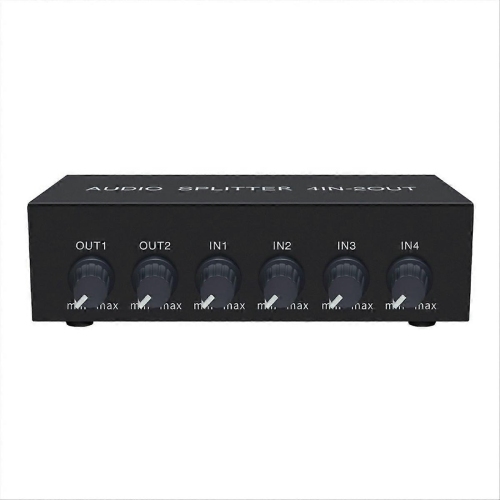
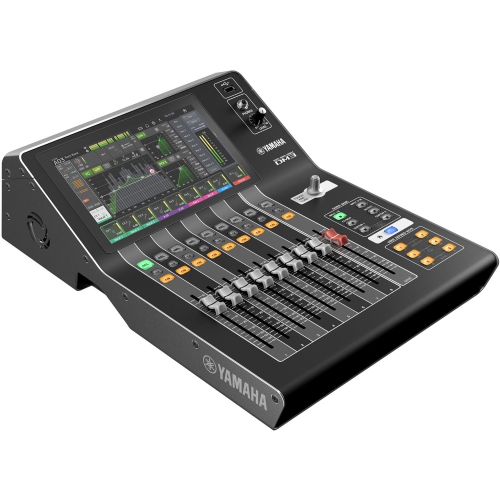

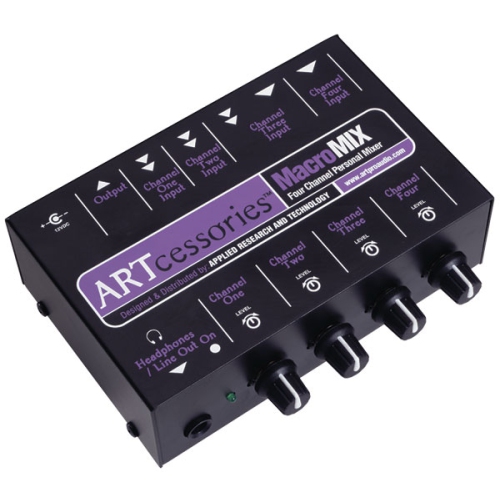
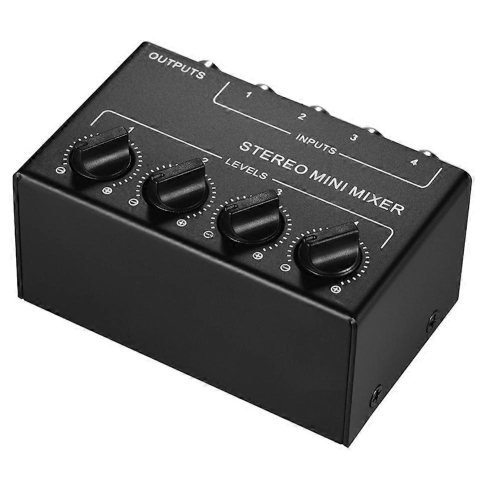
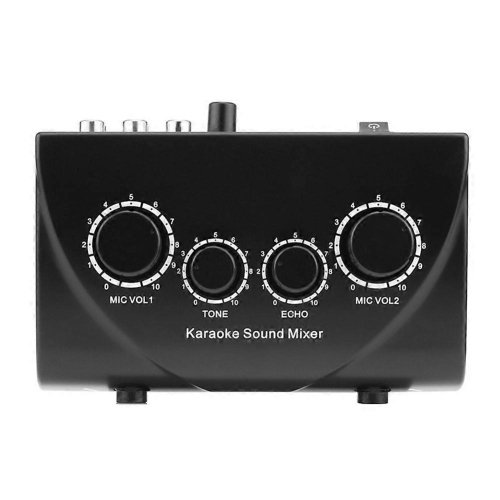
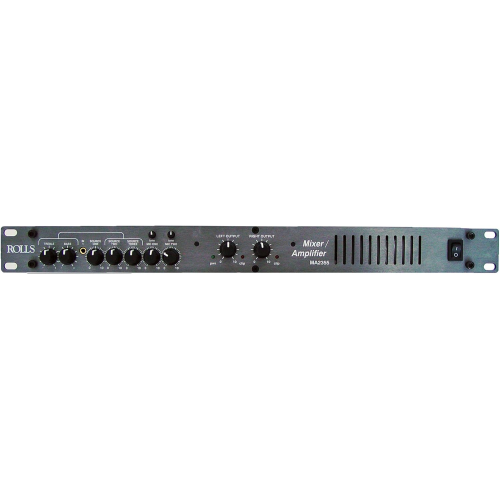

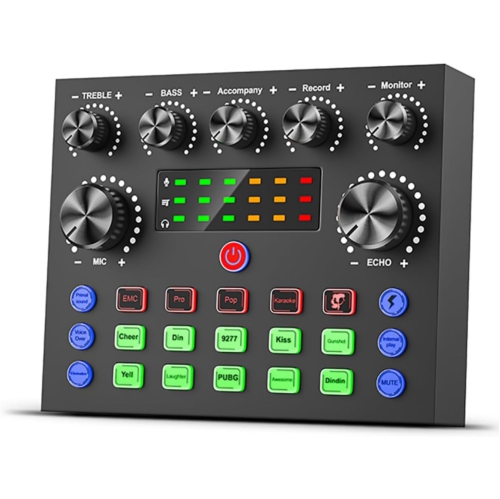
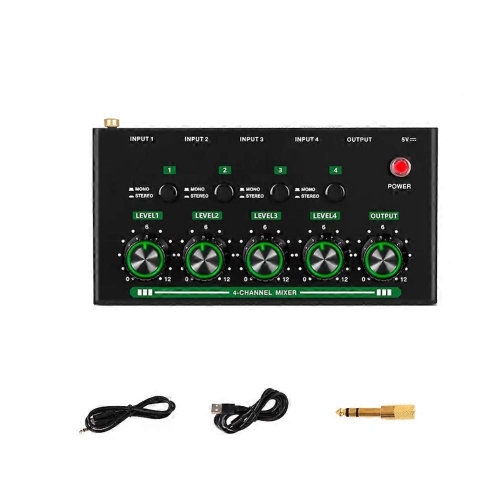
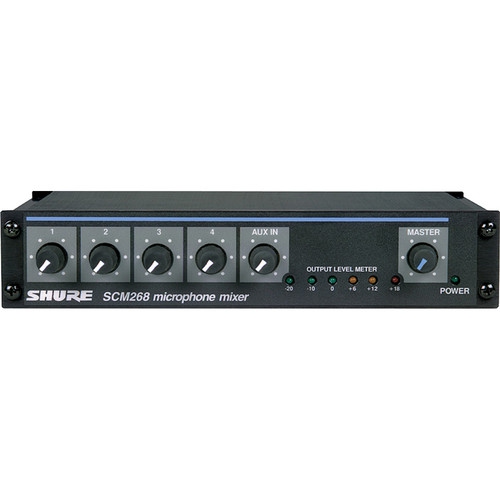
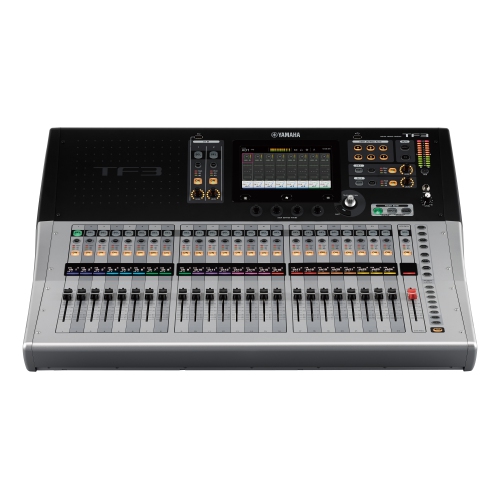
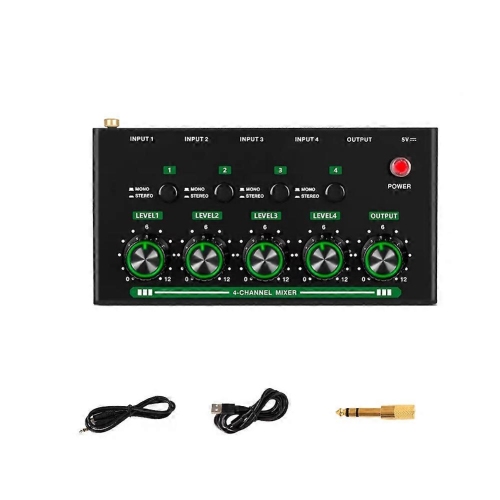
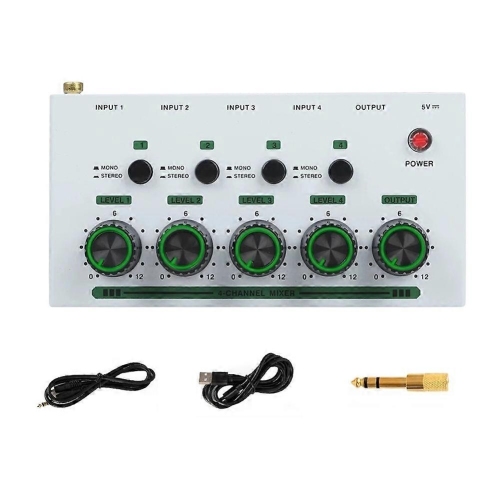
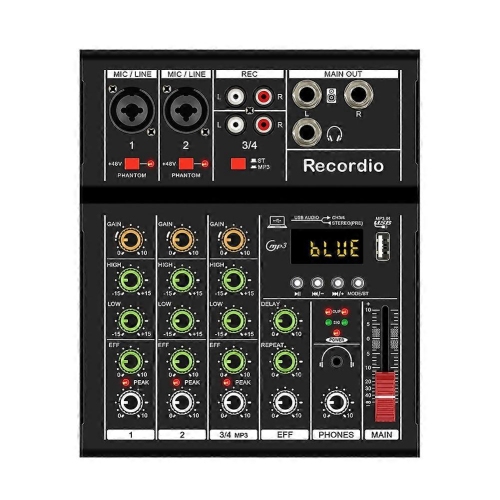
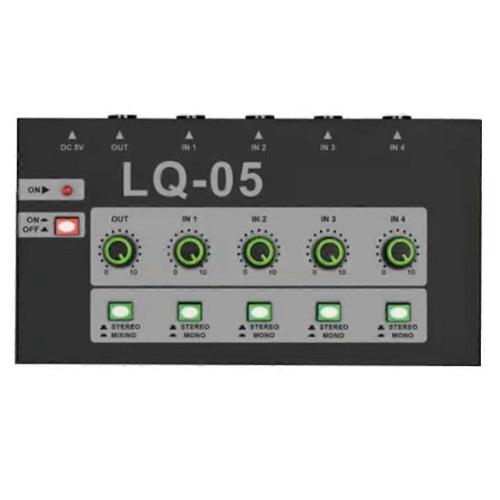
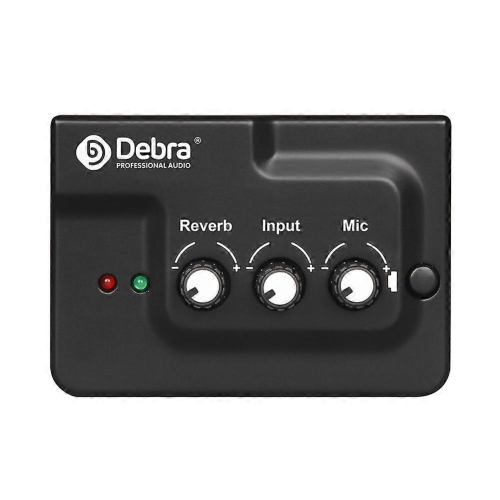
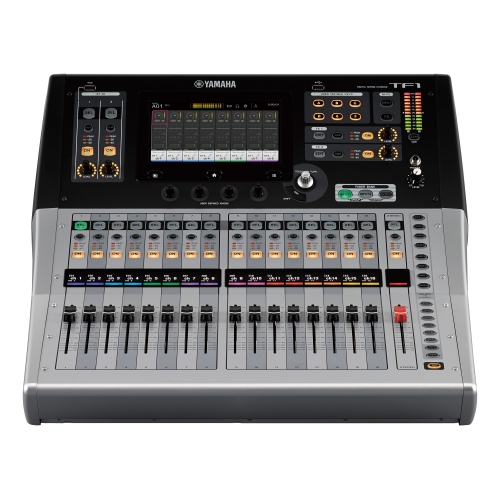
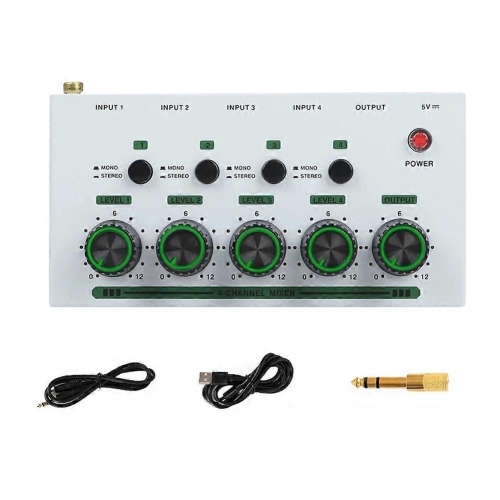
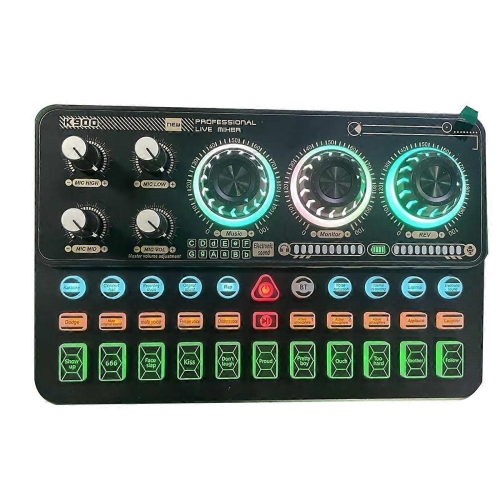
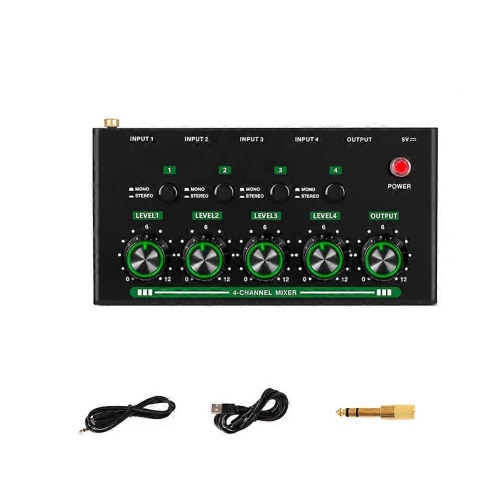
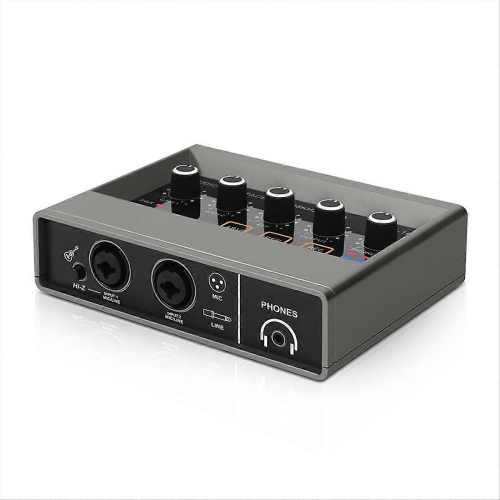
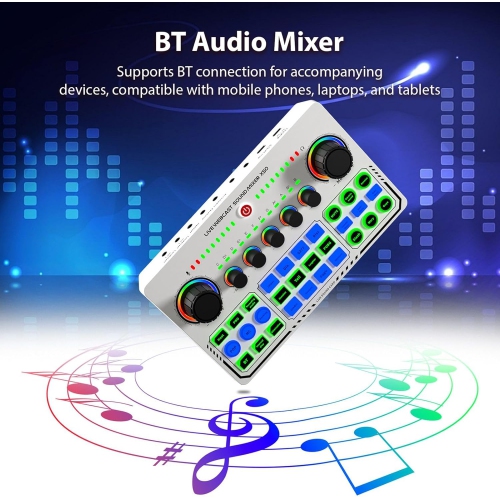
How multiple sound sources become one balanced mix
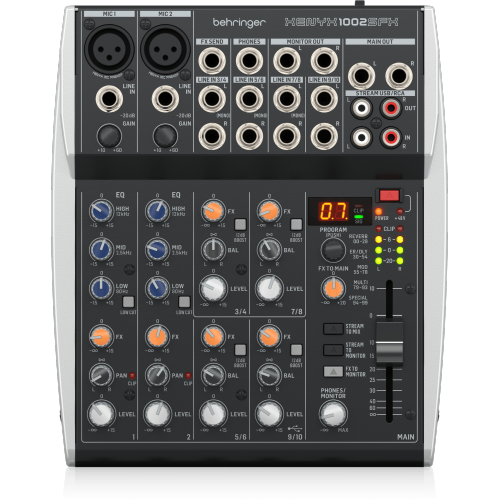
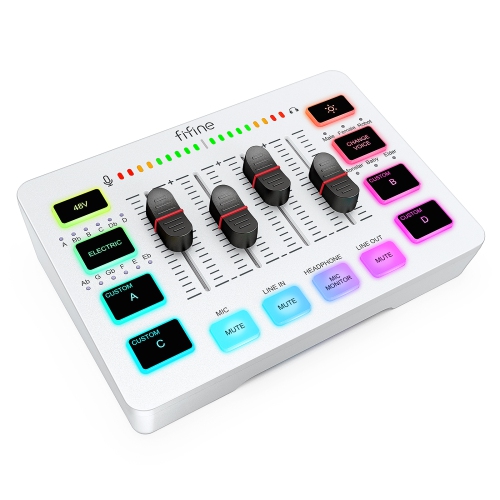
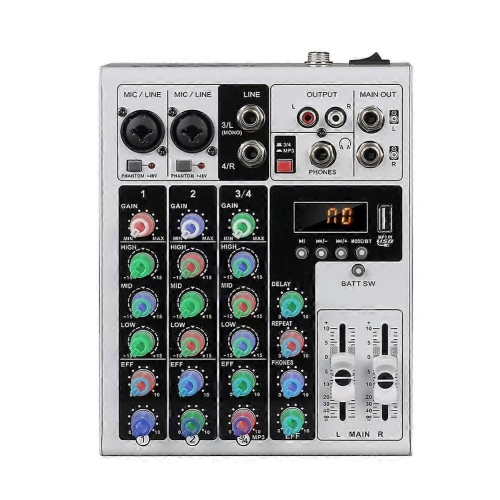
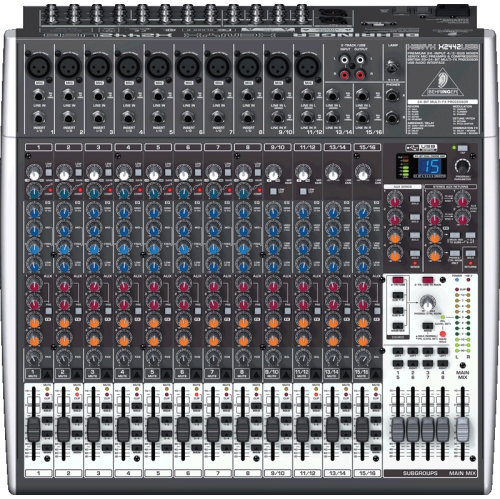
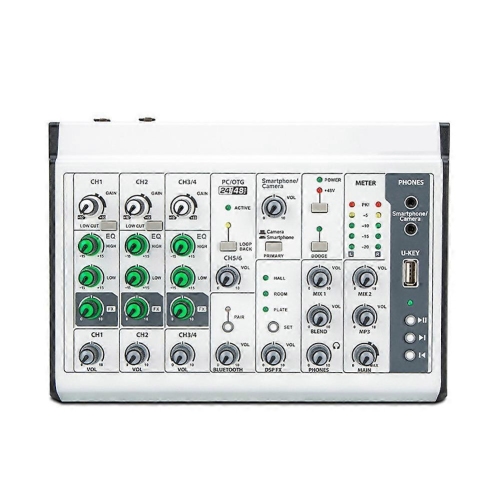
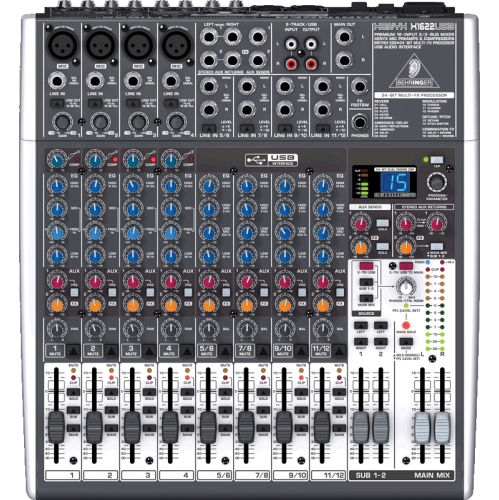
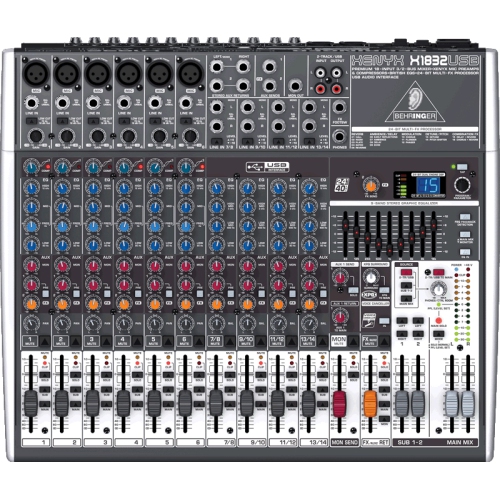
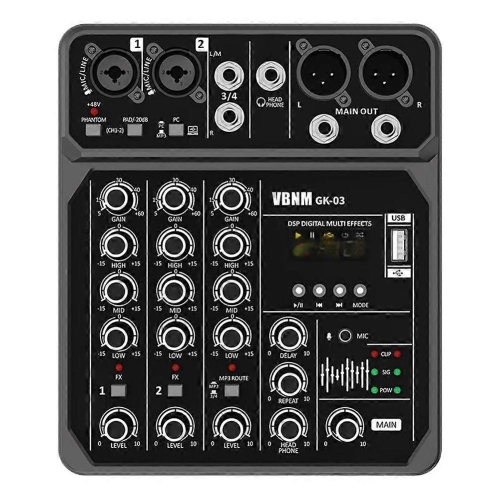
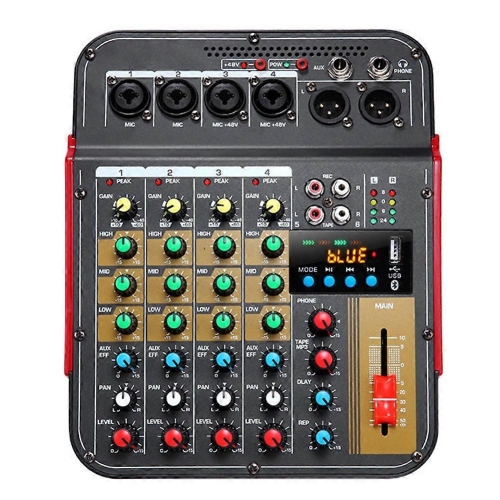
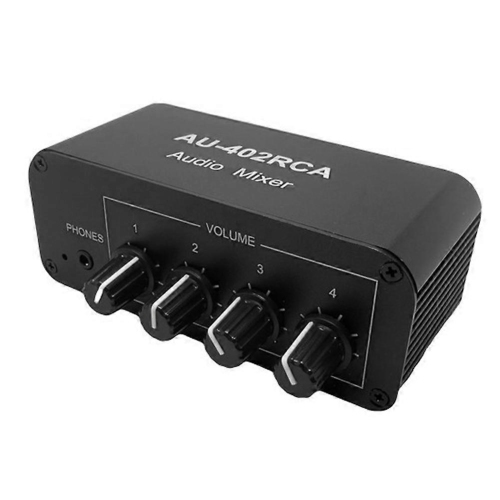
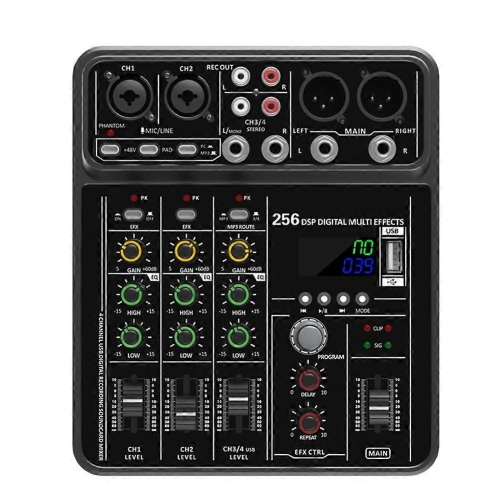
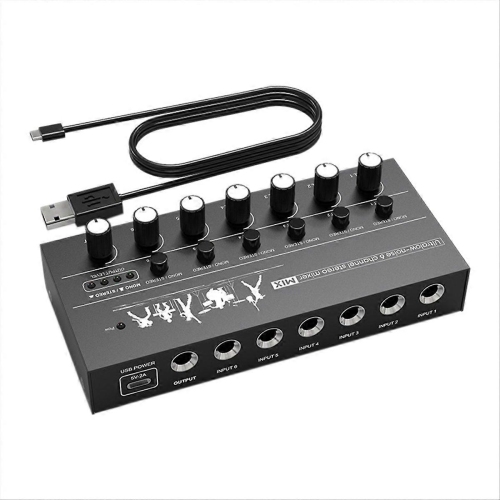
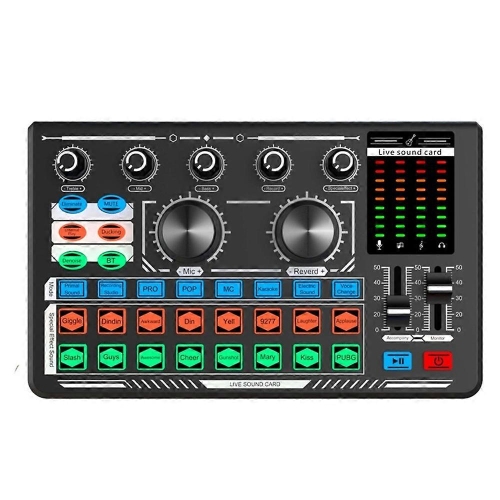
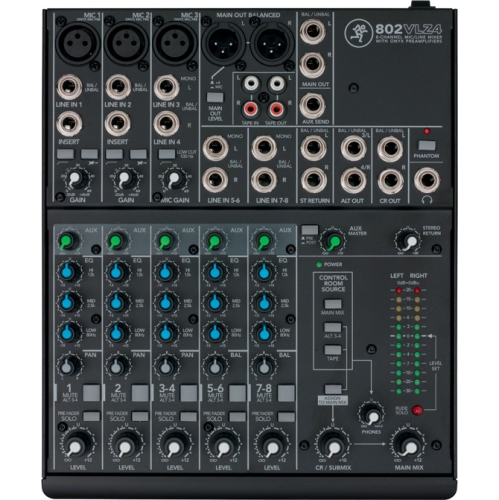
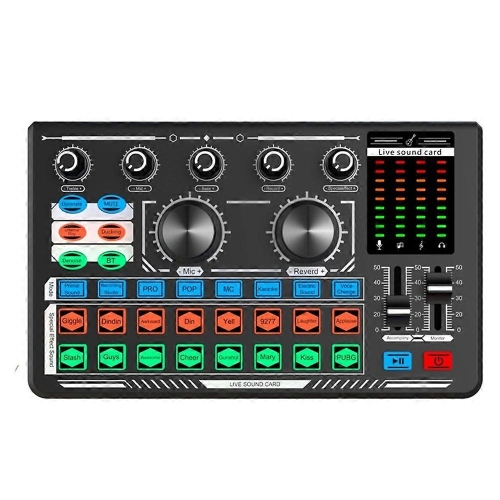
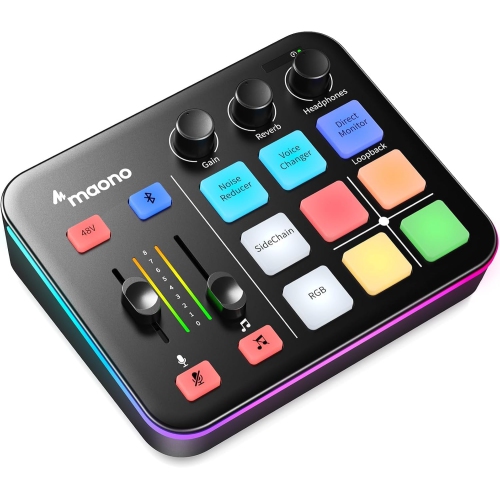
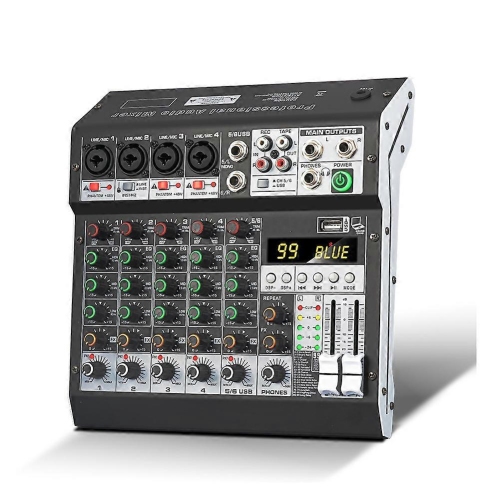
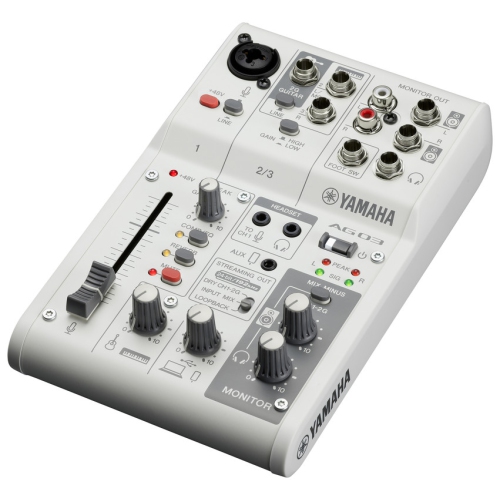
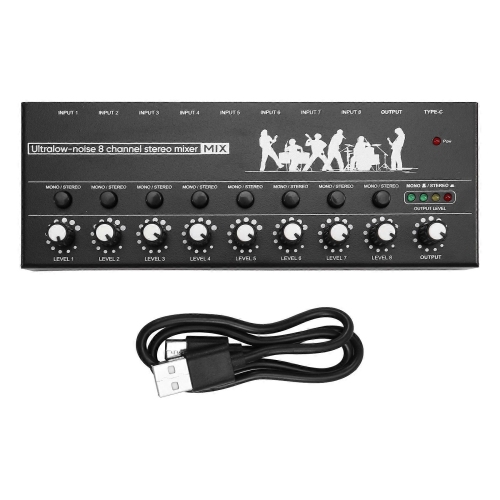
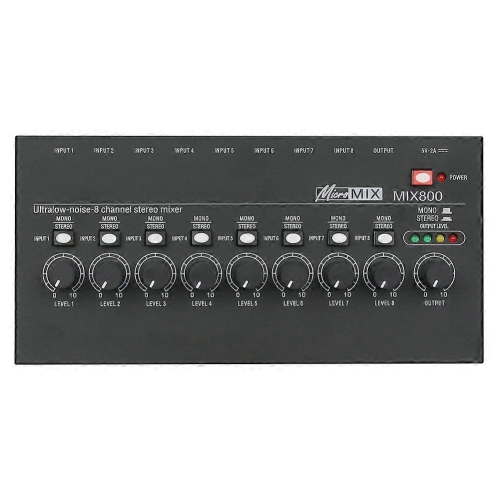
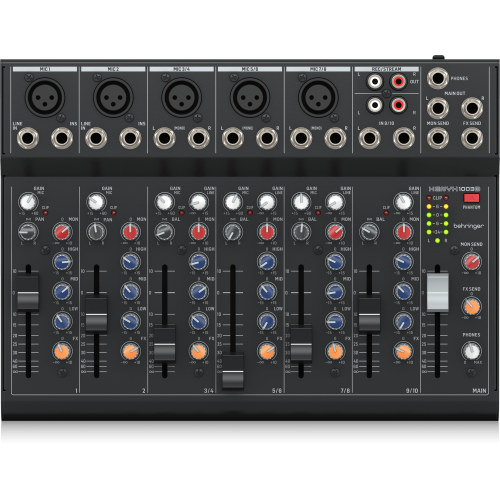
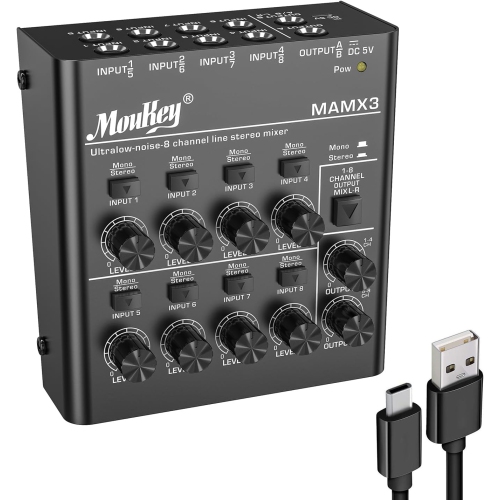
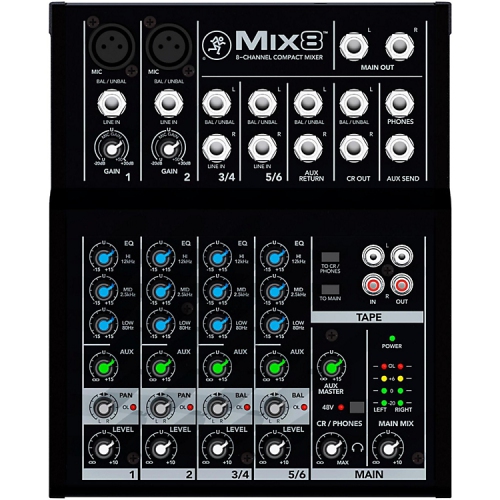
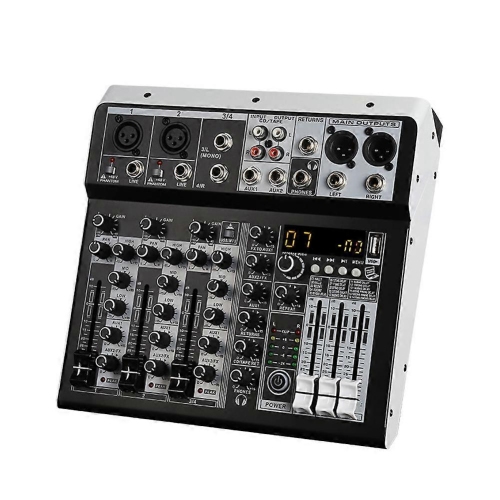
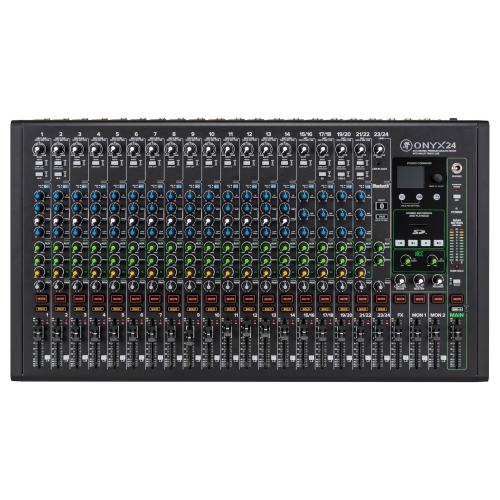
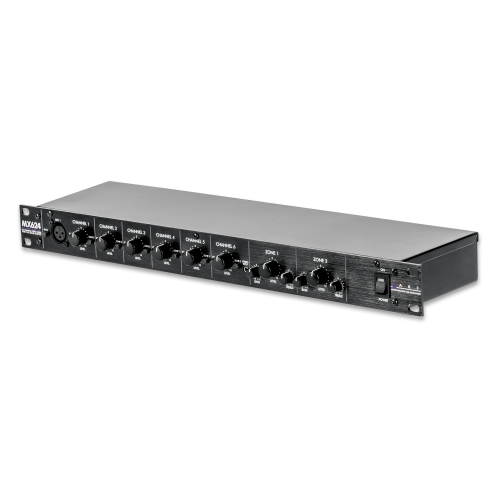
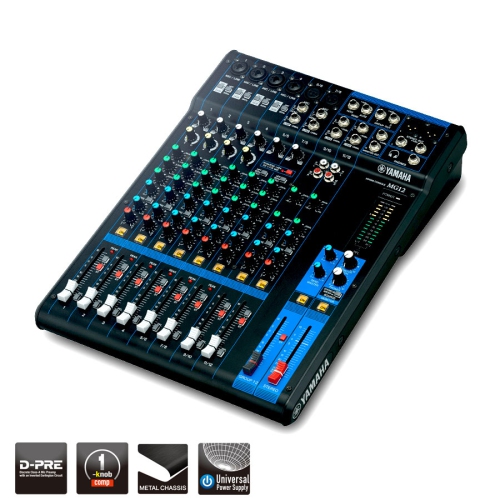
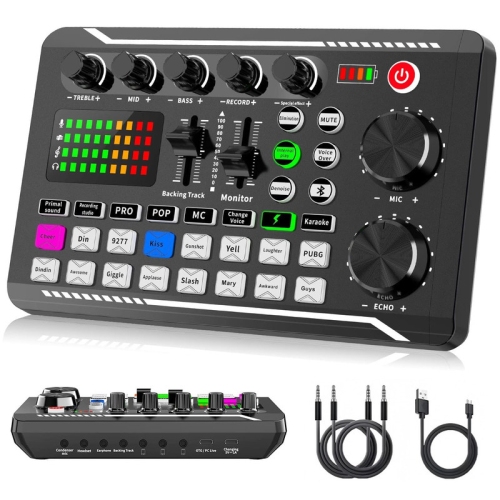
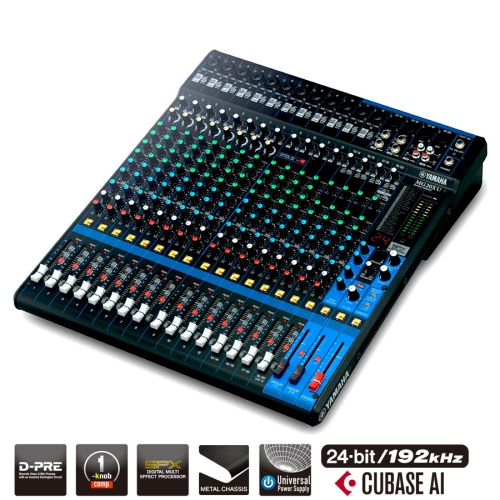
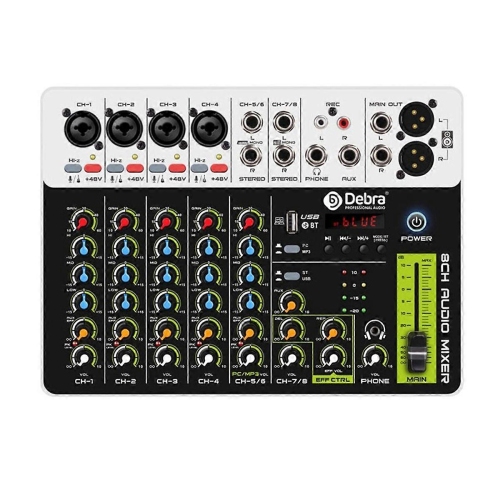
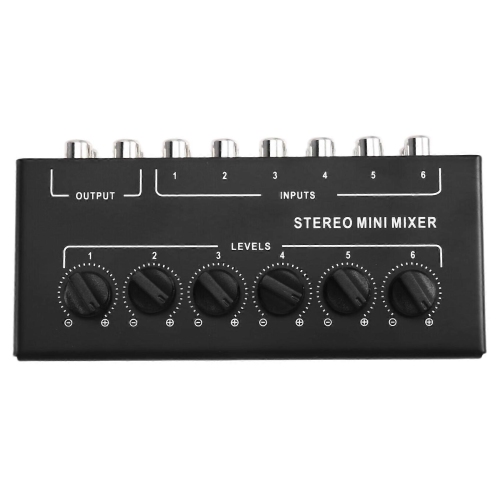
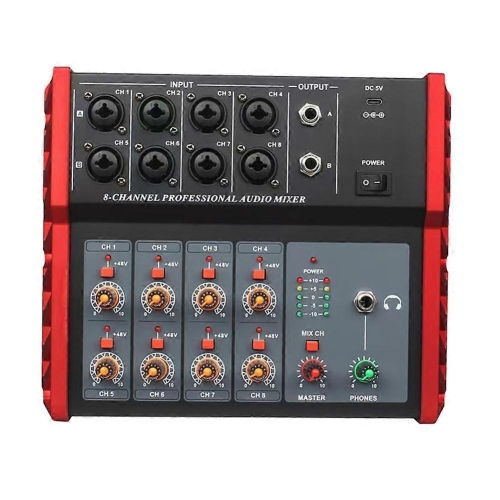
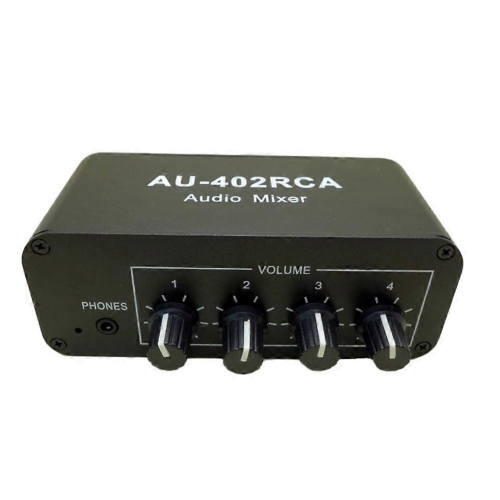
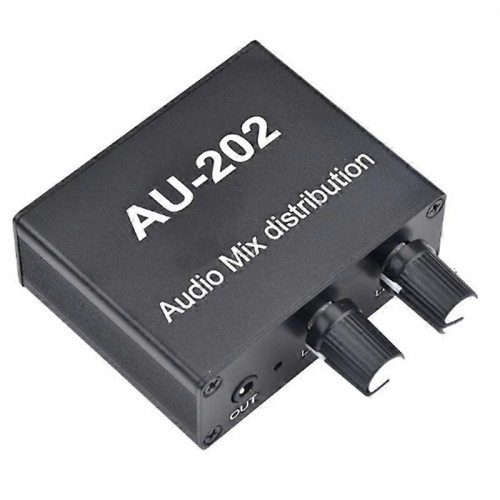
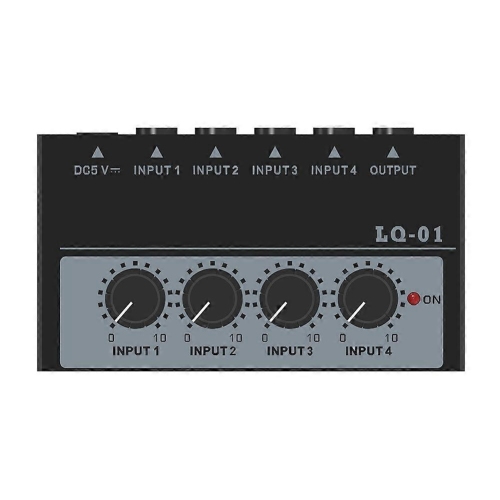
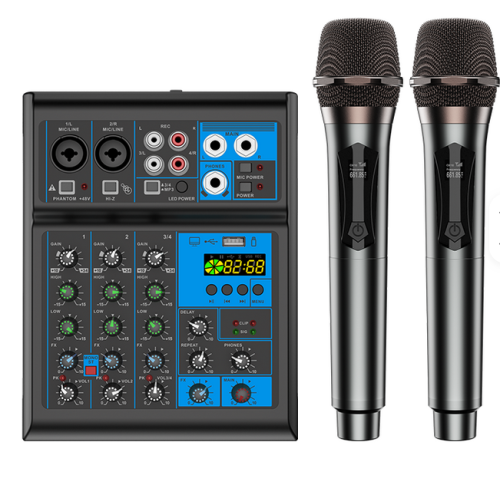
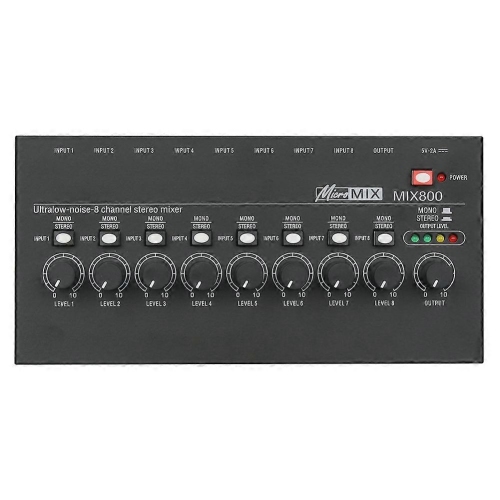
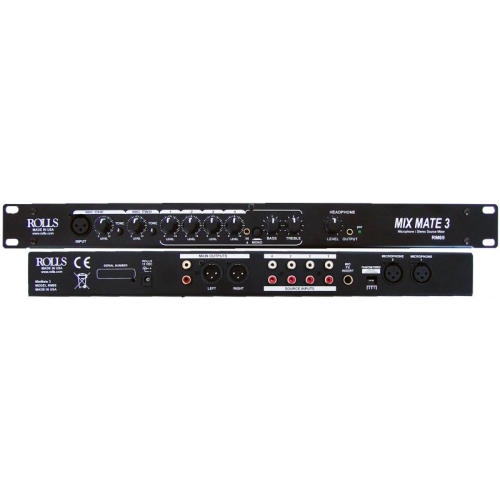
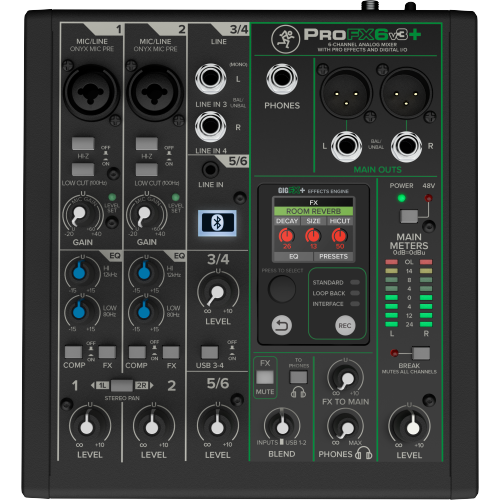
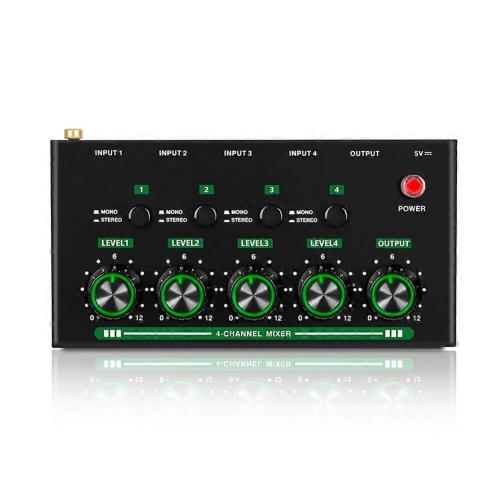
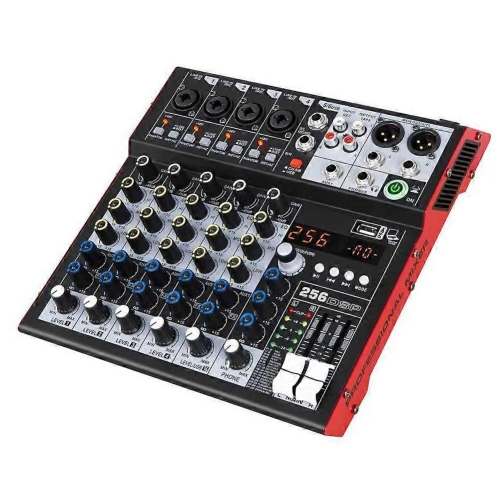
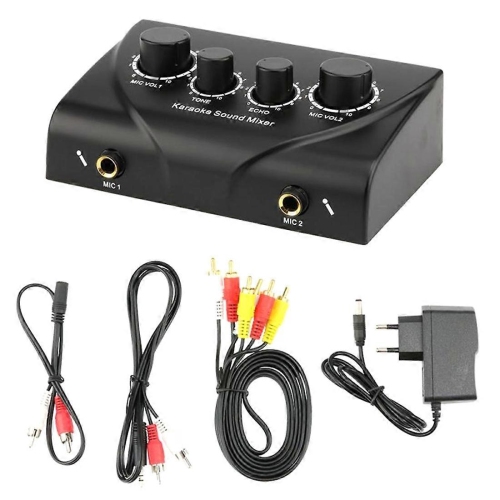
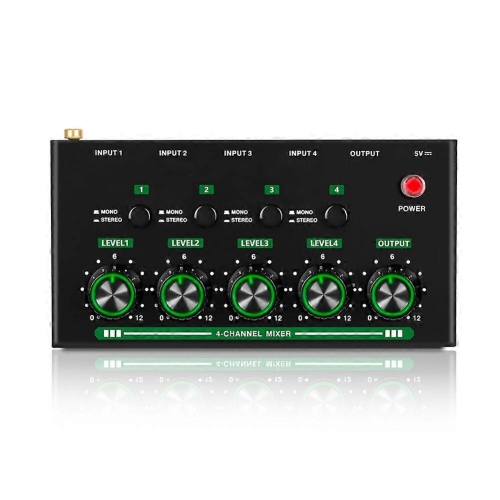
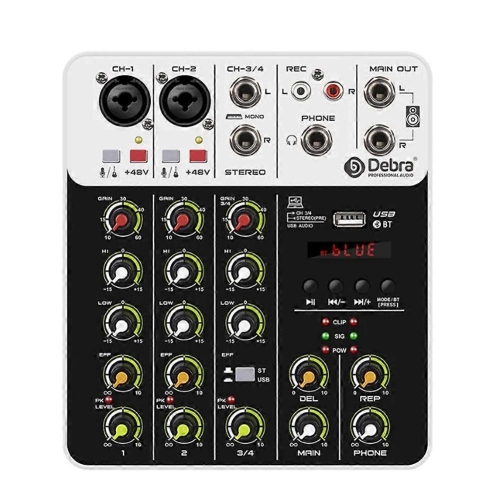
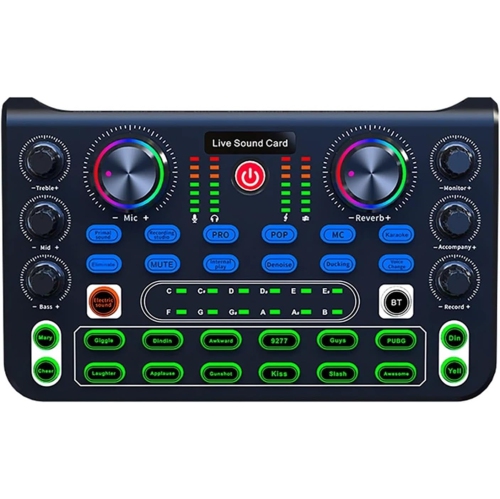
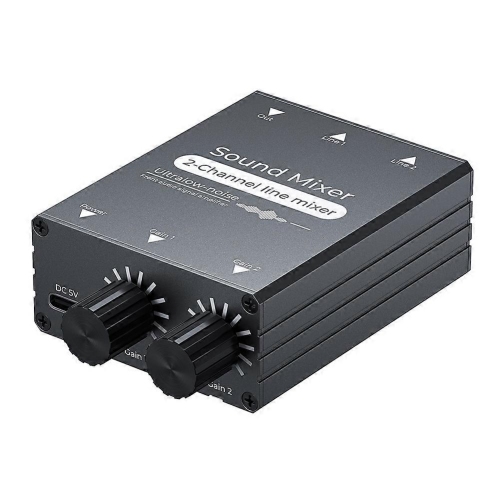
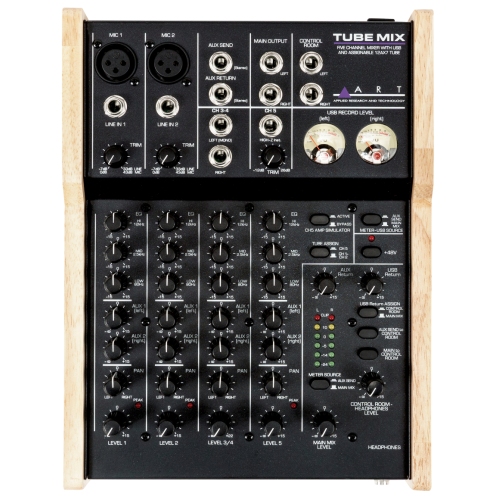
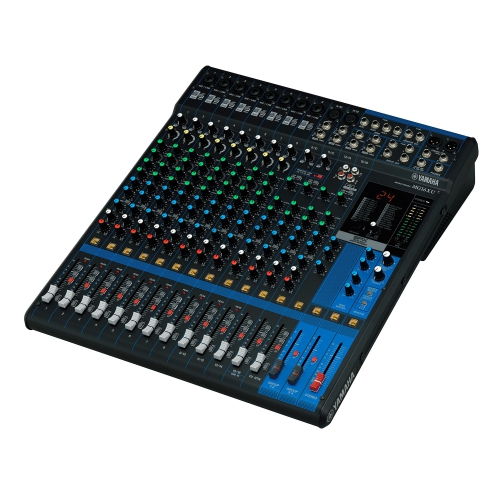
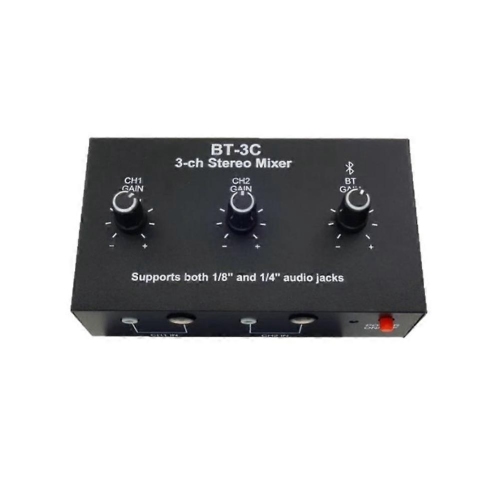
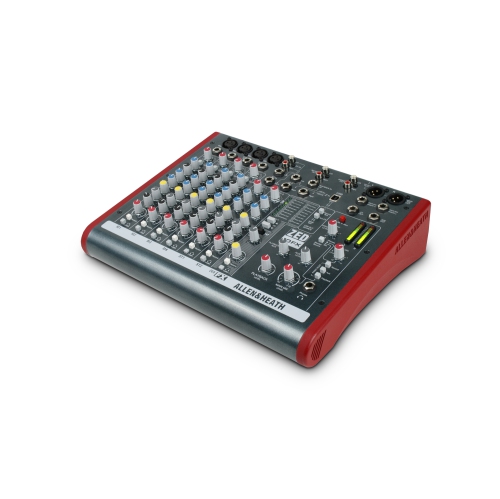
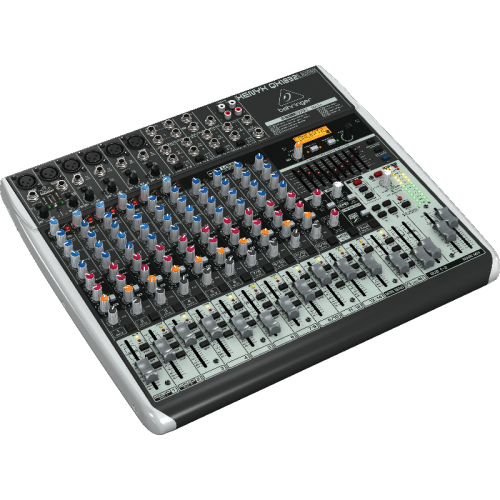
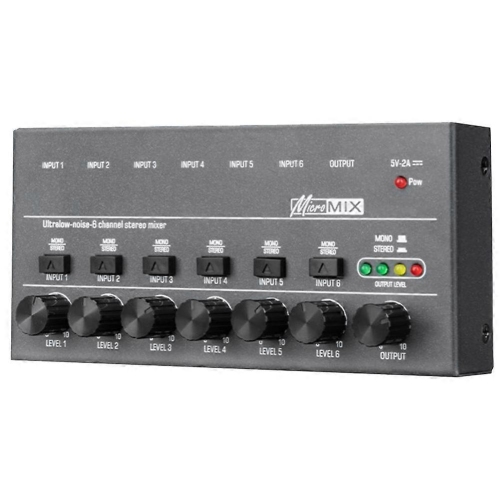
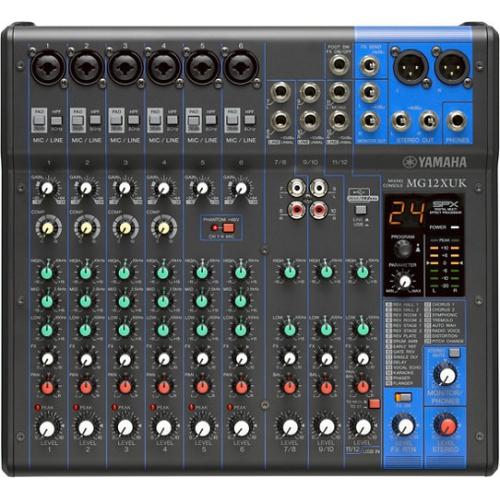
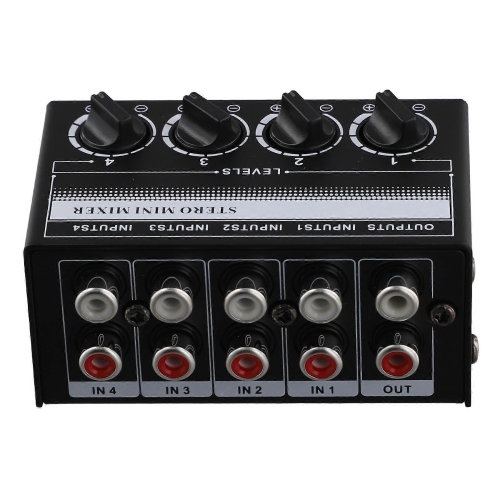
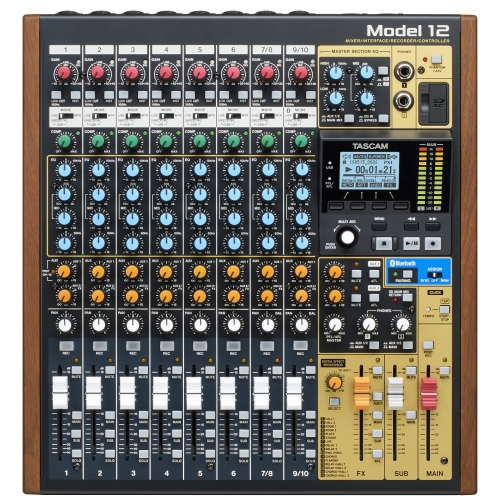
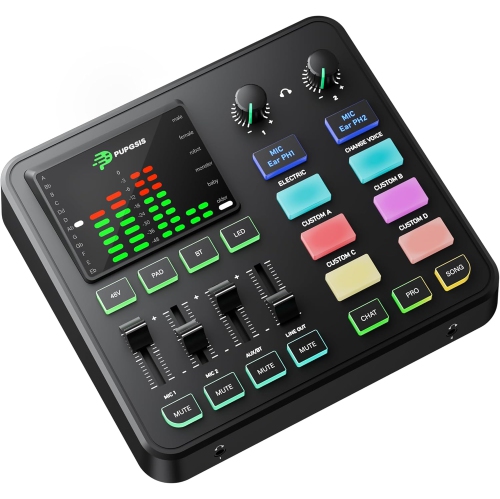
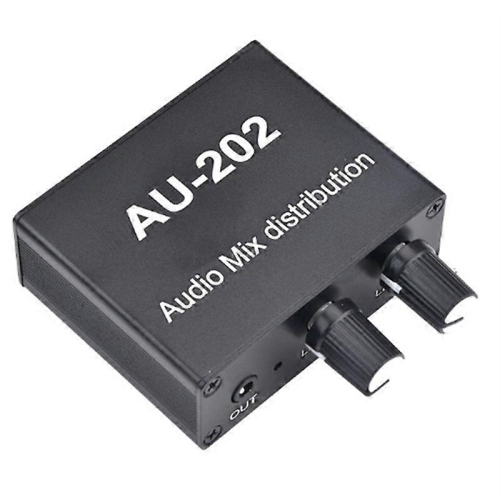
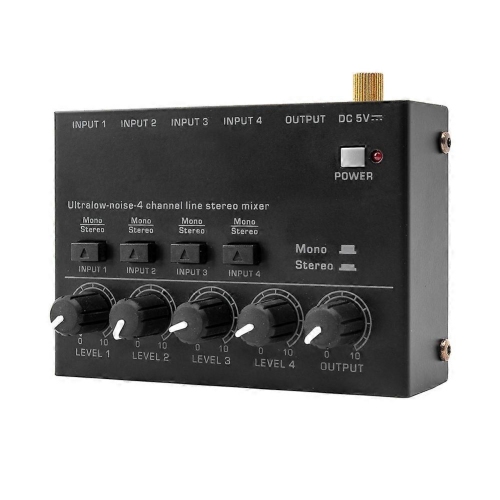
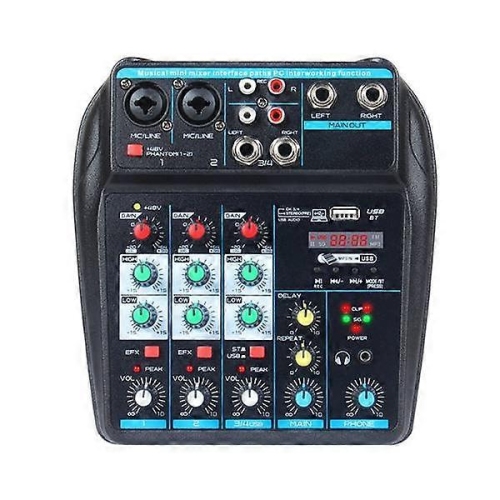
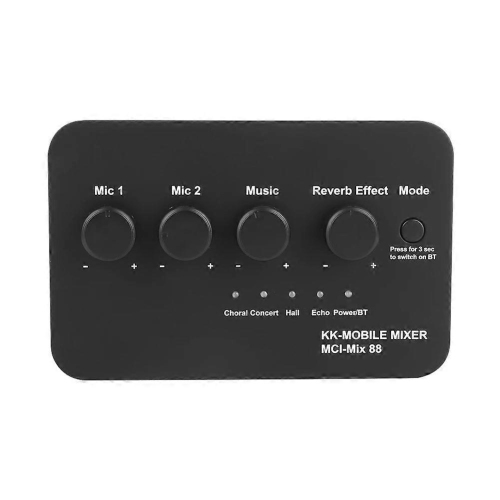
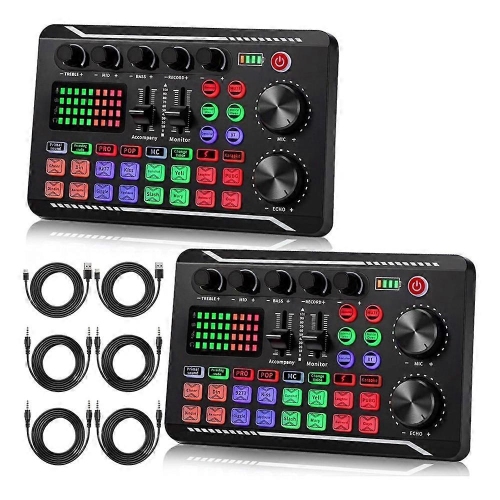
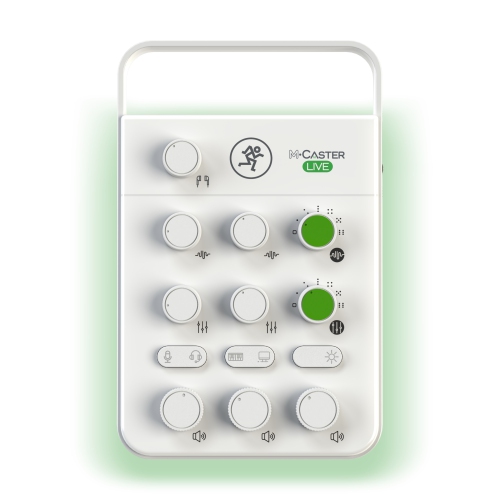
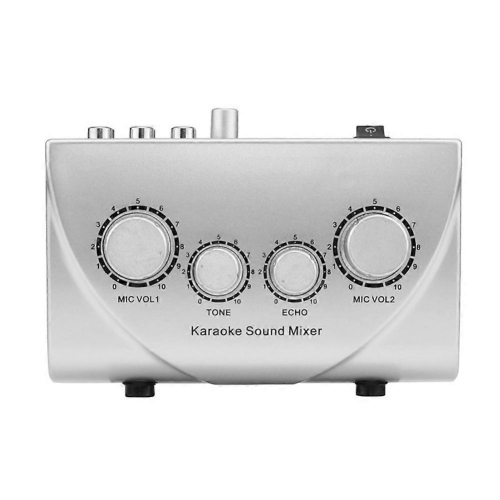
Audio mixers combine, balance, and shape sound from multiple sources before sending it to speakers, headphones, a computer, or a recorder. They bring microphones, instruments, and playback devices into one central workspace, with controls that make each source easier to hear within the overall mix. For a podcast, that can mean keeping a soft-spoken guest clear beside a louder host; for a band, it can mean balancing vocals with keyboards and an acoustic guitar. An audio mixer is equally useful for livestreaming, rehearsals, presentations, and home recording, although the connections and controls needed for each task can differ considerably. Analogue mixers use physical circuitry to handle audio signals and usually offer a direct, hands-on layout, with dedicated knobs and faders for everyday adjustments. Their straightforward signal paths suit users who want to see their settings at a glance and make changes without navigating menus. Digital mixers process audio digitally and can offer flexible routing, stored settings, onboard effects, and remote control, depending on the design. Saving a mix can be particularly helpful when the same performers or presenters return regularly, though input levels still need checking whenever the setup changes. Some analogue mixers also include digital effects or USB connectivity, so these categories are not always completely separate. Across both types, microphone preamps raise quiet microphone signals to a usable level, equalization adjusts selected frequency ranges, and pan controls position sources within a stereo mix. Faders or level knobs then set how prominently each source sits in the output. These functions make a mixer more than a simple volume control: it provides a practical way to give speech clarity, keep accompaniment in proportion, and send different combinations of sound where they are needed. The best fit depends less on the largest control surface than on how well the mixer supports the sources, destinations, and working style involved.
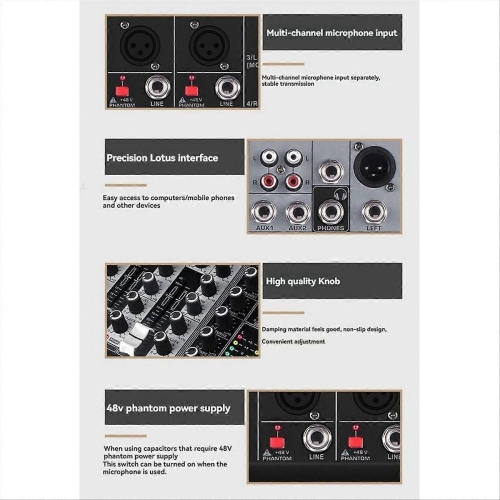
Connections and channel layout are central considerations when comparing audio mixers. A stated input count does not necessarily equal the number of microphones that can be connected at once, because stereo line inputs, auxiliary returns, and other connections may contribute to that total. A discussion with four microphone users needs enough suitable microphone inputs and preamps, while a keyboard setup may need several pairs of line inputs instead. XLR sockets commonly accommodate microphones, and quarter-inch connections often handle line-level sources, but the supported signal type matters as much as the connector shape. A guitar or bass connected directly may require a high-impedance instrument input or a separate direct box. Condenser microphones often need phantom power; compatibility with every connected device should be confirmed, particularly when phantom power is shared across several channels. For computer-based work, USB connectivity deserves a closer look because its recording capabilities vary. Some mixers send only the finished stereo mix to recording software, while others transmit individual channels for separate editing later. Multitrack recording gives a musician or podcast producer more control over a single voice or instrument after the session, whereas a stereo feed can be sufficient for a straightforward livestream. Monitoring features are just as important during use. A headphone output lets the operator listen closely, while auxiliary sends can provide a performer with a monitor mix that differs from what the audience hears. For remote interviews, a suitable mix-minus arrangement keeps a caller’s own audio out of the return feed, helping prevent distracting echoes. Built-in compressors, reverbs, or other effects can reduce the need for separate equipment, but their usefulness depends on the application and available controls. Someone who only needs to choose between playback sources, rather than blend them together, may find Audio Switchers more appropriate. A mixer serves a different purpose by allowing several sources to remain active and independently adjustable at the same time.
Physical size, construction, and control spacing affect how comfortably an audio mixer fits into daily use. A compact desktop mixer can leave room for a keyboard, microphone arm, and notes, while a larger surface may provide more space between controls and longer faders for gradual level changes. The listed dimensions are only part of the footprint: rear-mounted plugs, cable bends, a power adaptor, and access to headphone connections also need room. For a permanent setup, clear labelling and easily visible meters help keep routine adjustments manageable. For equipment that travels between rehearsals, performances, or presentation spaces, a sturdy chassis, secure sockets, and protected controls become especially valuable. Metal housings can provide useful rigidity, while lighter moulded housings can make a small setup easier to carry; overall durability also depends on component quality and careful handling. A fitted case or padded bag helps protect protruding knobs and faders during transport, and organizing cables so they do not pull against sockets reduces unnecessary strain. Care is generally straightforward: disconnect power before cleaning, use a soft, dry cloth on exterior surfaces, and keep liquids and cleaning sprays away from openings. Ventilation slots should remain unobstructed, and any deeper maintenance should follow the manufacturer’s directions rather than involve household cleaners or lubricants. In use, clear level meters and accessible gain controls make it easier to maintain headroom, the margin between normal signal peaks and distortion. Raising a quiet source with the correct input gain, rather than pushing every output control higher, supports a cleaner and more manageable mix. Speaker placement and microphone technique still matter, since a mixer cannot fully correct excessive room noise or prevent feedback on its own. For musicians, streamers, community presenters, and audio students, a well-matched mixer can become a dependable centre for creative work. It can also make a thoughtful gift when the recipient’s microphone count, recording connections, and workspace are already known. Matching those practical details helps the mixer support real sessions comfortably, whether that means an intimate two-person conversation or several performers sharing the same sound system.
Connections and channel layout are central considerations when comparing audio mixers. A stated input count does not necessarily equal the number of microphones that can be connected at once, because stereo line inputs, auxiliary returns, and other connections may contribute to that total. A discussion with four microphone users needs enough suitable microphone inputs and preamps, while a keyboard setup may need several pairs of line inputs instead. XLR sockets commonly accommodate microphones, and quarter-inch connections often handle line-level sources, but the supported signal type matters as much as the connector shape. A guitar or bass connected directly may require a high-impedance instrument input or a separate direct box. Condenser microphones often need phantom power; compatibility with every connected device should be confirmed, particularly when phantom power is shared across several channels. For computer-based work, USB connectivity deserves a closer look because its recording capabilities vary. Some mixers send only the finished stereo mix to recording software, while others transmit individual channels for separate editing later. Multitrack recording gives a musician or podcast producer more control over a single voice or instrument after the session, whereas a stereo feed can be sufficient for a straightforward livestream. Monitoring features are just as important during use. A headphone output lets the operator listen closely, while auxiliary sends can provide a performer with a monitor mix that differs from what the audience hears. For remote interviews, a suitable mix-minus arrangement keeps a caller’s own audio out of the return feed, helping prevent distracting echoes. Built-in compressors, reverbs, or other effects can reduce the need for separate equipment, but their usefulness depends on the application and available controls. Someone who only needs to choose between playback sources, rather than blend them together, may find Audio Switchers more appropriate. A mixer serves a different purpose by allowing several sources to remain active and independently adjustable at the same time.
Physical size, construction, and control spacing affect how comfortably an audio mixer fits into daily use. A compact desktop mixer can leave room for a keyboard, microphone arm, and notes, while a larger surface may provide more space between controls and longer faders for gradual level changes. The listed dimensions are only part of the footprint: rear-mounted plugs, cable bends, a power adaptor, and access to headphone connections also need room. For a permanent setup, clear labelling and easily visible meters help keep routine adjustments manageable. For equipment that travels between rehearsals, performances, or presentation spaces, a sturdy chassis, secure sockets, and protected controls become especially valuable. Metal housings can provide useful rigidity, while lighter moulded housings can make a small setup easier to carry; overall durability also depends on component quality and careful handling. A fitted case or padded bag helps protect protruding knobs and faders during transport, and organizing cables so they do not pull against sockets reduces unnecessary strain. Care is generally straightforward: disconnect power before cleaning, use a soft, dry cloth on exterior surfaces, and keep liquids and cleaning sprays away from openings. Ventilation slots should remain unobstructed, and any deeper maintenance should follow the manufacturer’s directions rather than involve household cleaners or lubricants. In use, clear level meters and accessible gain controls make it easier to maintain headroom, the margin between normal signal peaks and distortion. Raising a quiet source with the correct input gain, rather than pushing every output control higher, supports a cleaner and more manageable mix. Speaker placement and microphone technique still matter, since a mixer cannot fully correct excessive room noise or prevent feedback on its own. For musicians, streamers, community presenters, and audio students, a well-matched mixer can become a dependable centre for creative work. It can also make a thoughtful gift when the recipient’s microphone count, recording connections, and workspace are already known. Matching those practical details helps the mixer support real sessions comfortably, whether that means an intimate two-person conversation or several performers sharing the same sound system.
Top selling and popular products
-
 Your price for this item is $989
 -
 Your price for this item is $699
 -
 Your price for this item is $329.99
 -
 Your price for this item is $799.99
 -
 Your price for this item is $69
 -
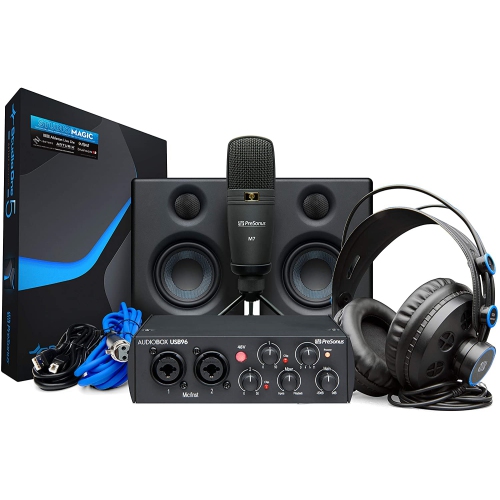 Your price for this item is $459.99
 -
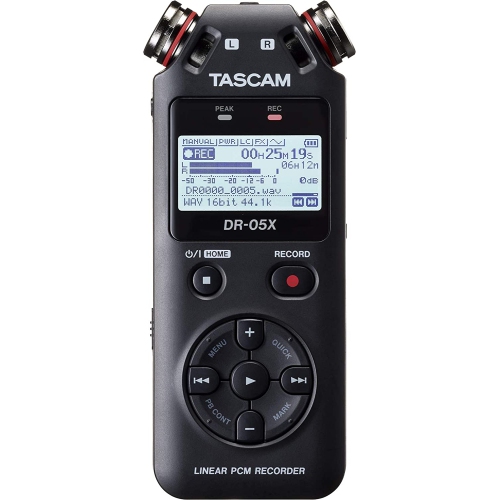 Your price for this item is $299
 -
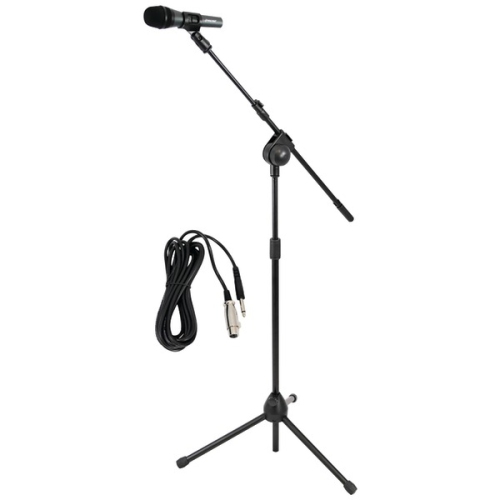 Your price for this item is $59.99
Discover more categories related to Audio Mixers
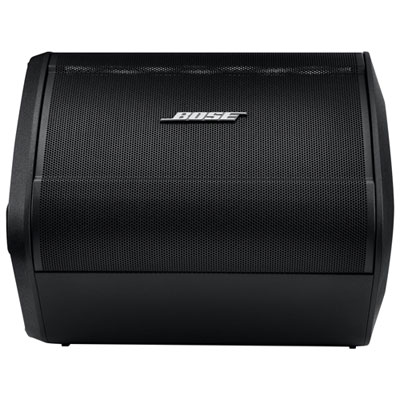

Top Collections:
Pokemon Centers, Kindle Devices, Best Budget Office Chairs, Canon G7X Cameras, Apple iPhones 16, Samsung Galaxy Phones, Refurbished Apple Laptops, Laptops for Students, iPhone 15 Apple, Budget Smartphones
Some products may be subject to Environmental Handling Fees
(EHF) depending on your province.
Learn more about EHFs.