Audio Editing Software
Looking to take your audio editing skills to the next level? Look no further! Our selection of Music Studio Equipment and software is here to help you create professional-grade soundtracks, podcasts, and more. Whether you're a seasoned pro or just starting out, our range of powerful and intuitive software options will provide you with the tools you need to bring your creative vision to life. From seamless audio mixing and mastering to advanced effects and plugins, our collection has something for everyone. Explore our diverse range of audio editing software and unlock your true potential in the world of sound engineering.
Sort
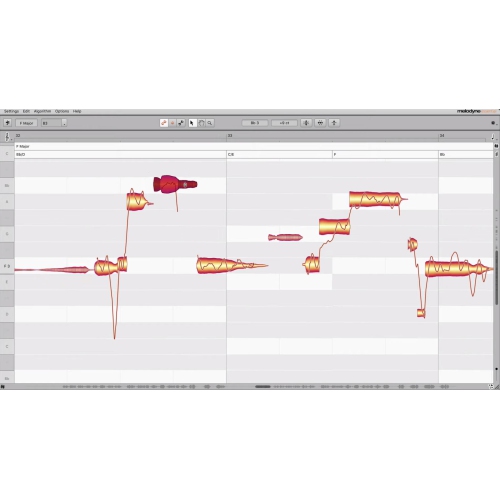
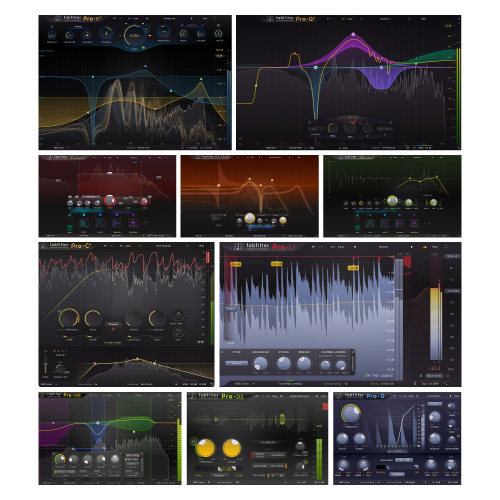
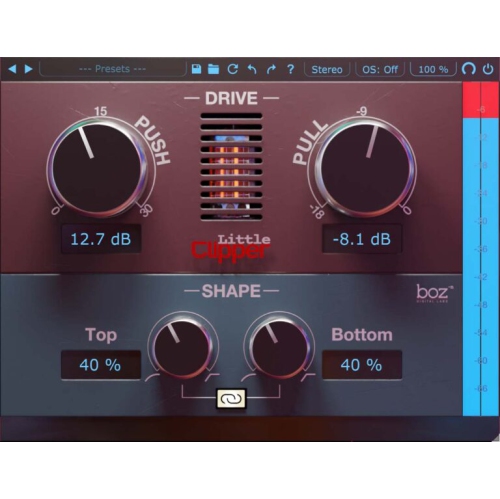
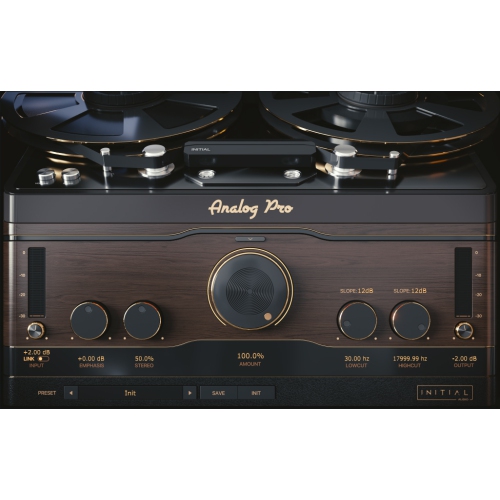
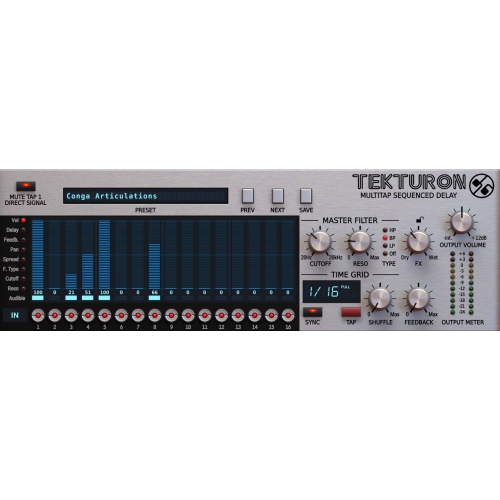
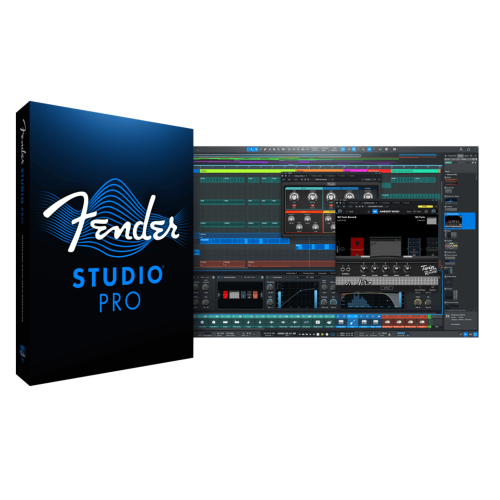
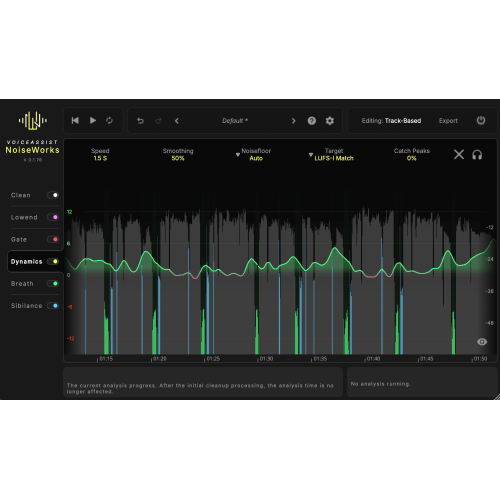
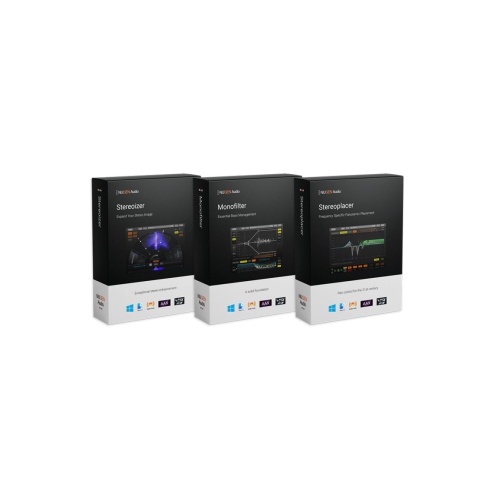
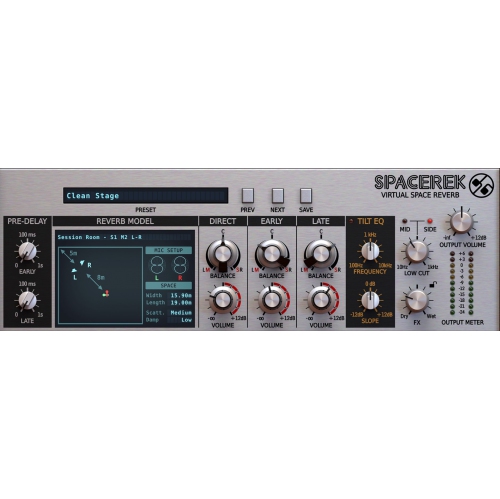
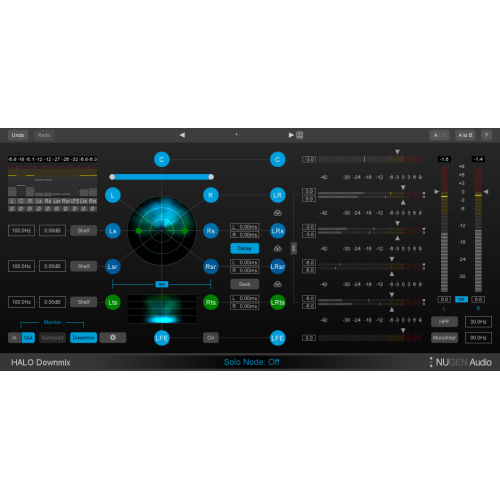
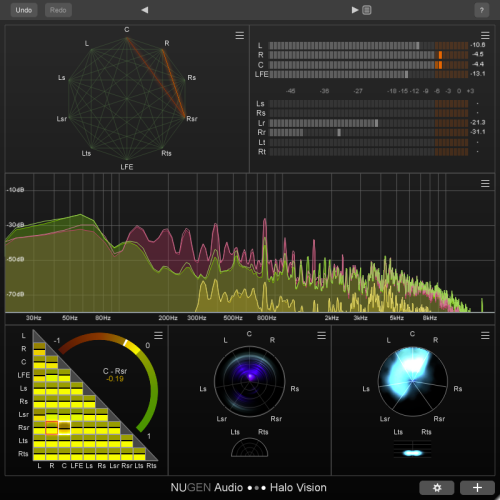
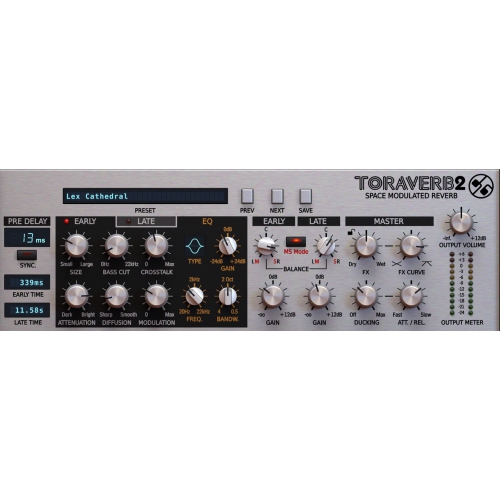
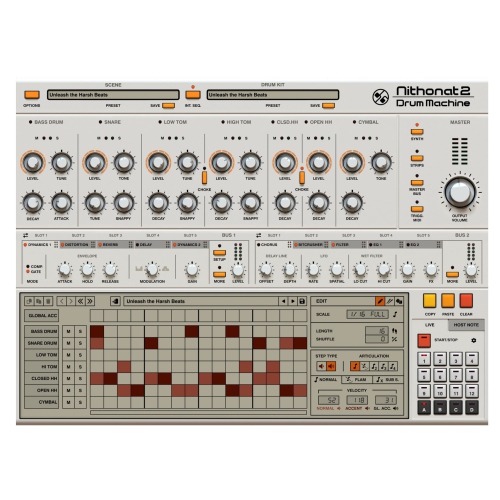
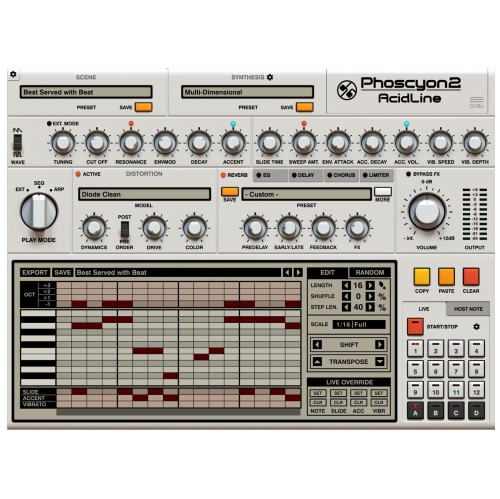
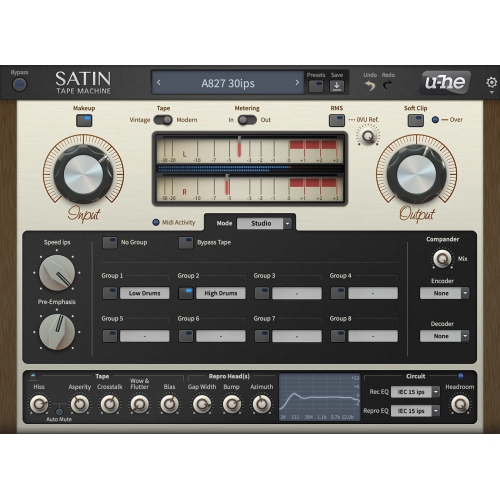
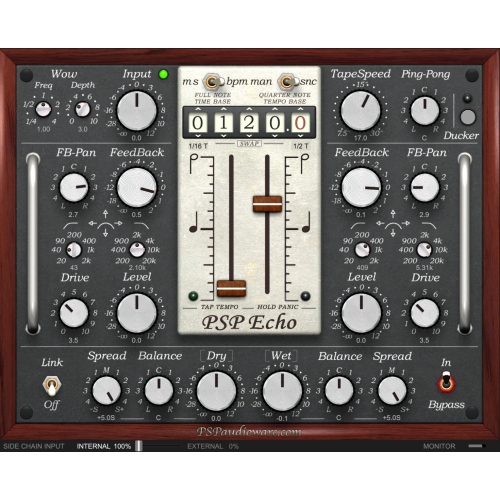
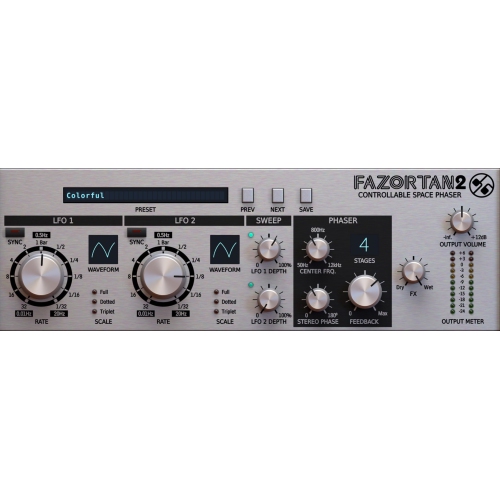
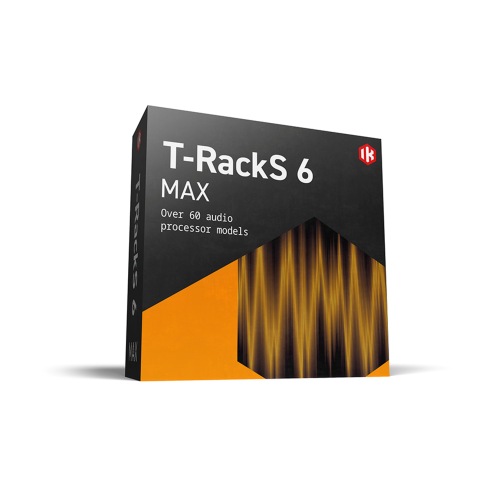
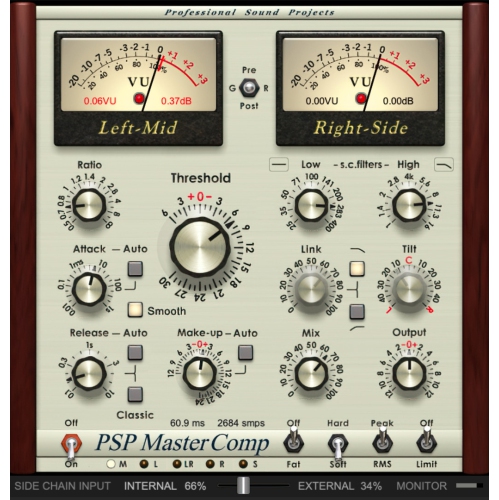

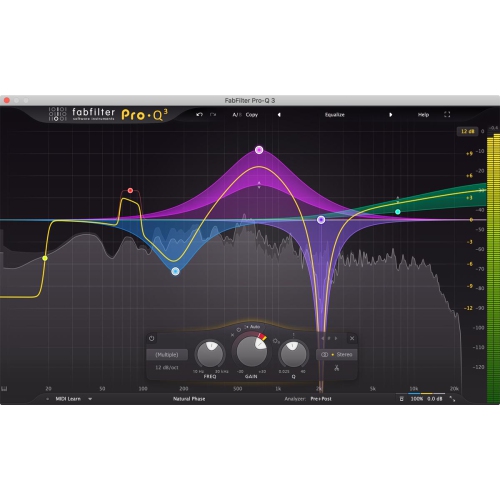
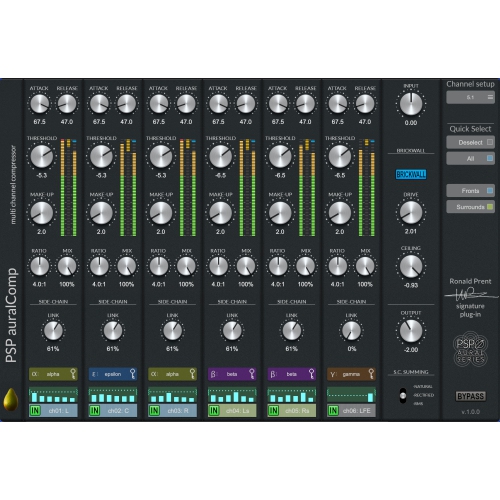
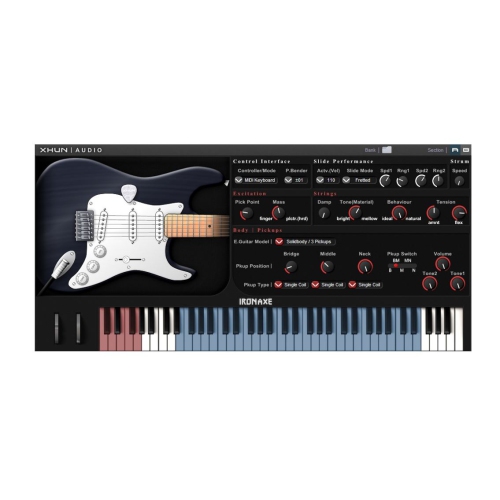
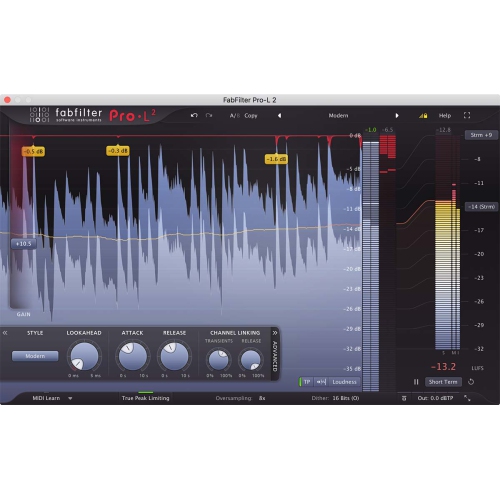
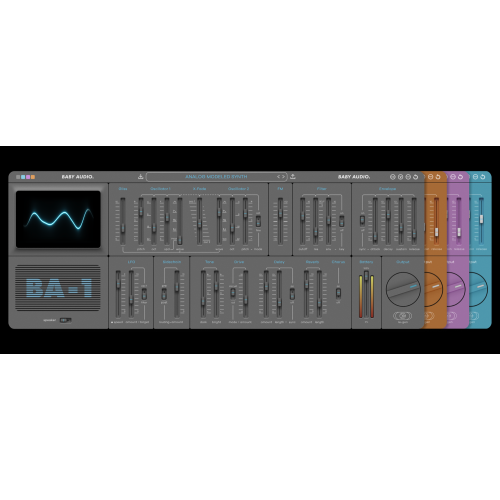
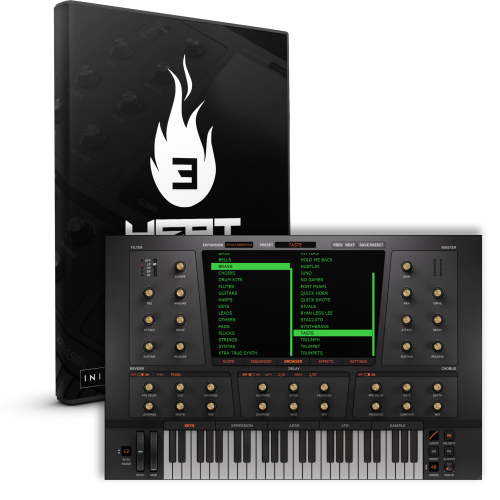
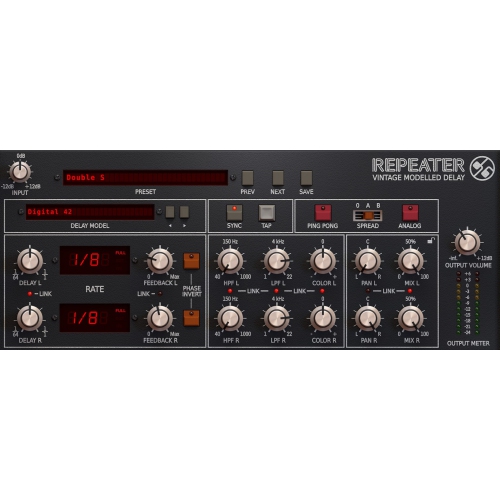
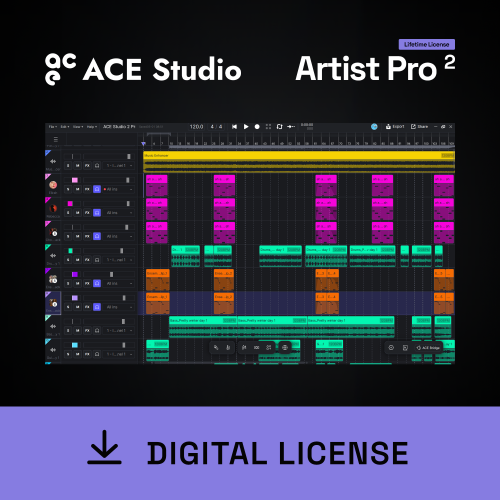
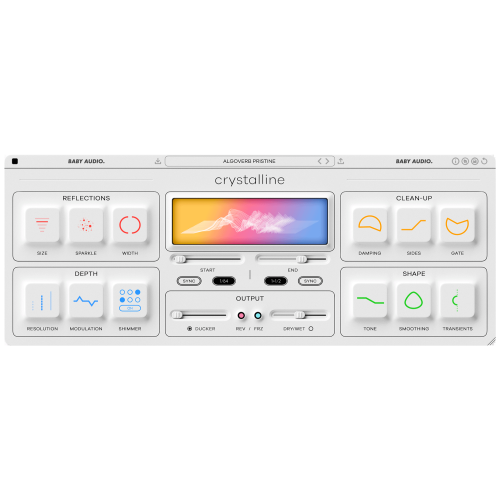
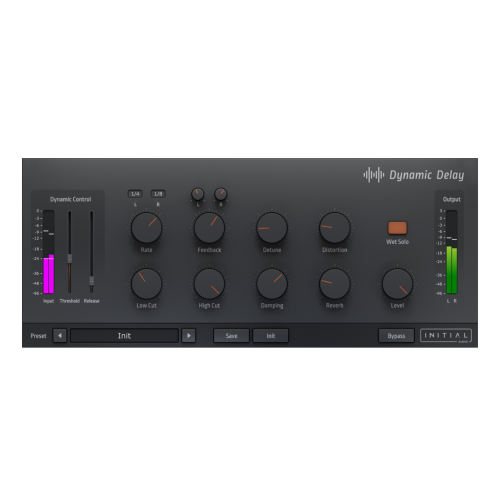

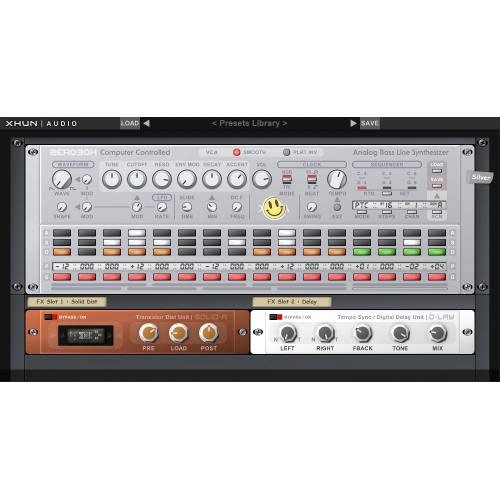
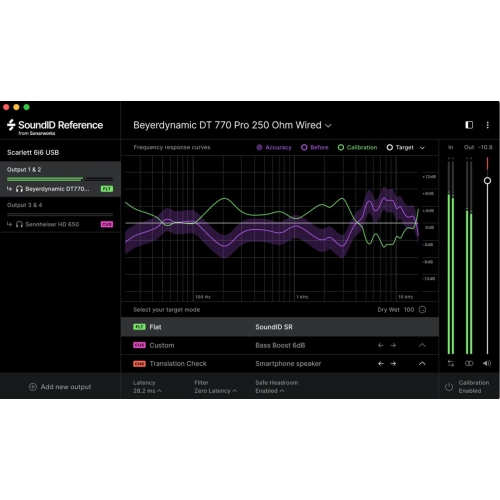
From removing stray noises to balancing layered tracks
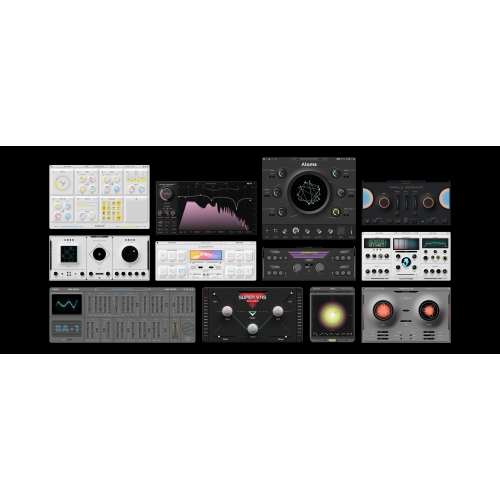
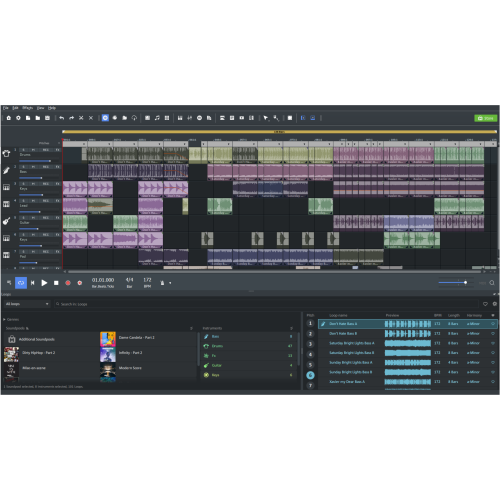
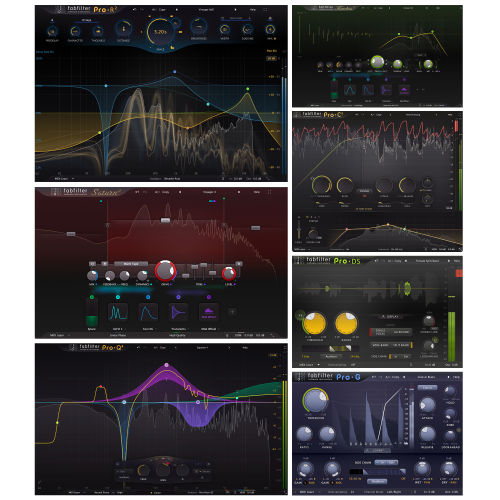
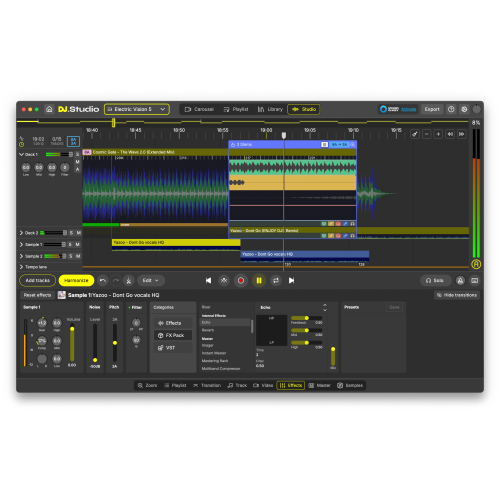
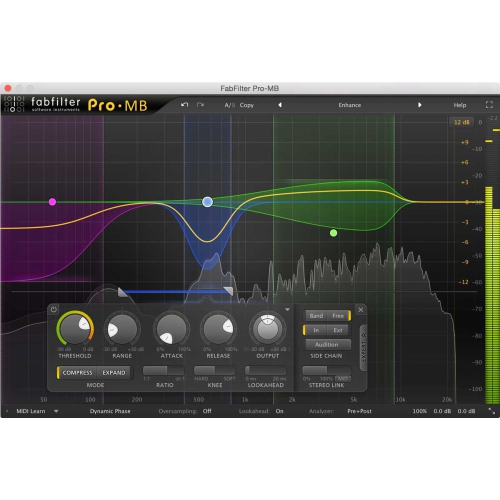
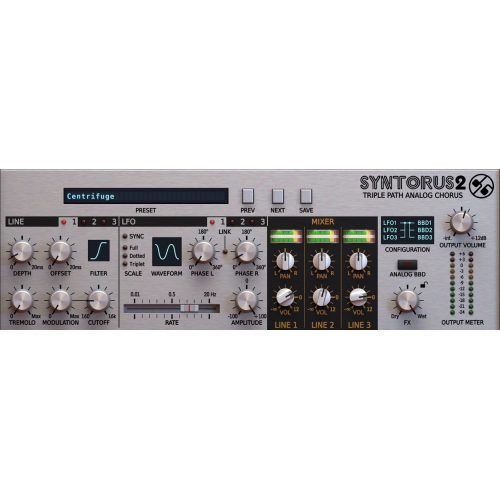
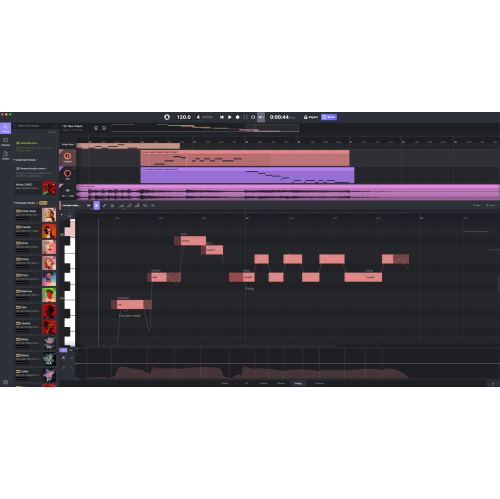
Audio editing software is used to record, trim, arrange, repair, and export digital sound for music, podcasts, voiceovers, video, and other listening experiences. It turns a recording into a visual waveform, making it possible to locate a breath between sentences, remove an unwanted interruption, or join several takes into one continuous performance. Some applications focus on editing individual audio files, while others offer multitrack workspaces for layering speech, instruments, sound effects, and background music. A digital audio workstation generally adds broader music production tools, such as MIDI sequencing, virtual instruments, and mixing controls, although features overlap across software types. The right fit depends on the work being created: a spoken-word recording calls for different tools than a song built from dozens of instrument tracks. Podcasters may value straightforward dialogue editing and consistent voice levels, while musicians often need precise timing, flexible routing, and support for additional effects. Students, teachers, audiobook narrators, and small business owners can also use audio editors to produce presentations, lessons, readings, and clear promotional narration. Everyday projects can be just as rewarding, whether that means trimming a recorded recital, assembling an interview with a family member, or transferring a collection of personal recordings into digital files using compatible playback and capture equipment. Common editing functions include cutting, copying, fading, and adjusting volume. More advanced options can include spectral displays that show sound by frequency, pitch correction, time stretching, and batch processing for applying the same operation to multiple files. Not every application includes all these capabilities, and a focused interface can be more useful than a crowded feature list when the main task is simply cleaning up speech. Waveform editing suits detailed work on a single recording; multitrack editing makes it easier to balance separate sound sources without combining them too early. That distinction matters when a quiet guest needs more volume but the host already sounds clear, or when a music bed needs to sit gently beneath a voice rather than compete with it.
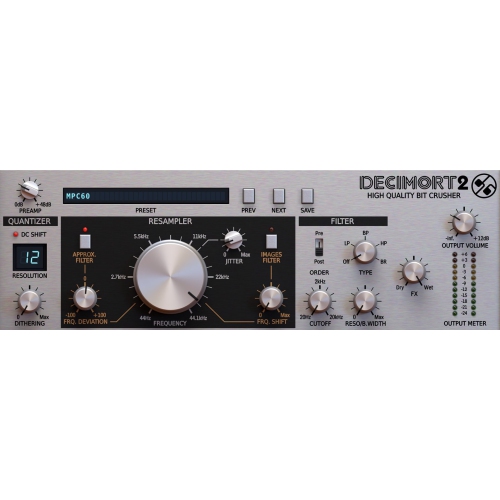
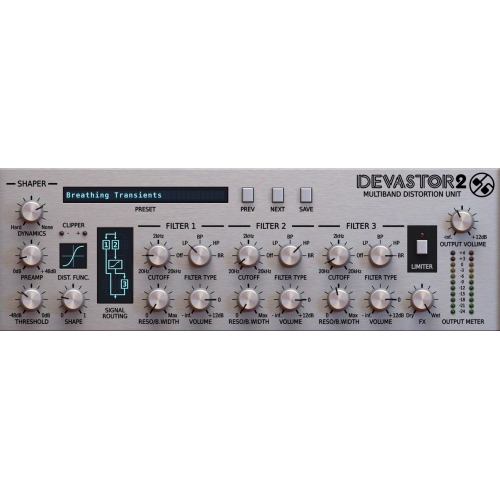
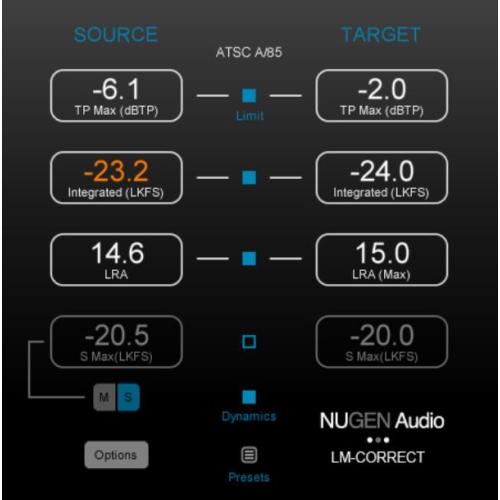
Sound quality depends on both the original recording and the tools used to shape it. Equalization adjusts the balance of frequencies, helping reduce excessive bass in a close microphone recording or soften a harsh edge in a voice. Compression reduces differences between louder and quieter passages, while a limiter can help control peaks. Noise reduction may lessen a steady hiss or hum, but aggressive settings can leave speech sounding watery or metallic. Restoration tools are useful for imperfect recordings, not a guarantee that badly distorted or missing audio can be recovered. For dialogue-heavy projects, features such as de-clicking, de-essing, adjustable fades, and loudness metering can be especially practical. A chair squeak between phrases may be easy to remove, while the same sound beneath a spoken word takes more careful treatment. Software with a spectral editing view can make certain isolated noises easier to identify and target. Non-destructive editing is another important distinction: it retains the source recording while storing edits separately, allowing a cut, fade, or effect setting to be revisited later. In applications that change the audio file directly, keeping an untouched original provides a dependable starting point. File support also affects how comfortably an editor fits into a project. WAV and AIFF are common choices for uncompressed audio, FLAC provides lossless compression, and MP3 or AAC can produce smaller files for convenient sharing where those formats are accepted. Repeatedly saving audio in a lossy format can reduce quality, so a high-quality master file is useful for later revisions and additional exports. Sample rate, bit depth, and export controls matter when recordings must meet a particular delivery specification. Video projects commonly use a 48 kHz sample rate, for example, while spoken-word publishing platforms may specify loudness and peak limits. Creators pairing edited dialogue with footage may also find Video Editor Software relevant to their workflow, particularly when narration, music, and sound effects need to line up with picture edits.
Compatibility and day-to-day usability are just as important as the editing features themselves. Desktop audio software needs to support the computer’s operating system and meet its processor, memory, and storage requirements. Larger multitrack sessions, high-resolution recordings, and multiple real-time effects place greater demands on a computer than trimming a short voice memo. Enough storage for source recordings, project files, and backups helps keep ongoing work organized, especially when a session includes several takes of every passage. Browser-based tools may suit brief edits, but upload requirements, file-size limits, privacy terms, and dependence on an internet connection deserve attention when handling lengthy or personal recordings. Some desktop applications also require an internet connection for installation, activation, or certain features. A compatible audio interface can provide microphone and instrument connections beyond those built into a computer; the software’s supported drivers and recording options help determine how smoothly that hardware works. Low-latency monitoring is particularly relevant for singers and instrumentalists who need to hear themselves without a distracting delay. Plug-in compatibility matters for anyone adding third-party effects or instruments, since supported formats and processor architectures vary. Beyond technical specifications, the interface should suit the person using it. Clear meters, readable waveforms, keyboard shortcuts, and customizable layouts can make repetitive tasks less tiring. A narrator working through a long chapter may appreciate markers and efficient navigation, while a musician may prioritize automation and quick access to track controls. Licensing terms also shape long-term suitability, including the number of permitted installations, account requirements, and whether use can transfer to another person. Those details are especially relevant when software is intended as a gift for a budding producer or an experienced creator with an established setup. Continued usefulness depends on compatibility with future system updates, access to project files, and sensible backup habits rather than physical wear. Saving editable sessions alongside clearly named exports makes later changes easier, whether the next task is replacing one line of narration, adjusting a song’s ending, or preparing a recording for a different destination.
Sound quality depends on both the original recording and the tools used to shape it. Equalization adjusts the balance of frequencies, helping reduce excessive bass in a close microphone recording or soften a harsh edge in a voice. Compression reduces differences between louder and quieter passages, while a limiter can help control peaks. Noise reduction may lessen a steady hiss or hum, but aggressive settings can leave speech sounding watery or metallic. Restoration tools are useful for imperfect recordings, not a guarantee that badly distorted or missing audio can be recovered. For dialogue-heavy projects, features such as de-clicking, de-essing, adjustable fades, and loudness metering can be especially practical. A chair squeak between phrases may be easy to remove, while the same sound beneath a spoken word takes more careful treatment. Software with a spectral editing view can make certain isolated noises easier to identify and target. Non-destructive editing is another important distinction: it retains the source recording while storing edits separately, allowing a cut, fade, or effect setting to be revisited later. In applications that change the audio file directly, keeping an untouched original provides a dependable starting point. File support also affects how comfortably an editor fits into a project. WAV and AIFF are common choices for uncompressed audio, FLAC provides lossless compression, and MP3 or AAC can produce smaller files for convenient sharing where those formats are accepted. Repeatedly saving audio in a lossy format can reduce quality, so a high-quality master file is useful for later revisions and additional exports. Sample rate, bit depth, and export controls matter when recordings must meet a particular delivery specification. Video projects commonly use a 48 kHz sample rate, for example, while spoken-word publishing platforms may specify loudness and peak limits. Creators pairing edited dialogue with footage may also find Video Editor Software relevant to their workflow, particularly when narration, music, and sound effects need to line up with picture edits.
Compatibility and day-to-day usability are just as important as the editing features themselves. Desktop audio software needs to support the computer’s operating system and meet its processor, memory, and storage requirements. Larger multitrack sessions, high-resolution recordings, and multiple real-time effects place greater demands on a computer than trimming a short voice memo. Enough storage for source recordings, project files, and backups helps keep ongoing work organized, especially when a session includes several takes of every passage. Browser-based tools may suit brief edits, but upload requirements, file-size limits, privacy terms, and dependence on an internet connection deserve attention when handling lengthy or personal recordings. Some desktop applications also require an internet connection for installation, activation, or certain features. A compatible audio interface can provide microphone and instrument connections beyond those built into a computer; the software’s supported drivers and recording options help determine how smoothly that hardware works. Low-latency monitoring is particularly relevant for singers and instrumentalists who need to hear themselves without a distracting delay. Plug-in compatibility matters for anyone adding third-party effects or instruments, since supported formats and processor architectures vary. Beyond technical specifications, the interface should suit the person using it. Clear meters, readable waveforms, keyboard shortcuts, and customizable layouts can make repetitive tasks less tiring. A narrator working through a long chapter may appreciate markers and efficient navigation, while a musician may prioritize automation and quick access to track controls. Licensing terms also shape long-term suitability, including the number of permitted installations, account requirements, and whether use can transfer to another person. Those details are especially relevant when software is intended as a gift for a budding producer or an experienced creator with an established setup. Continued usefulness depends on compatibility with future system updates, access to project files, and sensible backup habits rather than physical wear. Saving editable sessions alongside clearly named exports makes later changes easier, whether the next task is replacing one line of narration, adjusting a song’s ending, or preparing a recording for a different destination.
Top selling and popular products
-
 Your price for this item is $198
 -
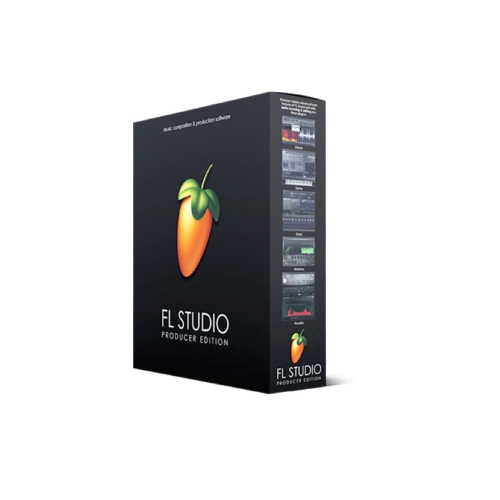 Your price for this item is $214.99
 -
 Your price for this item is $179
 -
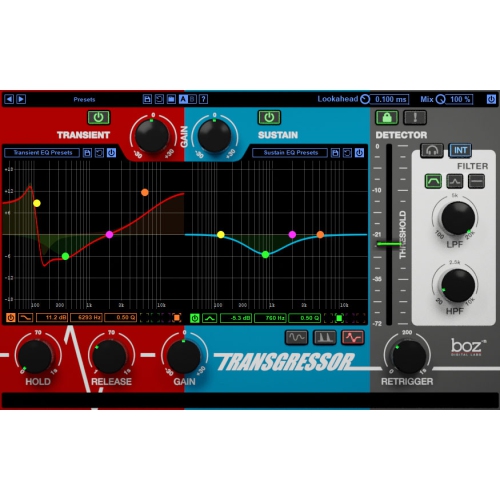 Your price for this item is $95
 -
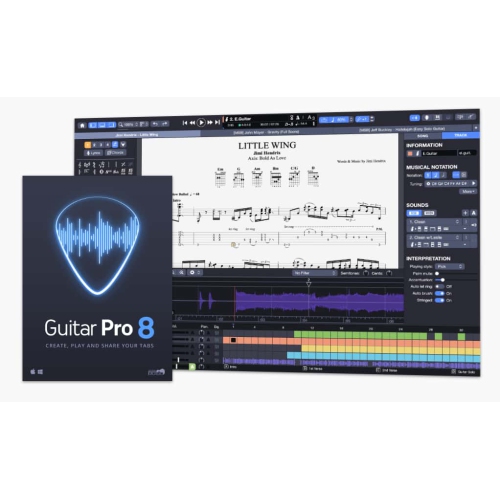 Your price for this item is $68
 -
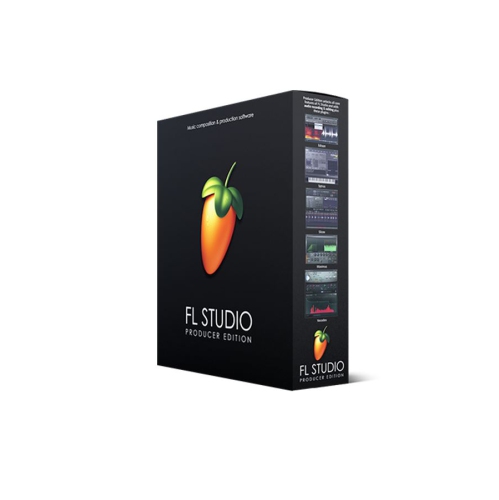 Your price for this item is $209
 -
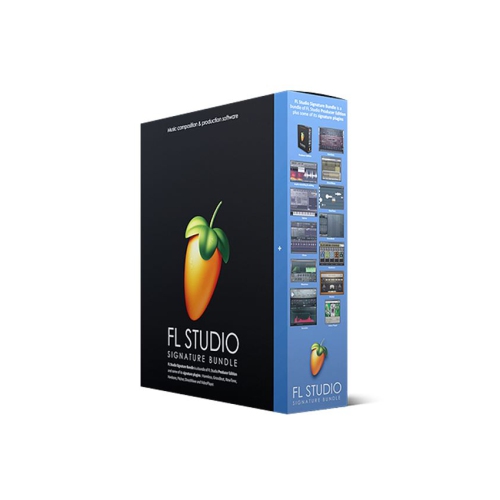 Your price for this item is $299
 -
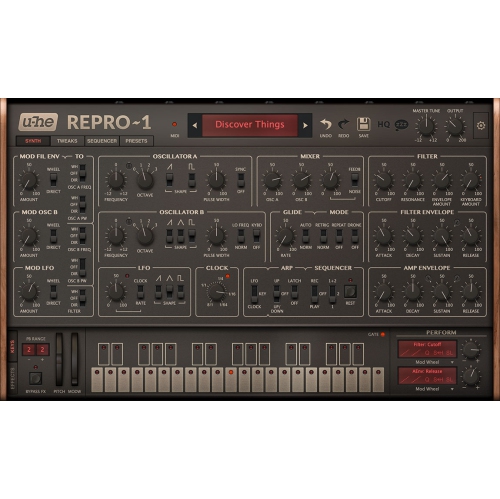 Your price for this item is $279
Discover more categories related to Audio Editing Software

Top Collections:
Pokemon Centers, Kindle Devices, Best Budget Office Chairs, Canon G7X Cameras, Apple iPhones 16, Samsung Galaxy Phones, Refurbished Apple Laptops, Laptops for Students, iPhone 15 Apple, Budget Smartphones
Some products may be subject to Environmental Handling Fees
(EHF) depending on your province.
Learn more about EHFs.