Professional Audio Editing Software
Our selection of professional audio editing software has everything you need to create, mix, and master your sound with precision and creativity. Whether you're a seasoned pro or just starting out, our range of software options offers powerful tools and features that will help you achieve professional-quality results. From intuitive interfaces to advanced editing capabilities, our collection of audio editing software is designed to meet the needs of musicians, podcasters, sound engineers, and anyone looking to enhance their audio projects. Explore our selection today and unlock your creative potential!
Sort
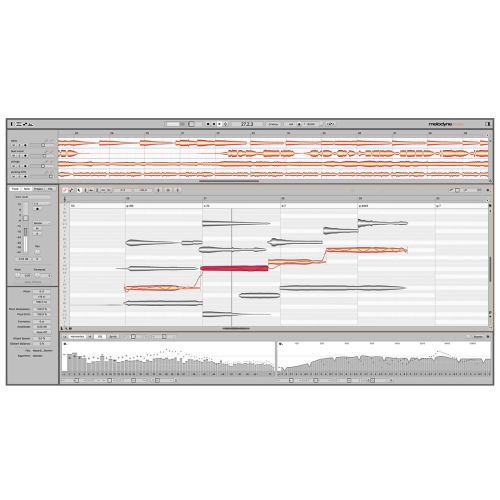
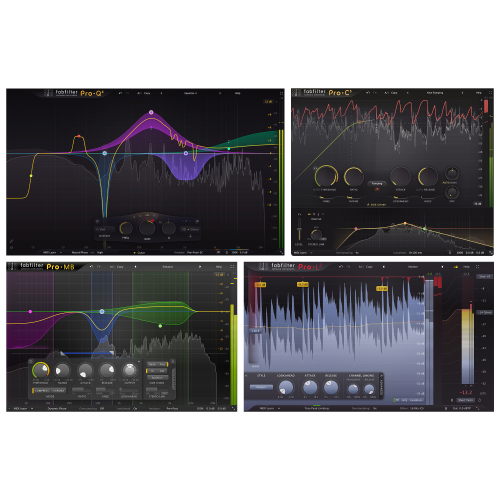
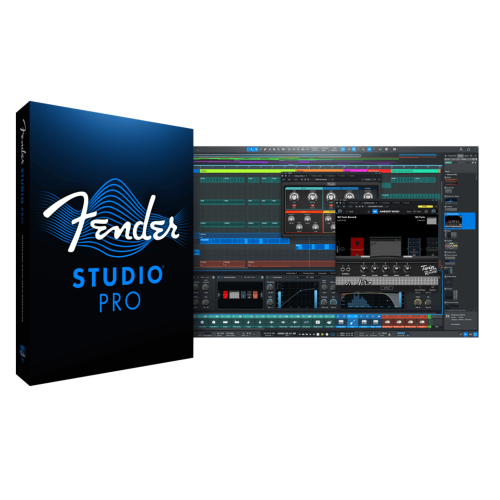
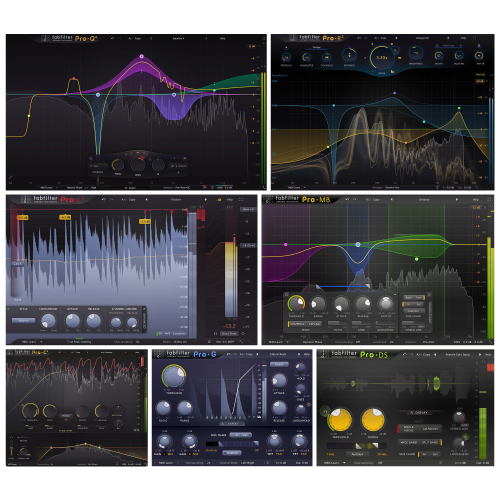

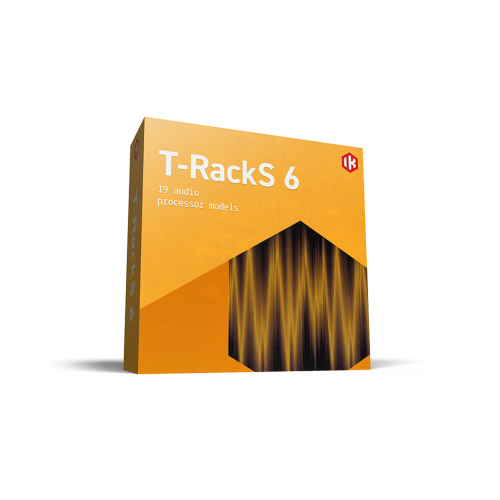
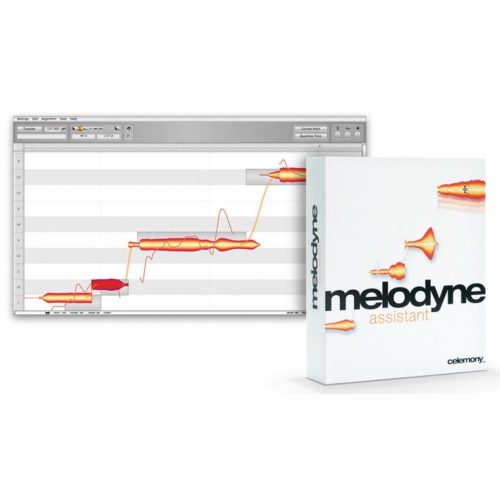
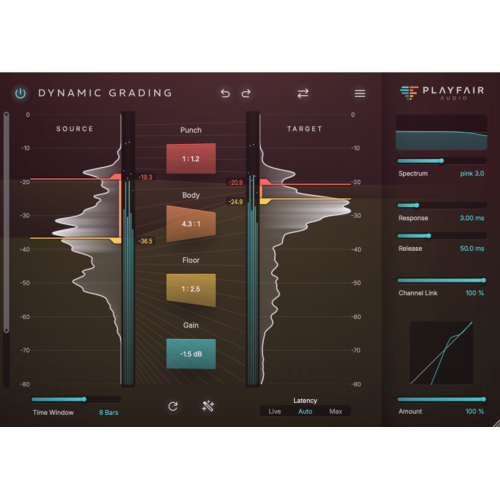
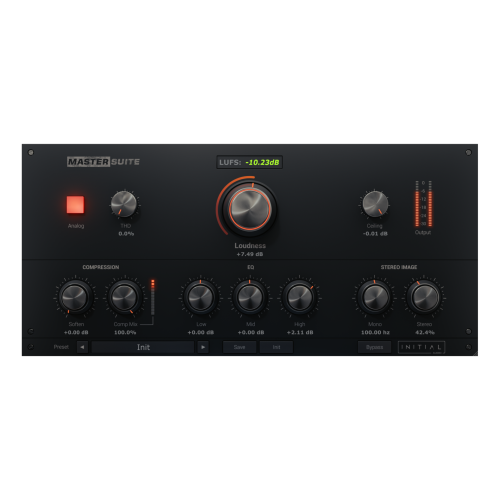
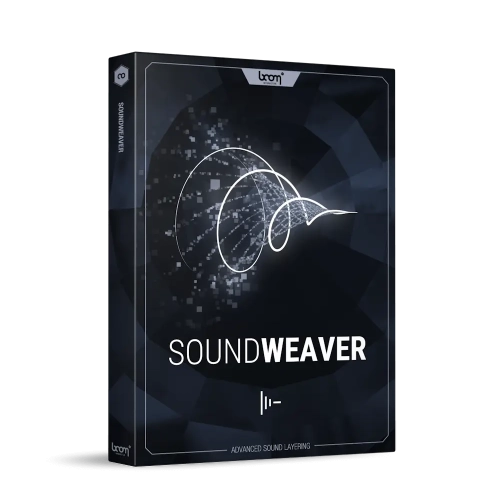
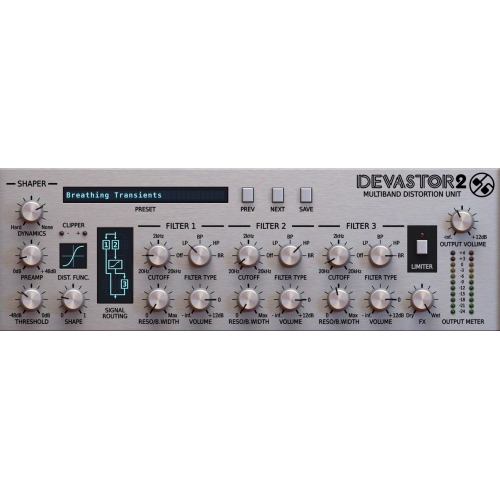
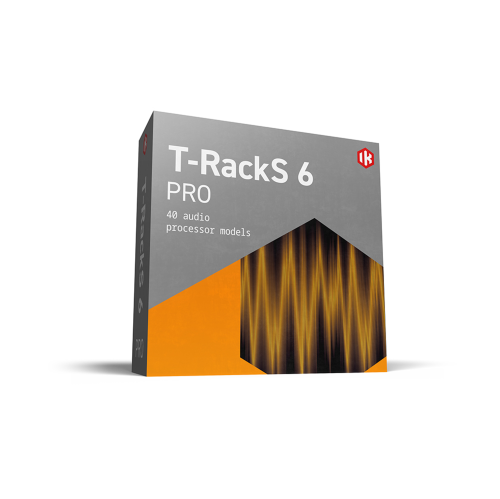
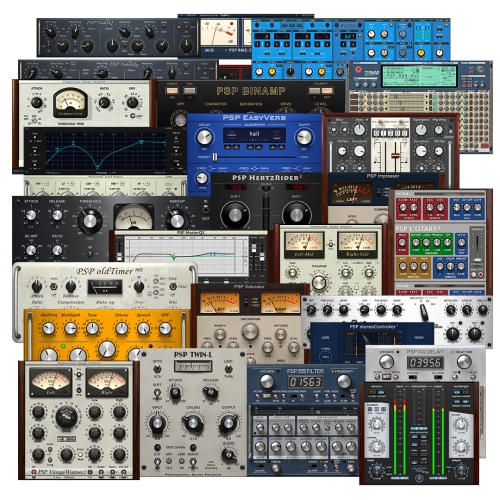
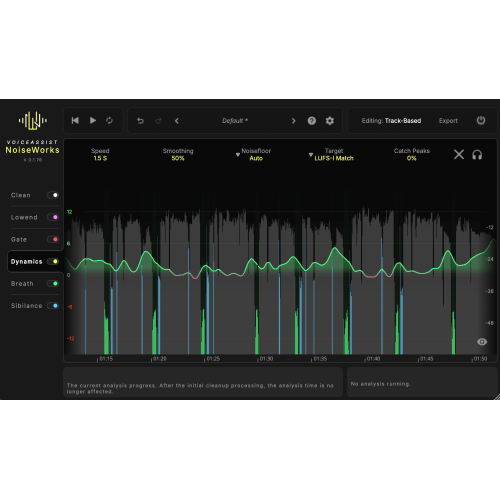
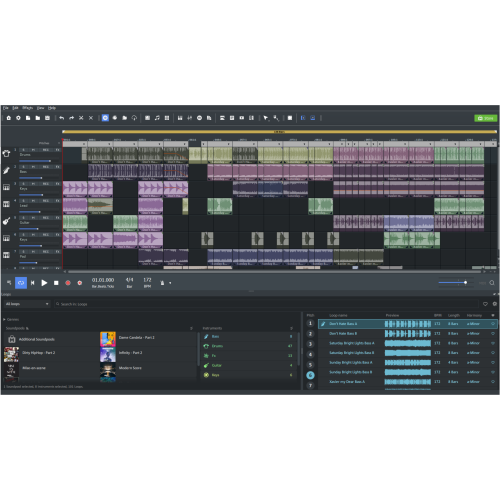
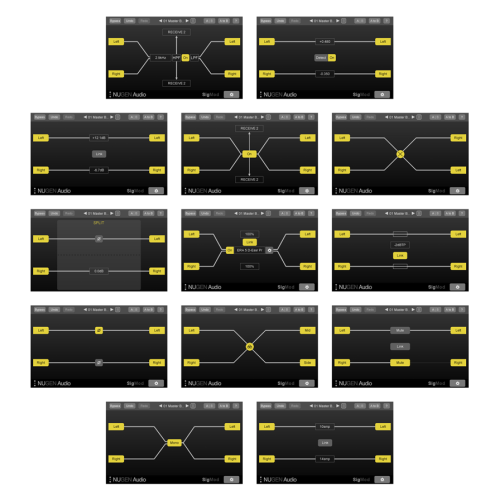
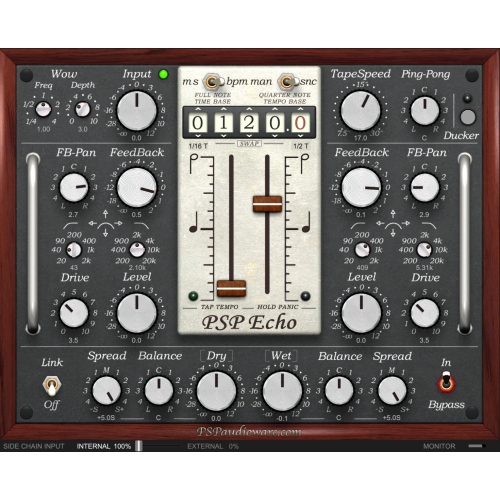
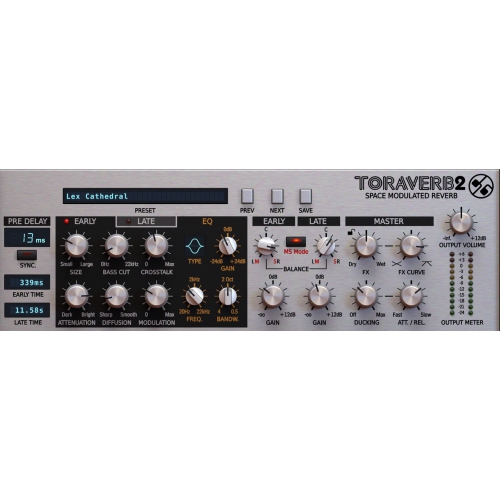
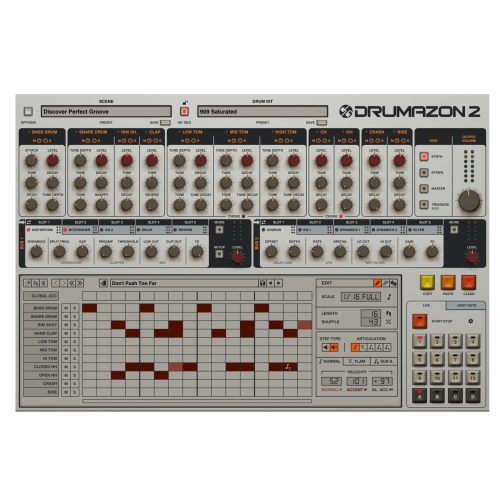
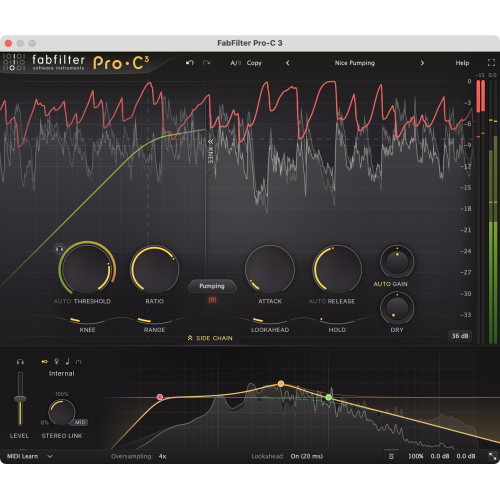
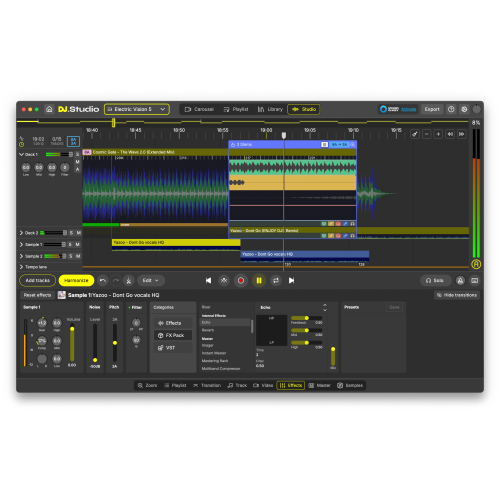
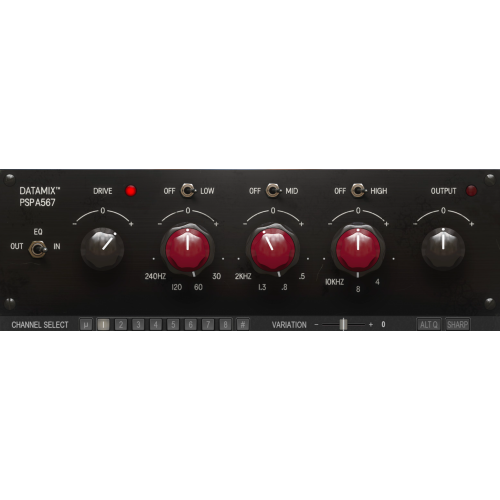
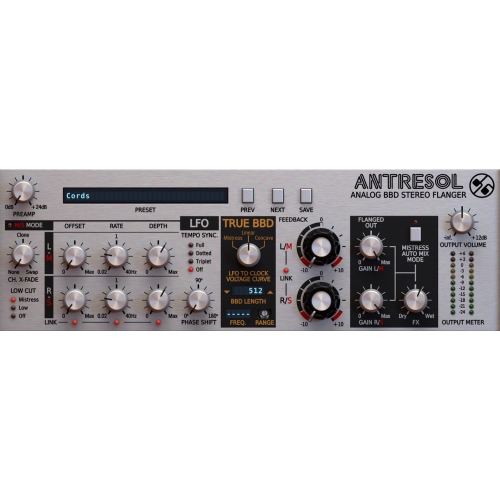
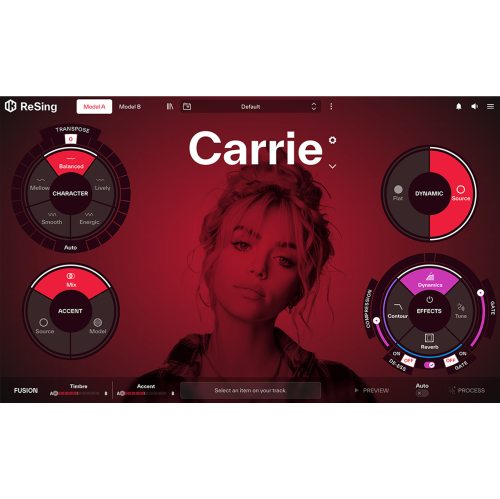
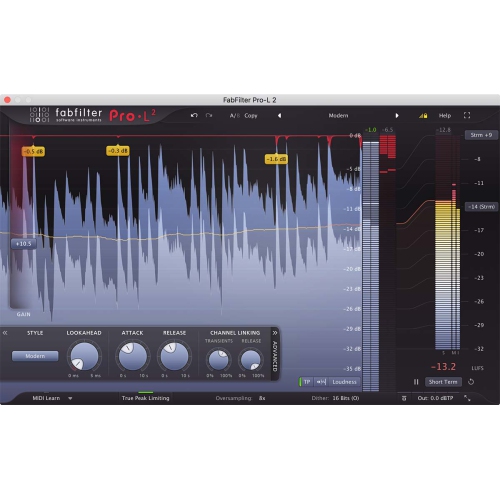
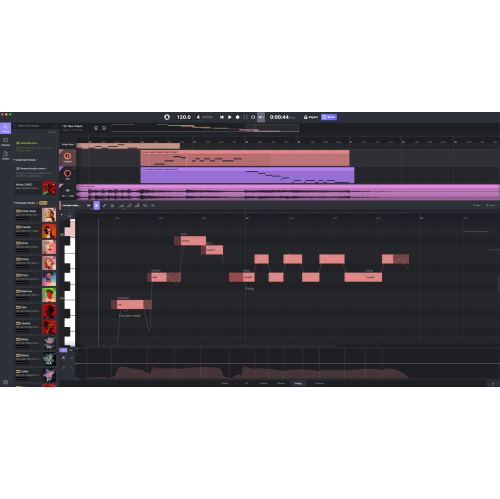

From precise audio repairs to full multitrack mixes
Professional audio editing software provides tools for recording, arranging, repairing, mixing, and exporting sound with precise control over timing, tone, and levels. It is used by music producers, recording engineers, podcast editors, voice-over artists, sound designers, and audio professionals working on film, television, games, and other media. The category includes dedicated waveform editors, which focus on detailed changes to individual recordings, and digital audio workstations, often called DAWs, which support broader recording and production workflows. A waveform editor can be particularly useful for removing a click from an interview, trimming a voice-over, or preparing a finished recording for delivery. A multitrack workspace brings separate voices, instruments, sound effects, and music together on a shared timeline, with independent control over each track. Some applications combine both approaches, allowing detailed repair and full-session mixing within the same project. Precision matters because small changes can make a noticeable difference: a short crossfade can smooth an edit between two spoken phrases, while careful gain adjustment can keep a softly spoken guest audible beside a louder host. Where supported, spectral editing displays sound by frequency over time, helping editors locate a brief squeak, electrical hum, or other unwanted sound that may be difficult to isolate in a conventional waveform view. Noise reduction, equalization, compression, and de-essing serve different purposes, from reducing steady background hiss to managing sharp consonants or uneven vocal levels. The most natural results generally preserve the character of the original performance rather than removing every breath or flattening every change in volume. Non-destructive editing is another important capability: edits and processing can remain adjustable without permanently altering the source recording. This flexibility is valuable when a client requests a different take, a longer pause, or a revised arrangement after the initial mix. Clear waveform displays, responsive navigation, keyboard shortcuts, and organized track layouts also contribute to everyday usability, particularly in sessions containing many recordings and repeated revisions.
The intended use of professional audio editing software shapes which capabilities matter most. Music recording often calls for simultaneous recording of several inputs, multiple takes, timing adjustments, and flexible routing between tracks and effects. A singer recording harmonies may need to compare several performances and assemble the strongest phrases into one continuous part, while a band session may involve editing several microphone tracks together to preserve their timing relationships. MIDI editing, virtual instruments, and tempo-based arranging are relevant to composition and electronic production, but they are not essential for every dialogue or podcast workflow. For spoken-word work, fast navigation, reliable voice processing, and straightforward arrangement tools can matter more than a large instrument library. An editor assembling a roundtable conversation, for example, may need to reduce interruptions, balance several speakers, and place music beneath an introduction without making the dialogue harder to understand. Film and video post-production introduce additional requirements, including video playback, timecode, suitable frame-rate support, and the ability to keep edits aligned with the picture. Sound designers may prioritize flexible layering, pitch manipulation, automation, and detailed processing to turn ordinary recordings into distinctive effects. Mixing capabilities also vary: track grouping, buses, sidechain processing, and automation can help manage complex sessions, while surround or immersive formats require explicit support in the application and the rest of the production setup. Metering provides useful feedback on peak levels, average loudness, and dynamic range, although delivery requirements depend on the destination. Export options deserve equal attention because a studio master, a podcast episode, and a video soundtrack may need different file formats and settings. Uncompressed WAV or AIFF files are commonly used during production, while compressed formats can suit distribution when accepted by the destination. Sample rate, bit depth, channel configuration, and metadata support all affect how a file fits its next stage of use. Higher numerical settings alone do not guarantee a better result; appropriate source recordings, controlled processing, and compatibility with the intended delivery format remain central to dependable audio work.
A good fit also depends on how the software works with the computer, audio hardware, and other tools already in use. Operating-system compatibility is fundamental, and supported versions can differ between applications and releases. Processor capability, memory, and storage performance become more important as track counts increase, instrument libraries grow, or sessions use demanding effects. A simple voice recording places different demands on a computer than a large music project with many virtual instruments and real-time processors. Audio-interface compatibility and driver support influence recording reliability, while buffer settings affect the balance between responsiveness and processing headroom. Low monitoring latency is particularly valuable when a performer needs to hear a vocal or instrument while recording. Plug-in support is another consideration, since effects and instruments may use formats such as VST, Audio Units, or AAX, and not every application supports every format. Project exchange also matters for collaboration: transferring separate audio tracks is different from opening a session with its edits, routing, and plug-in settings intact. The broader Audio Editing Software category encompasses a range of workflows, while professional applications are often distinguished by deeper editing control, more extensive session management, and specialized recording or delivery features. Licensing terms, activation requirements, permitted installations, and access to updates can influence suitability for an individual workstation or a shared production setup. Long-term care centres on protecting the work created with the software. Organized project folders, backups of original recordings, and clearly named versions help preserve a session through revisions and computer changes. Keeping copies of essential audio files with the project reduces the chance of missing media when work moves to another system. Software updates can improve compatibility and resolve issues, but older projects may still depend on particular plug-ins or application versions. For a student building production skills, an independent creator delivering regular episodes, or an experienced engineer handling client sessions, the most useful choice is one that supports the required tasks without adding unnecessary complexity. Familiar editing controls, accessible documentation, and a workflow that remains comfortable over long sessions can be just as valuable as an extensive feature set.
The intended use of professional audio editing software shapes which capabilities matter most. Music recording often calls for simultaneous recording of several inputs, multiple takes, timing adjustments, and flexible routing between tracks and effects. A singer recording harmonies may need to compare several performances and assemble the strongest phrases into one continuous part, while a band session may involve editing several microphone tracks together to preserve their timing relationships. MIDI editing, virtual instruments, and tempo-based arranging are relevant to composition and electronic production, but they are not essential for every dialogue or podcast workflow. For spoken-word work, fast navigation, reliable voice processing, and straightforward arrangement tools can matter more than a large instrument library. An editor assembling a roundtable conversation, for example, may need to reduce interruptions, balance several speakers, and place music beneath an introduction without making the dialogue harder to understand. Film and video post-production introduce additional requirements, including video playback, timecode, suitable frame-rate support, and the ability to keep edits aligned with the picture. Sound designers may prioritize flexible layering, pitch manipulation, automation, and detailed processing to turn ordinary recordings into distinctive effects. Mixing capabilities also vary: track grouping, buses, sidechain processing, and automation can help manage complex sessions, while surround or immersive formats require explicit support in the application and the rest of the production setup. Metering provides useful feedback on peak levels, average loudness, and dynamic range, although delivery requirements depend on the destination. Export options deserve equal attention because a studio master, a podcast episode, and a video soundtrack may need different file formats and settings. Uncompressed WAV or AIFF files are commonly used during production, while compressed formats can suit distribution when accepted by the destination. Sample rate, bit depth, channel configuration, and metadata support all affect how a file fits its next stage of use. Higher numerical settings alone do not guarantee a better result; appropriate source recordings, controlled processing, and compatibility with the intended delivery format remain central to dependable audio work.
A good fit also depends on how the software works with the computer, audio hardware, and other tools already in use. Operating-system compatibility is fundamental, and supported versions can differ between applications and releases. Processor capability, memory, and storage performance become more important as track counts increase, instrument libraries grow, or sessions use demanding effects. A simple voice recording places different demands on a computer than a large music project with many virtual instruments and real-time processors. Audio-interface compatibility and driver support influence recording reliability, while buffer settings affect the balance between responsiveness and processing headroom. Low monitoring latency is particularly valuable when a performer needs to hear a vocal or instrument while recording. Plug-in support is another consideration, since effects and instruments may use formats such as VST, Audio Units, or AAX, and not every application supports every format. Project exchange also matters for collaboration: transferring separate audio tracks is different from opening a session with its edits, routing, and plug-in settings intact. The broader Audio Editing Software category encompasses a range of workflows, while professional applications are often distinguished by deeper editing control, more extensive session management, and specialized recording or delivery features. Licensing terms, activation requirements, permitted installations, and access to updates can influence suitability for an individual workstation or a shared production setup. Long-term care centres on protecting the work created with the software. Organized project folders, backups of original recordings, and clearly named versions help preserve a session through revisions and computer changes. Keeping copies of essential audio files with the project reduces the chance of missing media when work moves to another system. Software updates can improve compatibility and resolve issues, but older projects may still depend on particular plug-ins or application versions. For a student building production skills, an independent creator delivering regular episodes, or an experienced engineer handling client sessions, the most useful choice is one that supports the required tasks without adding unnecessary complexity. Familiar editing controls, accessible documentation, and a workflow that remains comfortable over long sessions can be just as valuable as an extensive feature set.
Top selling and popular products
-
 Your price for this item is $198
 -
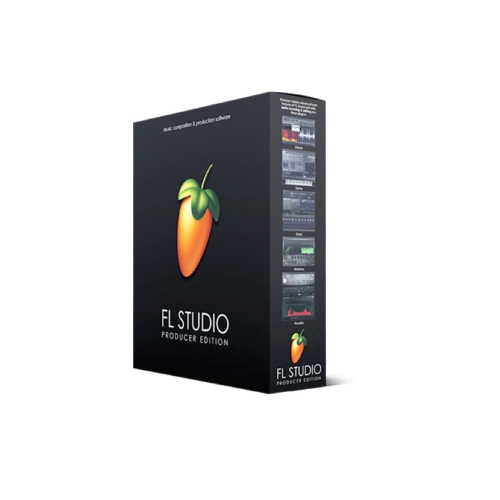 Your price for this item is $214.99
 -
 Your price for this item is $179
 -
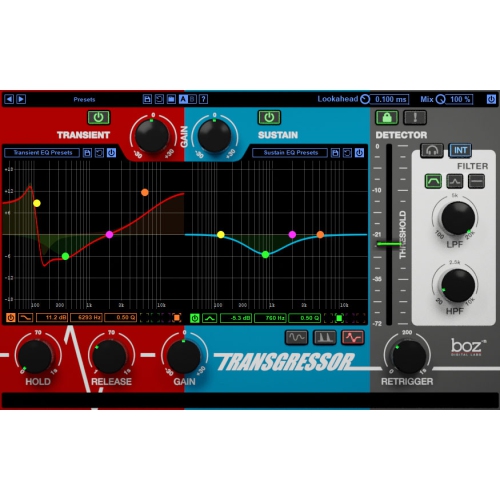 Your price for this item is $95
 -
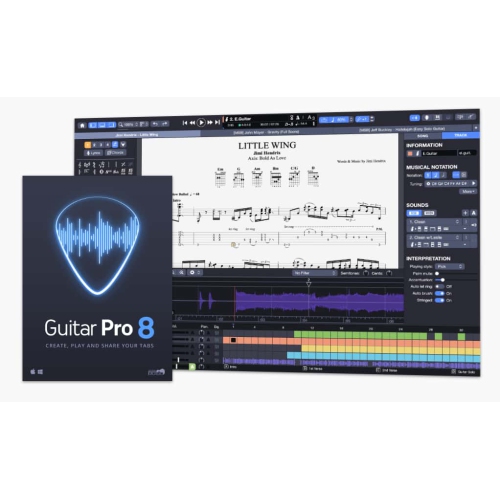 Your price for this item is $68
 -
 Your price for this item is $209
 -
 Your price for this item is $299
 -
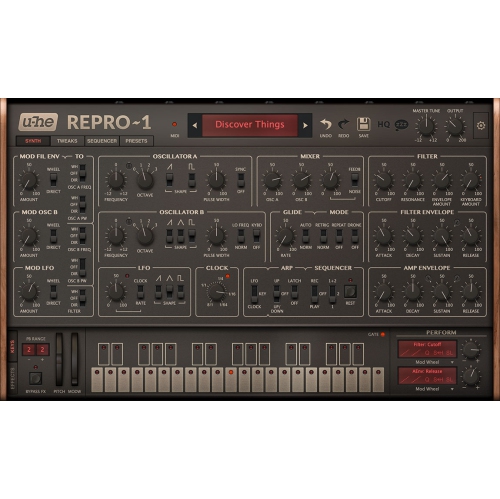 Your price for this item is $279
Discover more categories related to Professional Audio Editing Software
Top Collections:
Pokemon Centers, Kindle Devices, Best Budget Office Chairs, Canon G7X Cameras, Apple iPhones 16, Samsung Galaxy Phones, Refurbished Apple Laptops, Laptops for Students, iPhone 15 Apple, Budget Smartphones
Some products may be subject to Environmental Handling Fees
(EHF) depending on your province.
Learn more about EHFs.