AutoCAD Mice
Enhance your design workflow with an AutoCAD Mouse designed for precision and efficiency in computer-aided design projects. Whether you're an architect, engineer, or student, the right AutoCAD Mouse can make detailed work more comfortable and accurate. Explore a range of options tailored to support seamless navigation and control for all your creative needs. Find the perfect fit to elevate your CAD experience and achieve professional results on every project.
Sort
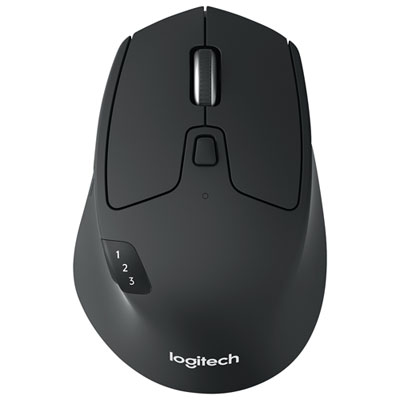
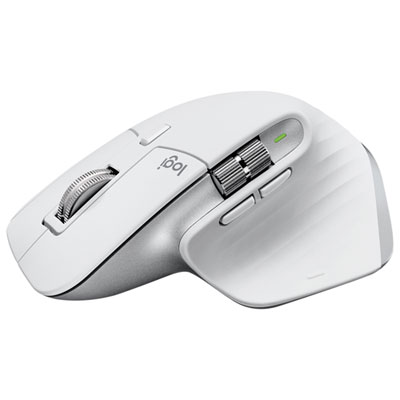
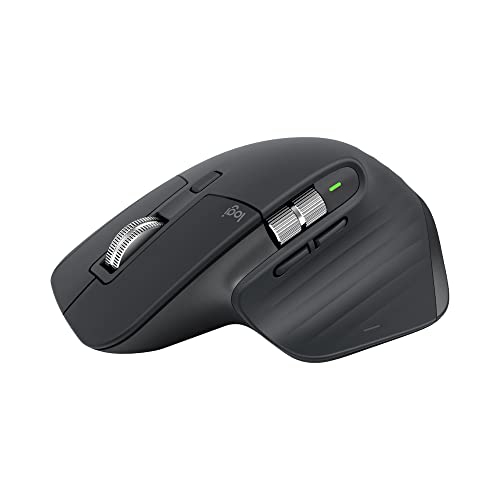
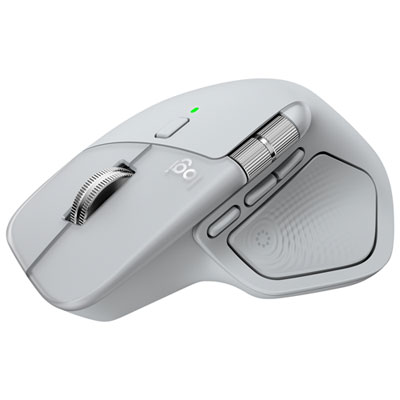
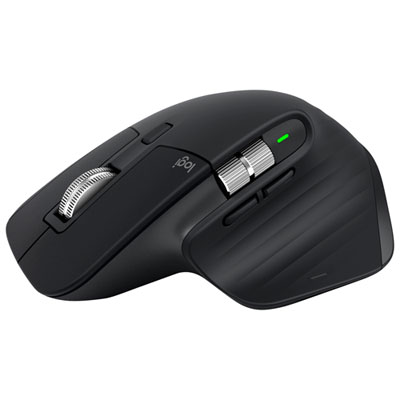
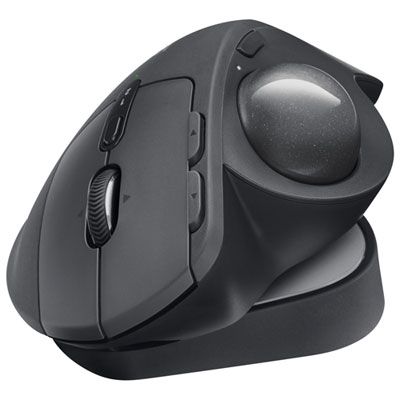
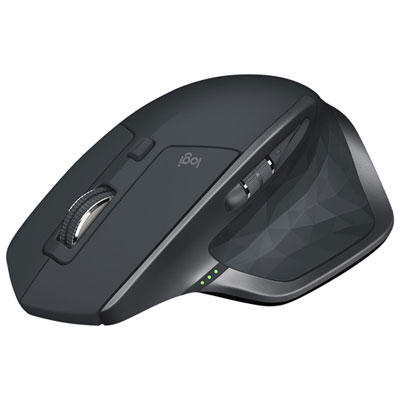
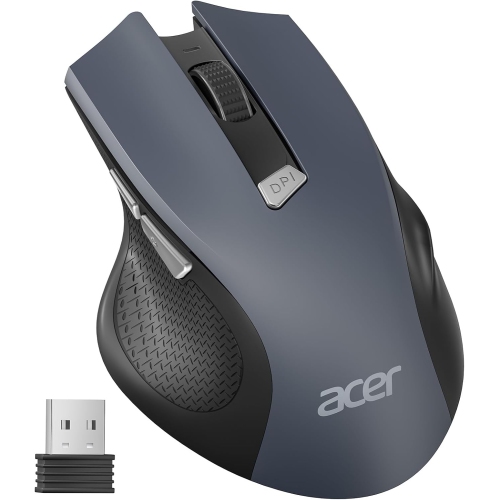
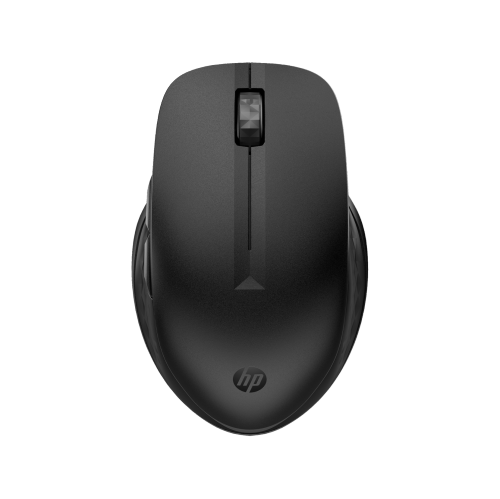

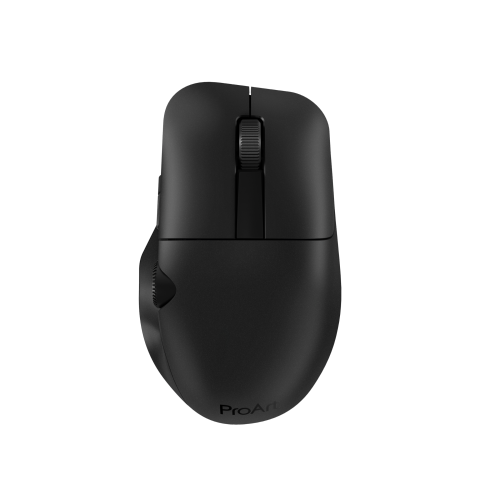
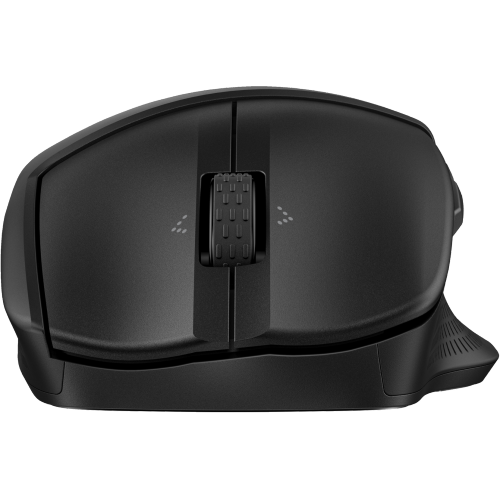
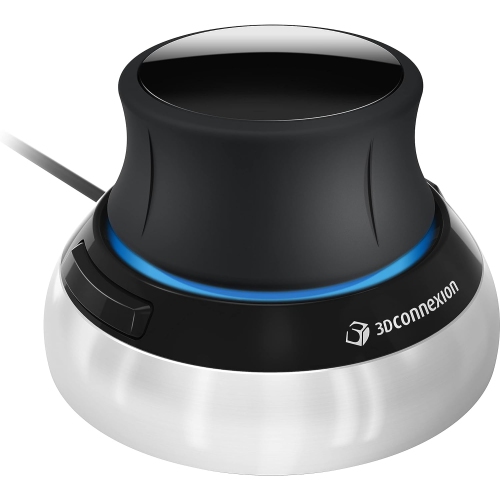
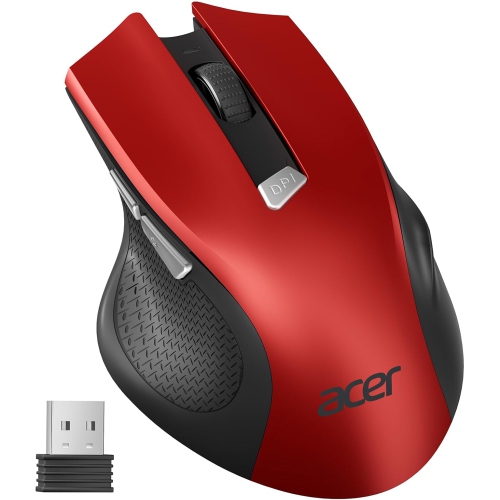
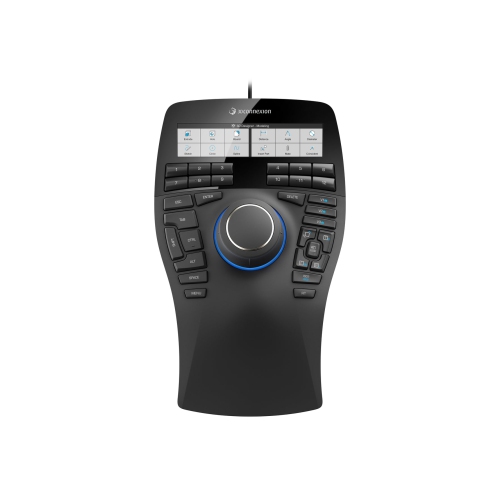
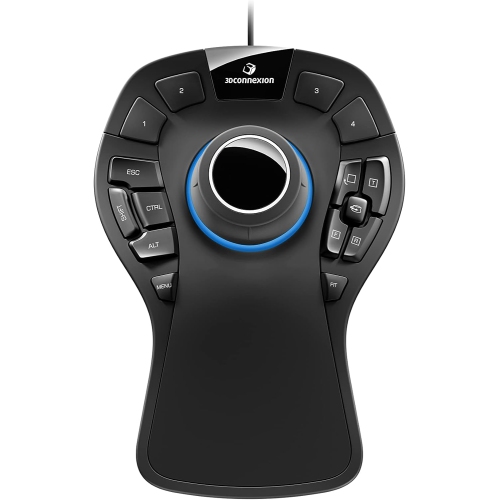
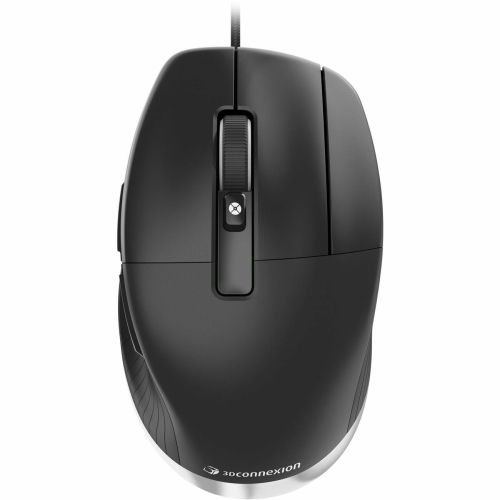
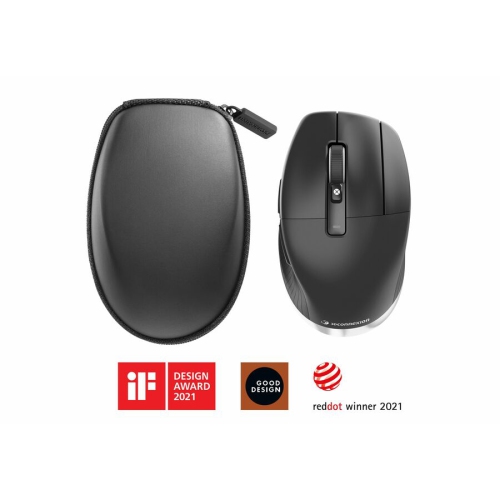
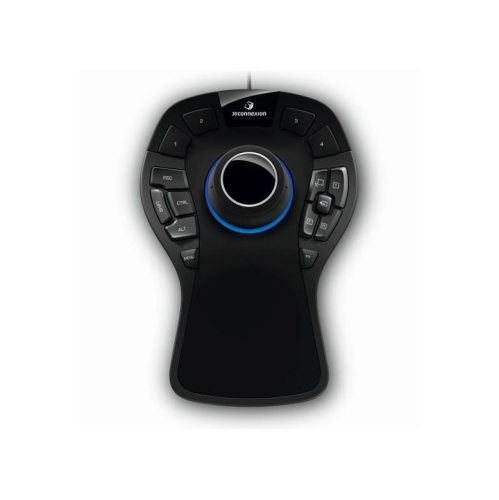
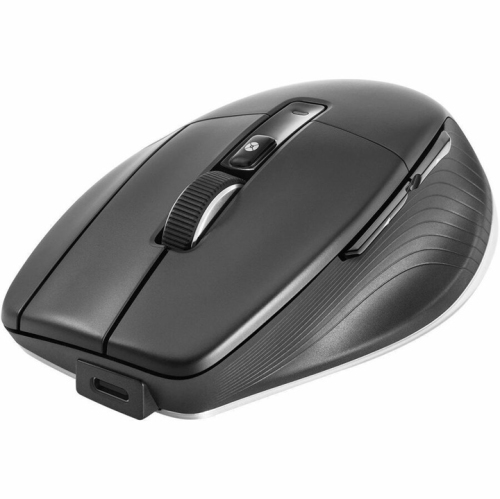
Precision and comfort for demanding CAD workflows
Selecting the right mouse for AutoCAD work can make a remarkable difference in both comfort and productivity, especially for those who spend long hours drafting, designing, or managing complex projects. AutoCAD mice are designed with features that cater specifically to the demands of computer-aided design, such as high-precision sensors, ergonomic shapes, and customizable buttons that streamline repetitive tasks. For professionals in architecture, engineering, or interior design, the ability to assign macros and shortcuts to dedicated buttons means less time spent navigating menus and more time refining details. Students in technical programs, freelancers working from home, and even hobbyists exploring 3D modelling or digital drafting can all benefit from the enhanced control and efficiency these specialized mice provide. Whether you’re outfitting a home office as the weather warms or upgrading your setup for the new academic year, investing in a purpose-built mouse can help reduce strain and support focus through long sessions at the screen.
Gift-givers looking for something practical and thoughtful for a recent graduate, a new employee, or a design enthusiast will find that an AutoCAD mouse is both useful and appreciated—especially as projects ramp up during the busier seasons. The right mouse can help minimize hand fatigue with a contoured grip, adjustable DPI settings, and a dedicated middle button for smooth panning and zooming in large blueprints or intricate models. Wireless options can reduce desk clutter and offer flexibility for those who move between workstations, while wired models are often favoured for their reliability in demanding professional environments. Many users also look for compatibility with a variety of operating systems and software, ensuring seamless integration with existing workflows. For those who work across multiple design platforms, it can be helpful to explore devices that bridge the needs of CAD and creative design—if your interests extend into digital illustration or graphic work, you might want to browse the selection of Graphic Design Mice as well.
When choosing an AutoCAD mouse, it’s important to consider not just the technical specifications but also how the device will fit into your daily routine. Some users prefer a compact mouse for portability, especially if they travel between job sites or classrooms, while others prioritize a full-size, sculpted design for maximum support during extended periods of use. Programmable buttons can be assigned to frequently used AutoCAD commands, significantly speeding up tasks like object snapping, layer toggling, or view switching. High-resolution sensors ensure smooth cursor movement, even on large or multi-monitor setups, which is essential for precise line work and detailed editing. As project timelines grow tighter and the need for accuracy increases, having a mouse tailored for CAD applications can help reduce errors and keep workflows running efficiently. Whether you’re setting up a new workspace or refreshing your equipment for the season, AutoCAD mice offer a blend of performance, comfort, and customization to help you get the most out of your design software.
Gift-givers looking for something practical and thoughtful for a recent graduate, a new employee, or a design enthusiast will find that an AutoCAD mouse is both useful and appreciated—especially as projects ramp up during the busier seasons. The right mouse can help minimize hand fatigue with a contoured grip, adjustable DPI settings, and a dedicated middle button for smooth panning and zooming in large blueprints or intricate models. Wireless options can reduce desk clutter and offer flexibility for those who move between workstations, while wired models are often favoured for their reliability in demanding professional environments. Many users also look for compatibility with a variety of operating systems and software, ensuring seamless integration with existing workflows. For those who work across multiple design platforms, it can be helpful to explore devices that bridge the needs of CAD and creative design—if your interests extend into digital illustration or graphic work, you might want to browse the selection of Graphic Design Mice as well.
When choosing an AutoCAD mouse, it’s important to consider not just the technical specifications but also how the device will fit into your daily routine. Some users prefer a compact mouse for portability, especially if they travel between job sites or classrooms, while others prioritize a full-size, sculpted design for maximum support during extended periods of use. Programmable buttons can be assigned to frequently used AutoCAD commands, significantly speeding up tasks like object snapping, layer toggling, or view switching. High-resolution sensors ensure smooth cursor movement, even on large or multi-monitor setups, which is essential for precise line work and detailed editing. As project timelines grow tighter and the need for accuracy increases, having a mouse tailored for CAD applications can help reduce errors and keep workflows running efficiently. Whether you’re setting up a new workspace or refreshing your equipment for the season, AutoCAD mice offer a blend of performance, comfort, and customization to help you get the most out of your design software.
Top selling and popular products
-
 Your price for this item is $29.99
 -
 Your price for this item is $50.44
 -
 Your price for this item is $39.99
 -
 Your price for this item is $49.99
 -
 Your price for this item is $159.95
 -
 Your price for this item is $44.68
 -
 Your price for this item is $44.68
 -
 Your price for this item is $31
Discover more categories related to AutoCAD Mice
Top Collections:
Pokemon Centers, Kindle Devices, Best Budget Office Chairs, Apple iPhones 16, Best Laptops for Writers, iPhone 15 Apple, Canon G7X Cameras, Refurbished Apple Laptops, Alarm Clock, Motorola Razr Phones
Some products may be subject to Environmental Handling Fees
(EHF) depending on your province.
Learn more about EHFs.