Mice for CAD Work
If you're a CAD user, you know that a mouse is one of the most important tools in your arsenal. A good mouse can make the difference between an accurate drawing and an inaccurate one. The best CAD mice strike a balance between comfort and performance with features like extra buttons, ergonomic designs, and ambidextrous designs. Here are some great options available today.
Sort
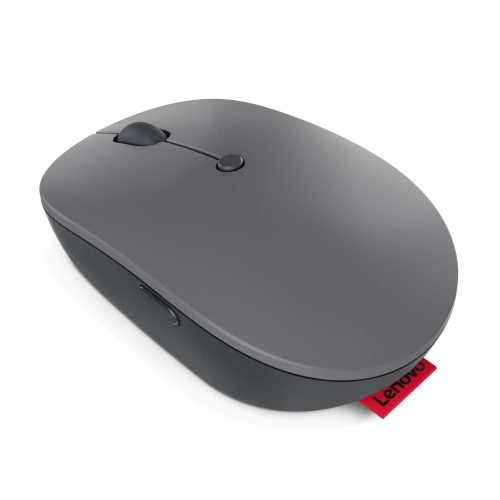
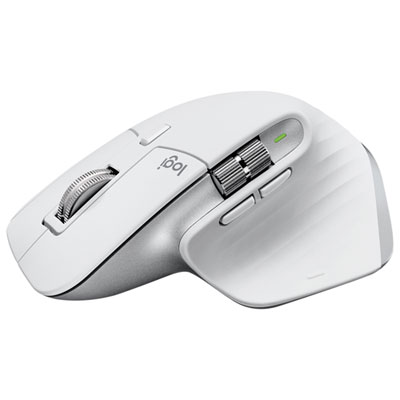
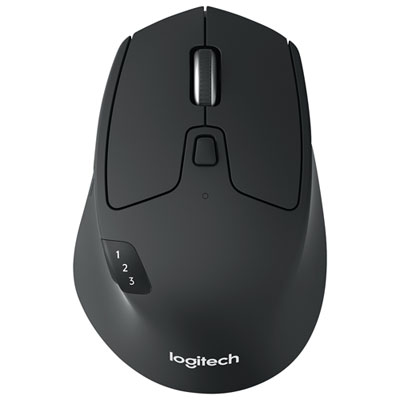
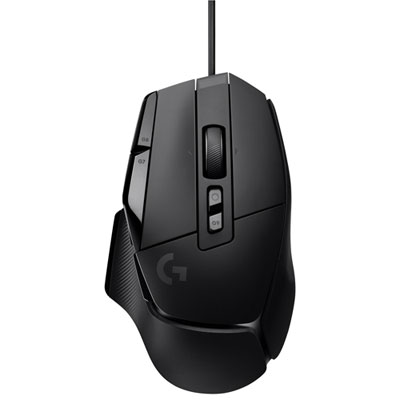
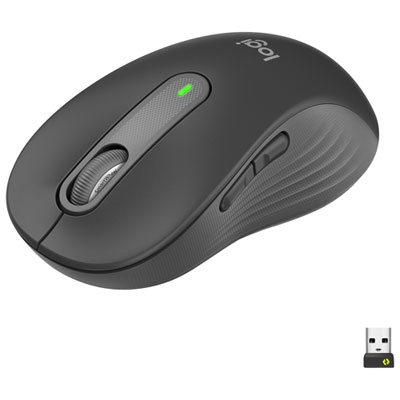
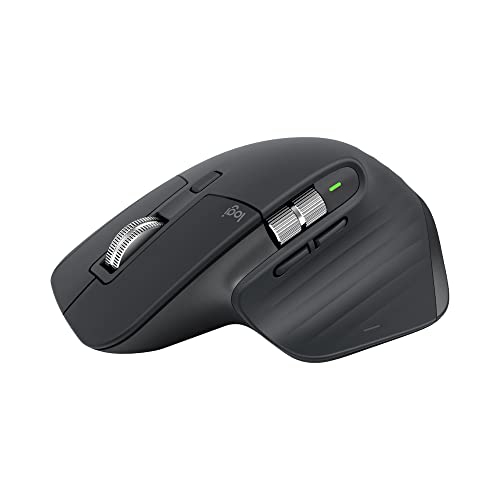
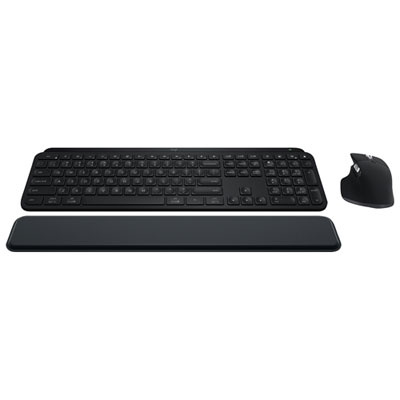
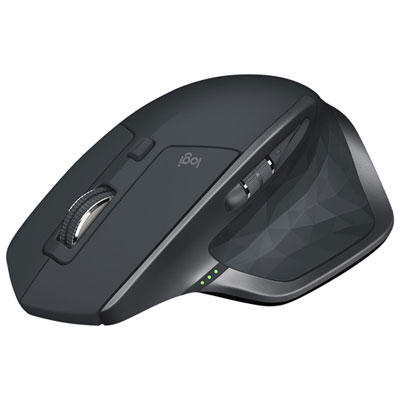
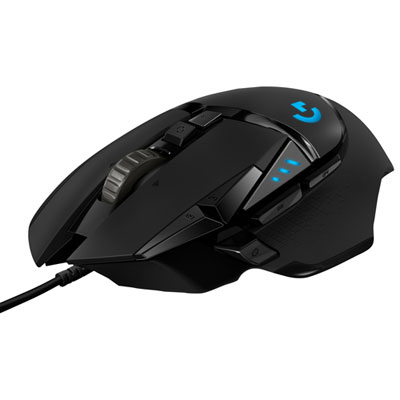
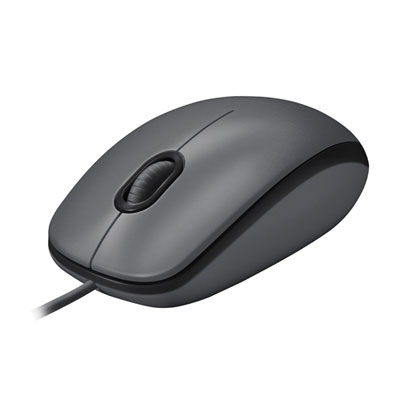
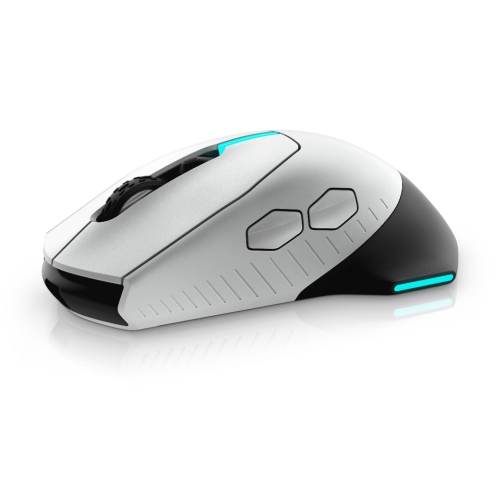
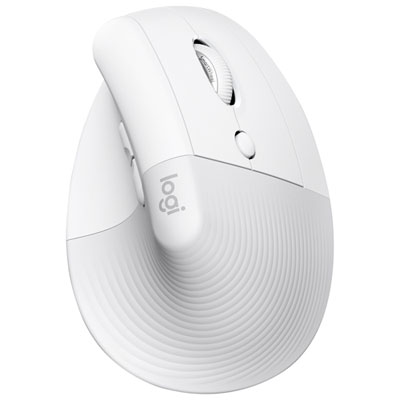
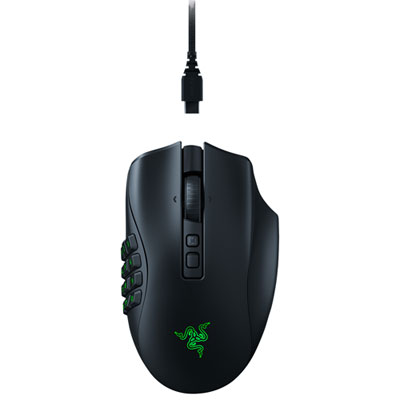
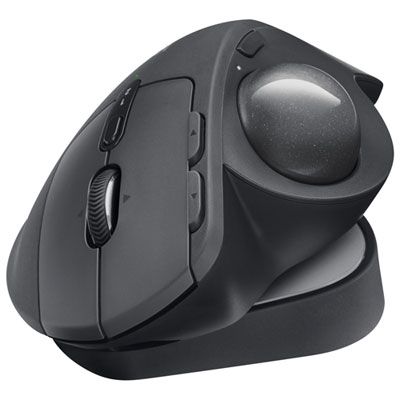
Features that improve precision, comfort, and CAD workflow
Precision and comfort are at the heart of choosing the right mice for CAD work, especially during seasons when long hours at the desk become more common as the days grow shorter and projects ramp up. For engineers, architects, designers, and students working with 2D drafting or complex 3D modelling, a mouse is more than just a pointing device—it’s an extension of your hand, shaping every line, curve, and detail. CAD programs demand accuracy and efficiency, making features like high-resolution sensors and programmable buttons essential. Many users find that a dedicated middle-click button, separate from the scroll wheel, is invaluable for tasks like panning and orbiting in software such as SolidWorks or AutoCAD. This design not only streamlines navigation but also prolongs the life of the mouse by reducing wear on the scroll wheel, a common pain point in traditional models. Customizable shortcut buttons are another sought-after feature, allowing users to assign commands like undo, redo, or trim to a single click, which can significantly speed up workflow and reduce repetitive strain.
Ergonomics play a critical role as well, especially for those who spend extended periods working on detailed models. A well-contoured mouse fits naturally in your hand, minimizing fatigue and supporting healthy wrist posture, which is particularly important during the cooler months when stiffness can set in more easily. High-precision sensors, often measured in DPI (dots per inch), ensure that every movement is tracked smoothly and accurately, which is crucial when working on intricate designs or making pixel-perfect adjustments. Many CAD professionals also appreciate mice that offer multi-device connectivity, allowing seamless switching between workstations or laptops—a handy feature for those who work in dynamic office environments or from home. As more people embrace hybrid work setups, the demand for versatile, reliable mice that deliver professional-grade performance continues to rise.
Mice designed for CAD work make thoughtful gifts for students entering engineering programs, professionals upgrading their home offices, or anyone passionate about digital design. The right mouse can transform daily tasks, making everything from drafting blueprints to rendering complex assemblies more intuitive and enjoyable. Whether you’re setting up a workstation for the first time or enhancing your existing setup as the seasons change, exploring the full range of options ensures you find a device tailored to your needs. For those comparing specialized CAD mice with high-end productivity models, it’s worth considering how features like dedicated buttons, advanced sensors, and ergonomic shapes can impact comfort and efficiency over time. If you’re interested in exploring more choices beyond this page, visit our curated selection of Office Mice for Work to discover additional options designed for productivity and professional performance.
Ergonomics play a critical role as well, especially for those who spend extended periods working on detailed models. A well-contoured mouse fits naturally in your hand, minimizing fatigue and supporting healthy wrist posture, which is particularly important during the cooler months when stiffness can set in more easily. High-precision sensors, often measured in DPI (dots per inch), ensure that every movement is tracked smoothly and accurately, which is crucial when working on intricate designs or making pixel-perfect adjustments. Many CAD professionals also appreciate mice that offer multi-device connectivity, allowing seamless switching between workstations or laptops—a handy feature for those who work in dynamic office environments or from home. As more people embrace hybrid work setups, the demand for versatile, reliable mice that deliver professional-grade performance continues to rise.
Mice designed for CAD work make thoughtful gifts for students entering engineering programs, professionals upgrading their home offices, or anyone passionate about digital design. The right mouse can transform daily tasks, making everything from drafting blueprints to rendering complex assemblies more intuitive and enjoyable. Whether you’re setting up a workstation for the first time or enhancing your existing setup as the seasons change, exploring the full range of options ensures you find a device tailored to your needs. For those comparing specialized CAD mice with high-end productivity models, it’s worth considering how features like dedicated buttons, advanced sensors, and ergonomic shapes can impact comfort and efficiency over time. If you’re interested in exploring more choices beyond this page, visit our curated selection of Office Mice for Work to discover additional options designed for productivity and professional performance.
Top selling and popular products
-
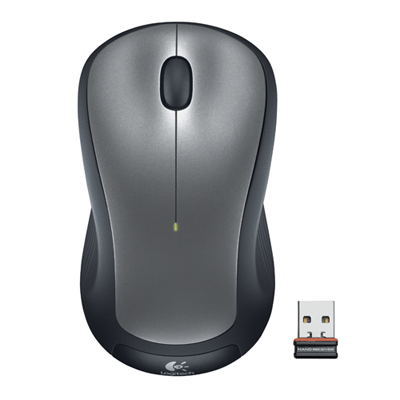 Your price for this item is $29.99
 -
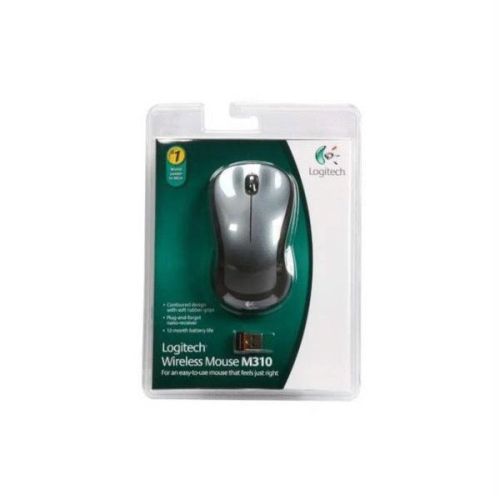 Your price for this item is $50.44
 -
 Your price for this item is $39.99
 -
 Your price for this item is $49.99
 -
 Your price for this item is $159.95
 -
 Your price for this item is $44.68
 -
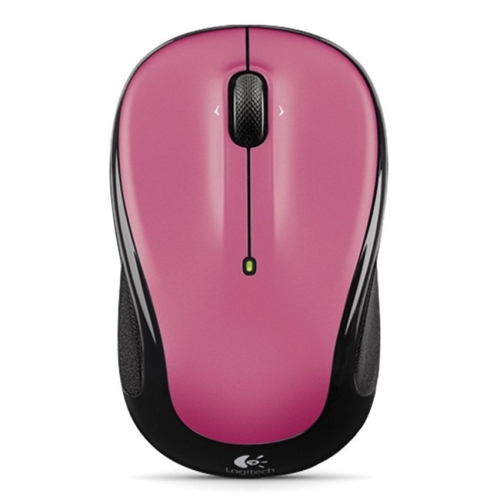 Your price for this item is $44.68
 -
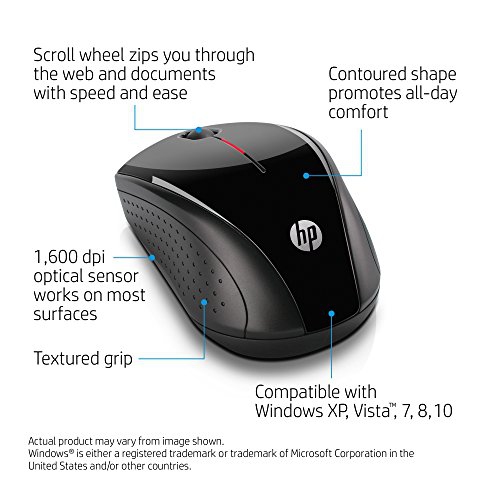 Your price for this item is $31
Discover more categories related to Mice for CAD Work
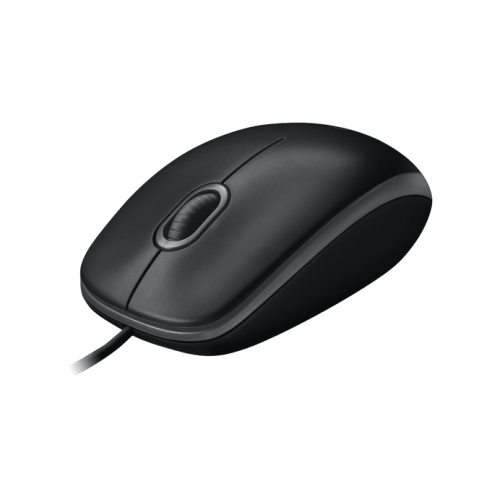
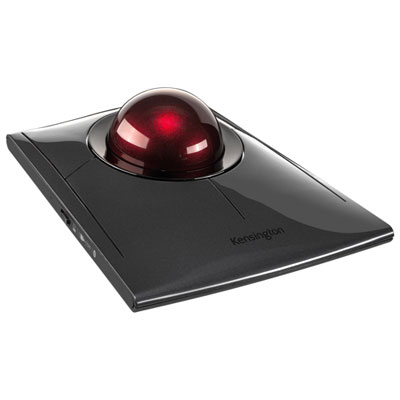
Top Collections:
Pokemon Centers, Kindle Devices, Best Budget Office Chairs, Apple iPhones 16, Best Laptops for Writers, iPhone 15 Apple, Canon G7X Cameras, Refurbished Apple Laptops, Alarm Clock, Motorola Razr Phones
Some products may be subject to Environmental Handling Fees
(EHF) depending on your province.
Learn more about EHFs.