Computer Mice
A computer mouse is an essential part of any computer setup. It's the primary way that you interact with your computer, and it's the primary point of interface between you and the computer's operating system. The right mouse can make a big difference in your comfort and productivity. Here are some of the great options for you.
Sort
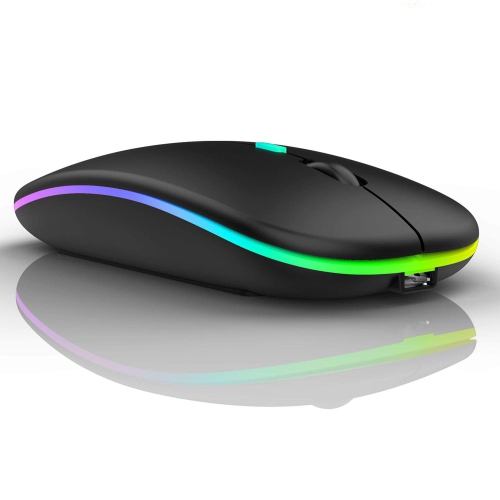
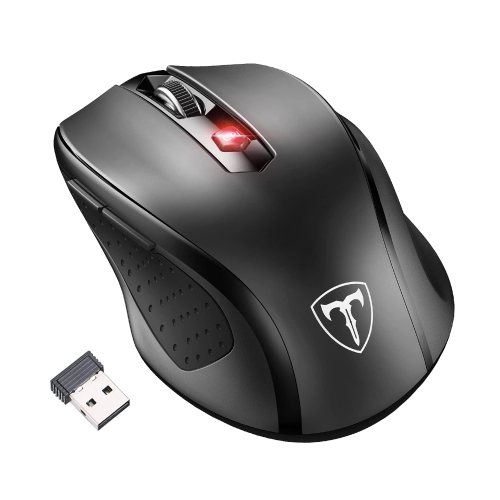
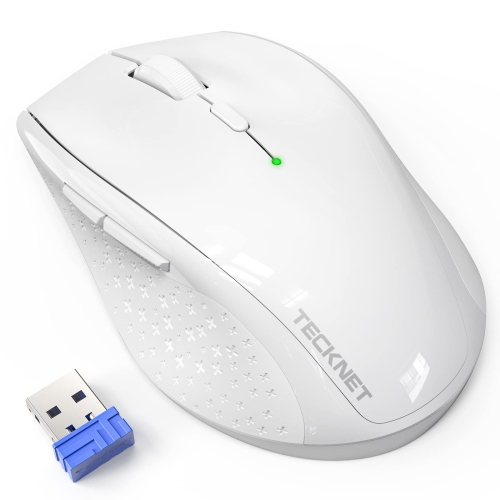
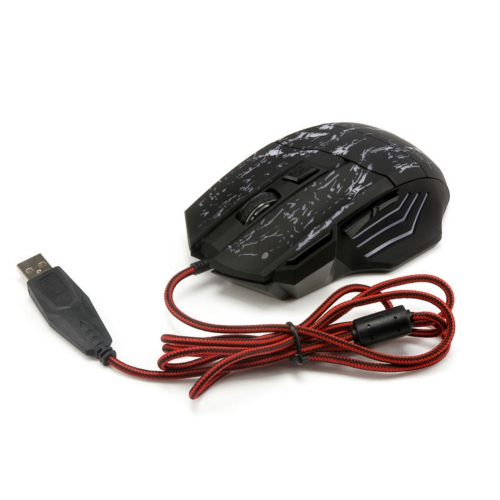
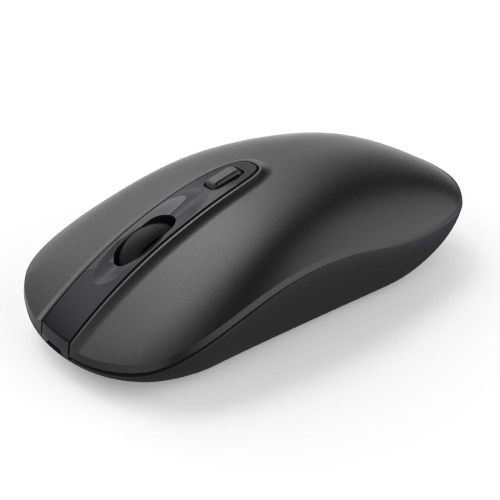
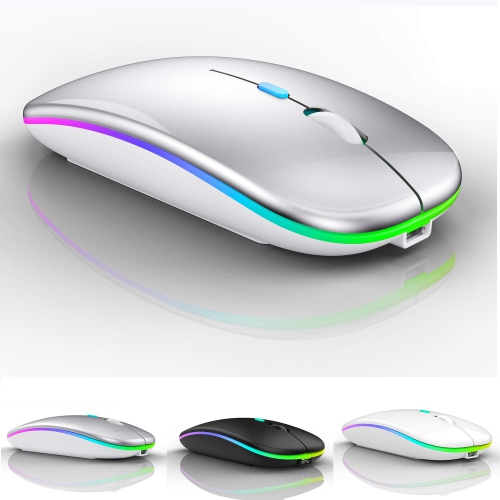
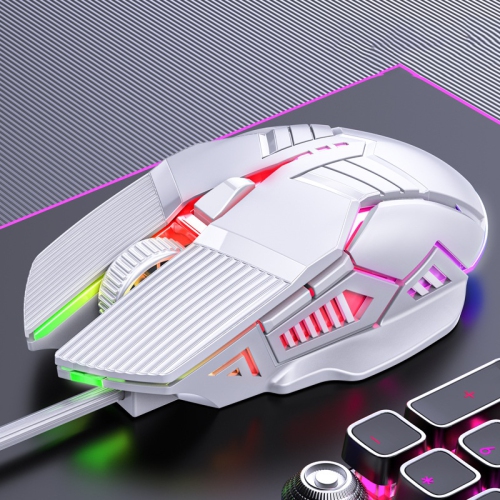
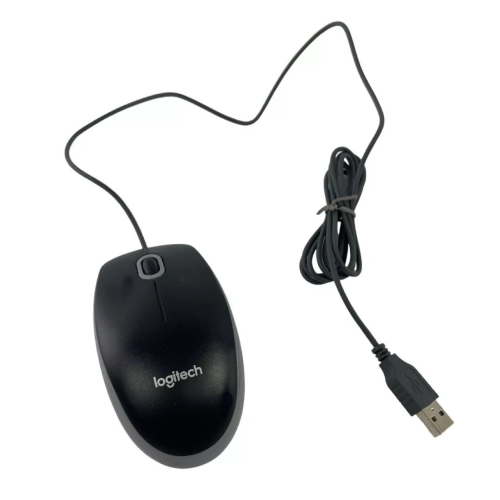
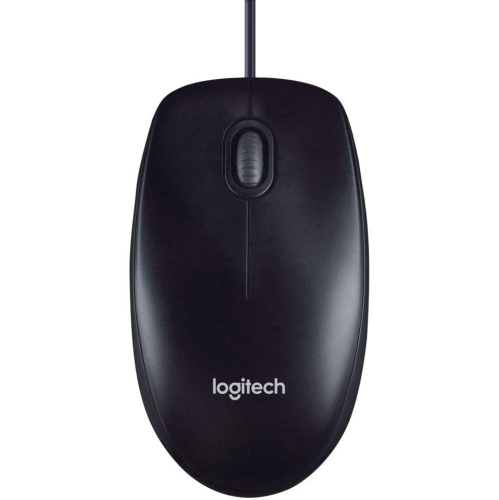
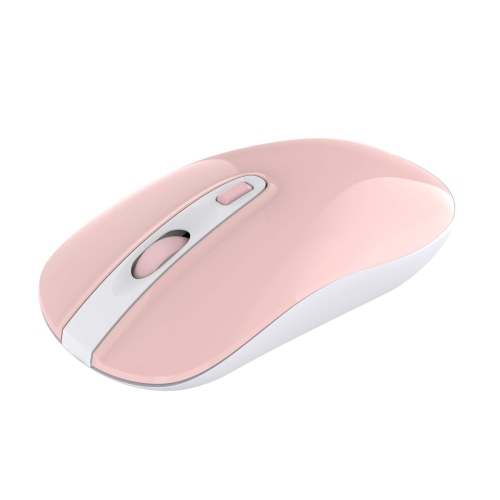
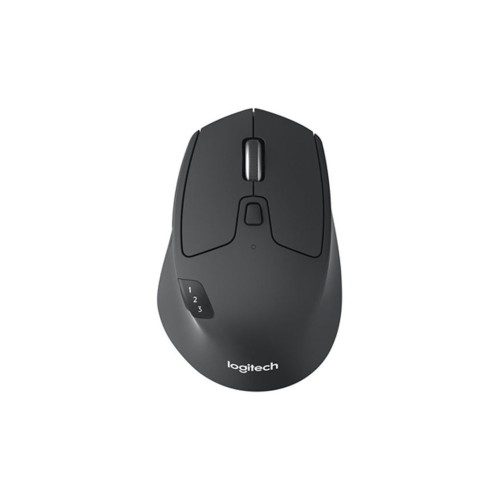

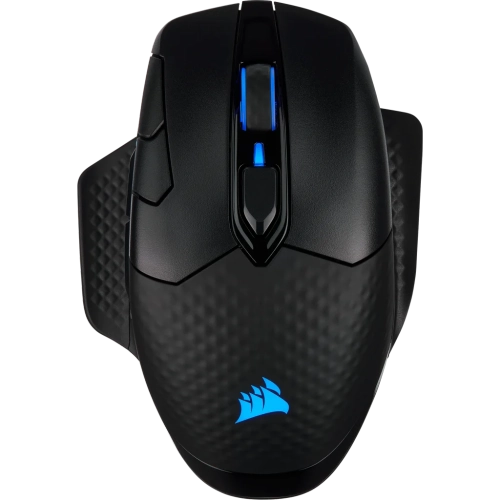
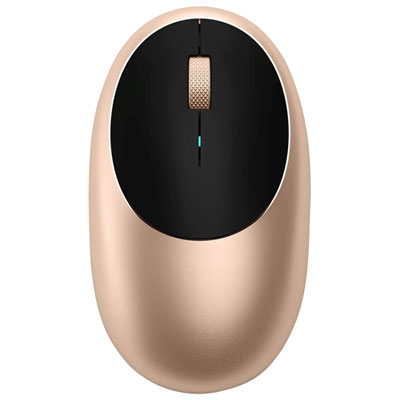
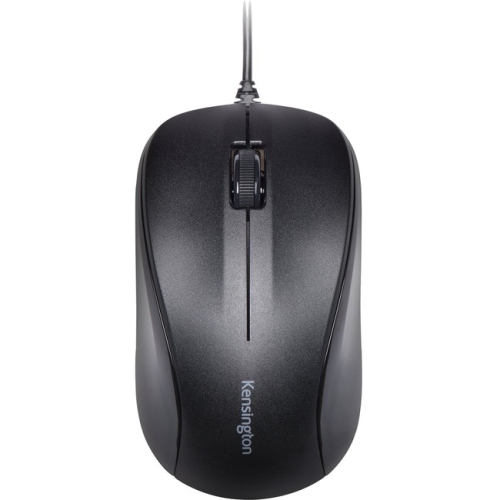
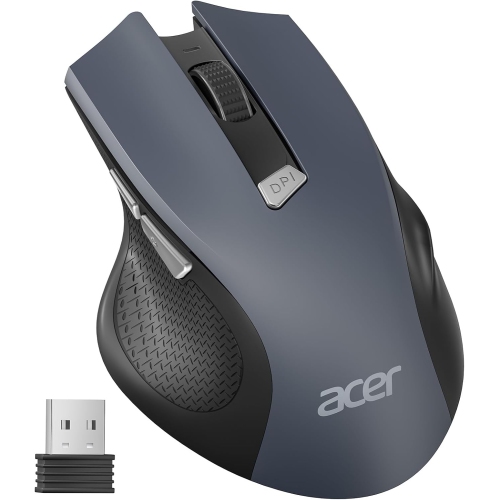
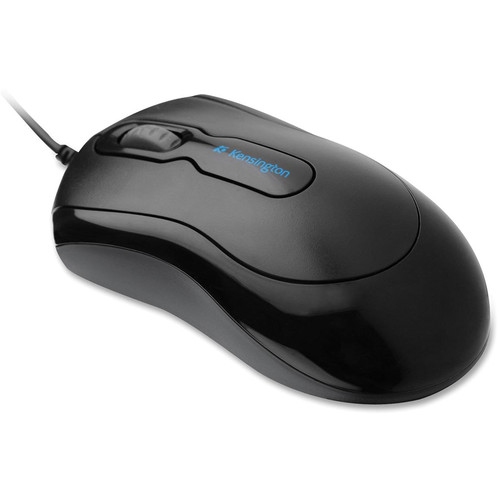
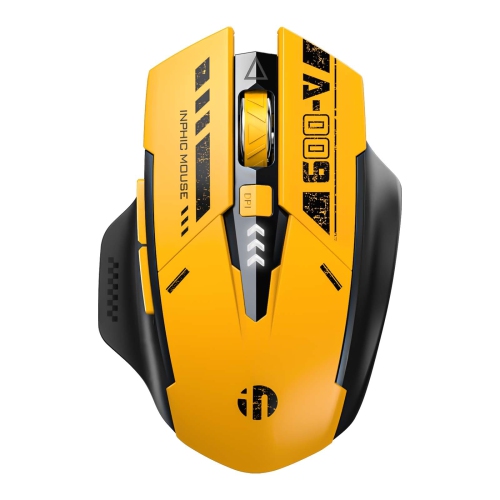


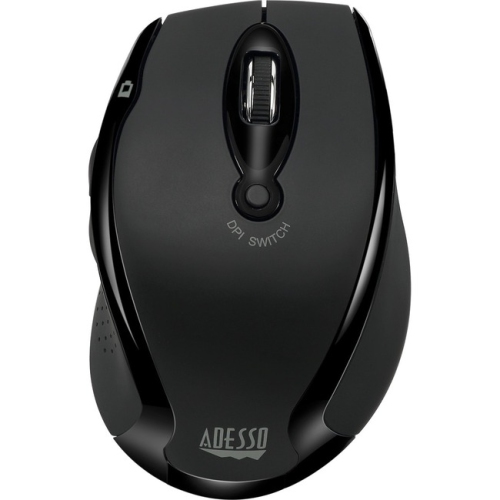
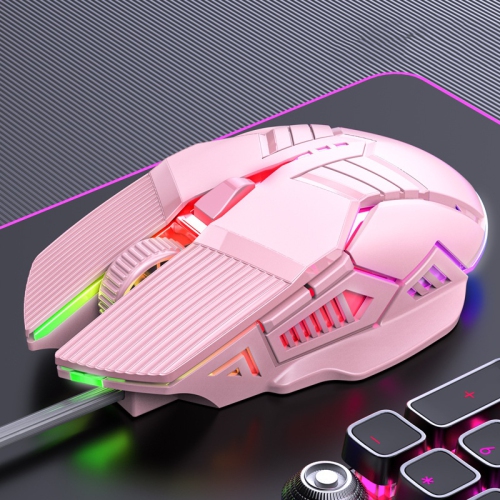
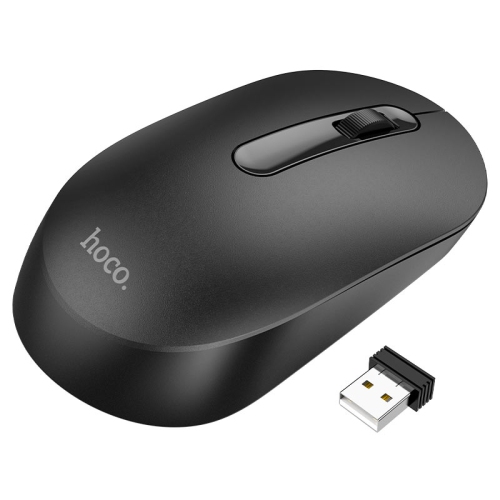
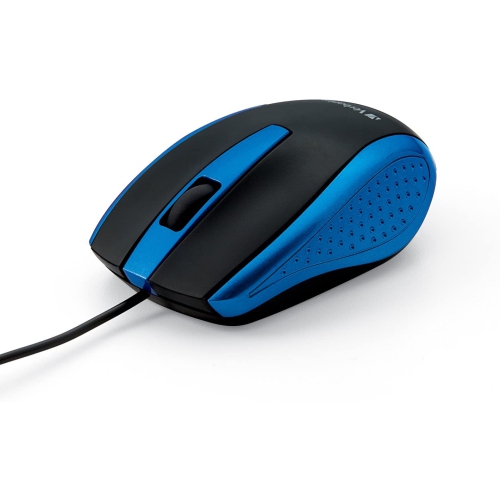
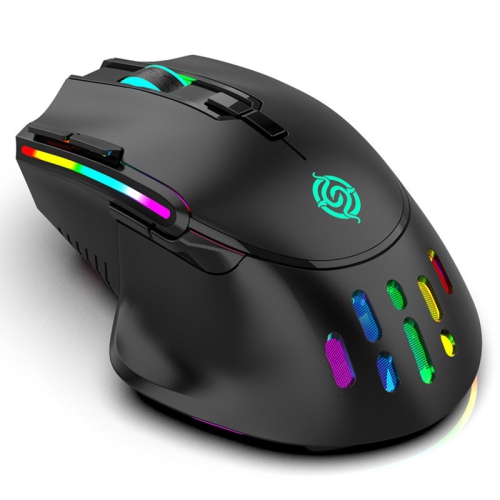
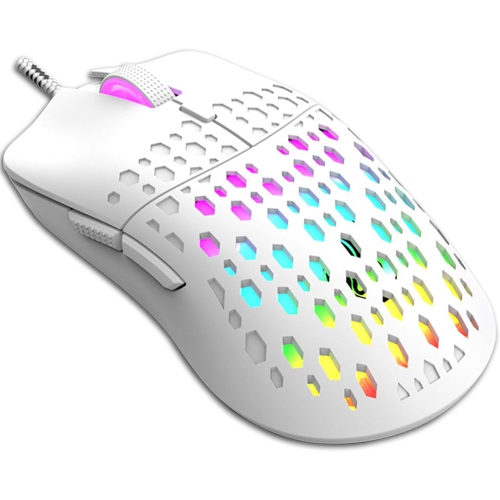
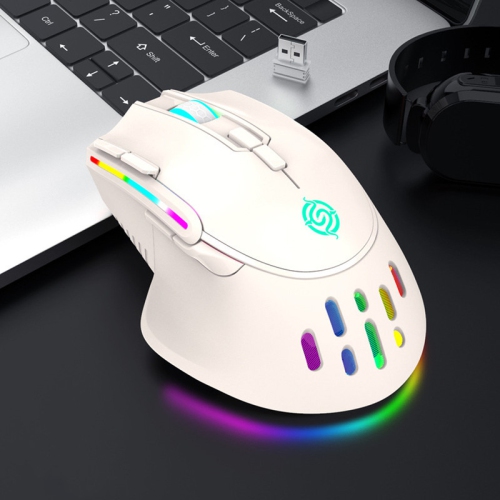
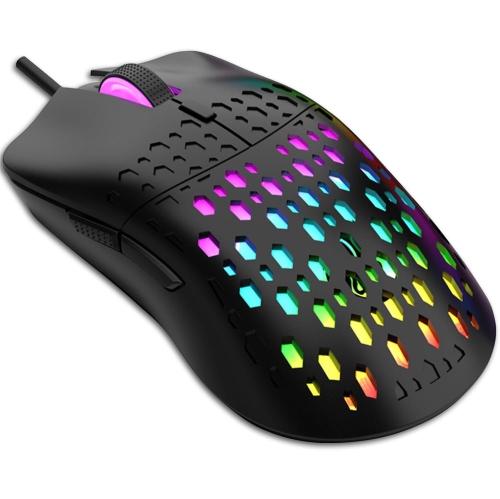
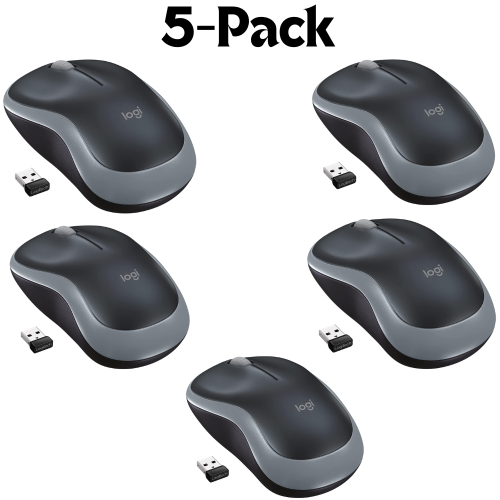
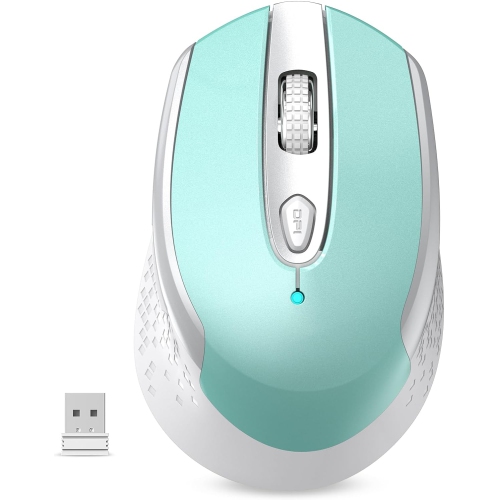
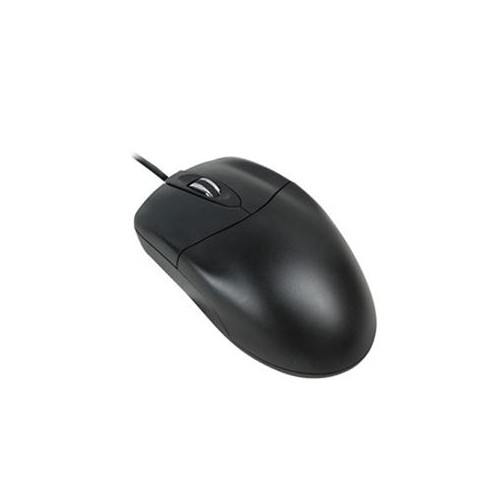
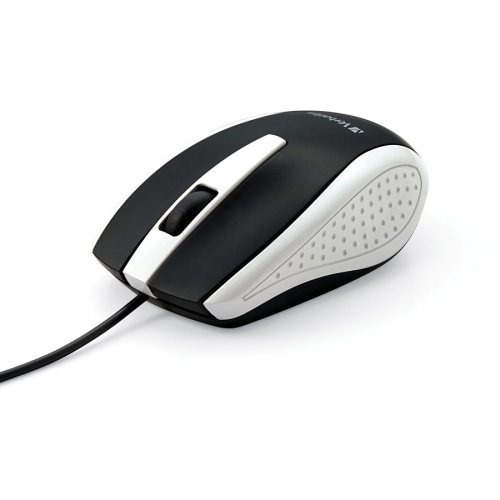
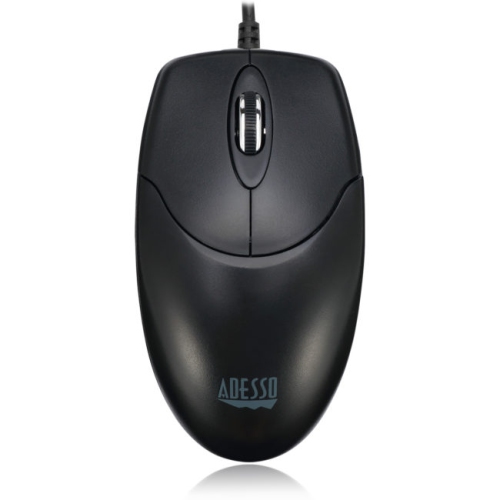
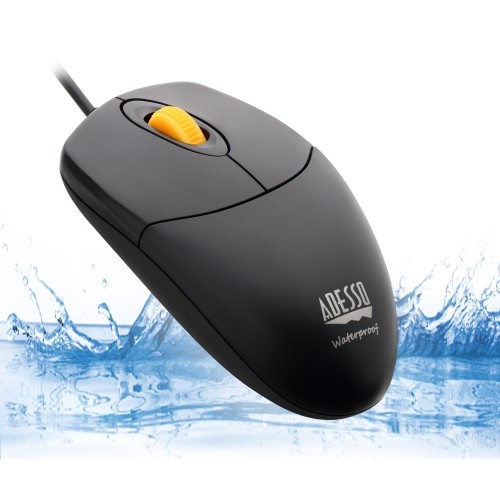
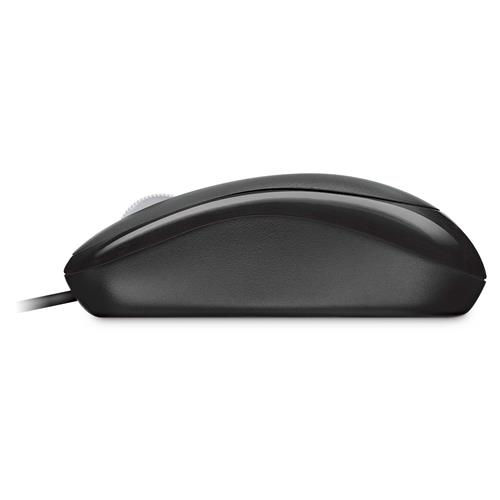
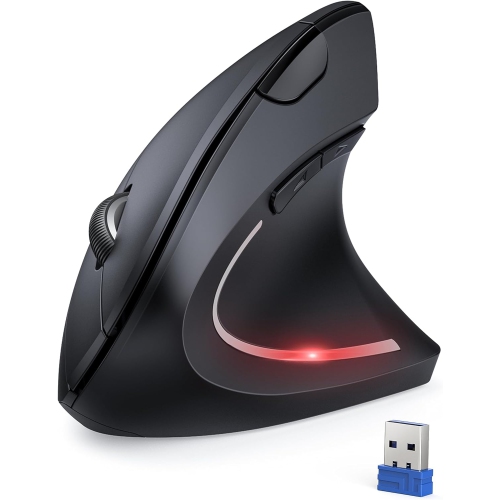
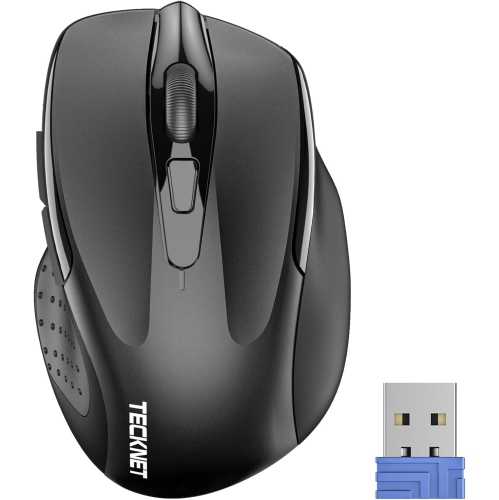
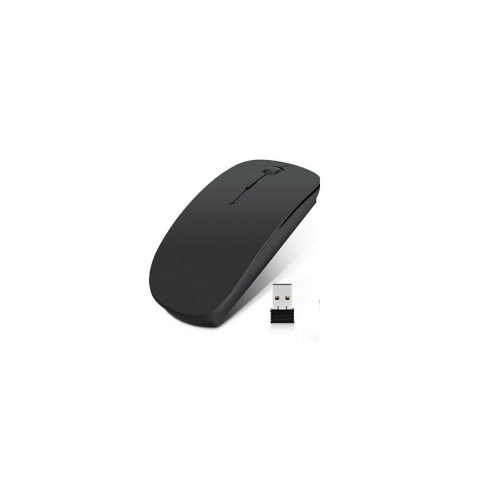
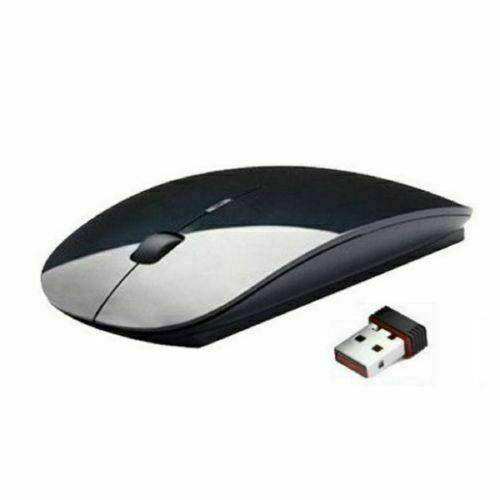
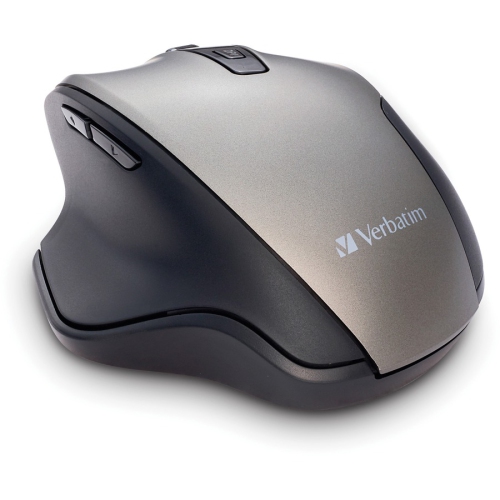
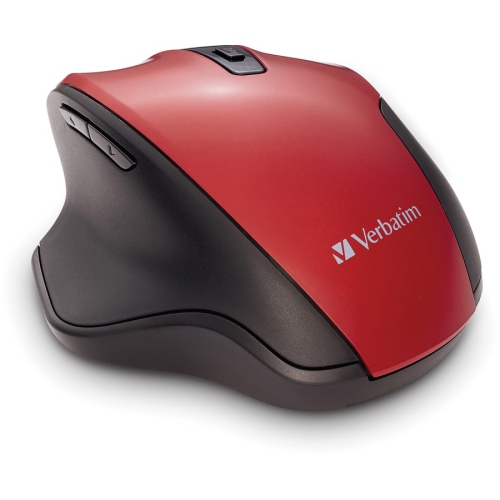
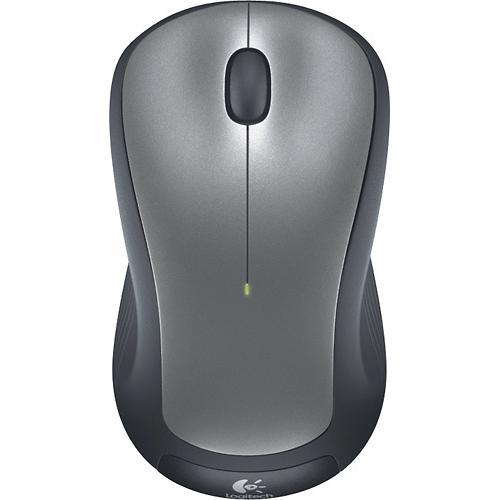
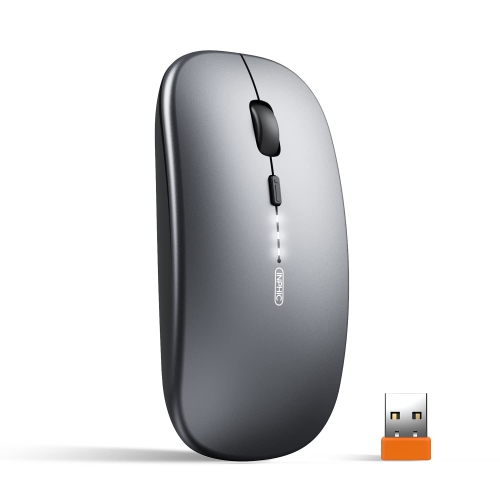
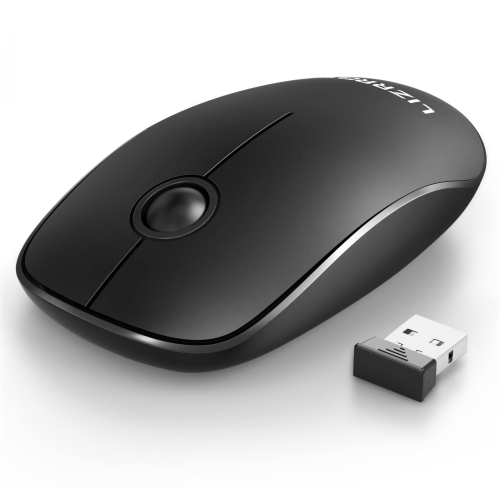
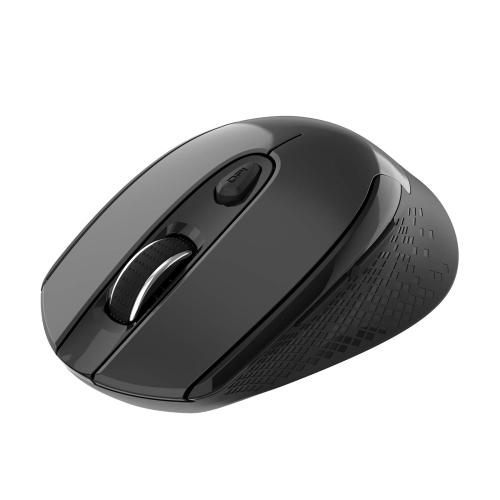
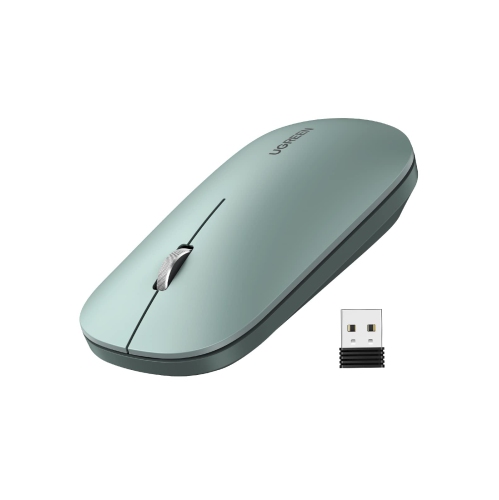
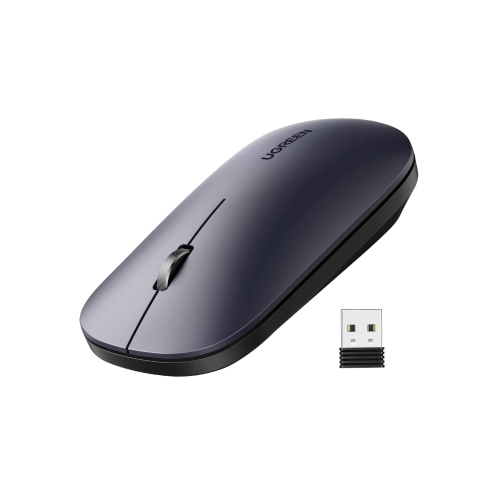
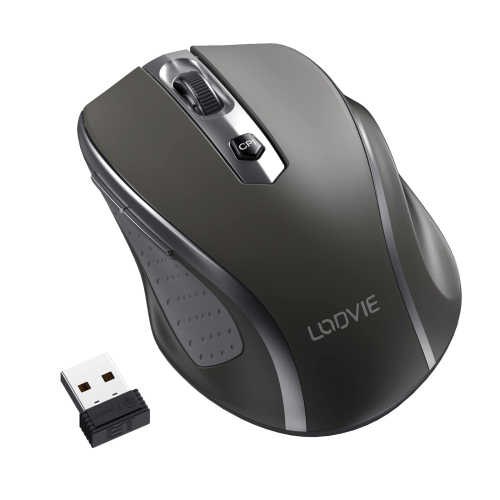
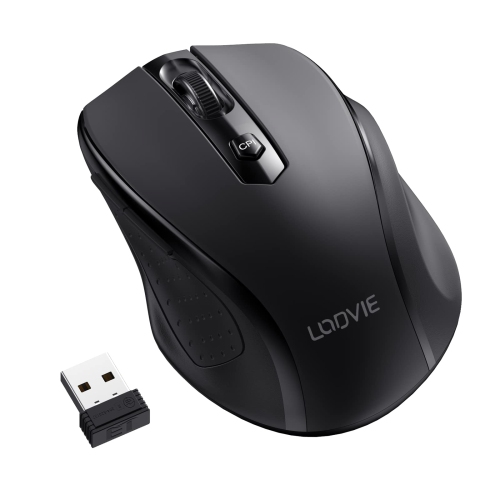

How mouse fit and connectivity shape everyday control
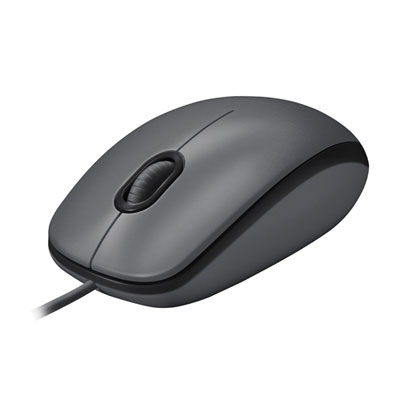
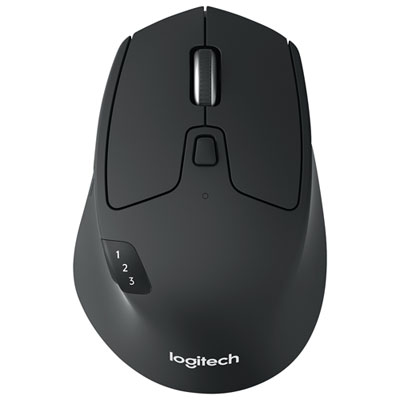
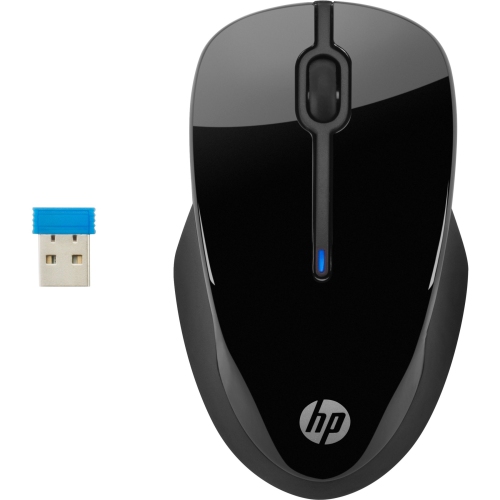
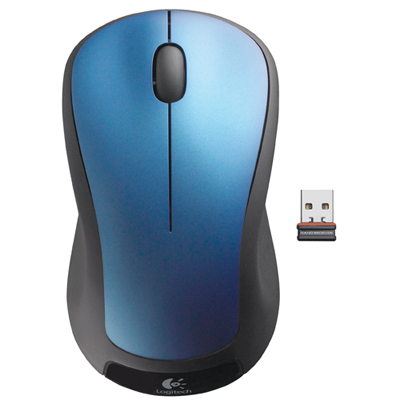
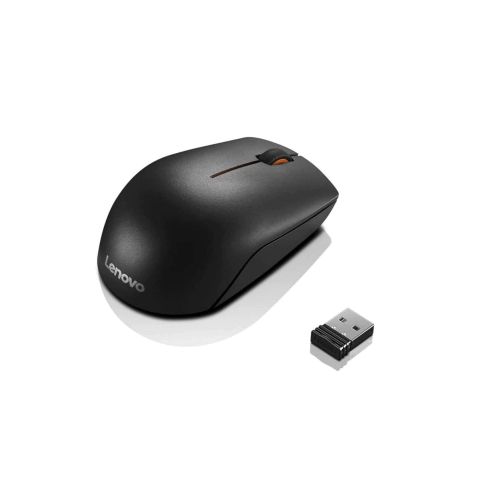
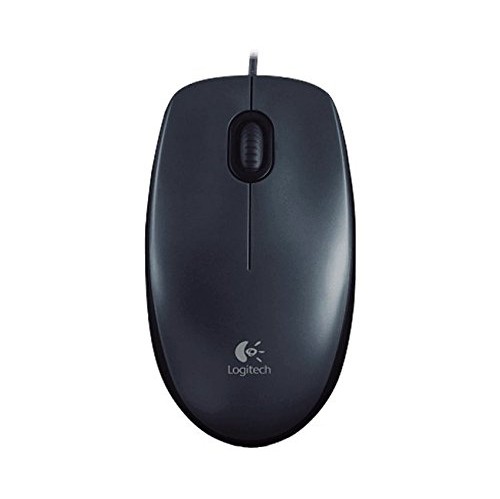
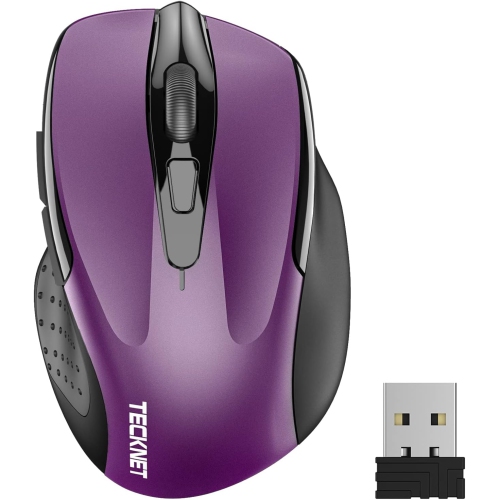
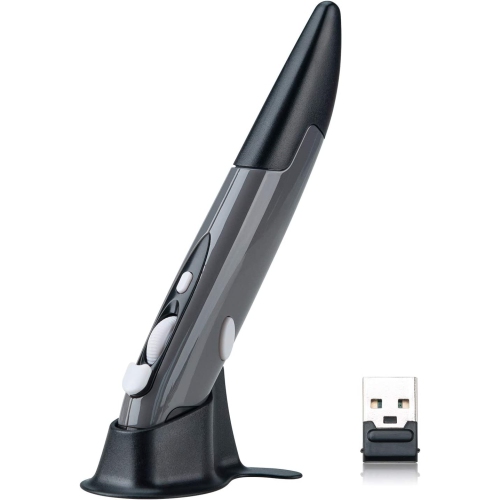
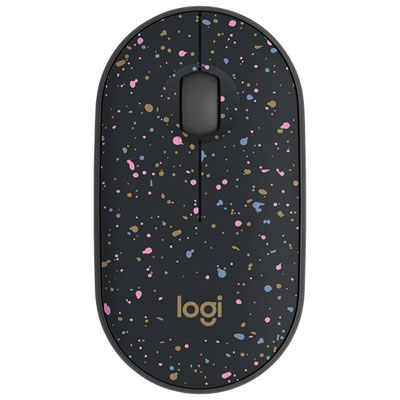
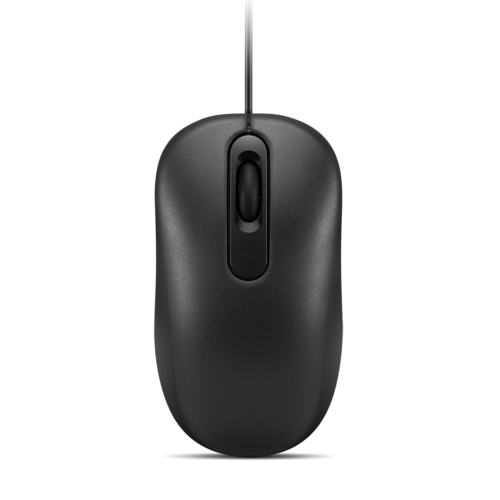
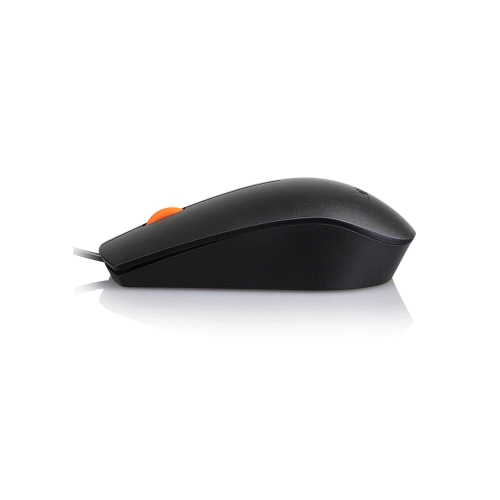
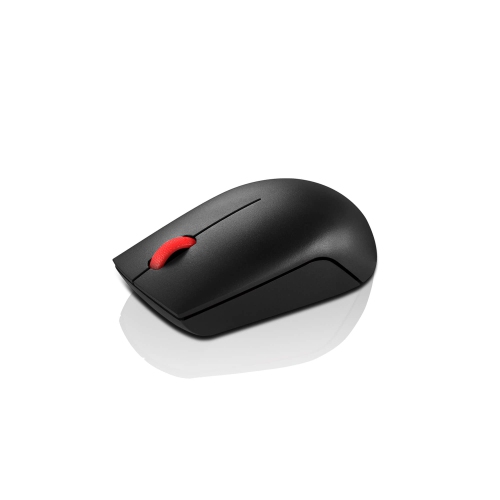
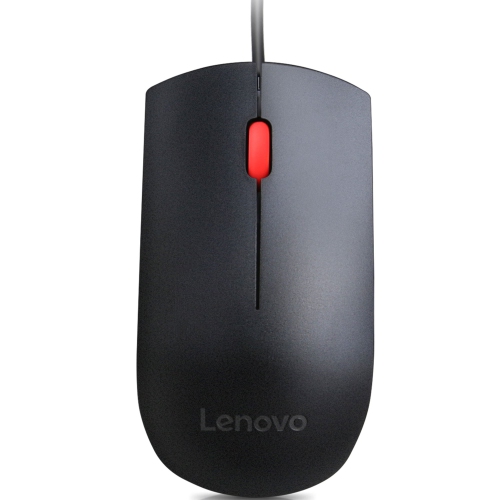
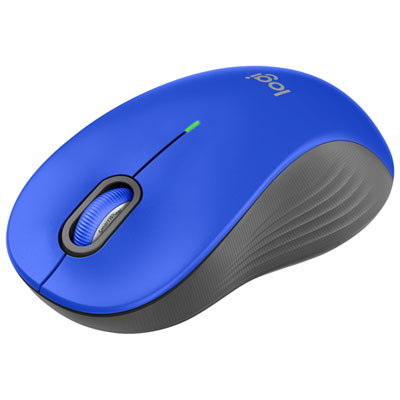
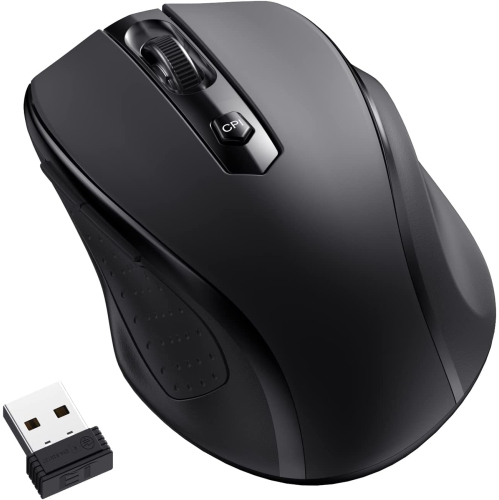
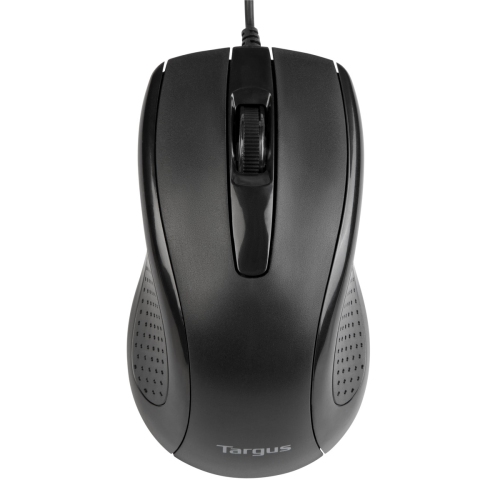
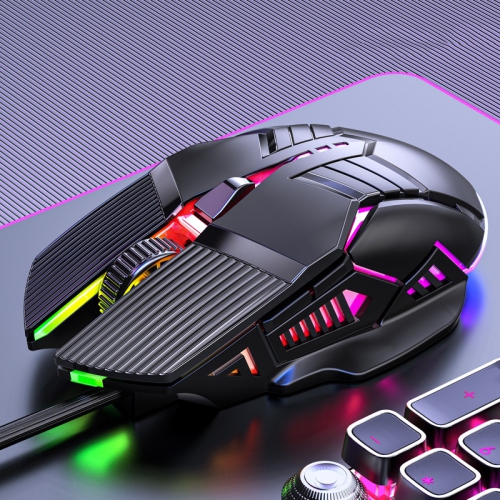
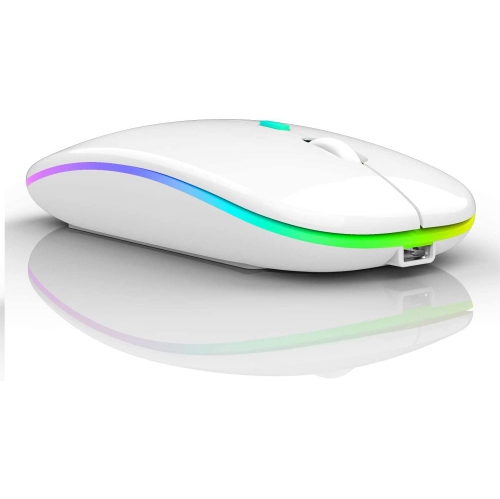
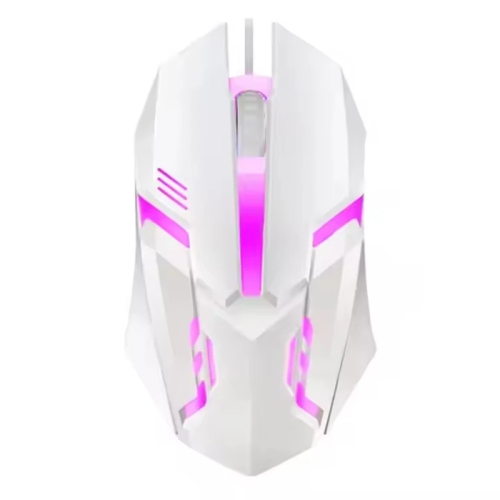
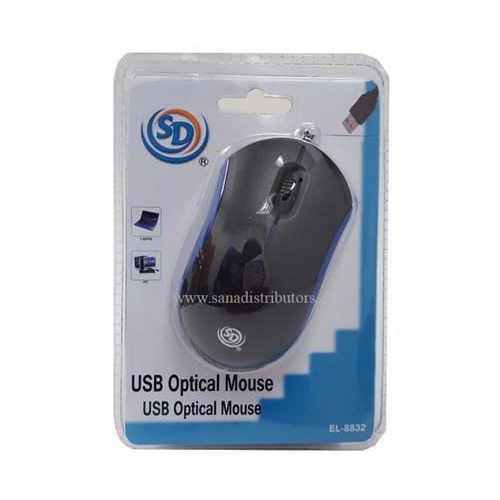
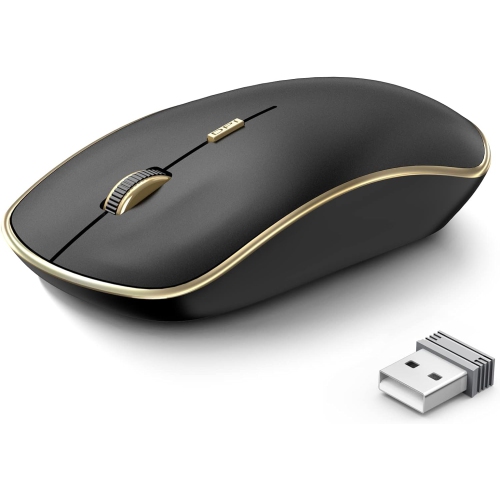
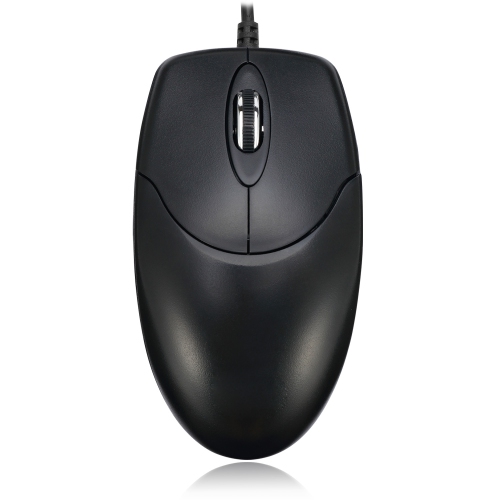
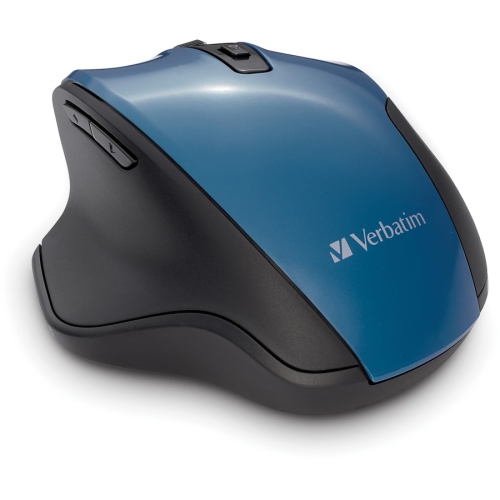
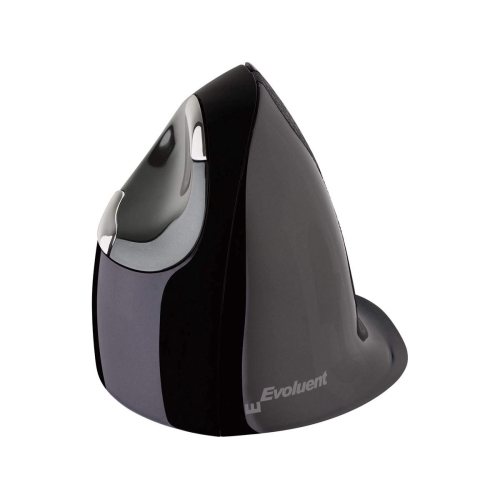
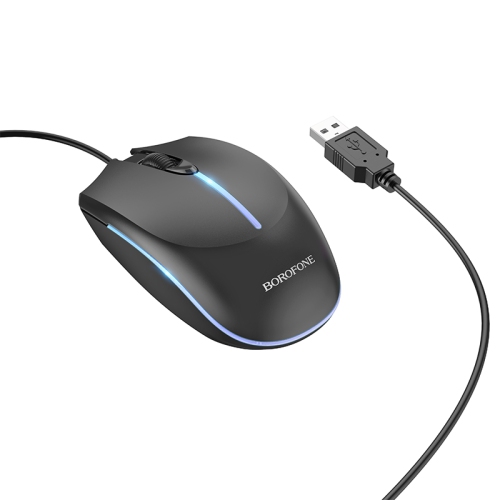
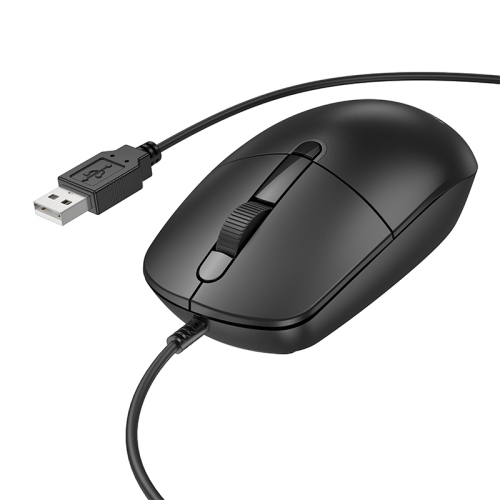
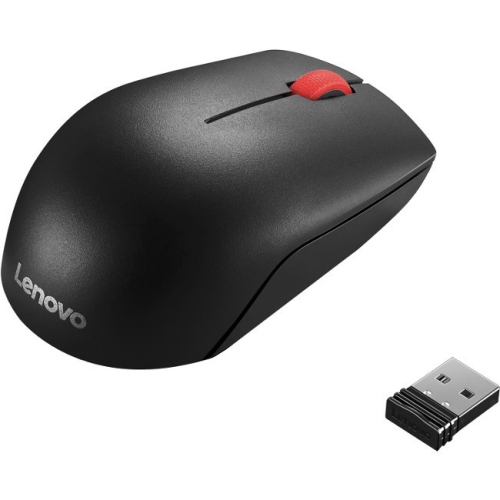
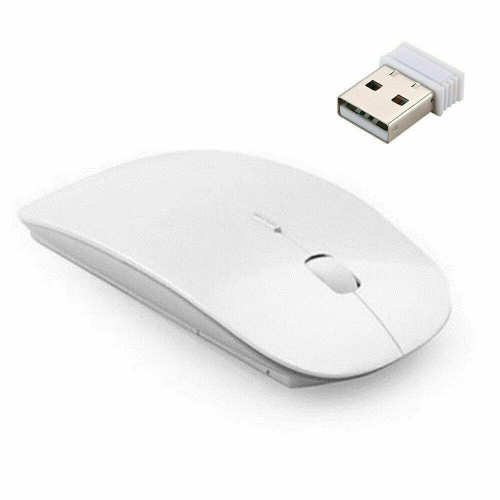
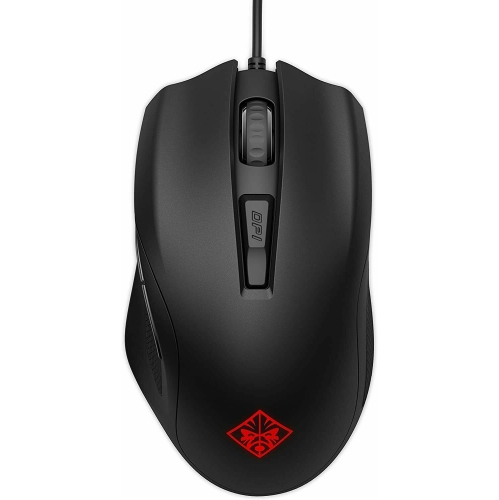
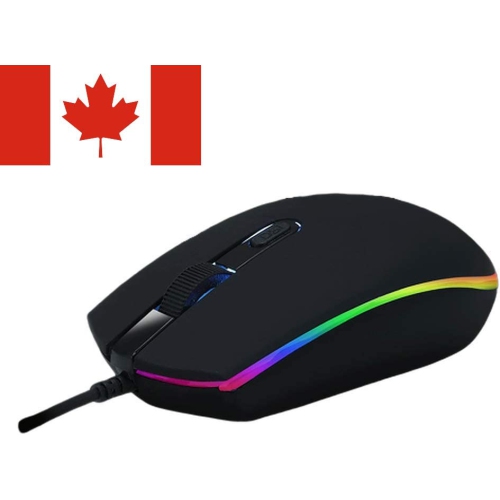
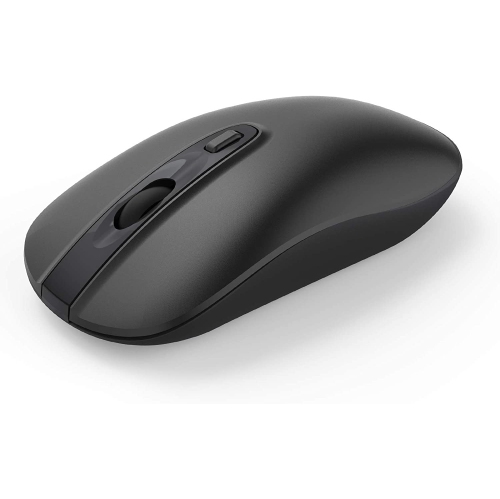
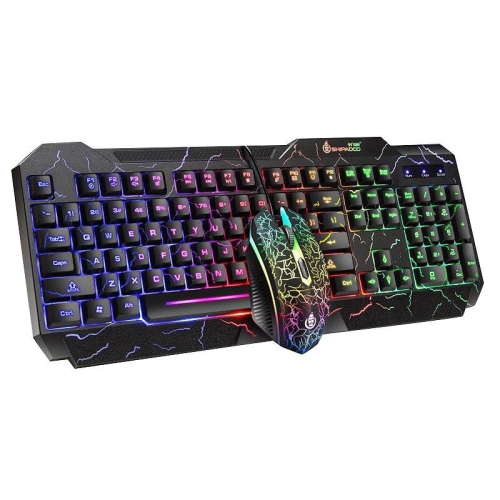
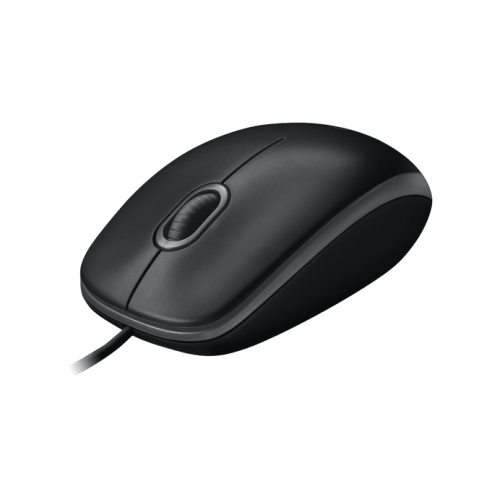
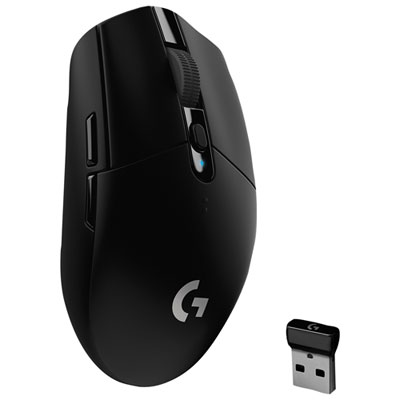
Computer mice bring precise, comfortable control to everyday tasks, from selecting cells in a spreadsheet to arranging photos, browsing websites, and moving through a game. The main types include wired mice, wireless mice, gaming mice, and ergonomic mice, with plenty of overlap between those categories. A gaming mouse can be wireless, for example, while an ergonomic mouse may connect through a cable or Bluetooth. Wired mice draw power and transmit input through a USB connection, making them a straightforward choice for a fixed desk where dependable operation without battery changes matters. For setups built around a direct connection, USB optical mice use a light-based sensor to track movement across a suitable surface. Wireless mice connect through Bluetooth or a compatible USB receiver, leaving more room to move without a cable crossing the desk. Bluetooth can be useful with a laptop that has limited USB ports, provided the computer supports the mouse’s connection requirements. A receiver-based mouse needs an appropriate port, and a USB-A receiver may require an adapter for a computer with only USB-C ports. Some wireless mice support both connection methods, while others allow switching between paired devices, such as a work laptop and a home computer. Power comes from replaceable batteries or a built-in rechargeable battery, depending on the design. Battery life varies with usage, settings, lighting, and connection mode; a charging cable does not necessarily mean a mouse supports wired input. Basic pointing and clicking often work without additional software, but custom button assignments and advanced settings may depend on operating system compatibility or a supporting application. Students, remote workers, and anyone who spends time at a desktop can benefit from a mouse that suits their routine. Even for a laptop used mainly on the move, a separate mouse can make detailed work easier once there is a table or desk to work at, especially when selecting small controls or dragging files between windows.
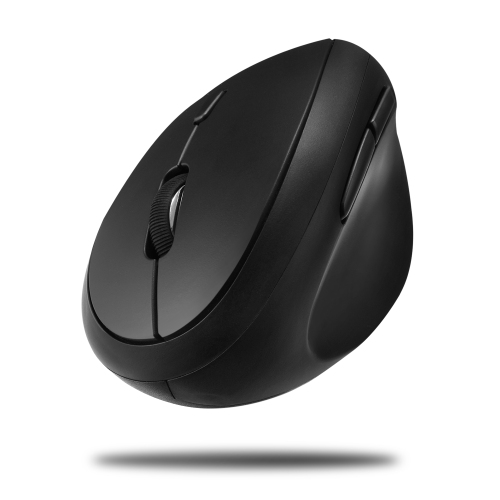
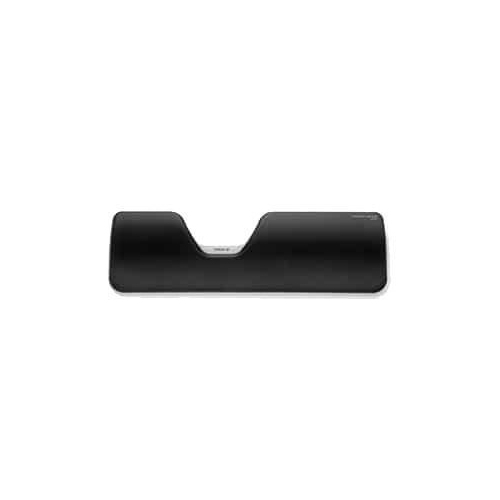
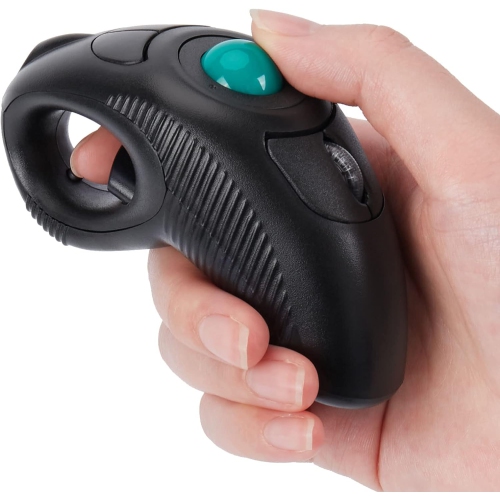
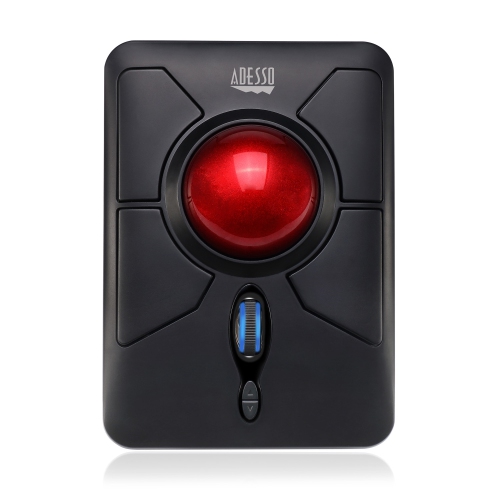
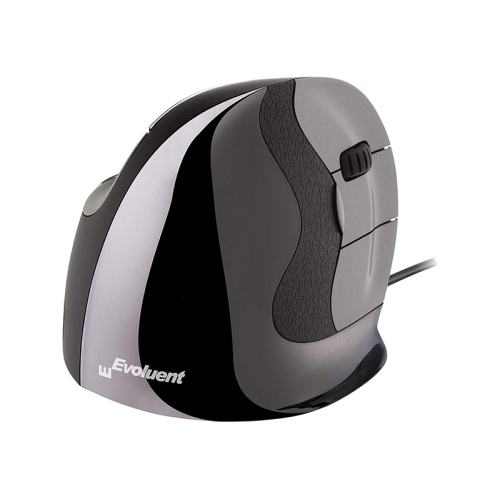
Fit has as much influence on daily comfort as connectivity. A full-size mouse offers more space for the hand to rest, while a compact mouse slips more easily into a laptop bag or a small desk drawer. Neither size is automatically more comfortable: the shape, weight, button placement, and way the hand rests on the shell all matter. Someone who uses a palm grip generally makes more contact with the back of the mouse, while a claw or fingertip grip puts more emphasis on control through the fingers. A tall rear curve can feel supportive to one person and restrictive to another. Contoured ergonomic mice often include a thumb rest and a shape intended for either the right or left hand. Vertical mice position the hand at an angle closer to a handshake, which some people find more comfortable during extended use, although any unfamiliar shape may take time to feel natural. A symmetrical shell can suit either hand, but side buttons are not always equally accessible from both sides. Trackball mice offer another approach: the body stays in place while a finger or thumb moves the ball, reducing the desk space needed for pointer control. Across these styles, button reach should allow clicking without repeatedly stretching or tightening the grip. Scroll wheels also affect the feel of routine work. Defined scrolling steps suit moving through short lists, while a free-spinning wheel can help with long documents; tilt wheels or dedicated horizontal controls may be useful for wide spreadsheets. Shell materials are commonly rigid plastic, sometimes paired with textured panels or rubberized grips. Smooth finishes wipe clean easily, while textured surfaces can provide a steadier hold. Colour and finish help a mouse blend into a workspace, but surface feel is worth considering alongside appearance. Quiet-click designs can make shared desks and study spaces less distracting, although the scroll wheel and additional buttons may still produce sound. Comfortable use also depends on keeping the mouse within easy reach and leaving enough room for relaxed movement.
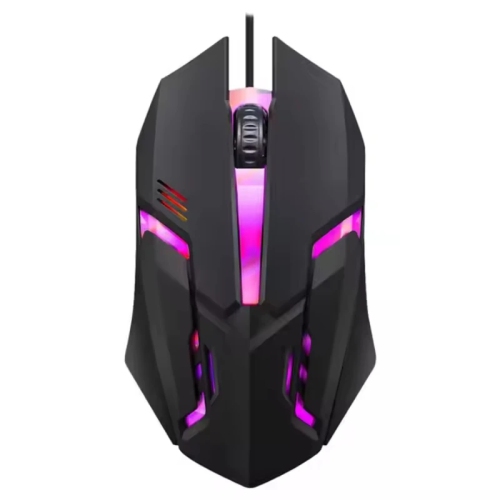
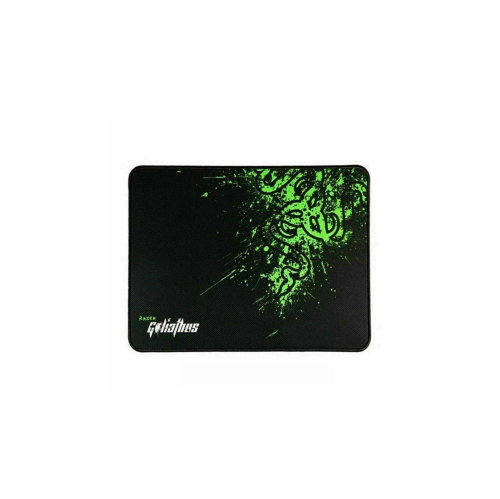
For gaming and other precision-focused tasks, sensor behaviour, responsiveness, and weight become more noticeable. Sensitivity, commonly expressed as DPI, describes how far the pointer travels in relation to physical mouse movement. Higher DPI is not automatically better: a lower setting can allow broad, controlled movements, while a higher setting can cover a large display with less hand travel. Adjustable sensitivity makes it possible to change that feel for different tasks. Polling rate describes how frequently a mouse reports input to the computer, and higher rates can improve responsiveness in supported setups, though the practical difference depends on the application and hardware. Programmable buttons may place game commands, browser navigation, or repetitive shortcuts within thumb reach, subject to software support. A lightweight mouse can feel easier to move quickly, while a heavier design may feel more planted during slower work. Wireless performance depends on the connection technology and surrounding interference, so the distinction between wired and wireless alone does not establish how responsive a mouse will feel. The surface underneath matters, too. A clean, consistent mouse pad supports predictable tracking and helps the glide feet move smoothly; glass, glossy finishes, and uneven surfaces may challenge sensors that are not designed for them. Long-term durability depends on more than the outer shell. Switches, the scroll mechanism, cable strain relief, charging connections, and glide feet all receive repeated wear. Keeping crumbs and dust away from the sensor opening and wheel helps preserve smooth operation. Routine cleaning generally involves turning off or disconnecting the mouse and wiping the exterior with a soft cloth, following the manufacturer’s care directions rather than spraying liquid into openings. During travel, protecting the buttons from pressure and storing a detachable receiver securely can prevent avoidable damage or loss. As a practical gift for a student, a frequent traveller, or someone setting up a home office, a computer mouse is most useful when its shape, connection, and controls match the recipient’s computer and habits. A familiar layout may suit everyday browsing, while additional controls or a specialized shape can better serve a particular workflow.
Fit has as much influence on daily comfort as connectivity. A full-size mouse offers more space for the hand to rest, while a compact mouse slips more easily into a laptop bag or a small desk drawer. Neither size is automatically more comfortable: the shape, weight, button placement, and way the hand rests on the shell all matter. Someone who uses a palm grip generally makes more contact with the back of the mouse, while a claw or fingertip grip puts more emphasis on control through the fingers. A tall rear curve can feel supportive to one person and restrictive to another. Contoured ergonomic mice often include a thumb rest and a shape intended for either the right or left hand. Vertical mice position the hand at an angle closer to a handshake, which some people find more comfortable during extended use, although any unfamiliar shape may take time to feel natural. A symmetrical shell can suit either hand, but side buttons are not always equally accessible from both sides. Trackball mice offer another approach: the body stays in place while a finger or thumb moves the ball, reducing the desk space needed for pointer control. Across these styles, button reach should allow clicking without repeatedly stretching or tightening the grip. Scroll wheels also affect the feel of routine work. Defined scrolling steps suit moving through short lists, while a free-spinning wheel can help with long documents; tilt wheels or dedicated horizontal controls may be useful for wide spreadsheets. Shell materials are commonly rigid plastic, sometimes paired with textured panels or rubberized grips. Smooth finishes wipe clean easily, while textured surfaces can provide a steadier hold. Colour and finish help a mouse blend into a workspace, but surface feel is worth considering alongside appearance. Quiet-click designs can make shared desks and study spaces less distracting, although the scroll wheel and additional buttons may still produce sound. Comfortable use also depends on keeping the mouse within easy reach and leaving enough room for relaxed movement.
For gaming and other precision-focused tasks, sensor behaviour, responsiveness, and weight become more noticeable. Sensitivity, commonly expressed as DPI, describes how far the pointer travels in relation to physical mouse movement. Higher DPI is not automatically better: a lower setting can allow broad, controlled movements, while a higher setting can cover a large display with less hand travel. Adjustable sensitivity makes it possible to change that feel for different tasks. Polling rate describes how frequently a mouse reports input to the computer, and higher rates can improve responsiveness in supported setups, though the practical difference depends on the application and hardware. Programmable buttons may place game commands, browser navigation, or repetitive shortcuts within thumb reach, subject to software support. A lightweight mouse can feel easier to move quickly, while a heavier design may feel more planted during slower work. Wireless performance depends on the connection technology and surrounding interference, so the distinction between wired and wireless alone does not establish how responsive a mouse will feel. The surface underneath matters, too. A clean, consistent mouse pad supports predictable tracking and helps the glide feet move smoothly; glass, glossy finishes, and uneven surfaces may challenge sensors that are not designed for them. Long-term durability depends on more than the outer shell. Switches, the scroll mechanism, cable strain relief, charging connections, and glide feet all receive repeated wear. Keeping crumbs and dust away from the sensor opening and wheel helps preserve smooth operation. Routine cleaning generally involves turning off or disconnecting the mouse and wiping the exterior with a soft cloth, following the manufacturer’s care directions rather than spraying liquid into openings. During travel, protecting the buttons from pressure and storing a detachable receiver securely can prevent avoidable damage or loss. As a practical gift for a student, a frequent traveller, or someone setting up a home office, a computer mouse is most useful when its shape, connection, and controls match the recipient’s computer and habits. A familiar layout may suit everyday browsing, while additional controls or a specialized shape can better serve a particular workflow.
Top selling and popular products
-
 Your price for this item is $29.99
 -
 Your price for this item is $50.44
 -
 Your price for this item is $39.99
 -
 Your price for this item is $49.99
 -
 Your price for this item is $159.95
 -
 Your price for this item is $44.68
 -
 Your price for this item is $44.68
 -
 Your price for this item is $31
Discover more categories related to Computer Mice

Top Collections:
Pokemon Centers, Kindle Devices, Best Budget Office Chairs, Apple iPhones 16, Best Laptops for Writers, iPhone 15 Apple, Canon G7X Cameras, Refurbished Apple Laptops, Alarm Clock, Motorola Razr Phones
Some products may be subject to Environmental Handling Fees
(EHF) depending on your province.
Learn more about EHFs.