B550 Motherboards
Discover the latest in cutting-edge technology with our selection of B550 motherboards. Designed to deliver top-notch performance and compatibility for your gaming or professional needs, these motherboards offer advanced features to enhance your computing experience. Whether you're a seasoned pro or a tech enthusiast, our range of B550 motherboards provides the perfect foundation for building a powerful and reliable system. Explore our collection now and take your PC setup to the next level.
Sort



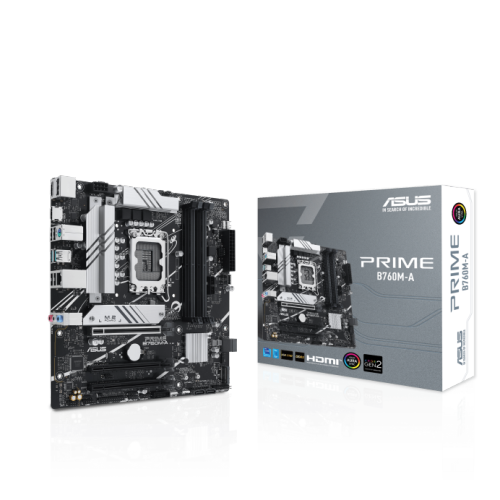
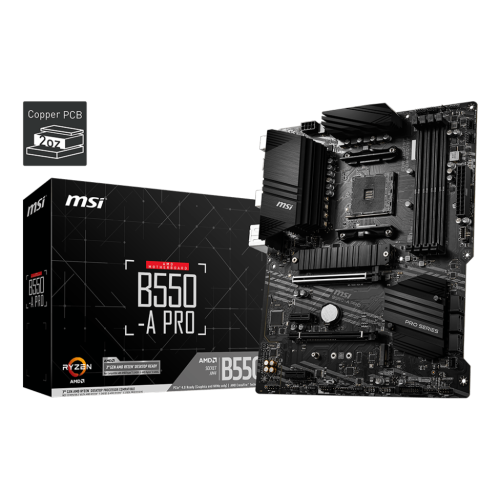
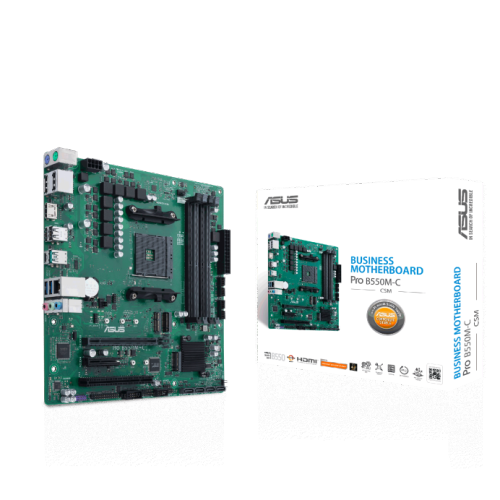
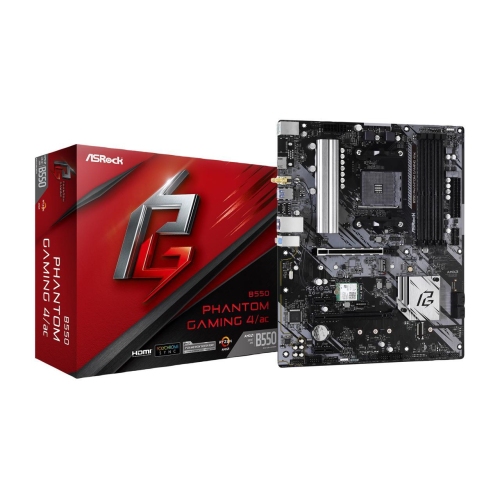

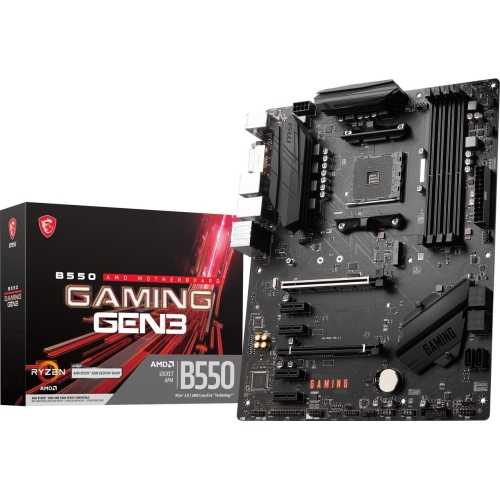

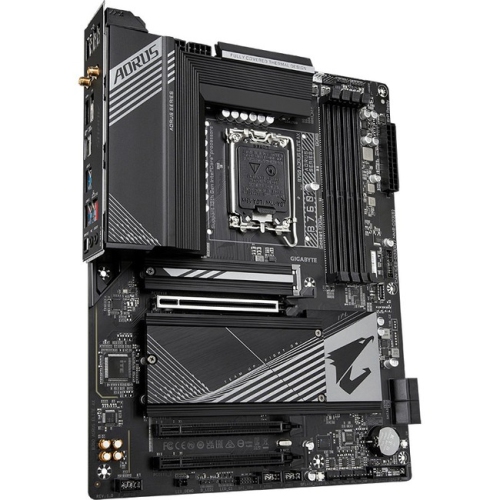
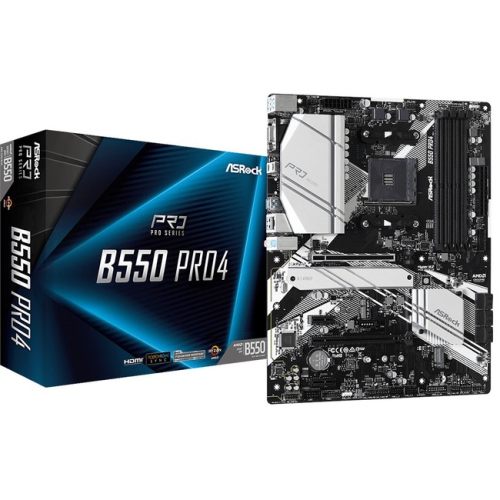
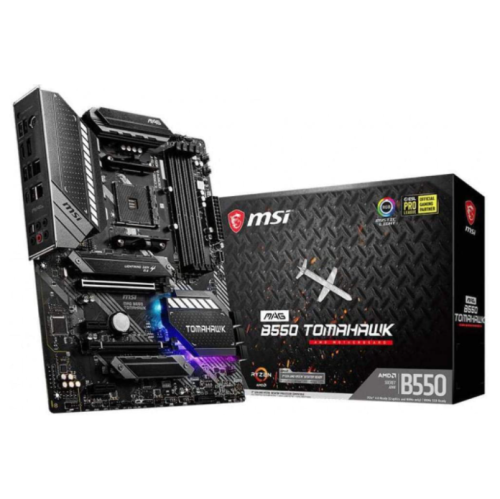
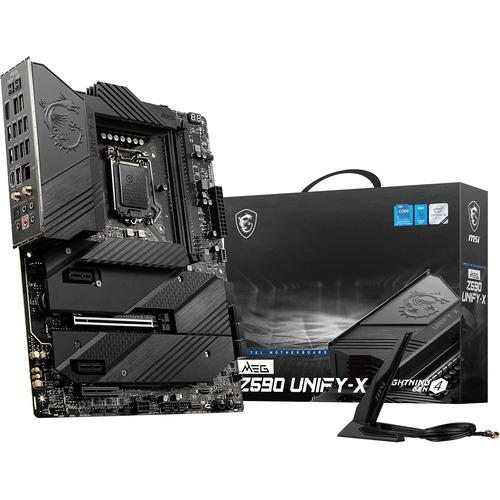
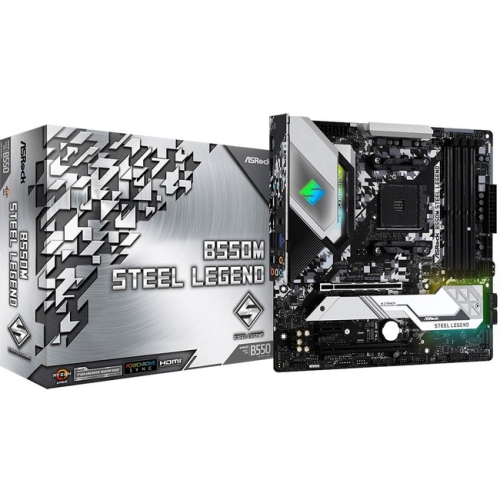
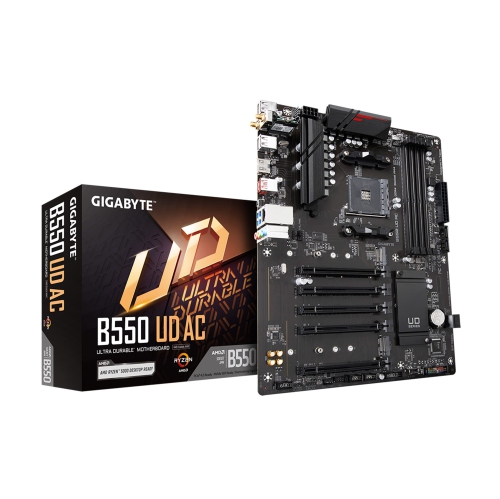
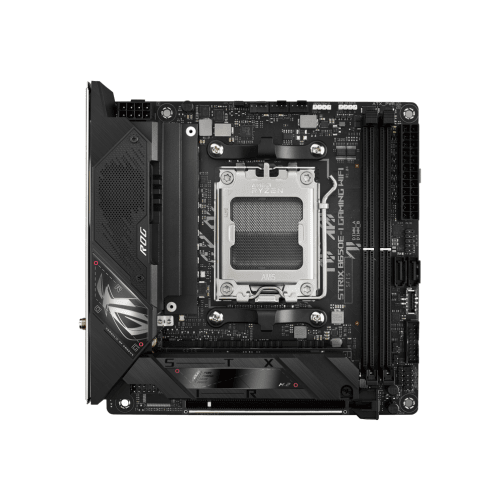
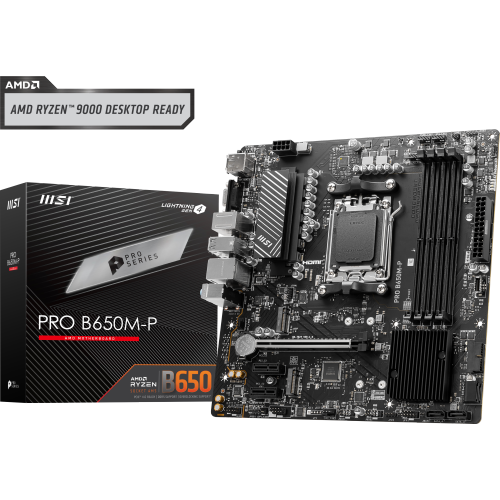
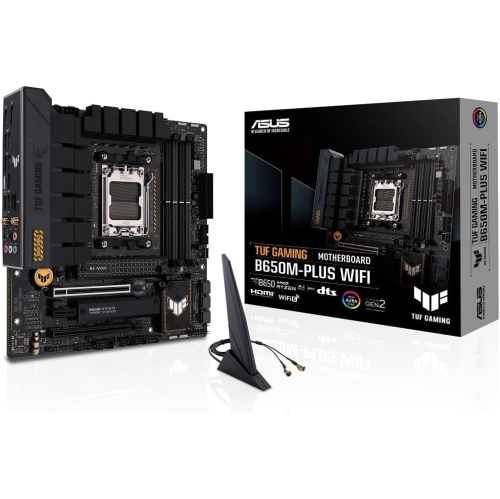
AM4 compatibility goes beyond matching the processor socket
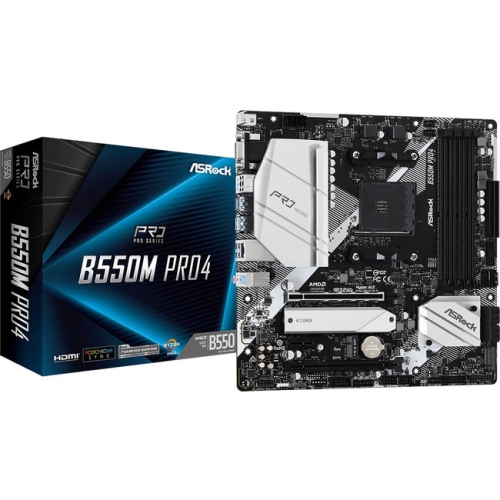
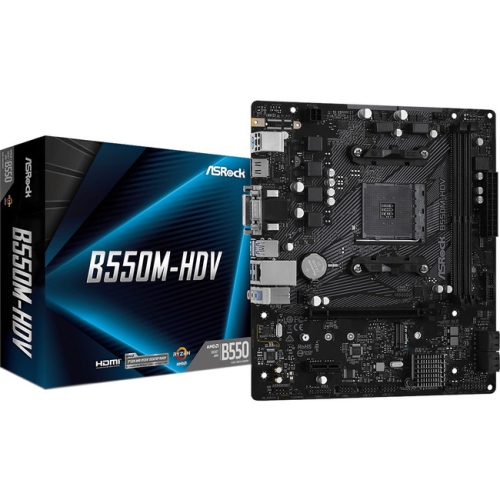
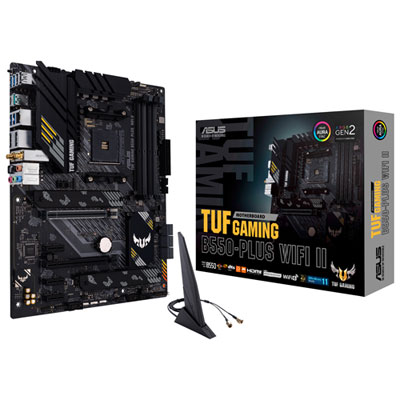
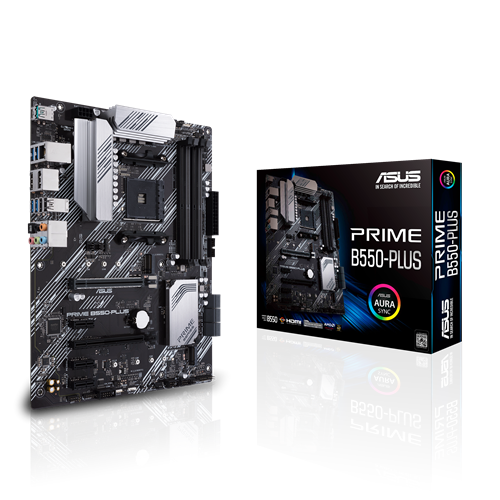
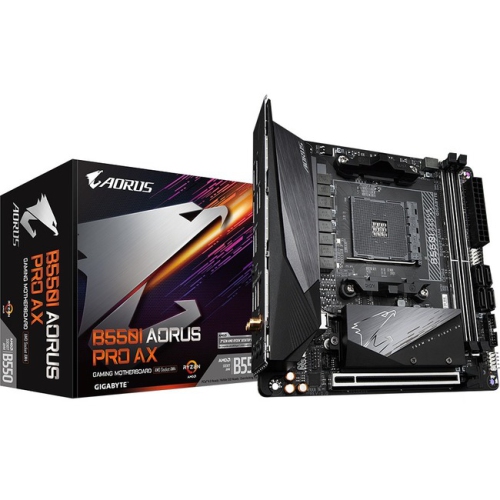
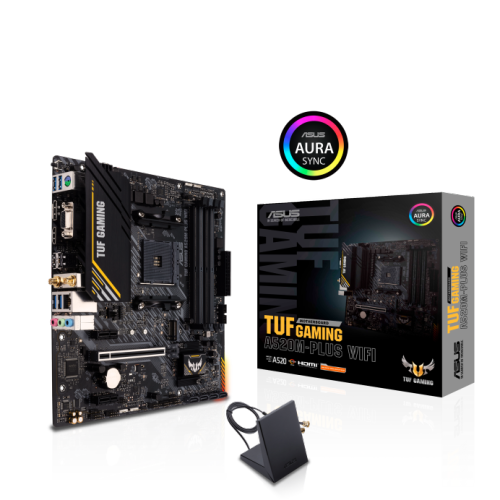
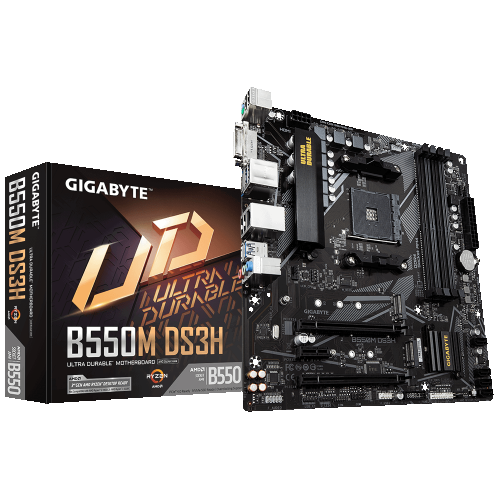
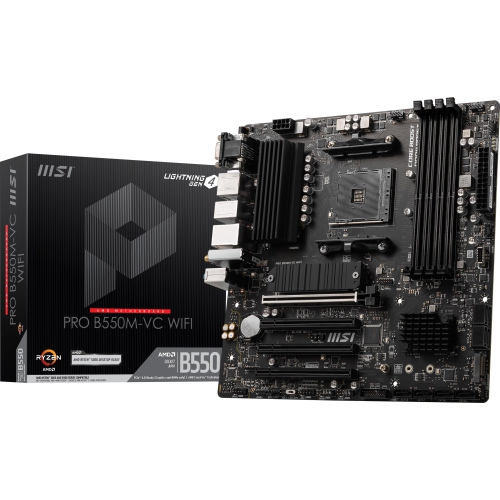
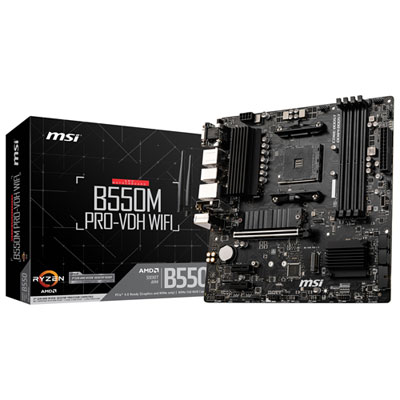
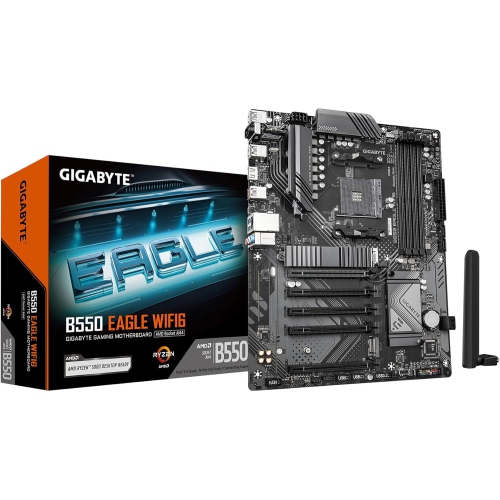
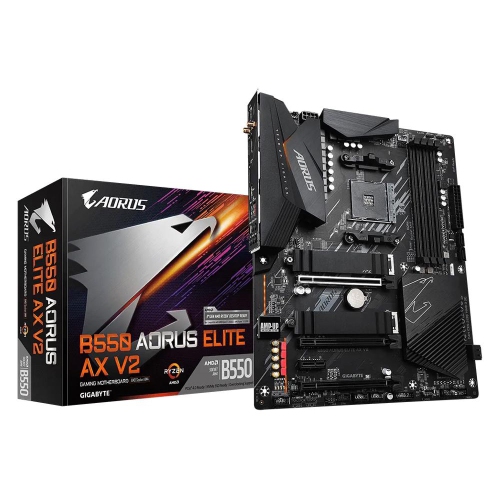
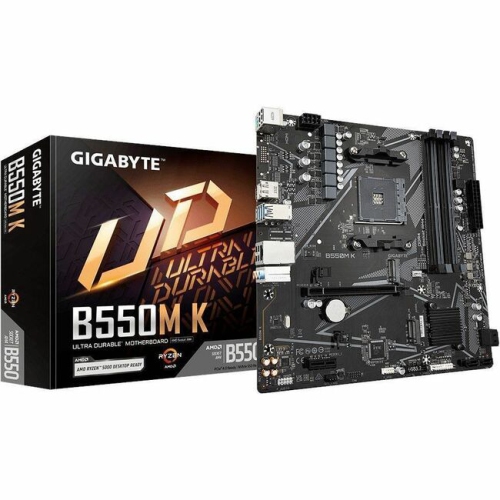
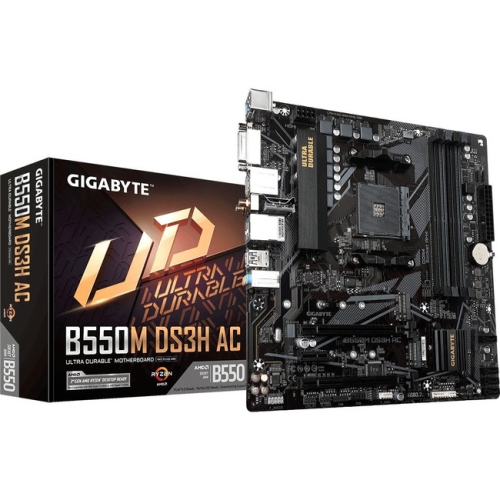
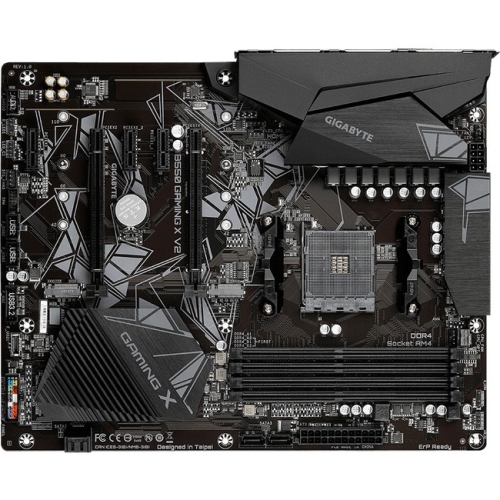
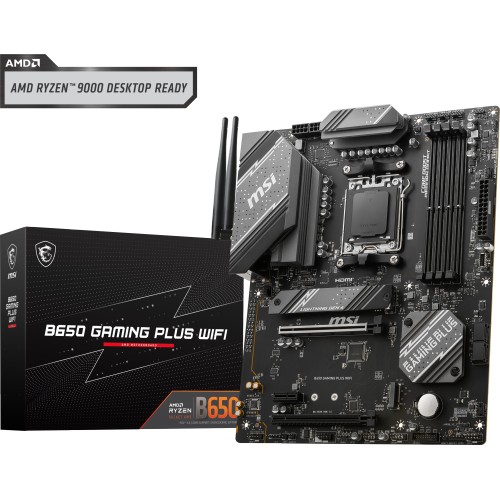
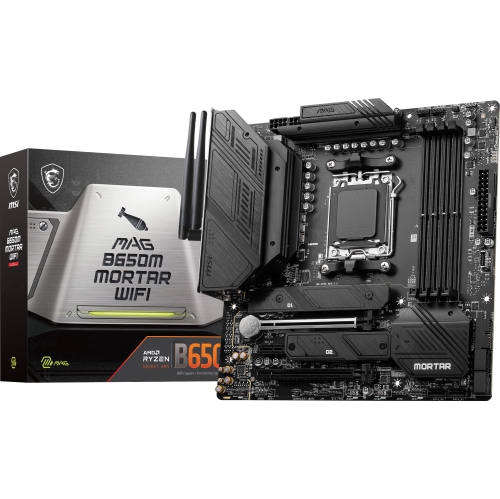
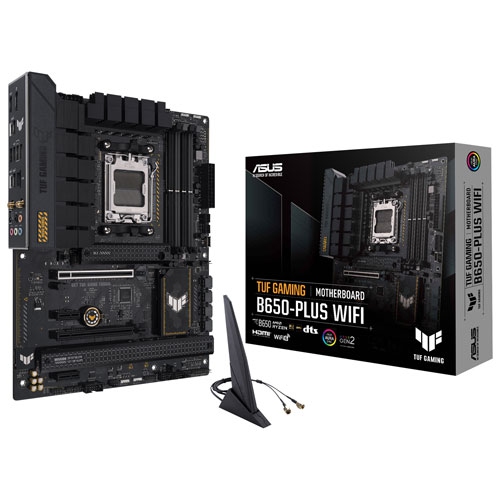
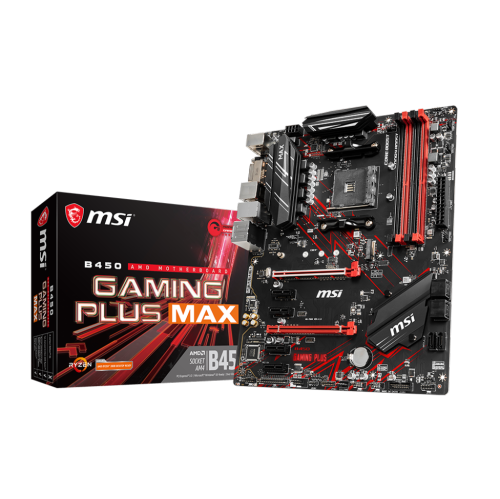
B550 motherboards are desktop PC components built around the AM4 processor socket, combining DDR4 memory support with expansion options for gaming, everyday computing, creative work, and home office systems. With a compatible processor, the platform supports PCIe 4.0 connectivity for a graphics card and an NVMe solid-state drive, providing a foundation for a responsive desktop. That capability depends on both the processor and the board’s layout: not every compatible AM4 processor enables PCIe 4.0, and connections routed through the B550 chipset use PCIe 3.0. Processor compatibility also extends beyond the socket’s physical shape. Each motherboard has a supported processor list, and some combinations require a particular BIOS version before the computer can start. For a new build or an upgrade to an existing AM4 desktop, these details matter more than matching the socket alone. Memory is another important distinction, since B550 boards use DDR4 rather than DDR5, and supported capacities and speeds vary. A matched memory kit installed in the appropriate slots can support dual-channel operation, while advertised overclocked memory speeds depend on the processor, firmware settings, and memory compatibility. For someone moving between spreadsheets, video calls, and a large photo library, a board with suitable storage connections and enough room for additional memory can make the desktop easier to adapt over time. A gaming build may place more emphasis on graphics card clearance, stable power delivery, and accessible expansion slots. Content creation systems can benefit from connections for multiple drives, letting project files, applications, and archives occupy separate storage devices. The motherboard connects these parts rather than determining performance by itself; the processor, graphics card, memory, and storage remain central to how the finished computer feels in use. Within the B550 category, the most useful differences are often practical ones, such as where the connectors sit, how many drives can be attached, and whether the required network and peripheral connections are built in.
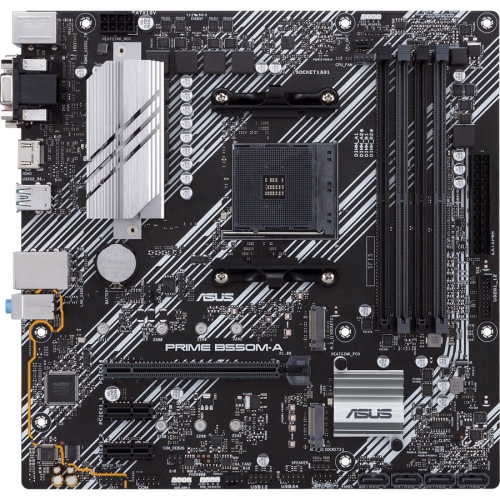
Physical fit is a defining consideration for B550 motherboards, particularly when working with a case that is already part of the setup. ATX boards generally offer more space for expansion slots and connectors, microATX boards suit many smaller towers, and Mini-ITX boards support compact builds with fewer expansion options. The case must support the chosen form factor, and its motherboard mounting points need to align with the board. A smaller footprint does not automatically mean fewer useful features, but it often means making deliberate choices about memory slots, add-in cards, and storage. A thick graphics card, for example, can cover an adjacent slot even when that slot appears usable in a specification list. Large processor coolers can also sit close to tall memory modules, so clearance around the socket deserves attention alongside the case’s cooler height limit. Motherboards are built from layered circuit boards with copper pathways, while metal heatsinks help move heat away from power components and, on some designs, storage drives. Reinforced graphics card slots can add support at a heavily loaded connection, although a large graphics card may still need a separate support bracket. Heatsink size, component quality, and airflow all contribute to reliable operation during extended workloads; decorative covers and lighting alone do not indicate durability. A system used for long video exports or sustained processor-heavy tasks benefits from power delivery suited to the installed processor and airflow that reaches the area around the socket. Connector placement affects assembly and later maintenance, too. Side-facing storage ports may help route cables neatly, while fan headers positioned near the case fans can reduce cable stretching across the board. Front-panel USB connections must match the case’s ports, especially where USB-C is involved. A rear USB-C port does not necessarily mean there is an internal header for a front USB-C connection. These small layout differences can separate a straightforward build from one that needs adapters, extra cables, or a revised component arrangement.
Connectivity and ease of upkeep help distinguish B550 motherboards that otherwise share the same basic platform. Rear USB ports provide connections for keyboards, mice, webcams, external drives, and audio equipment, but port shape alone does not establish transfer speed or charging capability. Networking can include wired Ethernet, integrated Wi-Fi, and Bluetooth, depending on the board; wireless features should not be assumed from the chipset name. A wired connection may suit a desktop beside a router, while built-in Wi-Fi can simplify placement in a room without a nearby network cable. Audio connections also vary, making the rear panel relevant for anyone using separate speakers, a microphone, or a headset with individual plugs. Display outputs on the motherboard work only when the installed processor provides compatible integrated graphics. With a processor that lacks that capability, the monitor connects to a dedicated graphics card instead. Storage expansion needs similar attention: an M.2 slot may support NVMe drives, SATA drives, or only one type, and supported drive lengths differ. Using a particular slot can also share bandwidth with another connection or disable certain SATA ports, as detailed in the motherboard manual. Shoppers narrowing their search to a particular range can explore Asus B550 while comparing the same essentials of processor support, case fit, and connectivity. For first-time builders, useful conveniences may include clearly labelled headers, diagnostic lights, and a firmware update feature that works without a supported processor installed, where provided. For experienced builders, access to fan controls and clearly documented expansion behaviour can be just as valuable. Care is mostly about careful handling and sensible installation: hold the board by its edges, avoid touching contacts, use appropriate protection against static discharge, and fit only the case standoffs that match its mounting holes. Disconnect power before changing components, and remove dust using methods suitable for electronics rather than liquid cleaners. As a gift for a PC-building enthusiast, a motherboard is best matched to a known component plan, since its usefulness depends on the processor, memory, case, and intended connections working together.
Physical fit is a defining consideration for B550 motherboards, particularly when working with a case that is already part of the setup. ATX boards generally offer more space for expansion slots and connectors, microATX boards suit many smaller towers, and Mini-ITX boards support compact builds with fewer expansion options. The case must support the chosen form factor, and its motherboard mounting points need to align with the board. A smaller footprint does not automatically mean fewer useful features, but it often means making deliberate choices about memory slots, add-in cards, and storage. A thick graphics card, for example, can cover an adjacent slot even when that slot appears usable in a specification list. Large processor coolers can also sit close to tall memory modules, so clearance around the socket deserves attention alongside the case’s cooler height limit. Motherboards are built from layered circuit boards with copper pathways, while metal heatsinks help move heat away from power components and, on some designs, storage drives. Reinforced graphics card slots can add support at a heavily loaded connection, although a large graphics card may still need a separate support bracket. Heatsink size, component quality, and airflow all contribute to reliable operation during extended workloads; decorative covers and lighting alone do not indicate durability. A system used for long video exports or sustained processor-heavy tasks benefits from power delivery suited to the installed processor and airflow that reaches the area around the socket. Connector placement affects assembly and later maintenance, too. Side-facing storage ports may help route cables neatly, while fan headers positioned near the case fans can reduce cable stretching across the board. Front-panel USB connections must match the case’s ports, especially where USB-C is involved. A rear USB-C port does not necessarily mean there is an internal header for a front USB-C connection. These small layout differences can separate a straightforward build from one that needs adapters, extra cables, or a revised component arrangement.
Connectivity and ease of upkeep help distinguish B550 motherboards that otherwise share the same basic platform. Rear USB ports provide connections for keyboards, mice, webcams, external drives, and audio equipment, but port shape alone does not establish transfer speed or charging capability. Networking can include wired Ethernet, integrated Wi-Fi, and Bluetooth, depending on the board; wireless features should not be assumed from the chipset name. A wired connection may suit a desktop beside a router, while built-in Wi-Fi can simplify placement in a room without a nearby network cable. Audio connections also vary, making the rear panel relevant for anyone using separate speakers, a microphone, or a headset with individual plugs. Display outputs on the motherboard work only when the installed processor provides compatible integrated graphics. With a processor that lacks that capability, the monitor connects to a dedicated graphics card instead. Storage expansion needs similar attention: an M.2 slot may support NVMe drives, SATA drives, or only one type, and supported drive lengths differ. Using a particular slot can also share bandwidth with another connection or disable certain SATA ports, as detailed in the motherboard manual. Shoppers narrowing their search to a particular range can explore Asus B550 while comparing the same essentials of processor support, case fit, and connectivity. For first-time builders, useful conveniences may include clearly labelled headers, diagnostic lights, and a firmware update feature that works without a supported processor installed, where provided. For experienced builders, access to fan controls and clearly documented expansion behaviour can be just as valuable. Care is mostly about careful handling and sensible installation: hold the board by its edges, avoid touching contacts, use appropriate protection against static discharge, and fit only the case standoffs that match its mounting holes. Disconnect power before changing components, and remove dust using methods suitable for electronics rather than liquid cleaners. As a gift for a PC-building enthusiast, a motherboard is best matched to a known component plan, since its usefulness depends on the processor, memory, case, and intended connections working together.
Top selling and popular products
-
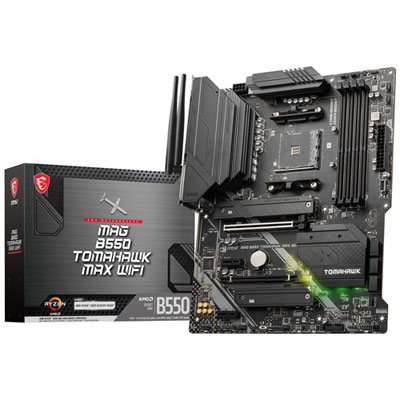 Your price for this item is $224.99
 -
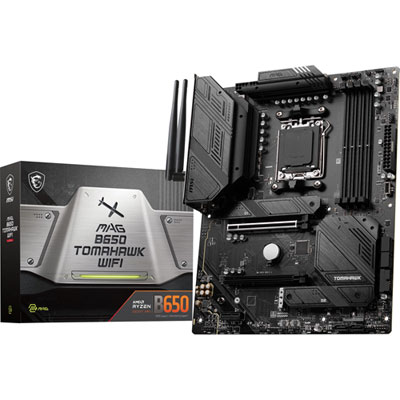 Your price for this item is $239.99
 -
 Your price for this item is $301.68
 -
 Your price for this item is $349.99
 -
 Your price for this item is $361
 -
 Your price for this item is $209.99
 -
 Your price for this item is $350
 -
 Your price for this item is $259.99
Discover more categories related to B550 Motherboards
Top Collections:
Pokemon Centers, Kindle Devices, Best Budget Office Chairs, Apple iPhones 16, Canon G7X Cameras, iPhone 15 Apple, Alarm Clock, Refurbished Apple Laptops, Flip Phones, Best Laptops for Writers
Some products may be subject to Environmental Handling Fees
(EHF) depending on your province.
Learn more about EHFs.