Asus B550
Explore the world of high-performance computing with cutting-edge motherboards designed to elevate your gaming and productivity experiences. These advanced components offer robust support for the latest processors and graphics cards, ensuring seamless multitasking and immersive visuals. With a focus on durability and efficiency, they provide exceptional connectivity options and innovative cooling solutions to keep your system running smoothly. Whether you're building a new rig or upgrading an existing setup, these motherboards deliver the reliability and speed you need to stay ahead in today's fast-paced digital landscape.
Sort


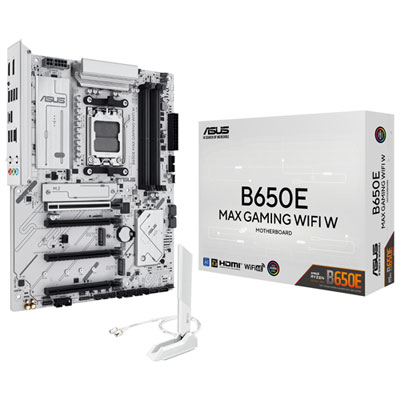
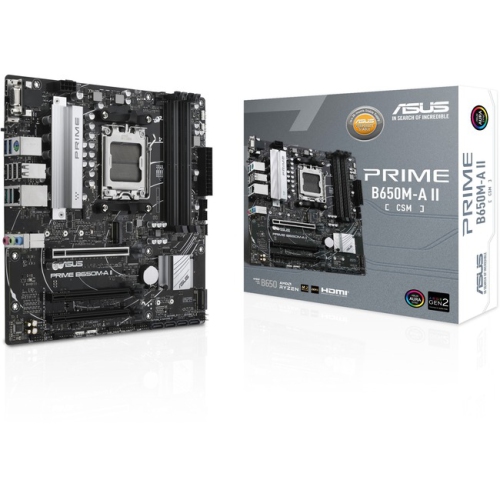
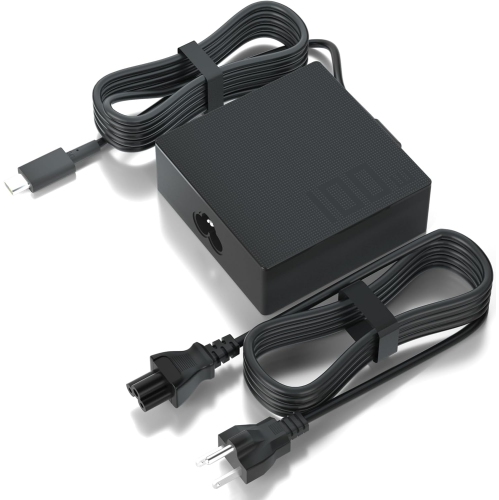
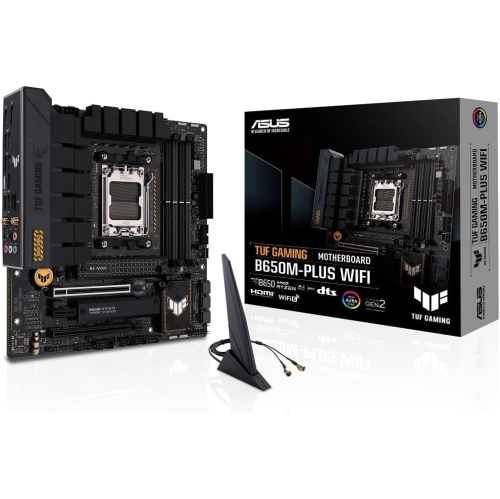
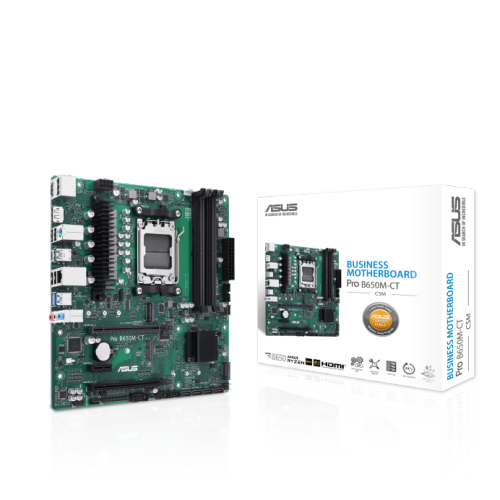
A practical foundation for versatile AMD desktop builds
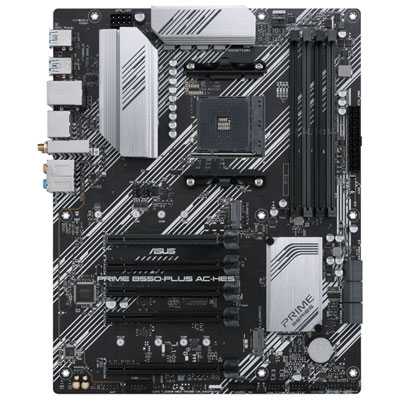
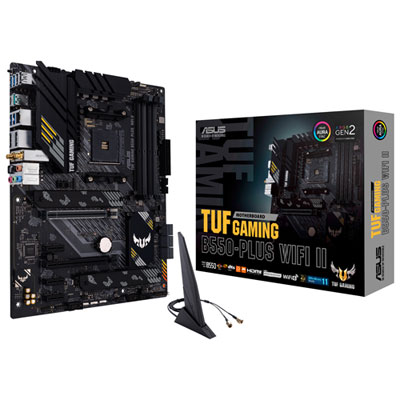
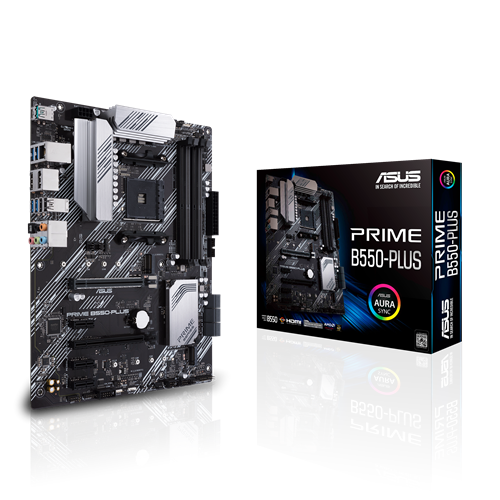
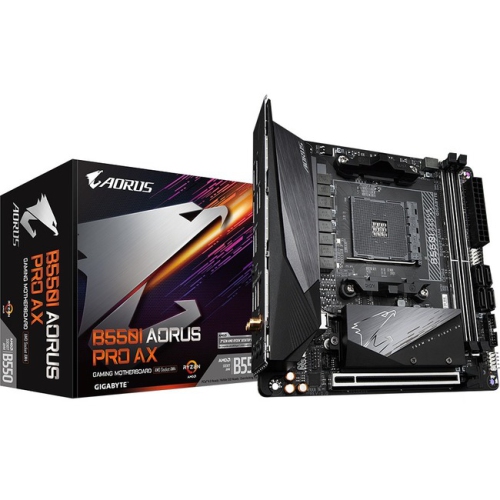
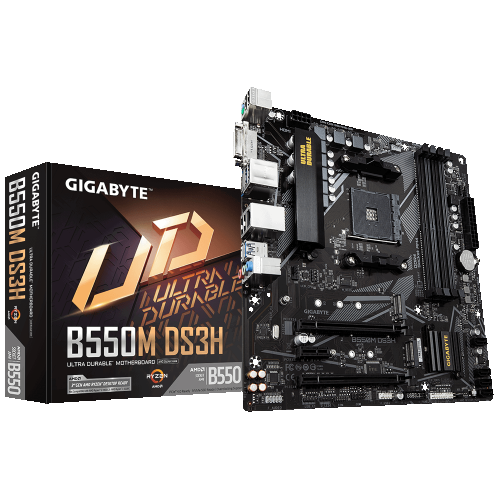
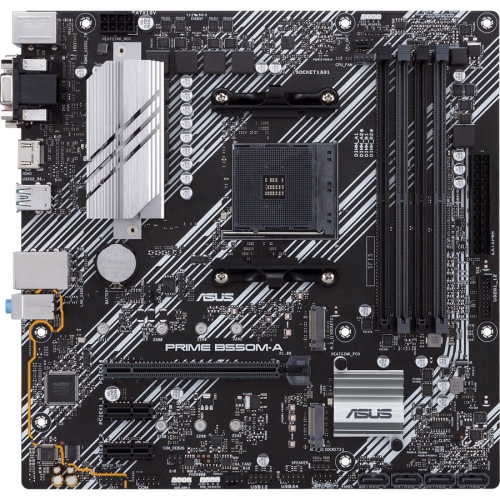
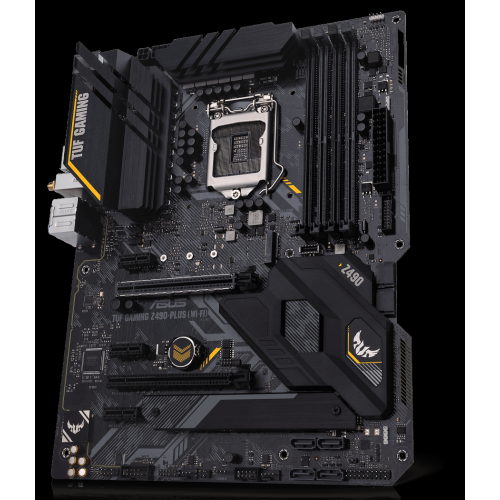
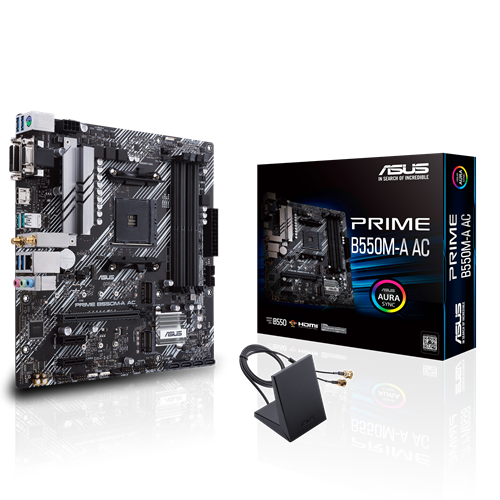
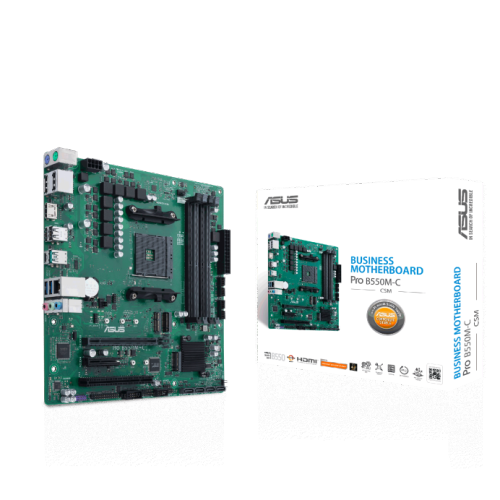
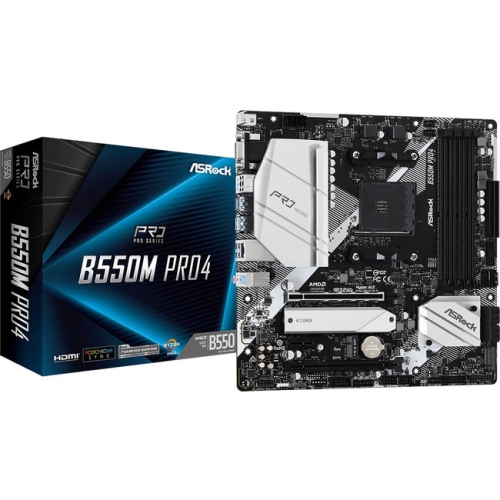
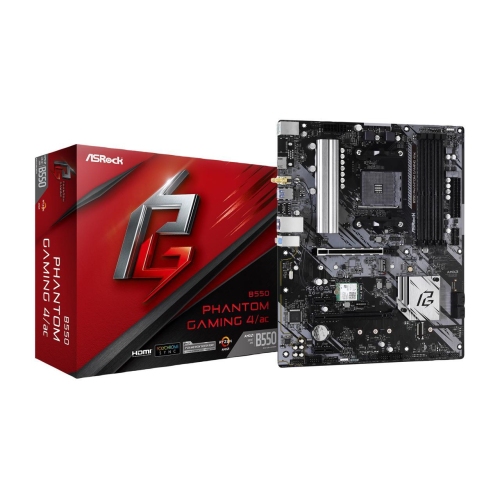
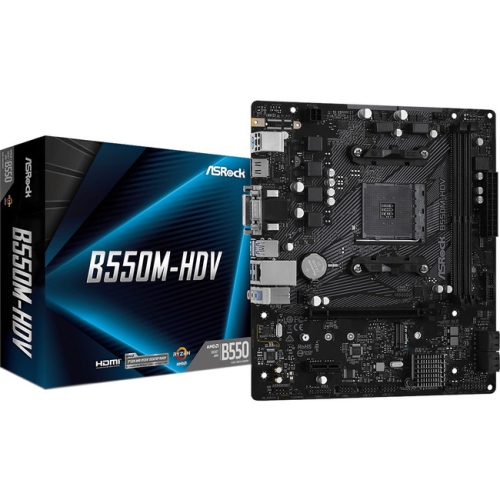
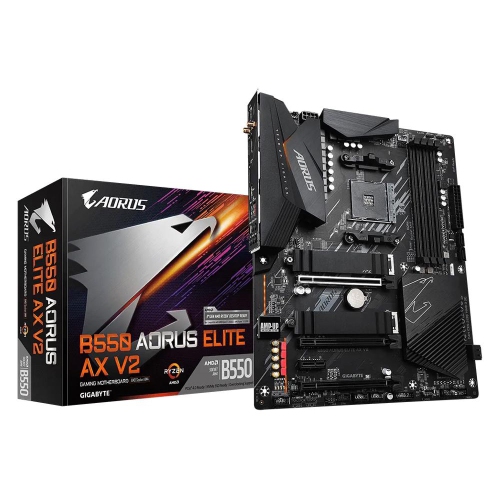
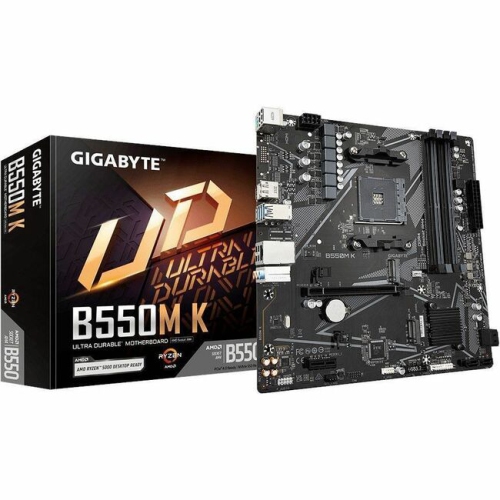
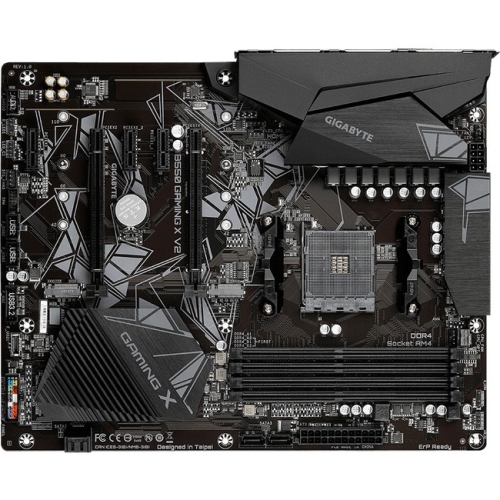
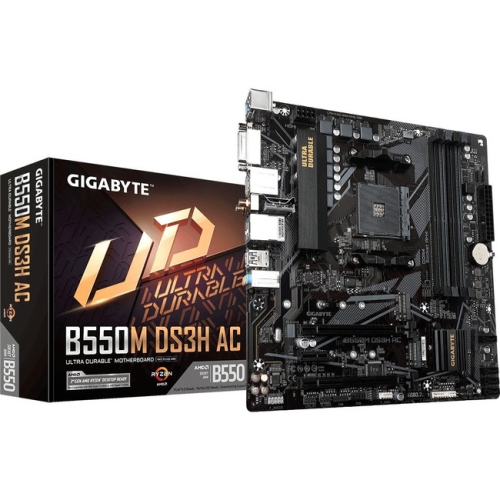
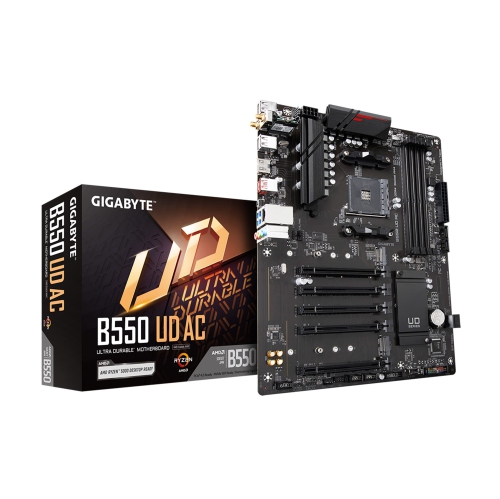
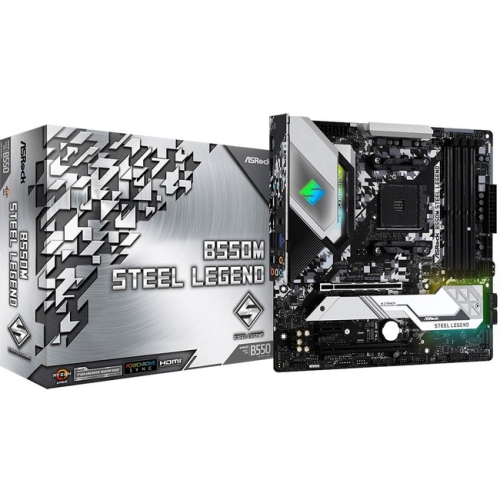
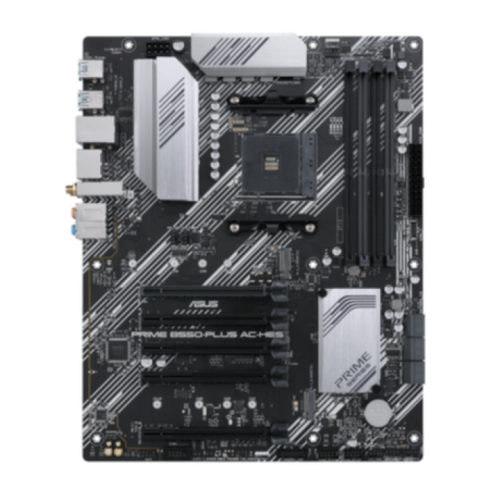
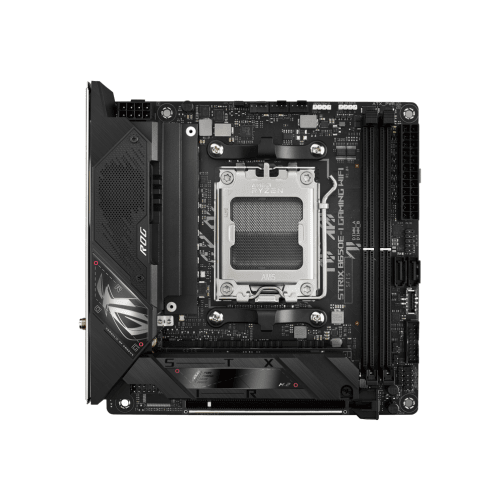
Asus B550 motherboards provide a practical foundation for desktop computers built around AMD AM4 processors, making them a popular choice for gaming systems, home offices, creative workstations, and everyday family computers. The B550 platform supports a broad range of compatible Ryzen processors, including many Ryzen 3000, 4000G, and 5000 series chips, although processor support can vary by motherboard and may depend on the installed BIOS version. Checking the motherboard’s CPU compatibility list before completing a build is an important step, particularly when pairing a newer processor with a board that may have been manufactured earlier. These motherboards use DDR4 memory, which can help keep the cost of a complete system manageable while still providing the capacity and speed needed for modern applications. Many Asus B550 boards also include PCIe 4.0 support for compatible processors and expansion devices, allowing a fast solid-state drive or graphics card to take advantage of increased bandwidth. Storage options commonly include one or more M.2 slots for compact NVMe drives, along with SATA connections for additional solid-state or hard disk storage. This makes the platform flexible for a first-time builder who wants a straightforward single-drive setup, as well as for an experienced enthusiast planning separate drives for the operating system, games, project files, and backups. When comparing options, consider the kind of computer being assembled rather than focusing on one specification in isolation. A compact Micro-ATX board can be a good fit for a smaller case or a tidy desk setup, while a full-size ATX board usually offers more expansion slots and room for additional components. Integrated Wi-Fi can be convenient when the computer will sit away from a network cable, while wired Ethernet may be preferable for a gaming room, office, or media area where a reliable connection is available. Audio connections, rear USB ports, internal headers, display outputs, and the location of M.2 slots can also affect how easy the finished computer is to use. A quick sketch of the case layout and the components planned for the build can prevent surprises during installation, especially when considering the length of a graphics card, the height of a CPU cooler, or the number of fans and drives required.
The right Asus B550 motherboard can serve many different types of builders. A student or remote worker may use one as the centre of a responsive computer for video calls, documents, research, and light creative projects, while a gaming enthusiast may pair it with a capable Ryzen processor, dedicated graphics card, fast memory, and NVMe storage for smooth play and quick loading. It can also be a thoughtful gift for someone who enjoys assembling computers, upgrading an older desktop, or learning how each component works together. For a gift, it helps to confirm the recipient’s existing parts or planned build before purchasing, since the motherboard must match the processor socket, memory type, case size, and desired connectivity. Someone moving from an older computer may appreciate the opportunity to reuse compatible DDR4 memory or storage, but older components should still be checked for capacity, condition, and connection type. Power delivery and cooling are worth reviewing for systems intended to run demanding software for long stretches. Boards with stronger power circuitry and substantial heatsinks can be well suited to higher-performance processors, while a simpler office computer may not need the same level of thermal hardware. Good airflow remains important in every case: front-mounted intake fans, unobstructed vents, and a rear or top exhaust fan can help move warm air away from the processor and graphics card during extended use. During the cooler months, a computer in a busy home office or gaming space may run for longer sessions, making sensible cable management and dust removal useful parts of routine care. Before installation, place the motherboard on its box or another non-conductive surface, install the processor and memory carefully, and follow the case manual when fitting standoffs and front-panel connectors. After the first successful start-up, update the BIOS only according to the manufacturer’s instructions, enable the memory profile when appropriate, and confirm that storage, network connections, audio, and cooling fans are detected. Builders comparing the AM4 platform with a newer socket may also wish to explore Asus B650 options, which use a different processor and memory ecosystem. Keeping the intended use, upgrade plans, case dimensions, and total component budget in view makes it easier to choose an Asus B550 motherboard that feels dependable from the first boot and remains useful as the computer evolves.
The right Asus B550 motherboard can serve many different types of builders. A student or remote worker may use one as the centre of a responsive computer for video calls, documents, research, and light creative projects, while a gaming enthusiast may pair it with a capable Ryzen processor, dedicated graphics card, fast memory, and NVMe storage for smooth play and quick loading. It can also be a thoughtful gift for someone who enjoys assembling computers, upgrading an older desktop, or learning how each component works together. For a gift, it helps to confirm the recipient’s existing parts or planned build before purchasing, since the motherboard must match the processor socket, memory type, case size, and desired connectivity. Someone moving from an older computer may appreciate the opportunity to reuse compatible DDR4 memory or storage, but older components should still be checked for capacity, condition, and connection type. Power delivery and cooling are worth reviewing for systems intended to run demanding software for long stretches. Boards with stronger power circuitry and substantial heatsinks can be well suited to higher-performance processors, while a simpler office computer may not need the same level of thermal hardware. Good airflow remains important in every case: front-mounted intake fans, unobstructed vents, and a rear or top exhaust fan can help move warm air away from the processor and graphics card during extended use. During the cooler months, a computer in a busy home office or gaming space may run for longer sessions, making sensible cable management and dust removal useful parts of routine care. Before installation, place the motherboard on its box or another non-conductive surface, install the processor and memory carefully, and follow the case manual when fitting standoffs and front-panel connectors. After the first successful start-up, update the BIOS only according to the manufacturer’s instructions, enable the memory profile when appropriate, and confirm that storage, network connections, audio, and cooling fans are detected. Builders comparing the AM4 platform with a newer socket may also wish to explore Asus B650 options, which use a different processor and memory ecosystem. Keeping the intended use, upgrade plans, case dimensions, and total component budget in view makes it easier to choose an Asus B550 motherboard that feels dependable from the first boot and remains useful as the computer evolves.
Top selling and popular products
-
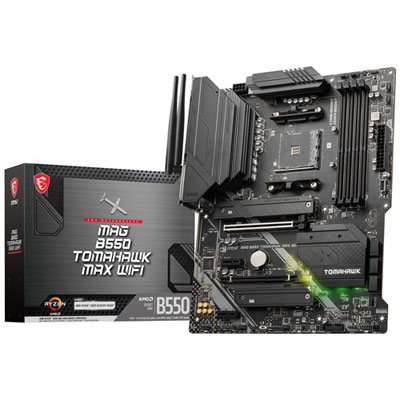 Your price for this item is $224.99
 -
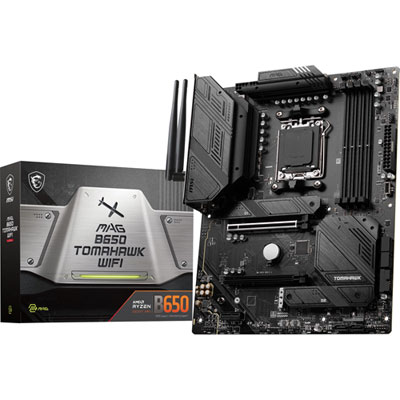 Your price for this item is $239.99
 -
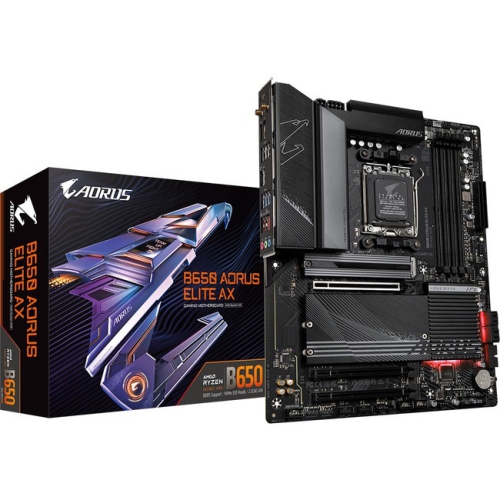 Your price for this item is $286.68
 -
 Your price for this item is $349.99
 -
 Your price for this item is $361
 -
 Your price for this item is $209.99
 -
 Your price for this item is $350
 -
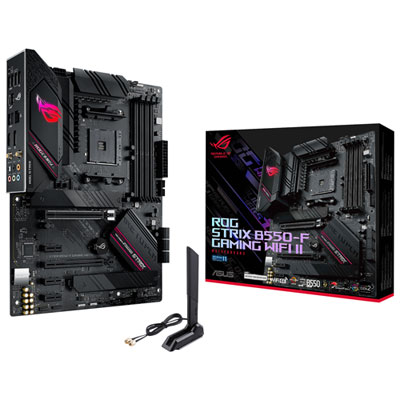 Your price for this item is $259.99
Discover more categories related to Asus B550
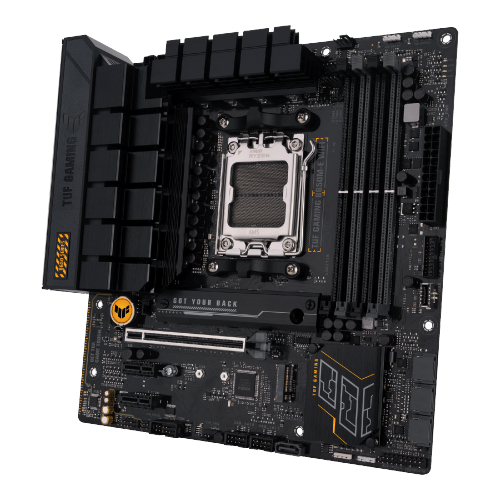
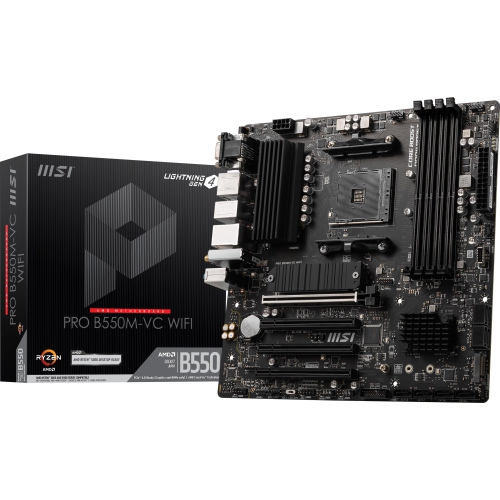
Top Collections:
Pokemon Centers, Kindle Devices, Best Budget Office Chairs, Apple iPhones 16, Best Laptops for Writers, iPhone 15 Apple, Canon G7X Cameras, Refurbished Apple Laptops, Alarm Clock, Motorola Razr Phones
Some products may be subject to Environmental Handling Fees
(EHF) depending on your province.
Learn more about EHFs.