Gigabyte B550M K
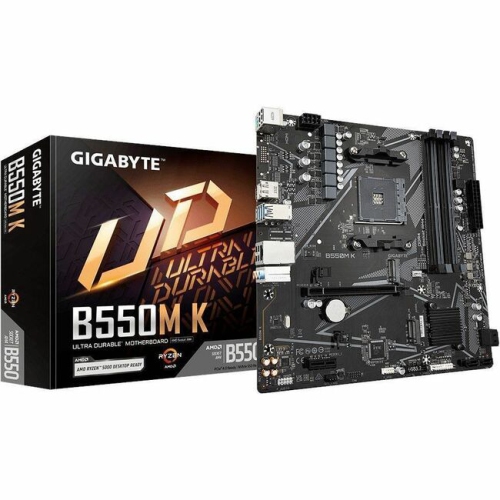
Unlock new possibilities for your PC build with the Gigabyte B550M K. Designed for reliability and performance, this motherboard offers a solid foundation for gaming, productivity, and everyday computing. Whether you're assembling a new system or upgrading your current setup, the Gigabyte B550M K delivers the versatility and compatibility you need to get the most out of your components. Explore a seamless experience that supports your goals, from multitasking to high-performance applications.
Sort

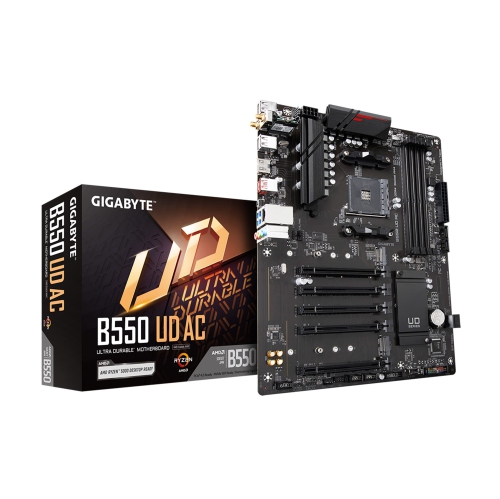
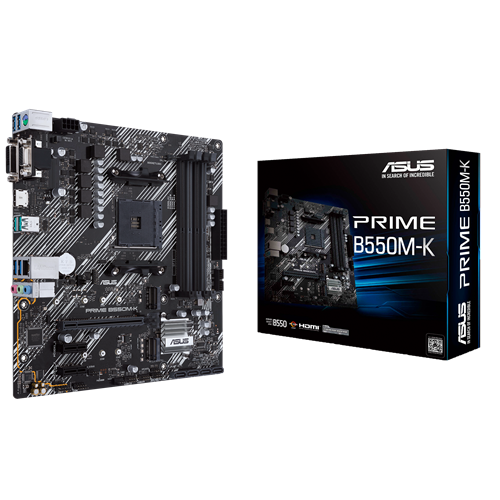
How micro-ATX B550 boards balance size and expansion
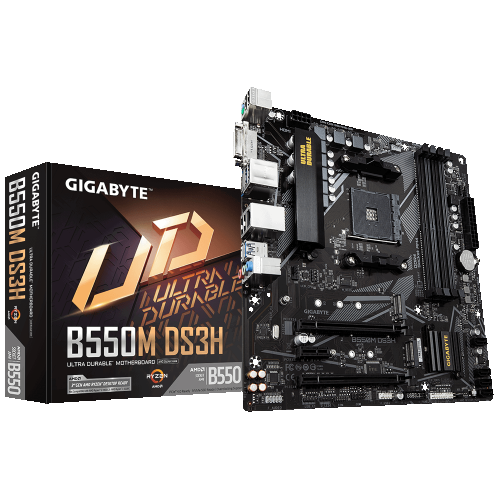
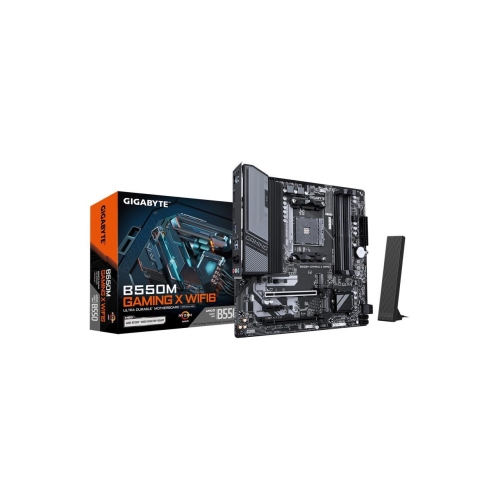
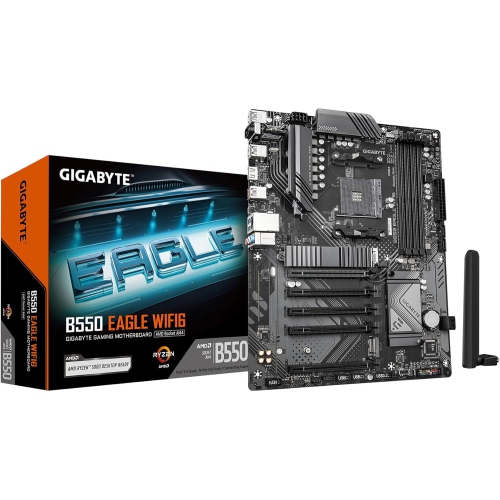
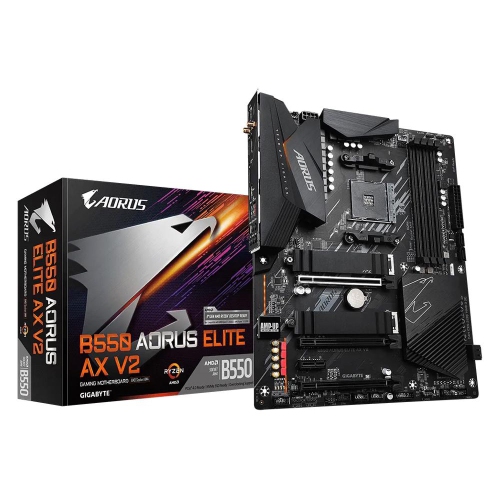
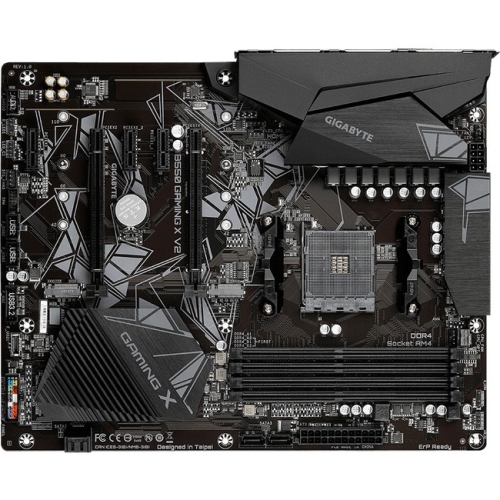
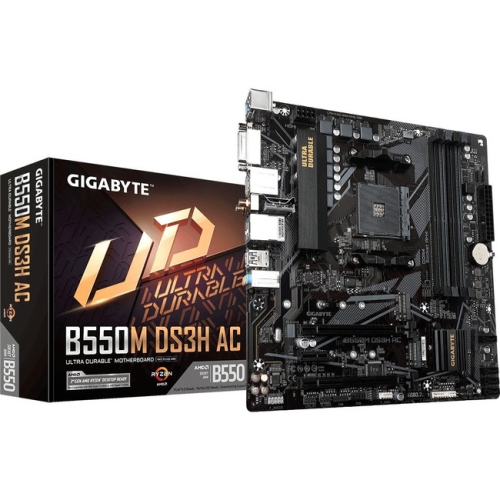
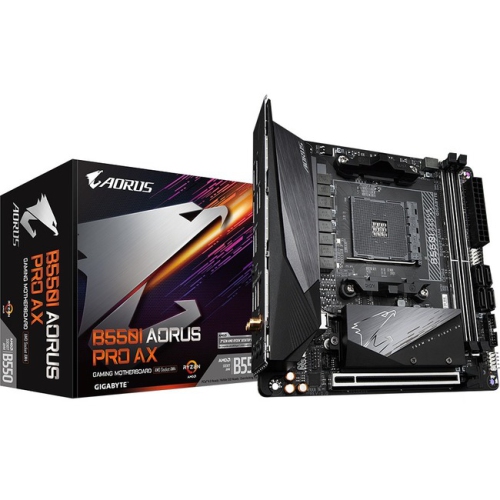
Micro-ATX B550 motherboards provide the foundation for compact desktop computers built around the AM4 processor socket and DDR4 memory. They connect the processor, memory, graphics card, storage drives, and peripherals, shaping how those components work together and how much room remains for later upgrades. This type of motherboard suits a range of everyday systems, from a home office computer handling spreadsheets and video calls to a gaming desktop with a dedicated graphics card and fast solid-state storage. The micro-ATX format measures up to 244 × 244 mm, making it smaller than a full-size ATX board while retaining useful expansion options. It can fit compatible micro-ATX cases and many larger towers, although the case’s supported motherboard sizes and mounting positions determine the actual fit. The B550 platform uses an AM4 socket, but socket compatibility alone does not guarantee that every AM4 processor will work. Support depends on the exact motherboard, processor, and installed BIOS version, so the manufacturer’s processor support list is an important part of matching components. Memory compatibility matters just as much: these boards use DDR4 desktop memory rather than DDR5, and the supported capacity and operating speed vary by model and processor. Four memory slots, where fitted, give a system room to grow without immediately replacing every module. Some configurations support up to 128 GB, although everyday office tasks and many games need considerably less. A matched memory kit installed in the appropriate slots enables dual-channel operation, which helps the processor access memory efficiently. For someone keeping several applications open beside a game, editing photographs, or working with larger project files, sufficient memory capacity can make the desktop feel more responsive. The appeal of this motherboard category lies in that balance of manageable size, familiar desktop connections, and flexibility for a system assembled around a clearly defined workload.
Storage and expansion connections make a noticeable difference to how a desktop feels in daily use. An M.2 connector allows a compatible solid-state drive to mount directly on the motherboard, leaving fewer cables behind the case panel. Multiple M.2 connectors can accommodate separate drives for an operating system, applications, and larger libraries of games or creative projects, but their capabilities are not necessarily identical. On B550 boards, a primary connector may support PCIe 4.0 with a compatible processor, while another operates through a different connection with lower bandwidth. Drive length, supported interface, and any shared connections should all match the intended configuration. An M.2 slot’s shape alone does not establish whether it accepts a particular SATA or NVMe drive. SATA ports remain useful for compatible 2.5-inch solid-state drives and larger hard drives used for photographs, documents, or media collections. Graphics expansion deserves similar attention. A full-length PCIe slot typically accommodates a dedicated graphics card, but the case must also have enough clearance for its length and thickness, and the power supply must provide the required connections and output. A large graphics cooler can cover neighbouring expansion slots on a compact board, affecting plans to add a wireless adapter or another expansion card. PCIe generation support can also depend on the installed processor, so a slot’s maximum specification is not a promise that every configuration will operate at that speed. Rear display outputs, when present, require a processor with compatible integrated graphics; the motherboard does not supply graphics processing by itself. A system using a dedicated graphics card normally connects its monitor to that card instead. For shoppers comparing board layouts and platform features, MSI B550 Gaming Gen3 offers a related page to browse, with form factor, expansion support, and connections worth comparing separately. USB ports, wired networking, audio connections, and internal headers complete the picture. Gigabit Ethernet provides a practical wired connection for a desk near a router, while Wi-Fi requires built-in wireless hardware or a compatible adapter. Front-panel USB connections also need matching motherboard headers to make the case’s accessible ports usable.
Physical construction, power delivery, and component placement influence how comfortably a motherboard fits into a finished desktop. The board itself is a layered printed circuit board with copper pathways, reinforced mounting points, electrical connectors, and a mix of capacitors, controllers, and other components. Heatsinks, where included, help move heat away from selected components, but their size and coverage vary. A simpler power-delivery design can be a suitable match for a modest processor running at its standard settings, whereas sustained rendering, demanding computation, or a higher-power processor places greater demands on the board and case airflow. Processor support therefore needs to be considered alongside the intended workload, not just the socket label. A compact gaming computer used for evening sessions has different demands from a workstation processing large video projects for hours at a time. Cooler compatibility includes the AM4 mounting hardware, the case’s cooler-height allowance, and clearance around memory modules and nearby heatsinks. Fan headers need to accommodate the planned cooling setup, while lighting accessories require the correct header type and voltage rather than simply a connector that looks similar. Clear labelling and accessible connectors make assembly less awkward, especially when attaching small front-panel leads or routing cables around a graphics card. For long-term care, a motherboard benefits from secure mounting, sensible cable routing, and a case that limits dust buildup without restricting airflow. Cleaning should take place with the computer shut down and disconnected from power, using methods appropriate for electronic components rather than household sprays or damp cloths. Handling the board by its edges and avoiding unnecessary contact with its circuitry helps protect delicate parts during installation. Firmware updates can address compatibility or operating issues, but the update file must match the exact motherboard model and revision. For a student building a first desktop, a household replacing an older computer, or an enthusiast assembling a compact gaming system, this category offers a practical starting point when the surrounding parts are well matched. As a gift for someone who builds computers, a motherboard is most useful when their processor, memory, case, and expansion requirements are already known.
Storage and expansion connections make a noticeable difference to how a desktop feels in daily use. An M.2 connector allows a compatible solid-state drive to mount directly on the motherboard, leaving fewer cables behind the case panel. Multiple M.2 connectors can accommodate separate drives for an operating system, applications, and larger libraries of games or creative projects, but their capabilities are not necessarily identical. On B550 boards, a primary connector may support PCIe 4.0 with a compatible processor, while another operates through a different connection with lower bandwidth. Drive length, supported interface, and any shared connections should all match the intended configuration. An M.2 slot’s shape alone does not establish whether it accepts a particular SATA or NVMe drive. SATA ports remain useful for compatible 2.5-inch solid-state drives and larger hard drives used for photographs, documents, or media collections. Graphics expansion deserves similar attention. A full-length PCIe slot typically accommodates a dedicated graphics card, but the case must also have enough clearance for its length and thickness, and the power supply must provide the required connections and output. A large graphics cooler can cover neighbouring expansion slots on a compact board, affecting plans to add a wireless adapter or another expansion card. PCIe generation support can also depend on the installed processor, so a slot’s maximum specification is not a promise that every configuration will operate at that speed. Rear display outputs, when present, require a processor with compatible integrated graphics; the motherboard does not supply graphics processing by itself. A system using a dedicated graphics card normally connects its monitor to that card instead. For shoppers comparing board layouts and platform features, MSI B550 Gaming Gen3 offers a related page to browse, with form factor, expansion support, and connections worth comparing separately. USB ports, wired networking, audio connections, and internal headers complete the picture. Gigabit Ethernet provides a practical wired connection for a desk near a router, while Wi-Fi requires built-in wireless hardware or a compatible adapter. Front-panel USB connections also need matching motherboard headers to make the case’s accessible ports usable.
Physical construction, power delivery, and component placement influence how comfortably a motherboard fits into a finished desktop. The board itself is a layered printed circuit board with copper pathways, reinforced mounting points, electrical connectors, and a mix of capacitors, controllers, and other components. Heatsinks, where included, help move heat away from selected components, but their size and coverage vary. A simpler power-delivery design can be a suitable match for a modest processor running at its standard settings, whereas sustained rendering, demanding computation, or a higher-power processor places greater demands on the board and case airflow. Processor support therefore needs to be considered alongside the intended workload, not just the socket label. A compact gaming computer used for evening sessions has different demands from a workstation processing large video projects for hours at a time. Cooler compatibility includes the AM4 mounting hardware, the case’s cooler-height allowance, and clearance around memory modules and nearby heatsinks. Fan headers need to accommodate the planned cooling setup, while lighting accessories require the correct header type and voltage rather than simply a connector that looks similar. Clear labelling and accessible connectors make assembly less awkward, especially when attaching small front-panel leads or routing cables around a graphics card. For long-term care, a motherboard benefits from secure mounting, sensible cable routing, and a case that limits dust buildup without restricting airflow. Cleaning should take place with the computer shut down and disconnected from power, using methods appropriate for electronic components rather than household sprays or damp cloths. Handling the board by its edges and avoiding unnecessary contact with its circuitry helps protect delicate parts during installation. Firmware updates can address compatibility or operating issues, but the update file must match the exact motherboard model and revision. For a student building a first desktop, a household replacing an older computer, or an enthusiast assembling a compact gaming system, this category offers a practical starting point when the surrounding parts are well matched. As a gift for someone who builds computers, a motherboard is most useful when their processor, memory, case, and expansion requirements are already known.
Top selling and popular products
-
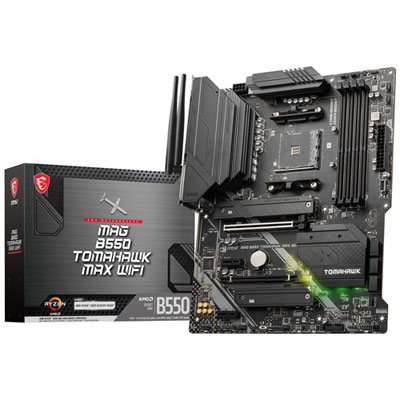 Your price for this item is $224.99
 -
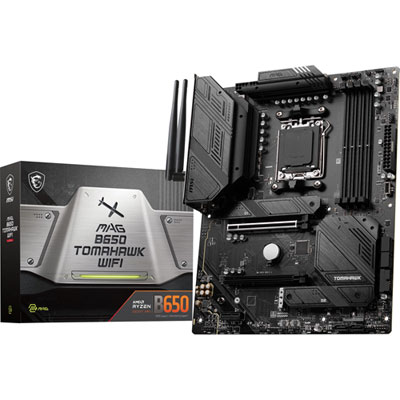 Your price for this item is $239.99
 -
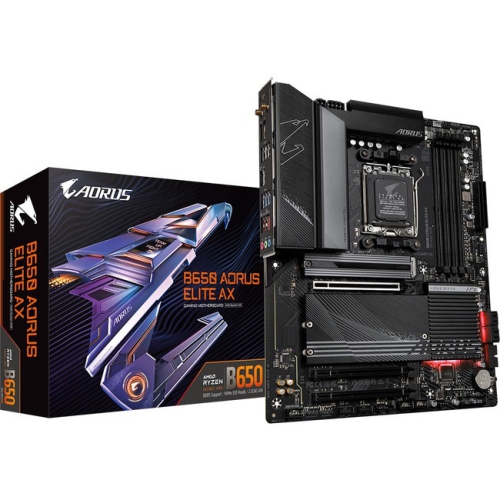 Your price for this item is $286.68
 -
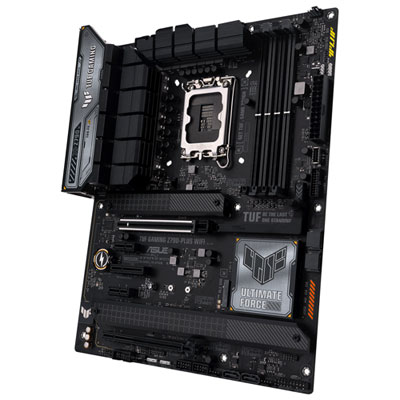 Your price for this item is $349.99
 -
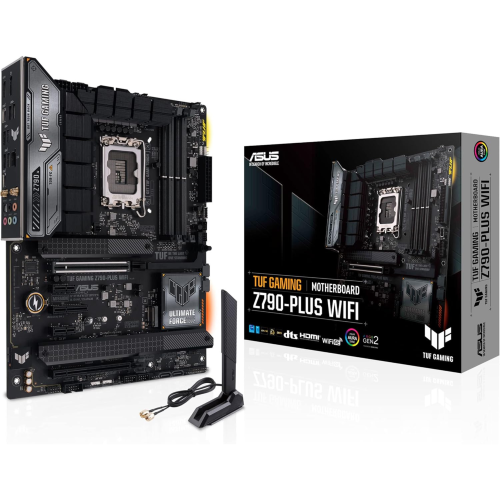 Your price for this item is $361
 -
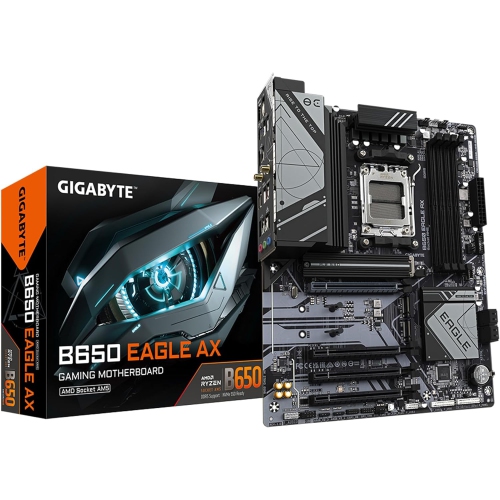 Your price for this item is $209.99
 -
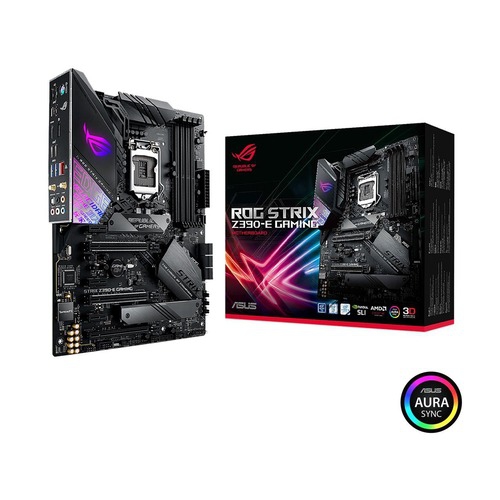 Your price for this item is $350
 -
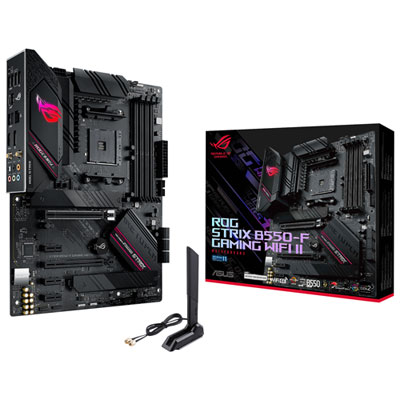 Your price for this item is $259.99
Discover more categories related to Gigabyte B550M K
Top Collections:
Pokemon Centers, Kindle Devices, Best Budget Office Chairs, Apple iPhones 16, Best Laptops for Writers, iPhone 15 Apple, Canon G7X Cameras, Refurbished Apple Laptops, Alarm Clock, Motorola Razr Phones
Some products may be subject to Environmental Handling Fees
(EHF) depending on your province.
Learn more about EHFs.