Back To School 2-In-1 Convertible Laptops
Find back-to-school 2-in-1 convertible laptops that combine a laptop’s keyboard with the flexibility of a touchscreen. Switch between laptop and tablet modes for typing assignments, reviewing readings, or presenting projects. Compare screen size, weight, battery life, and performance to choose a model that suits your coursework and daily commute.






FAQ
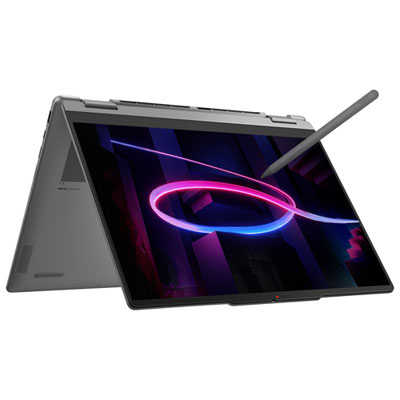
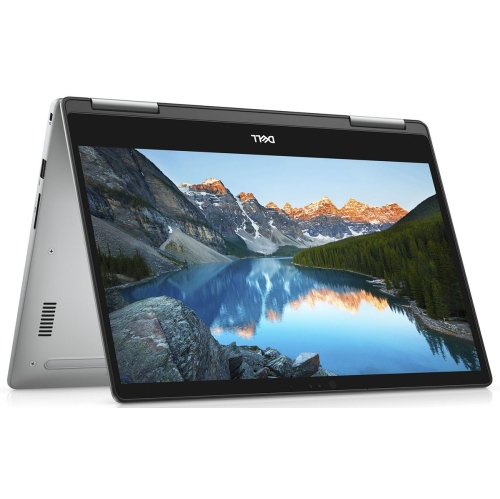
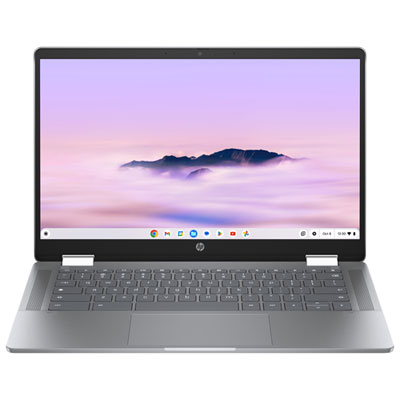
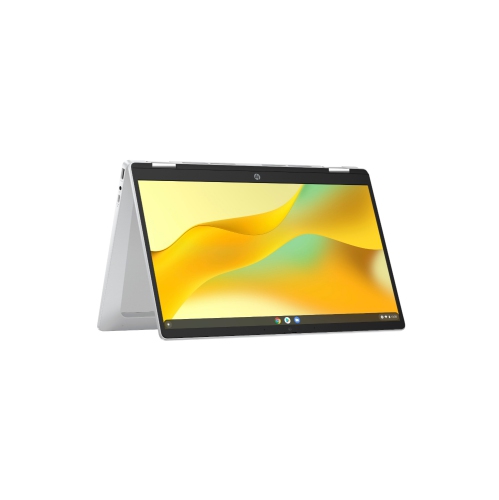
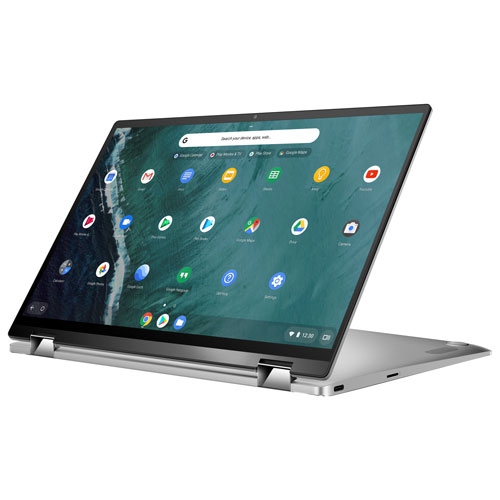
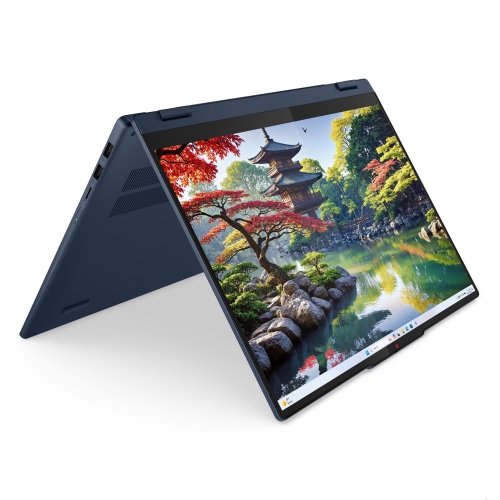
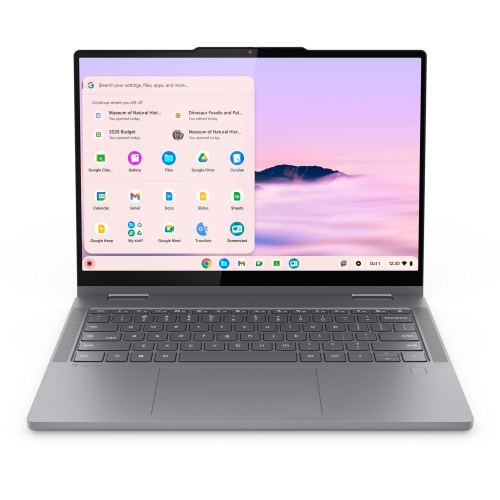
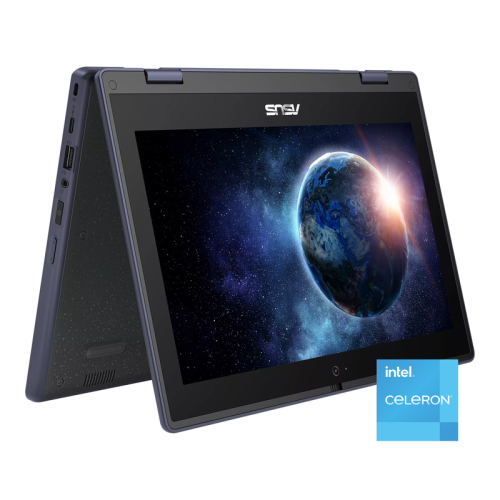
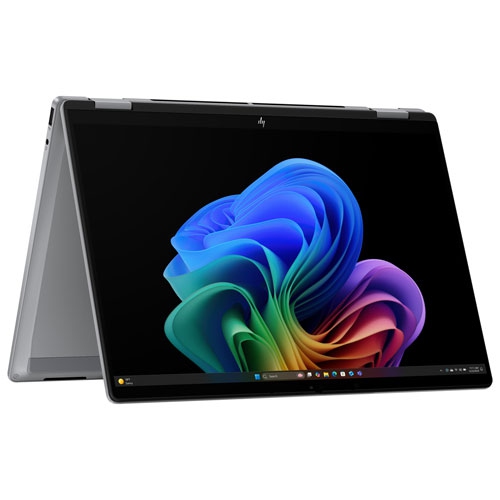
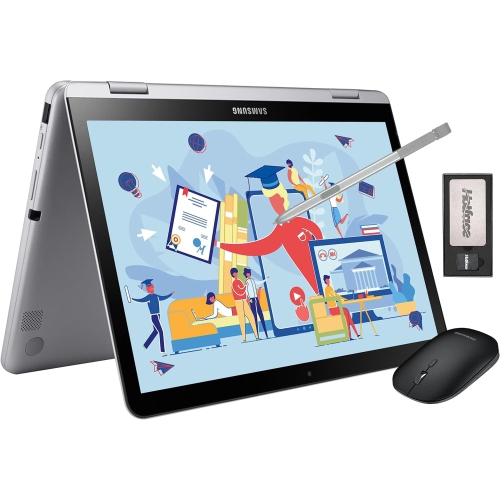
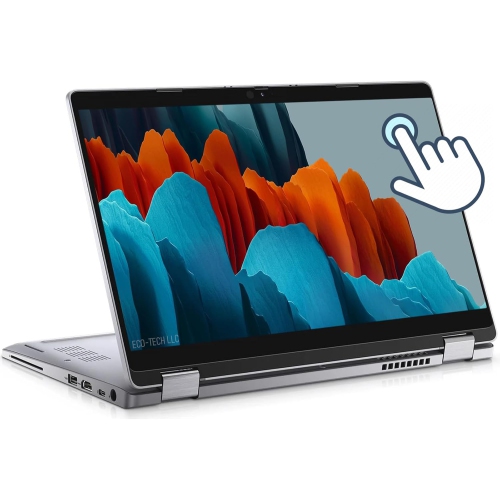
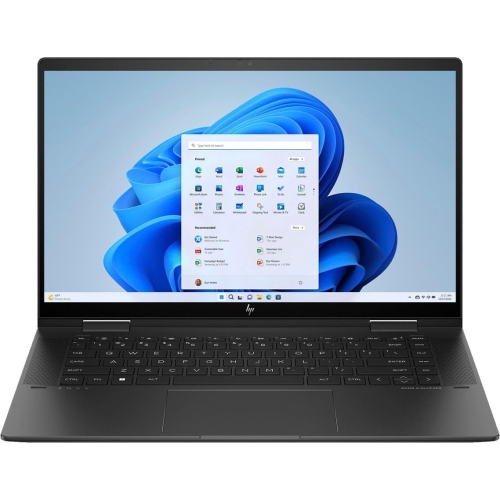
A 2-in-1 convertible laptop combines a laptop keyboard with a touchscreen and a hinge that lets the display fold back into different positions. You can use it in laptop mode for typing, tablet mode for handwritten notes, or tent and stand modes for viewing course materials.
Consider the processor, memory, storage, battery life, keyboard comfort, and available ports. A webcam and microphone are useful for online classes, while Wi-Fi connectivity supports access to learning platforms. Check your school’s software requirements before choosing an operating system.
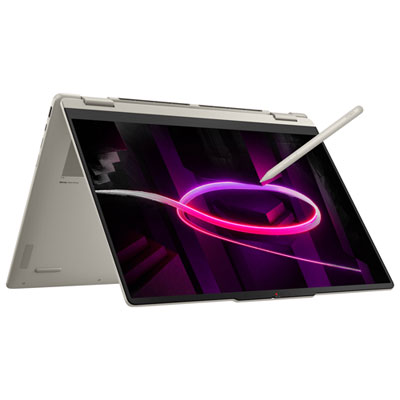
Many 2-in-1 convertible laptops support an active stylus for handwritten notes, diagrams, and PDF annotations. Stylus compatibility varies, and a touchscreen does not necessarily support every pen. Check whether the laptop supports active pen input and whether a compatible stylus is included or sold separately.
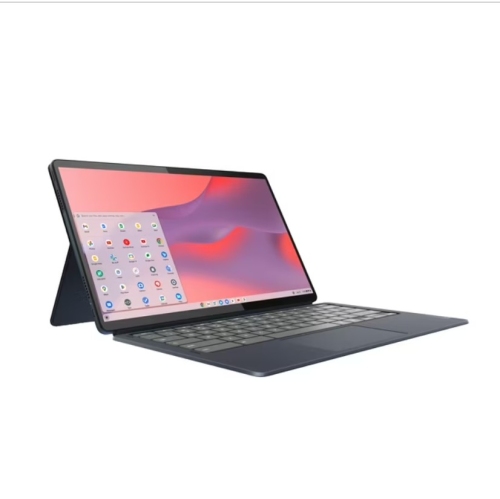
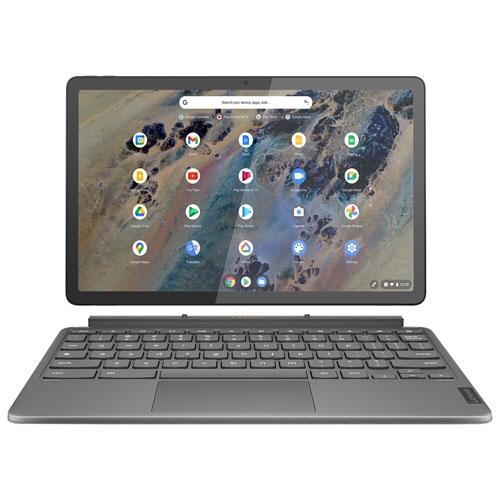
A convertible laptop keeps its keyboard attached while the screen rotates on a hinge. A detachable laptop lets you separate the screen from the keyboard for tablet use. The main distinction is whether you want the keyboard to stay connected or be removable.
Most 2-in-1 convertible laptops can connect to accessories such as a mouse, headphones, external storage, or a monitor, depending on their ports and wireless capabilities. A compatible dock or hub can add connections. If you plan to use USB-C for charging or an external display, check that the laptop’s USB-C port supports those functions.
Top selling and popular products
Discover more categories related to Back To School 2-In-1 Convertible Laptops



Some products may be subject to Environmental Handling Fees (EHF) depending on your province. Learn more about EHFs.