Back To School 2 In 1 Laptops
Back-to-school 2-in-1 laptops combine a laptop’s keyboard with the flexibility of a touchscreen tablet for taking notes, writing assignments, and reviewing course materials. Compare convertible designs, screen sizes, battery life, and storage to find a fit for your classes and daily commute, and check stylus compatibility if you prefer handwritten notes.








FAQ
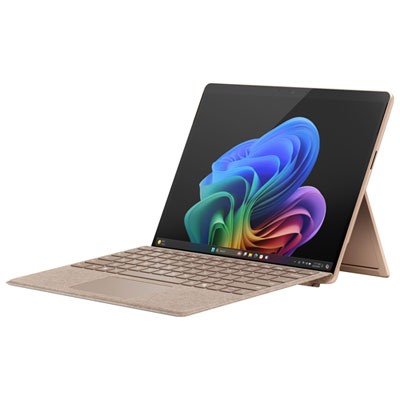
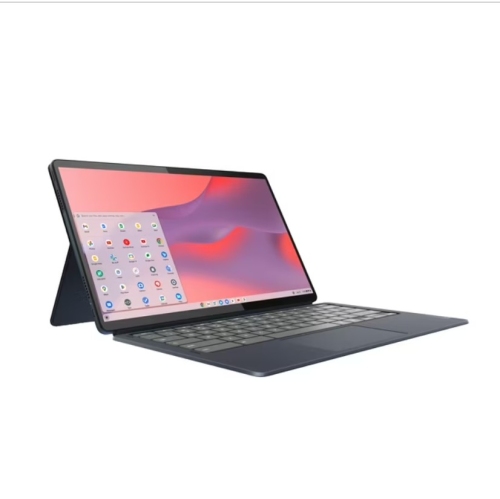
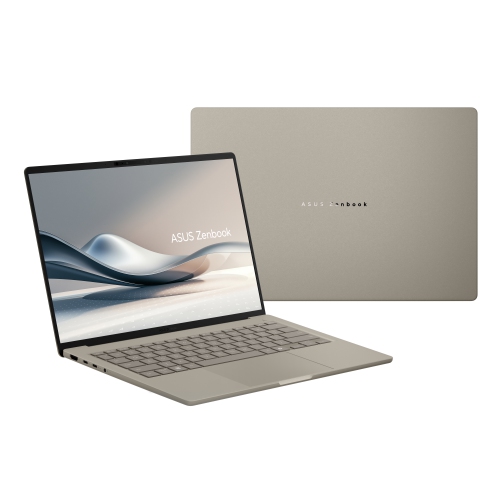
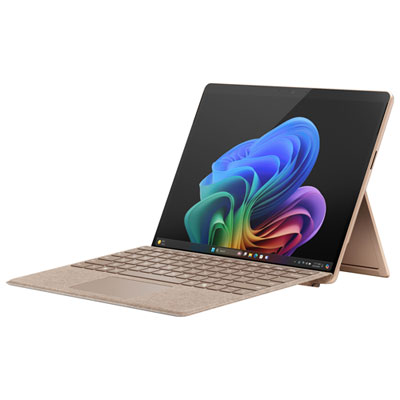
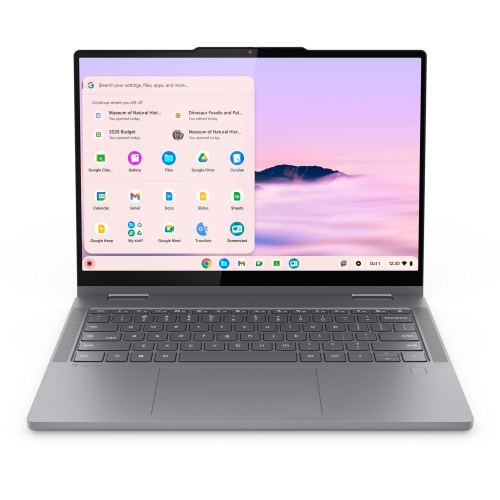
A 2-in-1 laptop combines a laptop keyboard with a touchscreen that supports tablet-style use. Convertible models have a hinge that lets the screen fold back, while detachable models have a keyboard that separates from the screen.
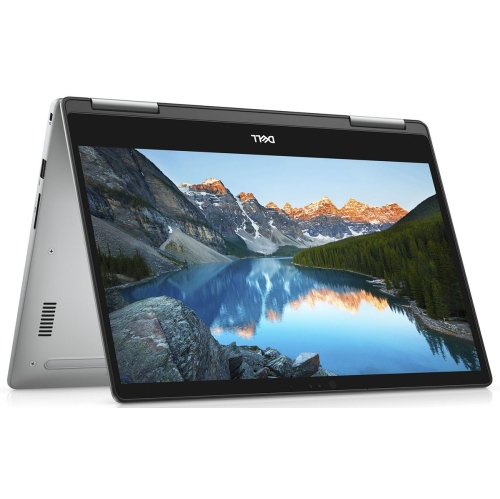
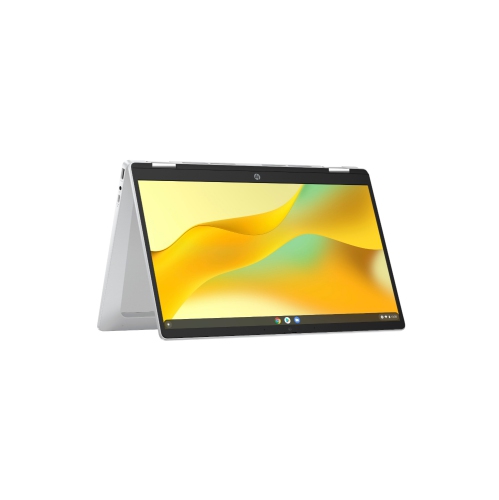
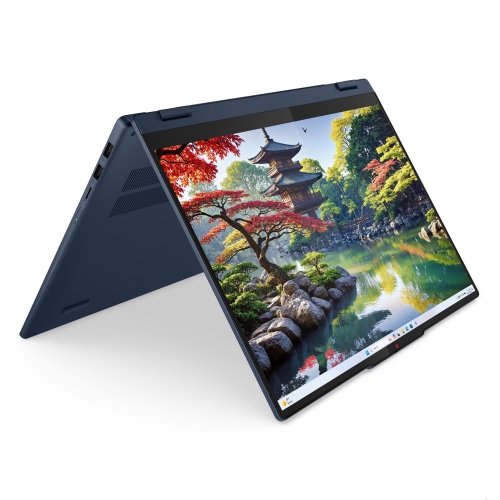
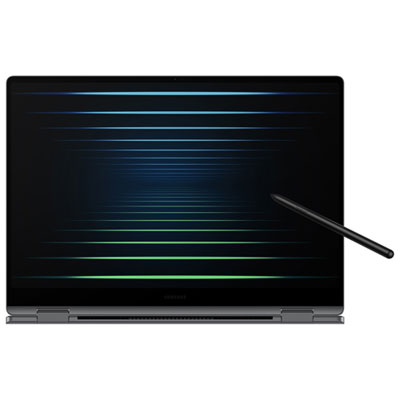
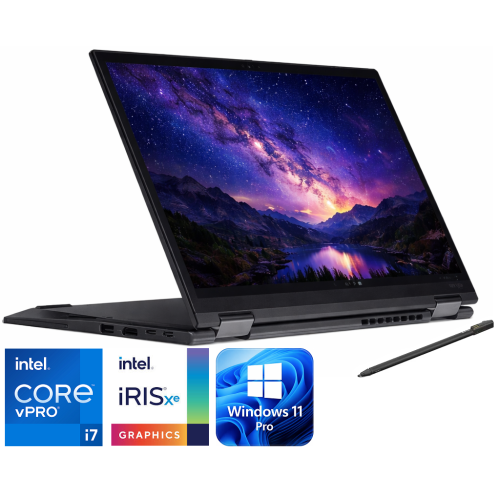
Many convertible 2-in-1 laptops offer laptop, tablet, tent and stand modes. Laptop mode keeps the keyboard accessible for assignments, while tablet mode supports touch-based interaction. Tent and stand modes position the screen for activities such as watching course videos or viewing presentation slides.
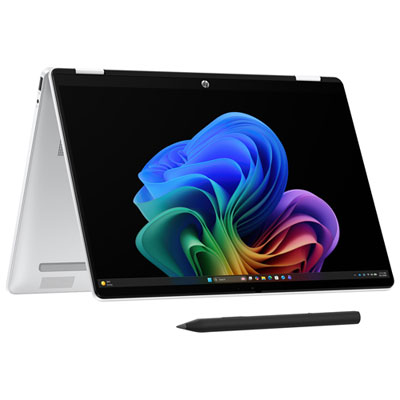
Models with compatible active pen support let students write notes, annotate PDFs and sketch in supported apps. Pen compatibility varies by laptop, and a pen may be included or sold separately. Check both the laptop’s pen support and the note-taking app’s requirements.
Software compatibility depends on the laptop’s operating system and hardware. Before choosing a device, check your school’s requirements for learning platforms, exam software and course-specific applications. Some programs require Windows, while others run through a web browser or offer versions for multiple operating systems.
Depending on its ports and wireless features, a 2-in-1 laptop can connect to accessories such as a mouse, keyboard, headset, external monitor or storage drive. A compatible USB hub or docking station can add connections. For an external monitor, confirm that the laptop’s port supports video output.
Top selling and popular products
Discover more categories related to Back To School 2 In 1 Laptops

Some products may be subject to Environmental Handling Fees (EHF) depending on your province. Learn more about EHFs.