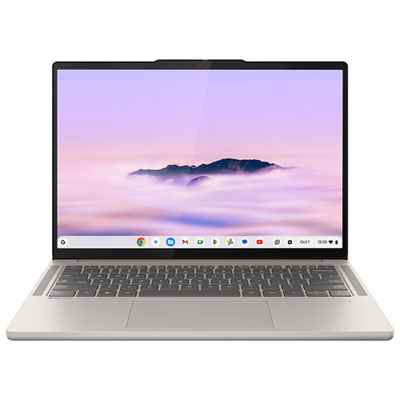
Back To School 2-In-1 Touchscreen Laptops

Back-to-school 2-in-1 touchscreen laptops combine a laptop for typing assignments with the flexibility of a tablet for reading and touch-based tasks. Compare screen sizes, memory, storage and battery life to find a convertible laptop that suits your coursework, daily commute and budget.


Read More

Sort

Back To School 2-In-1 Touchscreen Laptops

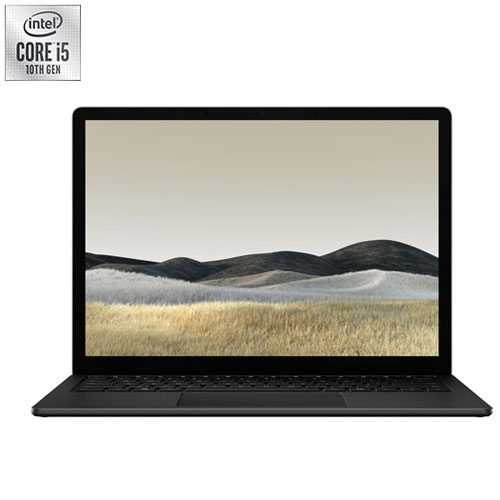
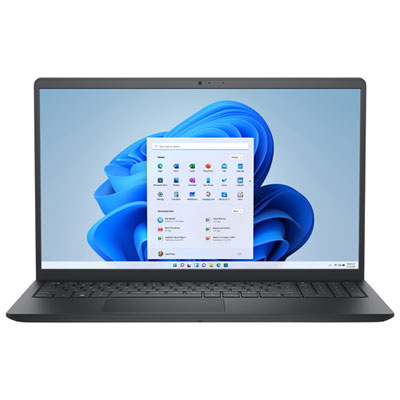
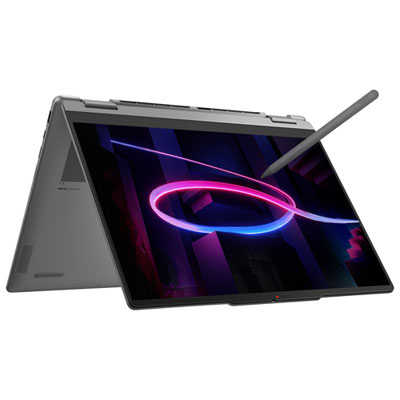
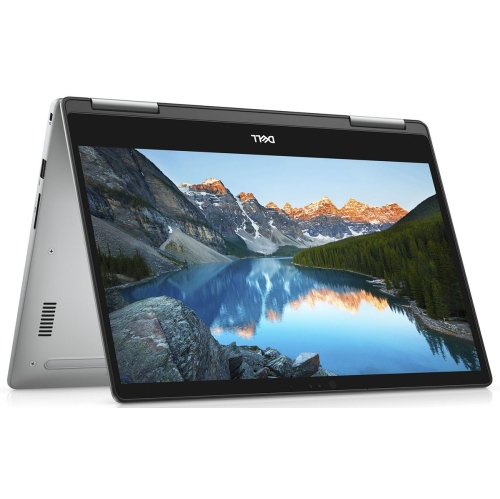
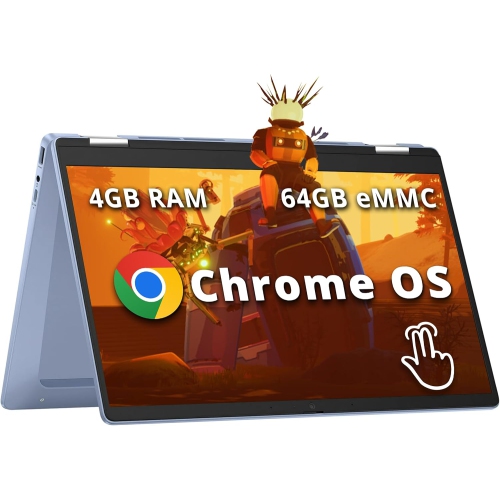
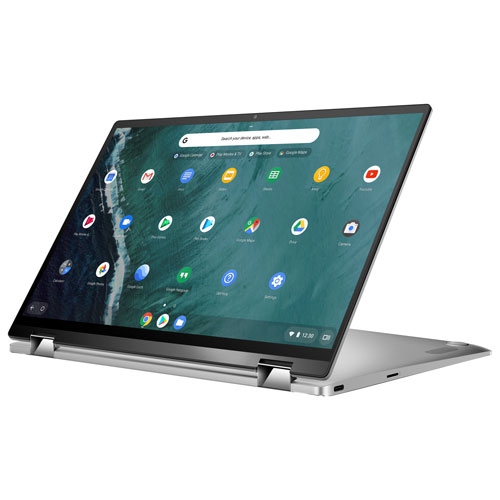
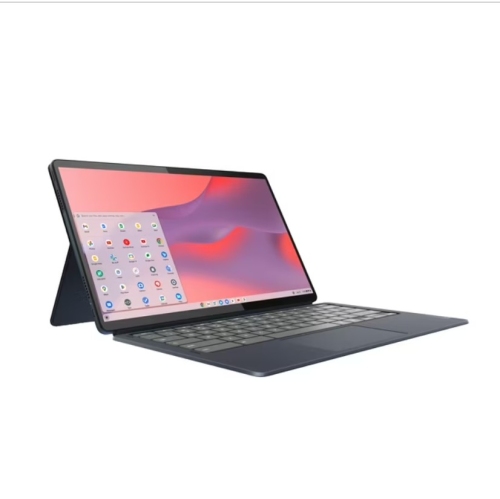
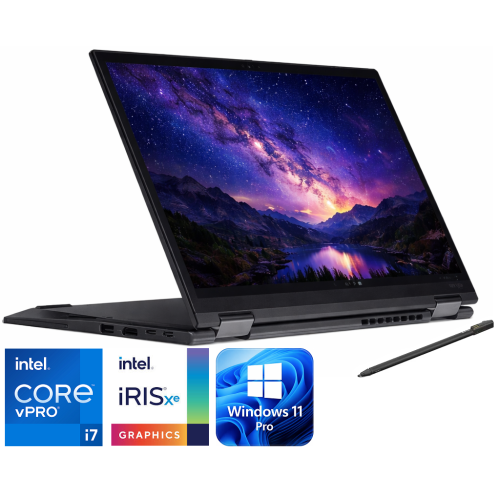
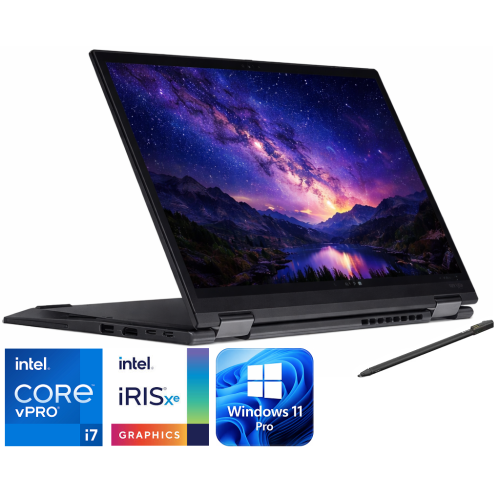
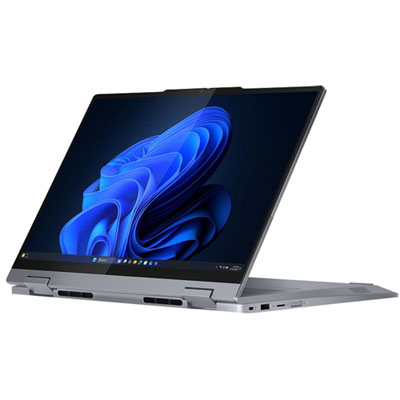
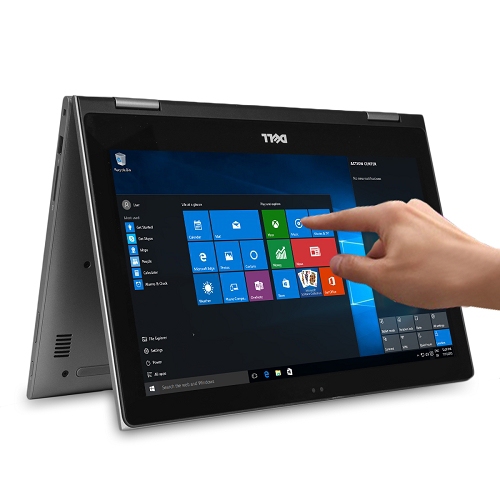
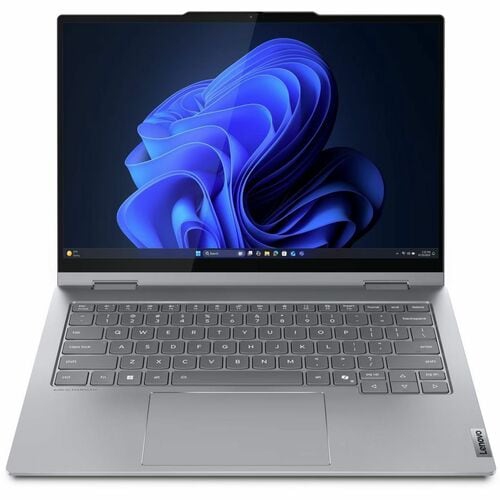
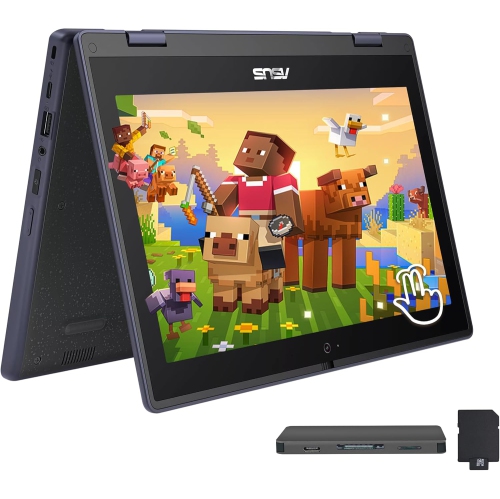
Back To School 2-In-1 Touchscreen Laptops bring everyday schoolwork and hands-on learning together in one versatile device. A keyboard makes it easier to draft essays, build spreadsheets, and keep up with class notes, while a touchscreen offers a more direct way to navigate reading material, explore diagrams, or mark up assignments. Depending on the design, a convertible hinge or detachable keyboard lets students move between laptop and tablet modes, with some models also offering tent and stand positions for watching lessons or presenting a group project. That flexibility comes in handy during an ordinary school day: typing at a library desk in the morning, reviewing slides on the bus ride home, and propping up a tutorial beside a notebook in the evening. For students who like to sketch ideas or work through equations by hand, support for a compatible active pen can be especially useful. Pen compatibility varies, though, and a stylus may be sold separately, so it is worth checking what is included rather than assuming every touchscreen offers the same writing experience.

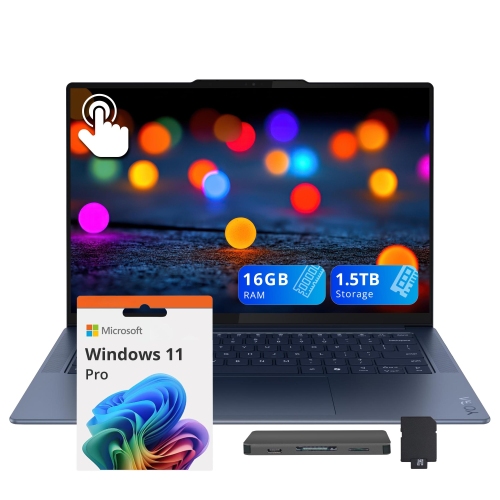
The right fit starts with the work a student actually needs to do. Web-based assignments, research, video calls, and word processing have different demands from coding, editing video, or working with design software. Check school and course requirements first, particularly when specific applications or an operating system are required. Memory affects how comfortably a laptop handles several tasks at once; keeping lecture slides, a document, and multiple browser tabs open can make 16 GB of RAM a practical choice for students who regularly multitask. Storage deserves similar attention, especially when projects include large images, downloaded lessons, or video files. Screen size is a balance between workspace and portability: a smaller display can be easier to carry between classes, while a larger one gives spreadsheets and side-by-side documents more breathing room. Look beyond the touchscreen itself to display brightness, text clarity, and how comfortable the keyboard and trackpad feel during longer assignments. A 2-in-1 should still be a capable, comfortable laptop when there is a full essay to finish, not just a convenient screen for tapping through notes.

Small practical details often make the biggest difference once the semester gets busy. Consider the laptop’s weight with its charger, how it fits into a backpack, and whether its battery life suits a day with limited access to outlets. Published battery estimates depend on test conditions, so demanding apps, higher screen brightness, and frequent video calls can shorten the time between charges. Check the ports needed for classroom displays, external storage, headphones, and other accessories; a slim design may mean carrying an adapter. Wi-Fi compatibility, webcam quality, and microphone performance also matter for online classes and collaborative work. If the laptop is a back-to-school gift for a secondary school, college, or university student, matching it to their course needs and preferred way of working is more useful than choosing on appearance alone. A protective sleeve and, where supported, a compatible pen can round out a setup that travels well. The most useful choice is one that feels just as natural on a crowded study table as it does at home, with the performance for required coursework and the flexibility to read, write, draw, and unwind between deadlines.

Read More

FAQ

Some products may be subject to Environmental Handling Fees (EHF) depending on your province. Learn more about EHFs.