Back To School Anti-Glare Screen Protectors
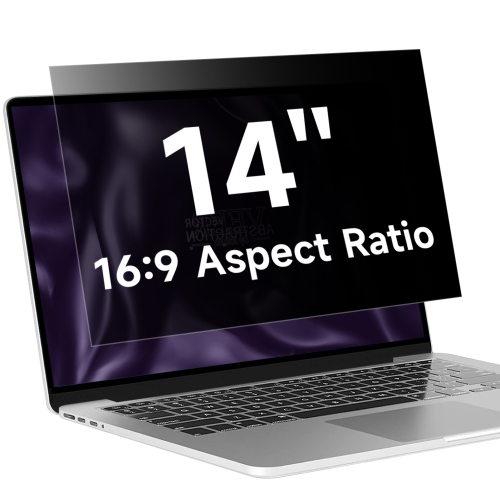
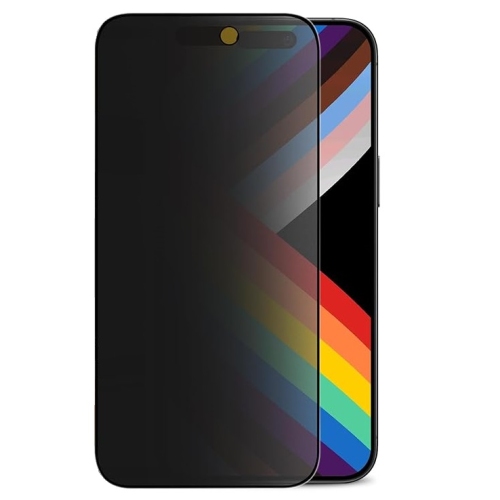
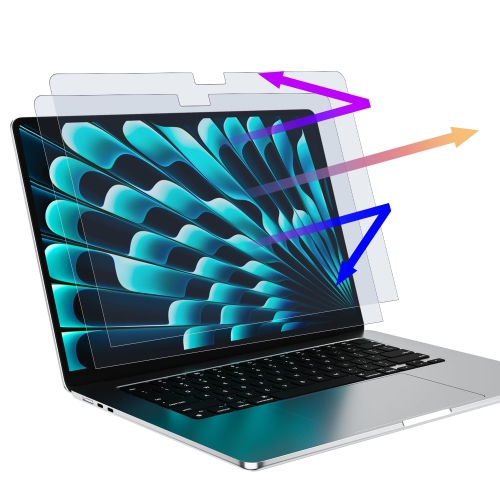
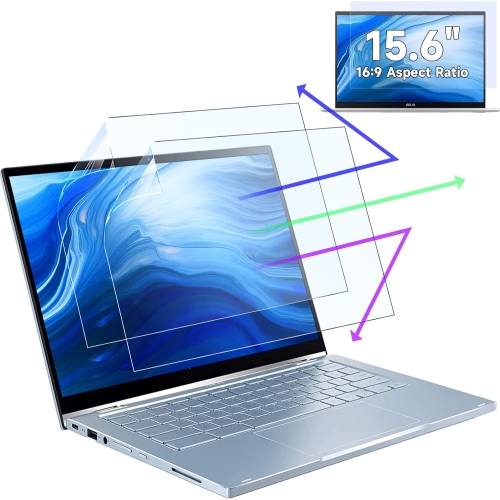
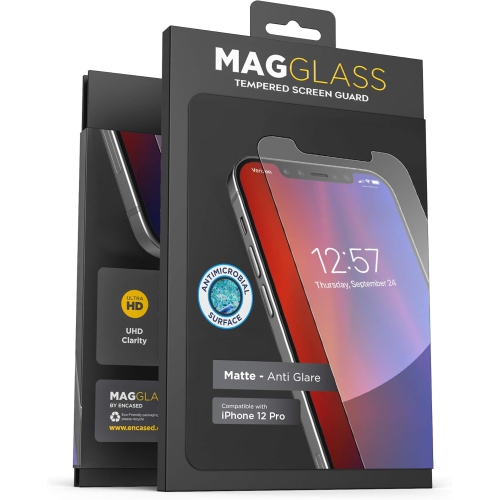
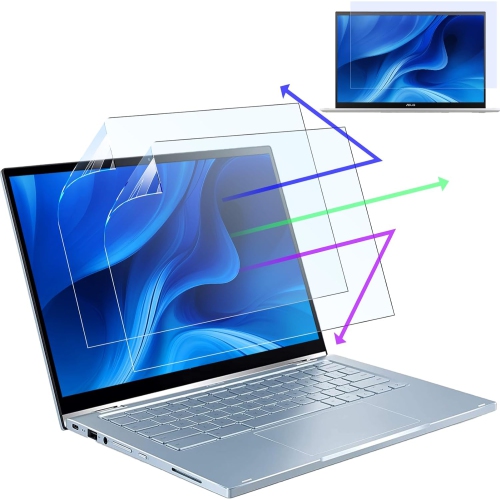
Back-to-school anti-glare screen protectors help reduce distracting reflections on screens during study sessions and classroom use. Browse options for compatible devices, checking the screen size and model fit before you choose. Consider the finish and how it may affect screen clarity, especially if you’ll be reading notes or working near windows.
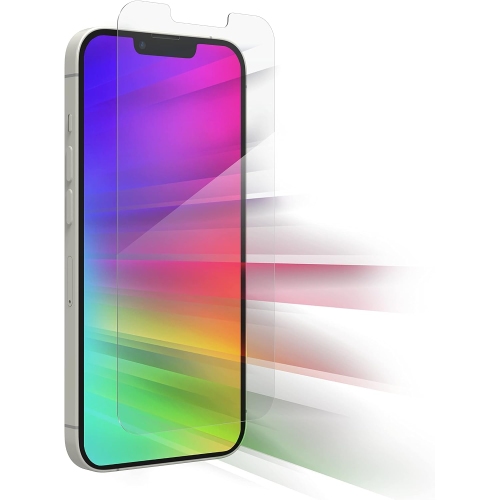
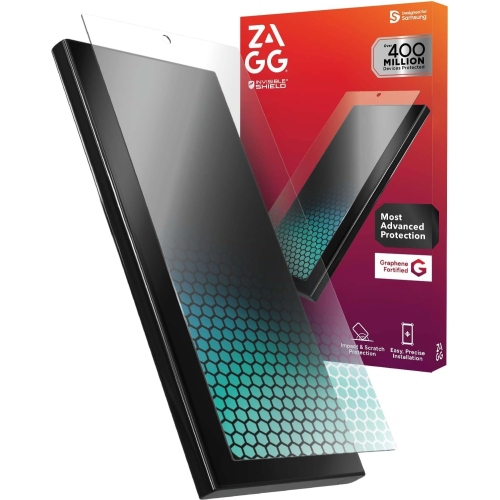
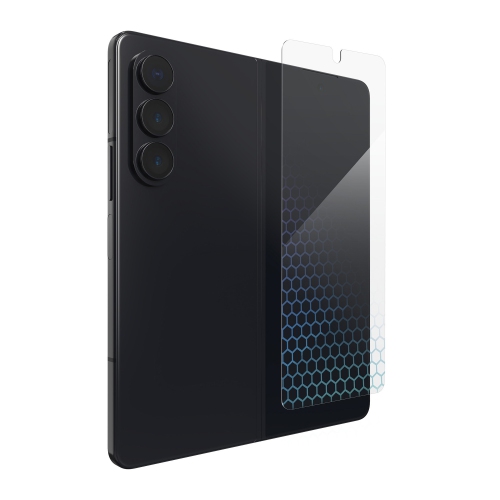
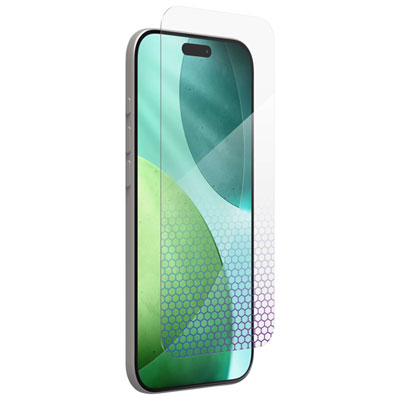




![GENERIC 2 Pack Matte Screen Protector for Iphone 12 Pro/iphone 12 [6.1 Inch], Anti-Glare & Anti-Fingerprint, Matte](https://multimedia.bbycastatic.ca/multimedia/products/500x500/199/19926/19926443.jpeg)
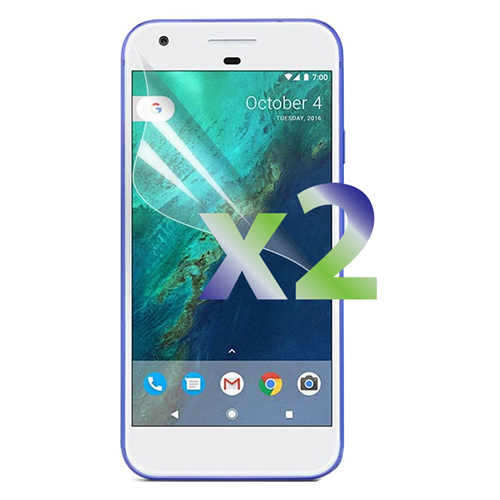

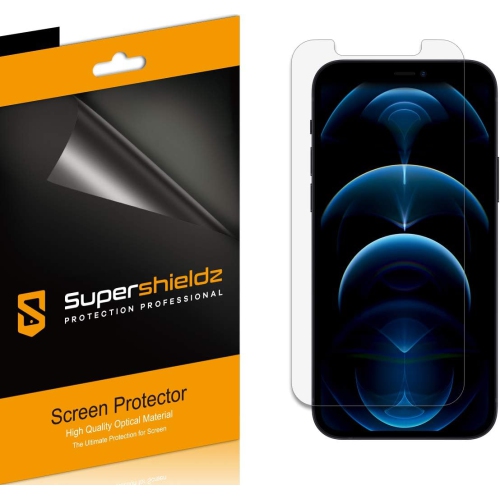
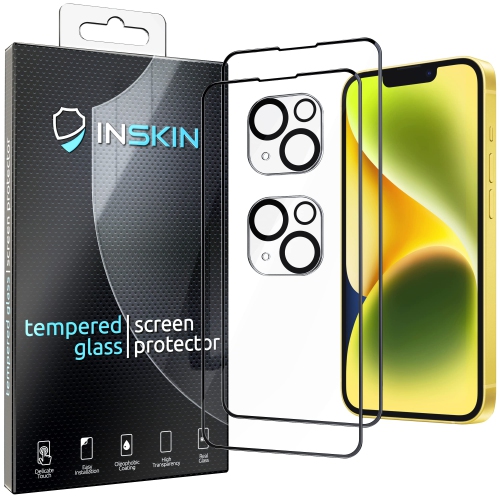
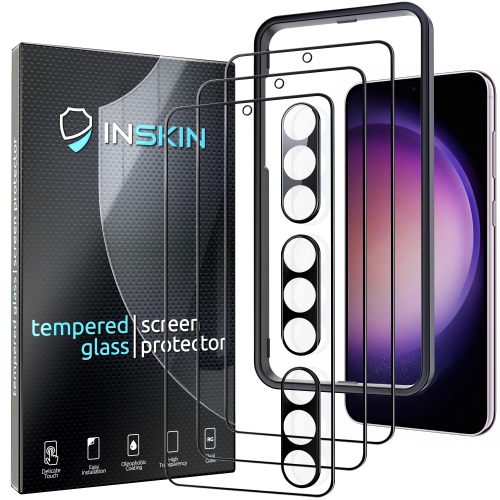
FAQ
Anti-glare screen protectors commonly use PET film, TPU film or tempered glass with a matte surface treatment. Film options are flexible, while tempered glass has a more rigid feel. Check the material description when choosing one for a school laptop or tablet.
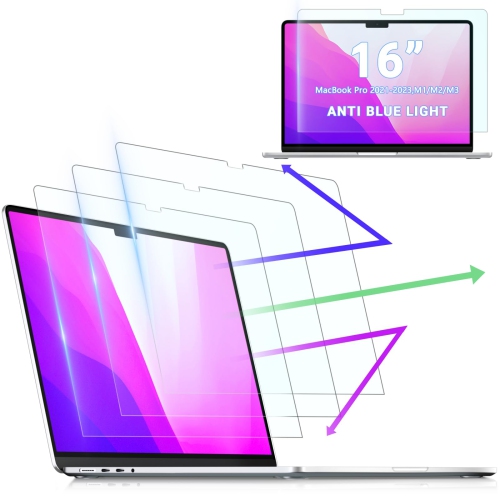
Match the protector’s compatibility information to your device’s brand, model and generation. Check for suitable camera and sensor cut-outs, along with any notes about touchscreen or stylus compatibility. For school-issued devices, confirm whether adhesive accessories are permitted.
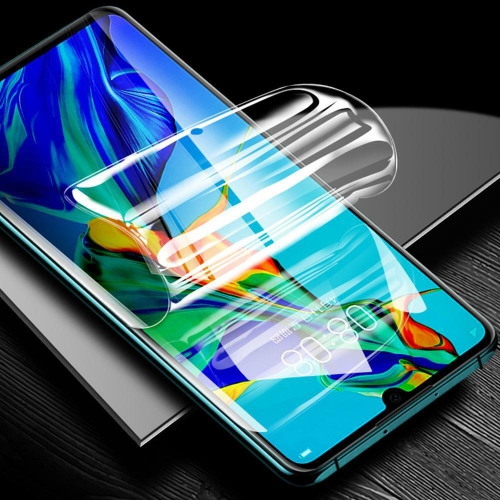
Follow the application directions supplied with the protector. Typically, you clean the display, remove dust, align the cut-outs and gradually peel away the backing while laying the protector onto the screen. Some kits include alignment tabs or a smoothing card.
Use a soft microfibre cloth and follow the protector manufacturer’s care directions. If a cleaning solution is permitted, apply it to the cloth rather than directly onto the display. Avoid abrasive cloths or cleaners that the manufacturer advises against.
Application kits may include a cleaning wipe, microfibre cloth, dust-removal stickers, alignment tabs and a smoothing card. Contents vary, so check the package description before setting up your device for classes.
Top selling and popular products
Discover more categories related to Back To School Anti-Glare Screen Protectors
Some products may be subject to Environmental Handling Fees (EHF) depending on your province. Learn more about EHFs.