Back To School Antivirus Software
Back-to-school antivirus software helps protect the devices students use for assignments, research and online classes. Browse antivirus and internet security options, comparing device compatibility, subscription length and the number of devices covered to find a fit for your school year.







FAQ
Check the software’s operating system requirements, licence term and number of supported devices. If you use a school-issued laptop, review your school’s software requirements before installing anything, as installation permissions may be managed by the school.
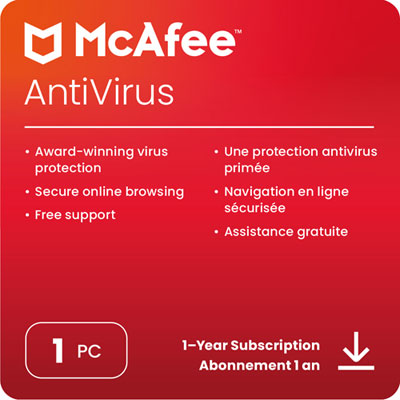
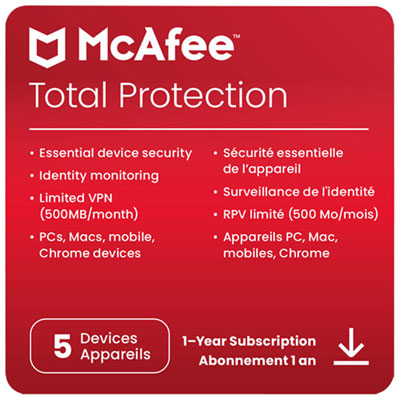
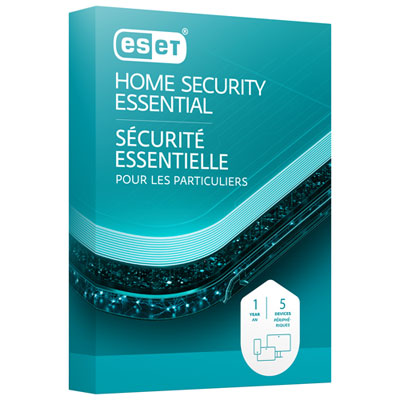
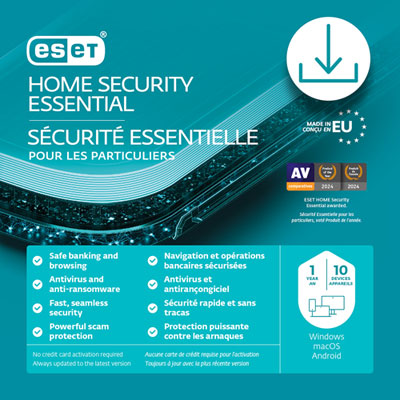
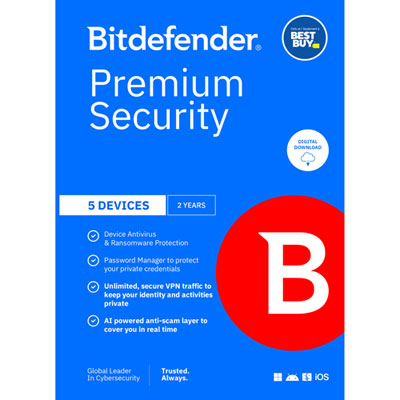
Some antivirus licences cover one device, while others allow installation on several devices. Multi-device plans may support a combination of computers, phones and tablets. Check the licence details for the permitted device count and supported platforms.
Some antivirus software supports both Windows and macOS, while other editions are designed for a single operating system. Features can also differ by platform. Check compatibility with your computer’s operating system version, and review separate requirements for Chromebooks or mobile devices.
Activation typically involves creating or signing in to an account, entering an activation code and downloading the installer from the software provider. Some licences are linked directly to an account instead of using a code. Follow the provider’s setup instructions and keep your account details accessible for future device changes.
A subscription provides access for a defined term and may include updates and support during that period. A perpetual licence generally allows continued use of a particular software version, but updates and support may have separate limits. Check the licence terms, including any automatic renewal settings, before activating the software.
Top selling and popular products
Discover more categories related to Back To School Antivirus Software

Some products may be subject to Environmental Handling Fees (EHF) depending on your province. Learn more about EHFs.