Back To School Desktop Computers
Find back-to-school desktop computers for homework, research, and everyday study. Compare desktop PCs by processor, memory, and storage to suit your coursework, and consider how the computer will fit your desk space alongside a monitor, keyboard, and mouse.




FAQ
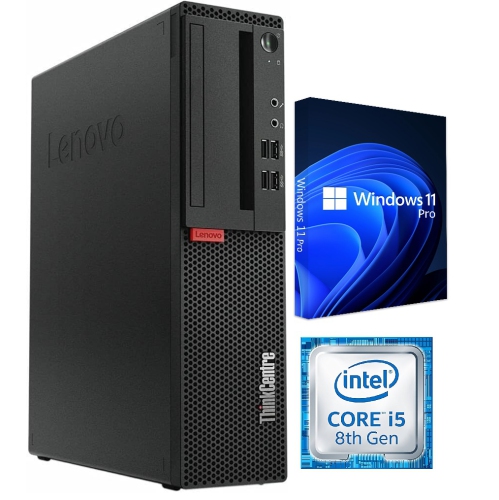
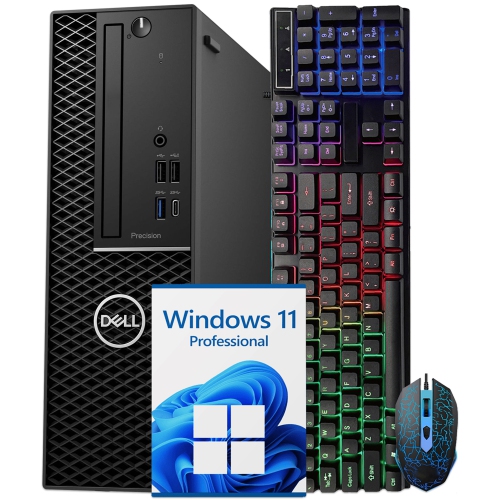
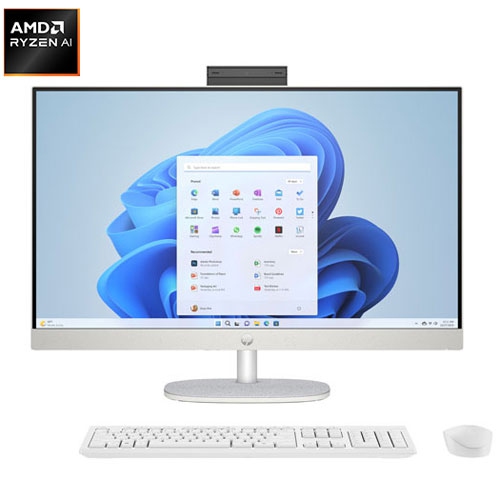
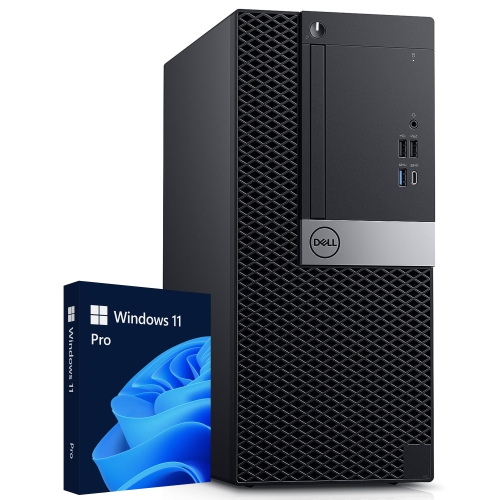
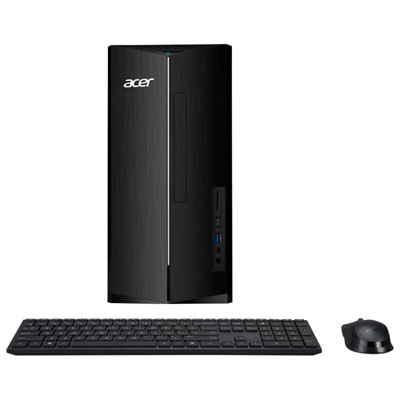
A tower desktop houses its main components in a separate case and connects to an external monitor. An all-in-one desktop integrates the computer and display into one unit. Towers generally offer more options for replacing internal components, while upgrade options for all-in-one computers vary by model.
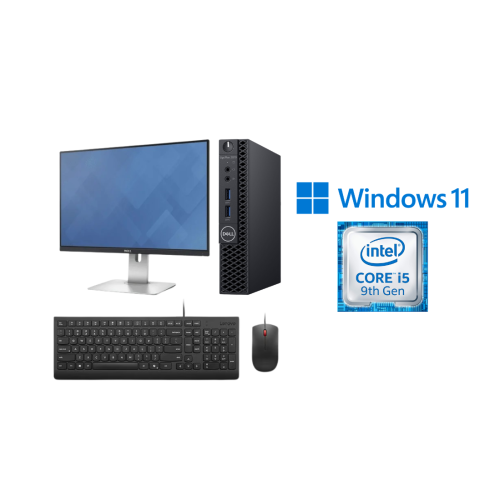
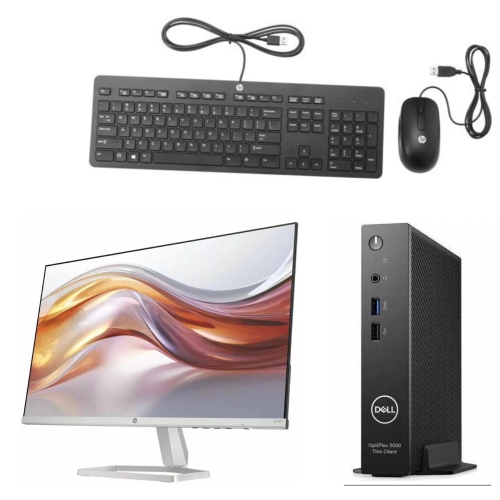
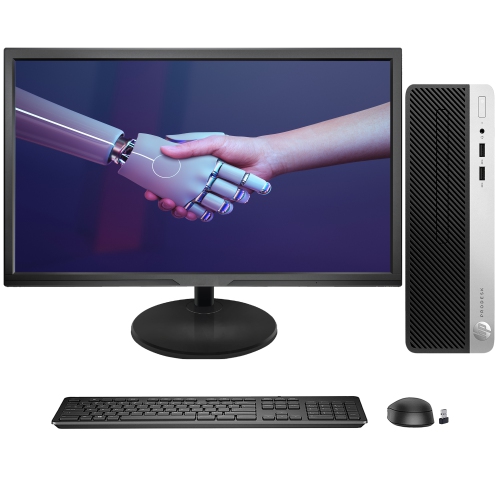
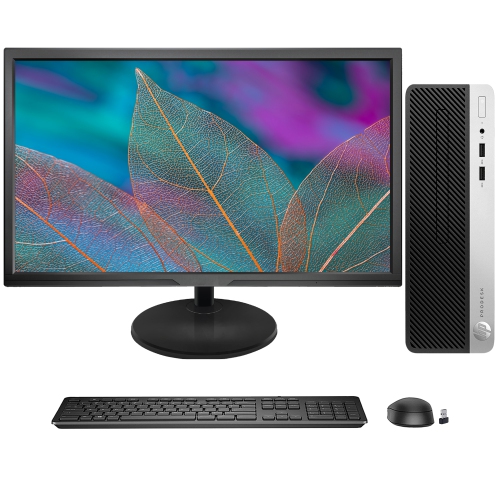
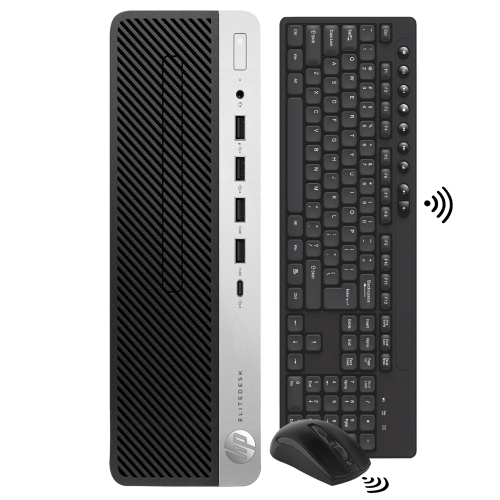
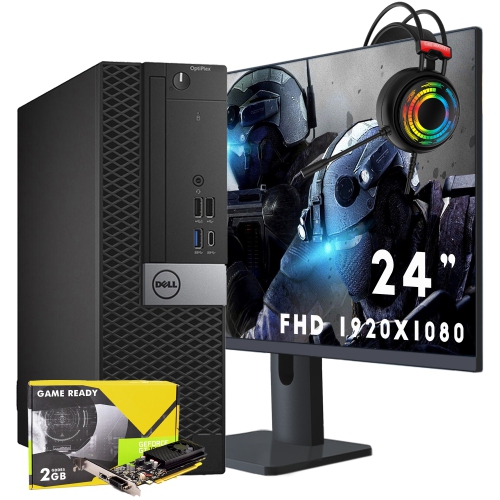
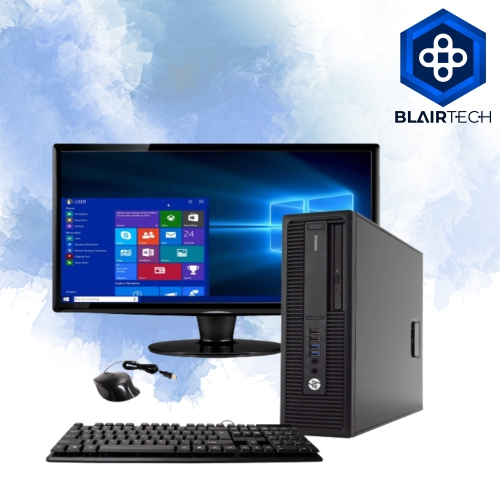
Common accessories include a keyboard, mouse and monitor, depending on what comes with the computer. A webcam, microphone or headset may also be needed for online classes and group projects. Check which accessories are included and which connections the desktop supports.
Start with the school's technology requirements and the system requirements for required applications. Confirm the supported operating system, processor, memory and graphics requirements. Some courses require software that works only with certain operating systems, while others use browser-based tools.
Desktop computers may include Ethernet for wired internet, Wi-Fi for wireless networking and Bluetooth for compatible accessories. USB ports connect devices such as keyboards, printers and external drives, while HDMI or DisplayPort connections support monitors. Available ports and wireless features vary, so check the specifications.
Desktop computers can use solid-state drives (SSDs), hard disk drives (HDDs), or a combination of both. SSDs use flash memory, while HDDs store data on spinning disks. Students can also use compatible external drives or school-approved cloud storage to keep copies of assignments and access files across devices.
Top selling and popular products
Discover more categories related to Back To School Desktop Computers
Some products may be subject to Environmental Handling Fees (EHF) depending on your province. Learn more about EHFs.