Back To School Budget Laptops Under $800
Find back-to-school budget laptops under $800 for everyday coursework, from taking notes and writing essays to researching assignments online. Compare screen size, memory, storage, and battery life to choose a student laptop that fits your classes, commute, and budget.







FAQ
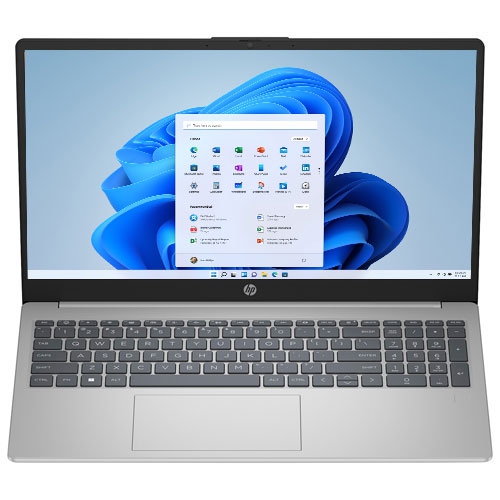
Focus on a processor suited to your coursework, enough RAM for multitasking, and SSD storage for responsive file access. A comfortable keyboard, webcam, microphone, and Wi-Fi connectivity are also useful for assignments and online classes. Check your school's software requirements before choosing an operating system.
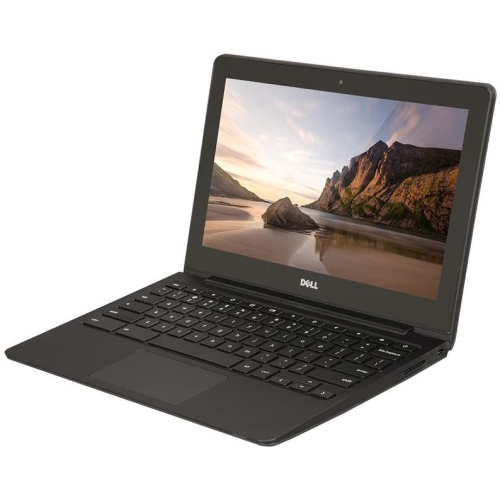
Windows laptops support a broad range of desktop applications, including software required by some college and university programs. Chromebooks centre on browser-based tools and Google Workspace, making them an option for web research, writing, and online coursework. Your school's required apps can help determine which platform fits.
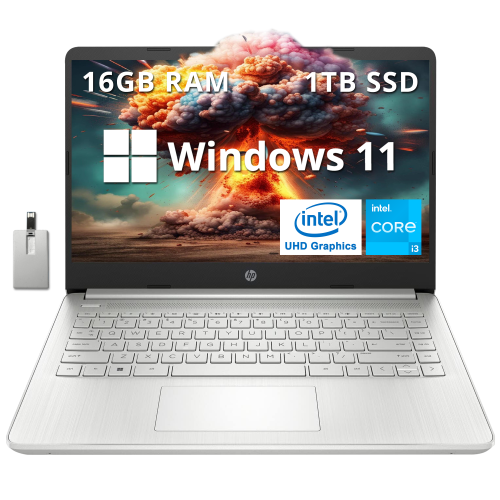
For everyday tasks such as writing papers, browsing, and attending video calls, 8GB of RAM is a practical starting point. Students who regularly multitask or use more demanding applications may want 16GB. A 256GB SSD can accommodate documents and essential apps, while larger media files or course projects may call for additional storage.
Many desktop apps let students write assignments, review downloaded files, and create presentations without an internet connection. Chromebooks also offer offline options for certain apps, though these may need to be set up in advance. Online research, cloud syncing, and video classes still require internet access.
USB-A and USB-C ports can connect accessories such as mice, keyboards, and external drives. HDMI can be useful for connecting to a monitor or classroom display, while a headset jack supports wired audio. USB-C capabilities vary by laptop, so check whether a port supports charging or video output if you need those functions.
Top selling and popular products
Discover more categories related to Back To School Budget Laptops Under $800
Some products may be subject to Environmental Handling Fees (EHF) depending on your province. Learn more about EHFs.