Back To School Budget Desktop Computers
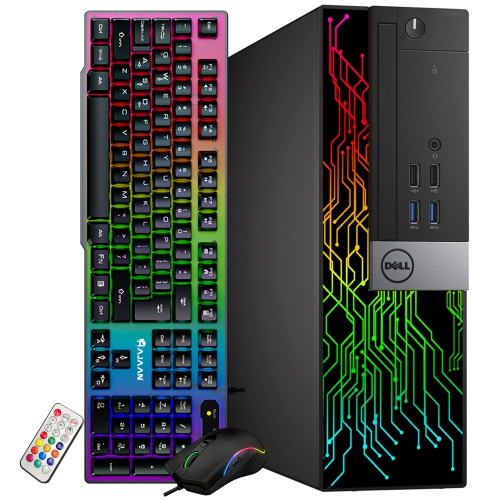
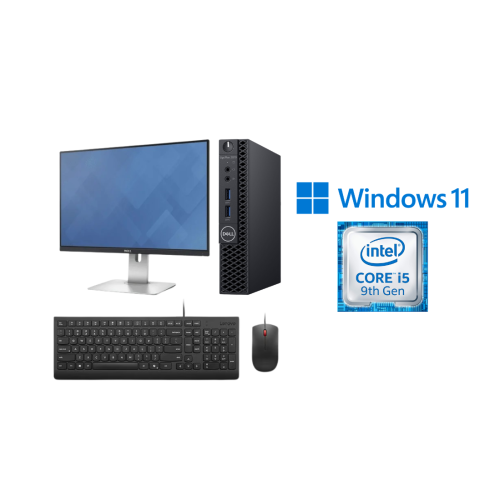
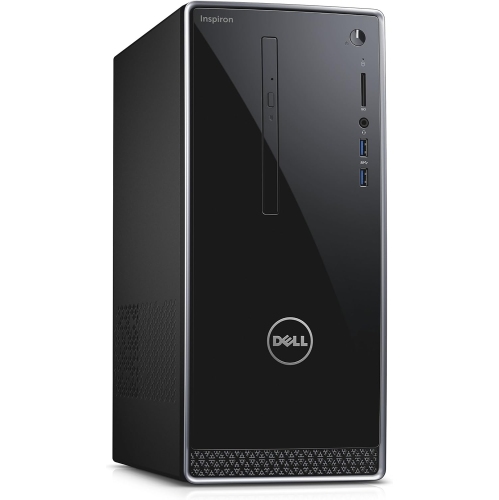
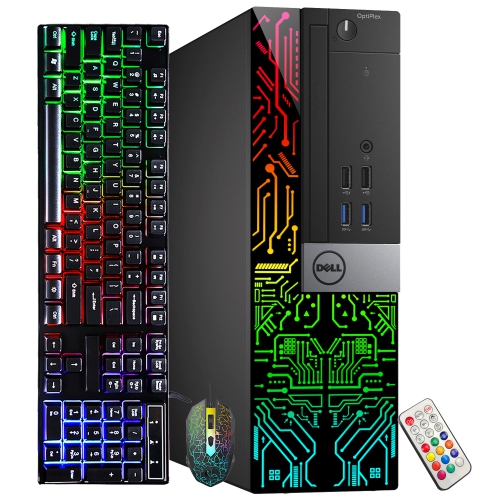
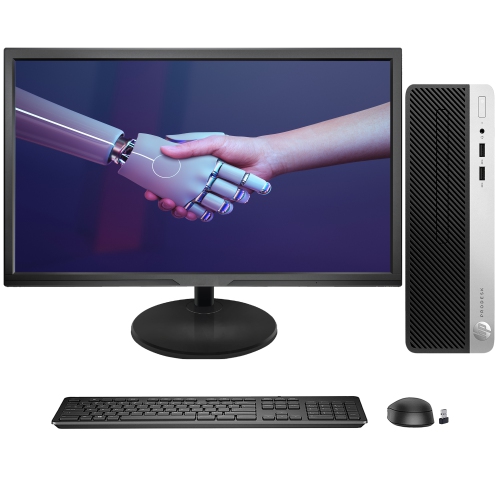
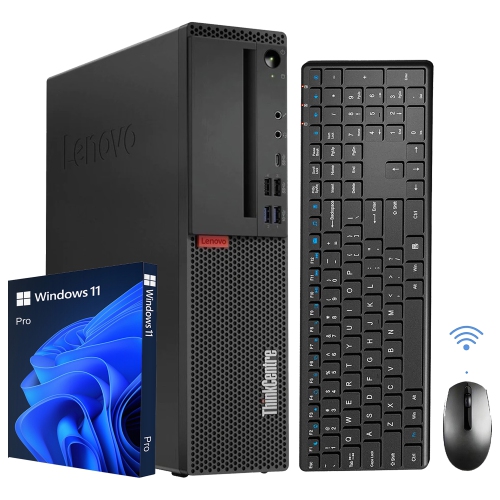
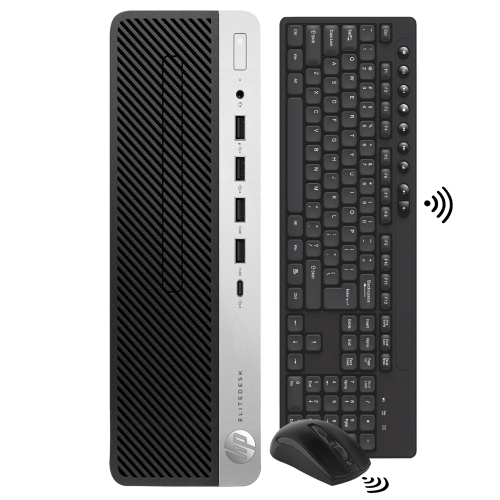
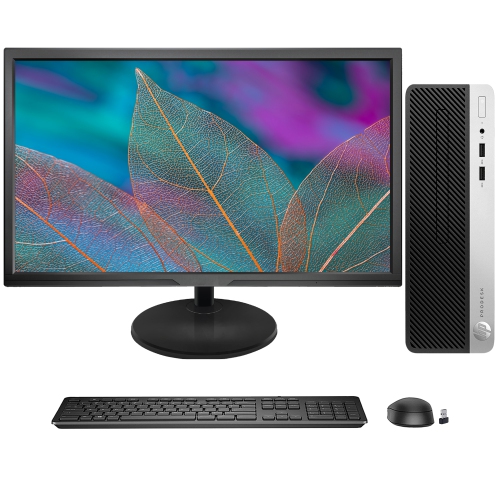
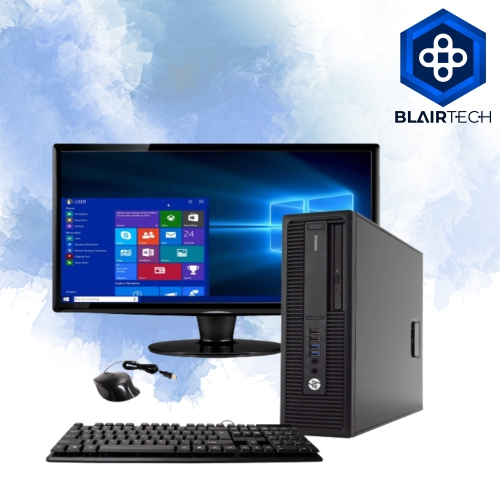
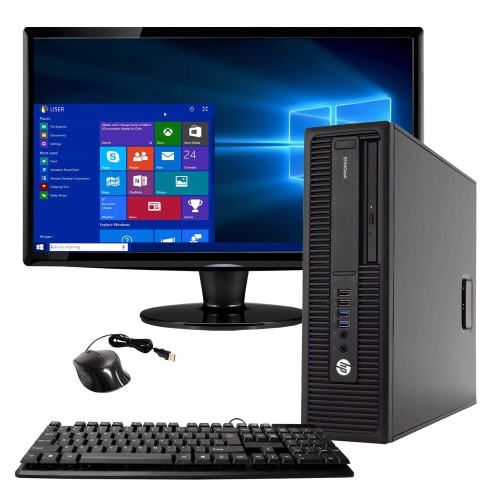
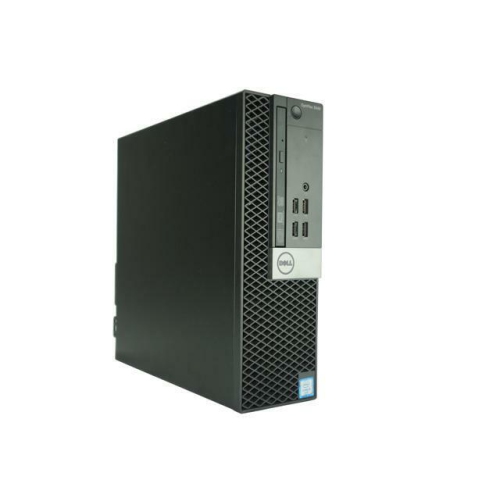
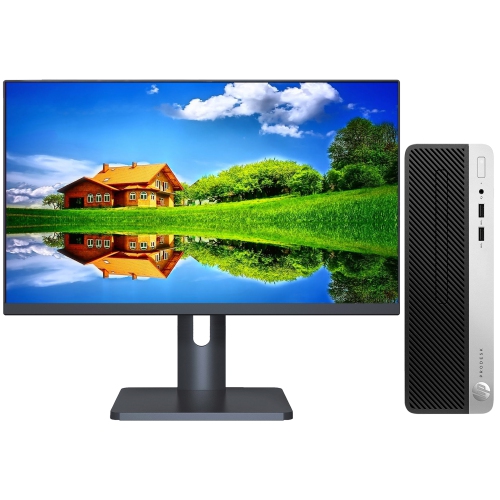
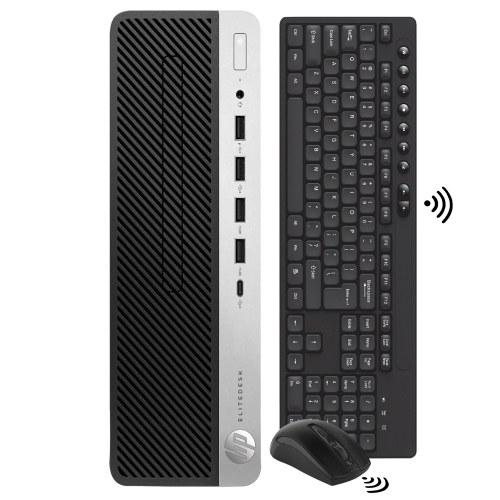
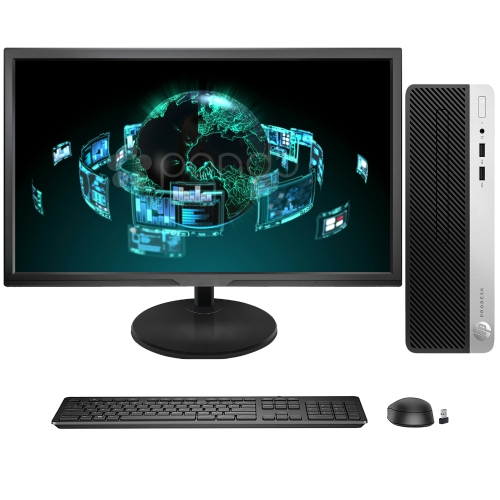
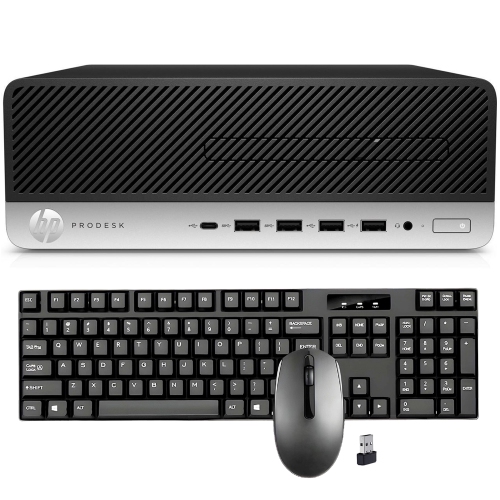
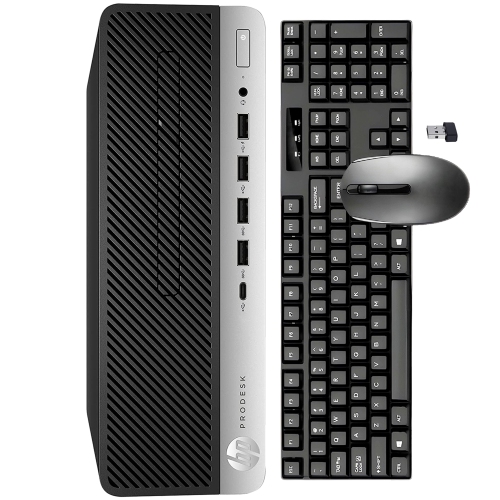
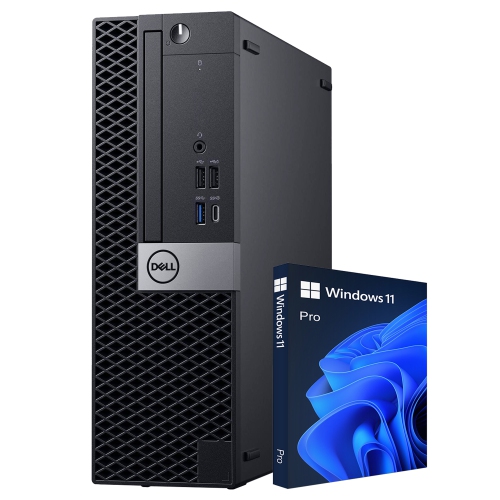
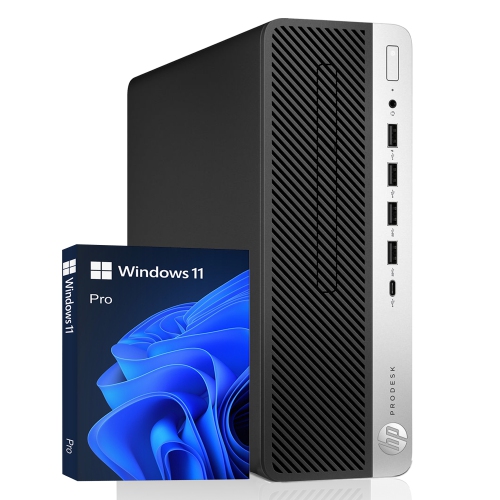
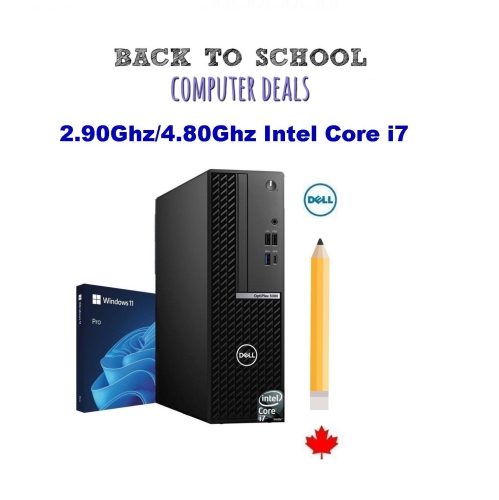
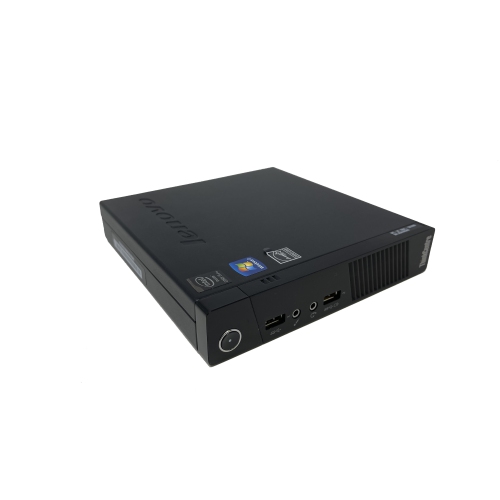
Back-to-school budget desktop computers offer students a way to set up a study space while keeping costs in check. Browse desktop PCs for coursework, research, and everyday tasks, comparing processor, memory, and storage options to suit your needs. Check whether a monitor, keyboard, and mouse are included so you can plan for the full setup.

FAQ
Start with your school’s software requirements. Windows, macOS and ChromeOS support different applications, so check whether required programs need a particular operating system. Browser-based school tools may work across several systems, but installed software can have more specific requirements.
A typical desktop setup includes a monitor, keyboard and mouse. Students may also want a headset, microphone or webcam for online classes and group projects. Check what comes with the computer before choosing accessories, as included items vary.
Local storage keeps files on the desktop’s internal drive, while cloud storage keeps them in an online account. Students can use local storage for downloaded course materials and cloud storage for sharing assignments or accessing documents from multiple devices. Check whether your school provides a cloud storage account.
Some budget desktops have built-in Wi-Fi, while others use an Ethernet connection or require a separate Wi-Fi adapter. Check the computer’s listed connectivity options. Bluetooth is a separate feature to look for if you plan to connect wireless headphones, keyboards or mice.
Most desktop operating systems support separate user accounts. Each student can have their own desktop preferences, folders and school app sign-ins. School-managed accounts may have additional requirements, so check with your school before setting them up on a shared home computer.
Top selling and popular products
Discover more categories related to Back To School Budget Desktop Computers


Some products may be subject to Environmental Handling Fees (EHF) depending on your province. Learn more about EHFs.