Back To School Budget Tablets for Students
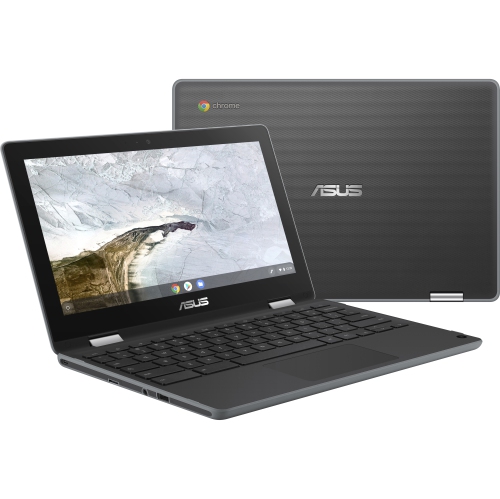
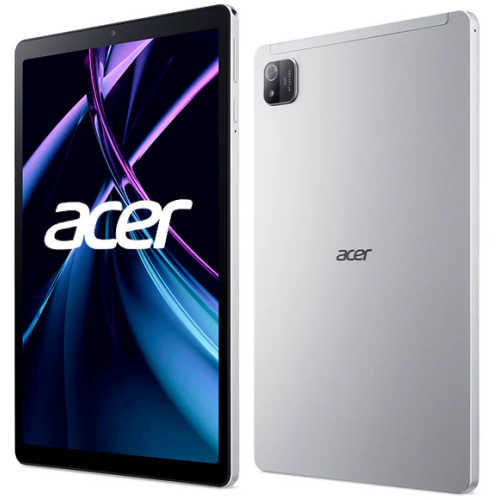
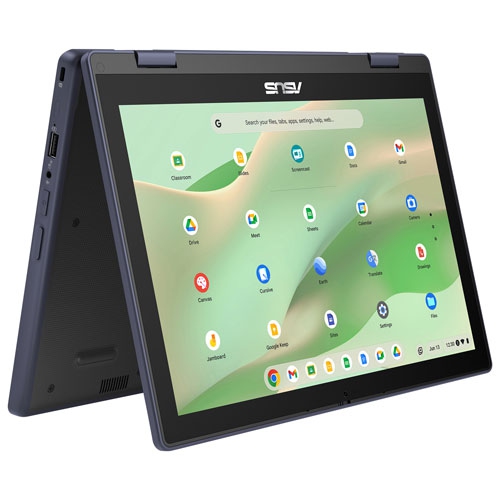
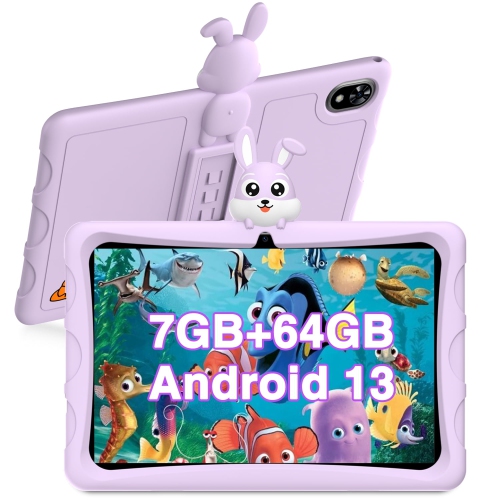
Find back-to-school budget tablets for students that balance everyday study needs with price. Explore affordable tablets for reading course materials, browsing the web, and using study apps, with screen size, storage, battery life, and keyboard or stylus compatibility to consider as you compare options.




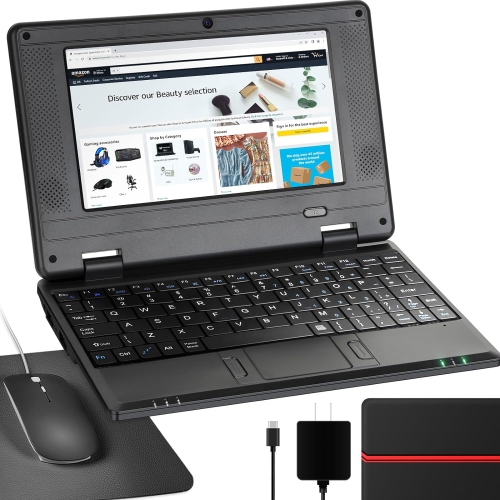
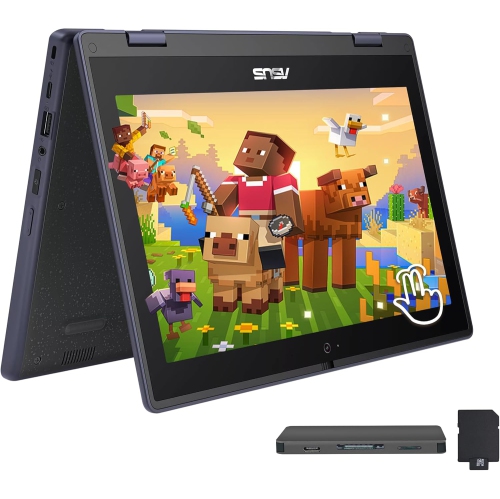
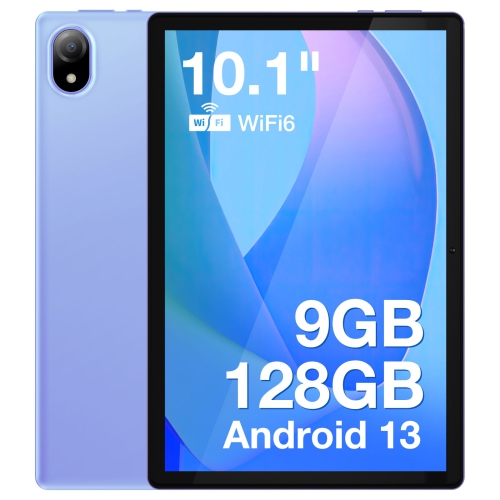
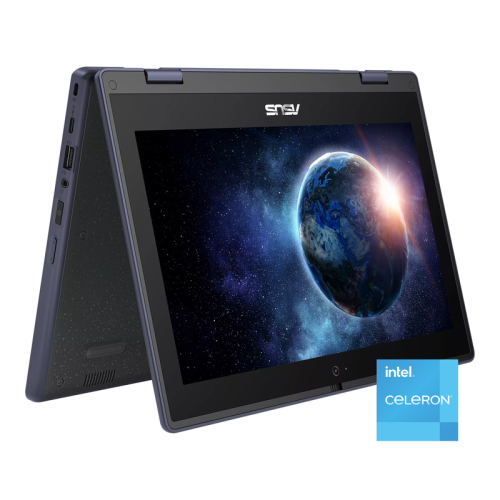
FAQ
Start with compatibility with required school apps, then check battery life, storage options and keyboard support. A front-facing camera and microphone are useful for virtual classes, while a USB-C port can simplify charging and connecting compatible accessories.
Many budget tablets support apps for documents, presentations, video calls and classroom assignments. Availability varies by operating system, and some mobile apps have fewer features than their desktop versions. Check your school’s software requirements before choosing a tablet.
Many tablets work with Bluetooth keyboards, while some also support keyboard cases or wired keyboards through a compatible port or adapter. A keyboard is useful for essays, emails and class notes. Check accessory compatibility, as keyboards and adapters may be sold separately.
Handwritten notes require a compatible stylus and a note-taking app. Basic capacitive styluses work like a fingertip, while supported active styluses may offer features such as palm rejection and pressure sensitivity. Not every tablet supports an active stylus, so check the tablet’s specifications.
Students can often read downloaded textbooks, view saved PDFs and edit locally stored documents without Wi-Fi. Offline access depends on the app, and files may need to be downloaded in advance. Submitting assignments, syncing changes and joining live classes generally require an internet connection.
Top selling and popular products
Discover more categories related to Back To School Budget Tablets for Students

Some products may be subject to Environmental Handling Fees (EHF) depending on your province. Learn more about EHFs.