Back To School Tablets
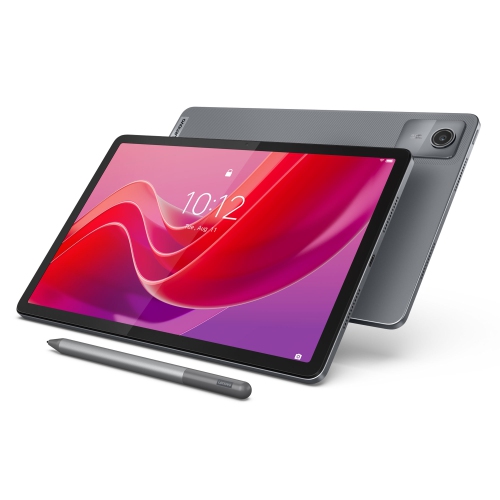
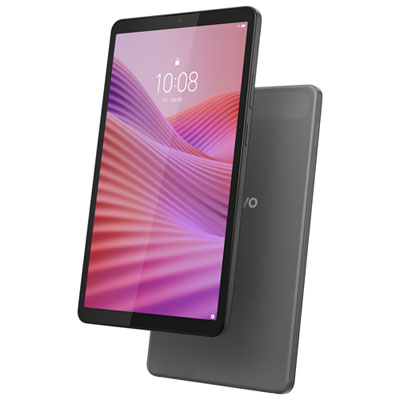
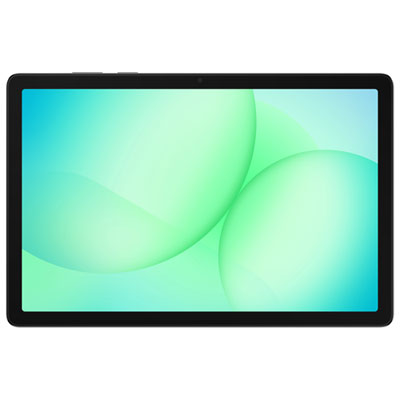
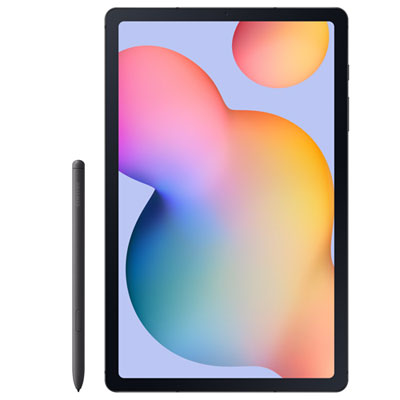
Find back-to-school tablets for taking notes, reading digital textbooks, and keeping coursework organized. Compare screen sizes, storage capacity, and battery life to find a tablet that fits your school day, and check keyboard and stylus compatibility if you plan to type assignments or write notes by hand.










FAQ
Look for compatibility with your school’s learning platform, support for a keyboard or stylus, and options for organizing documents and assignments. Wi-Fi connectivity, a front-facing camera, and a microphone are also useful for accessing course materials and joining online classes.
Many tablets support Bluetooth keyboards, while some also work with keyboard cases or dedicated connectors. Stylus compatibility varies by tablet, and features such as handwriting input and palm rejection may require a specific pen. Check compatibility with both the tablet and your preferred apps.
Choose an operating system that supports the apps and services your school requires. Tablets running iPadOS, Android, or Windows offer different app selections and software compatibility. Check whether your courses require desktop software, browser-based tools, or apps available only on certain platforms.
Create folders for each subject and use consistent file names for notes, readings, and assignments. Calendar and task apps can keep due dates together, while cloud storage can make documents accessible across compatible devices. Some note-taking apps also let you group handwritten notes and annotated PDFs into digital notebooks.
Many apps let you download documents, readings, and other course materials for offline access. You may also be able to draft assignments or take notes without a connection, depending on the app. Download files before going offline and reconnect when you need to sync changes, submit work, or access online-only content.
Top selling and popular products
Discover more categories related to Back To School Tablets
Some products may be subject to Environmental Handling Fees (EHF) depending on your province. Learn more about EHFs.