Back To School Tablets For Study
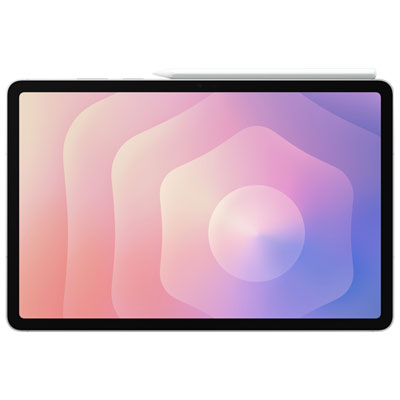
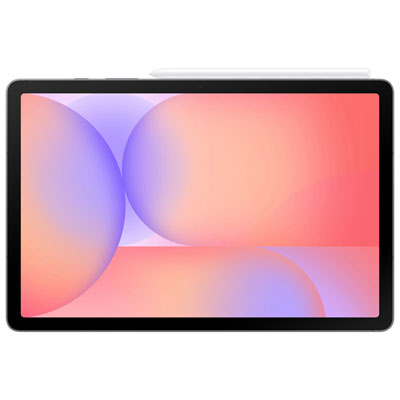
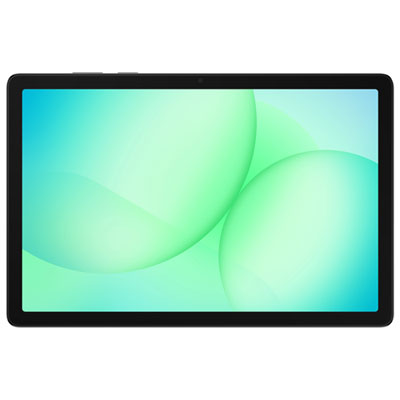
Find back-to-school tablets for study, from reading course materials and taking notes to joining online classes. Compare screen sizes, storage capacity, battery life, and compatibility with your school’s apps to choose a tablet that fits your coursework. If you plan to type assignments or write notes by hand, check keyboard and stylus support before you buy.














FAQ
Start with the school’s required apps, supported operating systems and online learning platforms. Check whether coursework requires desktop software, as some programs may not be available on tablets. Keyboard support, stylus compatibility and file-sharing options are also worth considering.
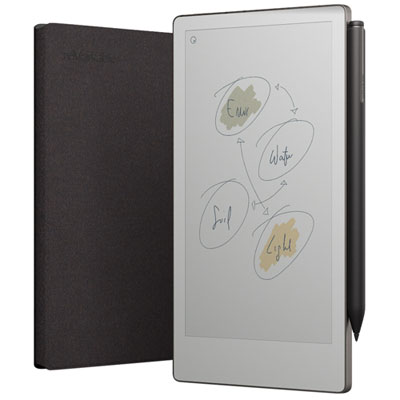
Handwritten notes generally require a compatible stylus and a note-taking app that supports pen input. Stylus compatibility varies by tablet model, and some pens are sold separately. App features may include PDF annotation, handwriting search and notebook organisation.
Common options include Bluetooth keyboards, keyboard cases and keyboards that attach through a dedicated connector. Check compatibility with the tablet’s operating system and connection type. Some keyboards also include a trackpad for navigating documents and apps.
Students can use a file-management app to create folders by subject, course or assignment. Cloud storage services offer another way to access documents across a tablet and other devices. Check which storage services the school supports and whether individual apps allow files to be exported in the required formats.
Offline access depends on the app and the type of material. Some apps allow students to download textbooks, PDFs, lecture recordings and documents while connected to Wi-Fi. Downloads may require a school account or subscription, while submitting assignments and syncing changes generally require an internet connection.
Top selling and popular products
Discover more categories related to Back To School Tablets For Study

Some products may be subject to Environmental Handling Fees (EHF) depending on your province. Learn more about EHFs.