Back to School Chromebook Deals Under $300
Find back-to-school Chromebook deals under $300 for everyday classwork, online research, and assignments. Compare screen sizes, memory, and storage to choose a Chromebook that fits your budget, and check that it supports the apps required by your school.

FAQ
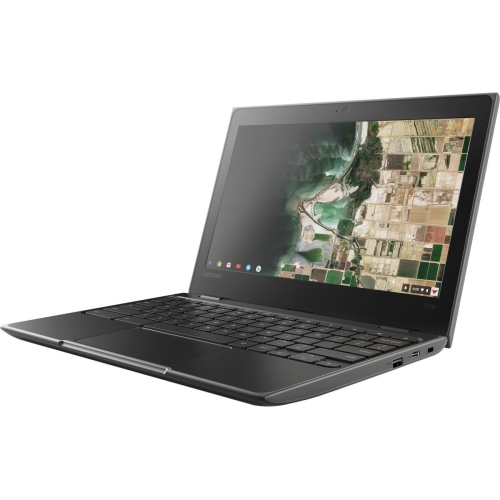
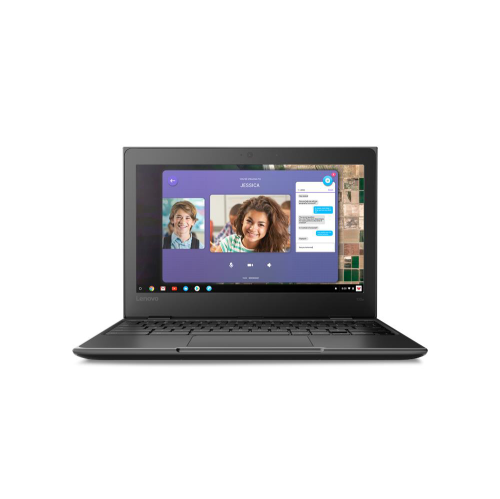
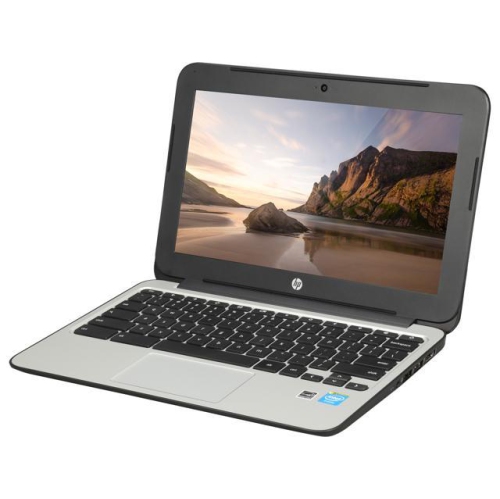
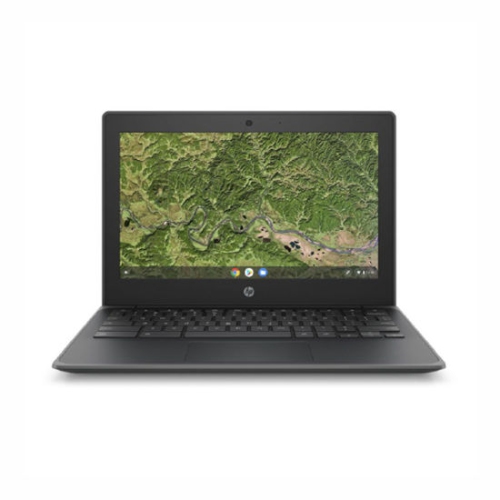
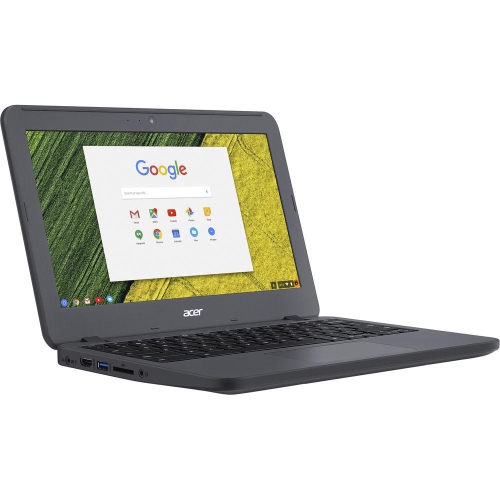
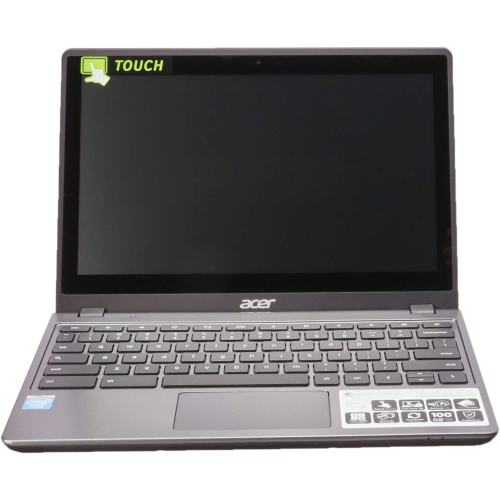
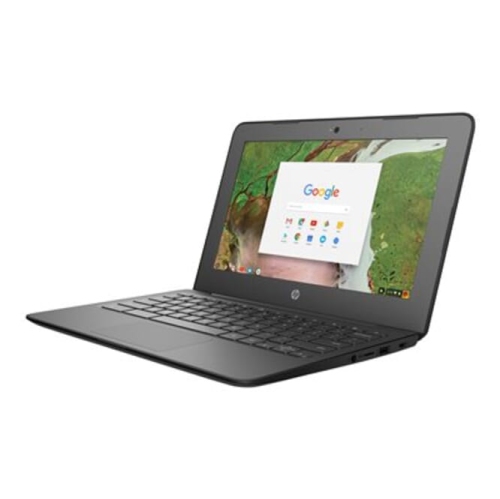
A Chromebook is a laptop that runs ChromeOS, Google's operating system. It focuses on web-based tools and Google services rather than traditional Windows or macOS software. Many models also support Android apps through the Google Play Store, though availability can depend on the device and school account settings.
Students can access Google Docs, Sheets, Slides and Drive on a Chromebook. Microsoft 365 tools such as Word, Excel and PowerPoint are available through a web browser, although features may differ from the desktop versions. Some functions require a subscription or an eligible school account.
A Chromebook can handle certain tasks offline, including editing supported documents and viewing downloaded files. Offline access for Google Docs, Sheets and Slides needs to be set up while connected to the internet. Changes can sync once the Chromebook reconnects, while online classes and web browsing require an internet connection.
Start with the school's device requirements and required learning platforms. Check whether coursework needs software that runs only on Windows or macOS. Other considerations include keyboard comfort, ports for accessories, webcam and microphone features, and the model's automatic update end date.
Students can use the Files app to organize local downloads and access Google Drive. Cloud storage makes it possible to open assignments from other devices when signed in to the same account. Compatible USB drives and external storage can also be used, subject to any restrictions set by the school.
Top selling and popular products
Discover more categories related to Back to School Chromebook Deals Under $300



Some products may be subject to Environmental Handling Fees (EHF) depending on your province. Learn more about EHFs.