Back To School Compact Monitors for Small Desks

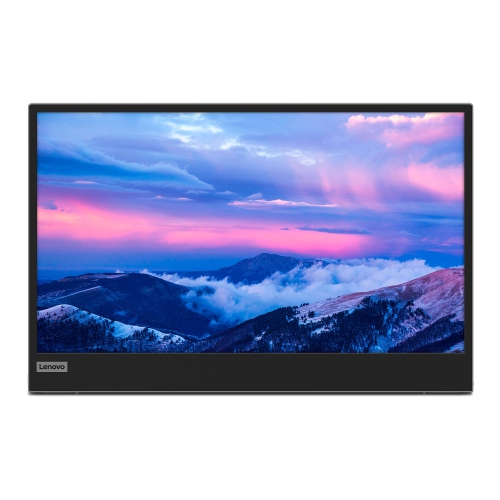
Back-to-school compact monitors for small desks help you create a study space without crowding your work surface. Browse smaller computer monitors with desk-friendly footprints, and compare screen size, stand dimensions, and laptop connections to find a fit that leaves room for your keyboard, notebooks, and other study essentials.

Read More

Sort

Back To School Compact Monitors for Small Desks

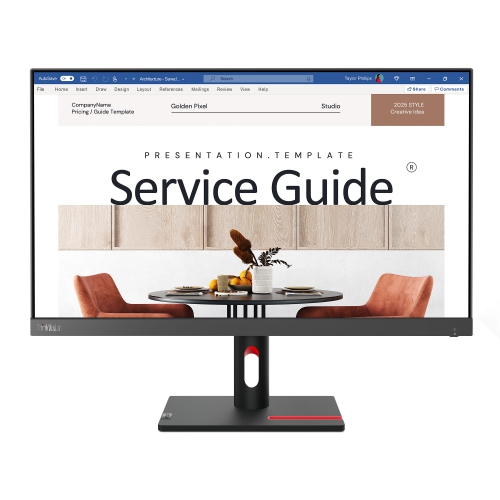
A small desk can fill up quickly once a laptop, a notebook, and a few course books are open at the same time. The Back to School Compact Monitors for Small Desks selection brings the focus back to a practical study setup: a clear view of your work without giving up all your writing space. For students settling into a residence room, working from a bedroom corner, or sharing a family workstation, a compact monitor can make everyday assignments more comfortable to manage. A separate screen gives you room to keep a research article visible while drafting an essay, follow an online lesson alongside your notes, or review a spreadsheet without constantly switching windows. Before choosing a size, measure the usable width and depth of the desk, including space for the keyboard and the distance between your eyes and the screen. Check the monitor’s overall dimensions and stand footprint rather than relying on screen size alone. A slim display with a deep base can take up more room than expected, especially when you still need somewhere to set down a binder or tuck away a pencil case.

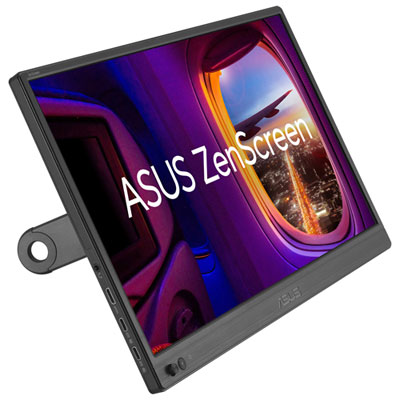
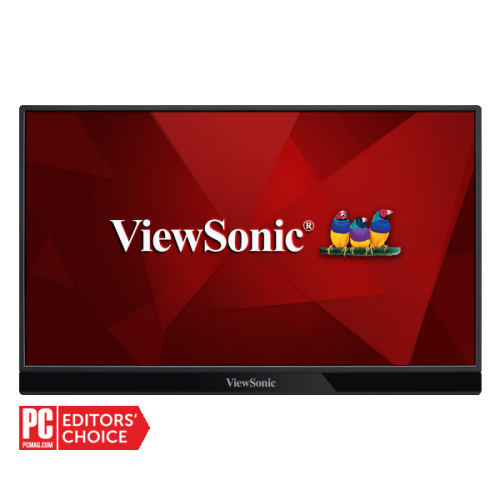
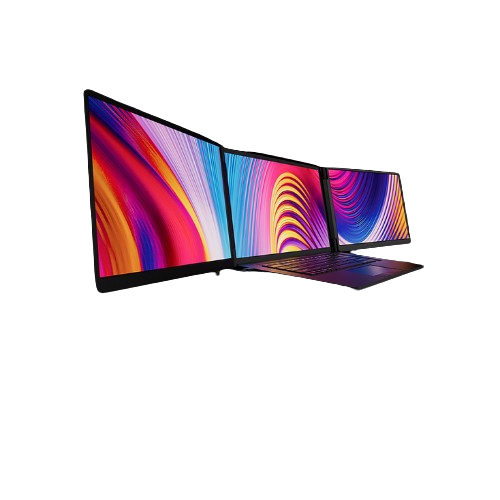
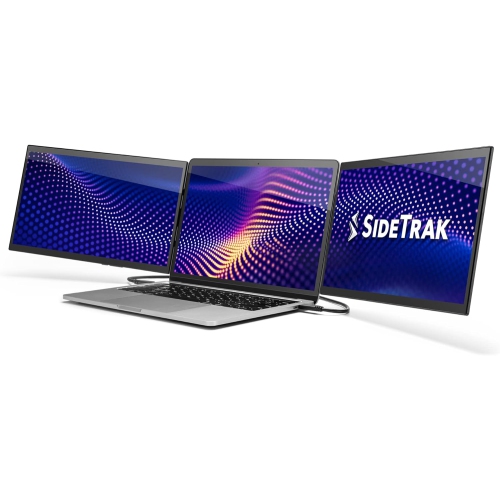
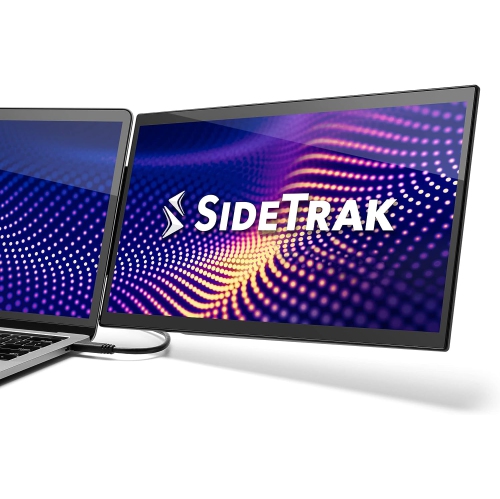
The right compact monitor should suit both the available space and the kind of schoolwork it will handle. Full HD resolution can be a practical starting point for everyday reading, writing, and browsing on smaller screens, while a higher-resolution display can offer finer text and more detail at a suitable scaling setting. For long reading sessions, look for clear text, adjustable brightness, and an anti-glare finish that helps reduce distracting reflections from nearby windows or lamps. An IPS panel is worth considering when consistent viewing angles matter, such as when a classmate pulls up a chair to look over a presentation. Stand adjustments also deserve attention: tilt helps position the screen, while height adjustment makes it easier to find a comfortable viewing level. If desktop space is particularly tight, a monitor with compatible VESA mounting support may work with a separately purchased arm, provided the desk can safely support the mount. Students who move between home and campus may prefer a portable display, though its screen size, positioning options, and connection requirements should be weighed against those of a desktop monitor.

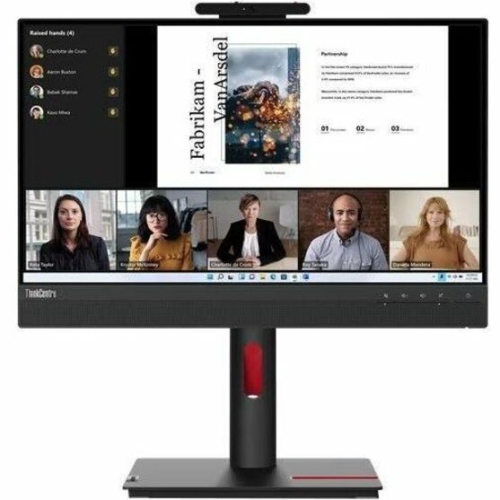
Connections can make the difference between a tidy, dependable setup and a daily search for adapters. Check the laptop’s available ports and the monitor’s inputs before buying, and confirm whether the necessary cable is included. HDMI is common, while USB-C can simplify some setups by carrying video and, on supported models, supplying power through one cable. Those features are not available on every USB-C port, so verify video compatibility and charging wattage rather than assuming that a matching connector does everything. Built-in speakers may be useful for occasional lessons or calls, but headphones can be more practical in a shared room; a webcam and microphone may still be needed for video chats. For parents or relatives choosing a back-to-school gift, knowing the student’s laptop model and desk measurements is more useful than guessing which screen looks best. Think about the ordinary moments the monitor will support: an early lecture with notes close at hand, an afternoon spent comparing sources, or a final proofread before submitting an assignment. A well-chosen compact monitor leaves space for those routines while making a small study area feel more organised and ready for the term ahead.

Read More

FAQ

Some products may be subject to Environmental Handling Fees (EHF) depending on your province. Learn more about EHFs.