Back To School Deals On Apple Products
Browse back-to-school deals on Apple products for studying, taking notes, and staying organized. Explore the available selection with your course requirements in mind, comparing features, compatibility, and prices to find the right fit for your classes and budget.

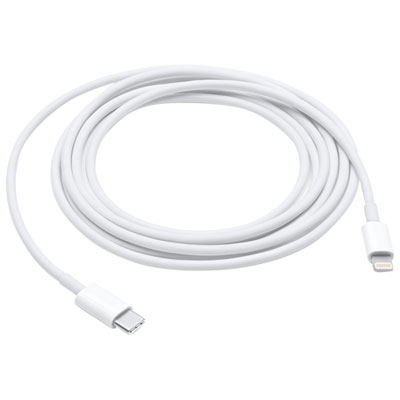

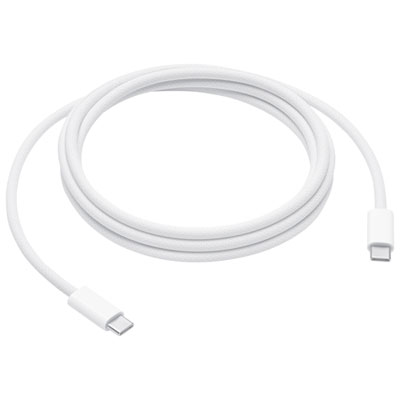
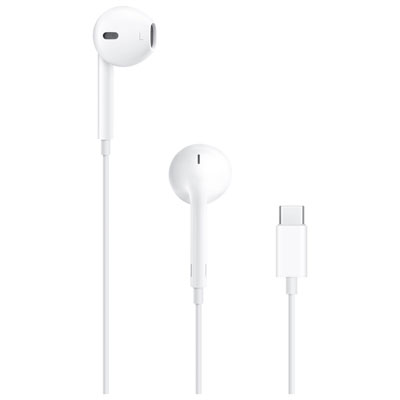

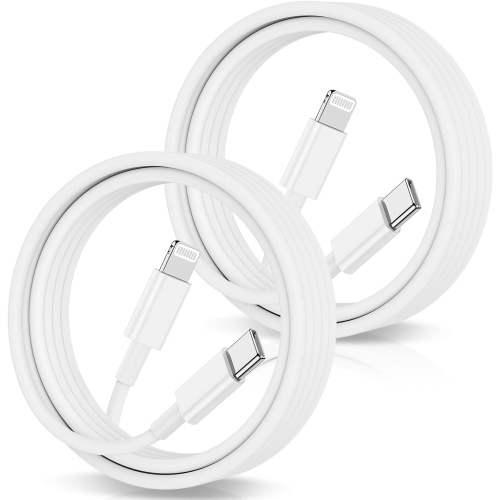
![APPLE Watch Series 10 [Gps 46MM Case] Smartwatch With Jet Aluminum Case With Sport Band - M/l In Black I love my new Iwatch Fast charging Great pricing from best buy](https://multimedia.bbycastatic.ca/multimedia/products/500x500/186/18618/18618511.jpeg)
![APPLE Watch Series 11 [Gps 46Mm] Smartwatch w Space Gray Aluminum Case w Sport Band - M/l. Sleep Score, Fitness Tracker, Health Monitoring GREAT PRODUCT](https://multimedia.bbycastatic.ca/multimedia/products/500x500/197/19755/19755916.jpeg)
FAQ
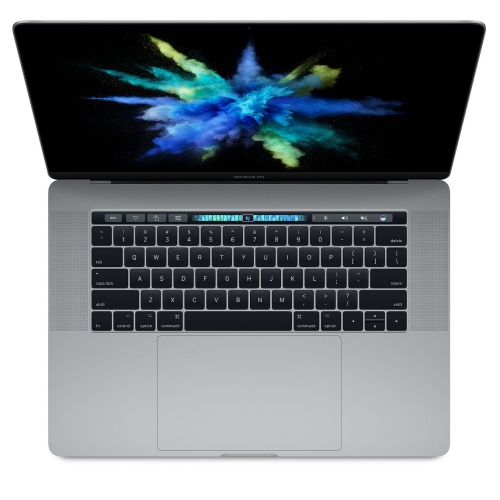
Start with your school’s software requirements and the types of assignments you’ll complete. A MacBook offers a desktop operating system for essays, spreadsheets and course software, while an iPad offers a touchscreen for reading, handwritten notes and drawing. Also consider storage, available ports and compatibility with accessories you plan to use.
A MacBook runs macOS and has a built-in keyboard and trackpad. An iPad runs iPadOS and offers touch input, with keyboard and Apple Pencil support on compatible models. Some courses require desktop applications that are not available on iPadOS, so check your program’s requirements before choosing.
Many Microsoft 365 and Google Workspace tools are available on Apple devices through apps or a web browser. Features can differ between macOS, iPadOS and browser versions, and some services require a subscription or school-provided account. Check which versions your courses require.
With the same Apple Account signed in on each device, iCloud can sync supported files, notes and calendars when enabled. iCloud Drive stores documents for access across devices, while AirDrop transfers files directly between nearby compatible Apple devices. School-managed accounts or devices may have restrictions on these features.
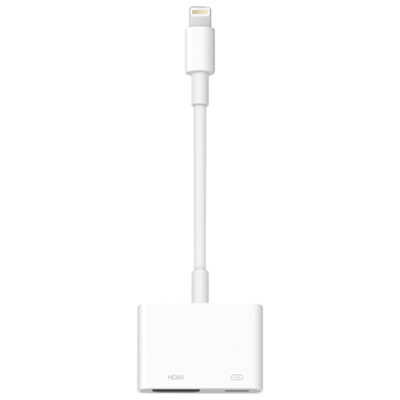
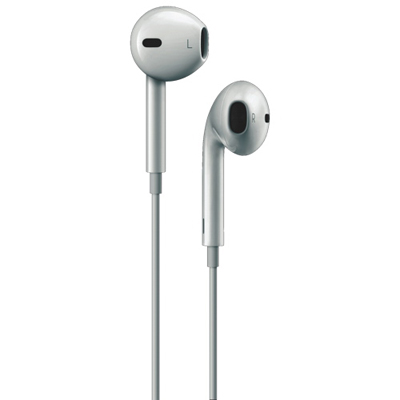
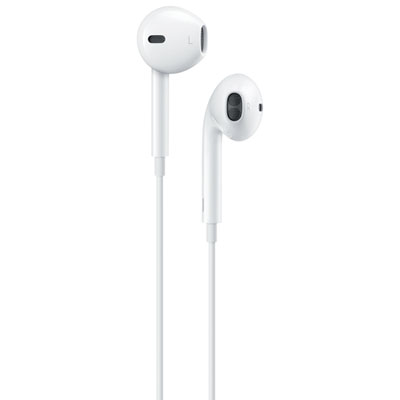
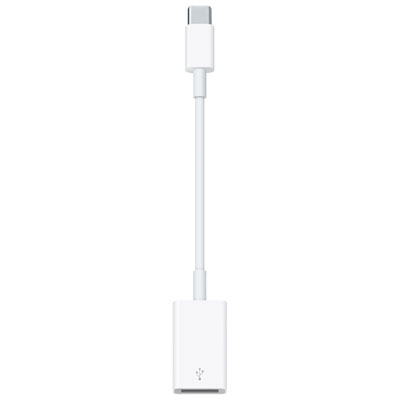
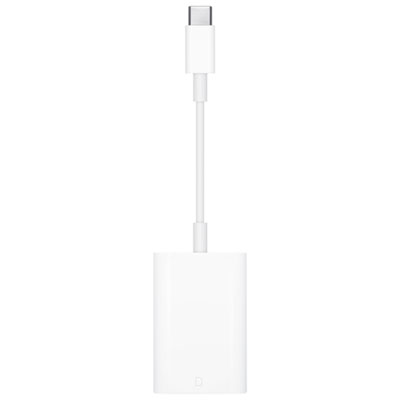
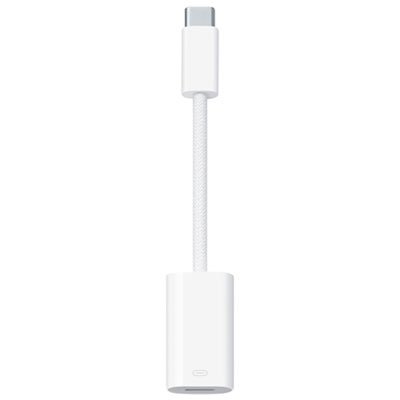
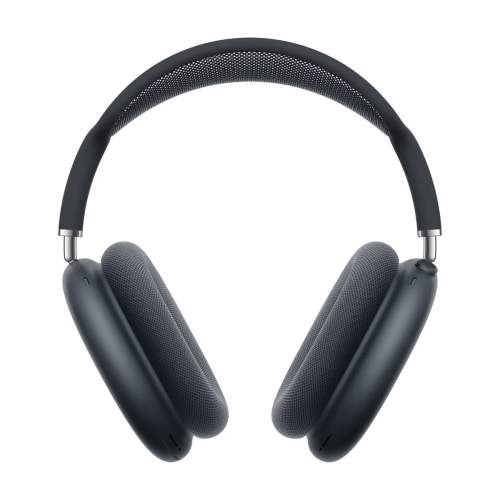
Common options include keyboards, mice, headphones, protective cases and USB hubs. Compatible iPad models also support Apple Pencil for handwriting and drawing. Accessory compatibility varies by device model, generation and connector type, so check those details before selecting an accessory.
Top selling and popular products
Discover more categories related to Back To School Deals On Apple Products

Some products may be subject to Environmental Handling Fees (EHF) depending on your province. Learn more about EHFs.