Back To School iPad Deals For Students And Parents
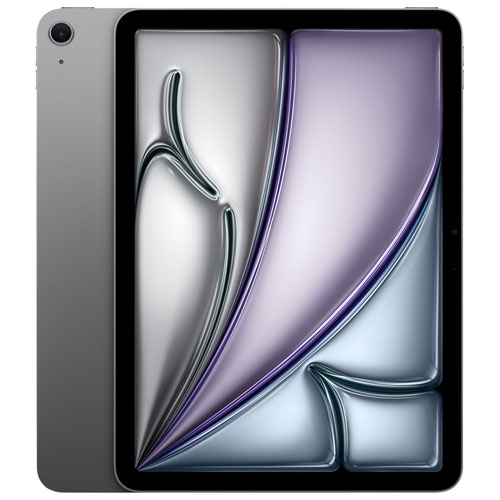
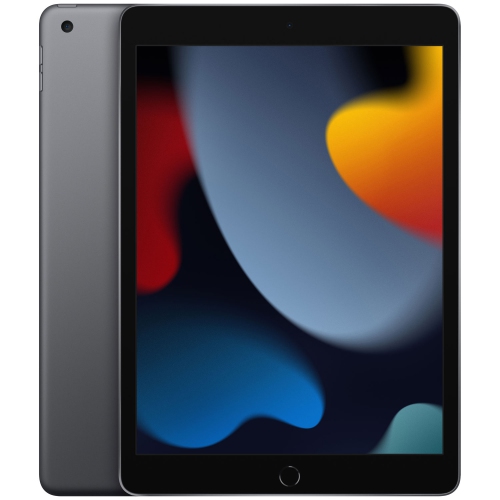
Find back-to-school iPad deals for students and parents, with options for classwork, study sessions and family use. Compare available models by screen size, storage and price to find an Apple tablet that fits your budget, and check keyboard and Apple Pencil compatibility if typing or handwritten notes are a priority.






FAQ
Start with the school’s required apps, device guidelines and coursework. Consider storage for assignments and downloads, keyboard and stylus compatibility, and whether Wi-Fi connectivity meets the student’s needs. Check whether any courses require desktop software that is not available for iPadOS.
Many learning platforms offer iPad apps or browser access for viewing coursework, submitting assignments and joining class discussions. Availability and features vary by platform, so check the school’s requirements, supported browsers and account sign-in instructions.
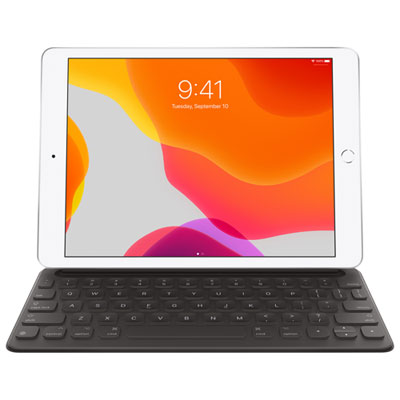
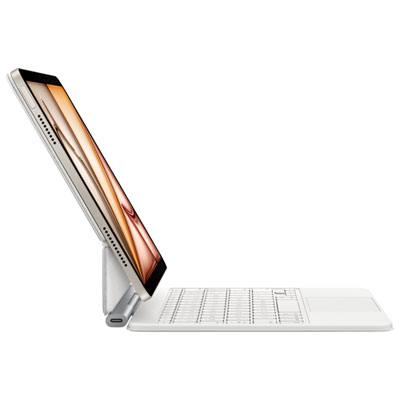
Common accessories include a compatible keyboard for typing, a stylus for handwritten notes and annotations, and headphones for audio lessons. A stand can hold the iPad during video calls or reading. Check compatibility with the exact iPad model before choosing accessories, especially keyboards and Apple Pencil models.
Students can type notes, write by hand with a compatible stylus, and annotate PDFs in supported apps. Depending on the app, notes can be grouped into subject folders or notebooks and searched using text or tags. Check available export formats if teachers require assignments in a particular file type.
Students can use school-approved cloud storage, compatible external storage or supported cable connections to transfer files. AirDrop is another option for sharing with compatible Apple devices. The Files app brings supported storage locations together, though school account permissions may limit sharing options.
Top selling and popular products
Discover more categories related to Back To School iPad Deals For Students And Parents

Some products may be subject to Environmental Handling Fees (EHF) depending on your province. Learn more about EHFs.