Back To School Desk Printers

Back to school desk printers make it convenient to print assignments, study notes, and class materials from your study space. Compare printers by size, connection options, and ink or toner costs to find a model that fits your desk, budget, and coursework.


Read More

Sort

Back To School Desk Printers

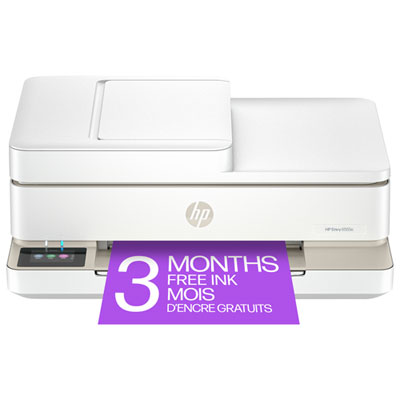
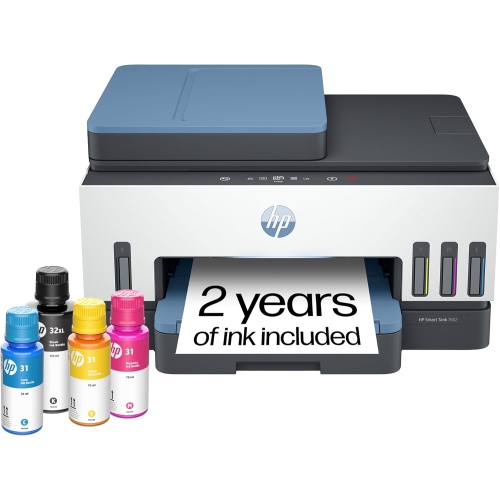
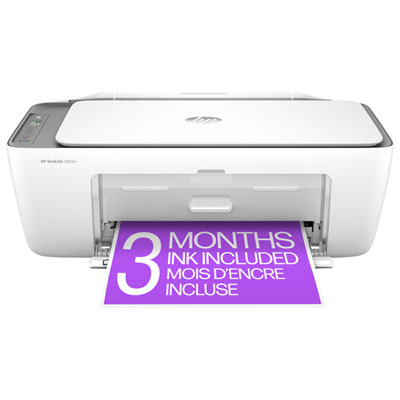
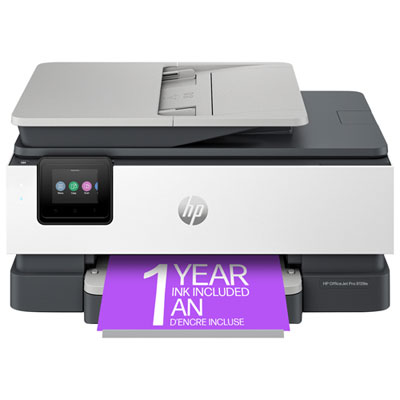
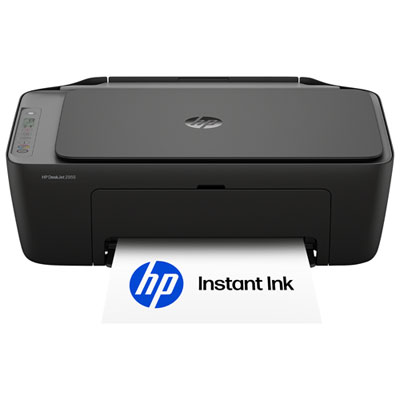
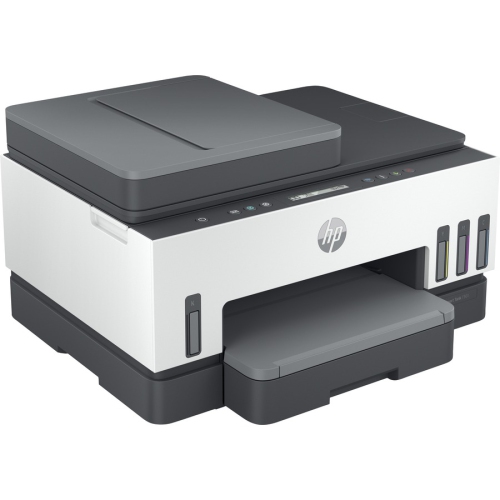
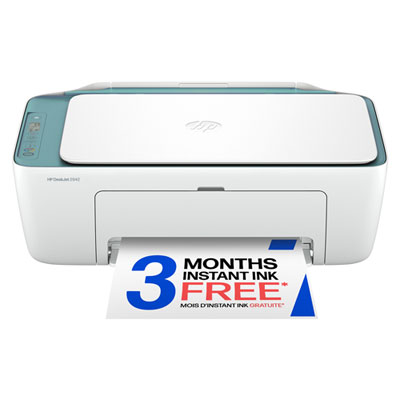
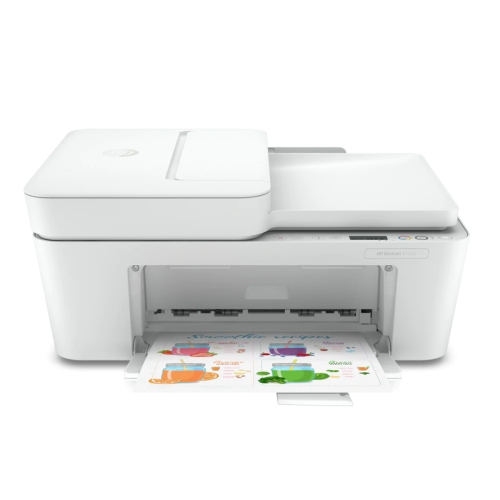
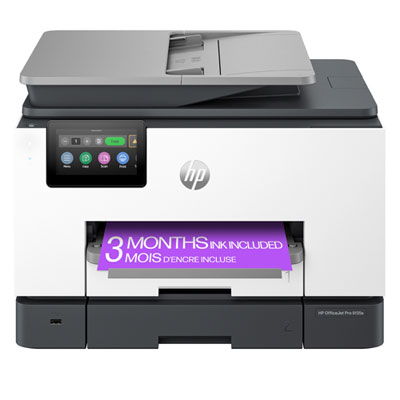
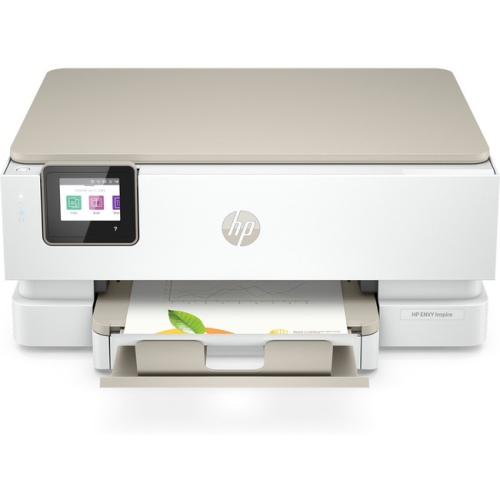
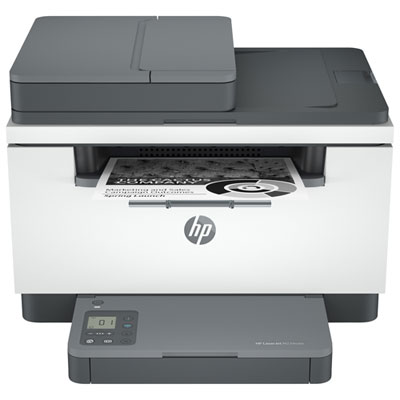
Back To School Desk Printers bring everyday printing within reach, whether you’re setting up a child’s homework station, refreshing a shared family workspace, or helping a university student settle into residence. There’s something practical about having a printed timetable pinned above the desk, a reading assignment ready to annotate, or a finished project tucked into a folder before the morning rush. A desk printer can support all of those small but important routines without taking over the room. When comparing options, look beyond the printer’s footprint while it’s closed: paper trays, output extensions, and scanner lids need room to open, and you’ll want easy access for loading paper and replacing supplies. A compact model may suit a narrow desk beside a laptop, while a larger all-in-one can make sense on a nearby shelf if several people need to print, scan, and copy. Think about where the printer will sit in relation to a power outlet, how much clear workspace needs to remain for notebooks, and whether its operating noise will be noticeable during study sessions or video calls.

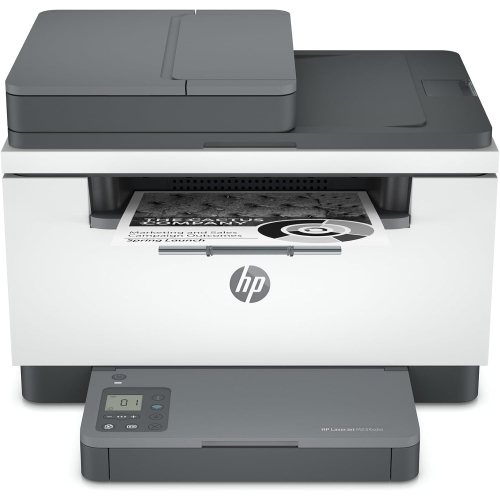
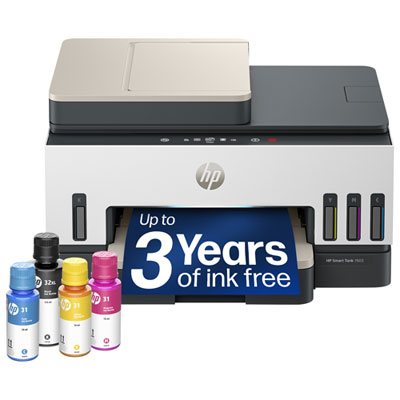
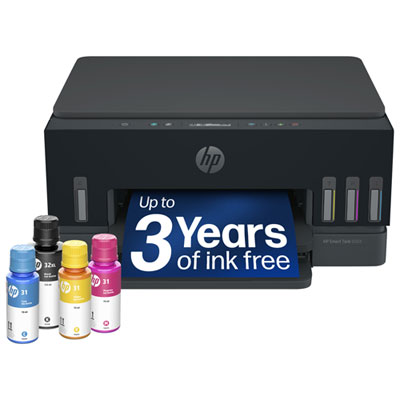
The right printer depends less on the school year itself than on what will land in the paper tray each week. For essays, lecture notes, practice worksheets, and other mostly text-based documents, a monochrome laser printer can be a practical fit, particularly when colour printing isn’t needed. Colour inkjet printers offer flexibility for illustrated reports, charts, creative assignments, and occasional photos, although results depend on the printer, settings, and paper you use. If your household prints regularly, compare cartridge or ink-tank capacity, replacement supply costs, and estimated page yields rather than judging value by the purchase price alone. Published yields are useful for comparison, but actual output varies with page coverage and printing habits; a full-page colour illustration uses supplies differently from a double-spaced essay. Automatic two-sided printing is worth considering for longer readings and draft assignments because it reduces paper use and keeps stacks more manageable. Also check paper capacity and supported paper sizes, especially if the printer will serve siblings with different schedules or handle a busy stretch of end-of-term submissions.

Connectivity and document-handling features can make a noticeable difference when a deadline is close. Wi-Fi printing can let students send work from a compatible laptop, phone, or tablet without moving cables around, but it’s important to confirm support for the devices and operating systems they actually use. For residence rooms, check the school’s network rules before relying on wireless printing, as shared networks may restrict printer connections; a model with a supported USB connection can provide another option. An all-in-one printer with a flatbed scanner is useful for copying worksheets, submitting handwritten work, or saving a digital version of a signed form. An automatic document feeder adds convenience for stacks of loose pages, though not every feeder scans both sides automatically. For a student receiving a printer as a back-to-school gift, practical details matter just as much as the main features: included ink or toner, a compatible connection cable if needed, and a supply of suitable paper can help make the setup ready for the first assignment. Choose around the student’s actual workload and available space, and the printer can become a useful part of their daily study routine rather than another device crowding the desk.

Read More

FAQ

Some products may be subject to Environmental Handling Fees (EHF) depending on your province. Learn more about EHFs.