Back To School Digital Note-Taking Tablets
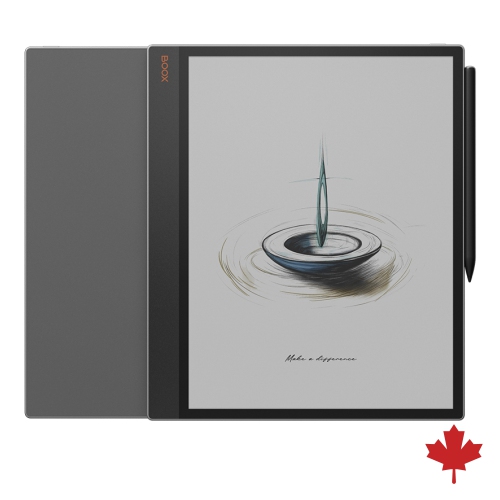
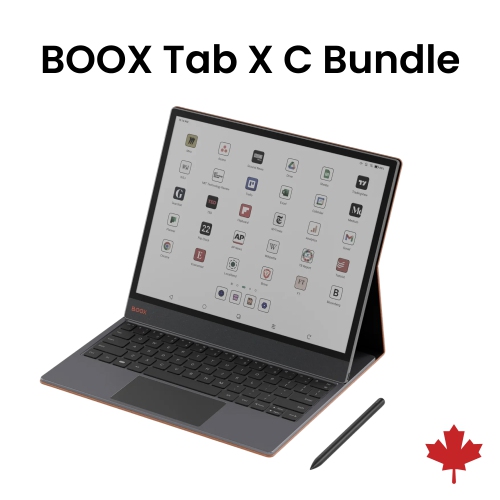
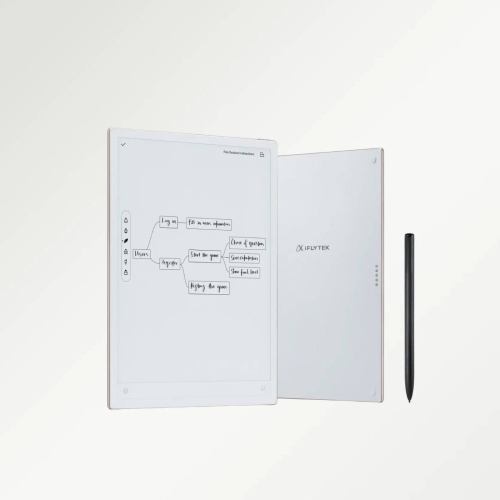
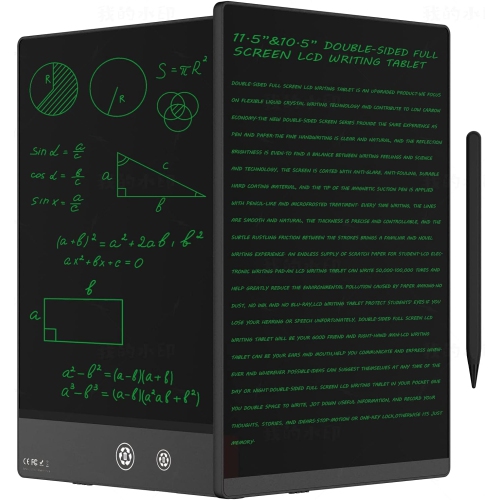
Back-to-school digital note-taking tablets help students keep class notes, readings, and assignments in one place. Explore tablets for handwritten notes, PDF annotation, and study apps, comparing screen size, stylus compatibility, battery life, and storage to find a fit for your coursework. Check whether a compatible pen is included or sold separately.










FAQ
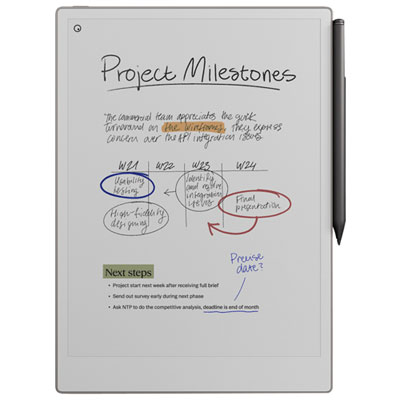
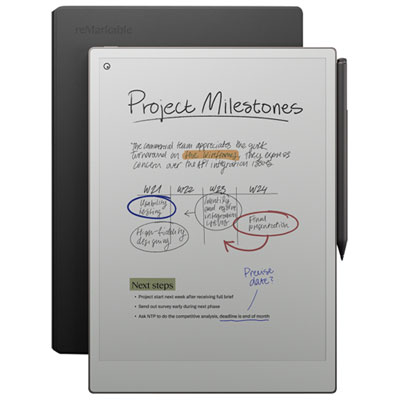
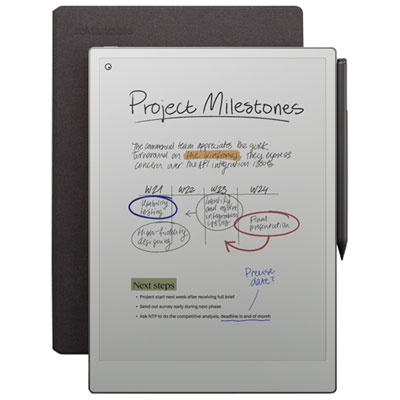
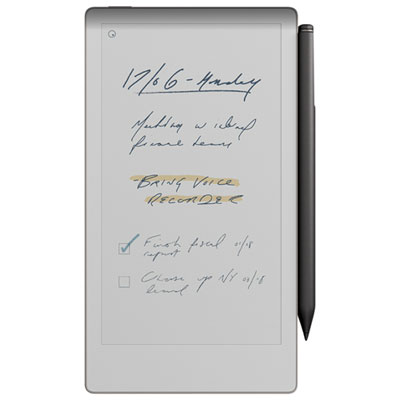
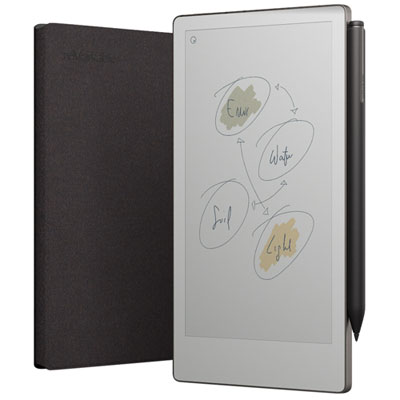
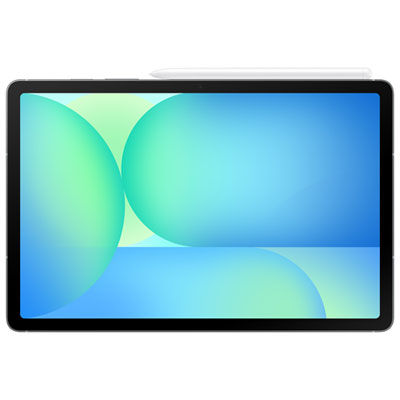
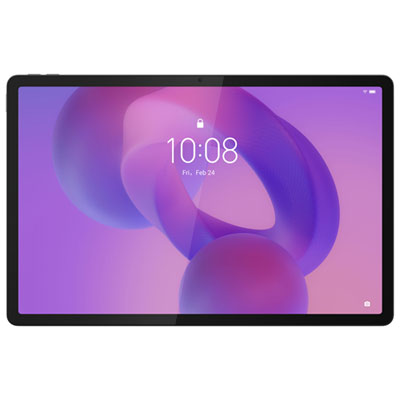
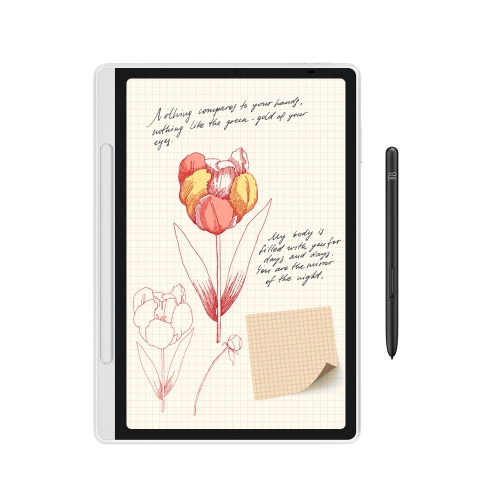
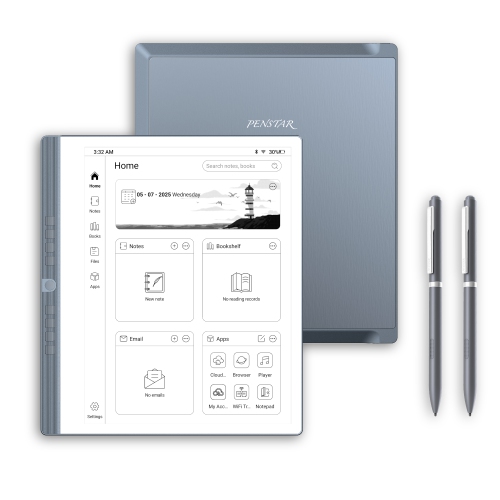
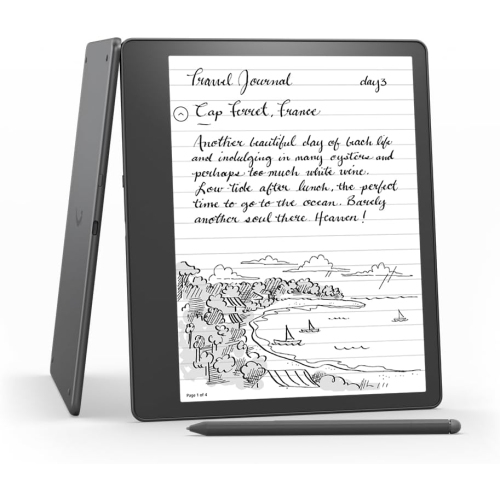
Common options include multipurpose tablets with note-taking apps and dedicated digital notebooks with pen input. Multipurpose tablets also support activities such as browsing and presentations, while dedicated digital notebooks typically focus on handwriting, reading and document annotation.
A compatible stylus is typically needed for handwritten notes, sketches and annotations. Some tablets also accept typed notes through an on-screen or connected keyboard. Stylus compatibility varies, and a pen may be included or sold separately.
Depending on the device and app, students can group notes into notebooks or folders by course, semester or assignment. Tags, bookmarks and search tools are also available in some apps for organizing and finding specific topics.
Supported formats vary by device and app. PDF is common for importing course readings and exporting annotated documents, while some apps also support images, text files or their own notebook formats. Check both import and export options if you plan to share notes or submit assignments digitally.
Many tablets allow students to write notes and open locally saved documents without Wi-Fi, provided the app supports offline use. Cloud syncing, downloading course materials and sharing files generally require an internet connection.
Top selling and popular products
Discover more categories related to Back To School Digital Note-Taking Tablets


Some products may be subject to Environmental Handling Fees (EHF) depending on your province. Learn more about EHFs.