Back To School Digital Note-Taking Devices For Students
Find back-to-school digital note-taking devices for students to capture lecture notes, annotate readings, and keep coursework organized. Explore options such as tablets and digital notebooks, and compare stylus support, screen size, battery life, and compatibility with your preferred note-taking apps to find a device that fits your classes and study routine.



FAQ
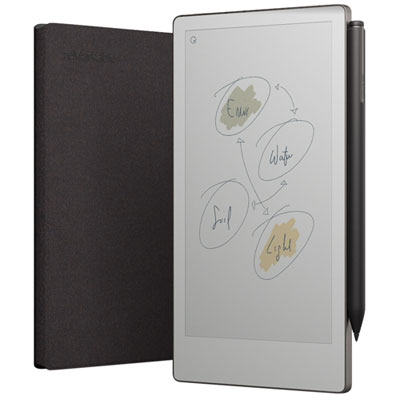
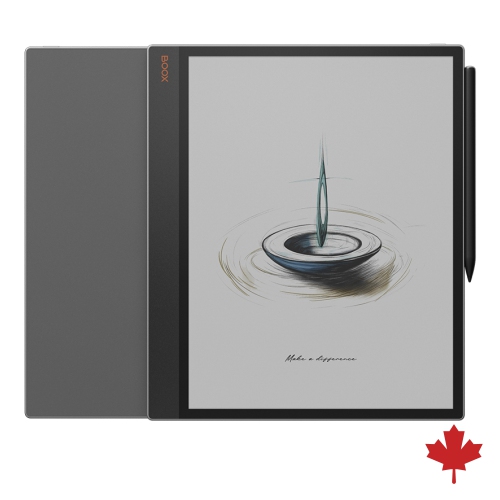
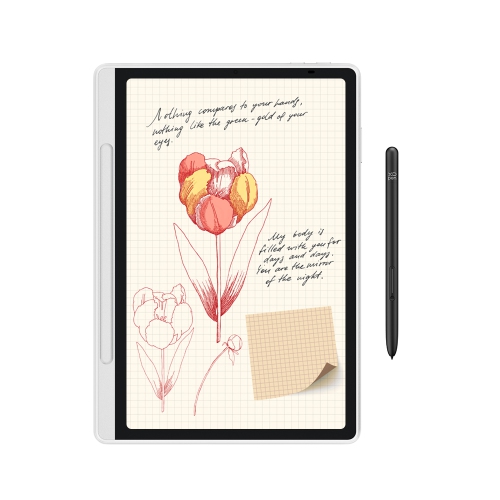
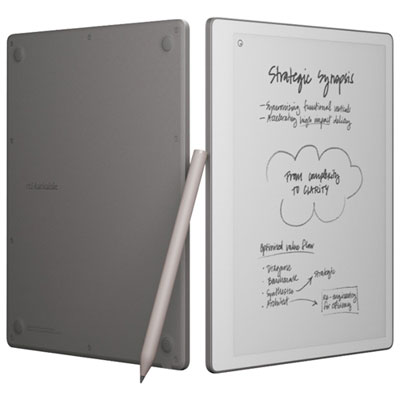
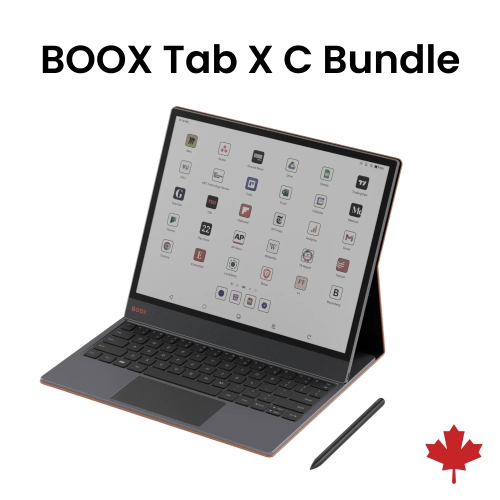
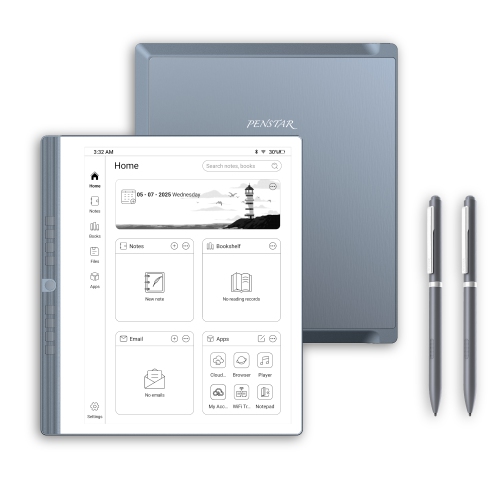
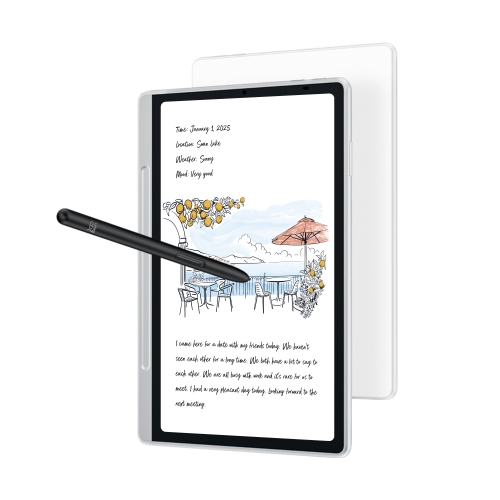
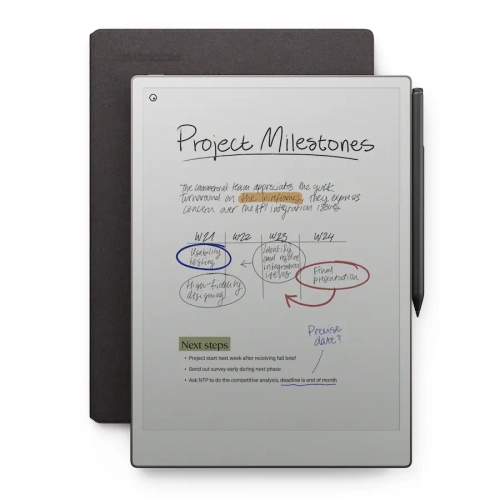
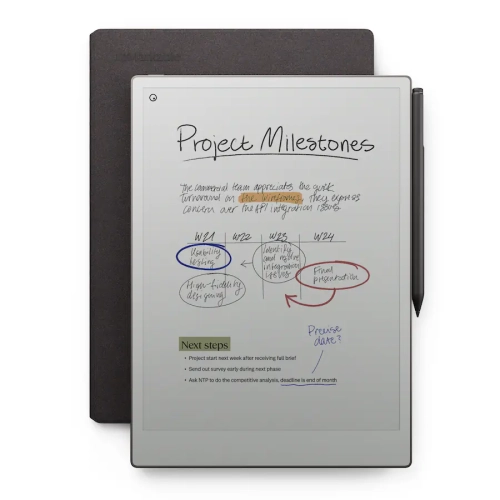
Students can choose from tablets with stylus support, dedicated e-paper notebooks, touchscreen 2-in-1 laptops, and smart pens that capture handwritten notes digitally. Tablets and 2-in-1 laptops support a range of study apps, while e-paper notebooks typically focus on handwriting and document annotation. Smart pens may require compatible paper or notebooks.
Check that the stylus is compatible with the device and your preferred note-taking apps. Features to consider include palm rejection, customizable buttons, and an eraser function. Some devices include a stylus, while others require one purchased separately. Charging methods and replacement nib options also vary.
Many tablets, 2-in-1 laptops, and e-paper notebooks support highlighting, handwritten comments, and typed annotations in compatible documents. PDF support is common, but textbook annotation depends on the file format, reading app, and publisher restrictions. Check whether annotations can be exported with the document if you plan to view them on another device.
Many note-taking apps offer notebooks, folders, sections, or tags for grouping notes by course, unit, or assignment. Search options may include typed text and, in supported apps, handwriting. Cloud syncing can make notes accessible across compatible devices, though account requirements and available features vary by app.
Many devices let students write notes and open locally stored documents without Wi-Fi. Download course materials and confirm that your note-taking app supports offline access before class. Cloud syncing, online collaboration, and some handwriting-to-text features may require an internet connection.
Top selling and popular products
Discover more categories related to Back To School Digital Note-Taking Devices For Students
Some products may be subject to Environmental Handling Fees (EHF) depending on your province. Learn more about EHFs.