Back To School Everyday Laptops
Find back-to-school everyday laptops for taking notes, researching assignments, and keeping coursework organized. Explore options for day-to-day tasks such as web browsing, word processing, and video calls, and compare screen size, portability, battery life, and storage to find a laptop that fits your classes and budget.










FAQ
Look for a comfortable keyboard, a webcam and microphone for online classes, Wi-Fi connectivity, and ports for your study accessories. Check your school’s software requirements and consider whether you prefer a traditional laptop or a touchscreen model.
Your choice depends on the apps and learning platforms your courses require. Windows and macOS support a range of desktop software, while ChromeOS centres on browser-based tools and supported apps. Check with your school before choosing, as some courses require software that works only with certain operating systems.
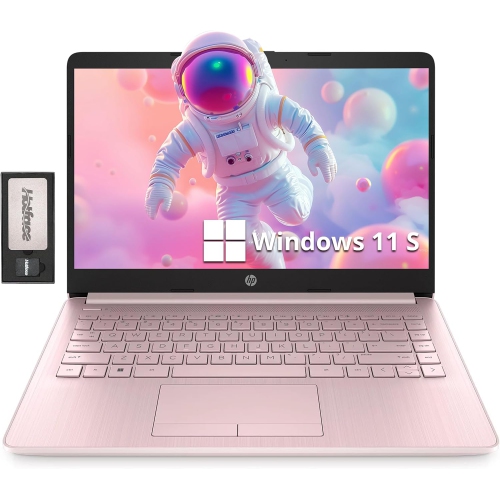
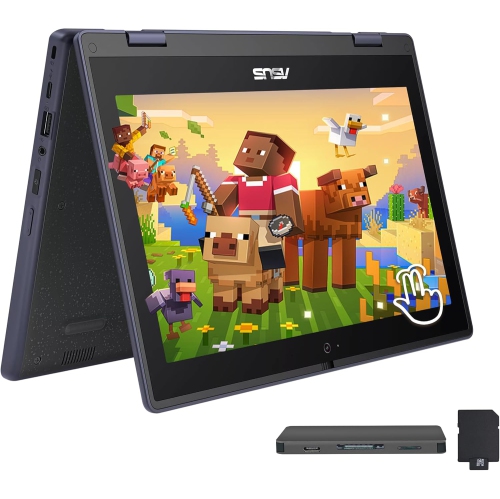
A traditional laptop has a keyboard and screen connected by a standard hinge. A 2-in-1 has a touchscreen with either a folding hinge or a detachable keyboard, allowing it to be used in laptop and tablet modes. Some models also support a compatible stylus for handwritten notes and annotations.
USB-A and USB-C ports can connect accessories such as a mouse, keyboard or external drive. HDMI or a USB-C port with video output can connect an external display. Wi-Fi provides wireless network access, while Bluetooth connects compatible wireless accessories. USB-C capabilities vary, so check whether a port supports charging, video or data transfer.
Create folders for each course, then separate assignments, notes and reading materials within them. Use clear file names that include the subject and date. You can store files on the laptop, use a school-supported cloud service to access them across devices, and keep a separate backup of important coursework.
Top selling and popular products
Discover more categories related to Back To School Everyday Laptops

Some products may be subject to Environmental Handling Fees (EHF) depending on your province. Learn more about EHFs.