Back To School High Capacity Backup Drives
Back-to-school high-capacity backup drives give students extra storage for coursework, research files, and large media projects. Browse backup storage options and compare capacity, connection type, and computer compatibility to find a drive that fits your study setup and helps you keep a separate copy of important files.








FAQ
A backup drive can hold copies of essays, presentations, spreadsheets, research notes, photos, videos and creative projects. You can also back up course materials and exported files from learning apps, provided the app supports local downloads or exports.
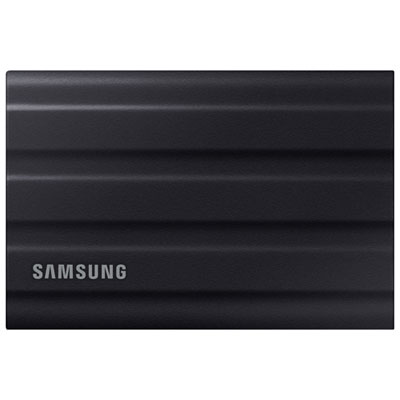
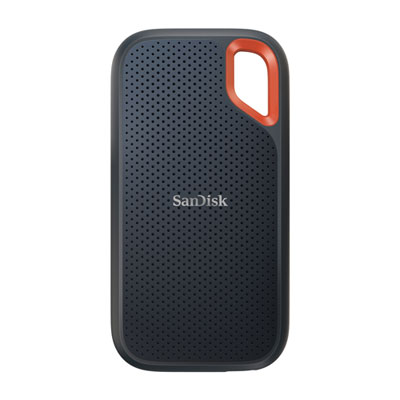
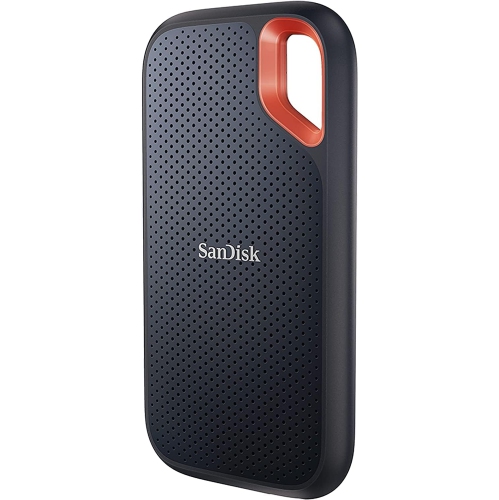
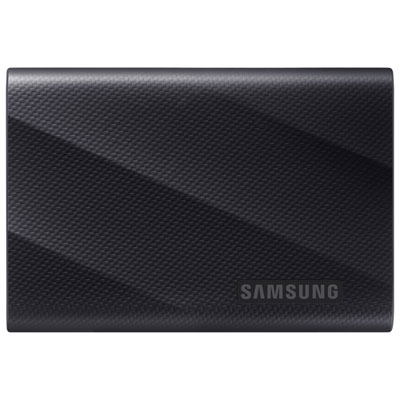
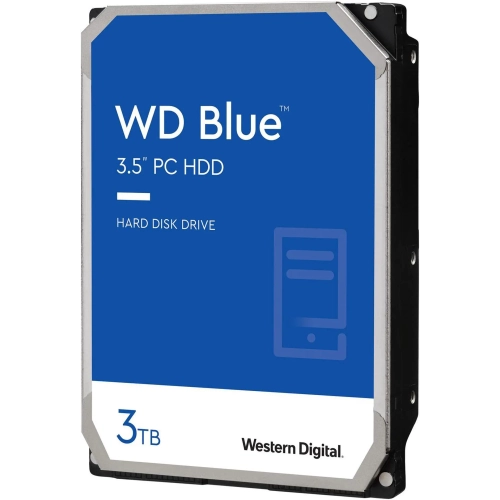
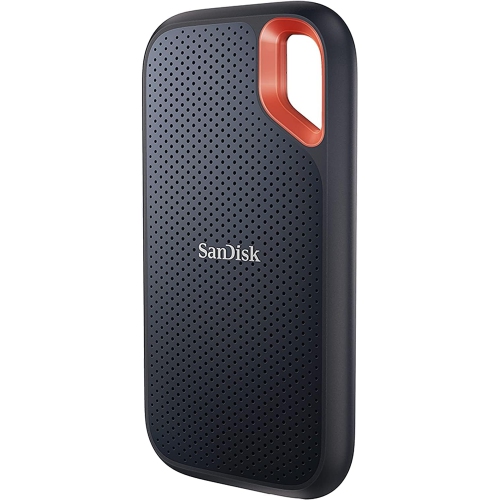
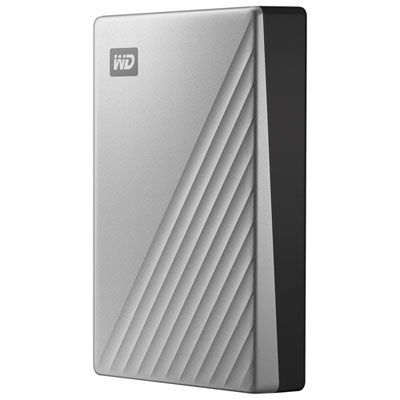
An external hard drive stores files on spinning magnetic disks, while an external SSD uses flash memory with no moving parts. Both can serve as backup destinations for schoolwork, depending on your computer’s compatibility and the backup software you use.
Check the drive’s supported operating systems, connection type and included cable against your laptop’s specifications. The drive’s file system also matters: some formats work across Windows and macOS, while others are intended for one operating system. School-managed laptops may have restrictions on external storage or software installation.
Yes, compatible backup software can schedule recurring backups to an external drive. Depending on your operating system, you may be able to use a built-in tool or software supplied with the drive. The drive generally needs to be connected, and your laptop must meet the software’s operating requirements, for a scheduled backup to run.
A backup is an additional copy of files that also exist elsewhere, such as on your laptop. Extra storage holds files you move off your laptop or save directly to the external drive. If the external drive holds the only copy of an assignment, that file is stored there but is not backed up.
Top selling and popular products
Discover more categories related to Back To School High Capacity Backup Drives
Some products may be subject to Environmental Handling Fees (EHF) depending on your province. Learn more about EHFs.